
Microsoft Outlook: Email, Calendar & Contacts
Microsoft Outlook is a free productivity app by Microsoft Corporation that lets you manage emails, calendars, and contacts across multiple accounts in one place.
Get Outlook APK · v5.2643.0Microsoft Outlook is a free app with ads and in-app purchases; its latest version is 5.2643.0, requires Android 10 or higher, and has a download size of 132 MB. It supports Microsoft Exchange, Microsoft 365, Outlook.com, Gmail, Yahoo Mail, iCloud, IMAP, and POP3, and includes Copilot AI assistance for summarizing threads and drafting replies.
- Version
- 5.2643.0
- Size
- 132 MB
- Requires Android
- 10
- Updated
- Nov 11, 2026
- Installs
- 1B+
- Rating
- ★ 4.33 (10,731,106)
- Category
- Productivity
- Developer
- Microsoft Corporation
- Content rating
- Everyone
- Package
- com.microsoft.office.outlook
- Free
- ✓ · Contains ads · In-app purchases
Screenshots
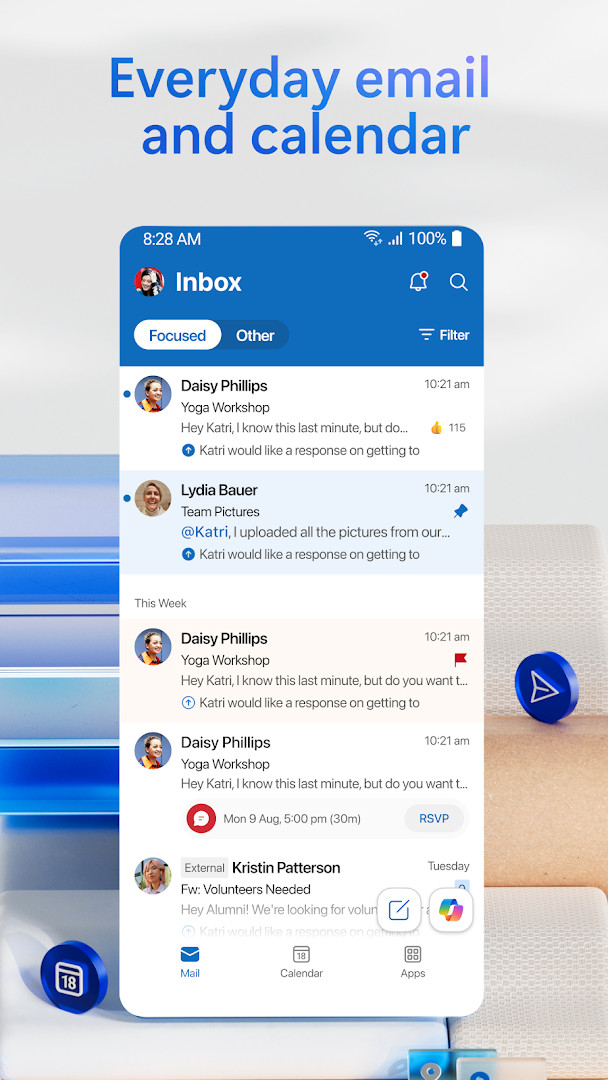
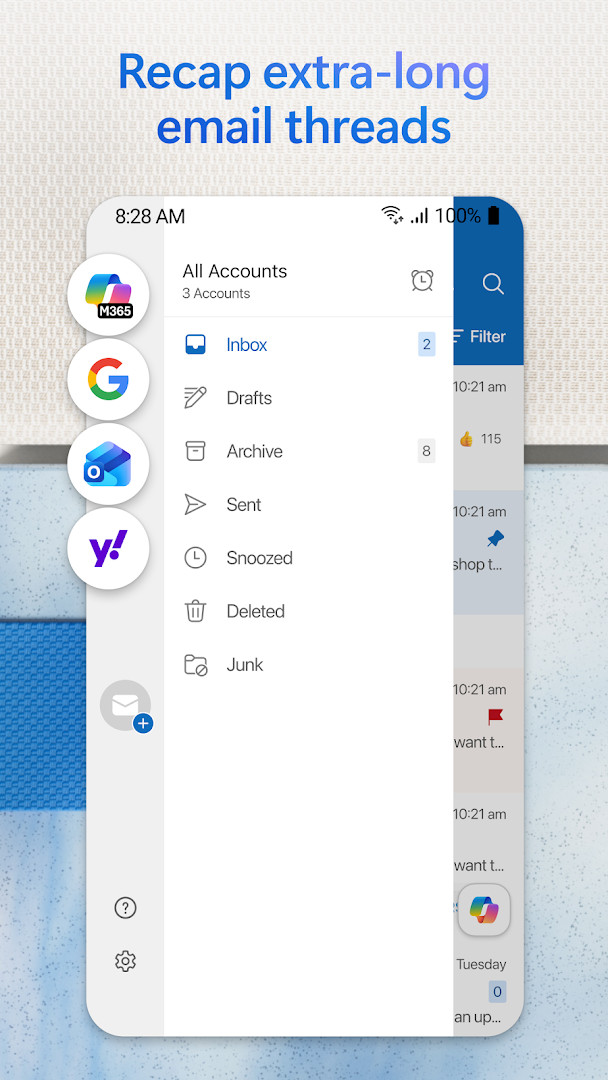
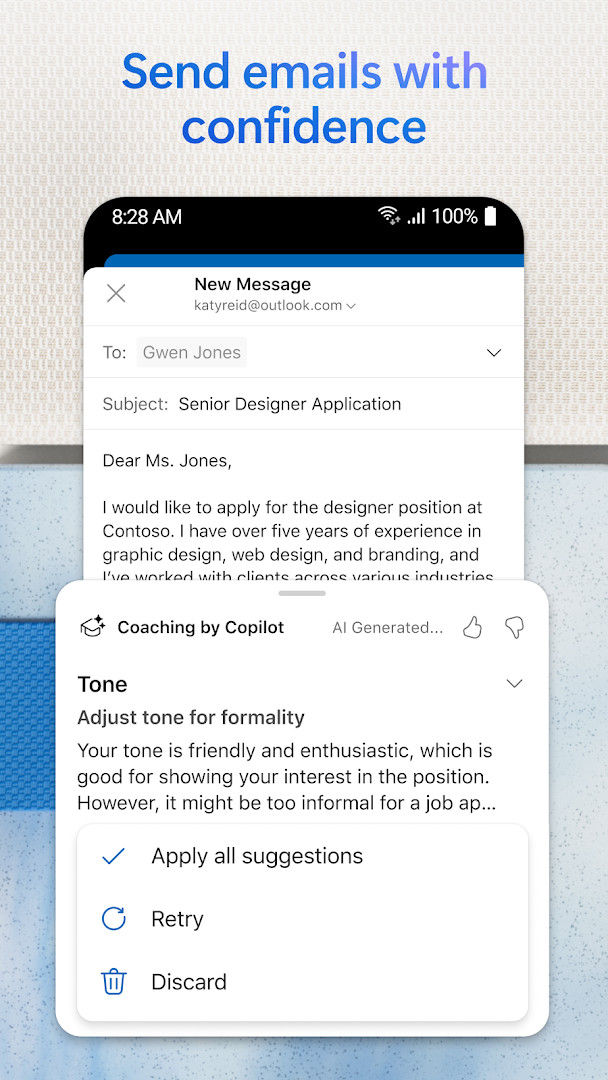
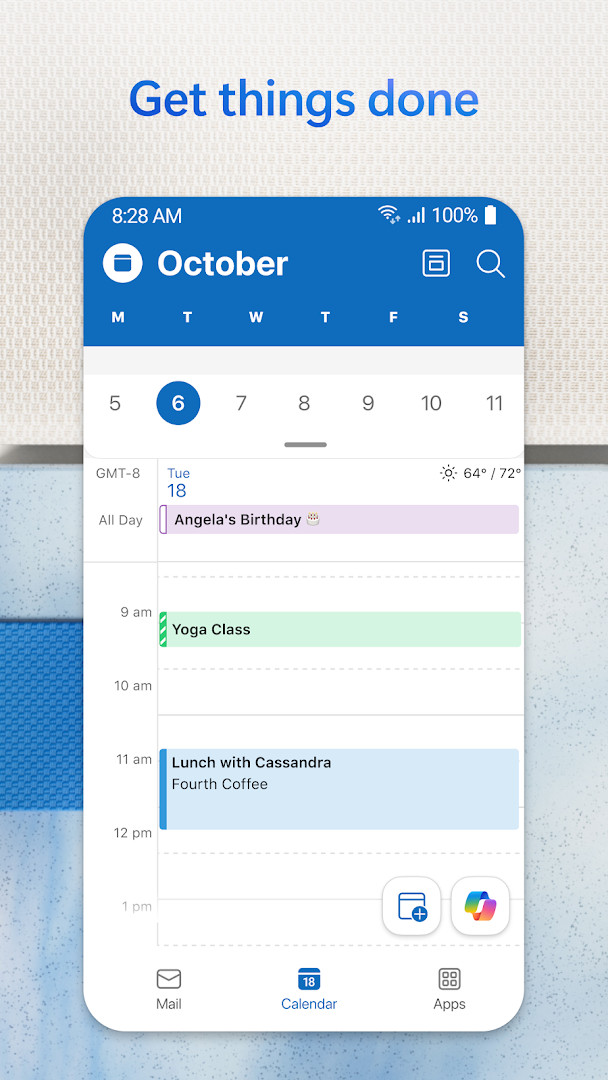
Microsoft Outlook is a productivity app by Microsoft Corporation that consolidates email, calendar, contacts, and file management into a single unified interface. Designed for both personal and professional use, it supports a wide range of account types, including Microsoft Exchange, Microsoft 365, Outlook.com, Gmail, Yahoo Mail, iCloud, IMAP, and POP3. The app is free for personal use, with optional in-app purchases and subscriptions unlocking premium features such as advanced Copilot AI assistance and Microsoft 365 integration. With over a billion installs and a 4.33 rating based on more than 10.7 million reviews, it stands as one of the most widely adopted email clients on Android, offering a mature feature set that has evolved considerably since its initial release in early 2015.
For experienced users comparing alternatives, the appeal lies less in basic email handling and more in the depth of its organizational tools. The unified inbox aggregates messages from multiple providers, while intelligent filtering and swipe gestures allow for rapid triage—delete, archive, snooze, or move messages with a single motion. Beyond the inbox, Outlook integrates tightly with document editing: you can open Word, Excel, PowerPoint, and OneNote files directly from attachments, and pull files from OneDrive or other cloud storage. Calendar management is equally robust, with side-by-side views of multiple calendars, RSVP handling, meeting notes, and automatic addition of travel and delivery updates. Voice search and the Play My Emails feature add hands-free options for on-the-go productivity.
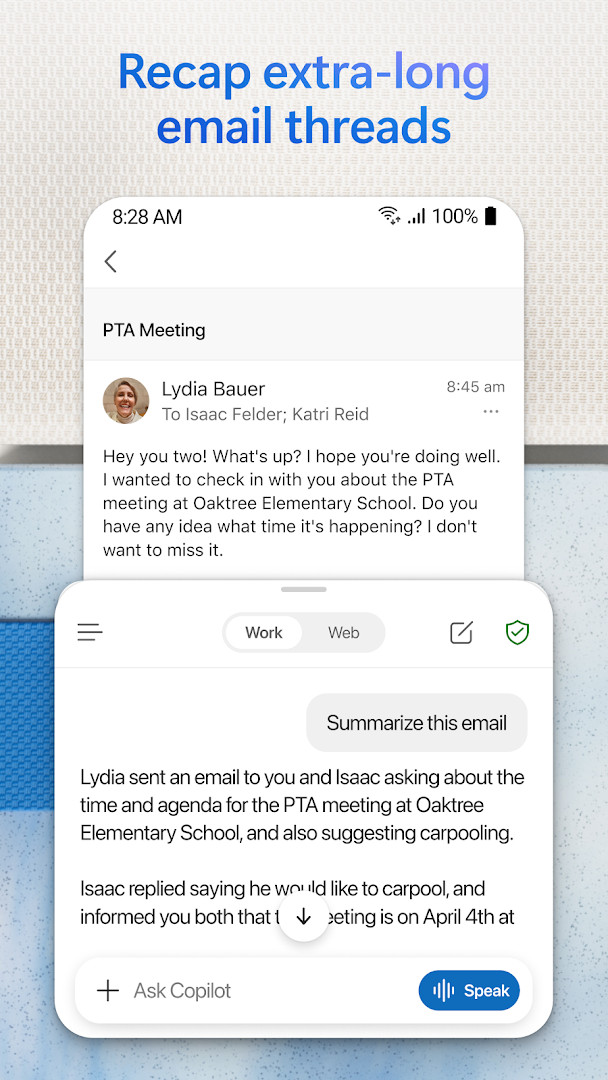
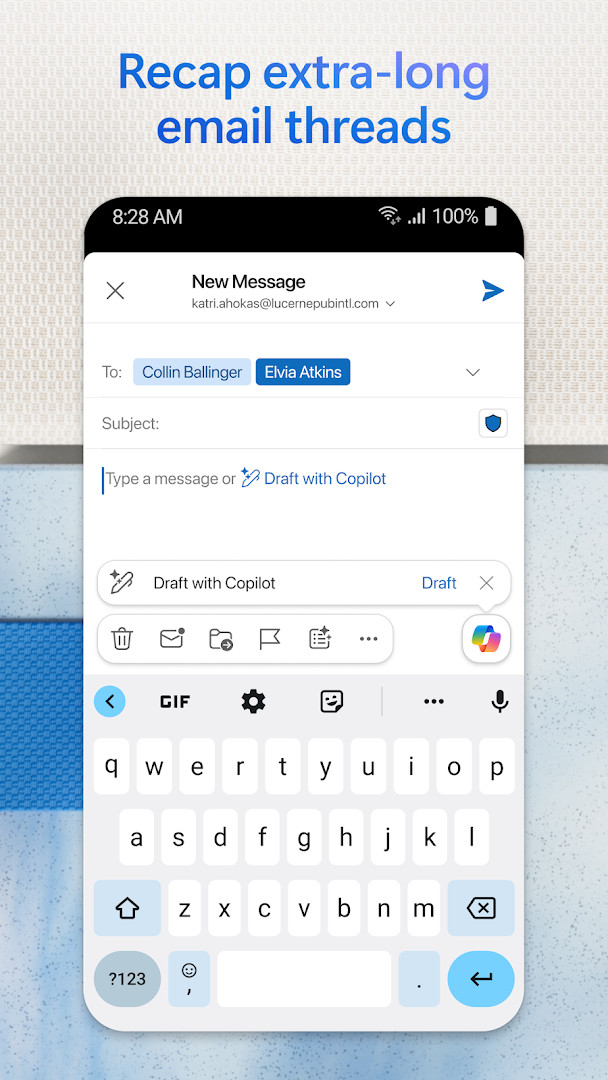
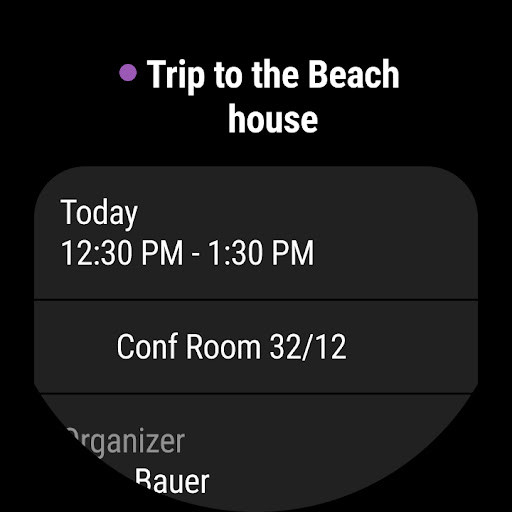
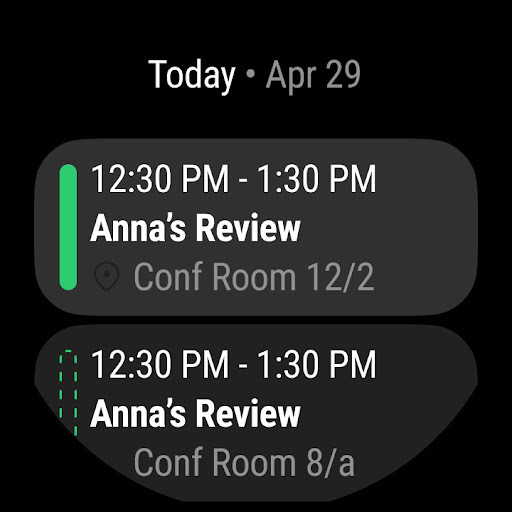
The latest version, 5.2643.0, released on November 11, 2026, focuses on enhancing Copilot's meeting preparation capabilities. The AI assistant can now summarize key documents, tasks, and past meetings to help you prepare for upcoming appointments in minutes. This builds on existing Copilot features such as summarizing long email threads, drafting responses with suggested tone, and providing smart scheduling recommendations. However, these premium AI features require a qualifying Microsoft 365 subscription. The app also includes enterprise-grade security with phishing and spam protection, and email encryption for sensitive messages (also requiring Microsoft 365). For those who rely on Wear OS, a companion app provides glanceable email and calendar information, including an Up Next tile for upcoming meetings.
Key features
- Unified inbox supporting Microsoft Exchange, Microsoft 365, Outlook.com, Gmail, Yahoo Mail, iCloud, IMAP, and POP3
- Multiple calendars viewable side by side, with RSVP, notes, and automatic travel/delivery updates
- Swipe gestures for quick actions like delete, archive, snooze, or move messages
- Voice search and Play My Emails for hands-free control
- Open and edit Word, Excel, PowerPoint, and OneNote files directly from the inbox
- Attach files from OneDrive, device storage, or other cloud services
- Suggested replies and threaded conversations for faster email handling
- Enterprise-grade security with phishing, virus, and spam defenses
- Copilot AI assistance for summarizing threads, drafting responses, and meeting prep (subscription required)
- Wear OS companion app with Up Next tile and inbox/calendar complications
How to install
- Tap the download button on this page to get the APK file, which is 132 MB in size.
- When Android prompts you, allow your browser or file manager to install apps by enabling the 'Install unknown apps' setting for that app.
- Open the downloaded APK file from your notifications or file manager.
- Tap 'Install' and wait for the installation to complete; this may take a minute due to the app's size.
- Open Microsoft Outlook from your app drawer and sign in with your email account.
- Ensure your device runs Android 10 or higher, as that is the minimum supported version.
Pros
- Excellent multi-account support covering major email providers and protocols
- Deep integration with Microsoft Office documents and OneDrive
- Robust calendar features including side-by-side views and automatic event updates
- Strong security features with enterprise-grade protections
- Copilot AI adds powerful summarization and drafting capabilities
- Wear OS support for quick glanceable information
Cons
- Copilot features require a paid Microsoft 365 subscription, limiting free users
- Contains ads and in-app purchases, which may feel intrusive for some
- App is large at 132 MB, requiring significant storage space
- Requires Android 10 or newer, excluding older devices
- Some advanced security features like email encryption need Microsoft 365
Recent updates · 5.2643.0
Microsoft Outlook version 5.2643.0 arrived on 2026-11-11. This release focuses on Copilot, which can help you get ready for a meeting in minutes by pulling together key documents, tasks and details from past meetings. The app remains free for personal use, with optional in-app purchases available.
Version history
| Version | Size | Requires Android | Updated |
|---|---|---|---|
| 5.2643.0 | 132 MB | 10 | Nov 11, 2026 |
| 5.2644.0 | 124 MB | 10 | Nov 10, 2026 |
| 5.2642.1 | 132 MB | 10 | Nov 1, 2026 |
| 5.2642.0 | 132 MB | 10 | Oct 30, 2026 |
| 5.2639.2 | 130 MB | 10 | Oct 11, 2026 |
| 5.2638.1 | 130 MB | 10 | Oct 2, 2026 |
| 5.2637.3 | 129 MB | 10 | Oct 1, 2026 |
| 5.2638.0 | 130 MB | 10 | Sep 29, 2026 |
| 5.2632.1 | 178 MB | 10 | Sep 2, 2026 |
| 5.2624.1 | 172 MB | 10 | Jul 10, 2026 |
This app suits professionals who juggle multiple email accounts and rely heavily on calendar scheduling, as well as existing Microsoft 365 users who want tight integration with Office documents and Copilot AI. It's also ideal for power users who manage both personal and work communications and need a single hub for email, files, and meetings.
To reduce notification fatigue, use the swipe gesture to snooze non-urgent emails to a later time—this keeps your inbox clean without losing track of important follow-ups. You can customize the snooze duration in settings to match your workflow.
Permissions
FAQ
Is Microsoft Outlook free to download and use?
Yes. The app costs nothing to download and is free for personal use, though it does display ads and offers optional in-app purchases.
Which Android version do I need to run Outlook?
The app requires Android 10 or later. Check your device's system settings to confirm your Android version before installing.
How large is the download?
The latest version (5.2643.0) is about 132 MB. Make sure you have enough free storage space before you begin.
Do I need an account to use Outlook?
Yes, an email account is required. The app works with Outlook.com, Hotmail.com, MSN.com, Live.com, Microsoft Exchange, Microsoft 365, Gmail, Yahoo Mail, iCloud, IMAP and POP3 accounts, and you can manage several of them together in one place.
What permissions does the app request?
Outlook asks for access to Identity, Calendar, Contacts, Location, Photos/Media/Files, Storage, Camera and Microphone. These support features such as syncing contacts and calendars, attaching photos, joining meetings and voice search.
How do I update to a newer version?
Download the newest version from this page and install it over your current copy; your accounts and settings stay in place. The most recent release listed is 5.2643.0 from November 11, 2026.
Microsoft Outlook remains a top-tier choice for Android users who need a comprehensive email and calendar client, especially those already invested in the Microsoft ecosystem. Its extensive account support, robust security, and deep Office integration make it a formidable alternative to standalone email apps. The main trade-offs are the large download size, the presence of ads, and the paywall around Copilot features, which may deter casual users. For experienced users seeking a powerful, all-in-one productivity hub, the app delivers exceptional value despite these limitations.
Similar apps








More from this developer
Updated: Nov 14, 2026