
ChatGPT: AI Assistant for Writing
ChatGPT is a free Productivity app by OpenAI that lets you write, search, generate images, and more.
Get ChatGPT · v1.2026.279ChatGPT, version 1.2026.279, requires Android 7.1 or higher and includes ads and in-app purchases. The app has a 4.78 rating from about 64.4 million ratings and over 1 billion installs. It suits teens and adults seeking AI help for creative, professional, and personal tasks.
- Version
- 1.2026.279
- Requires Android
- 7.1
- Updated
- Oct 11, 2026
- Installs
- 1B+
- Rating
- ★ 4.78 (64,372,799)
- Category
- Productivity
- Developer
- OpenAI
- Content rating
- Teen
- Package
- com.openai.chatgpt
- Free
- ✓ · Contains ads · In-app purchases
Screenshots
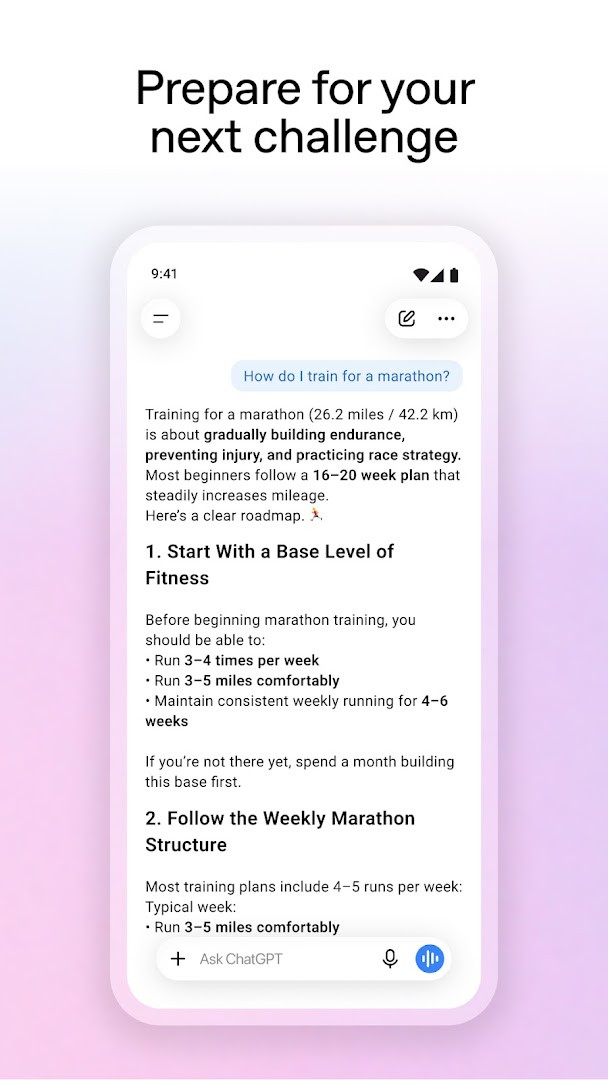
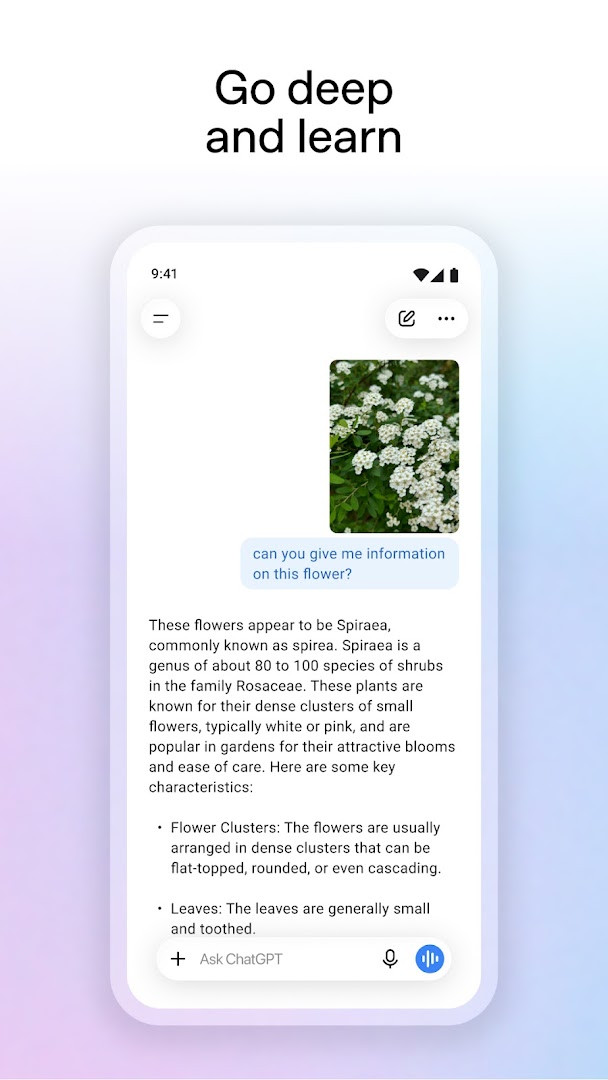
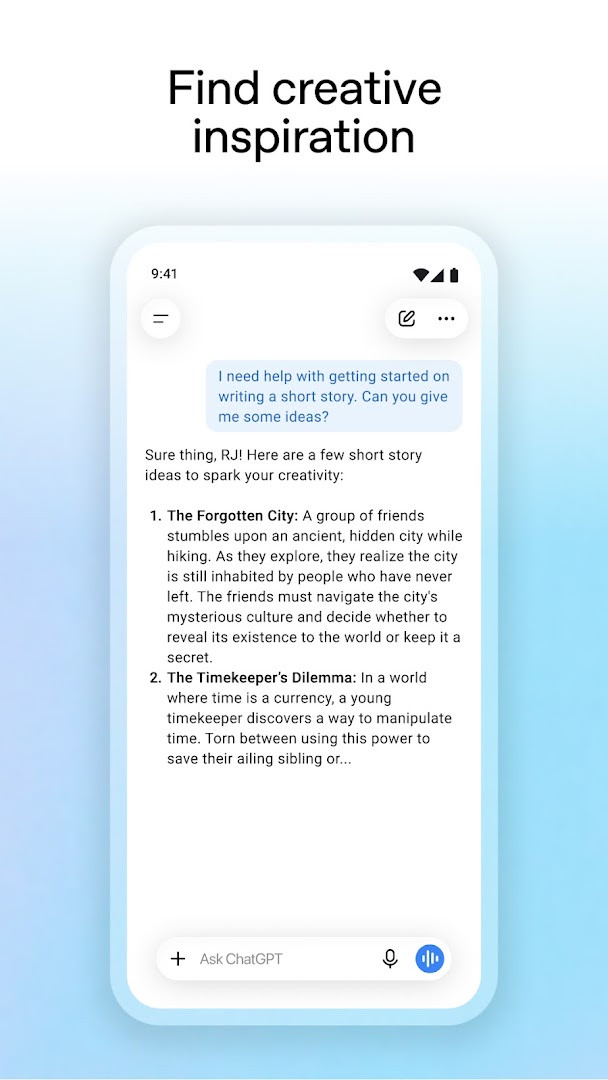
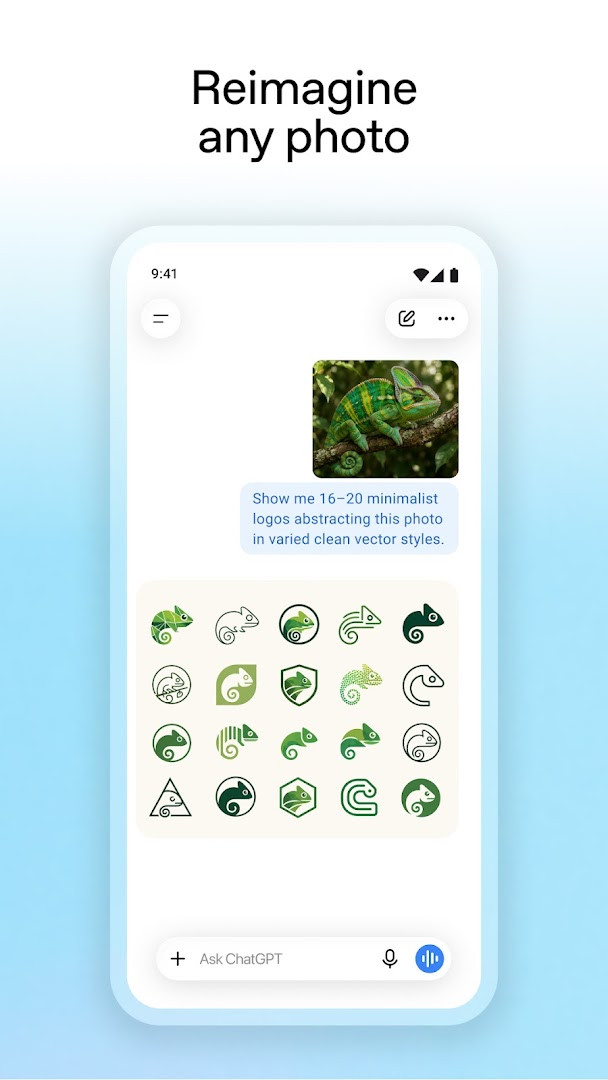
ChatGPT is a productivity app by OpenAI that brings an AI assistant to your Android device for writing, search, image generation, and more. It offers a free, official way to access OpenAI's latest models directly from your phone, with the ability to sync your conversation history across devices so you can pick up where you left off on any gadget.
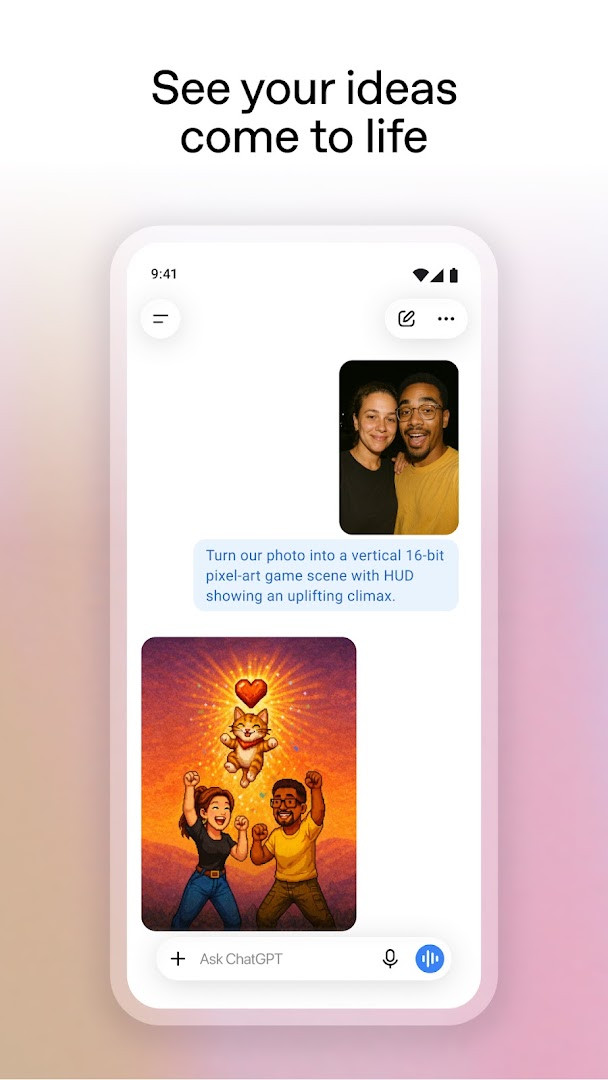
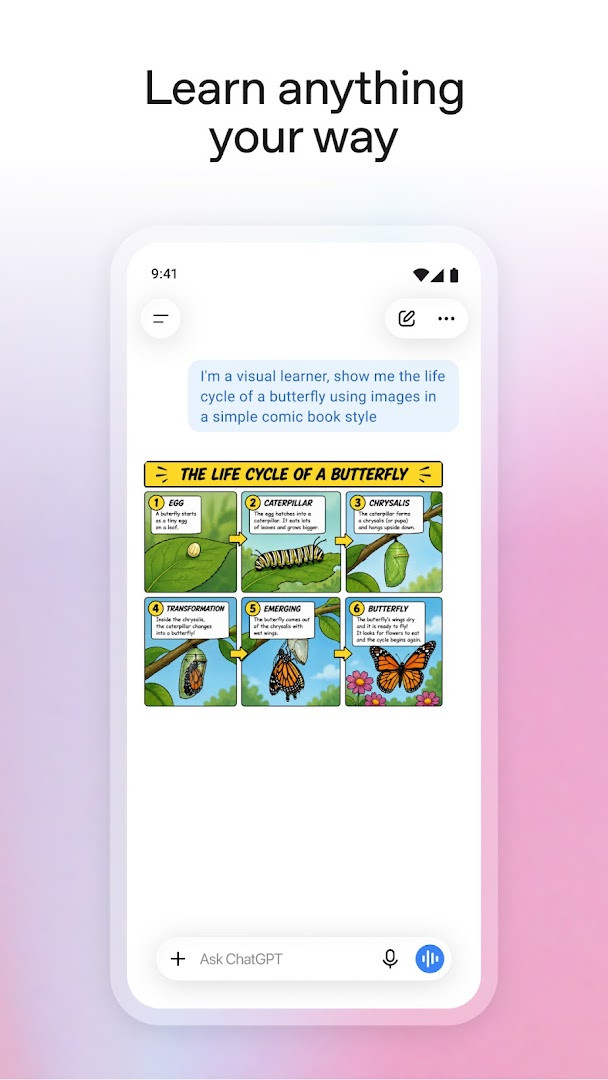
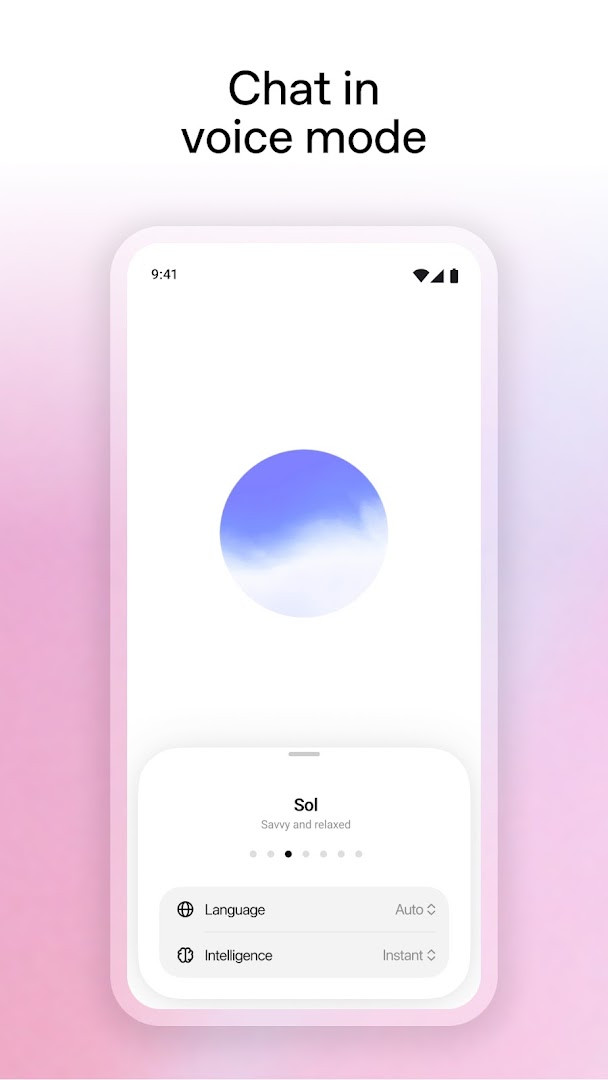
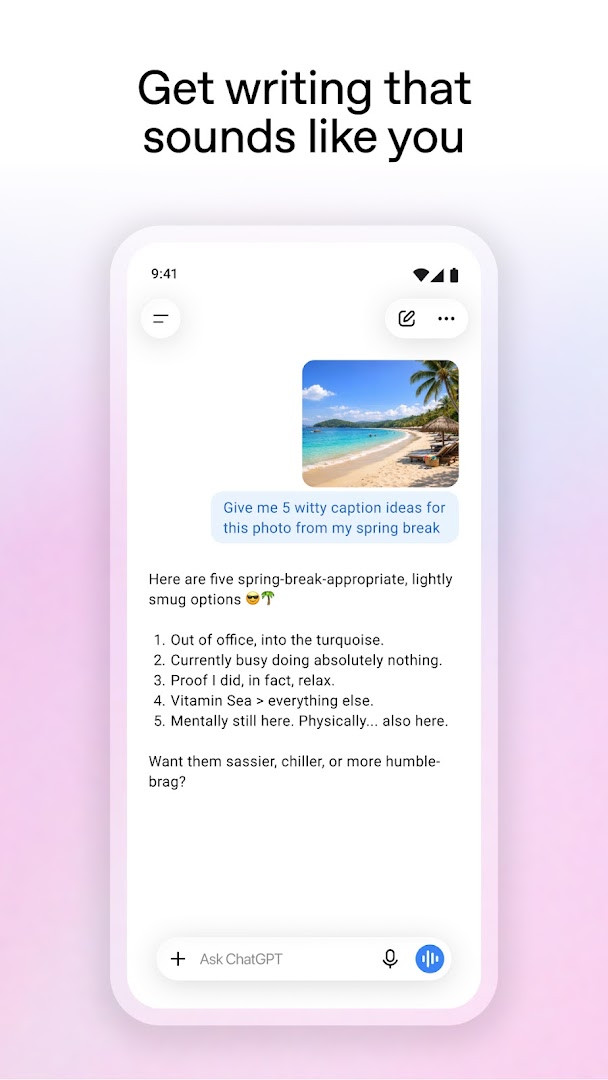
The app is designed to handle a wide range of everyday tasks. You can generate original images from a text description or transform existing photos with simple words, use Advanced Voice Mode for real-time spoken conversations, or snap a picture of a handwritten recipe and have it transcribed. It also helps with creative projects like birthday gift ideas or greeting cards, offers tailored advice such as detailed travel itineraries or help crafting the perfect reply, and supports personalized learning by explaining topics in ways that suit your audience.
For professionals, ChatGPT can brainstorm marketing copy or help map out a business plan, while anyone can get instant answers, like recipe suggestions when you only have a few ingredients. The app also includes a limited-availability screen share feature using Accessibility Services, which lets ChatGPT answer questions about what is on your screen without requiring screenshot uploads. With over one billion installs and a high user rating, this app serves a broad audience—from students and hobbyists to business users—who want a versatile AI companion on the go. It is free to download, though it includes ads and offers in-app purchases for additional features.
Key features
- Image generation: create original images from a description or transform existing ones with simple words
- Advanced Voice Mode: tap the soundwave icon for real-time spoken conversations
- Photo upload: snap or upload a picture to transcribe handwritten recipes or get information about landmarks
- Creative inspiration: find custom birthday gift ideas or create personalized greeting cards
- Tailored advice: discuss tough situations, get detailed travel itineraries, or craft the perfect response
- Personalized learning: explain topics like electricity to a child or brush up on historic events
- Professional input: brainstorm marketing copy or map out a business plan
- Instant answers: get recipe suggestions when you only have a few ingredients
- Screen share with Accessibility Services: limited availability, lets ChatGPT answer questions about screen details without screenshot uploads
- Free to use with history sync across devices
How to install
- Tap the download button on this page to get the APK file for version 1.2026.279. The file size is not specified, so ensure your device has enough free space.
- When Android asks, allow your browser or file manager to install apps by enabling the 'Install unknown apps' setting for that app.
- Open the downloaded APK file from your notifications or file manager.
- Tap Install and wait for the process to complete.
- Open the app from your home screen or app drawer. Note that this app requires Android 7.1 or higher.
Pros
- Free to download and use
- Syncs history across devices for continuity
- Offers image generation and voice mode
- Covers a wide range of tasks from learning to professional work
- High user rating and over a billion installs indicate reliability
Cons
- Contains ads
- Offers in-app purchases for additional features
- Requests access to sensitive permissions like Calendar, Contacts, Location, SMS, Phone, Camera, Microphone, and more
- Screen share feature is only available in limited availability
Version history
| Version | Size | Requires Android | Updated |
|---|---|---|---|
| 1.2026.279 | — | 7.1 | Oct 11, 2026 |
This app is for anyone who wants a versatile AI assistant on their Android phone, including students, creative hobbyists, professionals, and parents looking for personalized learning tools or quick answers to everyday questions.
For the best experience, allow the app to use your microphone and camera if you plan to use voice mode or photo upload. Be mindful of the permissions you grant—review them in your device settings if you are concerned about privacy. If you use the screen share feature, remember it is in limited availability and may not be offered to all users.
Permissions
FAQ
Can I generate or edit images inside the app?
Yes. The app includes an image generator that lets you create original images from a text description and also transform existing images using simple word prompts.
What is Advanced Voice Mode and how do I use it?
Advanced Voice Mode lets you have a real-time spoken conversation with the assistant. You activate it by tapping the soundwave icon, and it can be used for things like settling debates or practicing a new language.
Can I upload photos from my device for help with real-world tasks?
Yes, you can snap or upload a picture to get assistance with tasks such as transcribing a handwritten recipe or learning more about a landmark.
Does the app keep my conversation history in sync across devices?
Yes, the app syncs your history across devices, so you can pick up conversations started on one device from another.
Is there a feature for sharing screen content without taking screenshots?
In limited availability, the app offers a screen share option that uses Accessibility Services, allowing the assistant to help answer questions about on-screen details without requiring screenshot uploads.
ChatGPT brings a powerful AI assistant to your Android device, offering a wide range of tools from image generation to personalized advice, all in one free app. Despite some ads and in-app purchases, its versatility and high user satisfaction make it a worthwhile download for anyone curious about AI assistance.
Similar apps







Updated: Nov 4, 2026