Toonapp: Cartoon Photo Editor (AI Cartoon Maker)
Toonapp: Cartoon Photo Editor is a free photography app by Lyrebird Studio that lets you turn photos into cartoons, anime characters, and caricatures.
Download Now · v4.0.3Toonapp: Cartoon Photo Editor version 4.0.3 requires Android 9 or later and includes ads and in-app purchases. The app has 100 million installs and a 4.48 rating from 2,473,069 user ratings. It suits people who want to cartoonify selfies, apply anime filters, and create short videos from photos.
- Version
- 4.0.3
- Requires Android
- 9
- Updated
- Nov 9, 2026
- Installs
- 100M+
- Rating
- ★ 4.48 (2,473,069)
- Category
- Photography
- Developer
- Lyrebird Studio
- Content rating
- Everyone
- Package
- com.lyrebirdstudio.cartoon
- Free
- ✓ · Contains ads · In-app purchases
Screenshots
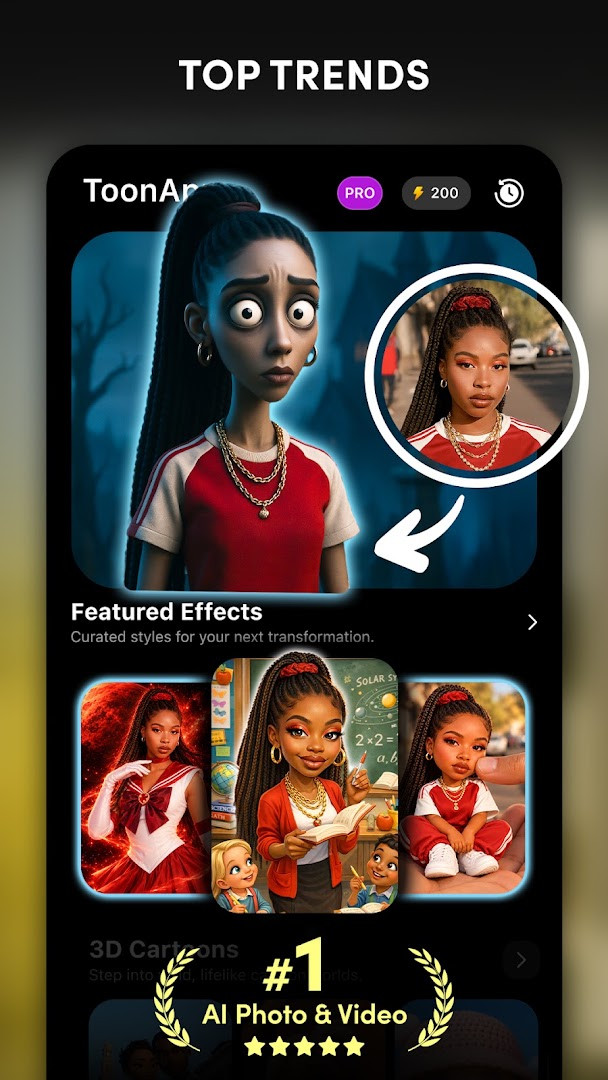
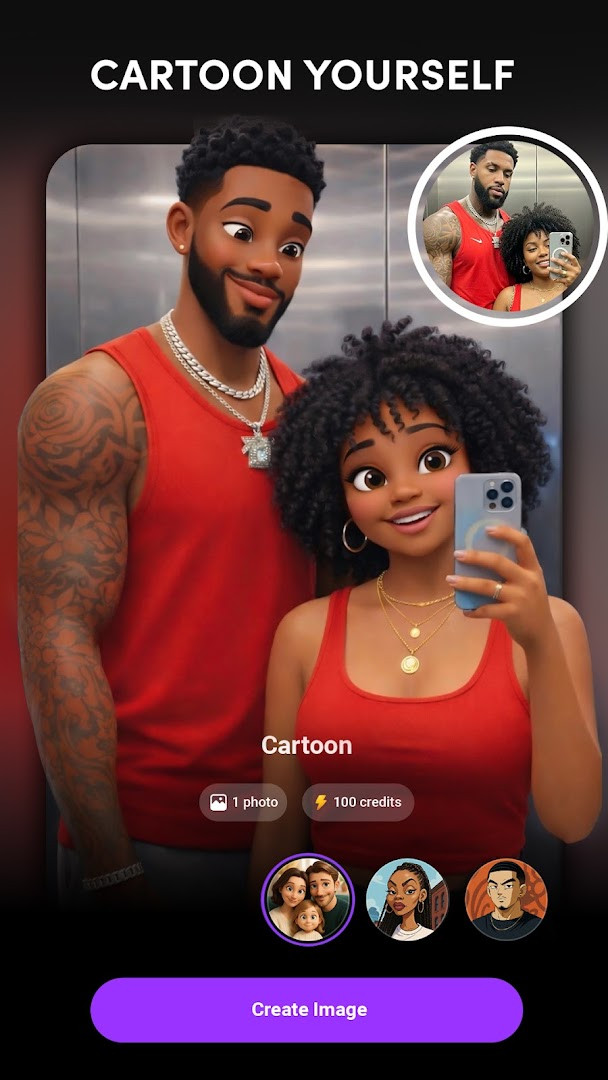
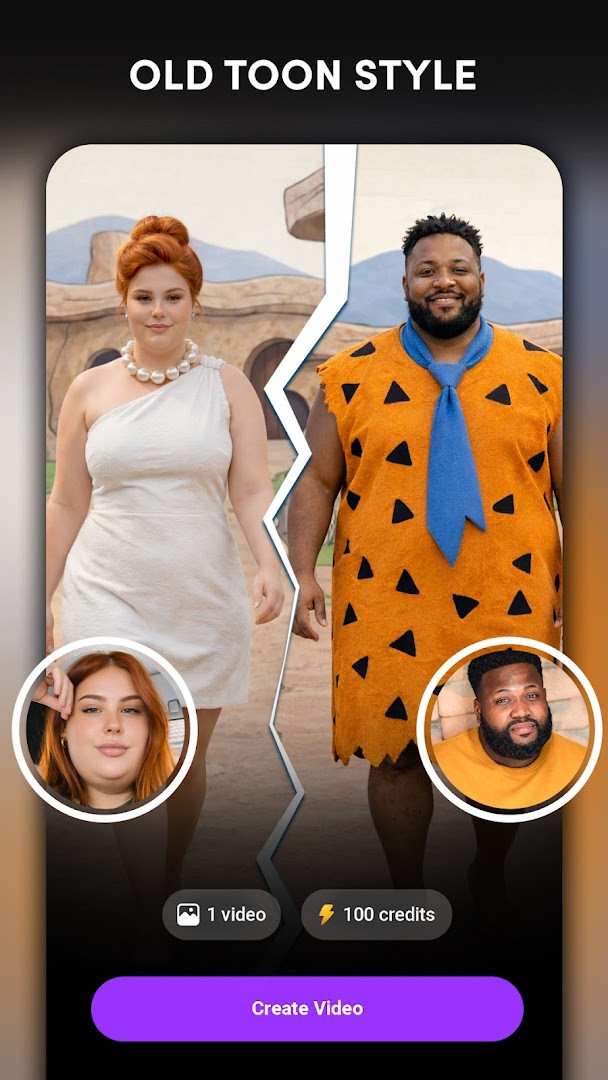
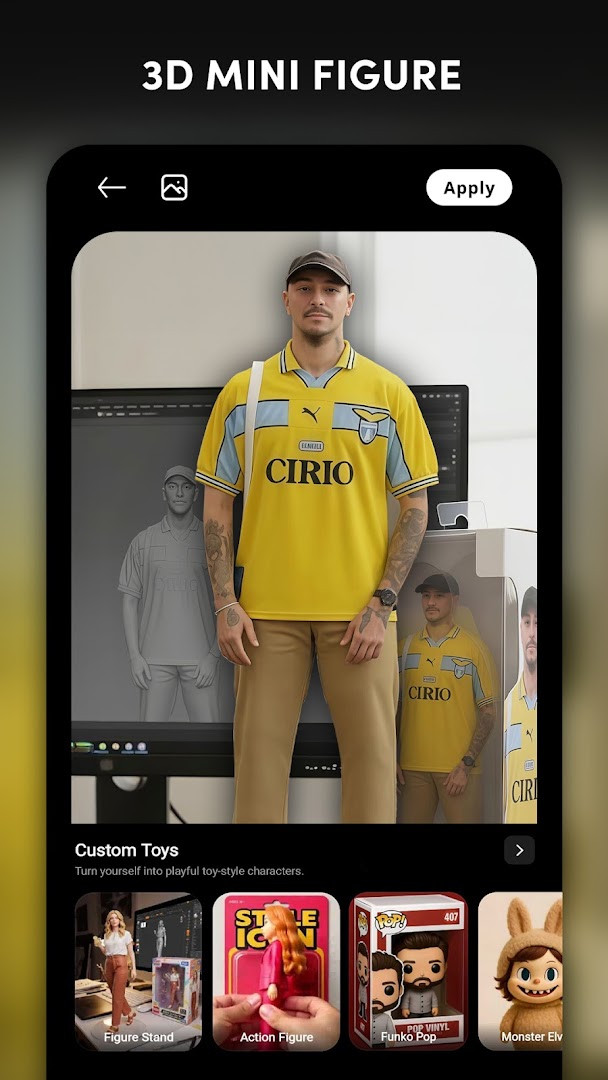
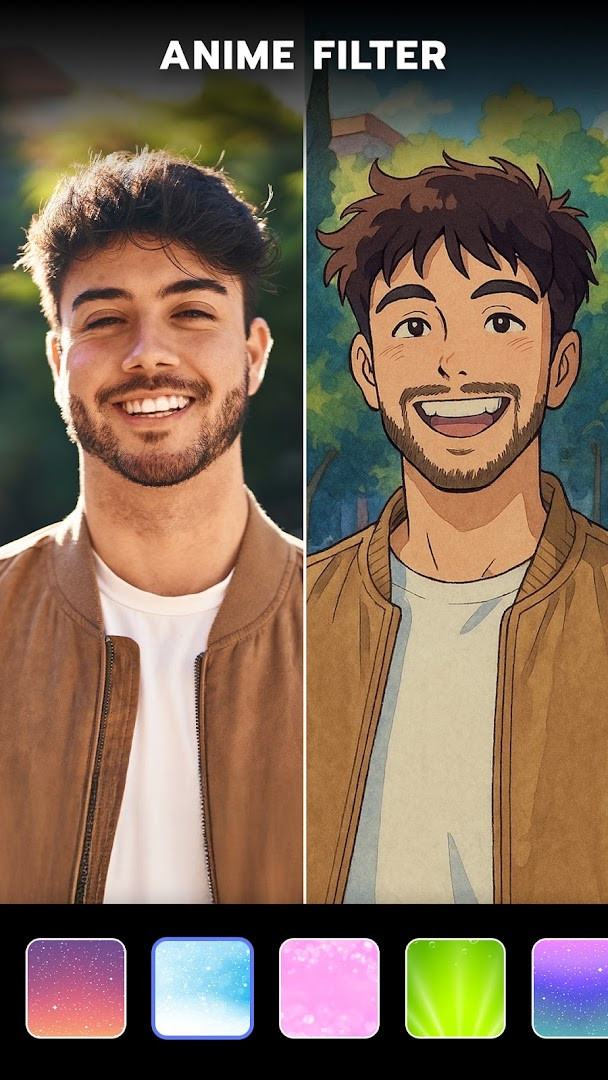
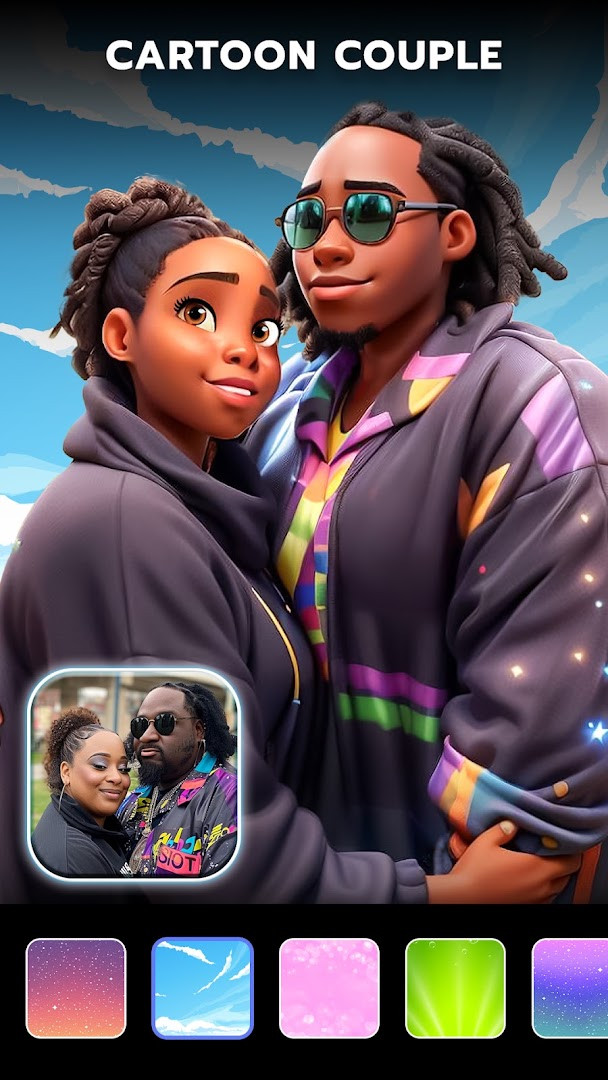
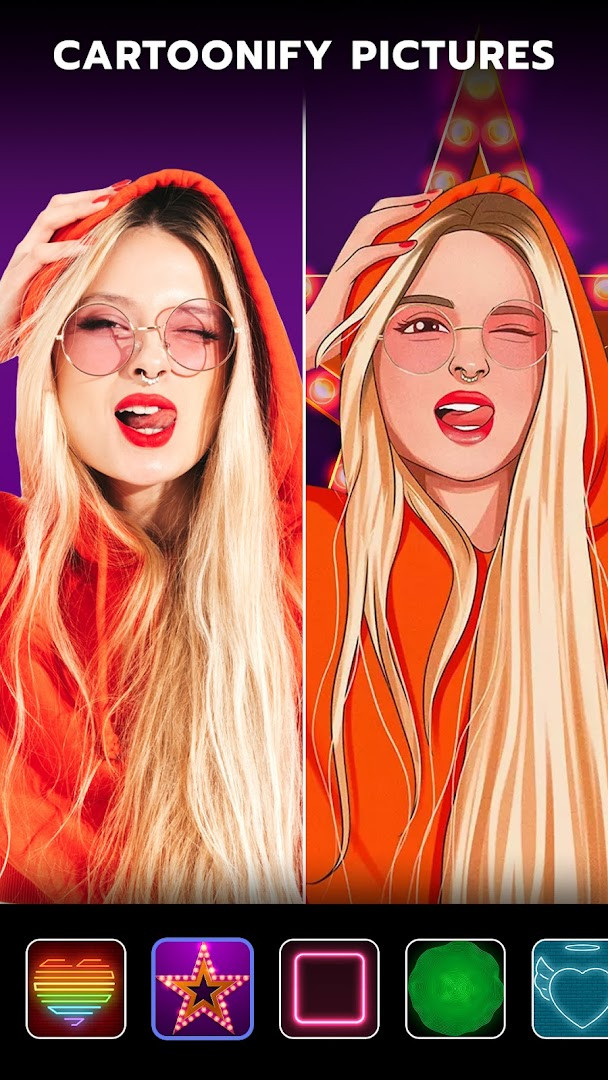
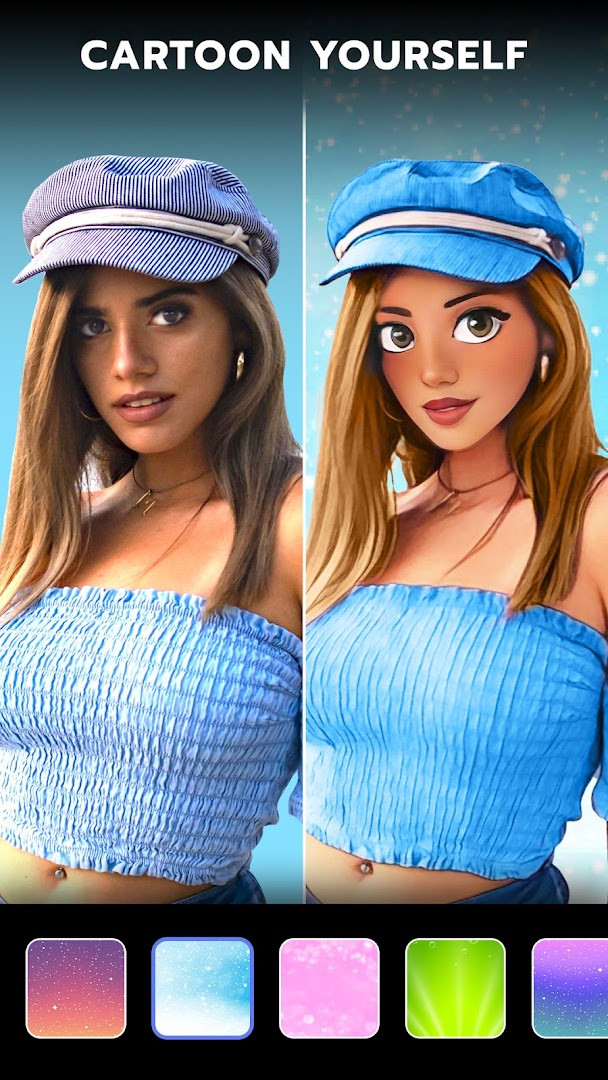
Toonapp: Cartoon Photo Editor is a photography app by Lyrebird Studio that transforms ordinary photos into cartoon-style images, anime-inspired artwork, and humorous caricatures. The app has been downloaded over 100 million times and holds a strong user rating of 4.48 based on more than 2.4 million reviews, reflecting its popularity among people who enjoy playful photo editing. Since its release in December 2020, it has grown from a simple cartoon filter tool into a versatile creative suite that also includes AI-powered effects, 3D figure generation, and even a video maker. The latest update, version 4.0.3, arrived on November 9, 2026, and continues to refine the experience for users who want quick, fun transformations of their selfies and everyday pictures. Beyond just turning faces into cartoons, the app offers a range of trendy filters like clay, pixel, manga, and anime styles, making it a handy companion for social media enthusiasts. A standout feature introduced recently is the Image to Video capability, which lets you animate a still photo into a short video clip using templates designed for platforms like TikTok and Instagram. This addition broadens the app’s usefulness, allowing you to create engaging content directly from your camera roll. The app also includes a background removal tool that automatically cleans up the area behind your subject, so you can place your cartoon avatar onto a variety of artistic backdrops. For those who enjoy personalization, the AI Action Figure Generator turns your selfie into a toy-style figure with packaging, giving a fun, collectible look. With ads and in-app purchases present, the core cartoon conversion is accessible for free, while premium features may require payment. The app is rated for everyone and requires Android 9 or higher, making it compatible with a wide range of modern devices. Overall, it positions itself as a one-stop shop for anyone who wants to experiment with cartoon and anime aesthetics without needing advanced editing skills.
Key features
- AI cartoon generator that converts photos into cartoon and anime styles
- Caricature maker for creating humorous, exaggerated portraits
- Image to Video tool that animates still photos into short social media clips
- 3D action figure generator that turns selfies into toy-style avatars
- Automatic background removal with artistic replacement options
- Trendy filters including clay, pixel, manga, and anime effects
- Starter pack templates for creating fun, shareable avatar sets
- Simple one-tap toon me button for quick transformations
How to install
- Tap the download button on this page to get the APK file; the file size is not specified, but the app requires Android 9 or higher.
- When your browser or file manager asks for permission, allow it to install apps by enabling the 'Install unknown apps' setting for that app.
- Open the downloaded APK file from your notifications or file manager.
- Tap Install and wait for the installation to complete.
- Once installed, open the app from your home screen or app drawer and start editing your photos.
Pros
- Wide variety of cartoon and anime styles to choose from
- Image to Video feature adds a unique way to animate photos
- Automatic background removal simplifies editing
- High user rating suggests consistent satisfaction
- Free to download with optional in-app purchases
- Regular updates keep features fresh
Cons
- Contains ads, which may interrupt the editing experience
- Some advanced features require in-app purchases
- Requires Android 9 or newer, excluding older devices
Version history
| Version | Size | Requires Android | Updated |
|---|---|---|---|
| 4.0.3 | — | 9 | Nov 9, 2026 |
| 3.4.5 | — | 7.0 | Sep 10, 2026 |
This app is ideal for social media users who want to create eye-catching cartoon avatars and animated clips, casual photo editors looking for a fun and quick way to transform selfies, and fans of anime or caricature art who enjoy experimenting with different visual styles.
For best results with the Image to Video feature, choose a well-lit, front-facing selfie with a clear background, as this helps the AI produce smoother and more natural animations.
Permissions
FAQ
Is Toonapp: Cartoon Photo Editor free?
Yes, the app is free to download and use. Its listed price is 0.00 USD, though it does contain ads and offers in-app purchases for additional features.
Which Android version do I need to install it?
The app requires Android 9 or newer. The current version is 4.0.3, which was updated on 2026-11-09.
What is the file size of the app?
The file size is not disclosed in the available app details. You can begin the download from this page and check the size once it starts.
Does the app require an account?
No account requirement is mentioned in the app details. You should be able to download and use the app without signing up.
What permissions does the app ask for?
The app requests access to Photos/Media/Files, Storage, and Wi-Fi connection information. These permissions are typically used for selecting and saving photos and for network-related features.
How do I update the app?
To update, download the newest version from this page and install it over your current installation. The latest available version is 4.0.3, released on 2026-11-09.
Toonapp: Cartoon Photo Editor delivers a robust and entertaining set of tools for turning photos into cartoons, anime, and caricatures, with the added bonus of video creation. While ads and in-app purchases may be a minor drawback, the app’s high rating, frequent updates, and broad feature set make it a solid choice for anyone seeking playful, ready-to-share edits. It balances fun with functionality, making it a worthwhile download for creative phone users.
Similar apps
 Samsung GallerySamsung Electronics Co., Ltd.3.8
 GalleryGoogle LLC4.2
 Picsart AI Photo Editor, VideoPicsArt, Inc.3.9
 AI GalleryTranssion Holdings3.5
 BeautyPlus-Selfie Photo EditorPIXOCIAL TECHNOLOGY (SINGAPORE) PTE. LTD.4.5
 FaceApp: Perfect Face EditorFaceApp Technology Ltd4.3
 Video Editor & Maker - InShotInShot Video Editor4.8
 Cymera - Photo Editor CollagePhoto & Video Editors - Instant Solution4.6
Updated: Nov 25, 2026