Cymera - Photo Editor Collage: Beauty Camera & Collages
Cymera - Photo Editor Collage is a free photo editing app by Photo & Video Editors - Instant Solution that lets you edit selfies, retouch portraits, and make collages.
Download App · v5.1.1.1Cymera - Photo Editor Collage requires Android 8.0 or higher and includes ads and in-app purchases. The free download has been installed more than 100 million times and holds a 4.58 rating from about 2.33 million ratings. Cymera is aimed at users who want selfie filters, face and body reshaping, and photo collages in a single editor.
- Version
- 5.1.1.1
- Requires Android
- 8.0
- Updated
- Sep 22, 2026
- Installs
- 100M+
- Rating
- ★ 4.58 (2,334,024)
- Category
- Photography
- Developer
- Photo & Video Editors - Instant Solution
- Content rating
- Everyone
- Package
- com.cyworld.camera
- Free
- ✓ · Contains ads · In-app purchases
Screenshots
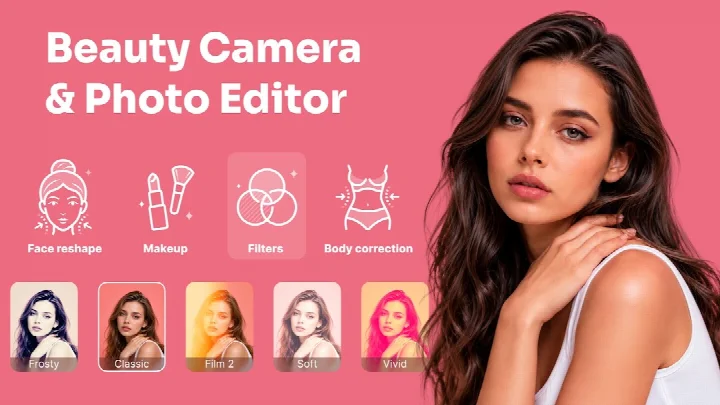
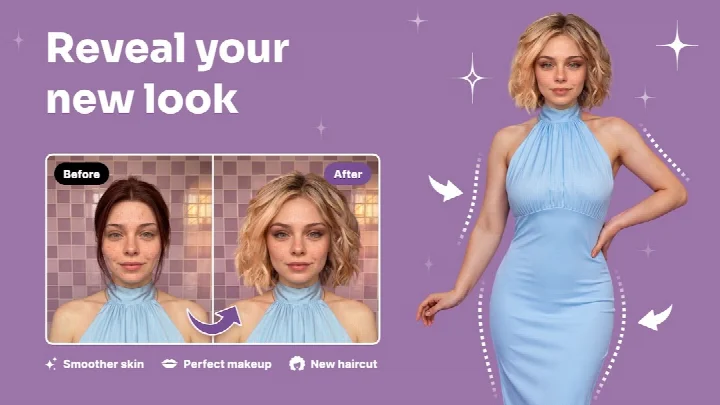
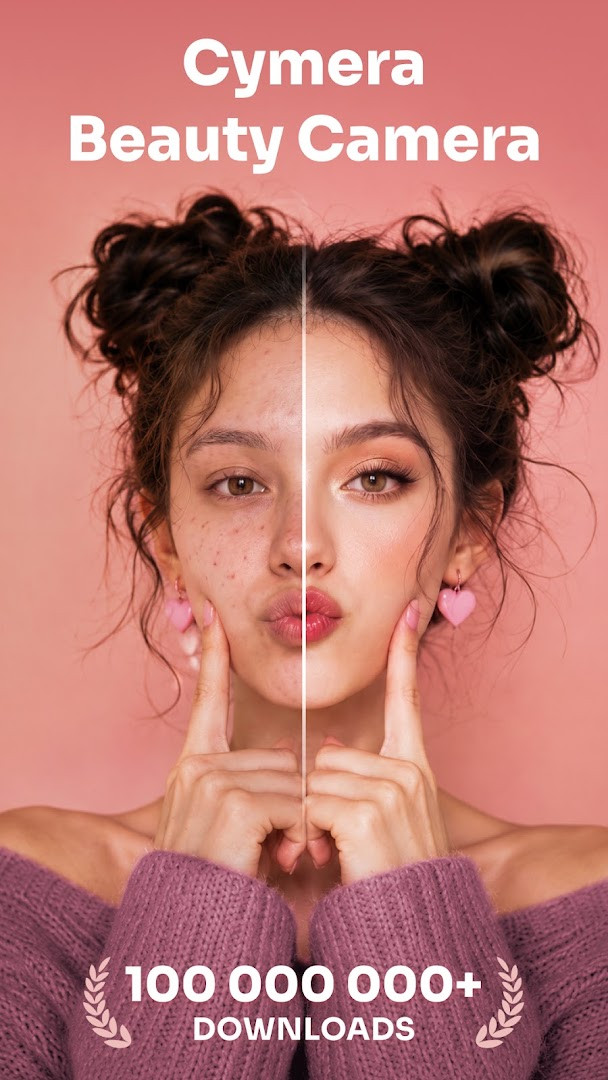
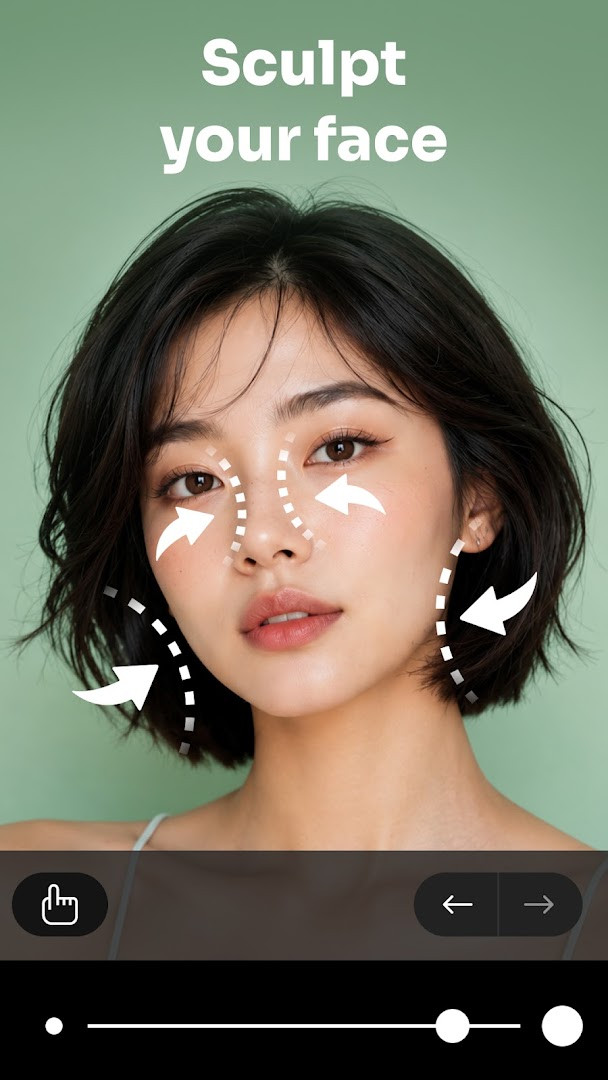
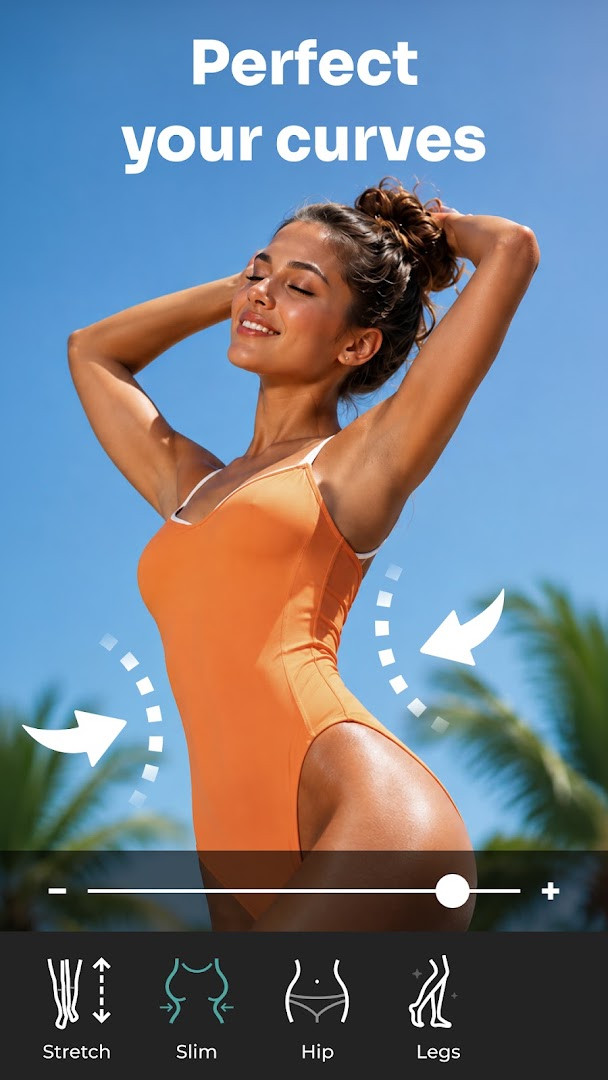
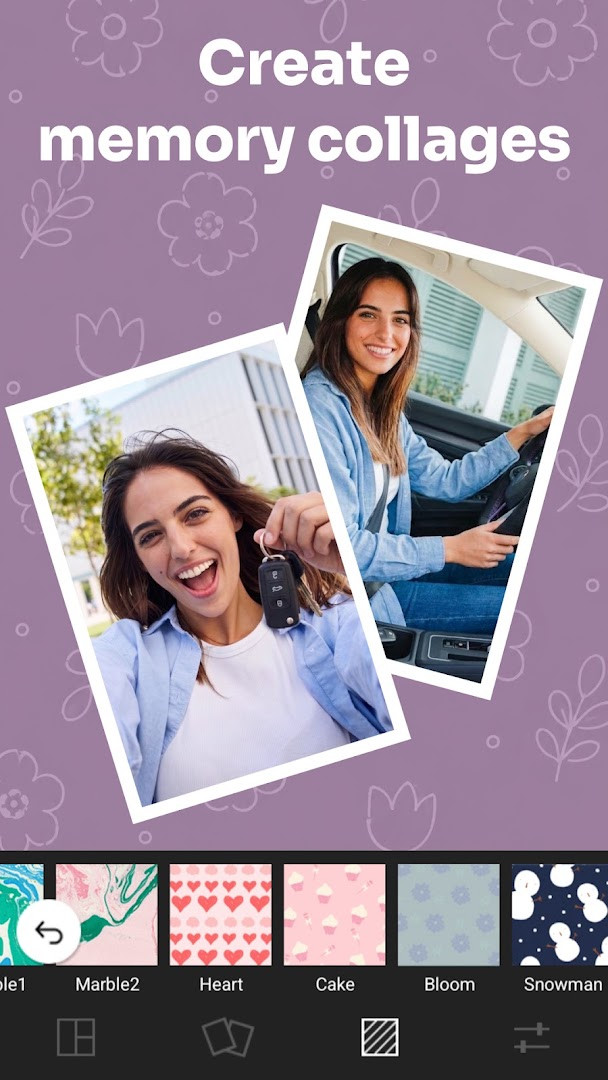
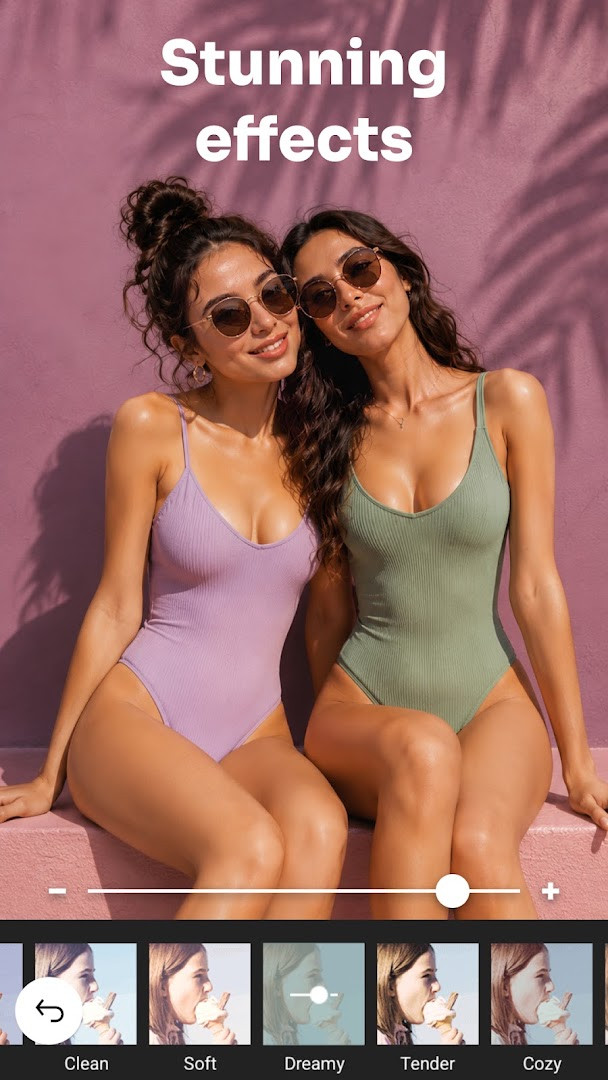
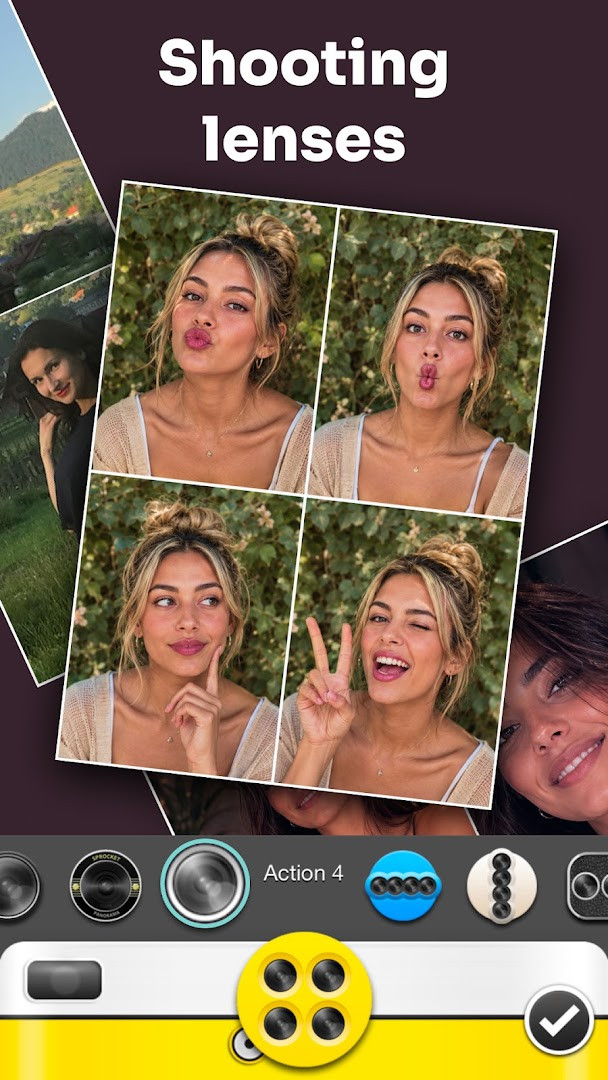
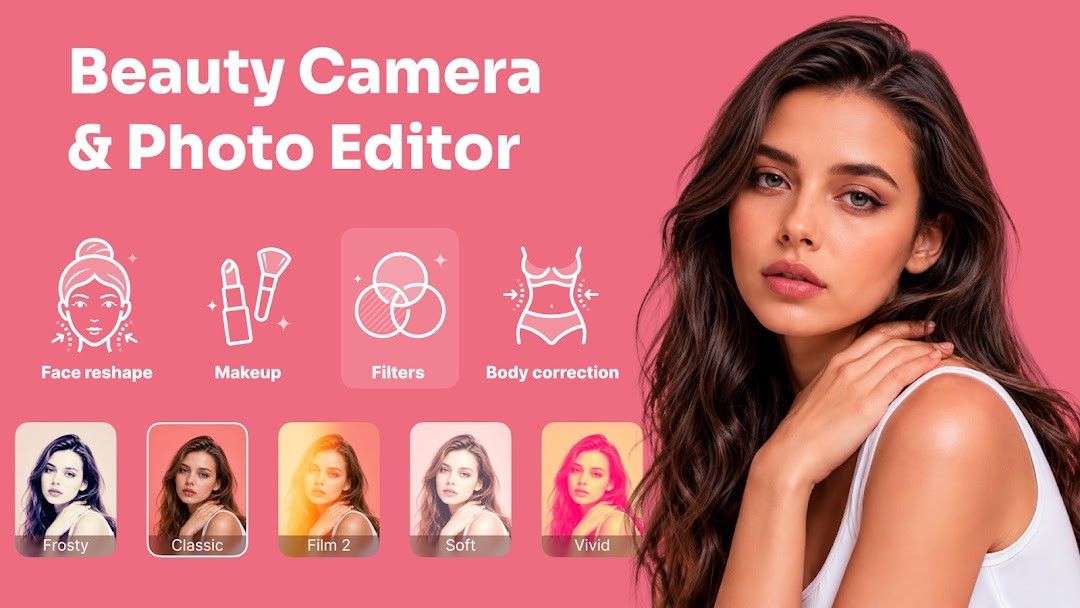
Cymera - Photo Editor Collage is a photography app by Photo & Video Editors - Instant Solution that combines selfie capture, portrait retouching, body reshaping, and collage creation into a single tool. It addresses the common need to quickly polish personal photos without juggling multiple editors, offering real-time beauty filters, face and body adjustment tools, and grid-based collage layouts that handle up to nine images at once. The app streamlines the workflow by letting users choose a photo, apply filters and corrections, crop for social media formats, and save high-resolution results, all within one interface. Its automatic face recognition speeds up common edits like eye enlargement and face slimming, while the collage maker simplifies turning gallery pictures into posters or photo cards for posts, greetings, and covers. With a rating of 4.58 from over 2.3 million ratings and more than 100 million installs, it has become a widely used option for everyday photo enhancement, blending beauty camera effects with practical editing tools.
Key features
- Body retouch tools for waist slimming, leg lengthening, and hip lift adjustments
- Face retouch capabilities to remove pimples, wrinkles, dark circles, and red eye
- Collage maker that combines up to 9 photos with various grid styles
- Real-time selfie filters and makeup effects, including vintage, neon, lomo, film, and sketch styles
- Camera options with 7 lenses, anti-shake, timer, touch shooting, and silent mode
- Basic editing tools for cropping, rotating, adding mosaic, and adjusting brightness and contrast
- Automatic face recognition for eye enlargement, smile adjustment, and face slimming
- High-resolution output for clean and clear saved photos
How to install
- Tap the download button on this page to get the APK file for Cymera - Photo Editor Collage.
- When Android prompts, allow your browser or file manager to install apps by enabling the 'Install unknown apps' setting.
- Open the downloaded APK file from your notifications or file manager.
- Tap Install and wait for the process to complete; the file size is not specified, and the minimum Android version required is 8.0.
- Open the app from your home screen or app drawer to start editing.
Pros
- Comprehensive all-in-one editor covering selfies, collages, and body reshaping
- Real-time filters and beauty effects for quick previews before saving
- High-resolution output suitable for social media and sharing
- Wide range of grid styles for collages up to nine photos
- Automatic face recognition simplifies common portrait adjustments
- Free to download with optional in-app purchases for extra features
Cons
- Contains ads that may interrupt the editing experience
- In-app purchases are present for premium features or content
- Requires permissions for location, photos, storage, camera, and Wi-Fi information, which may raise privacy concerns
- Silent mode and camera features may be limited on devices with restricted camera access
Version history
| Version | Size | Requires Android | Updated |
|---|---|---|---|
| 4.5.3 | 93 MB | 5.0 | Nov 4, 2026 |
| 4.5.4 | 93 MB | 5.0 | Nov 2, 2026 |
| 4.5.5 | 93 MB | 5.0 | Nov 2, 2026 |
| 5.1.1.1 | — | 8.0 | Sep 22, 2026 |
| 4.5.2 | 97 MB | 5.0 | Aug 24, 2026 |
| 4.3.9 | 98 MB | 4.1 | Aug 24, 2026 |
| 4.0.1 | 94 MB | 4.0.3 | Mar 2, 2020 |
| 3.3.1 | 39 MB | — | May 18, 2017 |
| 2.2.3 | 22 MB | — | Sep 14, 2016 |
Cymera - Photo Editor Collage is designed for casual smartphone photographers who want a single app to handle everyday selfies, portrait touch-ups, and photo collages. It suits people who frequently share images on social media and need quick tools for cropping to platform-specific sizes, adding text or stickers, and applying beauty filters without learning complex editing software. The body and face reshaping features appeal to users interested in adjusting their appearance in photos, while the collage maker targets those who create greeting cards, posters, or multi-image grids. Its straightforward workflow and real-time previews make it accessible to beginners, yet the variety of filters and lenses offers enough depth for more frequent editors.
For best results, use the real-time beauty camera to preview filters before capturing, and explore the crop presets to quickly match social media dimensions. The silent mode can be handy in quiet settings, and saving in high resolution helps maintain quality when sharing or printing.
Permissions
FAQ
Which version of Cymera is described in the catalog and what is the minimum Android OS required?
The current catalog listing shows Cymera at version 5.1.1.1, updated on 2026-09-22, and it requires Android 8.0 or higher to run.
How many photos can you combine in a single collage grid?
Cymera's collage tool supports combining up to 9 photos in one layout, with a variety of grid styles to choose from when building the collage.
What do the app's rating and popularity figures show?
The app holds a rating of 4.58 based on more than 2.3 million ratings, and it reports over 100 million installs since its release in March 2012.
Is Cymera free to download and what monetization does it use?
Yes, Cymera is free and priced at $0.00, but it does contain ads and offers in-app purchases for additional items.
Which device permissions does Cymera request during use?
Cymera requests access to Location, Photos/Media/Files, Storage, Camera, and Wi-Fi connection information as listed in its catalog entry.
Cymera - Photo Editor Collage delivers a practical combination of beauty editing, collage creation, and camera tools in one package. It is a solid choice for everyday photo enhancement, though users should be aware of ads and optional purchases.
Similar apps
 Samsung GallerySamsung Electronics Co., Ltd.3.8
 GalleryGoogle LLC4.2
 Picsart AI Photo Editor, VideoPicsArt, Inc.3.9
 AI GalleryTranssion Holdings3.5
 BeautyPlus-Selfie Photo EditorPIXOCIAL TECHNOLOGY (SINGAPORE) PTE. LTD.4.5
 FaceApp: Perfect Face EditorFaceApp Technology Ltd4.3
 Video Editor & Maker - InShotInShot Video Editor4.8
 Toonapp: Cartoon Photo EditorLyrebird Studio4.5
Updated: Nov 28, 2026