Photo Editor - Polish: Photo Editing App
Photo Editor - Polish is a photo editing app by InShot Inc. that lets you apply filters, make collages, retouch faces, and remove objects.
Download Now · v1.811.267Photo Editor - Polish offers over 100 filters and effects, collage layouts for up to 20 photos, face retouch, body reshaping, and AI tools like photo enhancement and avatar creation. It is free to download with ads and in-app purchases, requires Android 9 or higher, and the current version is 1.811.267.
- Version
- 1.811.267
- Requires Android
- 9
- Updated
- Nov 10, 2026
- Installs
- 100M+
- Rating
- ★ 4.8 (4,717,480)
- Category
- Photography
- Developer
- InShot Inc.
- Content rating
- Everyone
- Package
- photo.editor.photoeditor.photoeditorpro
- Free
- ✓ · Contains ads · In-app purchases
Screenshots
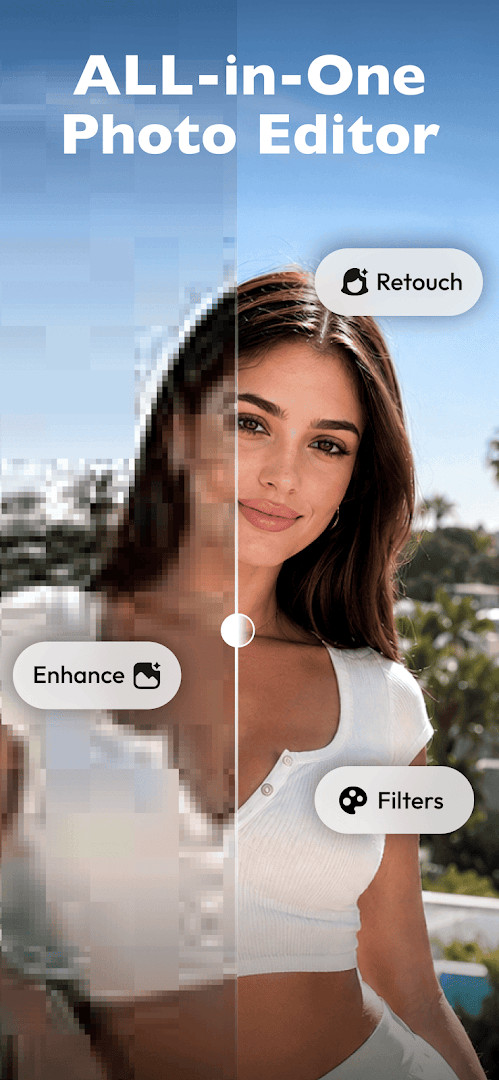
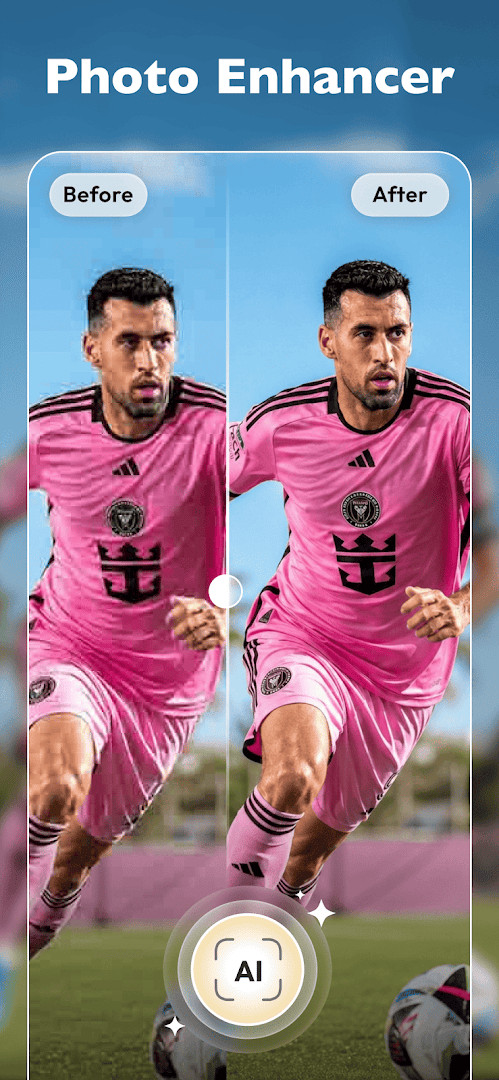
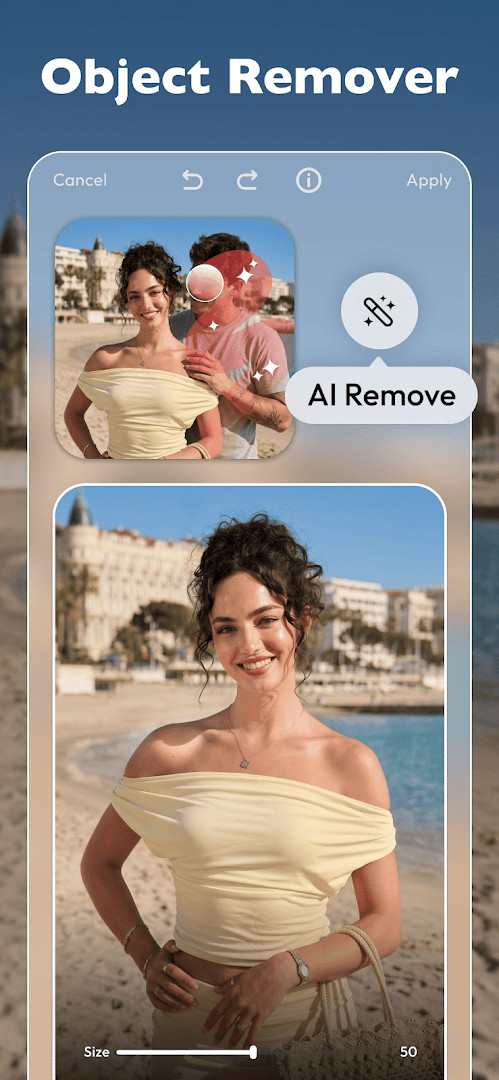
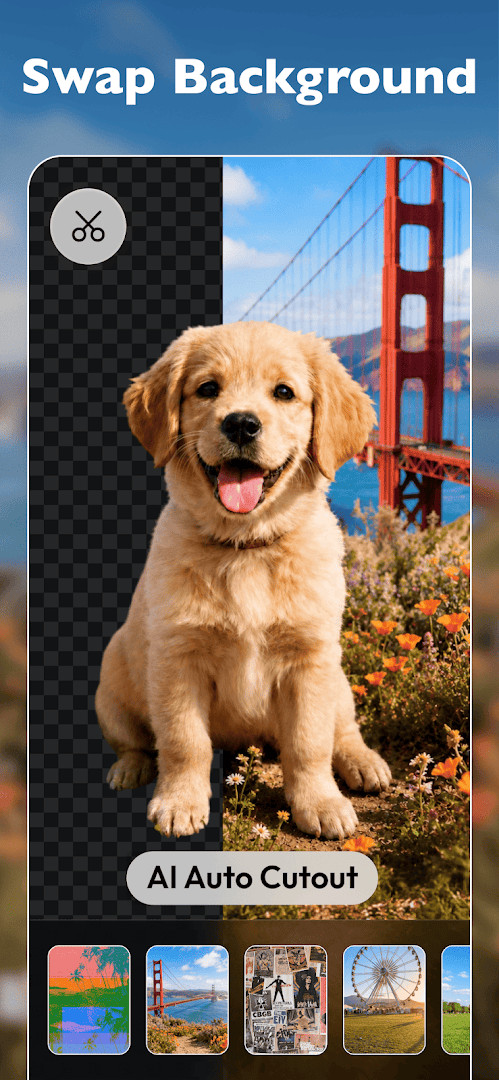
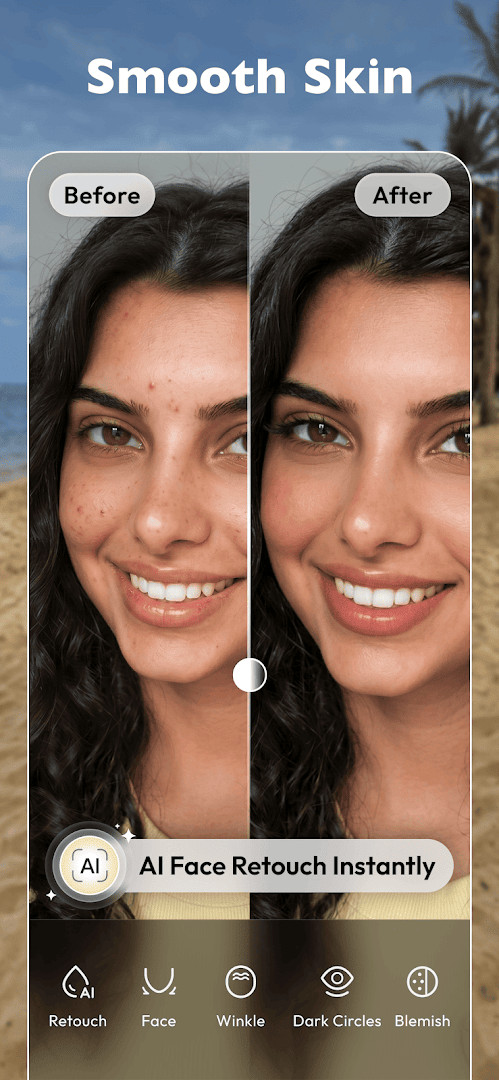
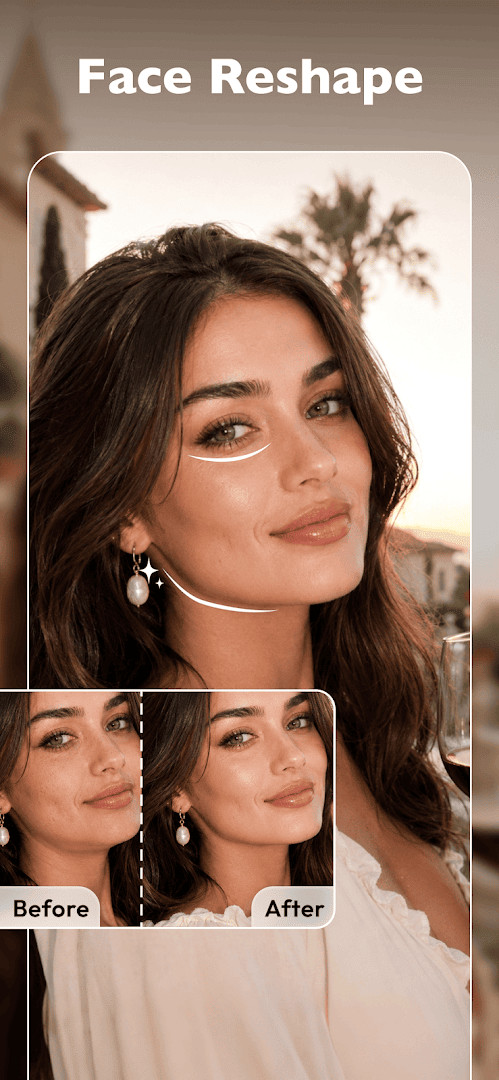
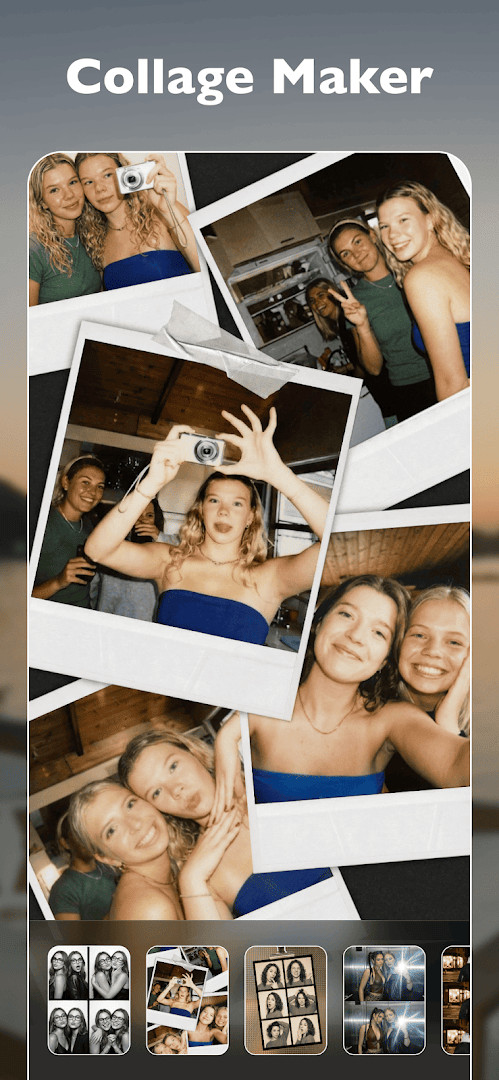
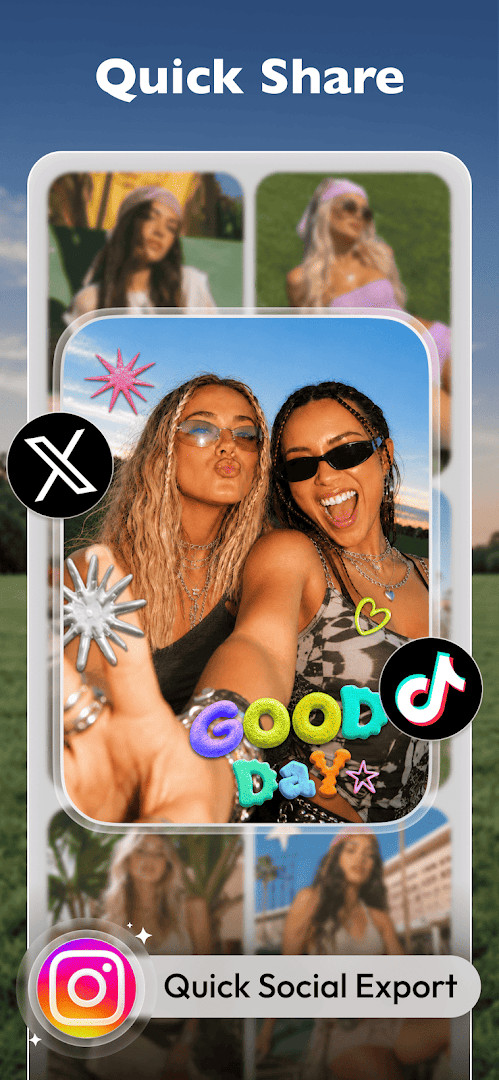
Photo Editor - Polish is a photography app by InShot Inc. that provides a comprehensive set of tools for editing, retouching, and enhancing photos. It addresses the need for a single, accessible editor that can handle everything from quick filter applications to more involved tasks like removing unwanted objects, creating collages, and refining portraits. The app solves this by bundling over 100 filters and effects, an AI-powered enhancer, a body editor, and a collage maker into one interface, aiming to let users produce high-quality, watermark-free images without navigating multiple specialized apps. Its design focuses on speed and simplicity, with one-tap filters and intuitive adjustment controls that make it suitable for both casual social media posts and more deliberate photo projects. The tool also includes features for creating professional headshots and expanding images to fit various platform formats, positioning it as an all-in-one solution for everyday photo work.
Key features
- Access to over 100 photo filters and effects, including styles like CCD, Y2K, Vintage, VHS, Film, and Flash, applicable with a single tap.
- A collage maker that combines up to 20 photos using customizable layouts, backgrounds, frames, and templates.
- Professional adjustment tools for fine-tuning brightness, contrast, highlights, shadows, saturation, and HSL, along with crop and resize options.
- A background and object remover designed to erase photobombers, unwanted items, and distracting elements from images.
- A face retouch and beauty editor for smoothing skin, brightening eyes, and removing blemishes while aiming for natural results.
- A body editor with body reshape and skin tone enhancer features to adjust proportions and even out skin tones.
- AI-powered tools including a one-tap photo enhancer for restoring blurry or low-quality images, an AI portrait and headshot maker, an AI expand photo feature for uncropping images, and AI avatar and cartoon styles.
- High-quality export without watermarks, with direct sharing options to social platforms like Instagram, Facebook, Pinterest, TikTok, and WhatsApp.
How to install
- Tap the download button on this page to get the APK file.
- When prompted, allow your browser or file manager to install apps by enabling the 'Install unknown apps' setting for that app.
- Open the downloaded APK file from your notifications or file manager.
- Tap 'Install' on the confirmation screen.
- Open the app after installation completes. The file size is not specified, and the minimum Android version required is Android 9.
Pros
- Free to download and use, with in-app purchases available for optional features.
- Extensive filter library with over 100 aesthetic styles.
- Combines editing, collage, retouch, and AI tools in one app.
- Exports images in high resolution without watermarks.
- Includes advanced AI features like photo enhancement and headshot creation.
Cons
- Contains ads, which may interrupt the editing experience.
- Requires access to photos, media, files, and storage, along with Wi-Fi connection information.
- Some advanced features are likely locked behind in-app purchases.
Recent updates · 1.811.267
Version 1.811.267 focuses on sticker-related improvements. Avatar effects now allow creating personalized stickers with new visual styles. Colorful borders have been added, letting users select from multiple colors to make their stickers stand out more. The update does not mention other changes or fixes.
Version history
| Version | Size | Requires Android | Updated |
|---|---|---|---|
| 1.811.267 | — | 9 | Nov 10, 2026 |
| 1.802.266 | — | 9 | Oct 9, 2026 |
| 1.142.21 | 12 MB | 4.0 | Jul 21, 2026 |
| 1.46.150 | 24 MB | 6.0 | Jun 15, 2023 |
| 1.261.62 | 13 MB | 4.3 | Apr 16, 2020 |
This app is well-suited for anyone who regularly edits photos for social media, personal projects, or professional profiles and wants a broad set of tools in one place. It is particularly useful for users who appreciate one-tap filters and AI-assisted enhancements but also want manual control over adjustments. Social media enthusiasts, selfie takers, and people needing quick headshots or expanded images for platform-specific formats will find the toolset practical. The collage maker and object remover also make it a good choice for those creating mood boards, comparisons, or cleaning up group photos, though users sensitive to ads or who need advanced features might consider the purchase options.
For best results, start with the one-tap photo enhancer on older or lower-quality images before making manual adjustments, and use the collage maker with the customizable templates to quickly assemble social media posts.
Permissions
FAQ
How do I install the APK on Android?
You can install the app by downloading its APK file and opening it on your device. Before installation, make sure your phone runs Android 9 or higher and that you allow installation from unknown sources in your system settings if prompted.
What is new in the current version 1.811.267?
Version 1.811.267, released on November 10, 2026, focuses on sticker updates. It adds avatar effects for creating personalized stickers and introduces colorful borders so you can choose from multiple colors to make your stickers stand out.
Does the app contain ads or in-app purchases?
Yes, the app is free to download and includes ads as well as in-app purchases. The base price is 0.00 USD, so you can use it without paying upfront, but some features or content may be offered through purchases.
Can I use the app offline?
The data provided does not specify offline capabilities. The app requests permissions for photos, media, files, storage, and Wi-Fi connection information, which suggests it may rely on network access for some functions, but offline use is not confirmed.
Are there alternatives in the same photography category?
Yes, there are other photo editing apps in the Photography category that offer similar tools such as filters, effects, collage making, and retouching. You can explore these options if you want a different interface or feature set.
Does the app export photos with watermarks?
No, the app allows you to save edited photos in high resolution without watermarks. This means your final images can be exported cleanly, and you can share them directly to social platforms.
What editing tools are included?
The app includes over 100 filters and effects, a collage maker that supports up to 20 photos, professional adjustments like brightness and contrast, background and object removal, face retouch, a body editor, and AI tools for enhancing and expanding photos.
Photo Editor - Polish offers a wide and practical range of editing tools that cover most everyday photo needs in a single app. While ads and in-app purchases are present, the free feature set is substantial for casual and regular use alike.
Similar apps
 Samsung GallerySamsung Electronics Co., Ltd.3.8
 GalleryGoogle LLC4.2
 Picsart AI Photo Editor, VideoPicsArt, Inc.3.9
 AI GalleryTranssion Holdings3.5
 BeautyPlus-Selfie Photo EditorPIXOCIAL TECHNOLOGY (SINGAPORE) PTE. LTD.4.5
 FaceApp: Perfect Face EditorFaceApp Technology Ltd4.3
 Video Editor & Maker - InShotInShot Video Editor4.8
 Camera360 :Photo Editor&SelfiePINGUO TECHNOLOGY HK CO LIMITED4.2
Updated: Nov 15, 2026