
Camera360 :Photo Editor&Selfie: Photo Editing and Selfie Camera App
Camera360 :Photo Editor&Selfie is a photography app by PINGUO TECHNOLOGY HK CO LIMITED that offers portrait retouching, makeup looks, filters and short video recording.
Download Camera360 · v9.9.60Camera360 :Photo Editor&Selfie offers more than 300 filters, over 30 makeup options, face and body shaping tools, and short movies of 10 to 60 seconds. The app suits people who want to retouch selfies and portraits and adjust color, exposure and hue with 13 basic parameters.
- Version
- 9.9.60
- Requires Android
- 6.0
- Updated
- Mar 12, 2026
- Installs
- 100M+
- Rating
- ★ 4.25 (4,702,322)
- Category
- Photography
- Developer
- PINGUO TECHNOLOGY HK CO LIMITED
- Content rating
- Everyone
- Package
- vStudio.Android.Camera360
- Free
- ✓ · Contains ads · In-app purchases
Screenshots



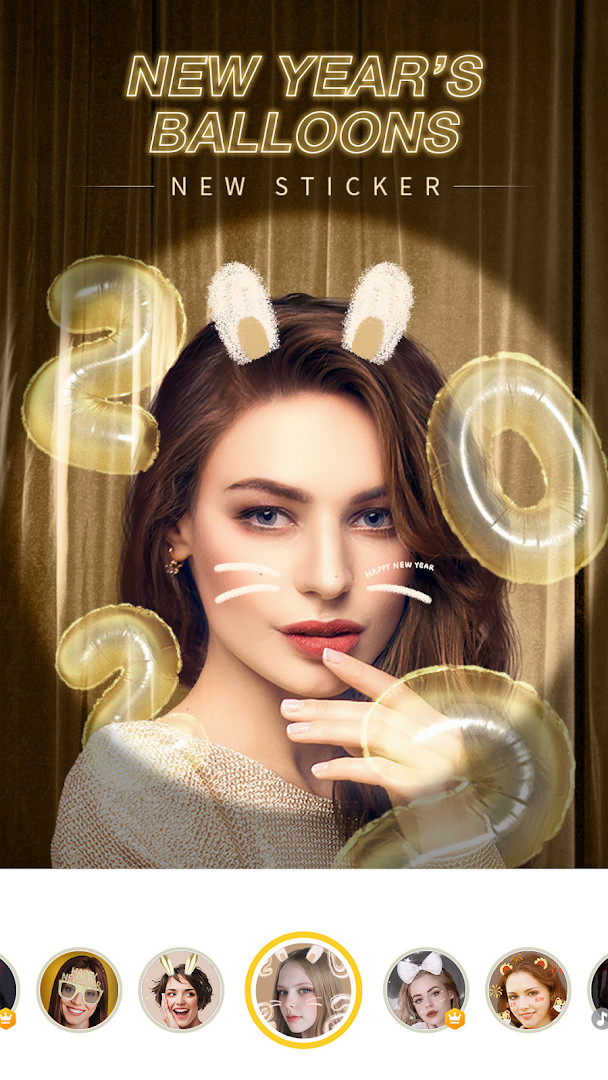
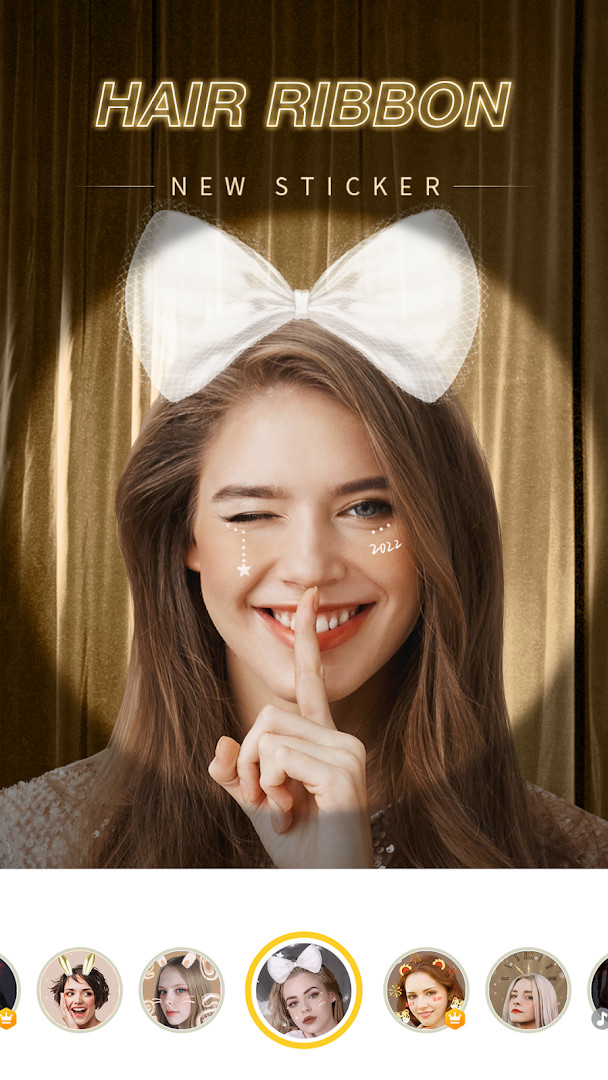
Camera360 is a photo and selfie editing app by PINGUO TECHNOLOGY HK CO LIMITED that provides retouching tools, classic filters and beauty looks. Available on Android since 2011, it has become a widely used camera utility, with installs surpassing 100 million and a description claiming over a billion downloads worldwide. The app is free to download, but it includes advertising and in-app purchases for optional subscriptions or cosmetic extras, so the free experience coexists with premium additions.
The core workflow centers on improving portraits: smoothing skin, slimming the face, reshaping facial features and body lines, adding natural or bold makeup, swapping skies, and applying anime or movie effects. Beyond stills, users can record short movies of 10 to 60 seconds, apply filters and makeup in real time, and use animated stickers with face recognition. The current release, version 9.9.60, arrived on March 12, 2026 and is described as a maintenance update that optimizes minor issues to improve the overall experience rather than introducing headline features.
From a privacy standpoint, the permission list deserves attention. Alongside the expected camera and storage access, the app requests location, microphone and Wi-Fi connection information, which are not strictly required for basic photo editing. Anyone installing it should consider whether those extras are needed and manage them through system permission controls, especially since the app runs ads and may share data for advertising purposes.
Key features
- 300 or more filters covering retro, black and white, HDR, lomo and other styles
- One-touch beauty that transforms a photo with a single tap
- Smooth skin and small-face tools with fine micro adjustments
- Face and body reshaping with the ability to protect areas you do not want changed
- Magic sky feature to replace or repaint cloudy skies with anime or dreamy styles
- Natural makeup layer with over 30 makeup filters that can be customized
- Animated stickers with face recognition and interactive effects
- Short movie recording from 10 to 60 seconds with music, filter and makeup support
- 13 basic color parameters including exposure, highlight, shade, color temperature and hue
- Vertical and horizontal image correction for balanced architectural shots
How to install
- Tap the download button on this page to get the APK file; the file size is not listed.
- The app requires Android 6.0 or higher, so check your system version first.
- When Android asks, allow your browser or file manager to install apps by enabling the Install unknown apps setting.
- Open the downloaded APK file from your notifications or Downloads folder.
- Tap Install and wait for the installation to finish.
- Open the app and grant only the permissions you are comfortable with during first launch.
Pros
- Free to download with a broad set of editing tools
- Powerful one-tap beauty and face reshaping features
- Huge filter library and partial filter mixing options
- Includes short movie recording, animated stickers and makeup effects
- Long-established app with regular updates
Cons
- Includes ads and in-app purchases, and some features are tied to a VIP subscription
- Permission list is broad and includes location, microphone and Wi-Fi information
- Some advanced effects may require an active internet connection for full use
Recent updates · 9.9.60
Version 9.9.60, released 2026-03-12, optimizes minor issues to improve the experience. No new features are listed in the update notes. The change is limited to general fixes and stability improvements for the photo editor and selfie app.
Version history
| Version | Size | Requires Android | Updated |
|---|---|---|---|
| 9.9.60 | — | 6.0 | Mar 12, 2026 |
| 9.9.47 | 124 MB | 5.0 | May 29, 2025 |
Selfie fans who want quick one-touch retouching, casual editors looking for a large filter library, and short-video creators who want real-time beauty and sticker effects.
When you first launch the app, review the requested permissions and deny location, microphone and Wi-Fi access if you only plan to edit existing photos, as basic editing does not require them.
Permissions
FAQ
How many filters does Camera360 offer and can they be mixed?
Camera360 includes over 300 filters, spanning retro, black and white, HDR, lomo, and Hong Kong styles. More than 300 of these filters can be applied partially to photos, so you can combine them creatively on different parts of an image.
What does the small face feature involve?
The small face tool offers 21 micro adjustments, aiming to slim the face with a result described as leaving no trace of Photoshop-like editing. It is positioned as comparable to professional beauty work.
What types of makeup filters are available?
Camera360 provides over 30 makeup filters, including both main and sub options. You can customize the style and color to create your own preferred look.
What can the Magic Sky feature do?
The Magic Sky feature lets you replace or repaint the sky in your photos, offering styles such as anime or dreamy skies. It is intended to change cloudy skies to match your own preference.
What are the movie and anime capabilities?
Camera360 supports short movies of 10 to 60 seconds, with options to change music and apply filters and makeup simultaneously. It also includes anime and cartoon filters for transforming photos into stylized, animated looks.
Camera360 is a capable and popular photo editor that excels at quick, dramatic portrait and selfie retouching, backed by a huge filter selection. The broad permission requests and the ad and subscription elements mean it is best used by people who review those details carefully, but for everyday beautification it remains a solid free choice.
Similar apps
 Samsung GallerySamsung Electronics Co., Ltd.3.8
 GalleryGoogle LLC4.2
 Picsart AI Photo Editor, VideoPicsArt, Inc.3.9
 AI GalleryTranssion Holdings3.5
 BeautyPlus-Selfie Photo EditorPIXOCIAL TECHNOLOGY (SINGAPORE) PTE. LTD.4.5
 FaceApp: Perfect Face EditorFaceApp Technology Ltd4.3
 Video Editor & Maker - InShotInShot Video Editor4.8
 PixEzNotsfsssf
Updated: Nov 14, 2026