Photoshop Express Photo Editor: Photo Editing App
Photoshop Express Photo Editor is a photography app by Adobe that lets you edit and enhance selfies with beauty filters, face retouch, and AI editing tools.
Download Now · v18.5.45Photoshop Express Photo Editor is free to download with in-app purchases, has no ads, and requires Android 4.4 or higher. It offers AI-driven tools such as background replacement, object removal, and face retouching, alongside a collage maker and text overlays. The app suits casual users and social media creators who want quick one-tap edits, and its latest version is 18.5.45.
- Version
- 18.5.45
- Requires Android
- 4.4
- Updated
- Nov 20, 2026
- Installs
- 100M+
- Rating
- ★ 4.55 (2,599,355)
- Category
- Photography
- Developer
- Adobe
- Content rating
- Everyone
- Package
- com.adobe.psmobile
- Free
- ✓ · In-app purchases
Screenshots
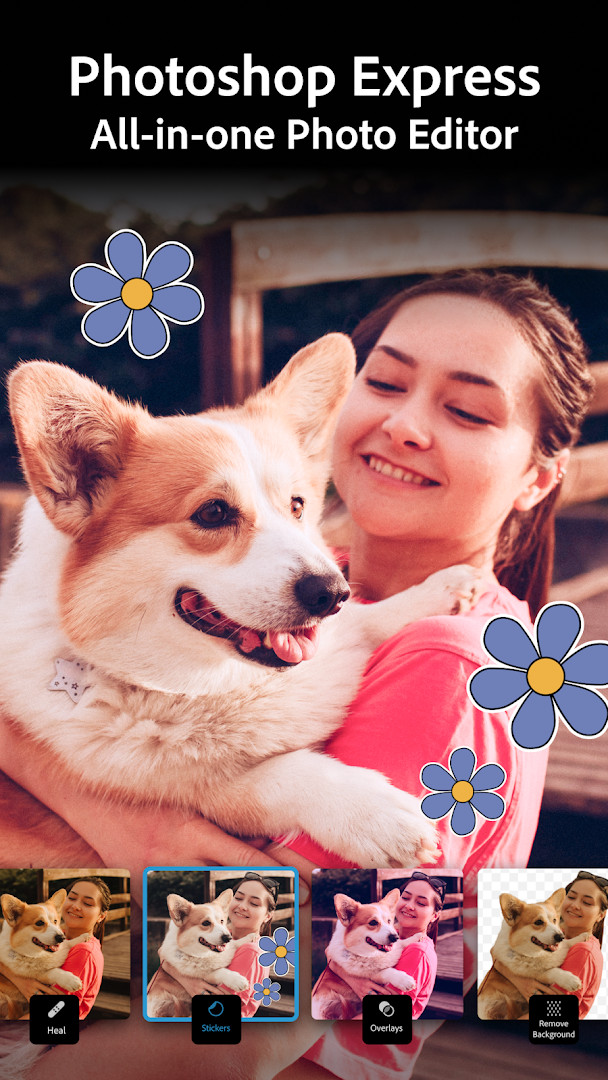
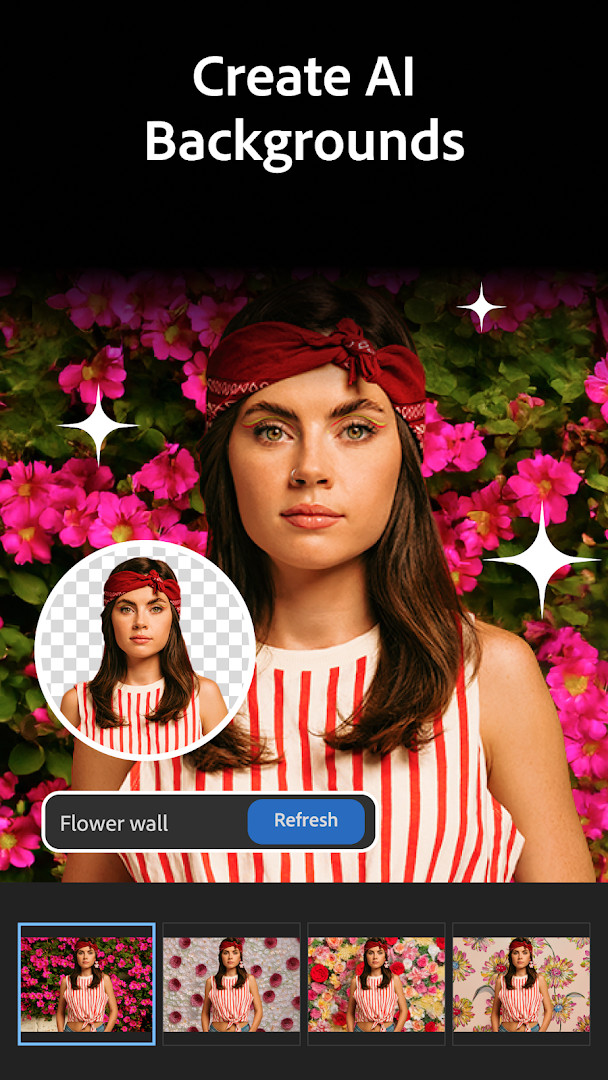
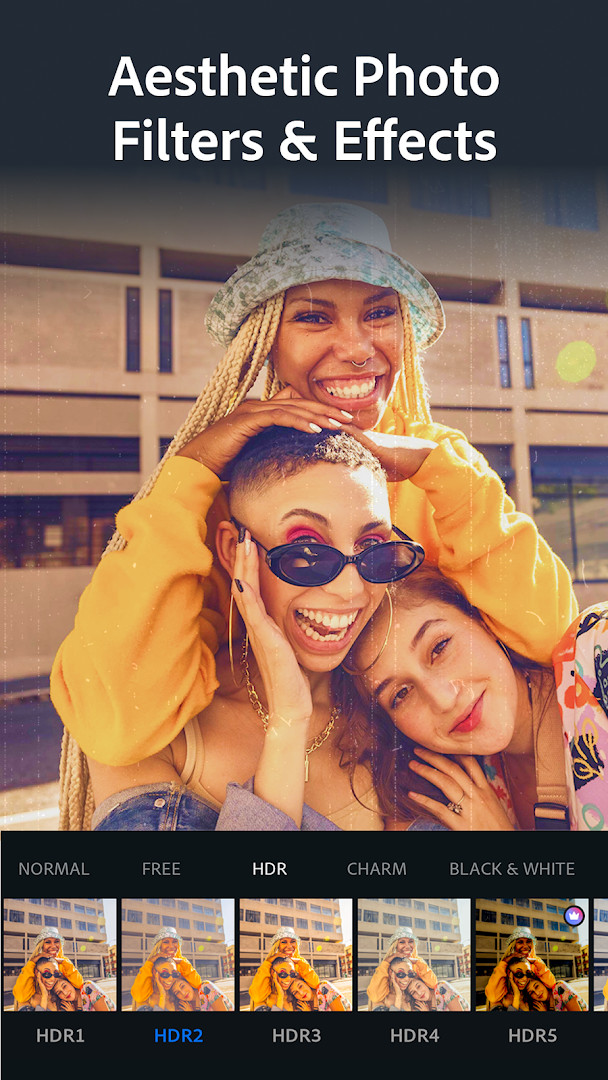
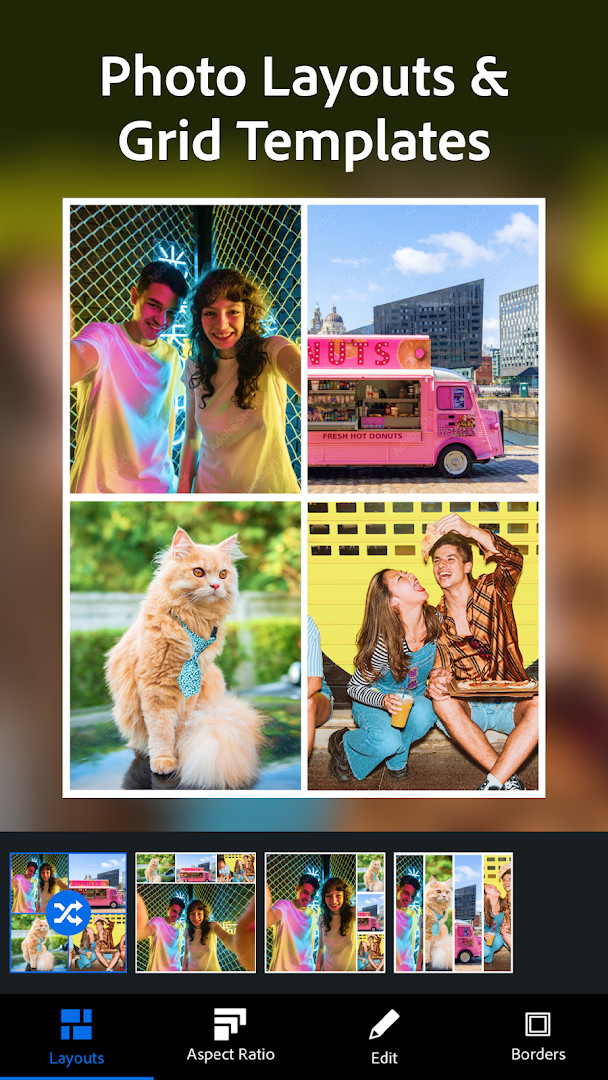
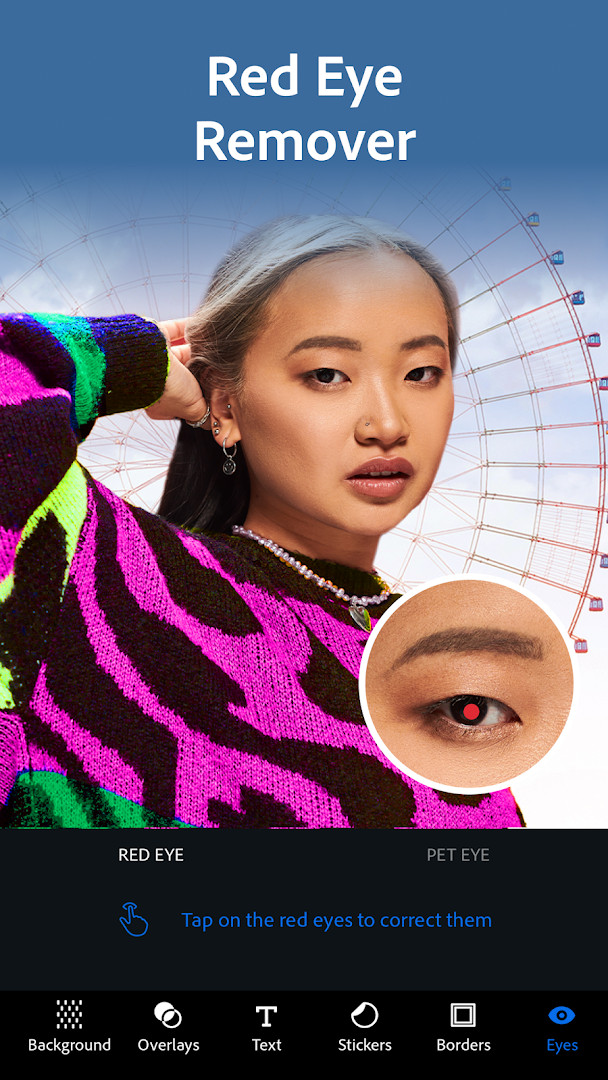
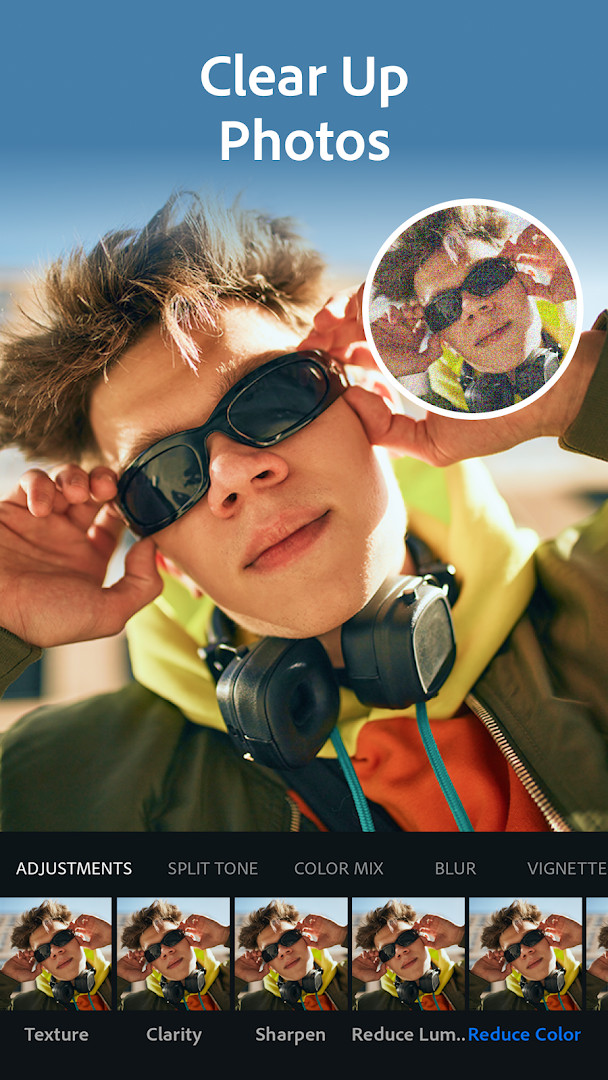

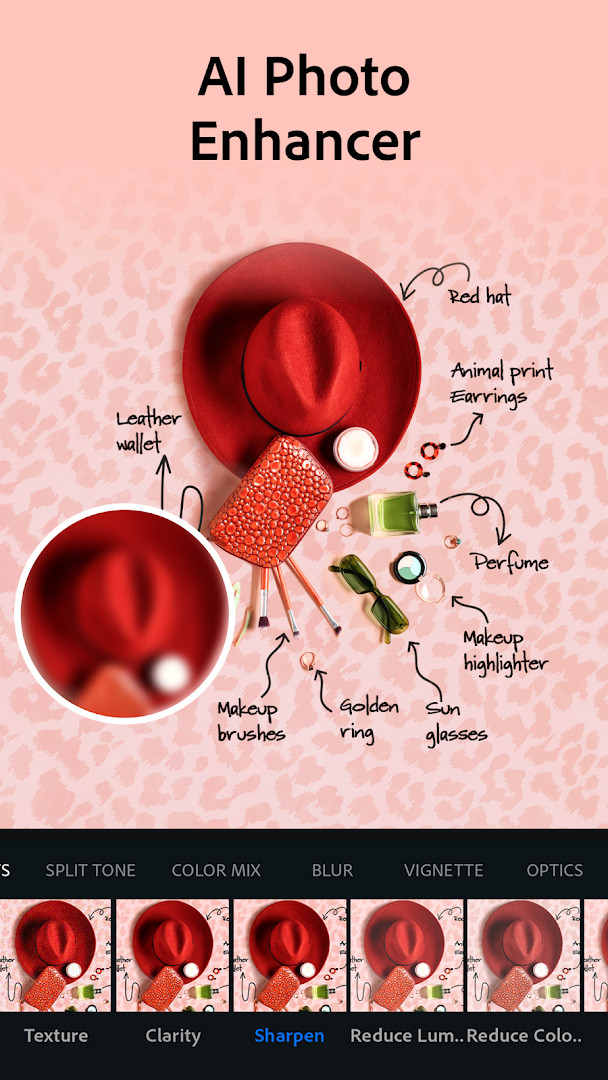
Photoshop Express Photo Editor is a photography app by Adobe that provides a comprehensive yet straightforward way to edit, retouch, and enhance images directly on your Android device. It combines a full-featured image editor with a collage maker and an AI-driven face editor, so you can handle everything from quick selfie touch-ups to more involved creative projects without needing a desktop computer. The app is designed to be approachable for casual users while still offering enough depth for those who want more control over their photos. In version 18.5.45, Adobe introduced several notable improvements, including the ability to edit videos with new aesthetic Looks, a feature that lets you replace a photo's background by uploading an image, and an upgraded heal tool that makes touching out blemishes quicker. The update also adds new eye makeup, lipstick, and hair color tools, allows you to add your own doodles to images, and includes overall performance enhancements to keep the experience smooth. These additions build on the app's existing capabilities, such as AI-powered background replacement, object removal, and a wide range of filters and presets. With over one hundred million installs and a strong rating, it has become a popular choice for mobile photo editing. The app is free to use, with no ads, though it does offer in-app purchases for a premium tier that unlocks extra features and more precise controls. It requires Android 4.4 or higher and has been updated as recently as November 2026, indicating active development and ongoing support from Adobe. Whether you are looking to fix a crooked photo, remove an unwanted object, or create a shareable collage, this tool aims to cover those needs in a single package.
Key features
- AI-powered face retouch with airbrush, blemish remover, and spot healing tools
- Vintage and cinematic camera filters to give photos a nostalgic or dramatic feel
- Background replacement and object removal using artificial intelligence
- Collage maker with pre-made grid layouts for social media posts
- Text overlay tool with dozens of fonts, plus custom stamps and watermarks
- Video editing with new aesthetic Looks introduced in the latest version
- Eye makeup, lipstick, and hair color tools for portrait enhancement
- Doodle and drawing tools to add personal touches to images
- Support for importing RAW, TIFF, and PNG files, with easy sharing to social platforms
How to install
- Tap the download button on this page to get the APK file for version 18.5.45.
- When Android prompts you, allow your browser or file manager to install apps by enabling the 'Install unknown apps' setting for that app.
- Open the downloaded APK file from your device's notification bar or downloads folder.
- Tap Install and wait for the process to complete; the file size is not specified, but the app requires Android 4.4 or higher.
- Once installed, open Photoshop Express from your app drawer and begin editing.
- If prompted, grant the necessary permissions like camera and storage access to use all features.
Pros
- Comprehensive feature set covering editing, collage, and face retouch in one app
- AI tools simplify complex tasks like background replacement and object removal
- No ads, making the editing experience uninterrupted
- Regular updates with new features and performance improvements
- Free to download and use, with optional premium upgrades
Cons
- In-app purchases are required for the most advanced editing controls
- The app requests access to a wide range of permissions, including identity and location
- Some AI features may require an internet connection to work fully
Recent updates · 18.5.45
Version 18.5.45 introduces new aesthetic Looks for video editing and lets you replace a photo's background by uploading an image. The heal tool has been upgraded for quicker blemish touch-ups, and new eye makeup, lipstick, and hair color tools are available. You can also add your own doodles to images. App performance has been improved for a smoother experience.
Version history
| Version | Size | Requires Android | Updated |
|---|---|---|---|
| 18.5.45 | — | — | Nov 20, 2026 |
| 18.4.40 | — | — | Oct 21, 2026 |
| 7.1.751 | 74 MB | 4.4 | Jun 17, 2026 |
| 3.7.395 | 34 MB | 4.1 | Oct 6, 2017 |
| 2.4.509 | 41 MB | 4.0.3 | Feb 13, 2015 |
| 1.3.3 | 1.3 MB | — | Mar 8, 2013 |
This app suits casual photographers who want quick one-tap enhancements for social media, selfie enthusiasts looking for easy face retouching tools, and creative users who enjoy making collages or adding text and doodles to their images without needing professional software.
For the best results with the new background replacement feature, choose a photo with a clearly defined subject and good lighting, as this helps the AI produce a cleaner cutout and a more natural-looking final image.
Permissions
FAQ
How do I install the APK on Android?
Download the APK file and open it to begin installation. If your device blocks unknown sources, enable that option in your security settings before proceeding. The app requires Android 4.4 or higher.
What is the current version and what does it include?
The current version is 18.5.45, updated on November 20, 2026. It adds new aesthetic Looks for video, background replacement by uploading an image, an upgraded heal tool for blemishes, eye makeup and hair color tools, and doodle drawing, plus general performance improvements.
Does the app contain ads or require purchases?
The app itself is free and contains no ads. It does offer in-app purchases through a Premium subscription that unlocks extra exclusive features and more precise editing controls.
Can I use the photo editing tools offline?
Core editing functions such as retouching, filters, text overlays, and collage making work on your device without a connection. However, AI-driven features like background replacement and prompt-based generation typically need an internet connection to process.
What kind of permissions does the app request?
It requests access to identity, contacts, location, phone, photos and media, storage, camera, Wi-Fi connection info, and device ID. These are used for features like importing images, taking photos, and sharing to social channels.
Are there alternatives in the same category?
Yes, several other photo editing apps offer similar capabilities such as filters, retouching, and collage tools. Many are free with optional premium tiers, so you can compare features and permissions to find one that fits your workflow.
Photoshop Express Photo Editor delivers a robust and versatile editing experience that is hard to beat for a free app. Its blend of AI-powered tools, traditional editing options, and the newly added video and makeup features make it a strong contender for anyone wanting to do more with their photos on a phone. While the premium tier and broad permission requests are worth considering, the core functionality is generous and well-executed, making it a practical choice for everyday photo editing.
Similar apps
 Adobe Express: AI Photo, VideoAdobe4.6
 Samsung GallerySamsung Electronics Co., Ltd.3.8
 GalleryGoogle LLC4.2
 Picsart AI Photo Editor, VideoPicsArt, Inc.3.9
 AI GalleryTranssion Holdings3.5
 BeautyPlus-Selfie Photo EditorPIXOCIAL TECHNOLOGY (SINGAPORE) PTE. LTD.4.5
 FaceApp: Perfect Face EditorFaceApp Technology Ltd4.3
 Video Editor & Maker - InShotInShot Video Editor4.8
More from this developer
Updated: Nov 23, 2026