Adobe Express: AI Photo, Video for Android
Adobe Express is an all-in-one creative app from Adobe for editing photos and videos, making designs, and generating content.
Get Adobe Express · v31.0.1Adobe Express is for beginners and seasoned creators who need to produce marketing materials, social posts, and branded content quickly. The app is free to download with in-app purchases, runs on Android 10 and up, and has a compact size. It offers tools for video editing, background removal, QR code generation, PDF editing, and AI-powered photo enhancements.
- Version
- 31.0.1
- Needs Android
- 10
- Last Refresh
- 12.10.2026
- Downloads
- 100M+
- Score
- ★ 4.62 (865 419)
- Genre
- Art & Design
- Creator
- Adobe
- Content rating
- Everyone
- Package
- com.adobe.spark.post
- Free
- ✓ · In-app purchases
Snapshots
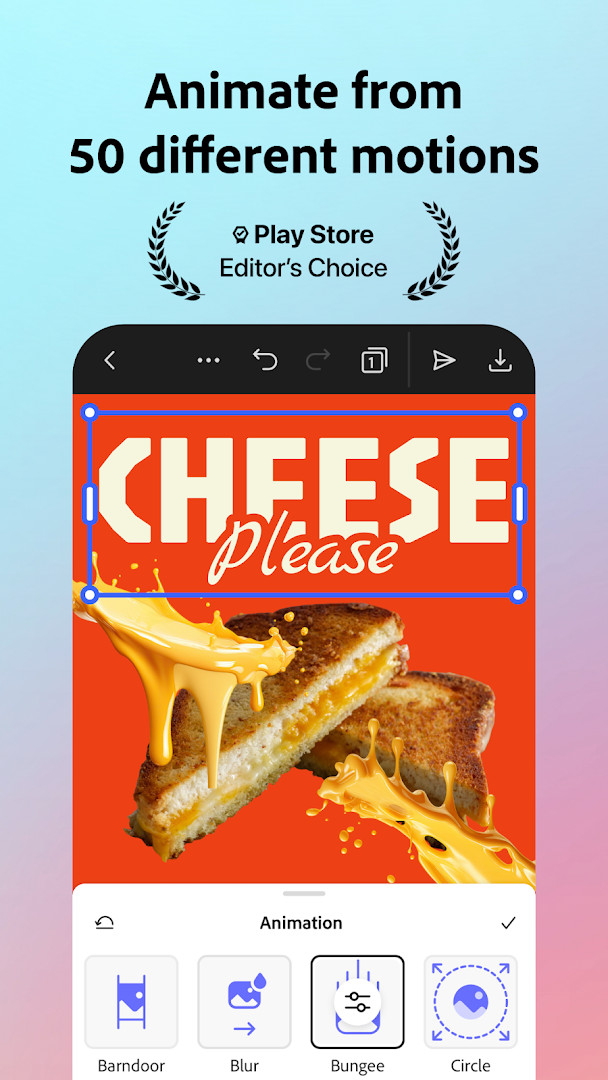
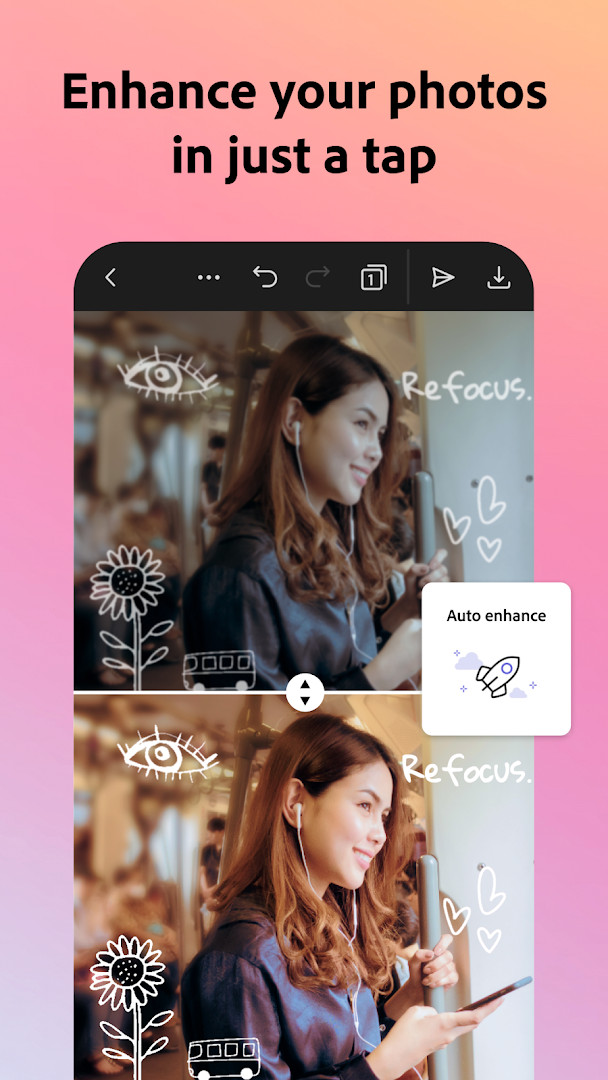
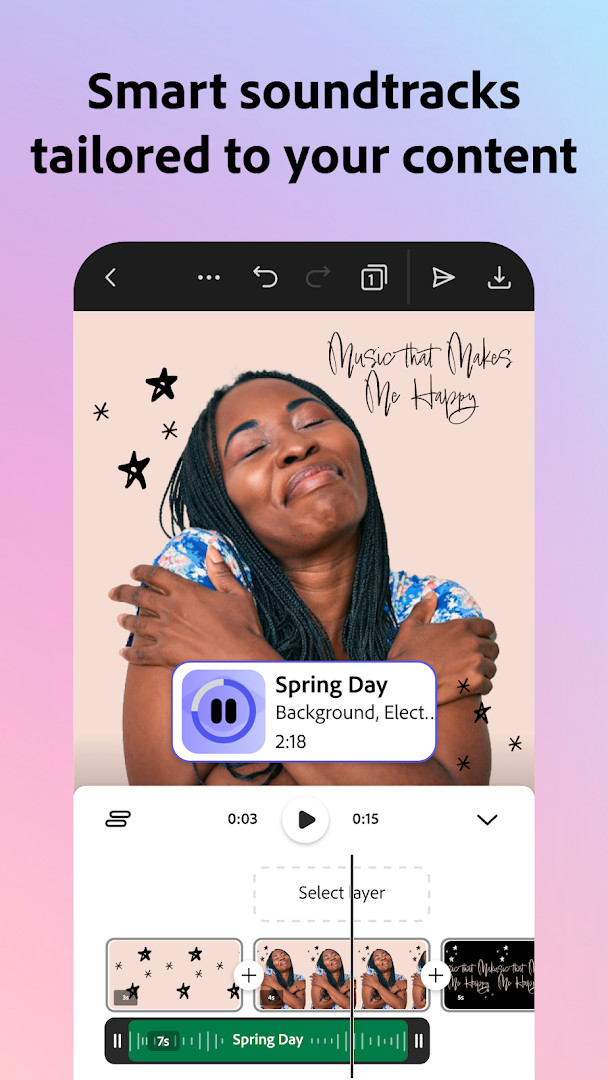
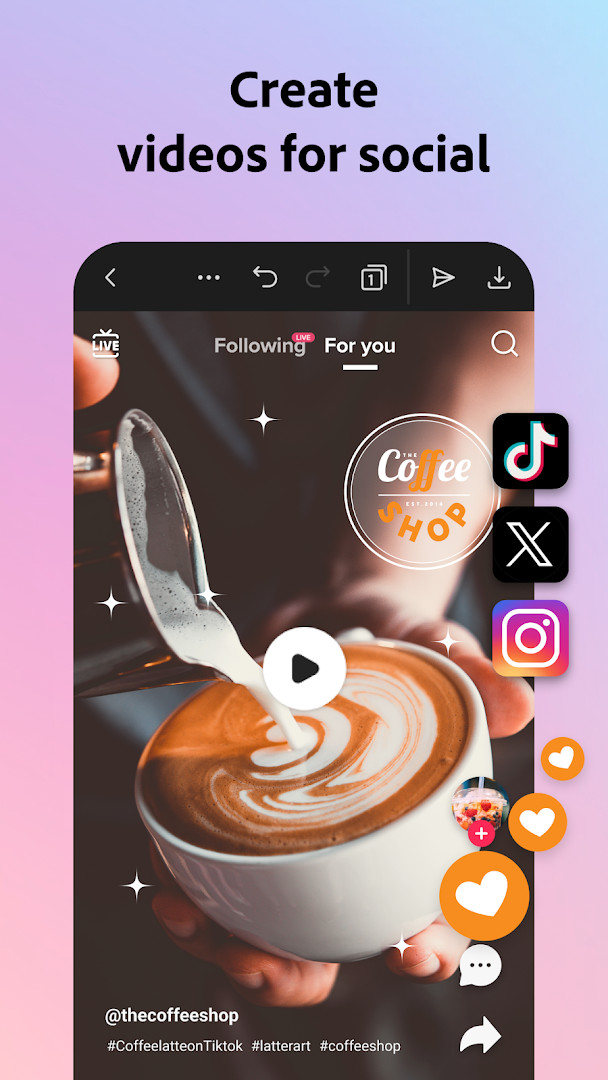
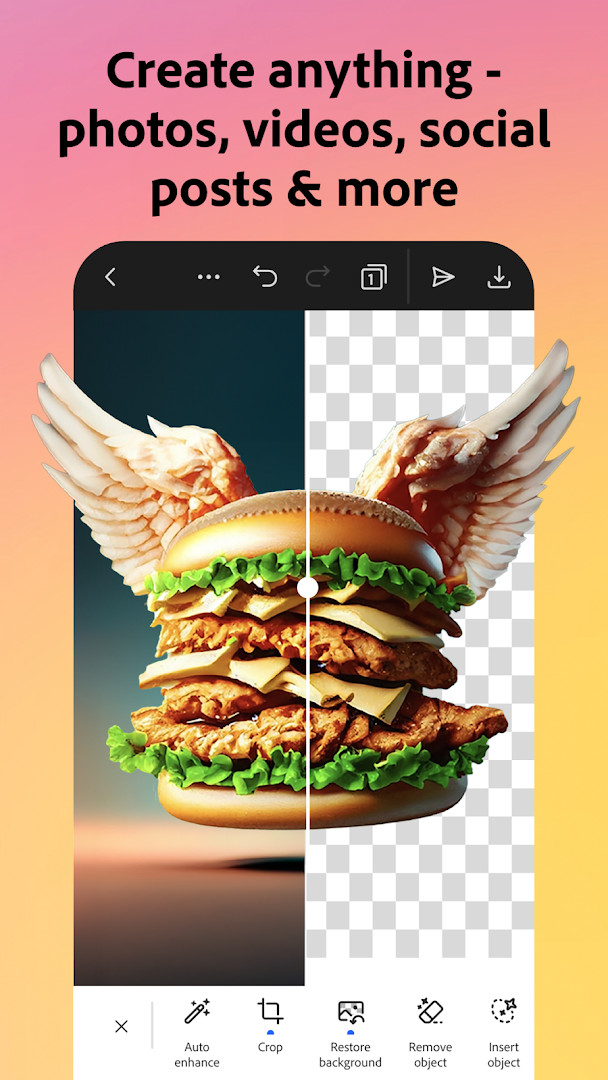
Adobe Express: AI Photo, Video is an art and design app by Adobe that provides a comprehensive suite of tools for creating and editing visual content. It combines photo editing, video editing, brand management, and design templates in a single mobile application, making it suitable for both personal and professional projects.
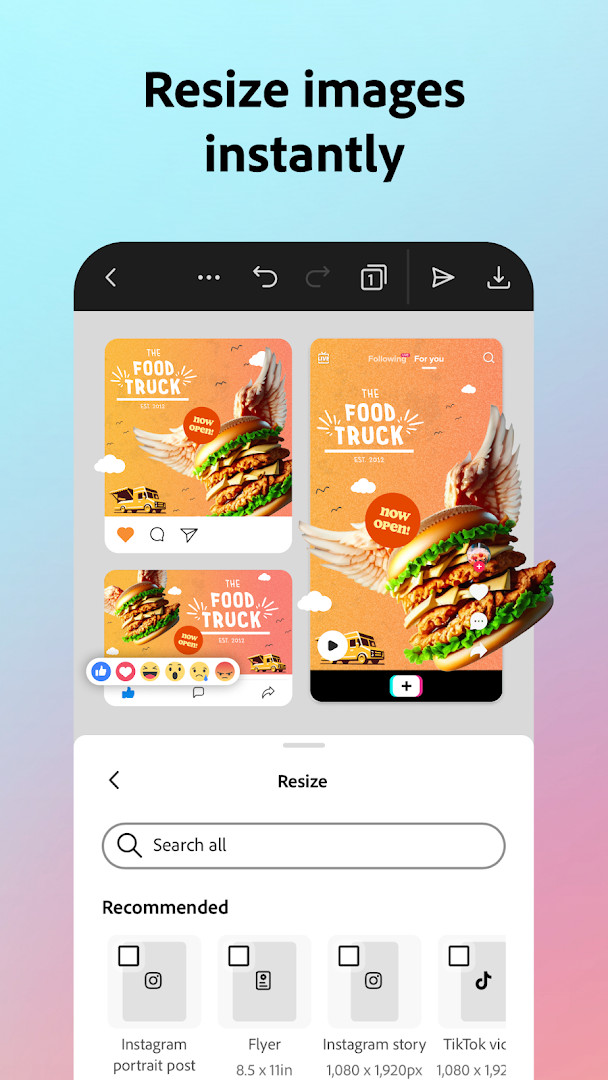
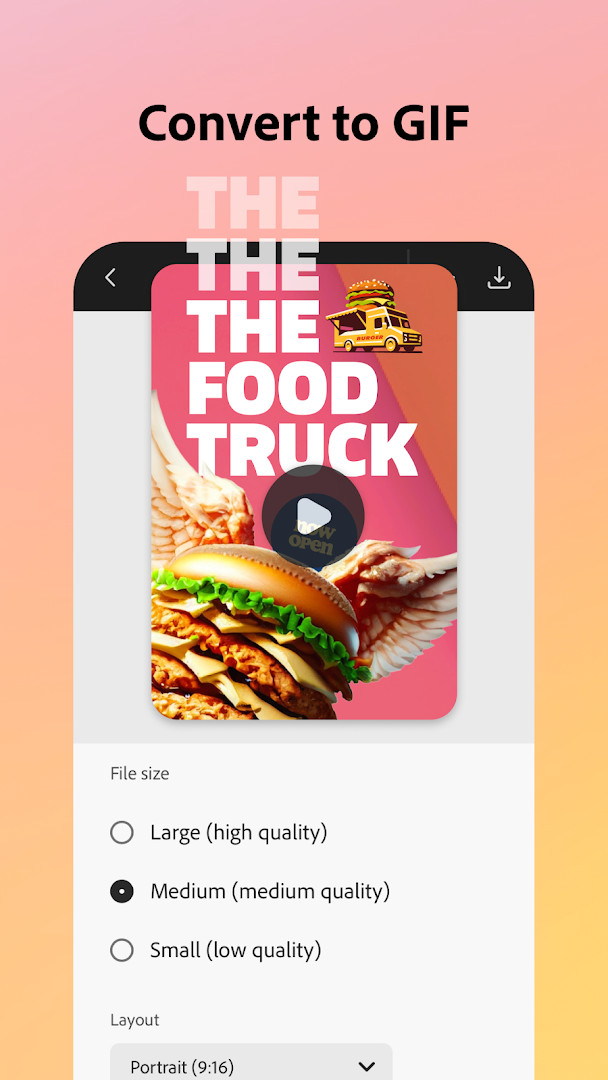
The app offers a range of features, including AI-powered photo enhancements, background removal, video trimming and captioning, QR code generation, and PDF editing. Users can maintain brand consistency by storing fonts, colors, and logos in brand kits, and apply them across all their designs with a single tap. The app also includes Quick Actions for common tasks like resizing, cropping, and converting files to GIF.
Adobe Express is designed for anyone who needs to create polished marketing materials, social media posts, or personal projects. It is particularly useful for small business owners, social media managers, and content creators who want to produce professional-looking content without extensive design experience. The app is free to download and use, though some premium features require a subscription.
Key features
- Video editing with templates, trim, combine, text, music, transitions, and sound effects
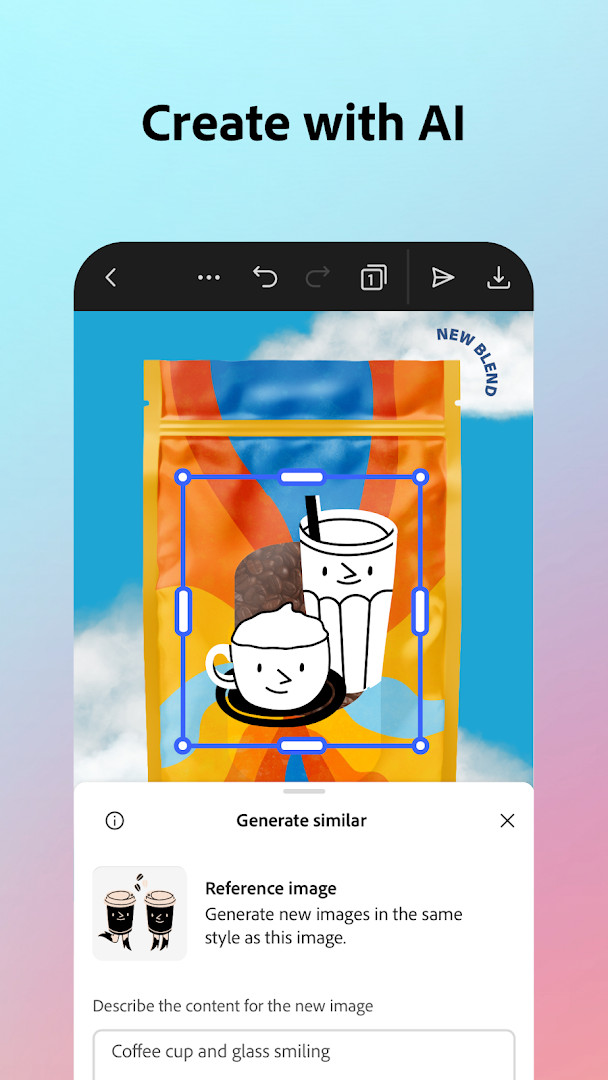
- AI photo editing: add or remove objects, Photoshop-powered filters, AI photo generator
- Quick Actions: remove backgrounds from photos and videos, convert to GIF, one-tap resize
- Brand kits to store fonts, colors, and logos for consistent branding
- QR code generator with customizable styles and colors
- PDF editing: update text, swap images, refine layouts, convert to/from PDF
- Animate a character with your voice
- Premium membership unlocks over 200M royalty-free stock assets, 250 generative credits, and advanced features
How to install
- Tap the download button on this page to get the APK file.
- When Android asks for permission, allow your browser or file manager to install apps by enabling the 'Install unknown apps' setting.
- Open the downloaded APK file from your notification bar or file manager.
- Tap Install and wait for the installation to complete.
- Open the app from your app drawer. The app requires Android 10 or higher. The file size is not specified.
Pros
- Comprehensive all-in-one tool for photo, video, and design
- AI features simplify complex editing tasks
- Free to use with optional premium subscription
- No ads
- Brand kits help maintain consistent visual identity
- Regular updates with new features and improvements
Cons
- In-app purchases required for premium features
- Requires access to many permissions (phone, camera, microphone, storage, etc.)
- Some features may not work on all devices initially
- Potential privacy concerns due to broad permission requests
Fresh Updates · 31.0.1
Version 31.0.1 of Adobe Express brings the usual round of refinements, with the developer noting that the app is updated regularly to add features and improve speed and reliability. Users are also encouraged to share feedback through ratings, which the team says helps guide future improvements.
Past Builds
| Version | File Size | Needs Android | Last Refresh |
|---|---|---|---|
| 31.0.1 | — | 10 | 12.10.2026 |
Adobe Express is ideal for small business owners, social media managers, content creators, and anyone who needs to produce professional-looking visual content quickly. It is also suitable for beginners who want an easy-to-use editor for both personal and professional projects.
To protect your privacy, review the app's permission requests during installation and deny any that you feel are unnecessary for your intended use. You can also manage permissions later in your device settings. Consider using the free version to explore the core features before deciding whether a premium subscription is worth it.
Access Rights
Curious?
What can I do with the Quick Actions tools in Adobe Express?
Quick Actions let you trim and resize designs for different channels, crop photos and convert image files, turn images and videos into GIFs, animate a character with your voice, and import PDFs. These tools are designed to handle common editing tasks quickly.
How does the brand kit feature help maintain consistency across my content?
With brand kits, you can store your fonts, colors, and logos and apply them to any design with a single tap. The Generate Similar feature helps you create cohesive variations, so your content stays on-brand across projects.
Does Adobe Express include tools for editing PDFs?
Yes, you can update content, swap images, refine layouts, and add your brand's colors, fonts, and visuals to PDFs. You can also convert files to PDF or export PDFs to share instantly with your team or audience.
What video editing features are available in Adobe Express?
You can use customizable templates, upload clips from your gallery, trim and combine footage, add text, music, transitions, and sound effects. The app can automatically add captions, reframe content for social channels, and remove background noise.
How does the AI photo generator work for creating photo art?
The AI photo generator lets you instantly generate photo art. You can also use AI to add or remove objects from images and apply Photoshop-powered filters to enhance your photos, all within the app.
Adobe Express is a versatile and powerful tool for creating and editing visual content on Android. Its wide range of features, from AI photo editing to video and PDF tools, makes it a valuable asset for both personal and professional use. While the app requests many permissions and offers in-app purchases, its free tier provides substantial functionality. Overall, it is a solid choice for anyone looking to elevate their content creation game.
Lookalikes

Last Refresh: 24.10.2026