Sketchbook for Android
Sketchbook is a drawing and painting app from Sketchbook for creating artwork from quick sketches to finished pieces.
Download SketchbookSketchbook is for anyone who loves to draw, from casual sketchers to professional illustrators, providing a distraction-free canvas to capture ideas. With over 100 million installs and a 4.07 rating from 706,663 users, it offers a full complement of customizable brushes, layers, and precision tools.
- Size
- 69 MB
- Requires Android
- 5.0
- Updated
- May 30, 2026
- Installs
- 100M+
- Rating
- ★ 4.07 (706,663)
- Category
- Art & Design
- Developer
- Sketchbook
- Content rating
- Everyone
- Package
- com.adsk.sketchbook
- Free
- ✓ · In-app purchases
Screenshots
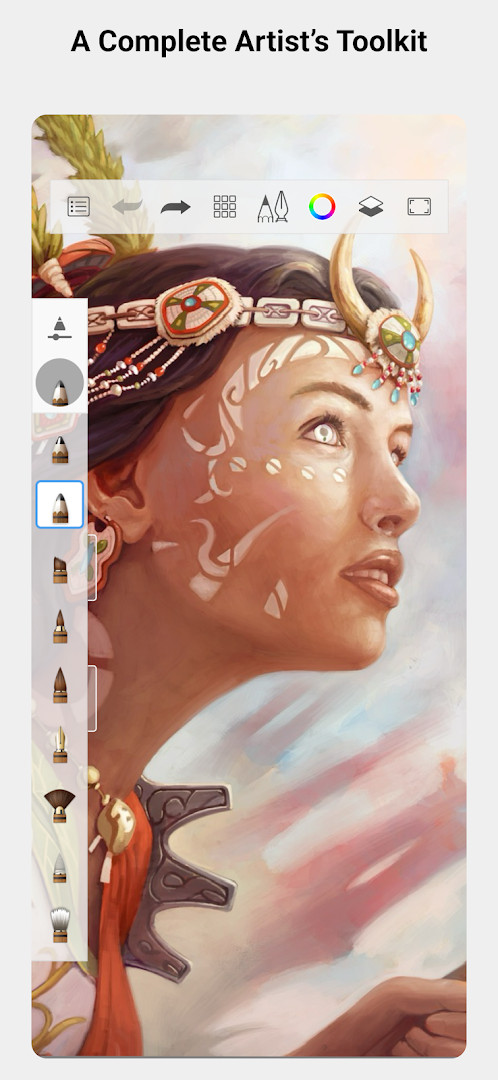
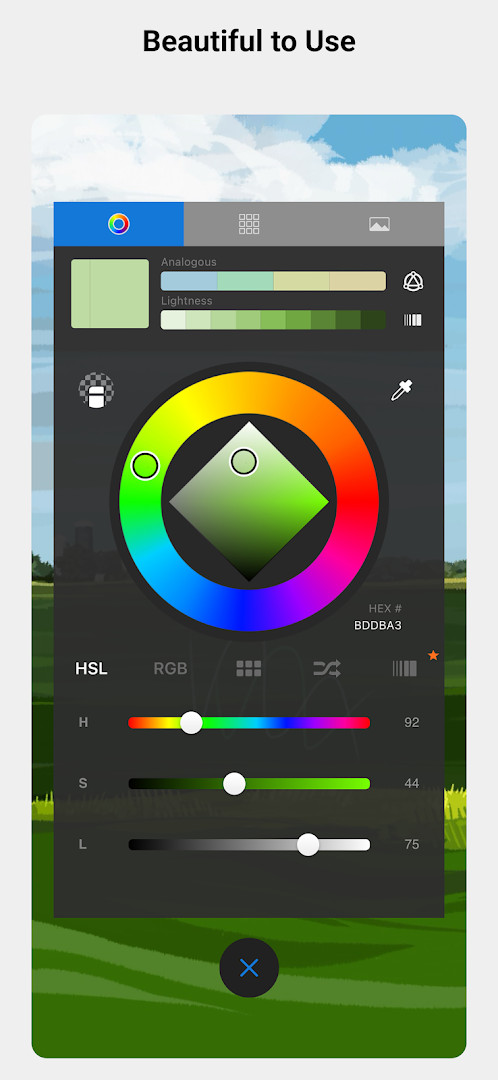
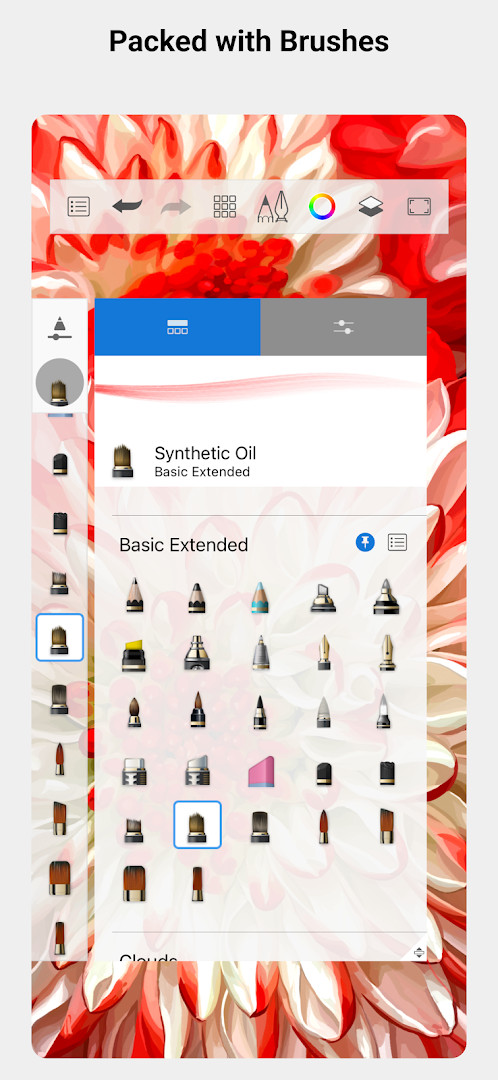
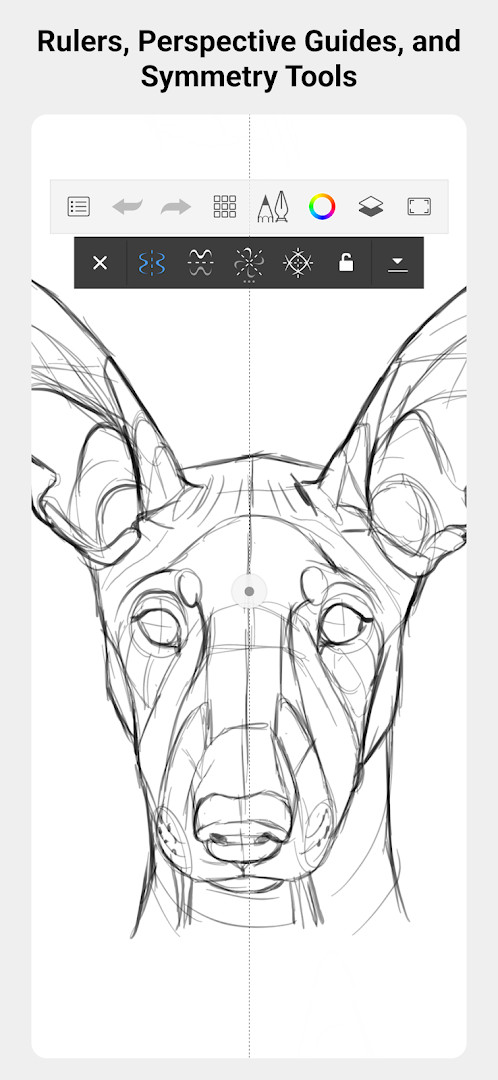
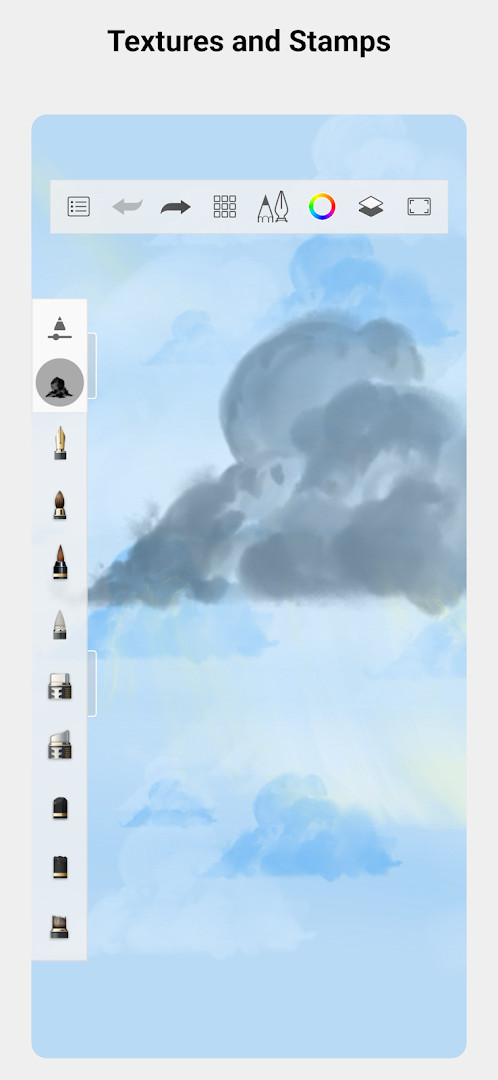
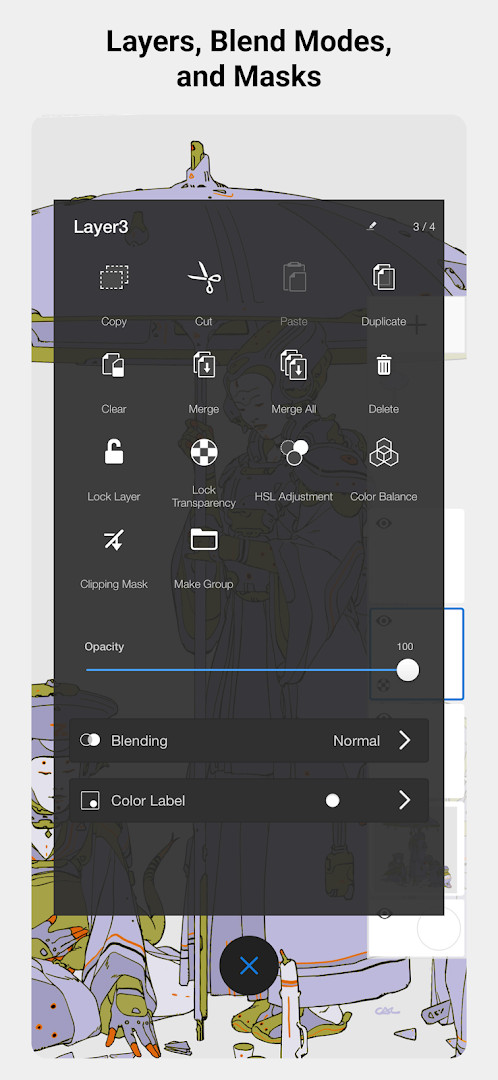
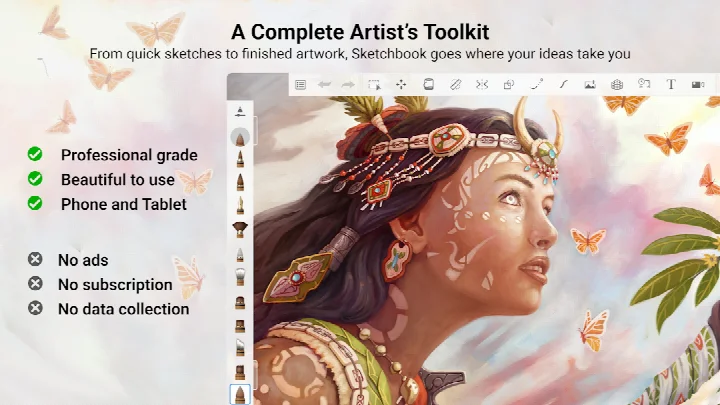
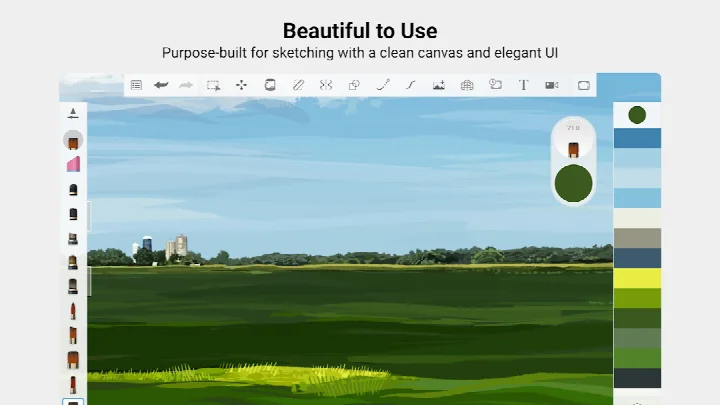
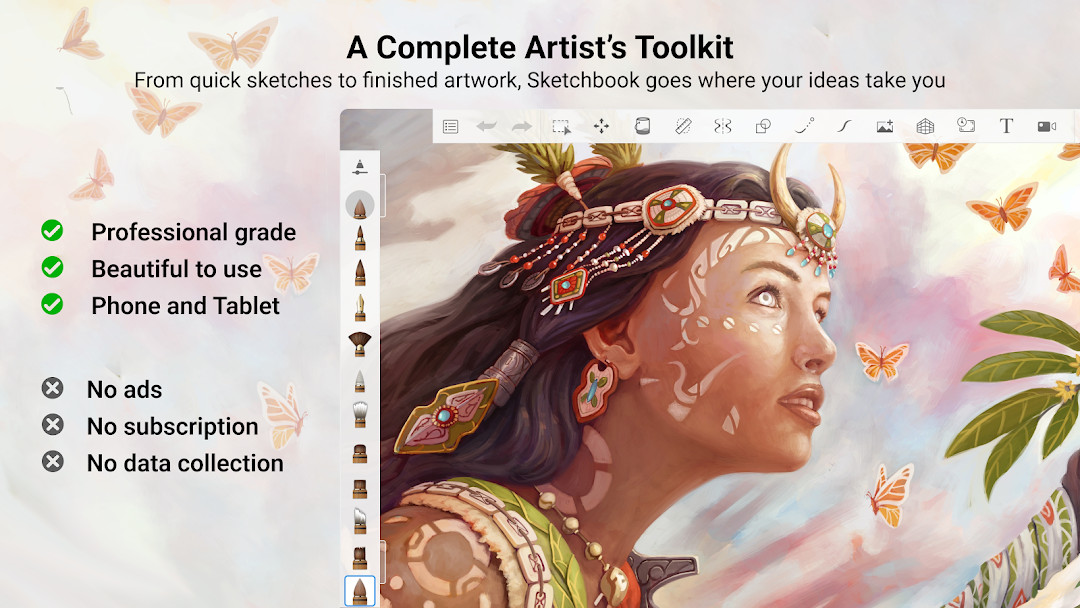
Sketchbook is a drawing and painting app by the developer Sketchbook that gives you a full set of sketching tools on a phone or tablet. It targets the common problem of having an idea for a drawing while you are away from a desk: instead of carrying a paper pad and a bag of pencils, you open one app and start working immediately. The approach is built around a clean, unobtrusive workspace, so the canvas and your strokes stay in front of you rather than menus. Brushes are meant to behave like their physical counterparts, and the toolset covers pencils, markers, airbrushes, smear and more, with guides, rulers and stroke tools available when a drawing needs precision. Layers with a full range of blend modes let you build up color and detail gradually, and each brush can be adjusted so the result matches your intent. The app is listed in the Art and Design category and has been available since 2014, with an update in 2026 that brought bug fixes and performance improvements.
Key features
- A broad brush library that includes pencils, markers, airbrushes, smear and other types, designed to feel like traditional media
- Highly customizable brushes, so you can adjust a tool until it matches the look you are after
- Guides, rulers and stroke tools for straight lines, symmetry and controlled marks
- Layers with a full complement of blend modes for building up drawings and color
- A clean, distraction-free interface purpose-built for sketching and painting
- Suitable for both quick sketches and fully finished artwork
- Camera and media/file access through permissions, useful for reference photos and saving work
- Free to download, with optional in-app purchases
How to install
- Tap the download button on this page to get the APK file.
- When Android asks, allow your browser or file manager to install apps, which means turning on the “Install unknown apps” setting for that app.
- Open the downloaded APK file from your notifications or file manager.
- Tap Install and wait for the process to finish; the download is about 69 MB.
- Make sure your device runs Android 5.0 or newer, since that is the minimum supported version.
- Open the app from your home screen or app drawer and start drawing.
Pros
- The app is free to download and has no ads.
- The brush set is large and each brush can be customized.
- Layers with blend modes give real flexibility for color and detail work.
- Guides, rulers and stroke tools help with precise linework.
- The interface stays out of the way so you can focus on drawing.
- Works for both rough sketches and more finished pieces.
Cons
- In-app purchases are present, so some options may involve paying.
- The app asks for access to photos, media and files, storage and the camera.
- The minimum requirement of Android 5.0 may exclude very old devices.
Recent updates
This release focuses on fixing bugs and improving overall performance to provide a smoother drawing experience. If you've encountered any issues in previous versions, this update aims to address those concerns. The core features remain unchanged, so you can continue creating with the same professional-grade tools.
Version history
| Version | Size | Requires Android | Updated |
|---|---|---|---|
| 5.0.2 | 69 MB | 5.0 | Jul 29, 2019 |
| 4.1.14 | 82 MB | 5.0 | Apr 6, 2019 |
| 4.1.7 | 77 MB | 4.0.3 | May 4, 2018 |
This app suits anyone who draws on a phone or tablet, from people who sketch casually during a commute to illustrators who want a capable mobile workspace. If you like working with layers, adjustable brushes and guides, or you simply want a distraction-free canvas for quick ideas, it fits that routine. It is also a reasonable choice for beginners, since the core experience is free and the toolset can grow with your skills.
Spend a little time adjusting a brush before you start a drawing; small changes to its behavior can make linework much more comfortable. Use layers to keep rough construction marks separate from final lines, and reach for guides and rulers when you need clean edges. Save or export your work regularly so a long session is not lost, and check the in-app purchase options only if the free toolset is not enough for what you are making.
Permissions
FAQ
What kind of brushes are included in Sketchbook?
Sketchbook includes a wide range of brush types such as pencils, markers, airbrushes, and smudge tools that are designed to mimic their real-world counterparts.
Can I customize the brushes in Sketchbook?
Yes, the brushes are highly customizable, allowing you to adjust settings to create the exact look you want for your artwork.
Does Sketchbook support precision drawing?
Yes, Sketchbook includes guides, rulers, and stroke tools to help you achieve precision when needed.
What is the latest version of Sketchbook?
The latest version listed is 5.0.2, which was released on July 29, 2019.
How many people have installed Sketchbook?
Sketchbook has been installed over 100,000,000 times, with a rating of 4.07 based on more than 706,000 ratings.
Sketchbook packs a serious drawing toolset into a free app that is easy to pick up and hard to outgrow. If you want a dependable canvas for everyday sketching on Android, it is worth installing and trying with your own drawings.
Similar apps




Updated: Oct 24, 2026