Magazine Lockscreen XOS: lock screen service tool
Magazine Lockscreen XOS is a lock screen service tool by Transsion Holdings that shows HD pictures and related articles on your locked screen.
Download Magazine Lockscreen · v15.1.2.26115Magazine Lockscreen XOS is designed for Infinix mobile phone users, turning the lock screen into a window onto curated imagery and reading material. The app is free to download, requires Android 10 or higher, and has a download size that is not specified in the available data. It includes ads, does not offer in-app purchases, and has been updated as of September 10, 2026.
- Version
- 15.1.2.26115
- Requires Android
- 10
- Updated
- Sep 10, 2026
- Installs
- 100M+
- Rating
- ★ 3.82 (31,950)
- Category
- News & Magazines
- Developer
- Transsion Holdings
- Content rating
- Everyone
- Package
- com.transsion.magazineservice.xos
- Free
- ✓ · Contains ads
Screenshots
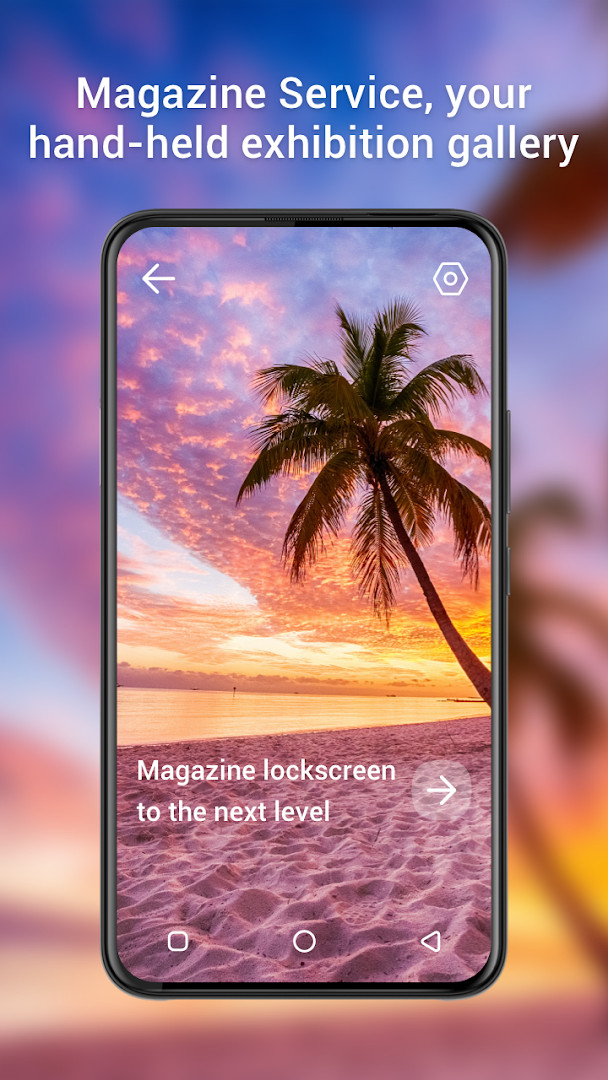
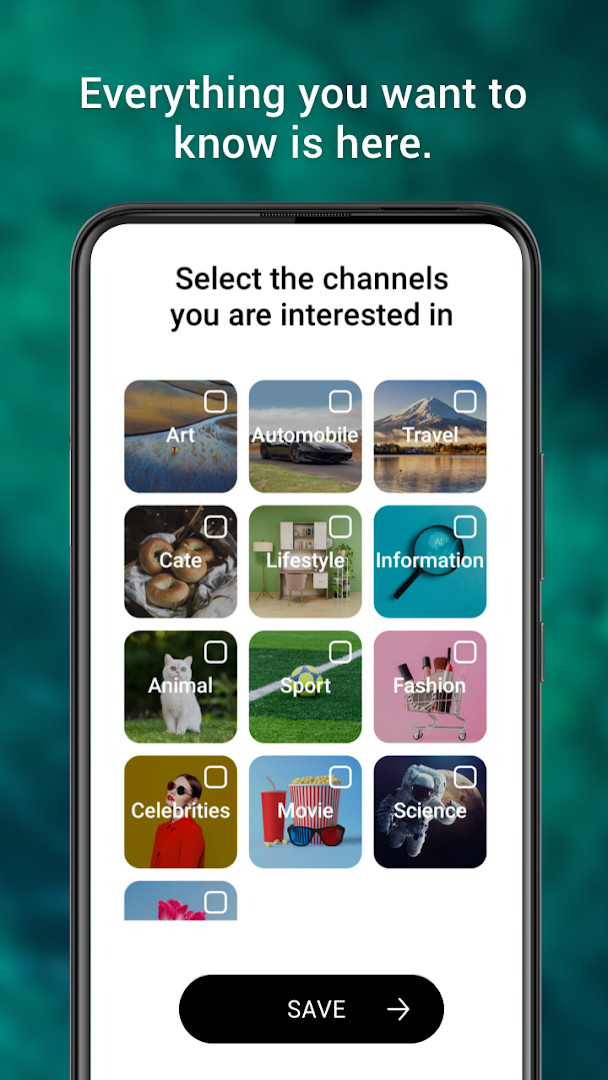
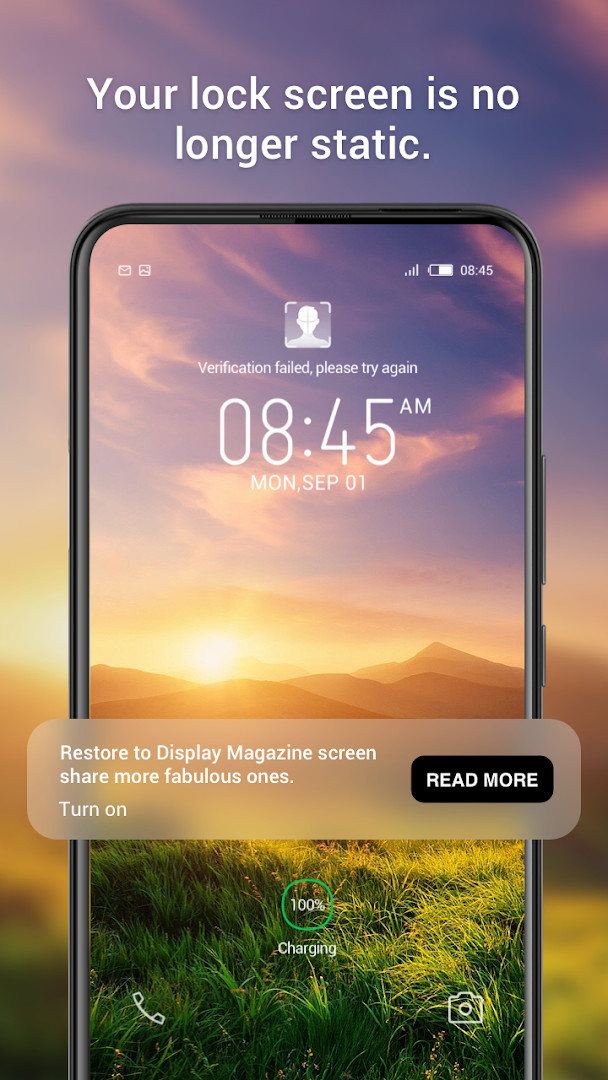
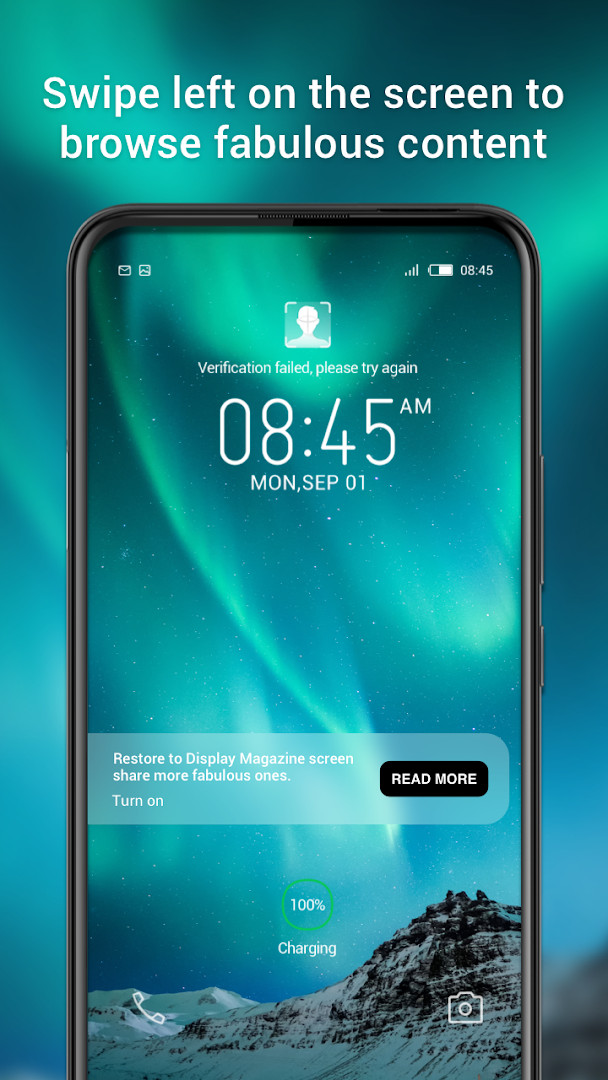
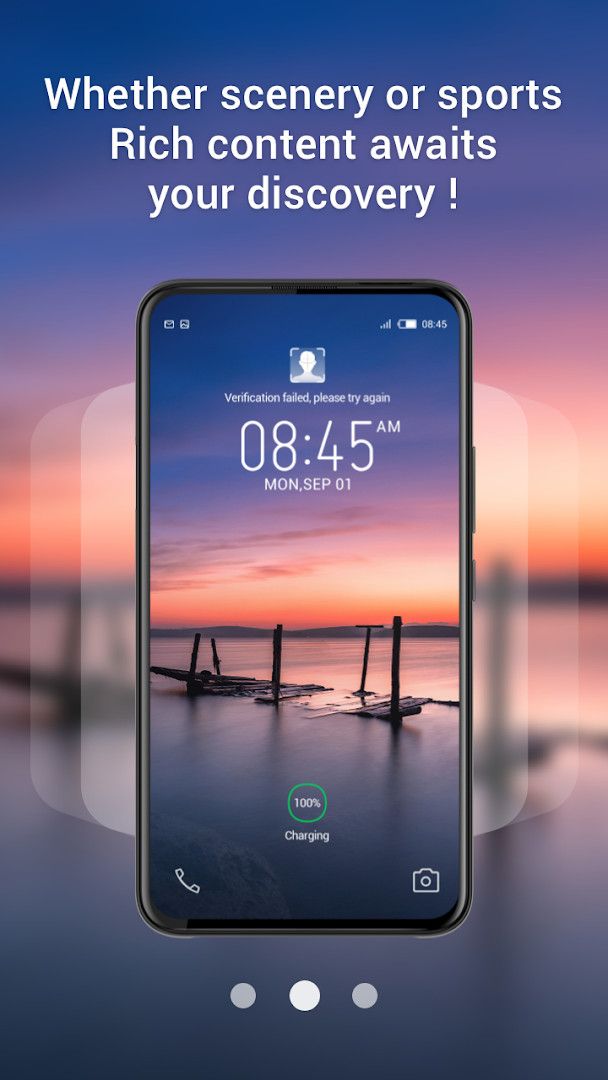
Magazine Lockscreen XOS is a lock screen service tool by Transsion Holdings that turns your device's lock screen into a curated gallery of HD pictures and related articles. Designed primarily for Infinix mobile phone users, it aims to give you a fresh window into everyday life each time you wake your screen. Instead of a static wallpaper, you get a rotating set of high-quality images paired with short reads, so there is always something new to look at or learn without opening a separate app.
The app works quietly in the background, updating your lock screen content automatically. When you lock your phone, it presents a visually rich experience that blends photography and editorial content. The service is free to use and carries ads, which helps keep the content flowing. It does not offer in-app purchases, and its content rating is Everyone, making it suitable for a broad audience. The current version is 15.1.2.26115, and it requires Android 10 or newer to run properly.
For whom is this intended? Mainly Infinix owners who enjoy discovering new images and short articles without actively searching for them. It is a passive way to stay entertained and informed, ideal for people who like variety on their lock screen and do not mind occasional advertisements. Since it is a system-level service tool, it works best on compatible devices and may feel less useful on phones from other manufacturers. Beginners will find it easy to set up, as the installation process is straightforward and the app manages most of the experience automatically.
Key features
- Provides HD pictures and related articles on the lock screen
- Optimized user experience in the latest update
- Designed as a lock screen service tool for Infinix mobile phone users
- Delivers a window to understand wonderful life through curated content
- Free to use with ads supported
- No in-app purchases required
- Content rated for Everyone
- Compatible with Android 10 and above
How to install
- Tap the download button on this page to get the APK file for Magazine Lockscreen XOS, version 15.1.2.26115. The file size is not specified, so ensure your device has enough free space before downloading.
- When Android prompts you, allow your browser or file manager to install apps. This involves enabling the 'Install unknown apps' setting for the app you are using to download the file.
- Once the download finishes, open the downloaded APK file from your notification bar or file manager.
- On the installation screen, tap the Install button and wait for the process to complete. The app requires Android 10 or higher, so confirm your device meets this minimum version.
- After installation, tap the Open button or find Magazine Lockscreen XOS in your app drawer and launch it.
- Follow any initial setup prompts to grant the necessary permissions, such as Wi-Fi connection information, so the app can function properly.
Pros
- Free to use with no in-app purchases
- Provides fresh HD images and articles automatically
- Optimized user experience in the latest version
- Suitable for all ages with an Everyone content rating
- Requires only minimal permissions (Wi-Fi connection information)
- Works well as a passive discovery tool for Infinix users
Cons
- Includes ads that may interrupt the experience
- Designed specifically for Infinix devices, limiting usefulness on other phones
- Requires Android 10 or newer, excluding older devices
- No option to disable content updates without uninstalling
Recent updates · 15.1.2.26115
This update focuses on refining the overall user experience of the Magazine Lockscreen XOS app. The changes are designed to make the lock screen service smoother and more enjoyable for Infinix device users. If you are looking for specific new features, the developer has not detailed them in this release.
Version history
| Version | Size | Requires Android | Updated |
|---|---|---|---|
| 15.1.2.26115 | — | 10 | Sep 10, 2026 |
Magazine Lockscreen XOS is for Infinix smartphone users who want a dynamic lock screen that automatically shows high-definition pictures and short articles, offering a simple way to discover new content without actively browsing. It suits beginners and casual users who appreciate variety and do not mind seeing ads in exchange for a free service.
To get the best experience, keep your device connected to Wi-Fi so the app can refresh content smoothly without using too much mobile data. Also, check the 'Install unknown apps' setting in your browser or file manager before downloading, and make sure your Android version is 10 or higher to avoid compatibility issues. If you find the ads distracting, consider using the app only when you want a quick visual break.
Permissions
FAQ
What does the Magazine Lockscreen XOS app do for Infinix users?
It is a lock screen service tool designed for Infinix mobile phone users. When you lock your screen, it displays HD pictures and related articles, acting like a window into a wonderful life and giving your device a handheld exhibition hall feel.
Who developed Magazine Lockscreen XOS and which category does it belong to?
The app was developed by Transsion Holdings and falls under the News And Magazines category.
What is the latest version of Magazine Lockscreen XOS and when was it updated?
The current version is 15.1.2.26115, and it was updated on September 10, 2026.
Does Magazine Lockscreen XOS require a specific Android version?
Yes, the minimum operating system required is Android 10.
What permissions does Magazine Lockscreen XOS request?
The app requests access to Wi-Fi connection information.
Is Magazine Lockscreen XOS free to use and does it include ads?
Yes, the app is free to use, priced at $0.00. It does contain ads, but it does not offer in-app purchases.
Magazine Lockscreen XOS offers a simple way to enrich your lock screen with beautiful imagery and interesting reads, especially for Infinix users. While it has ads and is limited to newer Android versions, its free nature and minimal permissions make it an easy choice for those who enjoy passive discovery. If you want a fresh look every time you unlock your phone, this app is worth trying.
Similar apps




More from this developer
Updated: Nov 2, 2026