Parallel Space - app cloning tool
Parallel Space - app cloning is a free personalization app by LBE Tech that lets you run multiple accounts of the same app on one device.
Get app · v4.0.9620Parallel Space - app cloning is a free personalization app from LBE Tech, version 4.0.9620, with a download size of 58 MB and a minimum requirement of Android 7.0. It carries ads and offers in-app purchases, and the free plan allows two accounts at once while the Pro plan unlocks more.
- Version
- 4.0.9620
- Size
- 58 MB
- Requires Android
- 7.0
- Updated
- Oct 21, 2026
- Installs
- 100M+
- Rating
- ★ 4.07 (5,114,588)
- Category
- Personalization
- Developer
- LBE Tech
- Content rating
- Everyone
- Package
- com.lbe.parallel.intl
- Free
- ✓ · Contains ads · In-app purchases
Screenshots
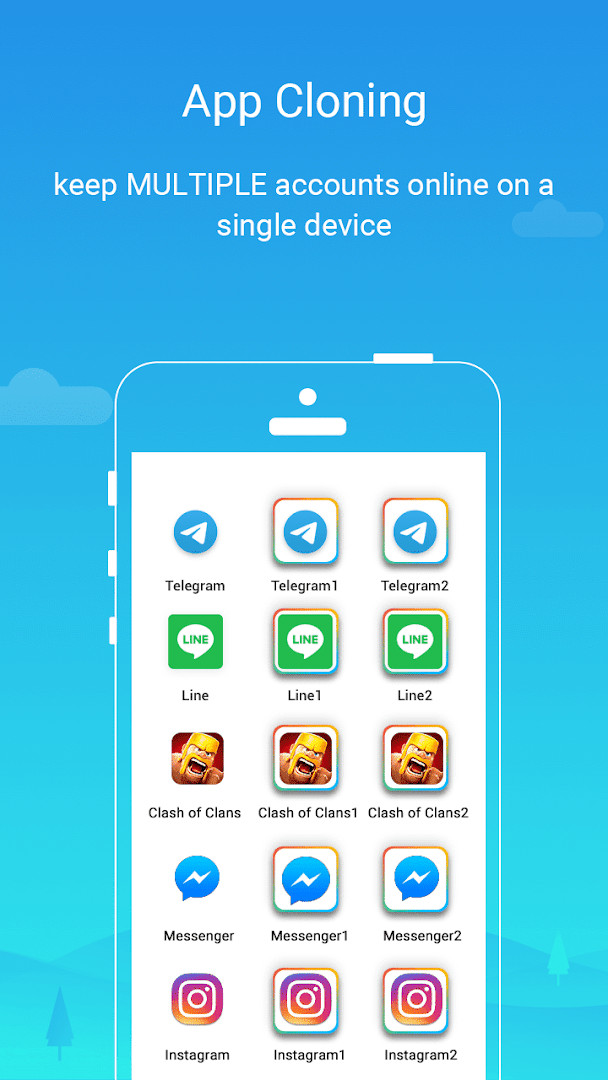
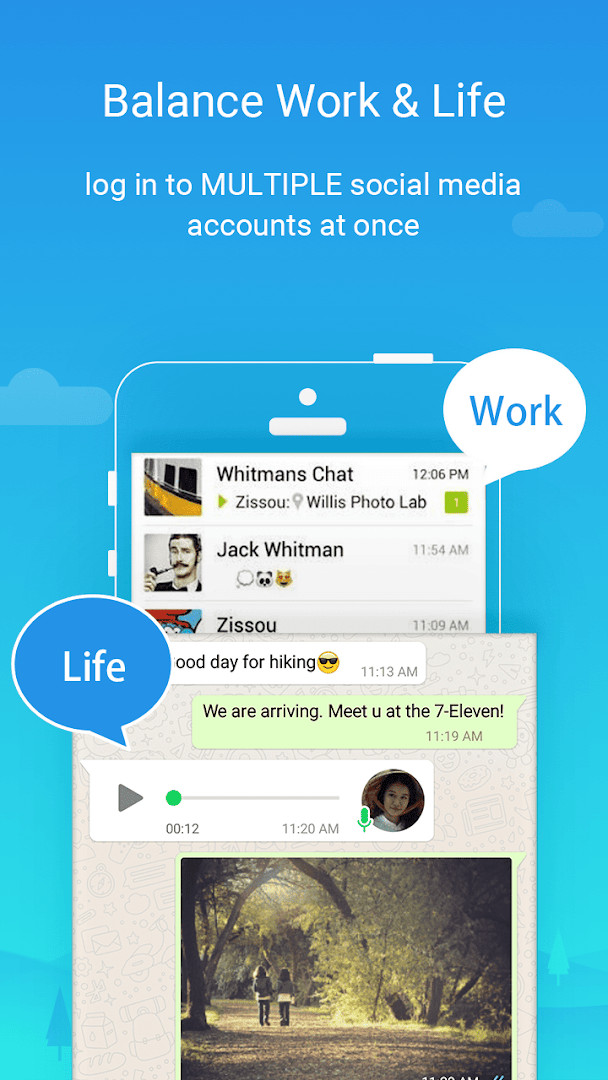
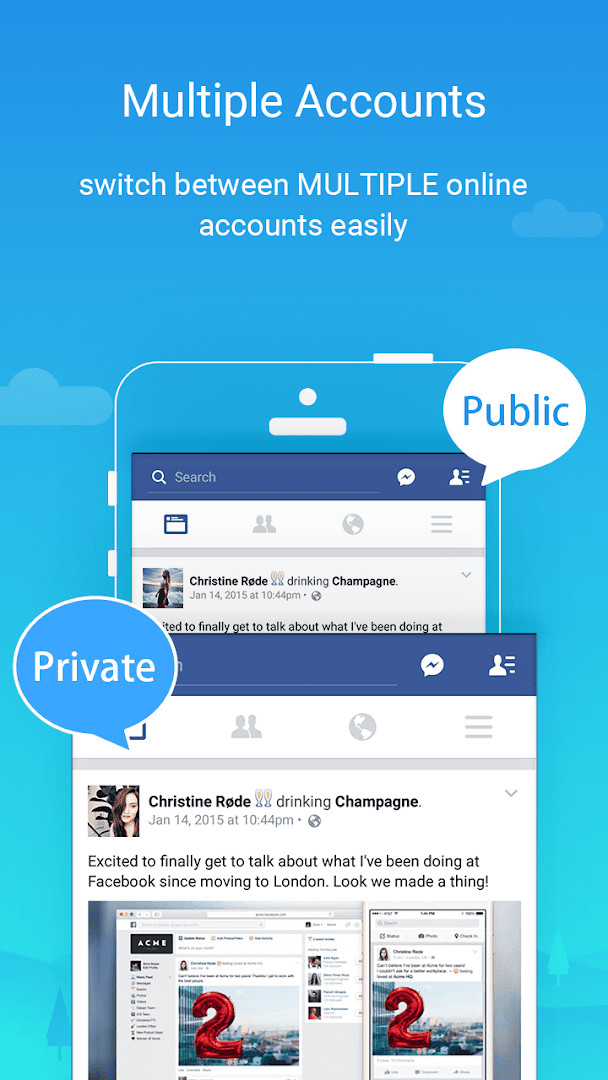
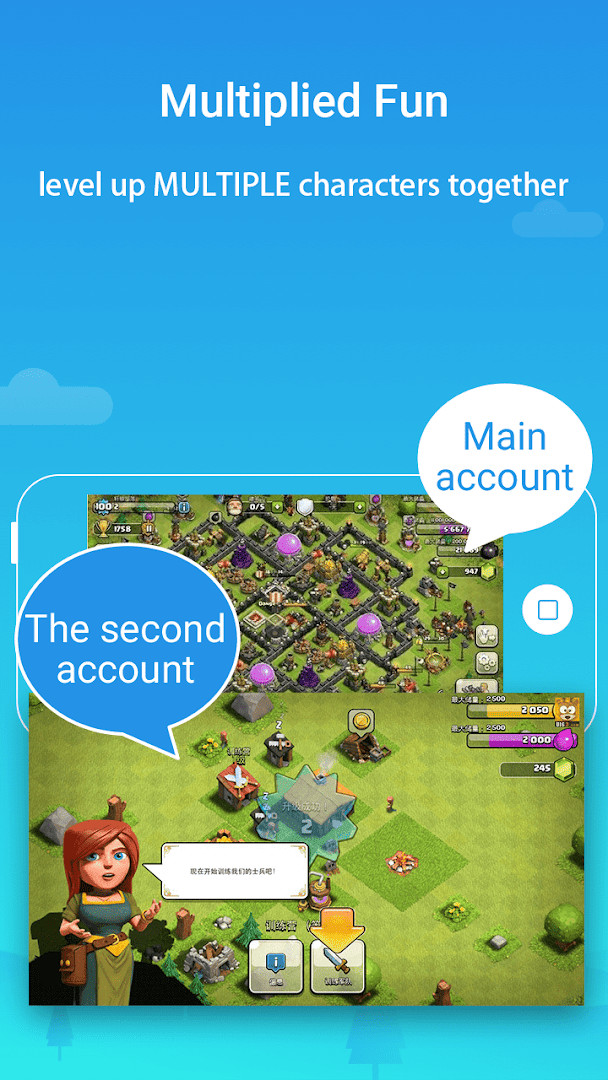
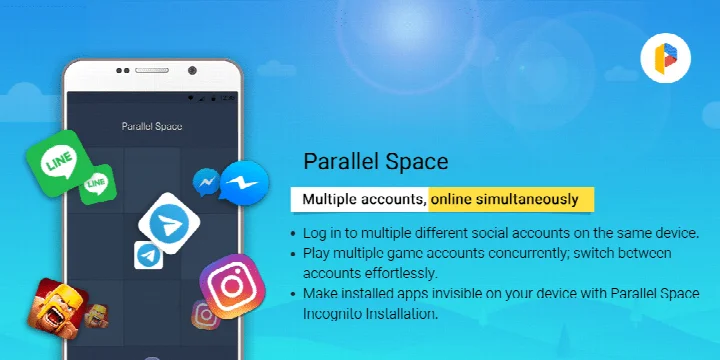
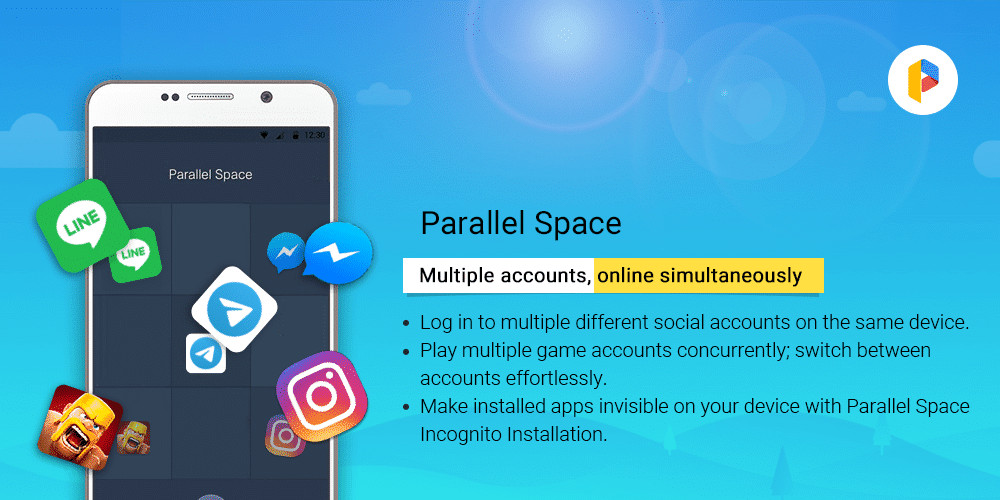
Parallel Space is a personalization app by LBE Tech that lets you run multiple accounts of the same app on one device. Instead of logging out and back in to switch between profiles, you can keep two or more instances of an app open side by side, each with its own separate data and login. This is especially handy for people who juggle personal and work accounts, manage multiple game characters, or want to keep certain apps hidden from view. The app works by creating a virtual environment where cloned apps run independently, so each account stays isolated from the others.
The core idea is simple: you add an app to Parallel Space, and it creates a second, independent copy. You can then log in with a different account in that copy, and switch between the original and the clone with a single tap. The app also includes an Incognito Installation feature that can hide the cloned apps from your device, so they do not appear in your app drawer or recent list. A secure lock adds another layer of protection, letting you restrict access to your private space with a password or pattern.
Parallel Space is designed for Android 7.0 and up, and the current version is 4.0.9620, with a file size of 58 MB. It supports 24 languages and works with most Android apps, although some apps that declare the REQUIRE_SECURE_ENV flag are not supported due to technical or policy reasons. The free plan allows you to run two accounts at the same time; if you need more, you can upgrade to a Pro plan. The app contains ads and offers in-app purchases, and it has a content rating of Everyone.
For beginners, the setup is straightforward: download the APK, install it, and add the apps you want to clone. The main thing to keep in mind is that some social apps require each account to have a unique phone number for verification, and you may need to whitelist Parallel Space in any battery booster or task manager to receive notifications from cloned apps. Overall, it is a practical tool for anyone who needs multiple accounts without constantly logging in and out.
Key features
- Run multiple accounts of the same app simultaneously on one device
- Incognito Installation feature to hide cloned apps and protect privacy
- Secure lock option to safeguard sensitive apps in a private space
- Switch between accounts seamlessly with a single tap
- Supports 24 languages and is compatible with most Android apps
- Built on multiDroid, an application virtualization engine for Android
- Free plan runs two accounts at once; Pro plan unlocks more
- Compatible with Android 15 as of the latest update
How to install
- Tap the download button on this page to get the APK file, which is 58 MB in size.
- When Android asks for permission, allow your browser or file manager to install apps by enabling the 'Install unknown apps' setting.
- Open the downloaded APK file from your notifications or file manager.
- Tap Install and wait for the installation to finish; the app requires Android 7.0 or higher.
- Once installed, tap Open to launch Parallel Space and follow the on-screen setup.
- Add the apps you want to clone from the list inside Parallel Space and log in with your second account.
Pros
- Keeps personal and work accounts separate and organized
- Lets you run multiple game accounts and explore different paths at once
- Includes a hidden app feature for extra privacy
- Seamless switching between accounts with a single tap
- Supports 24 languages and most Android apps
- Free plan is available for two simultaneous accounts
Cons
- Some apps are not supported, such as those with the REQUIRE_SECURE_ENV flag
- Each social account may need a unique phone number for verification
- Contains ads and offers in-app purchases
- Requires a broad set of permissions, including camera, microphone, and location
- Resource usage can be high because it depends on the apps running inside it
Recent updates · 4.0.9620
Version 4.0.9620 of Parallel Space brings full compatibility with Android 15. Support for cloning apps that declare the REQUIRE_SECURE_ENV flag has been discontinued, so such apps can no longer be cloned here. The release also optimizes the app's overall performance and fixes several known bugs. In addition, multiple accounts can now run online at the same time, rather than being limited to two.
Version history
| Version | Size | Requires Android | Updated |
|---|---|---|---|
| 4.0.9544 | 46 MB | 7.0 | Nov 2, 2026 |
| 4.0.9548 | 46 MB | 7.0 | Nov 2, 2026 |
| 4.0.9620 | 58 MB | 7.0 | Oct 21, 2026 |
| 4.0.9614 | 58 MB | 7.0 | Sep 23, 2026 |
| 4.0.9618 | 58 MB | 7.0 | Sep 23, 2026 |
| 4.0.9553 | 46 MB | 7.0 | Mar 18, 2026 |
| 4.0.9274 | 16 MB | 4.4 | Jan 13, 2026 |
| 4.0.9403 | 18 MB | 9 | Dec 1, 2025 |
| 4.0.9001 | 11 MB | 4.0.3 | Dec 1, 2025 |
| 4.0.9500 | 34 MB | 5.0 | Nov 6, 2025 |
Parallel Space is for anyone who needs to use two or more accounts of the same app on one phone, such as people separating work and personal profiles, gamers managing multiple characters, or users who want to hide certain apps for privacy. It is also suitable for beginners who want a simple way to clone apps without complicated setup, as long as they are comfortable granting the app a wide range of permissions.
For better notification delivery from social apps inside Parallel Space, add the app to the whitelist or exception list of any battery booster or task management tool you use. Also, when setting up a second account for social networking apps, make sure the phone number you provide is active and can receive verification messages. You can monitor how much storage and memory the cloned apps use by checking the 'Storage' and 'Task Manager' options in Parallel Space settings.
Permissions
FAQ
How do I install the APK of Parallel Space on my Android device?
To install the APK, download it to your device, open the file, and allow installation from unknown sources if prompted. Follow the on-screen steps to complete the setup.
What is new in version 4.0.9620 of Parallel Space?
Version 4.0.9620 adds full compatibility with Android 15, stops support for cloning apps that declare the REQUIRE_SECURE_ENV flag, optimizes overall performance, and fixes known bugs.
Does Parallel Space contain ads or in-app purchases?
Yes, the app is free but shows ads and offers in-app purchases. The free plan lets you run two accounts simultaneously, while the Pro plan unlocks multiple accounts.
Can I use Parallel Space offline?
Parallel Space works without an internet connection for cloning and switching between apps, but some features and app updates may require connectivity. The app itself does not need to be online to function.
Are there other apps in the Personalization category that offer similar app cloning features?
Yes, several apps in the Personalization category provide similar cloning capabilities. You can explore alternatives that support multiple accounts and hidden apps, though availability and features vary.
Which Android version is required to run Parallel Space?
Parallel Space requires Android 7.0 or higher. It is compatible with most Android apps and supports 24 languages.
What permissions does Parallel Space request?
Parallel Space requests permissions such as storage, contacts, camera, microphone, location, and phone. These are used to ensure cloned apps function properly, and the app states it does not collect personal information.
Parallel Space is a reliable and easy-to-use solution for running multiple accounts on a single Android device. It offers useful privacy features like hidden apps and a secure lock, and the free plan covers the most common need of two simultaneous accounts. Just be aware of the permissions it asks for and the fact that some apps are not supported.
Similar apps




Updated: Nov 15, 2026