POCO Launcher 2.0 - Customize,: Personalization App
POCO Launcher 2.0 - Customize, is a personalization app by Xiaomi Inc. that lets you customize your home screen with themes, icons, and animations.
Download Now · v2.7.4.39POCO Launcher 2.0 - Customize, is a fast and lightweight launcher designed for Android phones, offering minimalist design, app drawer organization, and privacy features like hiding icons. It is free to use with ads, requires Android 8.0 or later, and has a download size of 27 MB. The app has received over 100 million installs and a rating of 4.48 from more than 711,000 users.
- Version
- 2.7.4.39
- Size
- 27 MB
- Requires Android
- 8.0
- Updated
- Mar 13, 2023
- Installs
- 100M+
- Rating
- ★ 4.47 (711,545)
- Category
- Personalization
- Developer
- Xiaomi Inc.
- Content rating
- Everyone
- Package
- com.mi.android.globallauncher
- Free
- ✓ · Contains ads
Screenshots
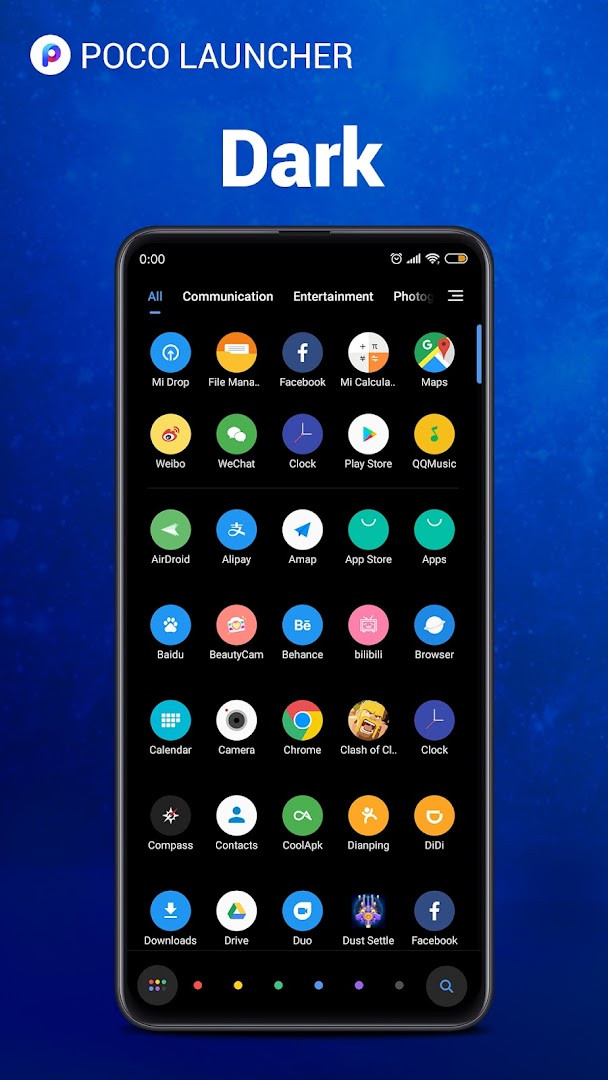
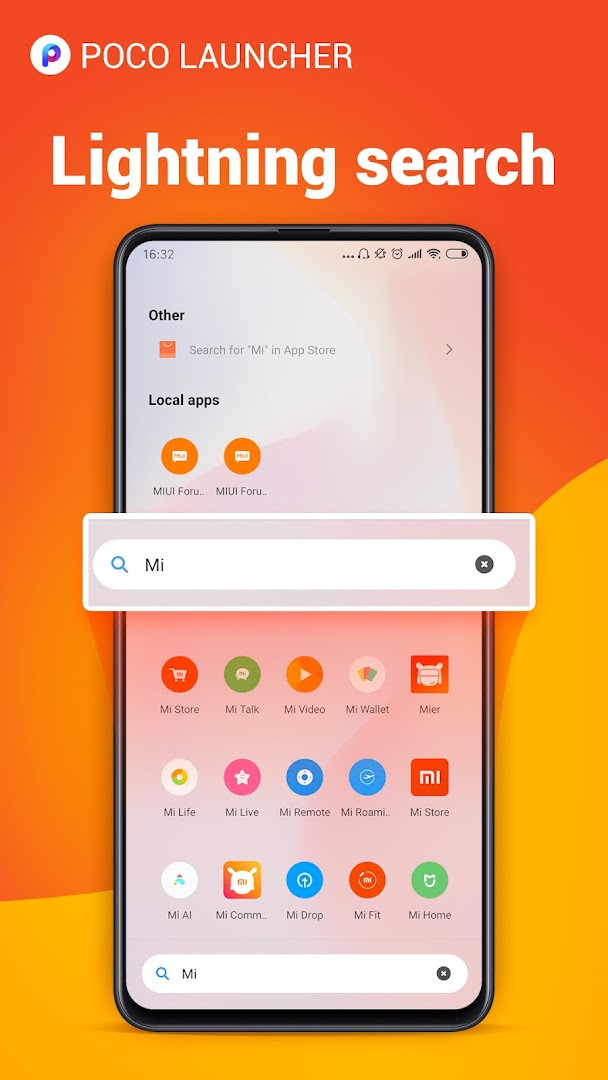
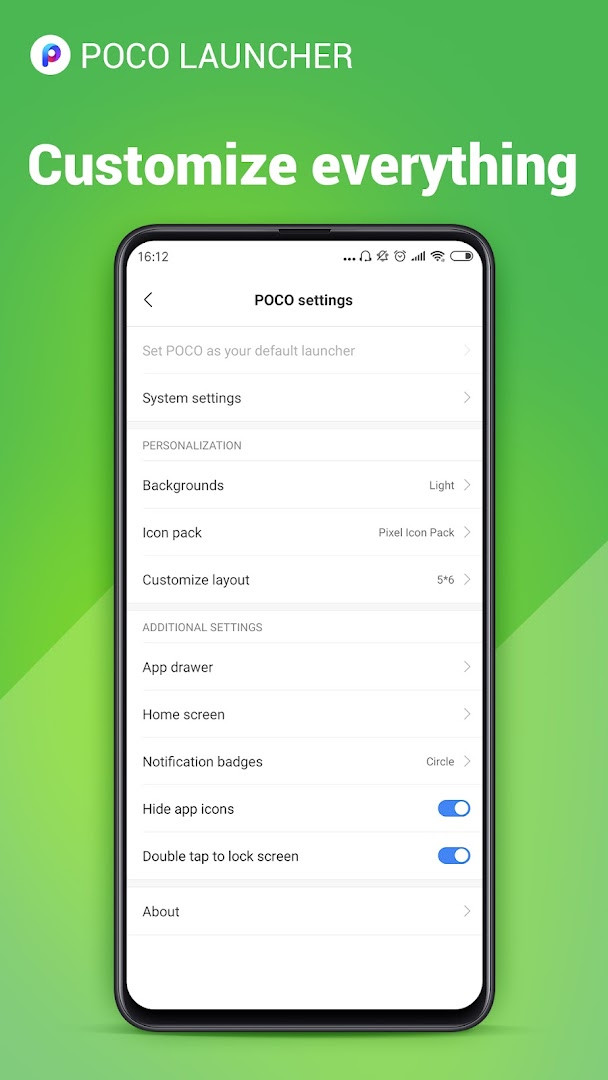
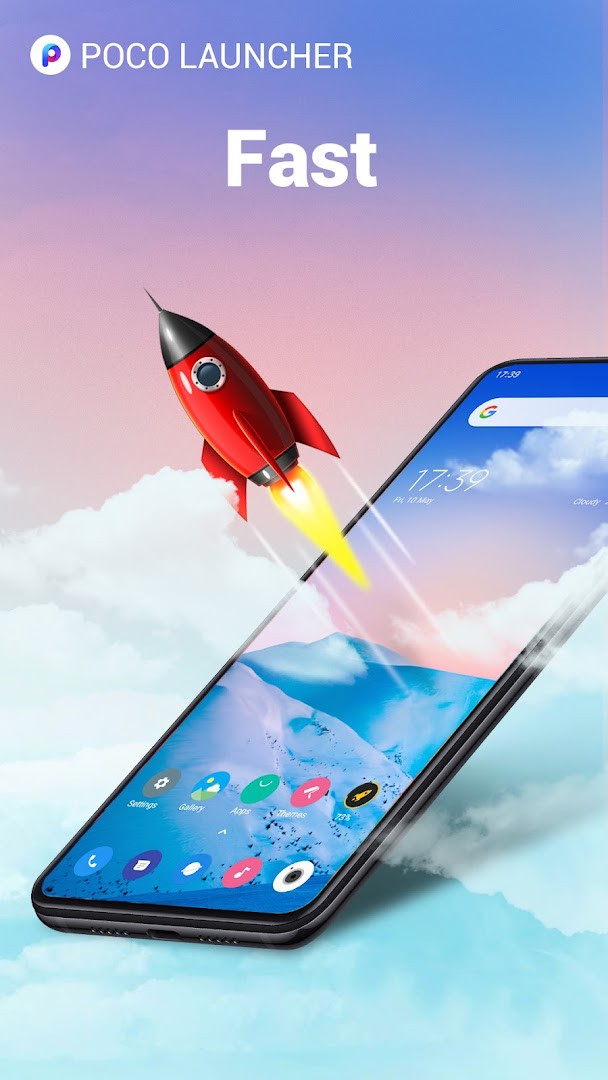
POCO Launcher 2.0 - Customize is a home screen replacement app by Xiaomi Inc. that lets you reorganize and personalize your Android device's interface. It solves the problem of a cluttered or sluggish stock launcher by moving all apps into a single app drawer, which keeps the home screen minimal and reduces visual noise. The launcher achieves this through a Material Design-inspired layout, automatic app categorization, and a fast, lightweight engine that aims to make navigation feel snappier than the default experience. It also offers granular control over icons, wallpapers, and animations, so you can tailor the look and feel without installing multiple tools.
Key features
- Minimalist design that places all apps in the app drawer, keeping the home screen tidy
- Resizable home screen grid and app icons to suit your preferred density
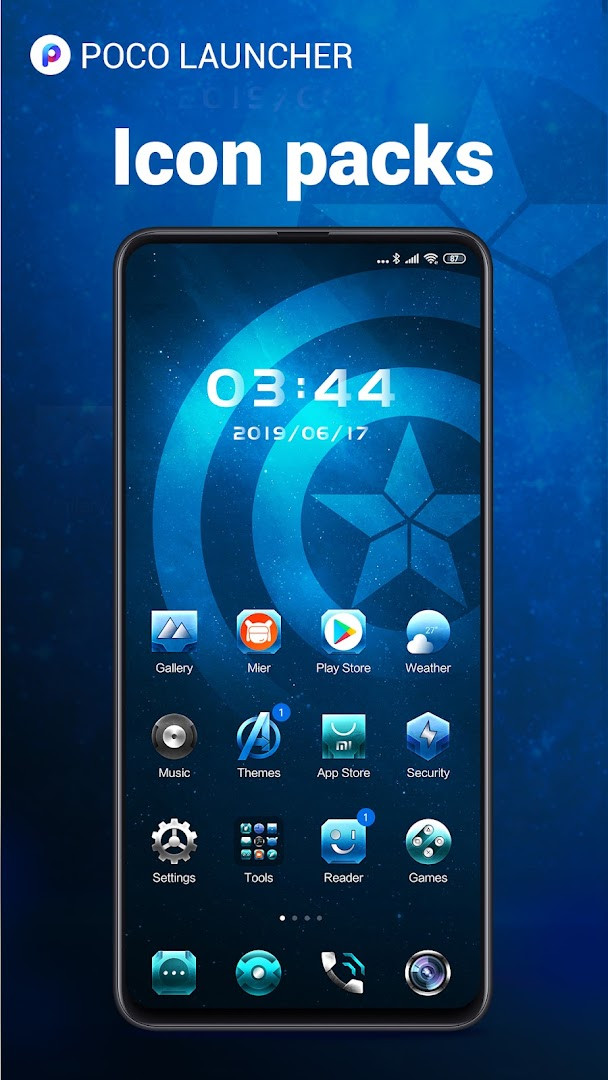
- Support for third-party icon packs, plus custom wallpapers, themes, and animations
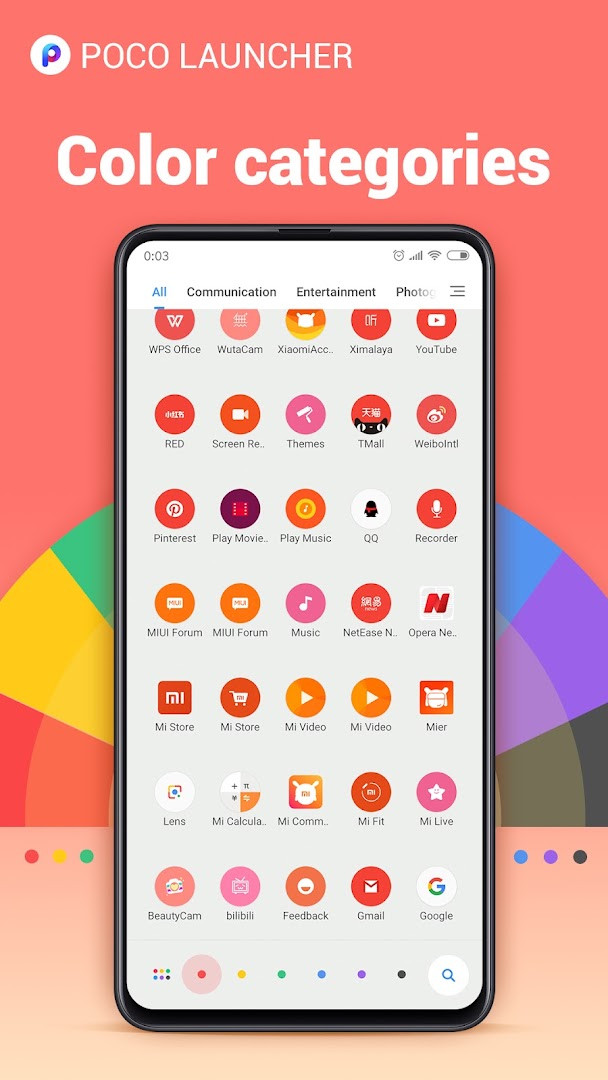
- Search with app suggestions, icon color categories, and other customizable filters to locate apps faster
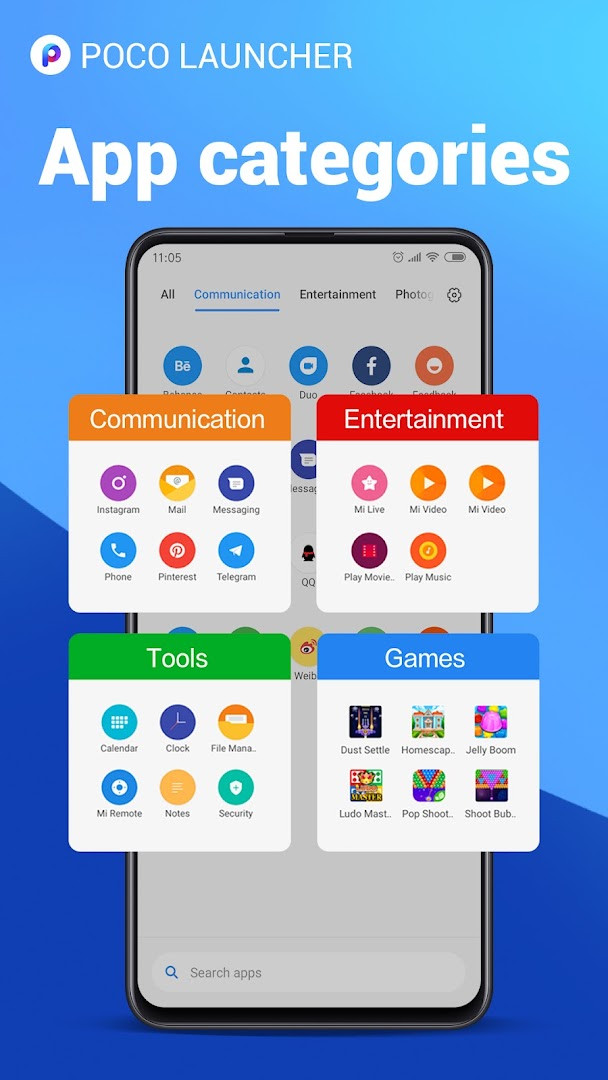
- Automatic grouping of apps by category, with the option to create custom groups
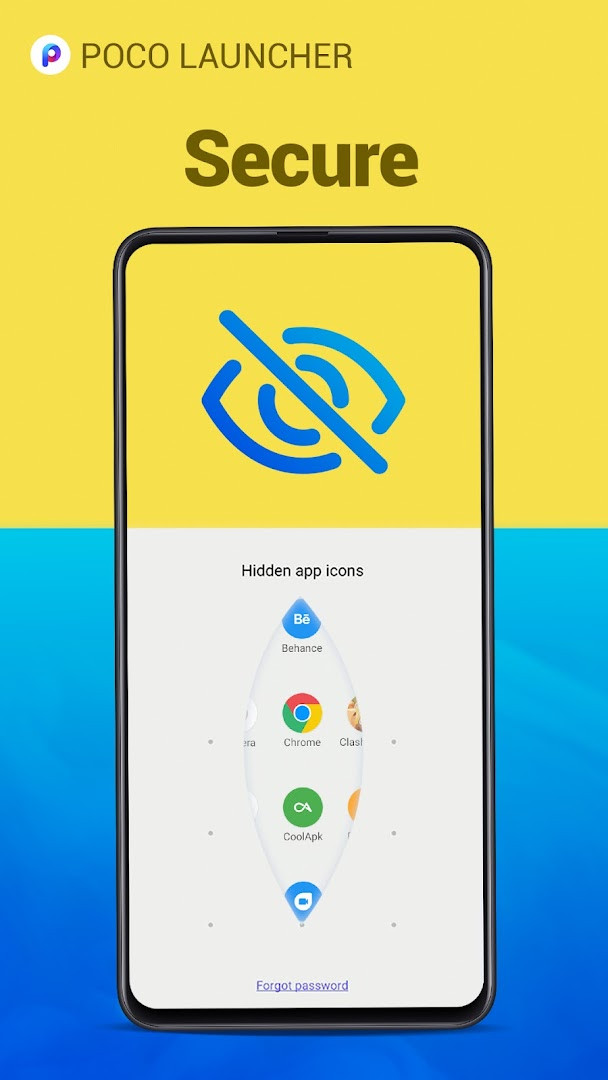
- Privacy feature to hide app icons from the home screen and drawer
- Dark mode option and choice of notification badge style (dots or count) on Android 8.0 or later
- Double-tap gesture to lock the device, plus the ability to lock home screen icons in place
How to install
- Tap the download button on this page to get the APK file (27 MB).
- When Android prompts, allow your browser or file manager to install apps by enabling the 'Install unknown apps' setting.
- Open the downloaded APK file from your notifications or file manager.
- Tap Install and wait for the installation to finish.
- Open the app from your app list or home screen; the launcher requires Android 8.0 or higher.
Pros
- Very fast and lightweight performance, optimized to reduce animation lag
- Clean, minimal home screen with a centralized app drawer
- Extensive personalization: icon sizes, layouts, themes, and third-party icon packs
- Useful privacy option to hide specific apps
- Dark mode and flexible notification badges for newer Android versions
- Double-tap to lock the screen and icon lock feature add convenience
Cons
- Requests a broad set of permissions, including location, contacts, calendar, and phone info, which may feel excessive for a launcher
- Contains ads, which can interrupt the experience
- No in-app purchases, so features are limited to what the free version offers
Recent updates · 2.7.4.39
Version 2.7.4.39 of POCO Launcher brings several fixes and performance optimizations for a smoother, more fluid experience. The update also introduces a dark mode, customizable notification badges (dots or count) on Android 8.0 and newer, and the ability to double-tap the screen to lock your device. You can now lock home screen icons, see more local results in search, and enjoy expanded support for more phone models, with full compatibility with Android Q.
Version history
| Version | Size | Requires Android | Updated |
|---|---|---|---|
| RELEASE-5.39.35.11203-05301911 | 22 MB | 13 | Jun 12, 2025 |
| RELEASE-5.39.35.10841-03212122 | 22 MB | 13 | Apr 30, 2025 |
| RELEASE-5.39.35.10556-02142213 | 21 MB | 13 | Mar 13, 2025 |
| RELEASE-4.39.14.7578-01311601 | 38 MB | 11 | Feb 22, 2024 |
| 2.7.4.43 | 27 MB | 8.0 | Aug 27, 2023 |
| 2.7.4.39 | 27 MB | 8.0 | Mar 13, 2023 |
| RELEASE-4.39.5.5856-01041951 | 24 MB | 7.0 | Jan 30, 2023 |
| 2.7.4.10 | 22 MB | 5.0 | Sep 2, 2020 |
This launcher is for experienced Android users who want a faster, more organized alternative to their stock home screen without switching to a heavy custom ROM. It suits people who appreciate a clean, drawer-based layout, like to tweak icon sizes and themes, and value privacy features such as hiding apps. The dark mode and badge options appeal to those on Android 8.0 or later, while the lightweight design makes it a good fit for older or less powerful devices that struggle with slower system animations.
After installing, spend a few minutes exploring the search settings to enable icon color categories and app suggestions; this can noticeably speed up finding apps. If you hide apps for privacy, remember they won't appear in the drawer either, so keep a mental list of what you've concealed. For the double-tap lock gesture, ensure your device's screen-off permission is granted, or the feature may not work reliably.
Permissions
FAQ
Is POCO Launcher 2.0 free to download and use?
Yes, the app is completely free. There are no in-app purchases, and the price is listed as $0.00 USD.
What Android version do I need to run POCO Launcher 2.0?
The minimum required Android version is 8.0. The app is also fully compatible with Android Q and later versions.
How large is the POCO Launcher 2.0 APK file?
The file size is approximately 27 MB, making it a relatively lightweight download for a launcher.
Does POCO Launcher 2.0 require me to create an account?
No, you do not need to sign up for an account to use the app. It can be used without any login.
What permissions does POCO Launcher 2.0 request?
The app requests permissions for device and app history, identity, calendar, contacts, location, phone, photos/media/files, storage, Wi-Fi connection information, and device ID & call information. These are used to provide launcher features like search and app management.
How do I update POCO Launcher 2.0?
To update, simply download the new version from this page and install it over your current version. The latest available version is 2.7.4.39.
POCO Launcher 2.0 delivers a fast, minimalist home screen with strong customization and privacy controls, though the broad permissions and ads are worth weighing. For experienced users seeking a snappy, organized launcher, it remains a solid choice that balances features with performance.
Similar apps






More from this developer
Updated: Nov 11, 2026