Launcher OSTM: Home Screen Personalization App
Launcher OSTM is a personalization app by Apps Genz that lets you customize your Android home screen and lock screen.
Download Launcher OSTM · v6.3.15Launcher OSTM is a free personalization app for Android 8.0 and above, offered by developer Apps Genz with optional in-app purchases and ads. The app has reached 100 million installs and holds a rating of 4.39 from 1.82 million ratings since its release on May 19, 2020.
- Version
- 6.3.15
- Requires Android
- 8.0
- Updated
- Sep 3, 2026
- Installs
- 100M+
- Rating
- ★ 4.39 (1,820,374)
- Category
- Personalization
- Developer
- Apps Genz
- Content rating
- Everyone
- Package
- com.babydola.launcherios
- Free
- ✓ · Contains ads · In-app purchases
Screenshots
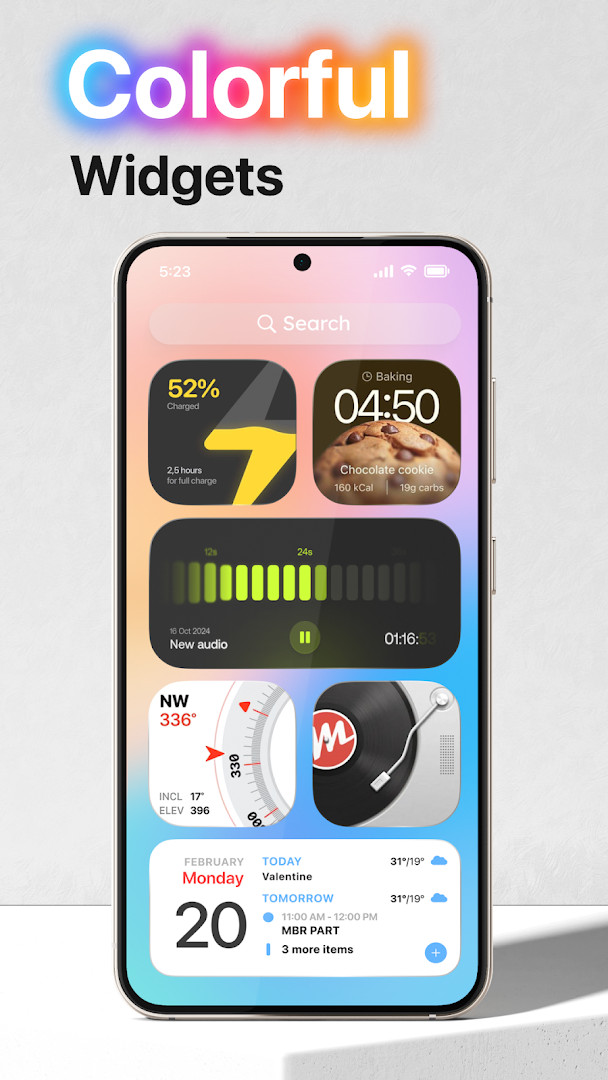

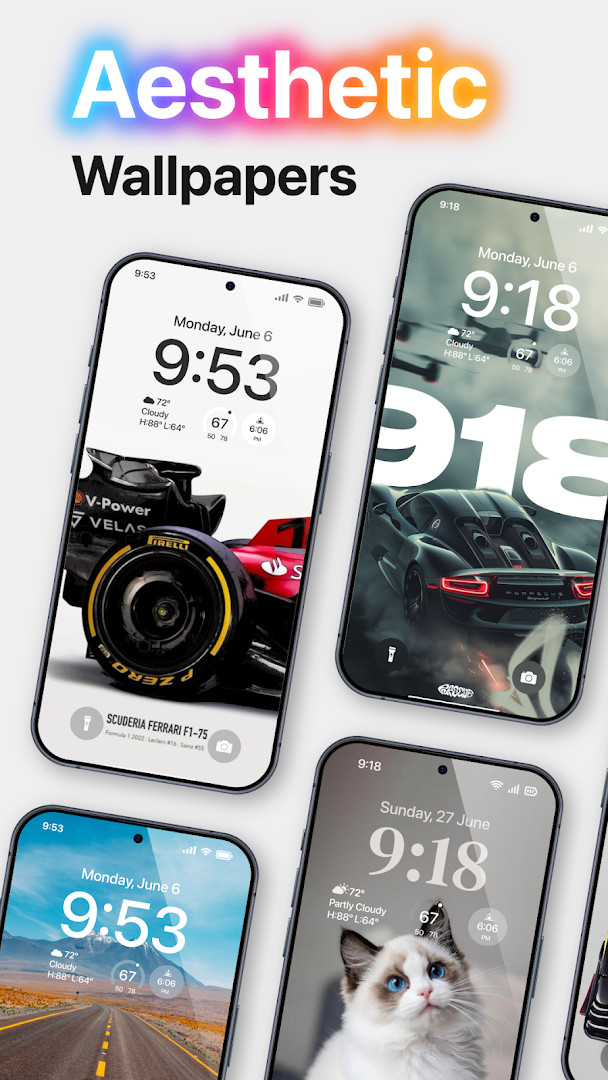

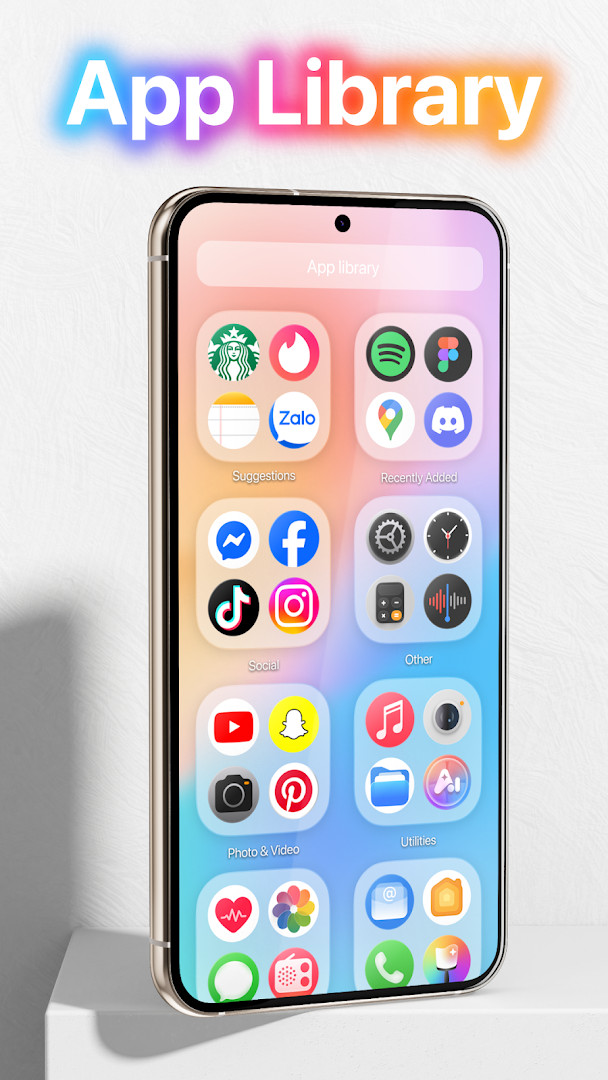
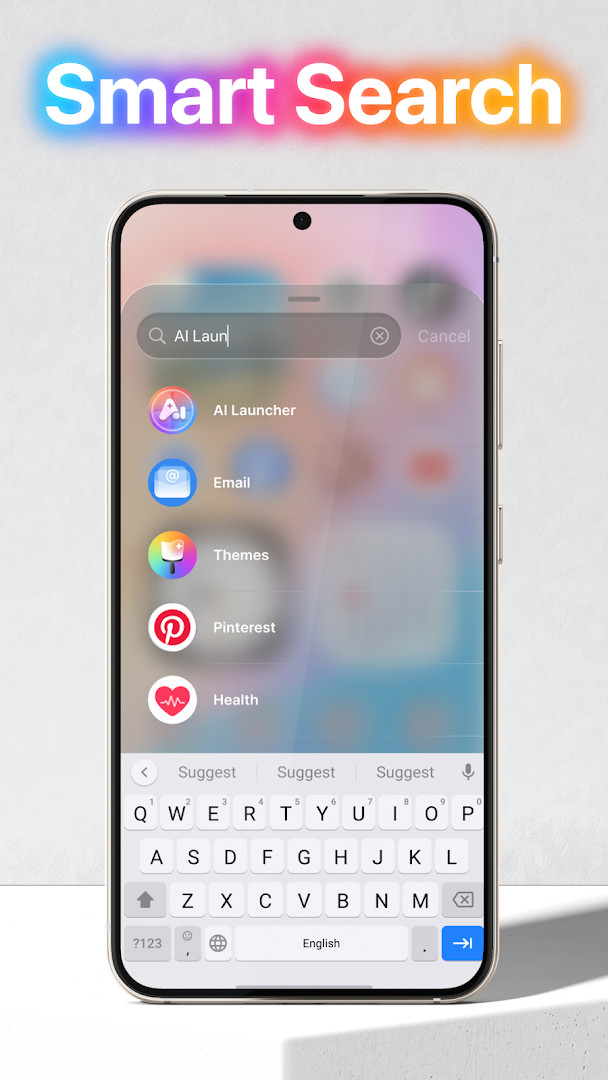
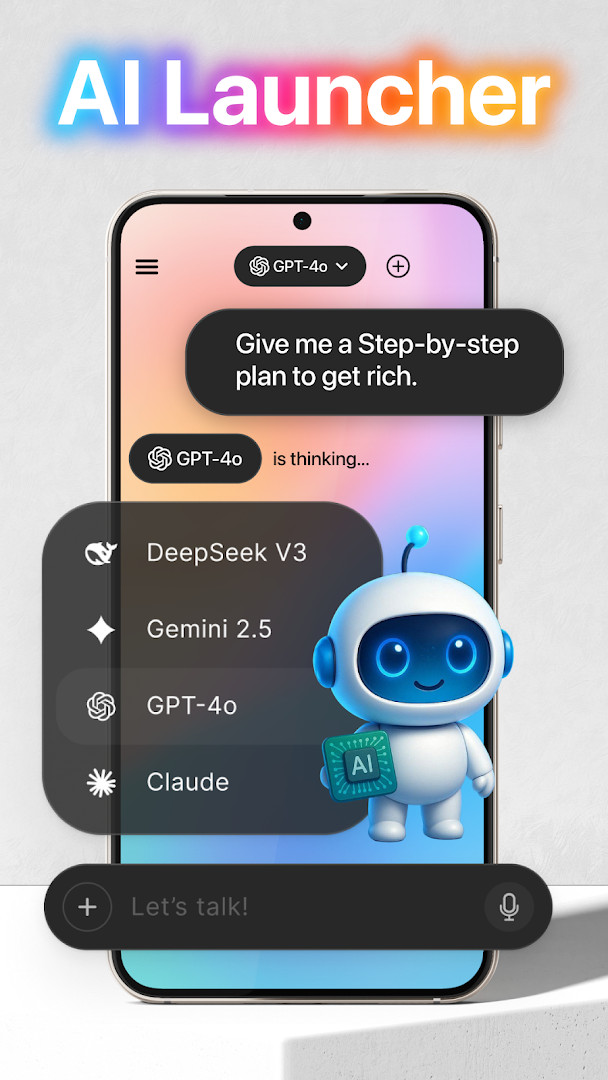
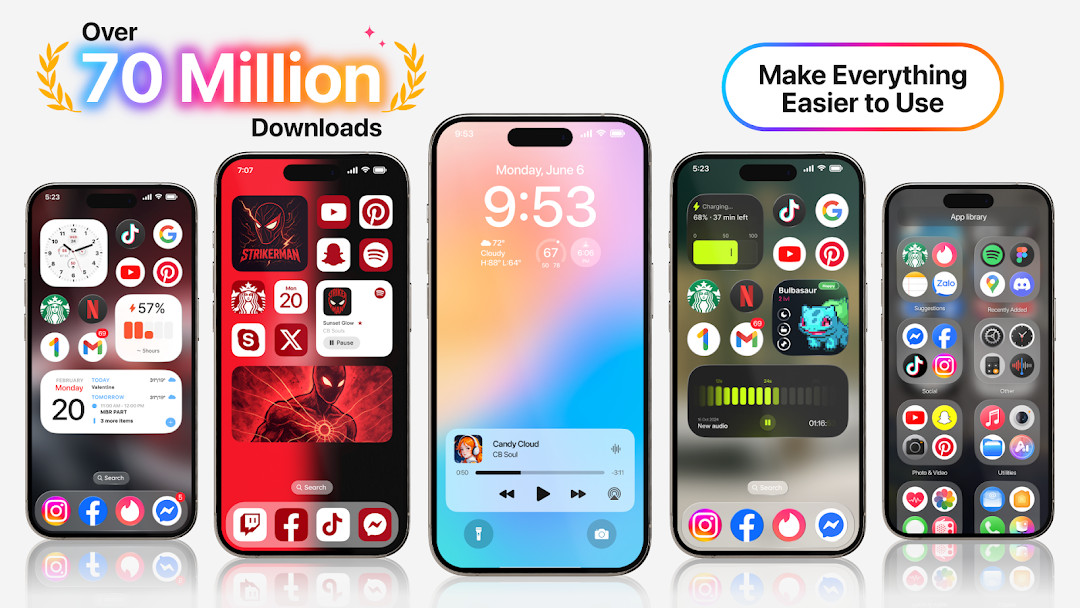
Launcher OSTM is a personalization app by Apps Genz that replaces the standard home screen and lock screen on Android devices. Its main purpose is to make a phone simpler to navigate and more visually appealing, bundling a wide range of customization and convenience tools into a single launcher experience. Since its release in May 2020, the app has grown considerably, and the latest update, version 6.3.15, was published in September 2026. This update continues the developer's effort to refine performance and expand the feature set, keeping the launcher relevant for users who want their device to feel fresh and organized without switching between multiple utilities.
The app goes beyond basic home-screen replacement by integrating lock-screen enhancements, quick camera access, call display, and notification previews directly on the locked screen. It also includes a universal file search tool that can locate files anywhere on the device, plus an AI chat feature that uses the microphone to convert spoken words into text. To deliver these functions, the app requests a broad set of permissions, including access to the camera, microphone, phone state, storage, and the ability to draw over other apps. This is a common trade-off for feature-rich launchers, but it does mean users should review what each permission does before granting it.
For everyday use, Launcher OSTM aims to reduce friction: you can open the camera from the lock screen, see incoming calls and notifications without unlocking, and search for files quickly. The interface is designed to be clean and straightforward, which helps people who prefer minimal clutter on their home screens. The app is free to use, supported by ads, and offers in-app purchases for those who want additional options. With over 100 million installs and a rating of 4.39 based on more than 1.8 million ratings, it has clearly found an audience among Android users looking for a more capable and personalized device experience.
Key features
- Customizable home screen with multiple themes and layout options
- Lock screen enhancements that show notifications, calls, and quick camera access
- Universal file search to quickly locate any file stored on the device
- AI chat feature that uses voice input to convert speech into text
- Wallpaper support from device storage and server-provided images
- Draw-over-screen capability to display the lock screen above other apps
- Quick access to camera and phone call display when the screen is locked
- Regular updates with version 6.3.15 released in September 2026
How to install
- Tap the download button on this page to get the APK file for Launcher OSTM, version 6.3.15. The file size is not specified, so ensure your device has enough free storage space.
- Before opening the downloaded file, go to your device settings and allow your browser or file manager to install apps. This is the 'Install unknown apps' setting, which you will need to enable for the app you used to download the file.
- Locate the downloaded APK file in your notifications or file manager and tap it to start the installation process.
- When the system prompt appears, tap the Install button to proceed. The installation may take a few moments depending on your device.
- Once the installation is complete, tap Open to launch Launcher OSTM and follow the on-screen setup steps to grant the necessary permissions.
- The minimum Android version required is 8.0, so devices running Android 8.0 or newer are compatible with this app.
Pros
- Free to use with optional in-app purchases
- Combines launcher, lock screen, and file search in one app
- AI chat feature adds voice-to-text convenience
- High user rating of 4.39 from over 1.8 million ratings
- Regular updates keep the app current with the latest version 6.3.15
Cons
- Requires a large number of permissions, including camera, microphone, and storage access
- Contains ads that may interrupt the user experience
- In-app purchases are available, which may lead to extra costs for advanced features
- The broad permission requests could be a privacy concern for some users
Recent updates · 6.3.15
Launcher OSTM has been updated to version 6.3.15, released on September 3, 2026. This update continues to focus on making your phone simpler and more visually appealing, while expanding the launcher's capabilities for a more personal and intelligent experience. The latest version builds on the app's core features, including the lock screen shortcuts, universal file search, and AI chat integration.
Version history
| Version | Size | Requires Android | Updated |
|---|---|---|---|
| 6.3.15 | — | 8.0 | Sep 3, 2026 |
Launcher OSTM is well-suited for Android users who enjoy personalizing their device's look and feel, people who want quick access to the camera, calls, and notifications from the lock screen, and those who frequently search for files on their phone and would benefit from a built-in universal search tool. It also appeals to users who prefer a free launcher with optional upgrades rather than a paid app upfront.
To get the most out of Launcher OSTM, take a few minutes after installation to review each permission request and decide which ones you are comfortable granting. For example, if you do not use the AI chat feature, you can deny microphone access and still use most other functions, which helps protect your privacy while keeping the launcher useful.
Permissions
FAQ
Is Launcher OSTM free to download?
Yes, Launcher OSTM is free to download and use. The app does include ads and offers in-app purchases, but there is no upfront cost.
What Android version do I need to install Launcher OSTM?
Launcher OSTM requires Android 8.0 or higher. The current version is 6.3.15, which was updated on September 3, 2026.
Do I need to create an account to use Launcher OSTM?
No, you do not need an account to install or use Launcher OSTM. You can start using the launcher right after installation without any registration.
What permissions does Launcher OSTM request and why?
Launcher OSTM asks for permissions such as camera, phone state, notifications, storage, draw over screen, and microphone. These are used for features like opening the camera on the lock screen, showing calls and notifications when locked, setting wallpapers, and converting voice to text in AI chat.
How do I update Launcher OSTM to the latest version?
To update, simply download the new version of Launcher OSTM from this page and install it over your current version. The latest available version is 6.3.15.
Does Launcher OSTM work on all phones?
Launcher OSTM is designed for Android devices running version 8.0 or later. As long as your phone meets that requirement, it should work, though performance may vary depending on your device.
Launcher OSTM is a feature-packed personalization tool that goes beyond the typical home-screen replacement by adding lock-screen utilities, file search, and an AI chat option. It is free, widely used, and well-rated, though the extensive permission requests and presence of ads are worth considering. For users who want a single app to simplify and beautify their Android device, it offers a solid balance of functionality and customization, and the latest version 6.3.15 shows ongoing commitment to improvement.
Similar apps



Updated: Nov 2, 2026