Fonts Keyboard for Stylish Text and Symbols
Fonts Keyboard is a free personalization app by Fonts Keyboard that lets you type with cool symbols, emoji, and stylish font stickers.
Get Fonts Keyboard · v5.0.93.52319Fonts Keyboard has been downloaded over 100 million times and holds a 3.92 rating from about 1.32 million ratings. It requires Android 6.0 or higher and includes ads as well as in-app purchases, with its latest update on September 4, 2026. This app suits anyone who wants to customize messages, social media bios, and stories with unique fonts and kaomojis.
- Version
- 5.0.93.52319
- Requires Android
- 7.0
- Updated
- Oct 20, 2026
- Installs
- 100M+
- Rating
- ★ 3.91 (1,323,504)
- Category
- Personalization
- Developer
- Fonts Keyboard
- Content rating
- Everyone
- Package
- com.fontskeyboard.fonts
- Free
- ✓ · Contains ads · In-app purchases
Screenshots
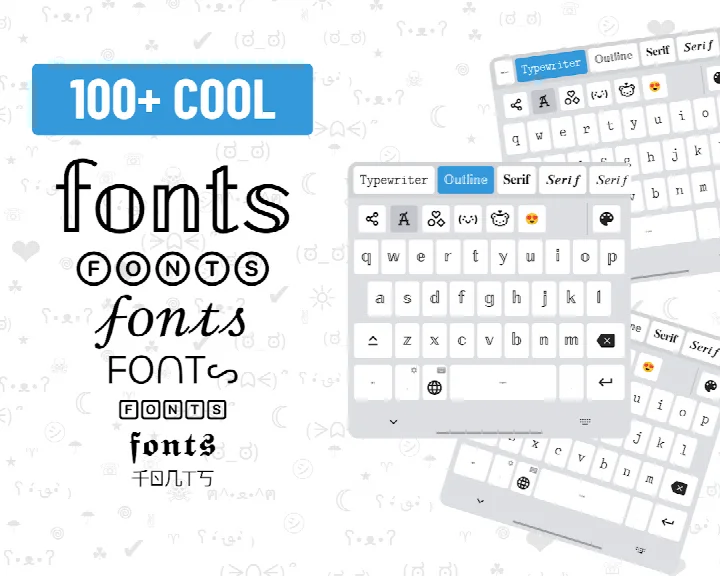


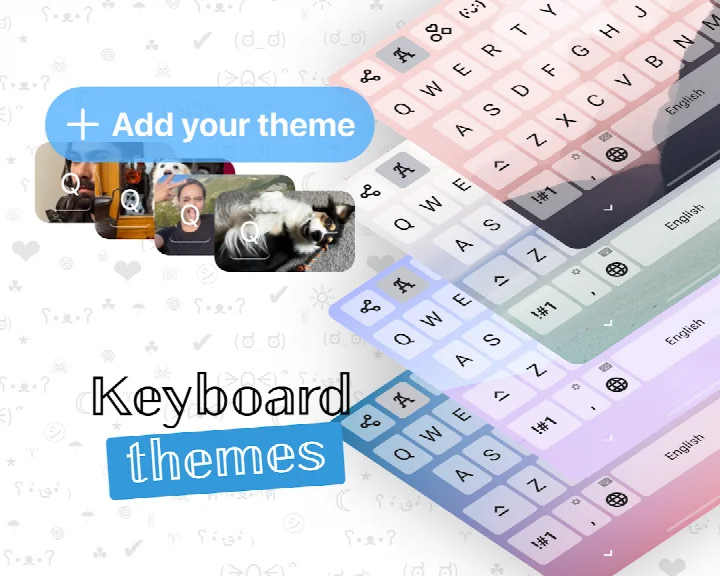

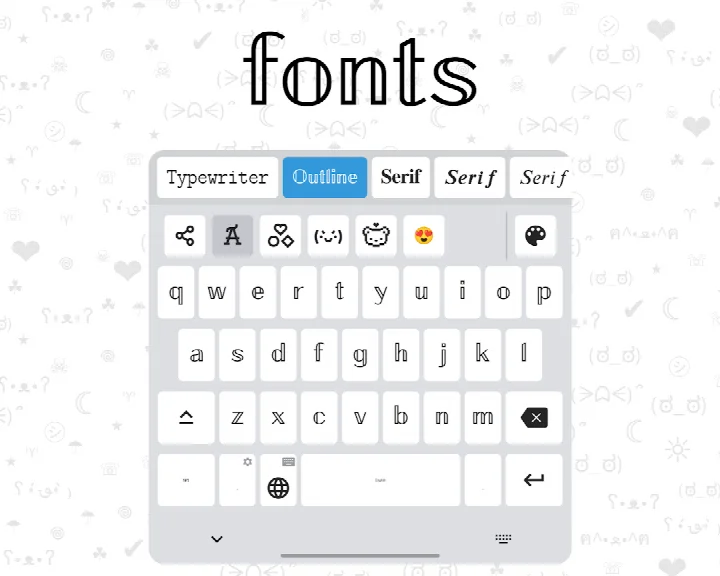
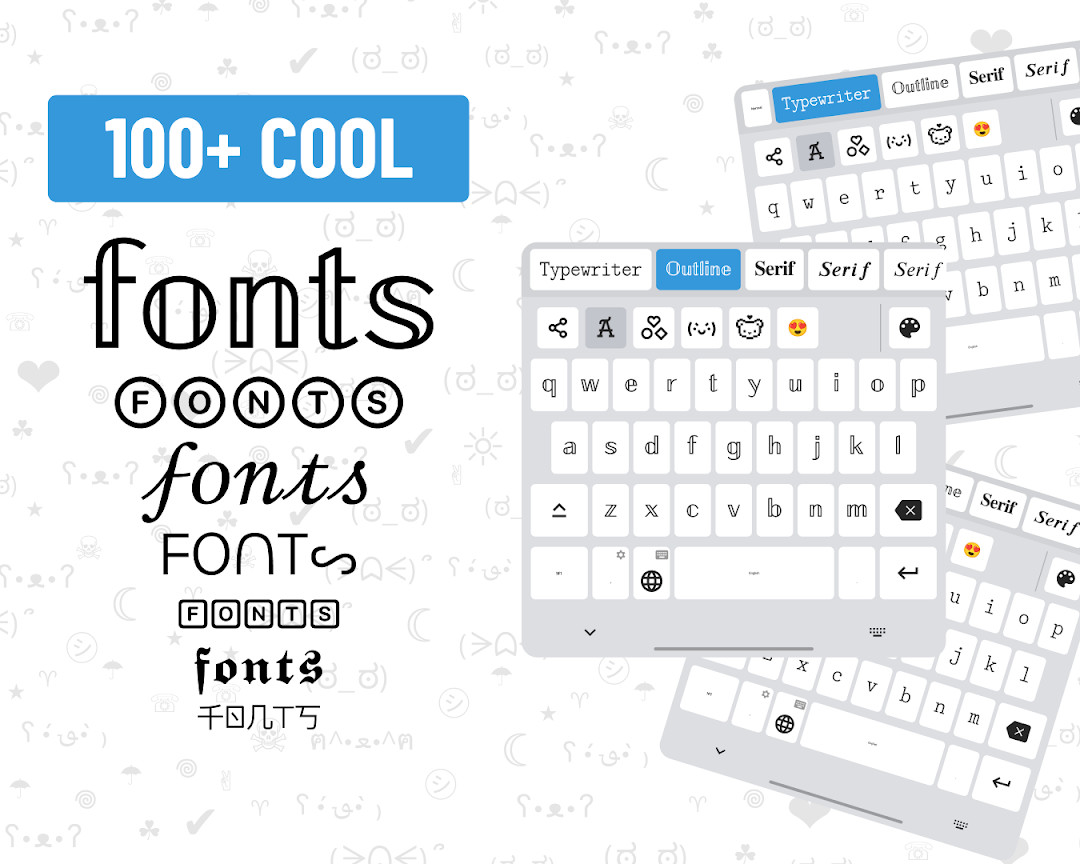
Fonts Keyboard is a personalization keyboard app by developer Fonts Keyboard that lets you type in decorative fonts, symbols, kaomojis, and sticker fonts across messaging apps and social platforms. It solves the problem of plain, uniform text by offering dozens of visual styles that can be applied directly while typing, so you can make messages, bios, stories, and post descriptions stand out without copying text from external generators. The app works inside popular apps like Instagram, Snapchat, Facebook, Messenger, Telegram, TikTok, Roblox, WhatsApp, Twitch, and Discord, and it is free to use with regular content updates.
Key features
- Choose among dozens of decorative fonts and sticker fonts for typed text
- Insert a wide range of symbols and kaomojis directly from the keyboard
- Works across many popular apps including Instagram, Snapchat, Facebook, Messenger, Telegram, TikTok, Roblox, WhatsApp, Twitch, and Discord
- Completely free to download and use, with new content added regularly
- Applies custom styles to text messages, social media bios, post descriptions, and stories
- Lightweight permission footprint, only requiring Wi-Fi connection information
- Regular bug fixes and performance improvements in the latest version
- Available for devices running Android 6.0 and up
How to install
- Tap the download button on this page to get the APK file for Fonts Keyboard
- When Android prompts you, allow your browser or file manager to install apps by enabling the 'Install unknown apps' setting
- Open the downloaded APK file from your notifications or file manager
- Tap the Install button and wait for the installation to complete
- Open the app from your app drawer to start using Fonts Keyboard
Pros
- Free to download and use, with no upfront cost
- Offers a wide variety of fonts, symbols, and kaomojis for creative text
- Compatible with many major social media and messaging platforms
- Regular updates add new content and improve performance
- Minimal permissions, only requiring Wi-Fi connection information
- Large user base with over 100 million installs
Cons
- Contains ads, which may interrupt the typing experience
- Offers in-app purchases for additional content or features
- No stated file size in the listing, so download size is unknown
- Some users may find the many font options overwhelming at first
Recent updates · 5.0.93.52319
Version 5.0.92.52189, released September 4, 2026, includes bug fixes and performance improvements. No new features are listed in the update notes.
Version history
| Version | Size | Requires Android | Updated |
|---|---|---|---|
| 5.0.93.52319 | — | 7.0 | Oct 20, 2026 |
| 5.0.92.52189 | — | 6.0 | Sep 4, 2026 |
Fonts Keyboard is ideal for anyone who wants to add a personal touch to their text messages, social media bios, stories, or post descriptions. It suits social media enthusiasts, gamers, and casual users who enjoy experimenting with different text styles to express their mood or personality. Since it works across many popular apps, it is also convenient for people who frequently switch between platforms and want consistent decorative text everywhere. The app is free and easy to use, making it accessible to beginners, while the variety of fonts and symbols offers enough depth for those who like to customize their digital presence regularly.
To get the most out of Fonts Keyboard, explore the different font categories and sticker fonts to find styles that match your mood. Use it in your most-used apps first, like WhatsApp or Instagram, to see how the fonts look in real conversations. Keep the app updated to access newly added content and performance fixes. If you find the ads distracting, consider checking the in-app purchase options for a smoother experience.
Permissions
FAQ
How do I install the Fonts Keyboard APK on my Android device?
To install the APK, download the file from the download button on this page, then open it from your notifications or file manager. If prompted, allow installation from unknown sources in your system settings. After installation, enable the keyboard in your device's input settings and select it as your default keyboard.
What is the current version of Fonts Keyboard and when was it updated?
The current version is 5.0.92.52189, which was released on September 4, 2026. The latest update includes bug fixes and performance improvements.
Does Fonts Keyboard contain ads or in-app purchases?
Yes, the app is free to download and use, but it does display ads and offers in-app purchases. These purchases are optional and allow you to support the app or access additional content, though the core font and symbol features are available at no cost.
Can I use Fonts Keyboard offline?
The app does not specify offline functionality, and it requires Wi-Fi connection information permission, which suggests it may need an internet connection for certain features or updates. For the most reliable experience, keep your device connected to the internet while using the keyboard.
Are there alternatives to Fonts Keyboard in the Personalization category?
Yes, there are other keyboard apps in the Personalization category that offer custom fonts, symbols, and emoji. You can explore similar apps by searching for keyboard personalization tools, but be sure to compare features, ratings, and update frequency to find one that suits your needs.
What Android version is required to run Fonts Keyboard?
Fonts Keyboard requires Android 6.0 or higher. If your device runs Android 6.0 or a newer version, you should be able to install and use the app without compatibility issues.
How many installs does Fonts Keyboard have and what is its rating?
Fonts Keyboard has over 100 million installs and a rating of 3.92 based on more than 1.3 million ratings. It was first released in August 2019 and has been regularly updated since then.
Fonts Keyboard is a practical, free tool for anyone who wants to add decorative fonts and symbols to their daily text communication. It delivers a wide range of styles across many popular apps, though ads and in-app purchases are part of the experience.
Similar apps







Updated: Nov 13, 2026