Microsoft SwiftKey AI Keyboard for Android
Microsoft SwiftKey AI Keyboard is a personalization keyboard app from SwiftKey for typing, swiping and sending emoji, GIFs and stickers on Android.
Download Microsoft SwiftKey AI Keyboard · v9.13.17.6Microsoft SwiftKey AI Keyboard suits Android users who want a keyboard that adapts to their slang, nicknames and emoji habits, and it includes Copilot for asking AI questions inside other apps. The app is free to download, has no in-app purchases, and runs on Android 8.0 and above.
- Version
- 9.13.17.6
- Needs Android
- 8.0
- Last Refresh
- 13.10.2026
- Downloads
- 1B+
- Score
- ★ 4.29 (4 598 250)
- Genre
- Personalization
- Creator
- SwiftKey
- Content rating
- Everyone
- Package
- com.touchtype.swiftkey
- Free
- ✓ · Contains ads
Snapshots
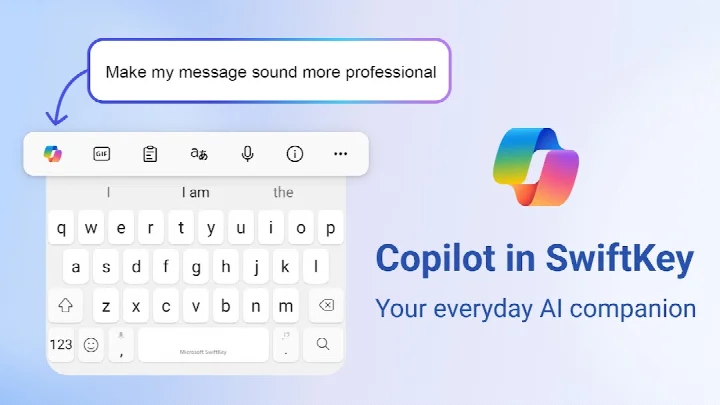
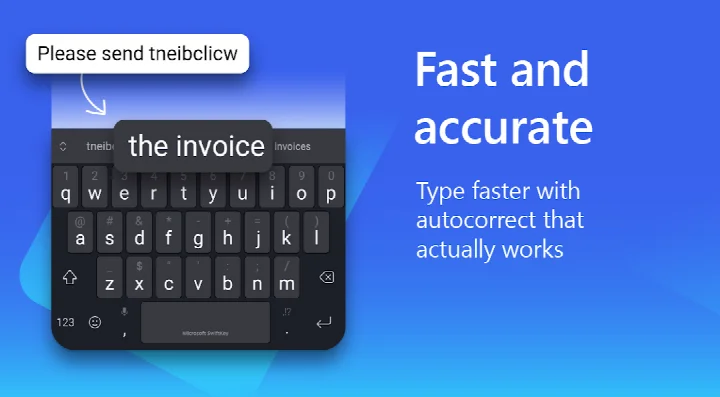
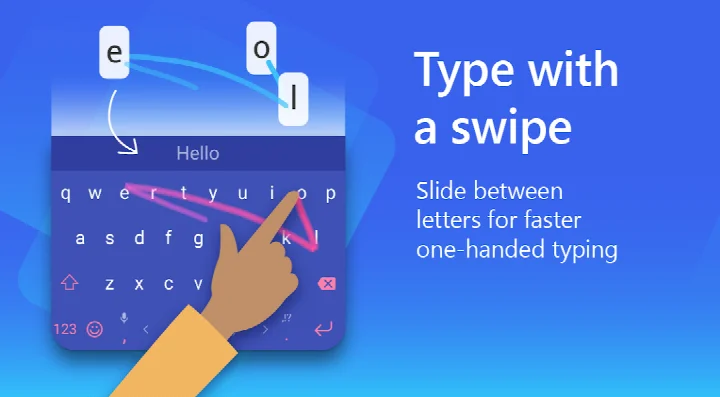
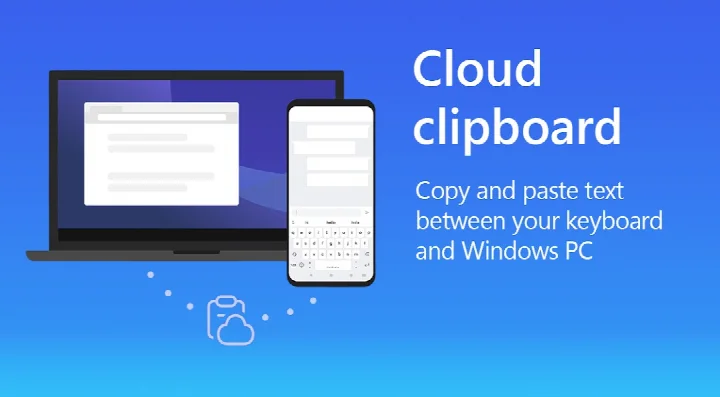
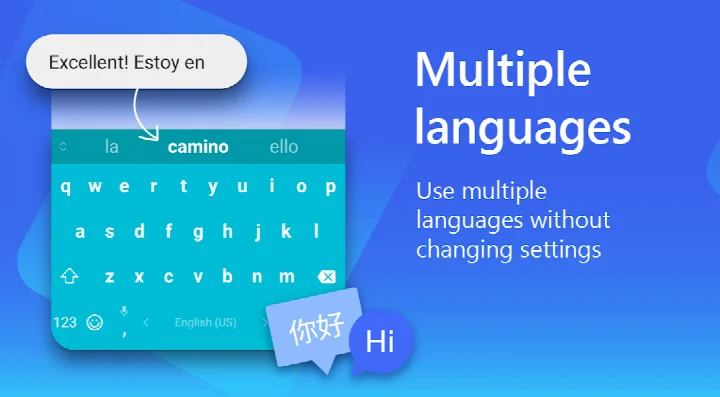
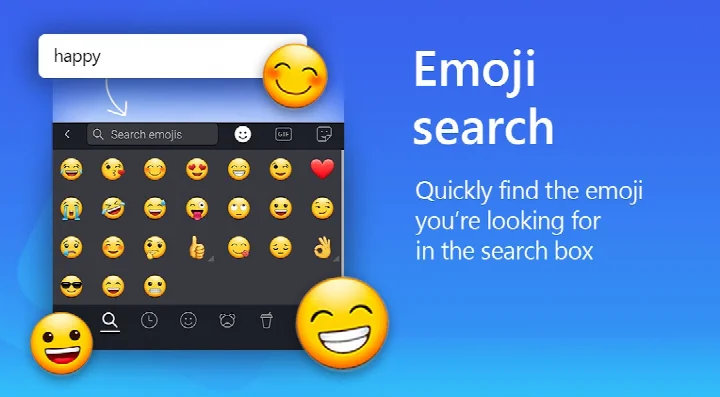
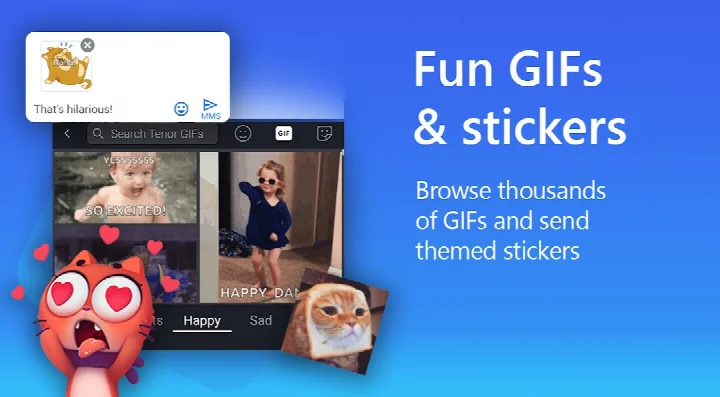
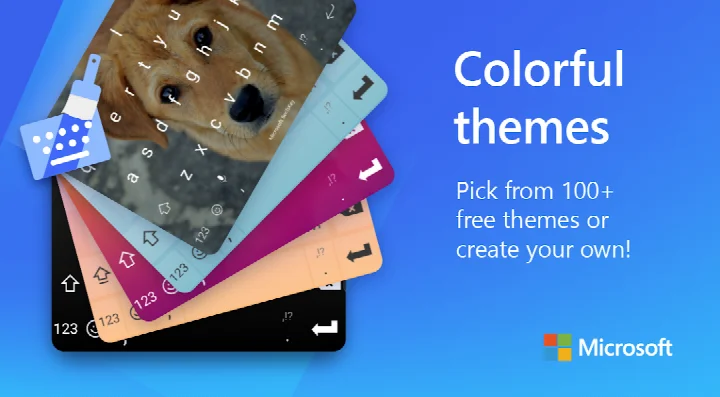
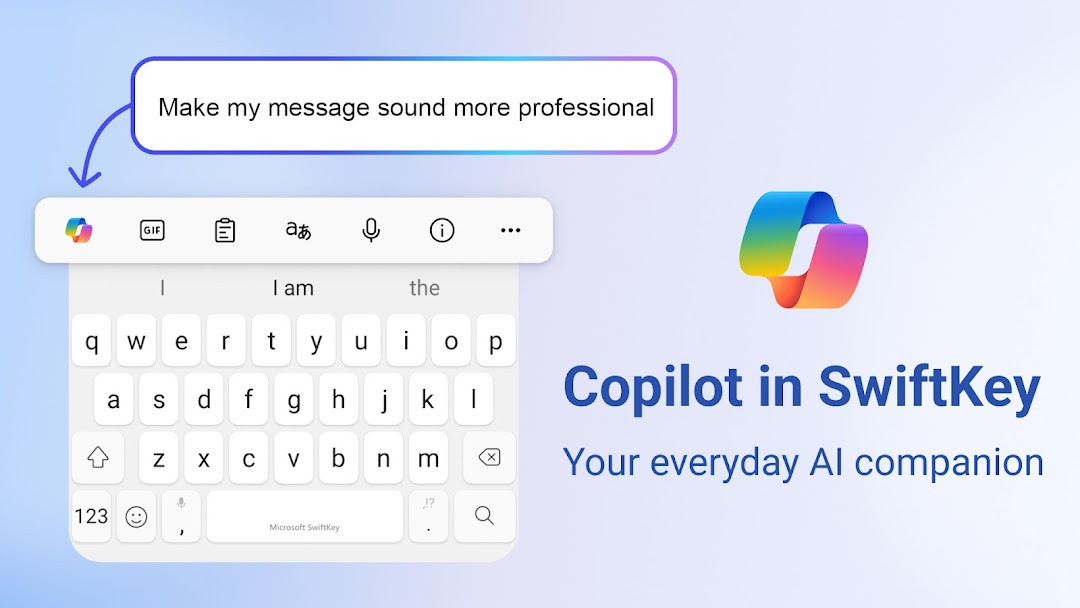
Microsoft SwiftKey AI Keyboard is a personalization app by SwiftKey that replaces the system keyboard with one that learns how you write and adds AI-assisted tools on top of everyday typing. The problem it addresses is the friction of ordinary text entry: mistyped words, repeated corrections, and the effort of switching between keyboards, emoji pickers and translation tools to say something simple. SwiftKey attacks that by building a prediction model from your own writing habits — slang, nicknames, recurring emoji included — so suggestions improve the longer you use it, and by folding AI features such as tone rewriting, draft composing and image generation into the keyboard bar itself, so you do not have to leave the conversation. It supports swipe and tap input, an adaptive emoji row, GIF and sticker search, and a customizable toolbar with quick shortcuts. Personalization extends to more than 100 themes and the option to build a theme from your own photo, plus adjustable keyboard size and layout. Multilingual users can keep up to five languages active at once across a catalog of over 700 languages. The app is free to use, carries ads, and offers no in-app purchases; the listed version is 9.13.17.6, updated 2026-10-13, with a minimum requirement of Android 8.0 and a rating of 4.29 from a large body of ratings.
Key features
- Swipe-to-type and tap-to-type input methods in the same keyboard
- AI-powered predictions plus a spell checker and auto text corrections
- Copilot integration for asking AI questions from within other apps
- Rewrite text in a different tone or compose polished drafts from rough ideas
- Adaptive emoji keyboard that learns and predicts your frequently used emoticons
- Searchable emoji, GIF and sticker library, plus AI-generated images and memes
- Customizable toolbar with an expandable menu of quick shortcuts
- More than 100 keyboard themes, custom photo backgrounds, and adjustable size and layout
- Up to five languages active simultaneously, with support for over 700 languages
How to install
- Tap the download button on this page to get the APK file; note that the file size is not specified in the available data.
- When Android prompts you, allow your browser or file manager to install apps by enabling the Install unknown apps setting for that app.
- Open the downloaded APK file from your notifications or your file manager.
- Tap Install and wait for the process to finish.
- Open the app and follow the on-screen setup, which will ask you to enable the keyboard in system settings. The minimum supported version is Android 8.0.
Pros
- Free to use with no in-app purchases
- Learning-based predictions improve as they adapt to your vocabulary and slang
- Broad language coverage with up to five languages enabled at once
- Extensive theme and layout customization, including personal photo backgrounds
- AI tools for rewriting, composing and image creation are built into the keyboard
- Long track record: first released in 2010 and updated as recently as 2026-10-13
Cons
- The app displays ads
- Optional permissions include Camera, Microphone, Photos/Media/Files, Storage and Wi-Fi connection information, so some features stay limited if you decline them
- Voice input, media insertion and contact lookup depend on granting those optional permissions
- The install file size is not stated in the available data, so you cannot plan storage ahead of time
Fresh Updates · 9.13.17.6
The latest update to Microsoft SwiftKey AI Keyboard (version 9.13.17.6) brings general improvements to ensure a smoother typing experience. This release focuses on keeping the keyboard running reliably so you can continue enjoying features like AI-powered predictions, swipe-to-type, and customizable themes without interruptions.
Past Builds
| Version | File Size | Needs Android | Last Refresh |
|---|---|---|---|
| 9.13.17.6 | — | 8.0 | 13.10.2026 |
| 9.13.14.5 | 229 MB | 8.0 | 24.08.2026 |
| 7.0.7.28 | 42 MB | 6.0 | 11.11.2025 |
| 9.10.61.36 | 73 MB | 7.0 | 17.06.2025 |
| 6.7.7.17 | 37 MB | 4.1 | 28.02.2018 |
| 6.6.6.26 | 39 MB | 4.0.3 | 11.09.2017 |
| 6.0.0.162 | 31 MB | 4.0 | 16.11.2015 |
This keyboard suits people who type a lot on their phone and want the keyboard to keep up with them rather than the other way around. If you regularly write in more than one language, mix casual and formal messages, or lean on emoji and GIFs to communicate, the adaptive prediction and rich media tools cover those habits in one place. It also appeals to users who like to tune appearance and layout in detail, since themes, photo backgrounds and keyboard sizing are all adjustable. Experienced users comparing alternatives should weigh the AI features and language breadth against the ad-supported model and the optional permissions the app may request.
Grant permissions selectively: the keyboard works without them, but voice-to-text, camera capture and media sharing only function once you consent. If predictions feel off at first, give the model time — it adapts to your writing style rather than starting fully tuned. Multilingual users should enable their languages early so the keyboard can switch between them without manual changes.
Access Rights
Curious?
How do I install the Microsoft SwiftKey AI Keyboard APK on my Android device?
Download the APK file from this page and open it. Your device may ask for permission to install from unknown sources; enable that in your settings if prompted, then follow the on-screen instructions.
What is the current version of Microsoft SwiftKey AI Keyboard?
The current version is 9.13.17.6, released on October 13, 2026. It includes general improvements to ensure the keyboard runs smoothly.
Does Microsoft SwiftKey AI Keyboard include ads or in-app purchases?
The app is free to download and does not offer in-app purchases, but it does display ads.
Can I use Microsoft SwiftKey AI Keyboard offline?
Core typing features like swipe-to-type, autocorrect, and personalized predictions work offline. However, AI-powered features such as Copilot, image generation, and some rich content may require an internet connection.
What are some alternatives to Microsoft SwiftKey AI Keyboard in the Personalization category?
There are several other keyboard apps available in this category. When choosing one, consider factors like typing accuracy, customization options, language support, and whether the app includes ads.
What permissions does Microsoft SwiftKey AI Keyboard request?
It may request access to your microphone for voice typing, photos and videos for inserting images, contacts for easy entry, and camera for taking photos. These are optional, and you can use the app without granting them, though some features may be limited.
Does Microsoft SwiftKey AI Keyboard support multiple languages?
Yes, it supports over 700 languages, and you can enable up to five languages at once.
Microsoft SwiftKey AI Keyboard combines a long-established prediction engine with AI writing tools, broad multilingual support and deep visual customization, all without in-app purchases. The trade-offs are the presence of ads and a set of optional permissions you may want to review before enabling, so it is best suited to users who value adaptability and do not mind either.
Last Refresh: 24.10.2026