Facemoji AI Emoji Keyboard: AI Keyboard & Emojis
Facemoji AI Emoji Keyboard is a free personalization keyboard by Nexileap that lets you type with AI, 6000+ emojis, fonts, themes, and stickers.
Get Facemoji · v3.7.0Facemoji AI Emoji Keyboard requires Android 6.0 or higher and shows ads, with optional in-app purchases available. The app has received over 100 million installs and holds a 4.68 rating from about 1.5 million ratings. It targets users who want a highly customizable typing experience with AI-generated emojis, custom stickers, and themed keyboards.
- Version
- 3.7.0
- Requires Android
- 6.0
- Updated
- Nov 10, 2026
- Installs
- 100M+
- Rating
- ★ 4.68 (1,518,432)
- Category
- Personalization
- Developer
- Nexileap
- Content rating
- Teen
- Package
- com.simejikeyboard
- Free
- ✓ · Contains ads · In-app purchases
Screenshots
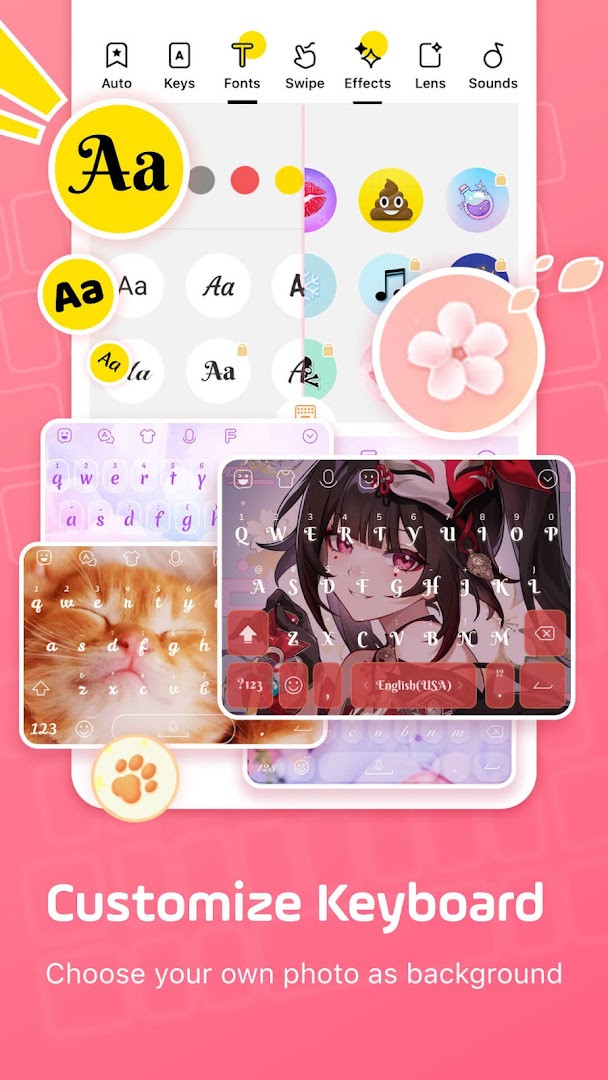
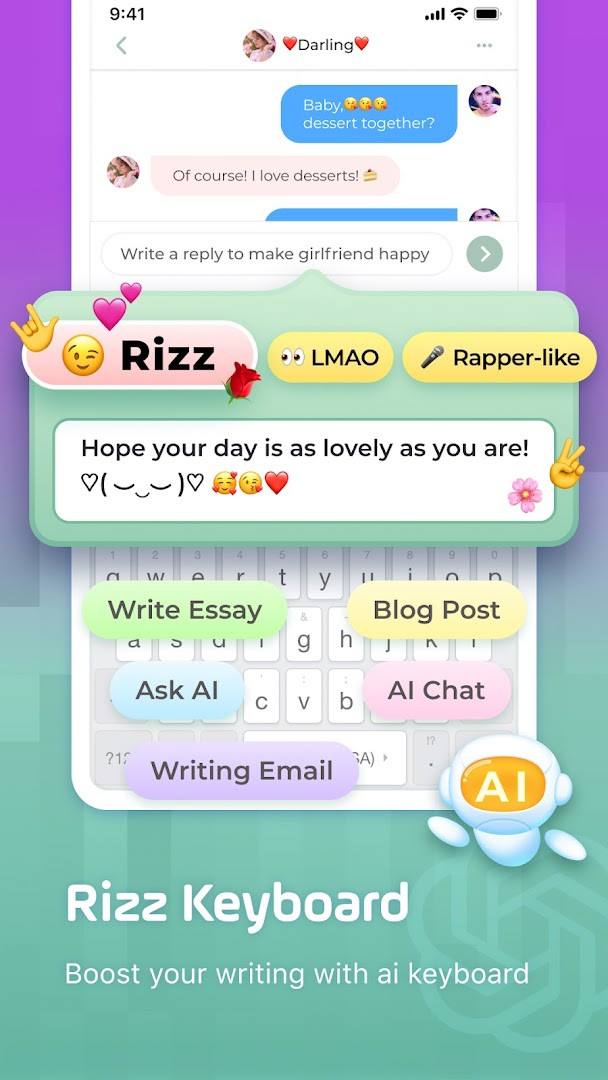
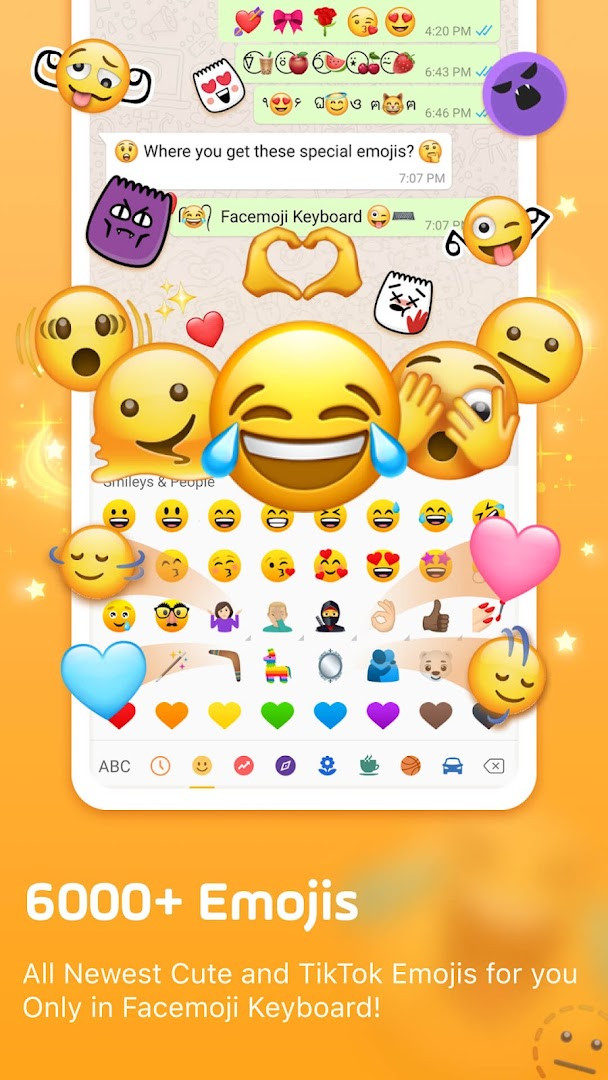
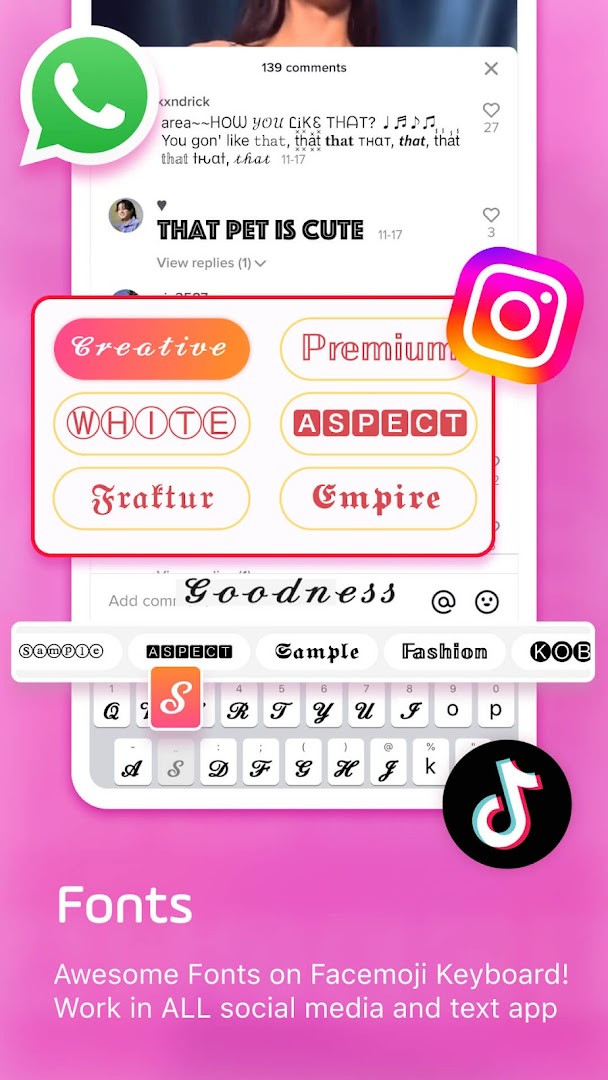
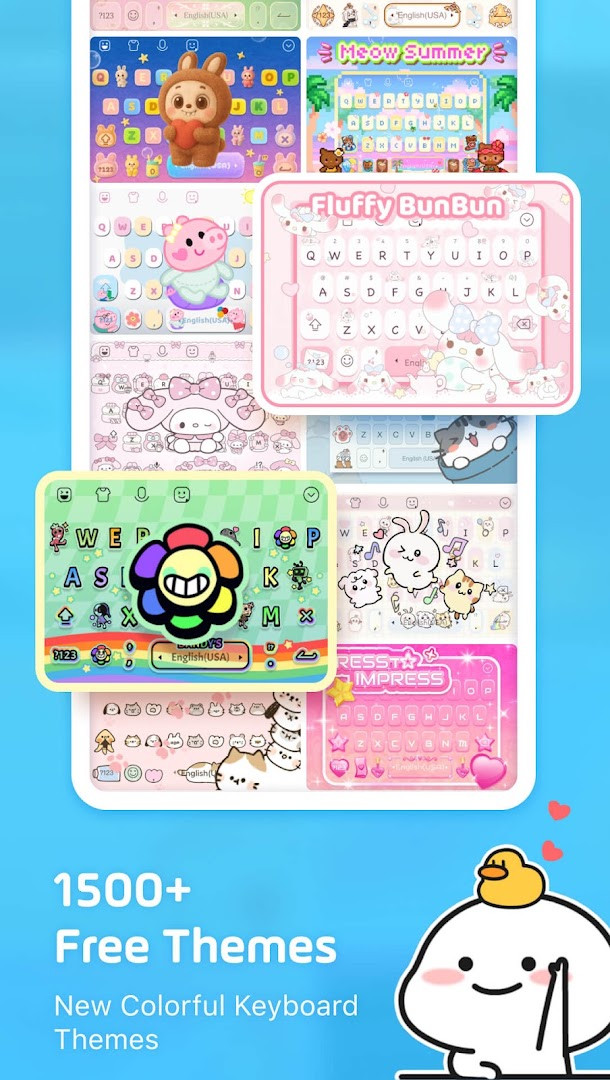
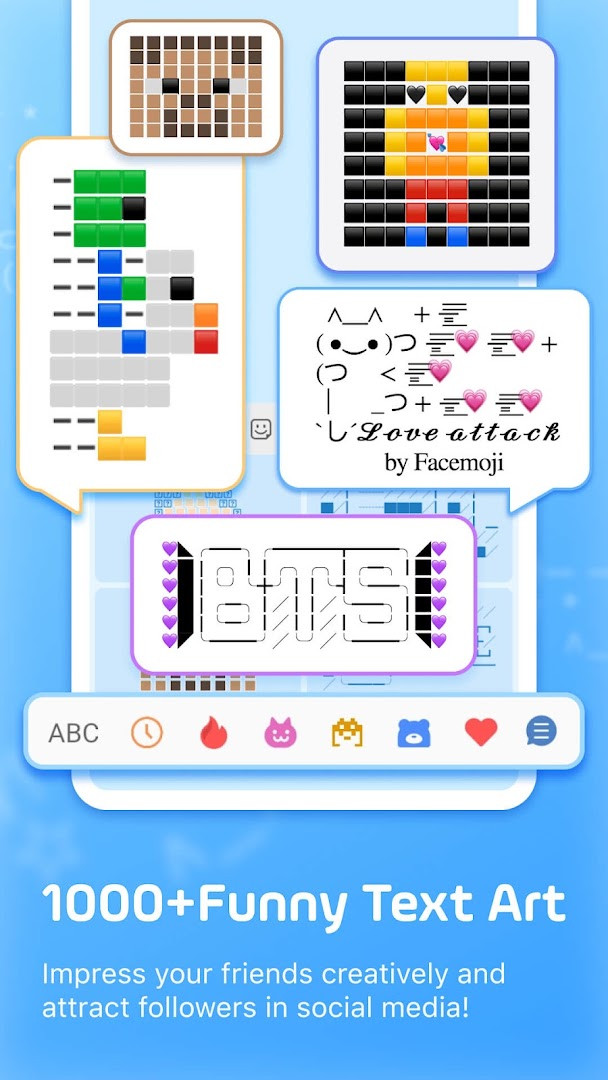
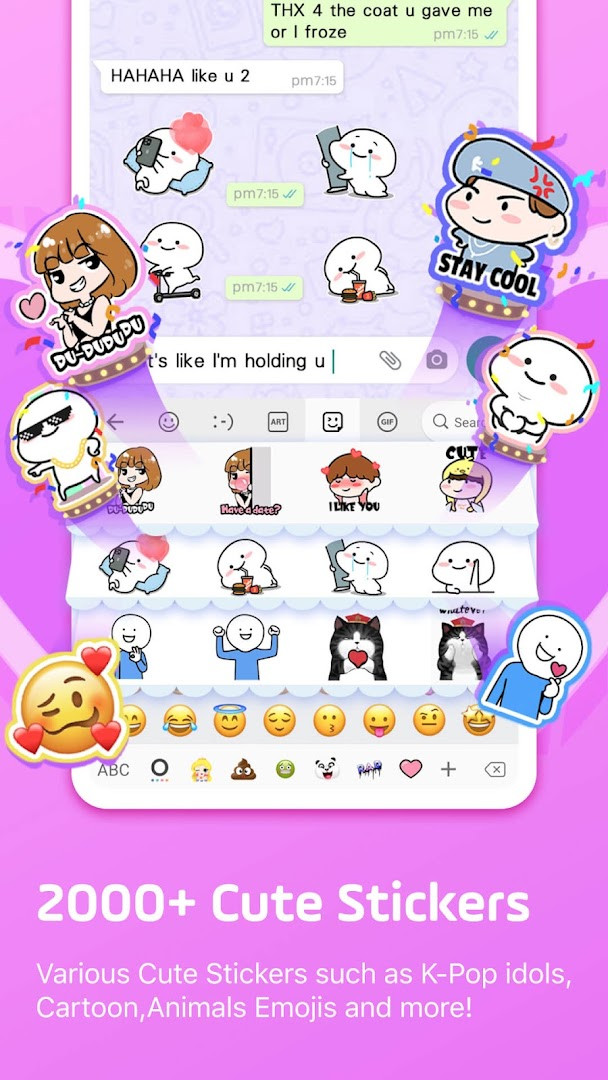
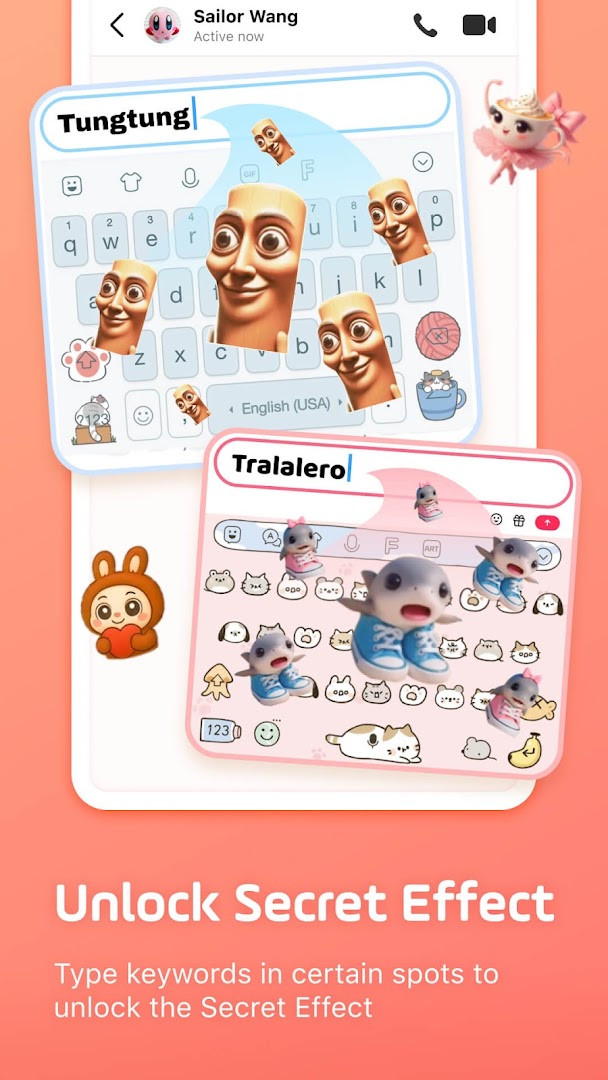
Facemoji AI Emoji Keyboard is a personalization app by Nexileap that transforms standard Android typing into a highly customizable emoji, sticker, and theme experience. Positioned for users who want more expressive messaging, it bundles over 6000 emojis, 100+ fonts, 1500+ themes, GIFs, stickers, and an AI assistant into a single keyboard. The app has been around since 2016 and has reached a substantial user base, with a current version of 3.6.8.3 released in September 2026. It runs on Android 6.0 and up, and while it is free to download, it includes ads and in-app purchases for optional content.
Beyond basic emoji input, the keyboard acts as a creative toolkit. You can design custom emoji characters, generate look-alike stickers from your face, and craft animated GIFs for sharing on social platforms. The latest update introduces Facemoji AI, which lets you ask for written responses and generate Magic Avatars and Face Emojis directly from the keyboard. This moves the app from a passive input method to an active content generator, appealing to users who enjoy experimenting with new ways to communicate.
For experienced users comparing alternatives, the appeal lies in the sheer volume of customization: DIY keyboard wallpapers, adjustable button colors, fonts, tapping sounds, and effects like lightsticks. The keyboard also supports gesture typing, autocorrect, a clipboard, and a paste keyboard for rapid sending. With support for over 100 languages and a built-in translator, it handles bilingual typing smoothly. Privacy is a stated priority, claiming no personal data collection without explicit permission, though the app does request access to photos, storage, and the microphone for some features.
Key features
- Over 6000 emojis including trending 2025 additions and hidden TikTok-specific emojis
- AI-powered keyboard with Magic Avatar and Face Emoji generation plus a text assistant
- Custom emoji maker and look-alike face stickers similar to Memoji-style avatars
- More than 1500 free themes covering anime, K-Pop, neon, LED, and cute animal styles
- Over 100 cool fonts and 1000+ unicode symbols for stylized text
- Built-in GIF keyboard with Tenor integration and 2000+ stickers for WhatsApp, Messenger, and Telegram
- Game-specific keyboards for Among Us, Roblox, Minecraft, and other titles with quick messages
- Gesture typing, smart autocorrect, emoji predictions, and sticker suggestions
- Clipboard and auto-paste keyboard for repeated or rapid message sending
- Support for 100+ languages with a built-in translator and K-Pop surprise content
How to install
- Tap the download button on this page to get the APK file for Facemoji AI Emoji Keyboard. The file size is not specified, so ensure you have enough free storage.
- When Android prompts you, allow your browser or file manager to install apps by enabling the 'Install unknown apps' setting for that app.
- Open the downloaded APK file from your notifications or file manager.
- Tap Install and wait for the process to complete; the app requires Android 6.0 or higher.
- Open Facemoji AI Emoji Keyboard from your app drawer and follow the setup prompts to enable it as your default keyboard.
Pros
- Extremely high volume of emojis, fonts, and themes for deep personalization
- AI features add a novel way to generate content directly from the keyboard
- Game-specific keyboards and quick messages are useful for gamers
- Regular updates with new themes and emoji additions keep content fresh
Cons
- Contains ads and in-app purchases, which can interrupt the experience
- Requires access to photos, storage, and microphone, raising privacy considerations for some users
- The sheer number of options may feel overwhelming for those who prefer minimal setups
Recent updates · 3.7.0
Facemoji AI Emoji Keyboard version 3.6.8.3, released on September 23, 2026, introduces the Facemoji AI experience, letting you create Magic Avatars and Face Emojis. The new AI feature can generate responses to whatever you type, adding a creative, interactive layer to your conversations. With over 6000 emojis, 100+ fonts, and 1500+ themes, this update brings a playful and customizable way to express yourself in chats.
Version history
| Version | Size | Requires Android | Updated |
|---|---|---|---|
| 3.7.0 | — | 6.0 | Nov 10, 2026 |
| 3.6.8.3 | — | 6.0 | Sep 23, 2026 |
| 1.5 | 15 MB | 4.0.3 | Jun 21, 2026 |
This is for social media enthusiasts who want to stand out on TikTok, Instagram, or WhatsApp with custom emojis and fonts. It also suits gamers who play titles like Among Us or Roblox and want quick in-game messages. Finally, anyone who enjoys personalizing every aspect of their device, from keyboard sounds to wallpapers, will find plenty to tinker with here.
If you want to avoid accidental purchases, explore the free theme and sticker collections first, and be mindful of the in-app purchase prompts that appear while browsing premium content.
Permissions
FAQ
What customization options does Facemoji AI Emoji Keyboard offer for its themes and keyboard design?
Facemoji provides over 1500 free stylish themes, including Japanese anime, Neon, LED, RGB, K-Pop idols, cute animals, Boba milk tea, Avocado, Ironman, and Unicorn, with new themes added weekly. You can also create your own keyboard wallpaper using a favorite photo, and DIY your keyboard by customizing buttons, colors, fonts, tapping effects (like BTS lightsticks), and tapping sounds (piano, guitar, dog barking). You can share your custom keyboard design so friends can use the same one.
How can I create personalized emojis or stickers with Facemoji?
Facemoji includes a Genmoji-style Emoji Maker that lets you design personalized emojis and stickers, offering more customization than Genmoji. You can create look-alike stickers based on your face (similar to Memojis), make custom emoji characters, and generate animated GIFs to share on TikTok, WhatsApp, Facebook, and other apps. There's also a DIY Avatar Sticker feature where you enter a phrase to generate personalized stickers for sharing.
Does Facemoji support special emojis for TikTok, K-Pop content, and games?
Yes, Facemoji is described as a best TikTok keyboard with hidden secret TikTok emojis. It also includes exclusive K-Pop emojis and BTS/Blackpink stickers; typing group names like 'BTS' or 'Blackpink' reveals a surprise. Additionally, there's a game keyboard for Among Us with quick messages, player color, and location options, and game mode support for Roblox, Free Fire, Pubg, and Mobile Legends.
What typing and productivity features does Facemoji include?
Facemoji offers creative emoji suggestions and predictions, sticker predictions in WhatsApp and Messenger, swipe/gesture typing for faster input, and smart autocorrect to fix typos. It also includes an Auto Paste keyboard for sending repeated messages with a long click, and a clipboard keyboard that saves copied notes for one-click sending. The app supports 100+ languages with a built-in translator.
What does Facemoji say about privacy and data collection?
According to the app's description, Facemoji Keyboard will never collect any personal information without your explicit permission. The app requests permissions for Photos/Media/Files, Storage, Microphone, and Wi-Fi connection information. It is rated Teen and includes ads and in-app purchases.
Facemoji AI Emoji Keyboard is a feature-rich option for those who treat their keyboard as a creative canvas rather than a utility. Its massive emoji library, AI generation, and deep theming are impressive, but the ads, in-app purchases, and broad permissions mean it is not for everyone. Experienced users who value expression over minimalism will find it a powerful tool, while privacy-conscious or distraction-averse typists may want to look elsewhere.
Similar apps








Updated: Nov 12, 2026