
GO Keyboard Lite - Many Theme for Android
GO Keyboard Lite - Many Theme is a personalization app from Video Editor & Video Maker Dev for customizing your Android keyboard with emoji, themes, and wallpapers.
Download GO Keyboard Lite · v3.25GO Keyboard Lite - Many Theme suits Android users who find their default keyboard plain and want to personalize typing with photos, emoji, stickers, and fonts. The free app supports 60+ languages and includes over 10,000 themes, with emoji and emoji arts compatible across popular chat apps.
- Version
- 3.25
- Size
- 24 MB
- Requires Android
- 4.1
- Updated
- May 24, 2021
- Installs
- 100M+
- Rating
- ★ 3.3 (2,460,330)
- Category
- Personalization
- Developer
- Video Editor & Video Maker Dev
- Content rating
- Everyone
- Package
- com.jb.gokeyboard
- Free
- ✓ · Contains ads · In-app purchases
Screenshots
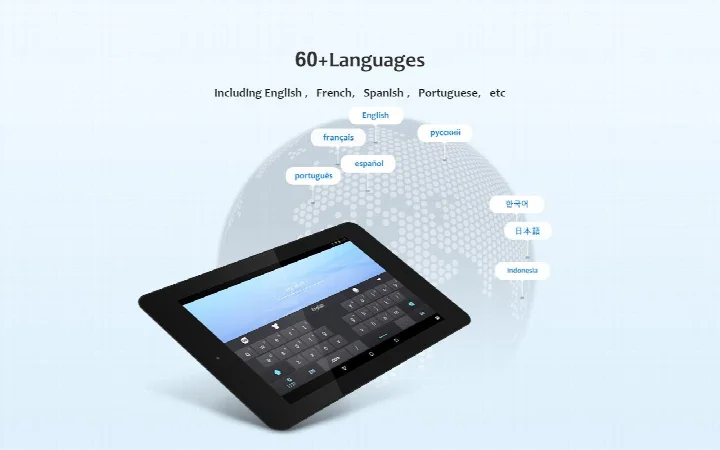
GO Keyboard Lite - Many Theme is a personalization app by Video Editor & Video Maker Dev that replaces your stock keyboard with a heavily customizable typing surface. Designed for people who find plain Android keyboards boring, it lets you change the look of the keys, background, fonts, and even add emoji and stickers directly into your typing area. The app has been around since 2011 and has been downloaded over 100 million times, making it one of the more widely used keyboard customization tools on Android. It is free to download, though it does contain ads and offers in-app purchases for additional content. The core idea is simple: instead of settling for the default keyboard, you can turn your typing experience into something that reflects your personal style, whether that means a photo of your pet as the background or a colorful font for your messages. The latest version, 3.25, focuses on improving the user experience of the keyboard, with refinements aimed at making daily typing smoother and more responsive. This update was released in May 2021, so while it is not receiving frequent new features, it remains a stable choice for those who want a feature-rich keyboard without constant updates. Beyond aesthetics, the app also offers practical typing tools like auto-correction and support for multiple keyboard layouts, including QWERTY, QWERTZ, and AZERTY, which is helpful for users who switch between languages or regions. It supports over 60 languages and claims to cover more than 100 countries, making it a versatile option for multilingual users. The app also emphasizes privacy, stating that it does not collect personal information such as credit card details, which is reassuring given the number of permissions it requests. However, it is worth noting that the app does ask for access to your contacts, storage, camera, and microphone, so you should be comfortable with those permissions before installing. Overall, GO Keyboard Lite is a practical tool for anyone who wants to personalize their phone's keyboard with themes, emoji, and wallpapers, while still having access to useful typing features like auto-correction and gesture typing.
Key features
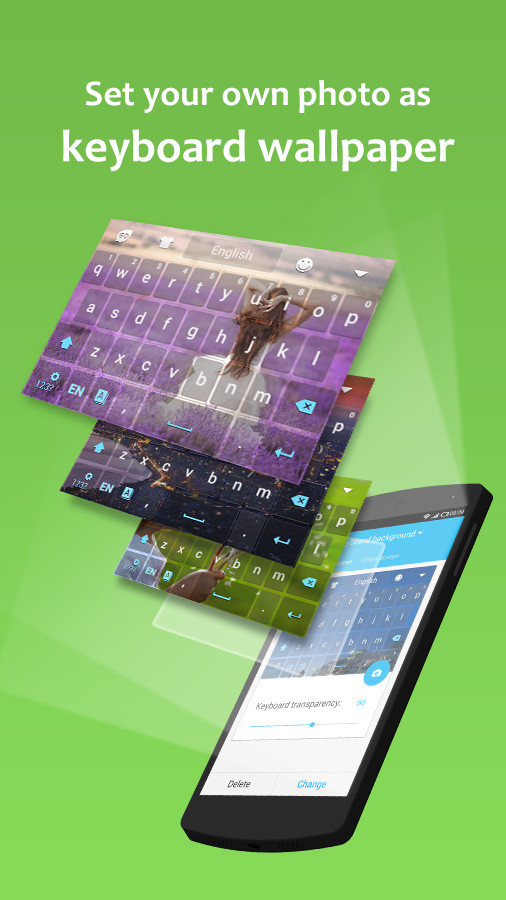
- Personalize your keyboard with your own photo as the background wallpaper
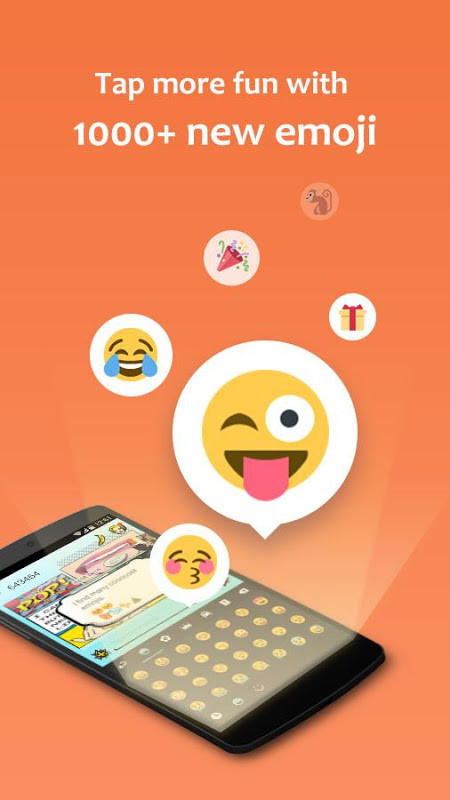
- Access over 1000 emoji and emoji art directly from the keyboard area
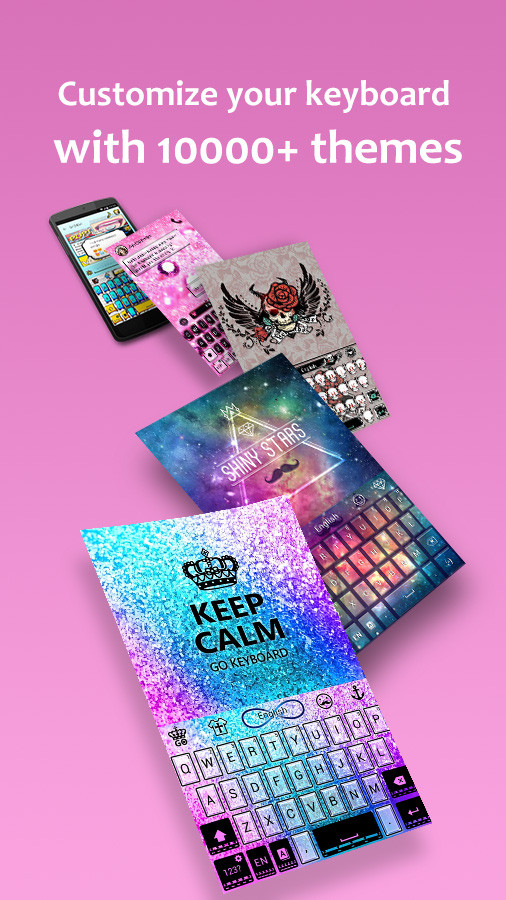
- Choose from more than 10000 themes to change the look of your keys
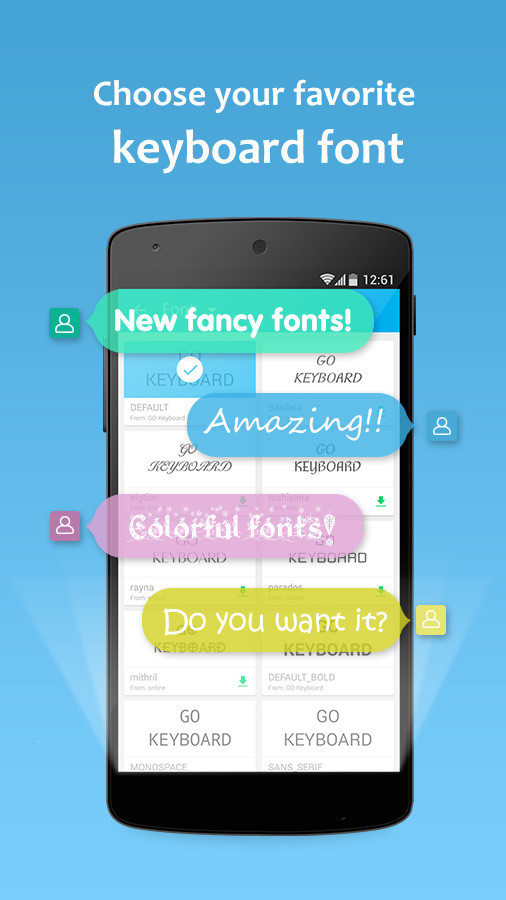
- Select from over 100 different fonts to make your text stand out
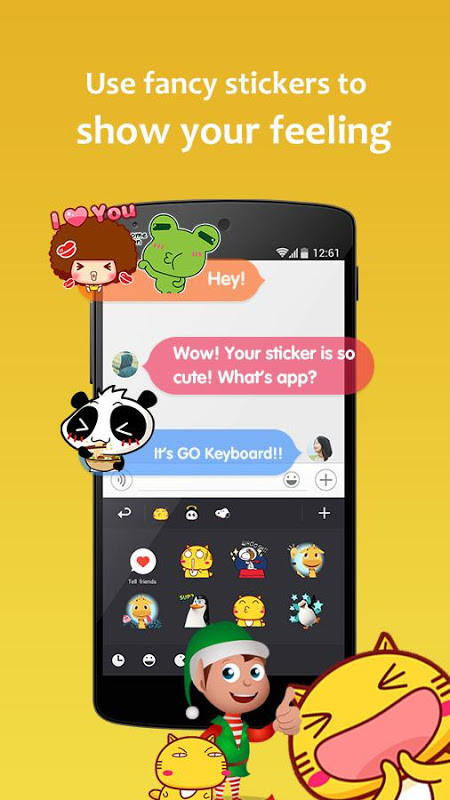
- Use colorful stickers to express feelings during chats
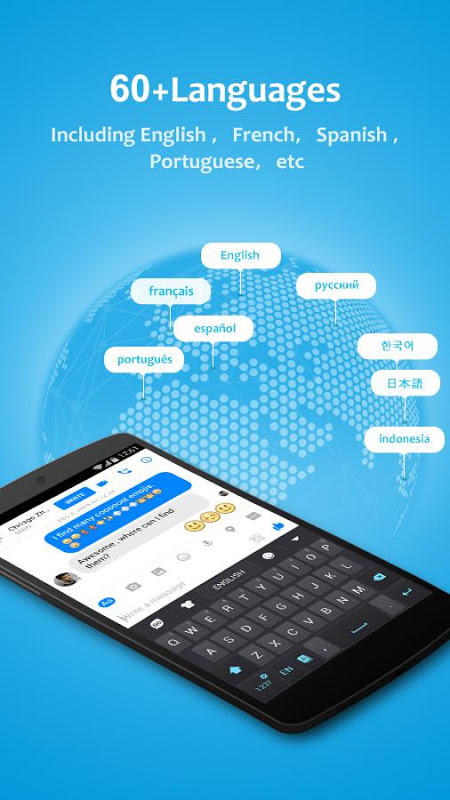
- Supports 60+ languages and covers 100+ countries
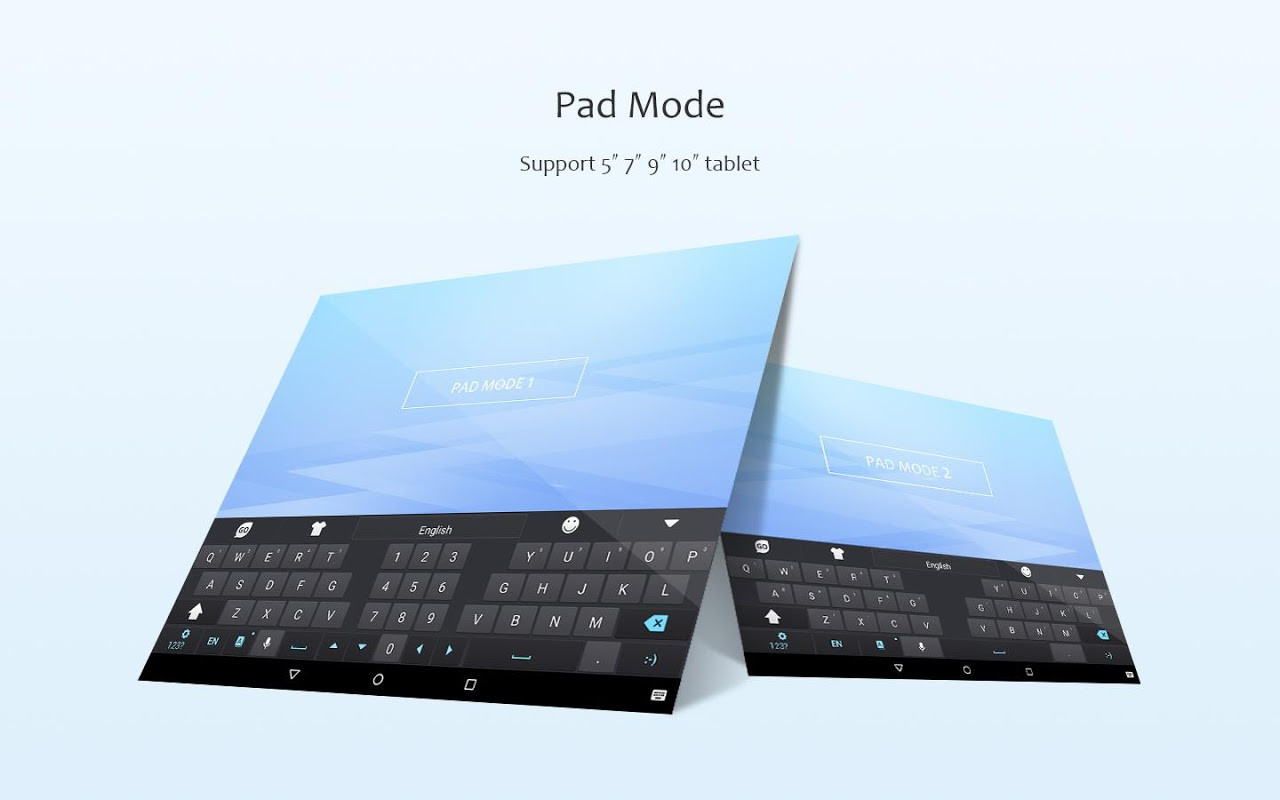
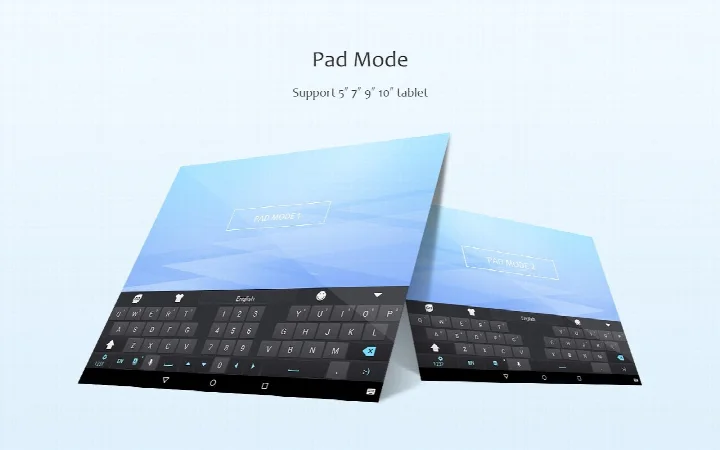
- Offers multiple layouts including QWERTY, QWERTZ, and AZERTY for tablets
- Includes auto-correction and a user-friendly interface for smoother typing
- Provides gesture typing support for faster input
- Compatible with popular apps like Facebook, Hotmail, and WhatsApp for emoji use
How to install
- Tap the download button on this page to get the APK file, which is about 24 MB in size.
- When Android asks, allow your browser or file manager to install apps by enabling the 'Install unknown apps' setting for that app.
- Open the downloaded APK file from your notifications or file manager.
- Tap the Install button on the screen and wait for the installation to complete.
- Open the app from your app drawer and set it as your default keyboard in the system settings.
- Note that the minimum Android version required is 4.1, so devices running older versions will not be able to install it.
Pros
- Extremely high level of customization with themes, fonts, and wallpapers
- Large library of emoji and stickers that update weekly
- Supports many languages and keyboard layouts for international users
- Free to download with optional in-app purchases
- Auto-correction and gesture typing improve everyday typing speed
Cons
- Contains ads which can be intrusive during use
- Requests several permissions including contacts, camera, and microphone
- Version 3.25 is from 2021, so no recent feature updates are available
- Some users may find the interface dated compared to newer keyboards
Recent updates · 3.25
Version 3.25 of GO Keyboard Lite - Many Theme focuses on improving the overall keyboard user experience, making typing smoother and more comfortable. The update refines how the keyboard responds and feels during everyday use, so you can enjoy a more polished and responsive typing experience. This release is part of the app's ongoing effort to keep personalization and usability in balance.
Version history
| Version | Size | Requires Android | Updated |
|---|---|---|---|
| 3.23 | 21 MB | 4.1 | Nov 21, 2025 |
| 3.22 | 20 MB | 4.1 | Nov 13, 2025 |
| 3.25 | 24 MB | 4.1 | May 24, 2021 |
This app is ideal for people who love personalizing their phone and want a keyboard that matches their style, such as teens and young adults who enjoy using emoji and stickers, as well as multilingual users who need support for multiple languages and keyboard layouts. It is also suitable for anyone who wants to use a personal photo as their keyboard background for a more intimate touch.
To get the most out of the app, set your favorite photo as the keyboard wallpaper first, then browse the theme library to find a font that matches it; you can also enable gesture typing in the settings to speed up your daily messaging.
Permissions
FAQ
How many emoji and themes does GO Keyboard Lite include?
The app provides more than 1000 emoji and over 10000 themes, along with keyboard wallpapers and fonts, so you can personalize your typing experience extensively.
Can I use my own photo as the keyboard background?
Yes, the keyboard wallpaper feature lets you take a new photo or pick one from your album, or choose from pre-loaded images, to set as your keyboard background.
Which keyboard layouts and languages are supported?
It supports QWERTY, QWERTZ, and AZERTY layouts for tablets, and covers over 60 languages across more than 100 countries, including English, Arabic, Chinese, French, German, Hindi, Japanese, Korean, Russian, Spanish, and Turkish.
Does the app work with popular messaging apps?
The emoji and emoji arts are compatible with widely used apps such as Facebook, Hotmail, and WhatsApp, letting you use the same expressive content across different chat services.
How often are new stickers added and what fonts are available?
Stickers are updated weekly, and the keyboard offers over 100 fonts, including styles like Toshiyana, Rayna, Elgtion, and Basileia, to help your chats stand out.
GO Keyboard Lite - Many Theme delivers on its promise of deep personalization, offering an impressive range of themes, fonts, emoji, and wallpapers that can make typing feel fresh and fun. It is a practical choice for users who want to customize their keyboard without paying upfront, and the multilingual support is a strong plus. However, the presence of ads, the many permissions, and the lack of recent updates mean it is not perfect. If you value personalization over cutting-edge features and are comfortable with the permissions, this keyboard is a solid, free option that has proven popular with over 100 million installs.
Similar apps
 Microsoft SwiftKey AI KeyboardSwiftKey4.3
 HiOS Launcher - FastTranssion Holdings4.0
 Zedge™ Wallpapers & RingtonesZedge4.7
 Parallel Space - app cloningLBE Tech4.1
 POCO Launcher 2.0 - Customize,Xiaomi Inc.4.5
 Fonts KeyboardFonts Keyboard3.9
 Themepack - App Icons, WidgetsYoloTech4.6
 Facemoji AI Emoji KeyboardNexileap4.7
Updated: Nov 18, 2026