
CapCut - Video Editor for Video Editing
CapCut - Video Editor is a free video editor by Bytedance Pte. Ltd. that lets you trim, merge, and enhance clips with effects, captions, and music.
Get CapCut · v20.1.0CapCut - Video Editor has over 1 billion installs and a rating of 3.55 based on 13.1 million ratings. The current version 20.1.0 requires Android 6.0 or higher, includes in-app purchases, and contains no ads. It suits both beginners and advanced users who want keyframe animation, chroma key, auto captions, and 4K 60fps export.
- Version
- 20.1.0
- Requires Android
- 6.0
- Updated
- Nov 13, 2026
- Installs
- 1B+
- Rating
- ★ 3.55 (13,165,557)
- Category
- Entertainment
- Developer
- Bytedance Pte. Ltd.
- Content rating
- Teen
- Package
- com.lemon.lvoverseas
- Free
- ✓ · In-app purchases
Screenshots
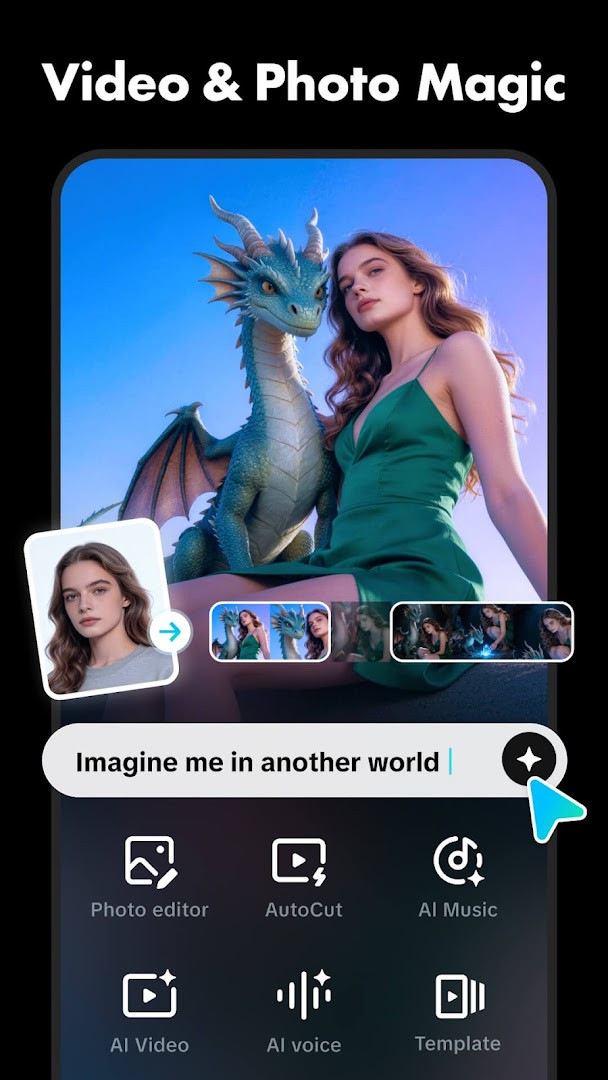
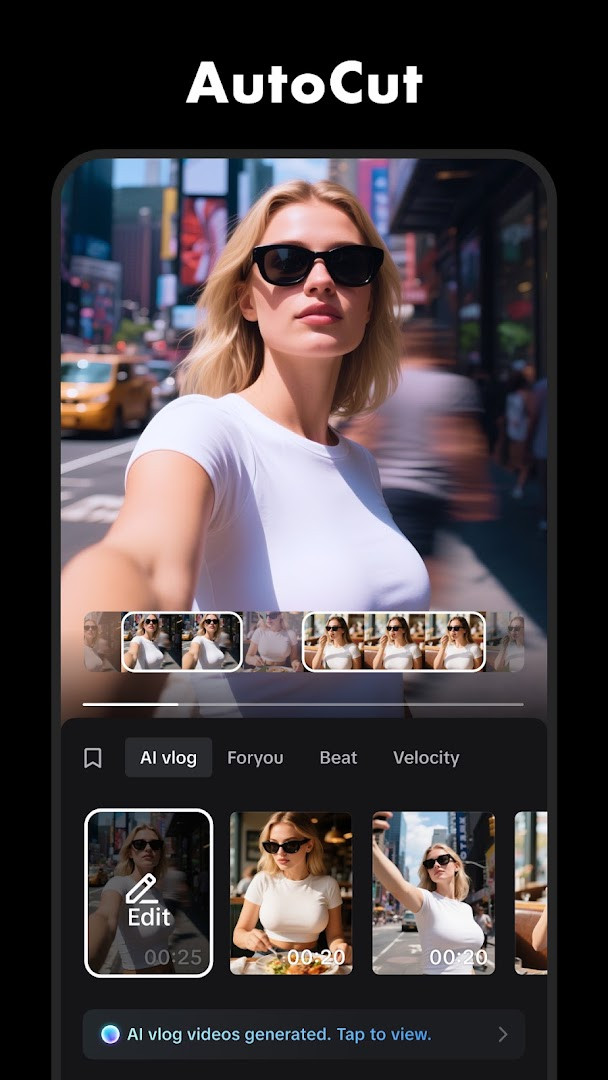
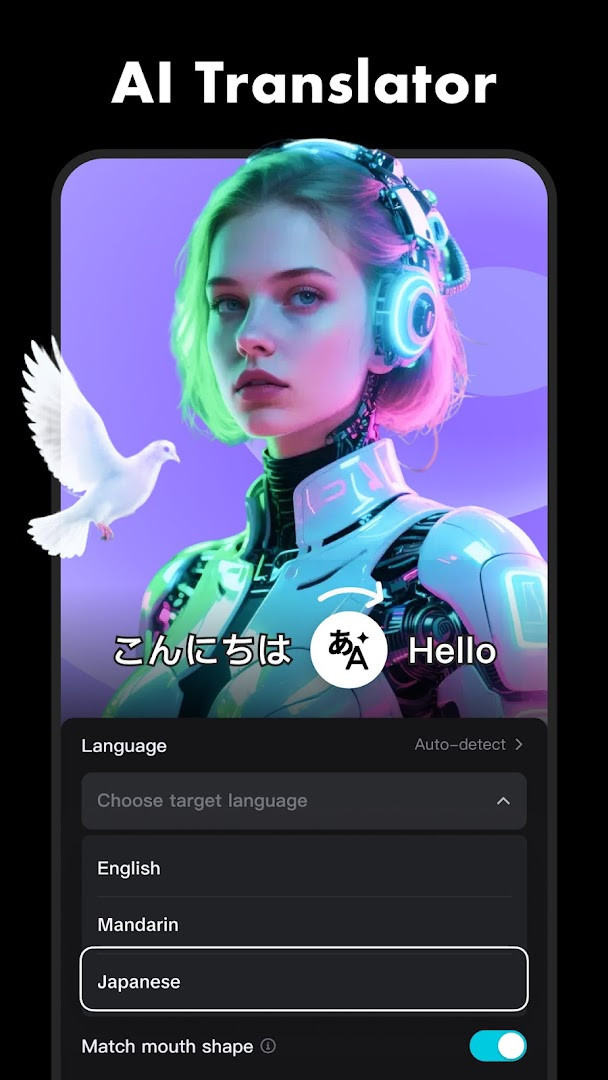
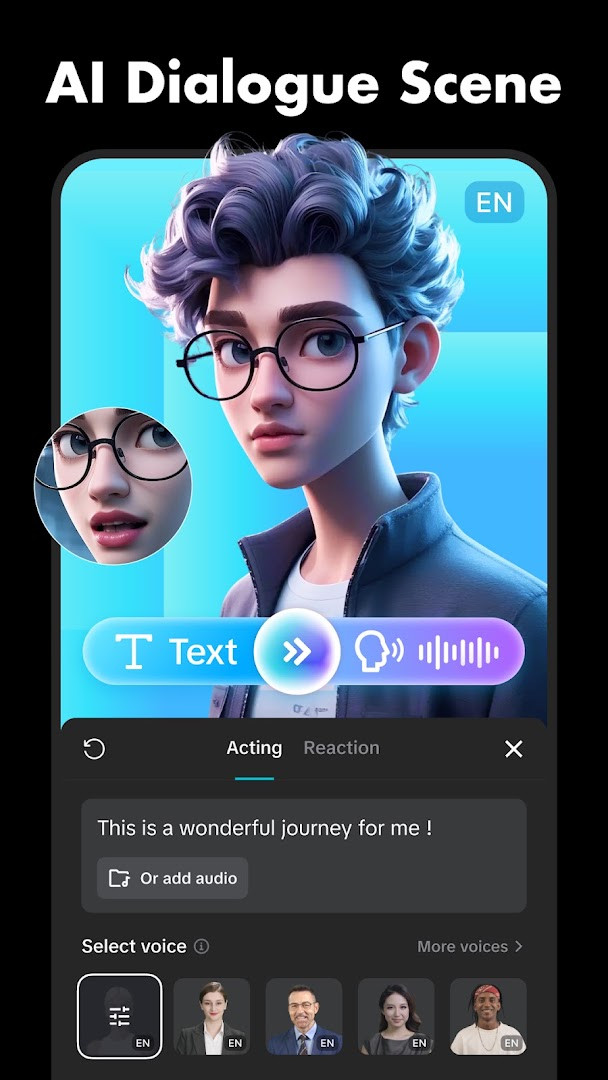
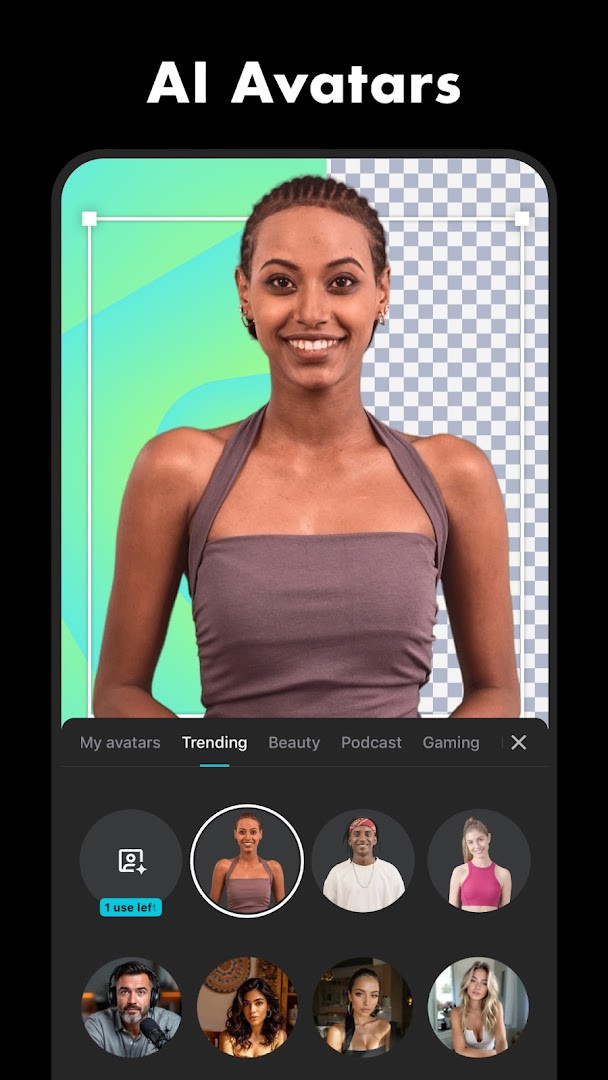
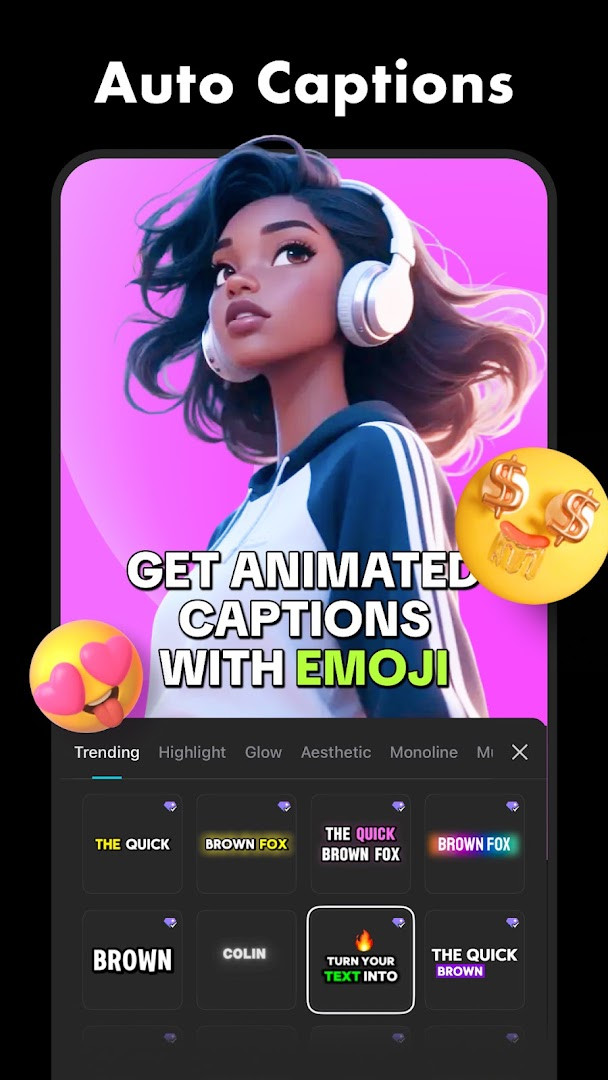
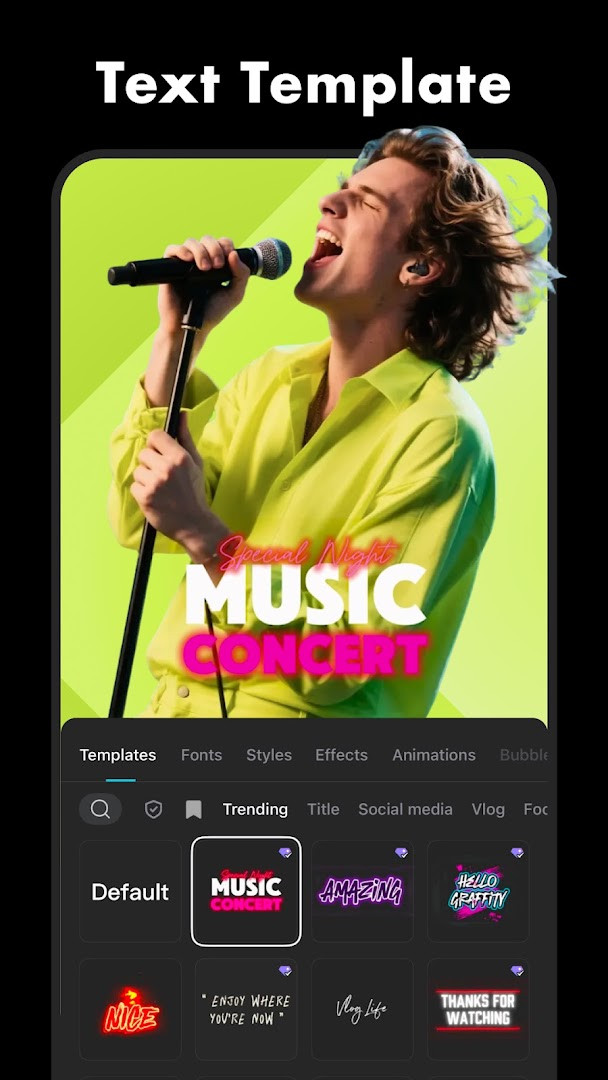
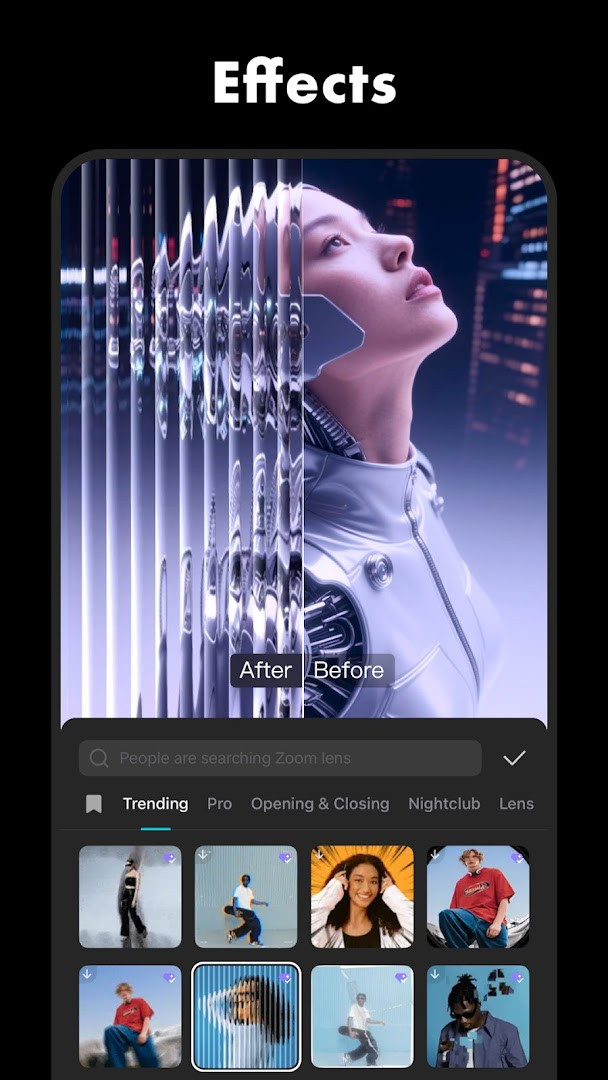
CapCut - Video Editor is a video editing application by Bytedance Pte. Ltd. that lets you trim, merge, and enhance clips with effects, captions, and music right on your Android device. First released in April 2020, it has grown into a full-featured editor that balances simple tools for newcomers with advanced options like keyframe animation, chroma key, and speed curves. The app is free to download, contains no ads, and offers optional in-app purchases, with a Teen content rating. Version 20.1.0, updated in November 2026, focuses on polishing the experience by fixing known issues and improving the trimming process, so cutting clips feels smoother and more precise than before.
At its core, the editor revolves around a multi-track timeline where you can arrange video, audio, text, and overlay layers. Basic actions like splitting, shortening, merging, and adjusting playback speed from 0.1x to 100x are straightforward, while the freeze feature lets you pause a frame to highlight a moment. For more creative control, keyframe animation applies to nearly all settings, enabling gradual shifts in position, scale, or opacity. There is also optical flow for smooth slow-motion, a stabilizing tool to reduce shakiness, and a chroma key to remove specific colors from footage. These capabilities are presented in a layout that keeps core functions within easy reach, so you are not buried in complex menus.
Intelligent tools handle repetitive tasks automatically. Auto captions generate subtitles from speech recognition, text-to-speech adds voiceovers in multiple languages, and background removal isolates subjects without manual masking. Trending filters update weekly, and hundreds of effects—such as Glitch, Blur, and 3D—can be layered onto clips. Audio work is equally flexible: you can pull from millions of music clips and sound effects, extract audio from existing videos, or record narration directly. When finished, you can export in resolutions up to 4K at 60fps with smart HDR, then share to social platforms. With over a billion installs and a rating of 3.55 from more than 13 million users, it remains a popular choice for quick edits and ambitious projects alike.
Key features
- Multi-track timeline for arranging video, audio, text, and overlay layers
- Trim, split, merge, and adjust speed from 0.1x to 100x with speed curves
- Keyframe animation for position, scale, opacity, and other settings
- Optical flow for smooth slow-motion and stabilization for steady footage
- Chroma key to remove specific colors from video
- Auto captions from speech recognition and text-to-speech in multiple languages
- Background removal that isolates subjects automatically
- Hundreds of trending effects and weekly updated filters
- Millions of music clips, sound effects, and audio extraction tools
- Export up to 4K 60fps with smart HDR and easy social sharing
How to install
- Tap the download button on this page to get the APK file; the file size is not specified, and the minimum Android version required is 6.0.
- When Android asks, allow your browser or file manager to install apps by enabling the 'Install unknown apps' setting for that app.
- Open the downloaded APK file from your notifications or file manager.
- Tap Install and wait for the process to finish.
- Open CapCut from your app drawer and grant any requested permissions like storage or microphone when prompted.
Pros
- Free to use with no ads
- Powerful advanced tools like keyframes and chroma key
- Intelligent auto captions and background removal
- 4K 60fps export with smart HDR
- Regular updates that fix issues and refine features
Cons
- In-app purchases are present for some content
- Requires several permissions such as camera and microphone
- Rating of 3.55 suggests mixed user experiences
Recent updates · 20.1.0
CapCut version 20.1.0, released on November 11, 2026, resolves several known issues and delivers a smoother, more responsive trimming experience. This update refines the editing workflow so you can cut clips with greater precision and ease. Thanks for your continued support—we look forward to creating beautiful moments together.
Version history
| Version | Size | Requires Android | Updated |
|---|---|---|---|
| 20.1.0 | — | 6.0 | Nov 13, 2026 |
| 19.7.0 | 306 MB | 6.0 | Oct 8, 2026 |
| 19.6.0 | 305 MB | 6.0 | Sep 19, 2026 |
| 19.5.0 | 304 MB | 6.0 | Sep 13, 2026 |
| 999.999.45 | 0.2 MB | 4.4 | Mar 13, 2026 |
CapCut suits beginners who want quick edits with templates and auto tools, social media creators who need trending effects and easy sharing, and more advanced hobbyists who want keyframe animation, chroma key, and multi-track control on a mobile device.
Start with auto captions and a speed curve on your first project—these two features quickly make footage look polished, and you can explore keyframes or chroma key once you are comfortable with the timeline.
Permissions
FAQ
How do I install the CapCut APK on an Android device?
To install the APK, download the file to your device, open it, and allow installation from unknown sources if prompted. After the install finishes, launch the app and sign in or start editing. The app requires Android 6.0 or higher.
What is the current version of CapCut and when was it updated?
The current version is 20.1.0, released on November 11, 2026. The update fixes known issues and improves the trimming experience.
Does CapCut contain ads or require purchases?
CapCut is free to download and does not show ads. It does offer in-app purchases, which allow you to buy additional features, effects, or content if you choose.
Can I use CapCut offline?
CapCut does not require a constant internet connection for core editing tasks like trimming, splitting, or applying effects. However, some features such as auto captions, text-to-speech, and certain music or templates may need an online connection to function fully.
What permissions does CapCut request and why?
CapCut requests access to your calendar, photos, media, files, storage, camera, microphone, and Wi-Fi connection information. These permissions support importing media, recording audio, saving projects, and managing files.
Are there other video editing apps in the same category as CapCut?
Yes, there are several other video editing apps available that offer similar tools for trimming, effects, filters, and audio. These alternatives vary in complexity and features, so you can choose one that fits your skill level and editing needs.
What kind of content rating does CapCut have?
CapCut has a Teen content rating, meaning it is suitable for users aged 13 and older. It includes features like text, effects, and sharing tools that may appeal to a teenage audience.
CapCut delivers an impressive range of editing tools in a free, ad-free package, making it easy to recommend for casual users and serious mobile editors alike. The advanced features are surprisingly deep for a phone app, though the mixed rating and in-app purchases mean you should test it yourself to see if it fits your workflow.
Similar apps








Updated: Nov 13, 2026