
Spotify: Music and Podcasts - Stream and Discover
Spotify: Music and Podcasts is a free music and audio app by Spotify AB that lets you stream songs, podcasts, and audiobooks.
Get SpotifySpotify: Music and Podcasts is 145 MB in size and requires Android 7.0 or higher. The app contains ads and offers in-app purchases for its Premium subscription, which enables offline listening and ad-free playback. It is designed for listeners who want to explore millions of tracks, curated playlists, and podcasts.
- Size
- 145 MB
- Requires Android
- 7.0
- Updated
- Oct 7, 2026
- Installs
- 1B+
- Rating
- ★ 4.35 (36,473,612)
- Category
- Entertainment
- Developer
- Spotify AB
- Content rating
- Teen
- Package
- com.spotify.music
- Free
- ✓ · Contains ads · In-app purchases
Screenshots
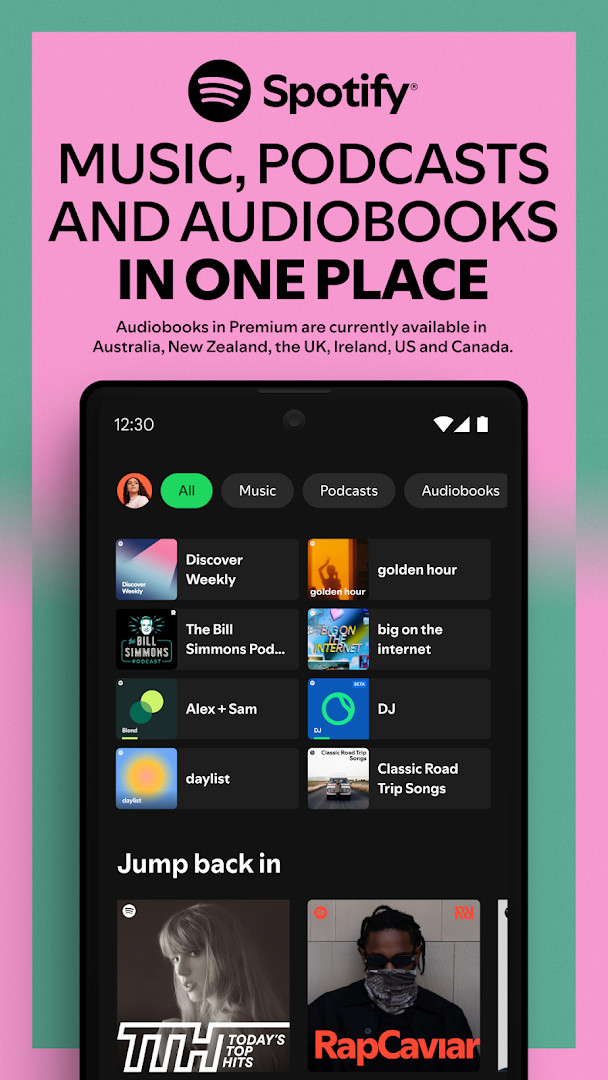
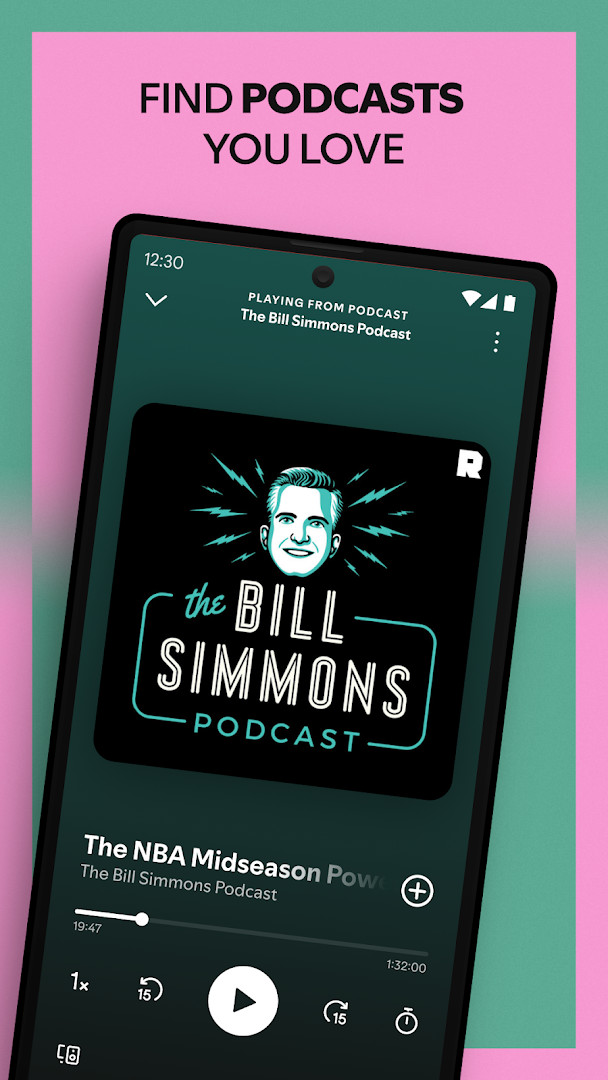
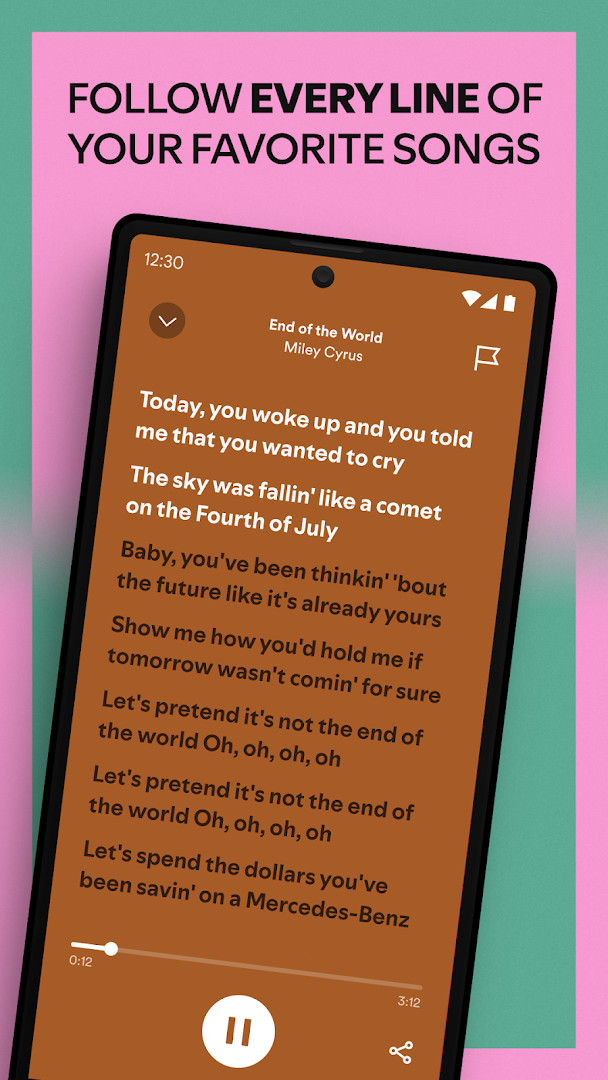
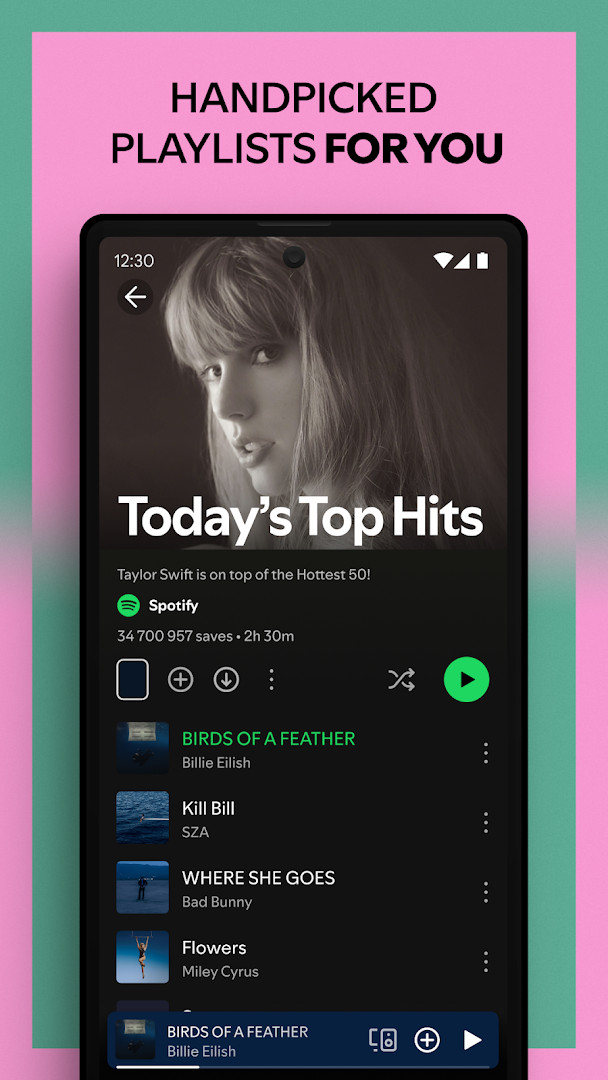
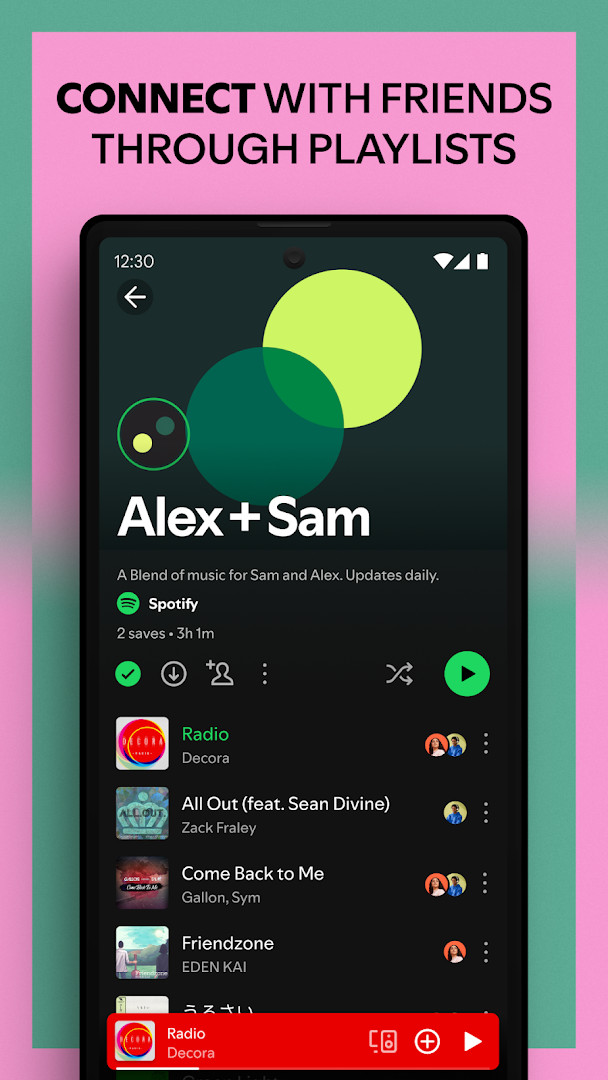
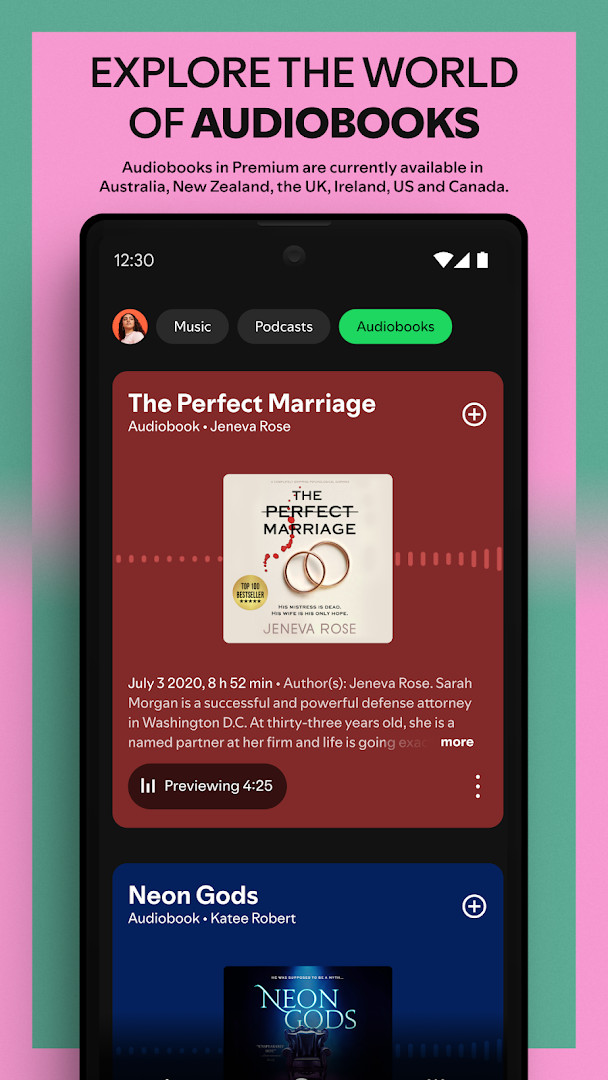
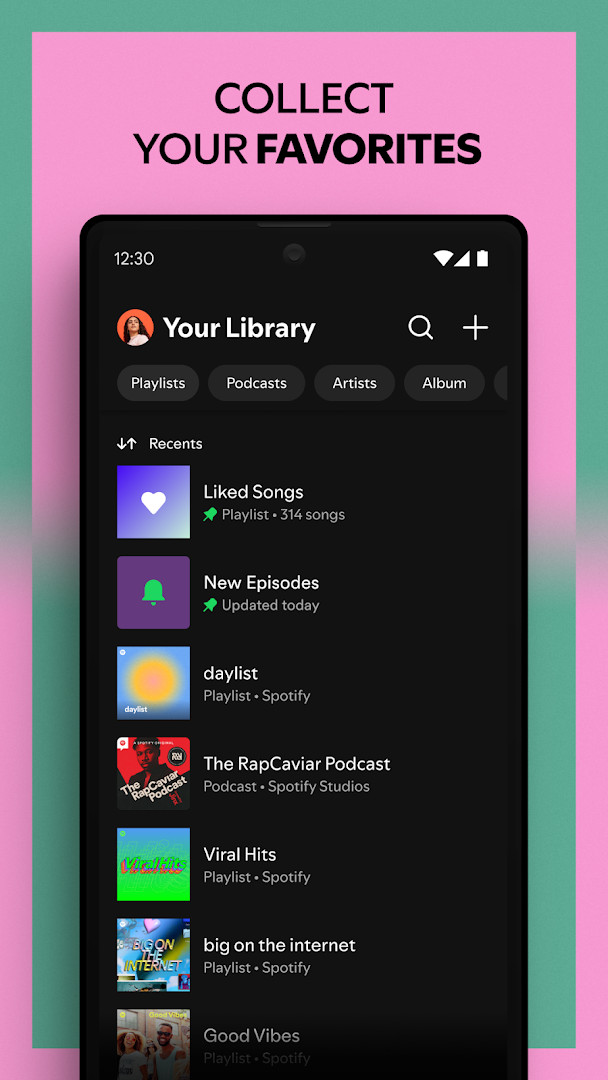
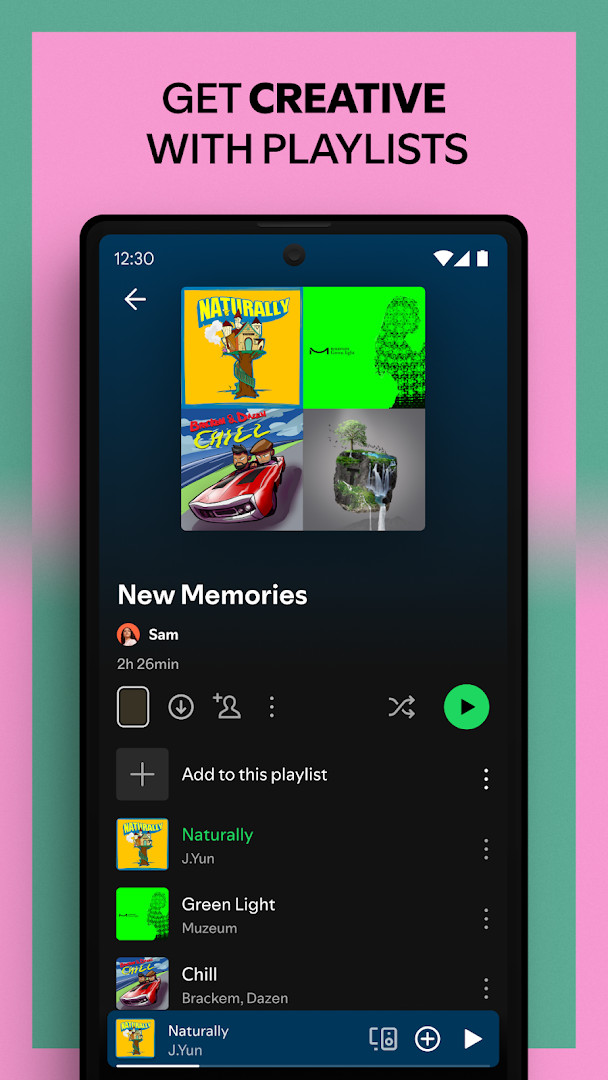
Spotify: Music and Podcasts is a music and audio streaming application by Spotify AB that provides access to a large catalog of songs, podcasts, and audiobooks. The app solves the problem of fragmented audio consumption by centralizing millions of tracks, over four million podcasts, and hundreds of thousands of audiobook titles into a single interface. It addresses discovery and personalization through curated playlists, daily mixes, and lyric-based search, while offering both a free, ad-supported tier and a Premium subscription that enables offline downloads and ad-free listening. The service supports playback across multiple device categories, including phones, tablets, desktops, and Wear OS devices, and includes features for podcast subscription management and playlist bookmarking. With a content rating for teens and a large user base, the app aims to serve casual listeners and dedicated audio enthusiasts alike, though its broad permission set and in-app purchase model warrant consideration.
Key features
- Access over 80 million songs and 4 million podcasts, plus more than 300,000 audiobook titles
- Search for songs or artists by typing a lyric into the search function
- Create and share custom music playlists, and bookmark individual podcasts into playlists
- Receive daily music mixes tailored to your listening habits and explore top songs by genre, country, or decade
- Subscribe to favorite podcasts to avoid missing episodes and build a personal podcast library
- Listen across mobile, tablet, desktop, PlayStation, Chromecast, TV, Wear OS, and other wearable devices
- Use the Popular Radio playlist feature for continuous artist-based listening
- Upgrade to Premium for ad-free playback, offline downloads, and on-demand song selection across four subscription plans
How to install
- Tap the download button on this page to get the APK file, which is 145 MB in size.
- When Android prompts you, allow your browser or file manager to install apps by enabling the 'Install unknown apps' setting for that app.
- Open the downloaded APK file from your notification bar or file manager.
- Tap Install on the installation screen and wait for the process to complete.
- Open the app from your app drawer or home screen after installation finishes.
- Ensure your device runs Android 7.0 or higher to meet the minimum operating system requirement.
Pros
- Vast content library covering music, podcasts, and audiobooks
- Strong personalization with daily mixes and curated playlists
- Lyric-based search helps find songs by partial text
- Cross-device support including wearables and smart TVs
- Free tier available with optional Premium upgrade
Cons
- Includes advertisements in the free version
- In-app purchases required for Premium features like offline listening
- Requests extensive permissions, including identity, contacts, location, phone, camera, and microphone
- Requires a relatively large download size of 145 MB
- Audience measurement software included, though opt-out is possible in settings
Recent updates
The latest update to Spotify: Music and Podcasts, released on October 7, 2026, brings ongoing refinements and improvements to enhance your listening experience. While the core features remain intact—streaming over 80 million songs, 4 million podcasts, and 300,000 audiobooks—this version focuses on stability and performance tweaks to ensure smooth playback. Keep your updates turned on to automatically receive all future enhancements and new features as they roll out.
Version history
| Version | Size | Requires Android | Updated |
|---|---|---|---|
| 9.1.84.2231 | 145 MB | 7.0 | Sep 26, 2026 |
| 8.4.90.722 | 4.3 MB | 7.1 | Dec 13, 2019 |
| 1.0.0 | 0.1 MB | — | Jul 16, 2018 |
| 8.4.58.675 | 37 MB | 4.0.3 | Jun 13, 2018 |
This app suits anyone who regularly listens to music, podcasts, or audiobooks and wants a single platform to manage all three. It appeals to casual listeners who want free access to a massive catalog, as well as dedicated fans who value personalized playlists and daily mixes. Podcast enthusiasts will appreciate subscription management and playlist bookmarking, while Premium subscribers gain offline capabilities and ad-free sessions. Users who listen across multiple devices, including smartwatches and TVs, will find the cross-platform playback convenient. However, individuals concerned about the app's broad permission requests or who prefer minimal data collection may want to review settings carefully before installation.
Review and adjust the app's privacy settings to opt out of Nielsen’s audience measurement if you prefer not to participate. For offline listening without ads, consider a Premium subscription, and remember that audiobook access via Premium is currently limited to Australia, the UK, and the US.
Permissions
FAQ
How do I install the Spotify APK on my Android device?
To install the APK, first allow installation from unknown sources in your device settings. Then open the downloaded file and follow the on-screen prompts. The app requires Android 7.0 or higher and takes up about 145 MB of storage.
What is the current version of Spotify?
The latest version listed is 9.1.84.2231, which was released on September 26, 2026. The app itself was originally released on May 27, 2014, and is updated regularly with improvements.
Is Spotify free to use, and does it contain ads?
Yes, Spotify is free to download and use, but it includes ads. You can subscribe to Spotify Premium to listen without ad breaks. The app also offers in-app purchases for various subscription options, including Individual, Duo, Family, and Student plans.
Can I listen to music and podcasts offline?
Offline listening is available with a Spotify Premium subscription. Premium lets you download music and podcasts to listen to without an internet connection. This feature also works on Wear OS devices for downloaded content.
What content can I access with Spotify?
Spotify provides access to over 80 million songs, 4 million podcasts, and more than 300,000 audiobook titles. You can explore curated playlists, discover new music by typing lyrics, and listen across various genres, including Pop, Hip-Hop, Rock, and more.
Are there similar music and podcast apps I could try?
Yes, there are other apps in the music and audio category that offer streaming, playlists, and podcasts. However, Spotify distinguishes itself with its large catalog, daily mixes, and integration with devices like Wear OS, Chromecast, and TVs.
Spotify: Music and Podcasts delivers a comprehensive audio streaming experience with an enormous catalog and robust discovery tools. Its free tier is functional, but the extensive permissions and ad-supported model mean you should weigh privacy and upgrade costs against the convenience.
Similar apps




Updated: Nov 4, 2026