Netflix: Streaming Service App
Netflix is a streaming service app by Netflix, Inc. that lets you watch TV episodes and movies on your mobile device.
Download NetflixNetflix offers a broad catalog of series, movies, live events, podcasts, and games, with personalized recommendations and a dedicated 'My Netflix' tab for tracking favorites. It is free to download, requires Android 5.0 or higher, and has a download size of 63 MB. The app has received over 16.5 million ratings and is suitable for teens.
- Size
- 63 MB
- Requires Android
- 5.0
- Updated
- Oct 8, 2026
- Installs
- 1B+
- Rating
- ★ 4.67 (16,508,163)
- Category
- Entertainment
- Developer
- Netflix, Inc.
- Content rating
- Teen
- Package
- com.netflix.mediaclient
- Free
- ✓
Screenshots
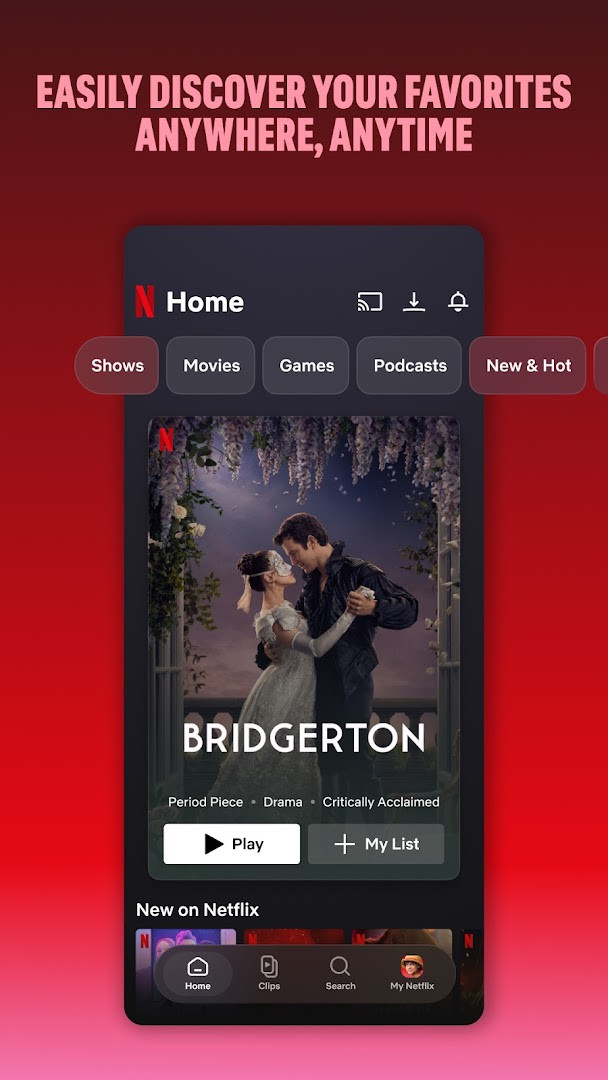
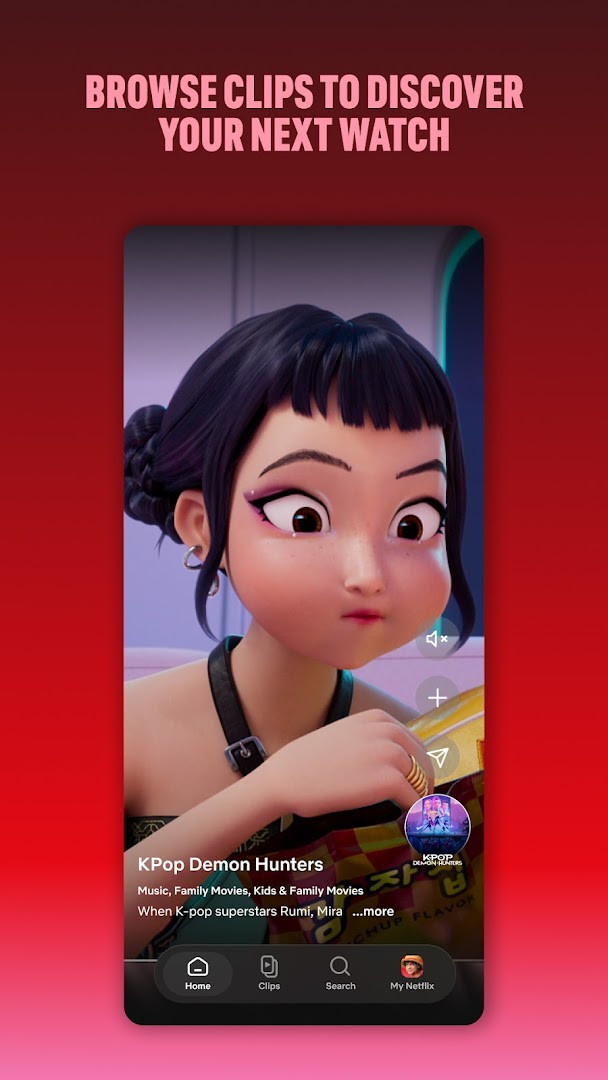
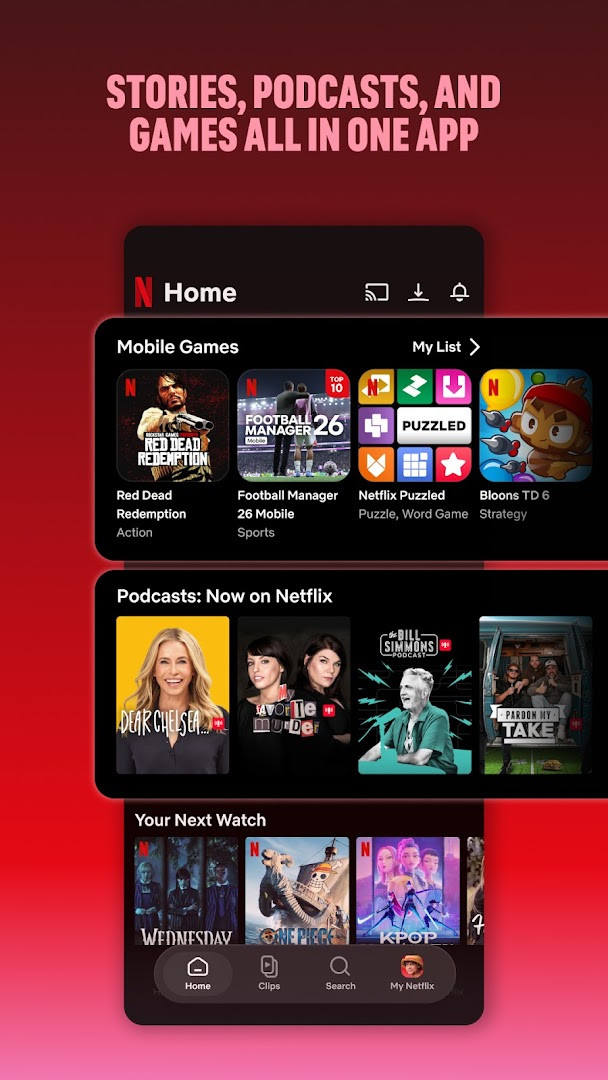
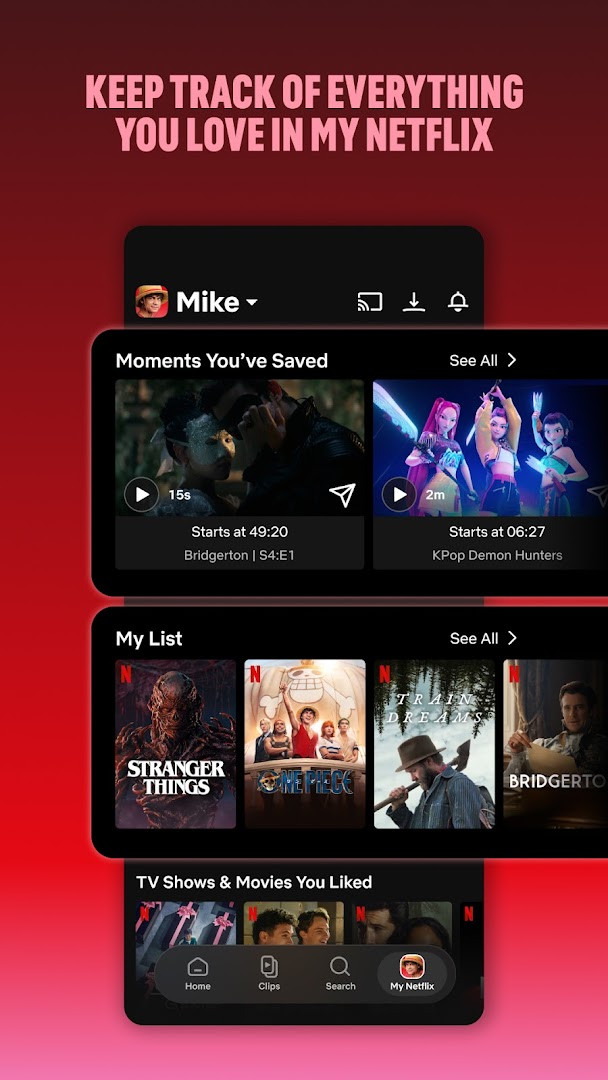
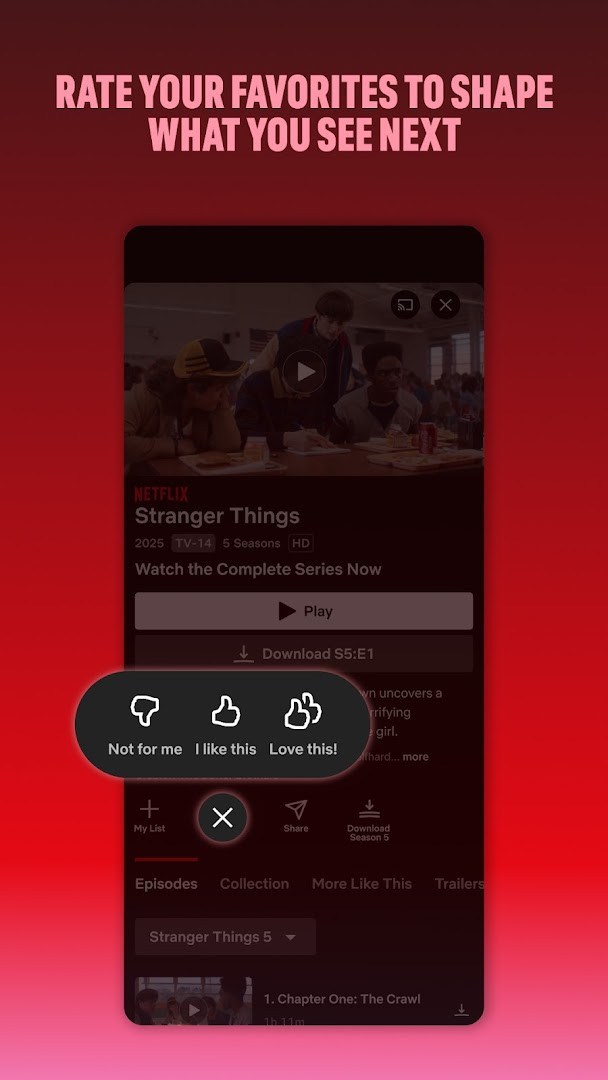
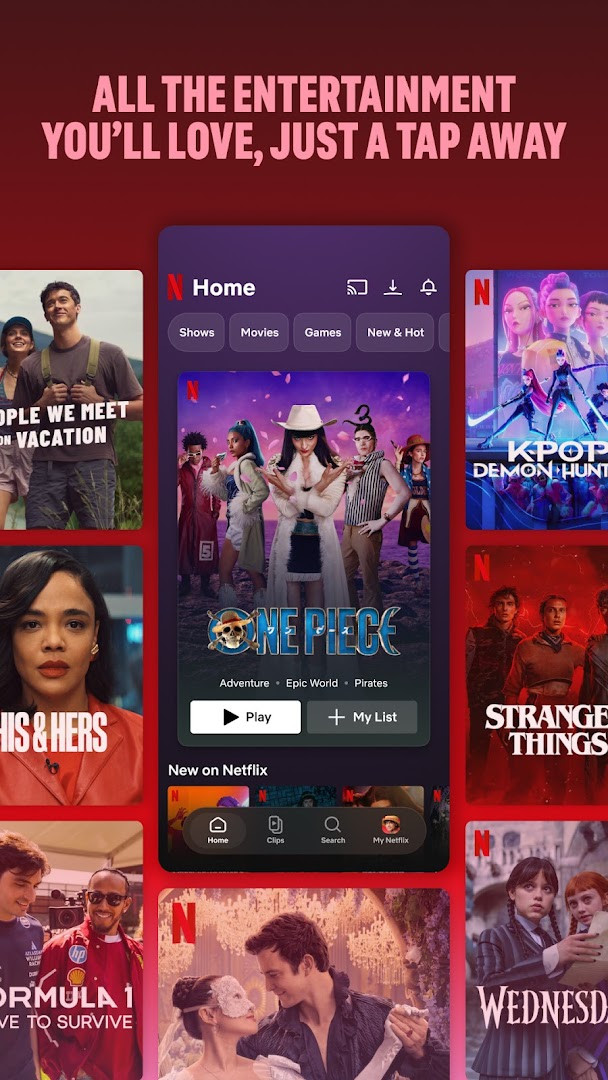
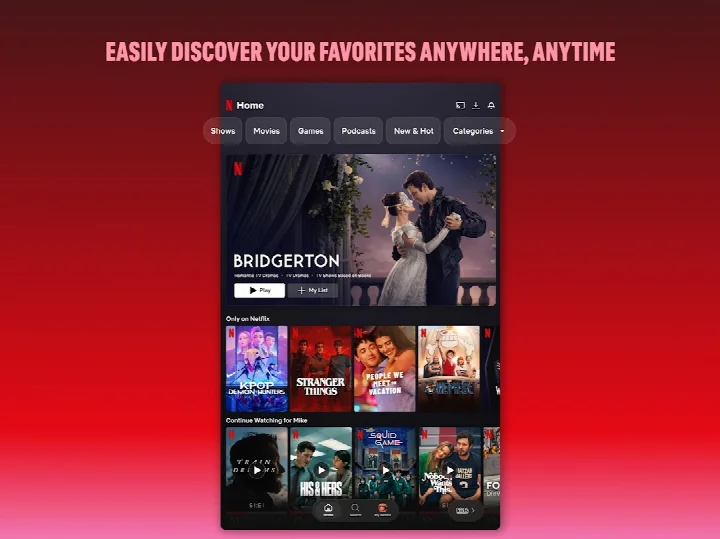
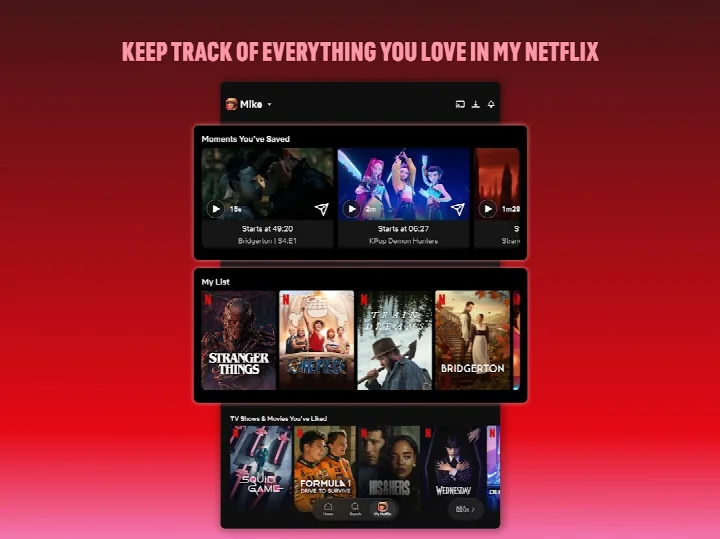
Netflix is an entertainment app by Netflix, Inc. that lets subscribers stream TV episodes, movies, live events, podcasts, and games on Android devices. The app solves the problem of finding and watching a wide range of content while on the go by bundling discovery, playback, and personalization into one interface. It addresses the challenge of navigating large catalogs through bottom navigation shortcuts, an upcoming clips feed, and tailored recommendations based on your ratings. You can track favorites in a dedicated tab, receive notifications for new releases and live events, and manage your membership directly within the app, with no long-term contracts required.
Key features
- Bottom navigation shortcuts for quickly browsing content or returning to favorites
- Upcoming clips feed that offers a new way to discover what to watch next
- Access to series, movies, live events, games, and podcasts in one place
- 'My Netflix' tab to track favorite moments and manage your 'My List'
- Personalized recommendations based on your ratings
- Instant notifications for new releases, episodes, and live events
- Month-to-month subscription that can be canceled anytime online with no cancellation fees
How to install
- Tap the download button on this page to get the APK file, which is about 63 MB in size.
- When Android asks, allow your browser or file manager to install apps by enabling the 'Install unknown apps' setting.
- Open the downloaded APK file from your notifications or file manager.
- Tap Install and wait for the installation to finish.
- Open the app from your home screen or app drawer and sign in with your account.
Pros
- Wide variety of content types in a single app
- Personalized recommendations and notifications
- No long-term contracts or cancellation fees
- Free to download with no ads and no in-app purchases
- Regularly updated with new versions and features
Cons
- Requires several permissions, including camera, microphone, and storage
- Content access requires a paid subscription
- May use significant data when streaming on mobile networks
Recent updates
The latest Netflix update is focused on improving the experience for watching both recent hits and timeless classics on phones and tablets. The app now includes smoother navigation with bottom shortcuts, a new upcoming clips feed for discovering content, and a central 'My Netflix' tab for tracking favorites. It consolidates series, movies, live events, games, and podcasts into one place, and continues to offer personalized recommendations and instant notifications for new releases, episodes, and live events.
Version history
| Version | Size | Requires Android | Updated |
|---|---|---|---|
| 2.2.5 | 2.7 MB | 8.0 | Feb 25, 2026 |
| 7.120.6 build 63 35594 | 63 MB | 5.0 | Sep 15, 2025 |
| 4.16.7 build 15235 | 25 MB | 4.4 | Apr 13, 2023 |
| 3.14.4 build 5440 | 25 MB | 4.0 | Dec 29, 2020 |
This app is ideal for beginners who want a straightforward way to watch popular TV shows and movies on their phone or tablet. It suits anyone who enjoys discovering new series or films while traveling or commuting, as well as those who appreciate having games and podcasts alongside video content. The simple navigation and personalized recommendations make it easy for new users to find something to watch without feeling overwhelmed by the large catalog.
To get the most out of the app, use the 'My Netflix' tab to build your list and rate shows you have watched, as this improves the accuracy of your recommendations. Also, enable notifications so you do not miss new episodes or live events, and remember you can adjust your subscription anytime from within the app.
Permissions
FAQ
Is Netflix free to download and use?
Yes, the app itself is free to download, but watching content requires an active Netflix membership. The membership is a month-to-month subscription that begins at sign-up, and you can cancel anytime online with no long-term contracts or cancellation fees.
What Android version do I need?
The app requires Android 5.0 or higher. The current version listed on this page is 2.2.5, released on February 25, 2026.
What is the file size of the app?
The download file size is 63 MB. This is the size of the installation package as provided on this page.
Do I need an account to use Netflix?
Yes, you need a Netflix account and an active subscription to watch shows, movies, and other content. The app itself does not require payment at download, but sign-up is necessary to start streaming.
What permissions does the app request?
The app requests access to photos, media, and files, storage, camera, microphone, and Wi-Fi connection information. These permissions are used for features like saving downloads and enabling certain in-app functions.
How do I update the app?
To update, simply download the newest version available on this page and install it over your current installation. The latest version listed here is 2.2.5, released on February 25, 2026.
Netflix offers a polished and convenient way to access a vast library of entertainment on Android, with tools that make discovery easy for newcomers. While it requires a subscription and several permissions, its flexible cancellation policy and ad-free experience make it a solid choice for everyday streaming.
Similar apps





Updated: Nov 5, 2026