
MX Player: Video and Music Player
MX Player is a video and music player by Amazon Mobile LLC that offers advanced hardware acceleration and subtitle support.
Download MX Player · v3.4.3MX Player is a free video and music player that supports multi-core decoding, which can improve performance on multi-core devices by up to 70%. It includes gesture-based subtitle controls, pinch-to-zoom, a privacy folder, and a kids lock feature. The app requires Android 7.0 or higher and has been installed over 1 billion times.
- Version
- 3.4.3
- Requires Android
- 7.0
- Updated
- Nov 6, 2026
- Installs
- 1B+
- Rating
- ★ 4.22 (14,353,398)
- Category
- Entertainment
- Developer
- Amazon Mobile LLC
- Content rating
- Everyone
- Package
- com.mxtech.videoplayer.ad
- Free
- ✓ · Contains ads · In-app purchases
Screenshots
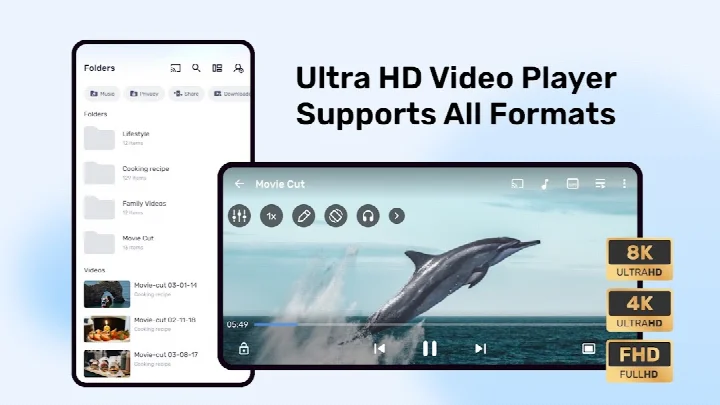
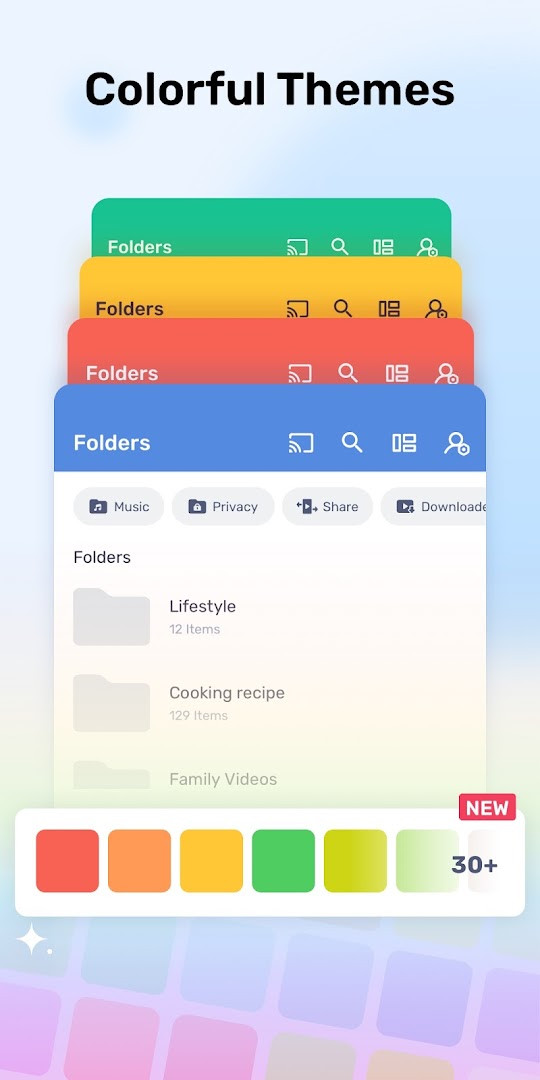
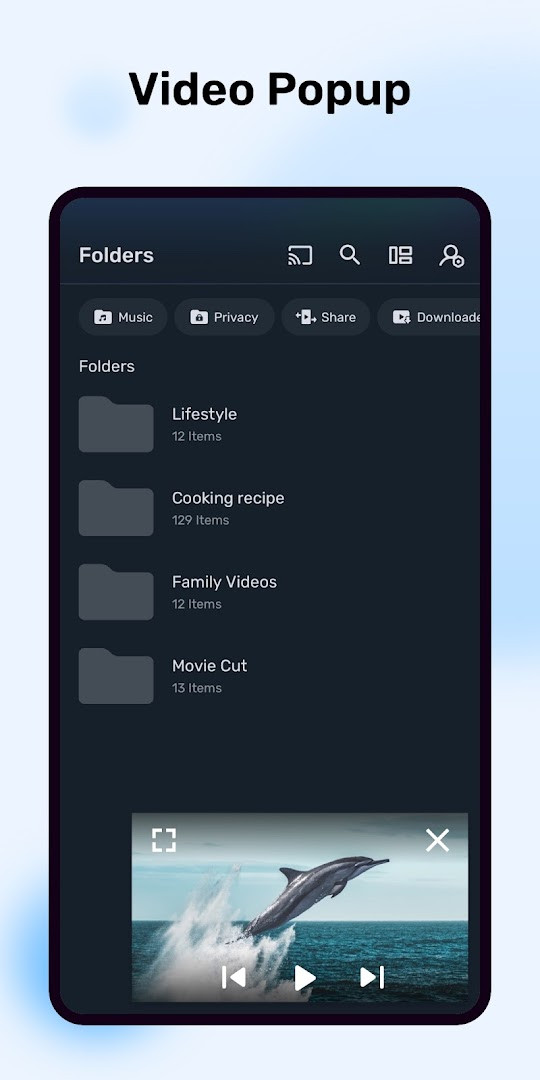
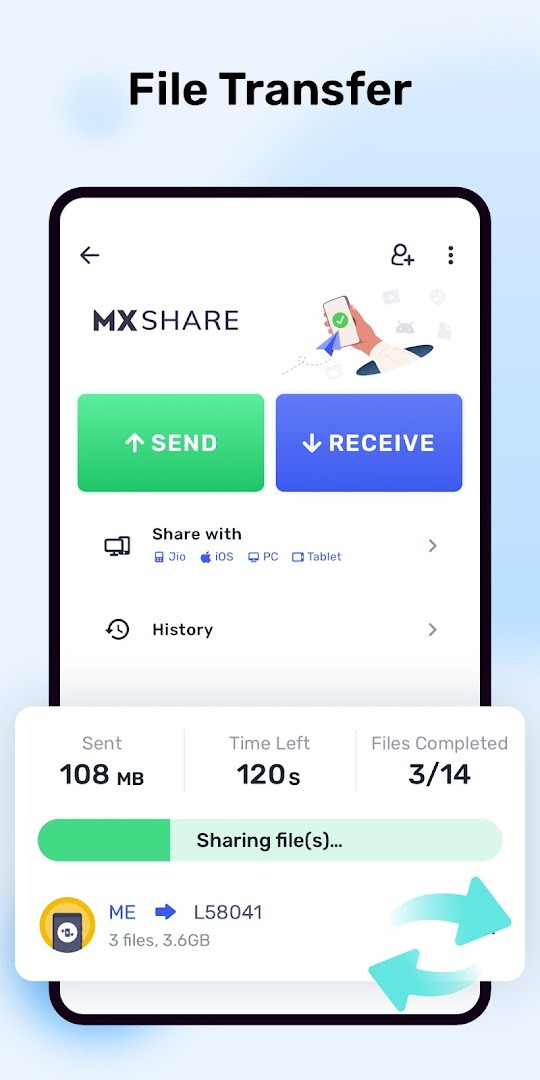
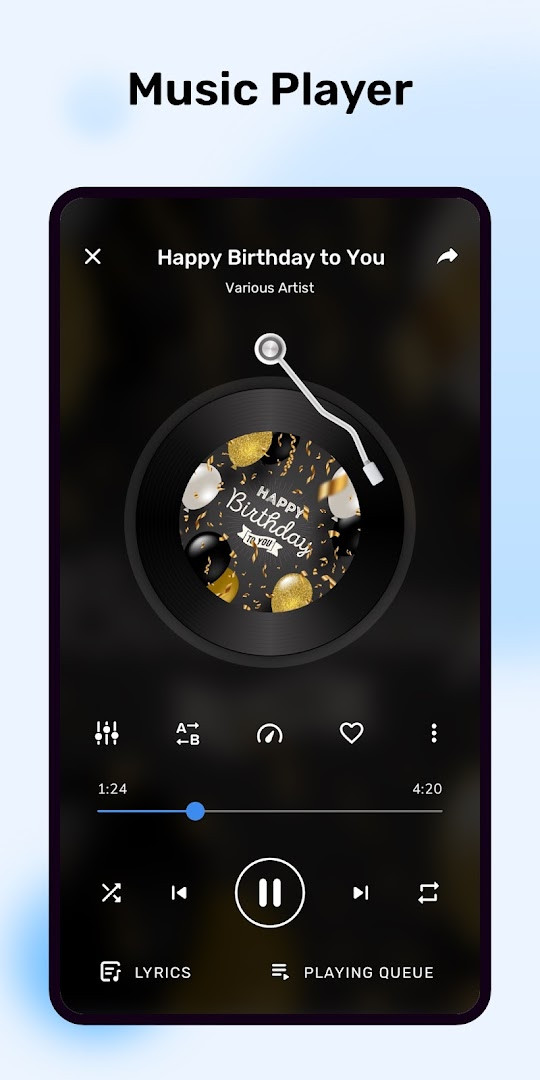
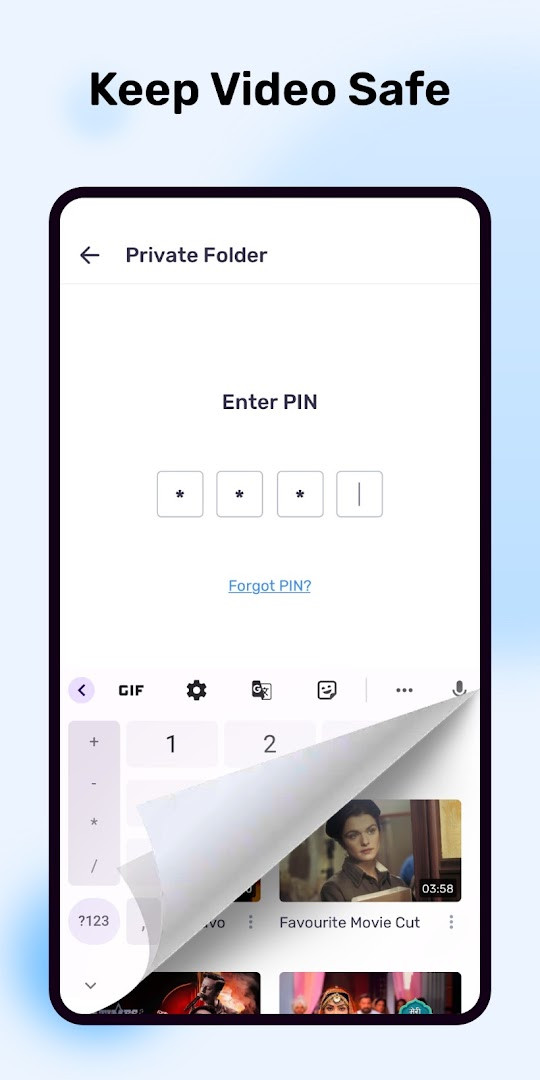
MX Player is a video and music player application by Amazon Mobile LLC that focuses on hardware-accelerated playback and extensive subtitle support. The app is designed to handle a wide range of media files on Android devices, leveraging a dedicated HW+ decoder to apply hardware acceleration to more videos than typical software-based players. It also pioneered multi-core decoding on the platform, which can significantly improve performance on devices with multiple processor cores, making it a practical choice for users who play high-resolution or demanding video content. The player is aimed at a broad audience, from casual viewers who want a reliable default player to enthusiasts who need precise subtitle control and gesture-based navigation.
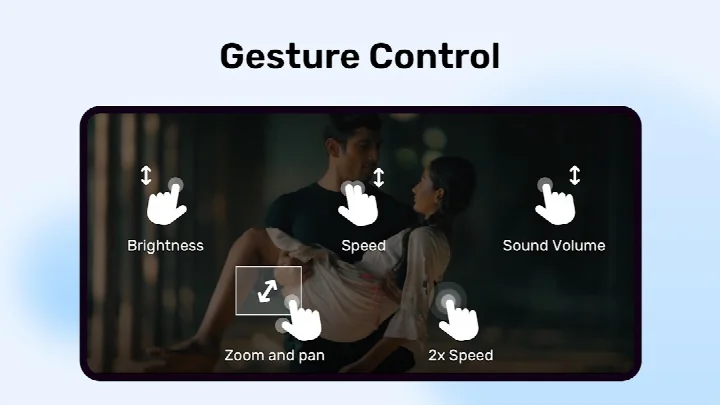
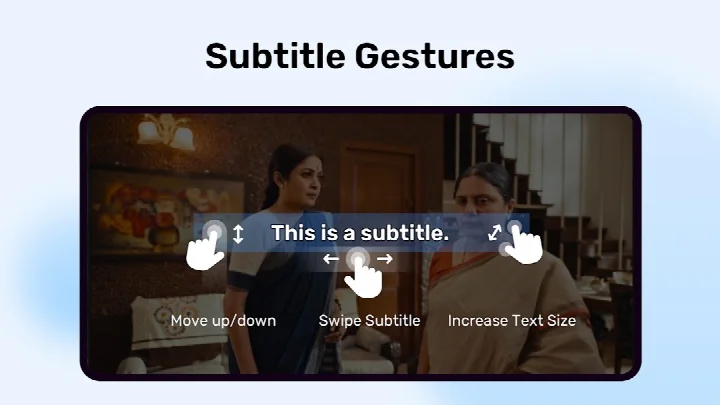
The application includes a set of tools that go beyond basic playback. Users can pinch to zoom, pan, and scale the video image on the fly, and they can adjust subtitle positioning, timing, and text size through dedicated gestures. A privacy folder allows users to hide selected videos from the main library, while a kids lock mode restricts access to other apps and system functions during playback. These features are complemented by support for a wide array of subtitle formats, including SSA/ASS with full styling, SubRip, MicroDVD, VobSub, and WebVTT, among others. The app also includes a file transfer capability that uses QR code scanning and Wi-Fi Direct or hotspot connections, though these functions require additional permissions that can be denied without affecting core playback.
MX Player is free to use and includes advertisements and in-app purchases. It requires Android 7.0 or higher and requests access to storage to organize and play media files, as well as optional permissions for notifications, picture-in-picture display, and phone number autofill in certain regions. The app has been updated regularly since its initial release in 2011, with the latest version focusing on bug fixes and performance optimizations. For users who need a versatile, feature-rich player that handles subtitles and hardware acceleration well, MX Player offers a comprehensive solution that balances advanced functionality with ease of use.
Key features
- Hardware acceleration via HW+ decoder for broader video compatibility
- Multi-core decoding support, with performance gains up to 70% on multi-core devices compared to single-core
- Pinch to zoom, zoom, and pan gestures for flexible video viewing
- Subtitle gestures: scroll to switch text, swipe up/down to move text, pinch to resize
- Privacy folder to hide videos from the main library
- Kids lock mode to prevent accidental calls or access to other apps
- Supports a wide range of subtitle formats including SSA/ASS, SubRip, MicroDVD, VobSub, WebVTT, and more
- File transfer feature using QR code scanning and Wi-Fi Direct or hotspot connections
How to install
- Tap the download button on this page to obtain the APK file for MX Player version 3.4.3. The file size is not specified, so ensure you have sufficient storage space on your device.
- When prompted by Android, allow your browser or file manager to install apps by enabling the 'Install unknown apps' setting for that specific application.
- Locate the downloaded APK file in your device's notification bar or in the Downloads folder of your file manager.
- Tap the APK file to open it, then tap the Install button when the installation screen appears.
- After installation is complete, tap the Open button or find the MX Player icon in your app drawer to launch the application. Note that the app requires Android 7.0 or higher to run.
- If you encounter a 'package file is invalid' error, re-download the APK file and try the installation process again.
Pros
- Extensive subtitle format support with styling options
- Hardware acceleration improves playback on supported devices
- Multi-core decoding enhances performance on modern processors
- Gesture-based controls for zoom and subtitle adjustments
- Privacy folder and kids lock provide useful parental and security features
Cons
- Contains advertisements and offers in-app purchases
- Requires storage access to identify and play media files
- File transfer features require additional permissions for camera, location, and system settings
- Some advanced features may be limited without granting optional permissions
Recent updates · 3.4.3
MX Player 3.4.3, released November 6, 2026, delivers a smoother and more reliable experience with bug fixes and performance optimizations. This update refines the app's overall stability so you can enjoy your videos and music with fewer interruptions. It builds on the player's core strengths, including hardware acceleration and multi-core decoding, ensuring a faster, more dependable playback experience.
Version history
| Version | Size | Requires Android | Updated |
|---|---|---|---|
| 3.4.3 | — | 7.0 | Nov 6, 2026 |
| 3.3.1 | — | 7.0 | Nov 3, 2026 |
| 1.28.7 | 37 MB | 4.2 | Jan 24, 2026 |
| 1.96.4 | 114 MB | 5.0 | Dec 13, 2025 |
| 1.31.3 | 38 MB | 4.2 | Apr 11, 2025 |
| 1.10.47 | 29 MB | 4.0 | Mar 12, 2019 |
| 1.10.20 | 27 MB | 4.0 | Oct 30, 2018 |
| 1.7.41 | 12 MB | — | Jun 5, 2018 |
| 1.7.26 | 8.7 MB | — | Mar 3, 2014 |
MX Player is for Android users who want a robust video player with strong subtitle support and hardware acceleration, including those who play high-resolution content on multi-core devices and parents who need a kids lock mode for safe viewing.
To maximize performance, enable hardware acceleration in the player settings and use the HW+ decoder for videos that may not play smoothly. If you use the file transfer feature, you can deny camera, location, and system settings permissions and still use the core playback functions. For privacy, take advantage of the privacy folder to hide sensitive videos from the main library.
Permissions
FAQ
Is MX Player free to download and use?
Yes, MX Player is free to download and use. The listed price is $0.00, though the app may contain ads and offer in-app purchases.
What Android version do I need to run MX Player?
MX Player requires Android 7.0 or higher. The current version is 3.4.3, updated on November 6, 2026.
Do I need to create an account to use MX Player?
No, you can use MX Player without an account. A phone number autofill option appears only during optional sign-up or login, and that feature is limited to India.
What permissions does MX Player request and why?
MX Player requests storage and all-files access to identify and play media and subtitles. For file transfer, it may ask for camera, location and nearby devices, and system settings; other optional permissions include notifications, display over other apps, and phone (India only). You can deny the file-transfer permissions and still use the rest of the app.
How do I update MX Player to the latest version?
To update, download the newest version available on this page and install it over your current installation. The latest release is version 3.4.3, dated November 6, 2026.
Does MX Player support subtitles?
Yes, MX Player supports many subtitle formats, including SRT, SSA/ASS, SAMI, MicroDVD, VobSub, SubViewer2.0, MPL2, TMPlayer, Teletext, PJS, and WebVTT, along with gesture controls to adjust subtitle position and size.
MX Player is a mature and feature-rich media player that combines hardware acceleration, multi-core decoding, and comprehensive subtitle support in a free package. It suits users who need reliable playback with advanced controls, though it does include ads and optional permissions that should be reviewed before installation.
Similar apps








More from this developer

Updated: Nov 9, 2026