
TikTok Lite - Save Data & Fast: video player and editor
TikTok Lite - Save Data & Fast is a compact video app by TikTok Pte. Ltd. that lets users watch, create, and share short videos.
Download TikTok Lite · v47.8.2TikTok Lite - Save Data & Fast is a free, lighter version of TikTok aimed at low-end devices, limited data plans, or unstable networks. It offers a data saver that cuts streaming data usage by up to 20% and an offline mode for watching cached videos. The app requires Android 5.0 or newer and has a download size of 87 MB.
- Version
- 47.8.2
- Size
- 87 MB
- Requires Android
- 5.0
- Updated
- Nov 19, 2026
- Installs
- 1B+
- Rating
- ★ 4.04 (283)
- Category
- Entertainment
- Developer
- TikTok Pte. Ltd.
- Content rating
- Medium Maturity
- Package
- com.zhiliaoapp.musically.go
- Free
- ✓
Screenshots
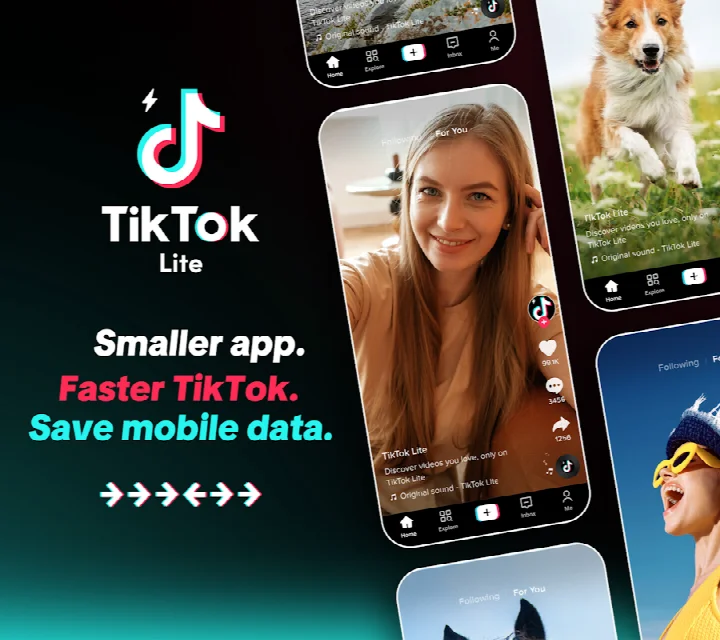
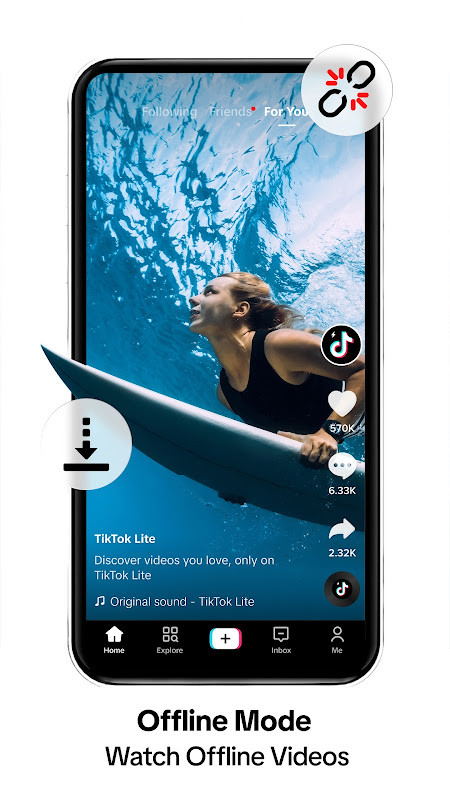
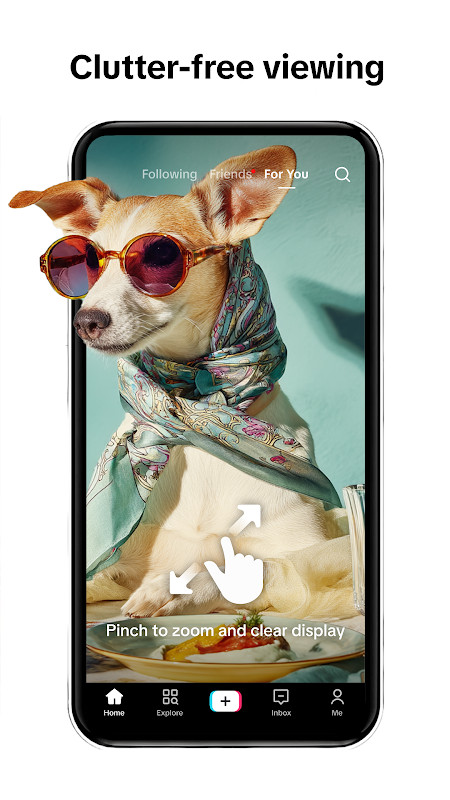
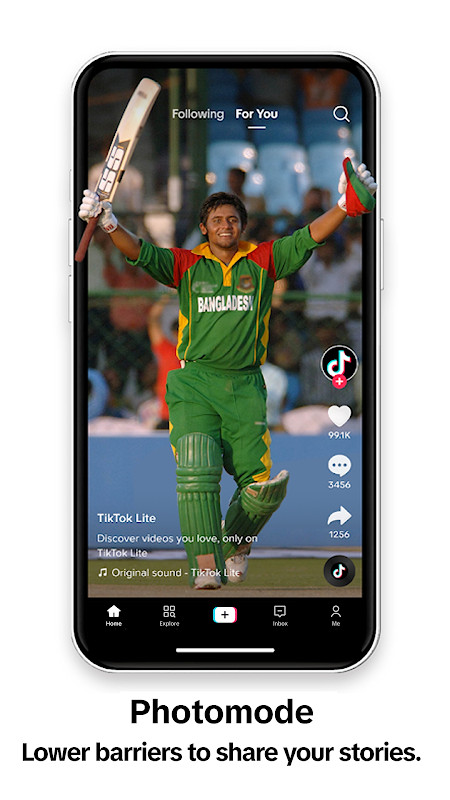
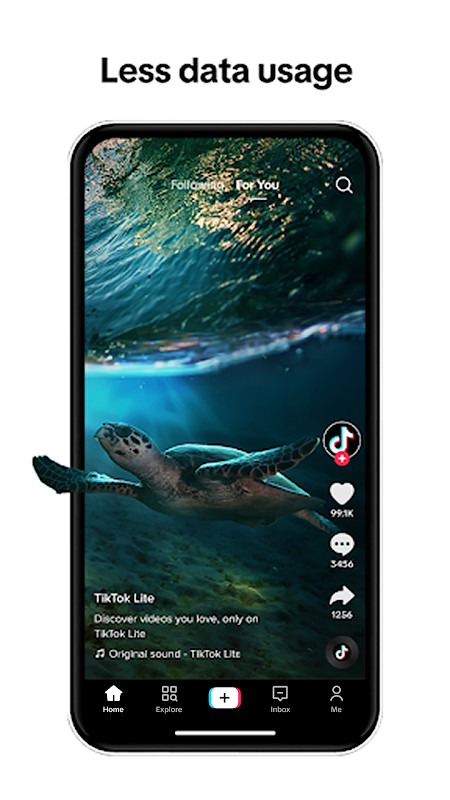
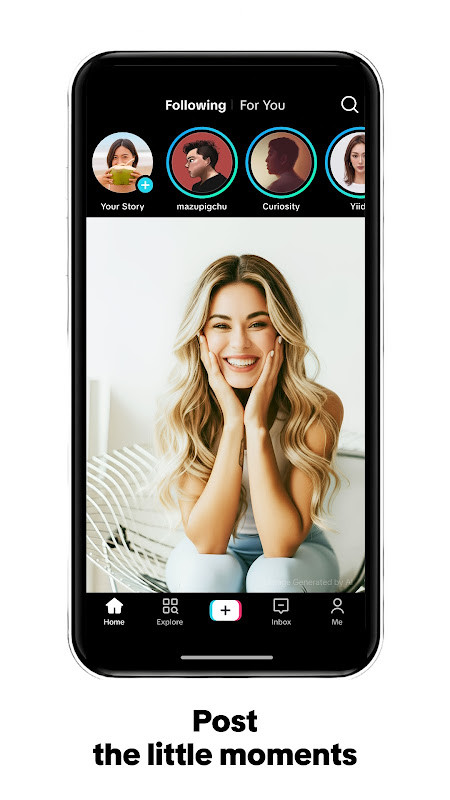
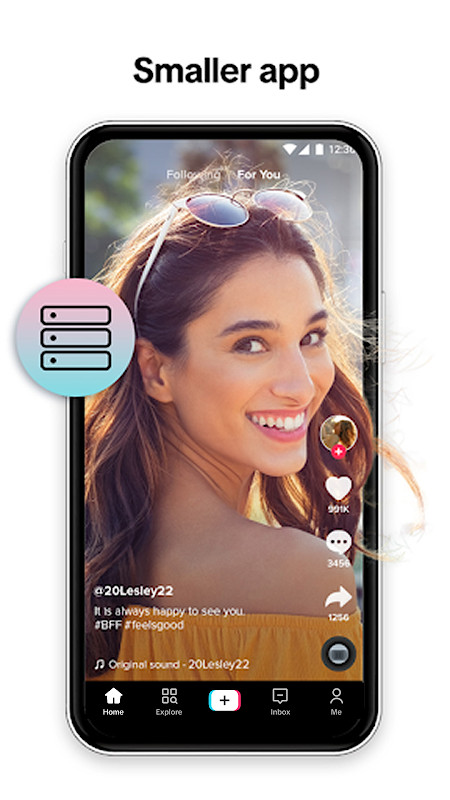
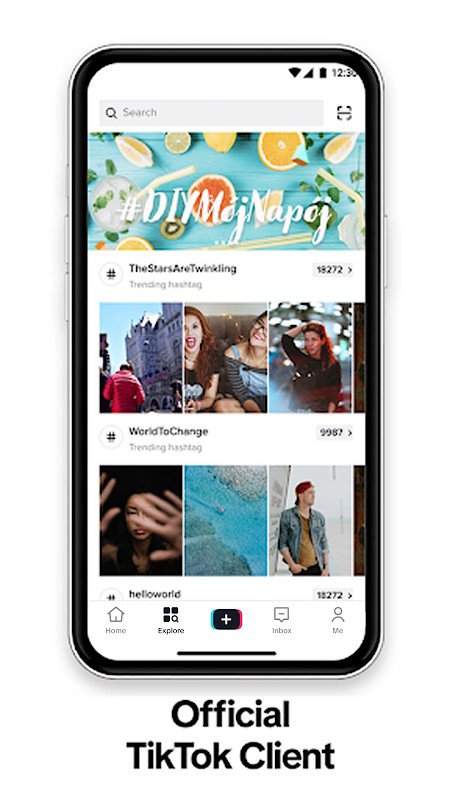
TikTok Lite - Save Data & Fast is an entertainment app by TikTok Pte. Ltd. that delivers a lighter version of TikTok for watching and creating short videos while using less data. It keeps the core video experience, including streaming, trending music, and social sharing, but is designed to run well on modest phones and unstable connections. At version 47.8.2, the app download is about 87 MB and works on devices running Android 5.0 or newer, making it an approachable option for beginners who do not want a heavy or demanding app.
Beyond browsing, the app includes simple creation tools: you can record clips up to three minutes long or upload 15-minute videos from your gallery, then add music, effects, filters, voiceovers, and a green screen background. Privacy controls let you decide who can view, comment, duet with, or download your content. There is also a personalized feed, clean view mode, auto scroll, hashtag discovery, favorites, and offline viewing for times when your connection is slow.
The experience is aimed at people with low-end or older Android devices, limited data plans, or networks that are not always reliable. Beginners will find the layout familiar and the controls straightforward, since the app focuses on quick access to videos, creators, and messaging rather than complex settings. It combines watching, creating, and connecting in one compact package.
Key features
- Data Saver mode that can reduce data usage by up to 20% while streaming videos
- Offline Mode to watch cached videos even on slow or unstable networks
- Personalized feed that surfaces videos based on your taste and trending topics
- Clean View Mode that hides interface elements for an unobstructed viewing experience
- Auto Scroll to browse endless short videos without touching the screen
- Hashtag discovery and search to find more videos you enjoy
- Favorites and downloads to save videos for repeat or offline viewing
- Record up to 3-minute videos or upload 15-minute clips from your gallery
- Editing tools including music, effects, filters, voiceovers, and green screen
- Privacy controls to manage who can view, comment, duet, or download your videos
How to install
- Tap the download button on this page to save the app file, which is about 87 MB, to your device.
- Make sure your phone runs Android 5.0 or newer so the app is compatible.
- If your browser asks for permission, allow it to install apps from this source, also known as the Install unknown apps setting.
- Open the downloaded file from your notifications or file manager.
- Tap Install when the system prompt appears and wait for the process to finish.
- Open TikTok Lite, accept the permissions you are comfortable with, and sign in or browse as a guest.
Pros
- Much lighter and faster than the standard TikTok experience
- Runs well on low-end and older devices with limited storage
- Offers a Data Saver mode and offline playback for unstable connections
- Free to use with quick login options
- Includes the same core creation and sharing features as the fuller app
Cons
- Requests a wide range of permissions, including camera, microphone, contacts, and phone state
- Content is rated Medium Maturity, so some videos may not be suitable for all ages
- Offline features depend on caching videos in advance
Recent updates · 47.8.2
This update brings performance enhancements so the app runs more smoothly. Installing version 47.8.2 gives you the latest improvements for a better overall experience.
Version history
| Version | Size | Requires Android | Updated |
|---|---|---|---|
| 47.8.2 | 87 MB | 5.0 | Nov 19, 2026 |
| 47.8.1 | 87 MB | 5.0 | Nov 14, 2026 |
| 47.7.3 | 87 MB | 5.0 | Nov 9, 2026 |
| 47.1.1 | 86 MB | 5.0 | Oct 2, 2026 |
| 32.6.3 | 25 MB | 4.4 | May 25, 2026 |
TikTok Lite - Save Data & Fast is for people with low-end or older Android phones, limited data plans, or unreliable networks who still want to watch and create short videos. It is also a good starting point for beginners because the interface is simple and the app does not demand a powerful device.
Turn on Data Saver and Offline Mode before streaming to protect your data allowance, and use Clean View Mode to reduce distractions while watching. Take a moment to review the privacy settings so you control who can see, comment on, or download your videos, and download favorites when you have a strong connection for later offline viewing.
Permissions
FAQ
Is TikTok Lite free to download and use?
Yes, TikTok Lite is completely free. You can download and install it at no cost, and the app itself is free to use.
Which Android version do I need to install TikTok Lite?
TikTok Lite requires Android 5.0 or higher. It is designed to work well on older devices and those with lower specifications.
How large is the TikTok Lite APK file?
The APK file for TikTok Lite is approximately 87 MB. Once installed, the app is designed to use minimal storage, with the package itself described as being just 13 MB in size.
Do I need an account to use TikTok Lite?
You can browse and explore content without signing in, but to create videos, follow creators, comment, or use messaging, you'll need to log in. You can sign in with your TikTok, Facebook, or Google account.
What permissions does TikTok Lite request?
TikTok Lite requests permissions for core functions like internet access, camera, microphone, and media files. It also asks for notifications, phone state, contacts, and storage access, among others, to support features such as video creation, sharing, and background playback.
How do I update TikTok Lite to a new version?
To update, simply download the latest version from this page and install it over your current installation. Your data and settings will be preserved, and the newest release will replace the older one.
TikTok Lite - Save Data & Fast is a sensible choice if you want short-video entertainment without heavy data use or demanding hardware. It brings the familiar TikTok experience to more devices and makes it easy for beginners to watch, create, and share content even on limited connections.
Similar apps








More from this developer

Updated: Nov 27, 2026