
Amazon Alexa: Lifestyle App
Amazon Alexa is a lifestyle app by Amazon Mobile LLC that lets you set up Alexa-enabled devices and control your smart home.
Download the App · v2.2.718227.0Amazon Alexa is a free companion app for owners of Echo and other Alexa-enabled devices, covering setup, routines, and control of compatible smart lights, locks, and thermostats. The app also adds music playback, shopping lists, news, timers, and two-way Drop In voice calls.
- Version
- 2.2.718227.0
- Requires Android
- 10
- Updated
- Oct 8, 2026
- Installs
- 100M+
- Rating
- ★ 4.05 (5,754,989)
- Category
- Lifestyle
- Developer
- Amazon Mobile LLC
- Content rating
- Teen
- Package
- com.amazon.dee.app
- Free
- ✓
Screenshots
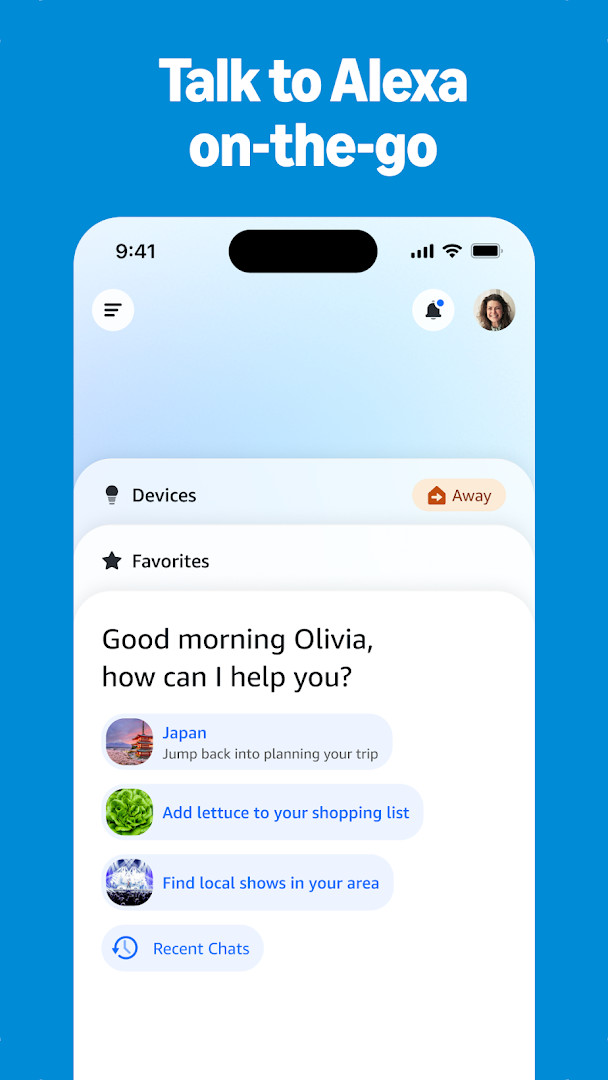
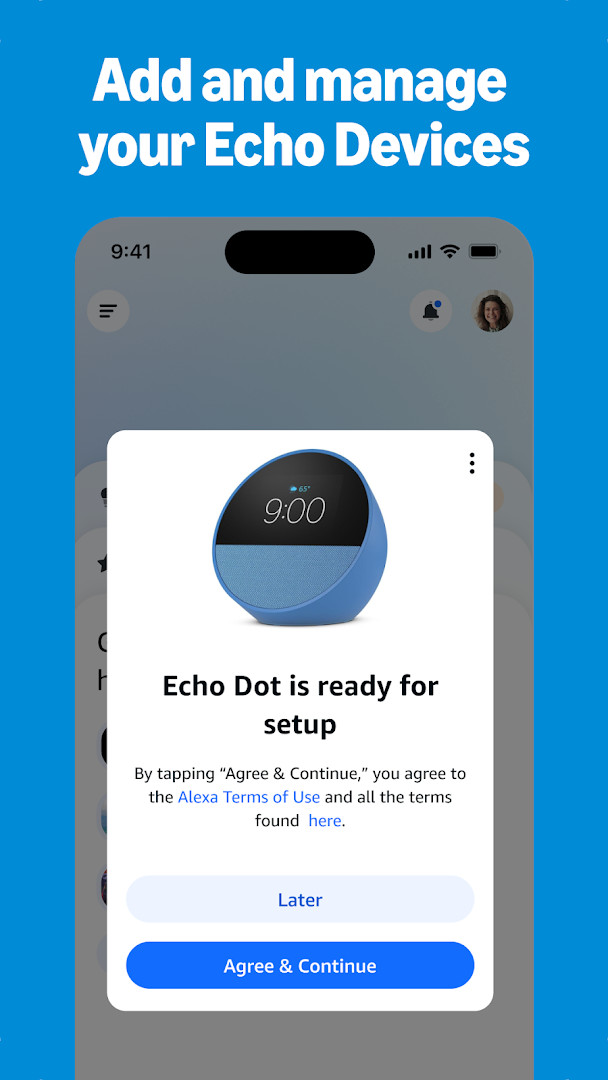
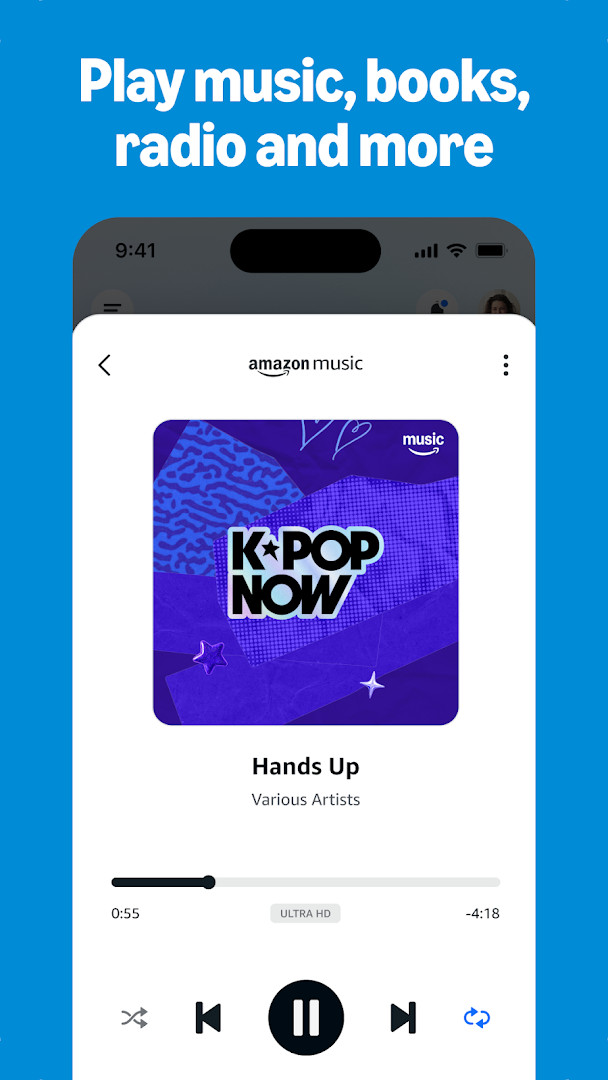

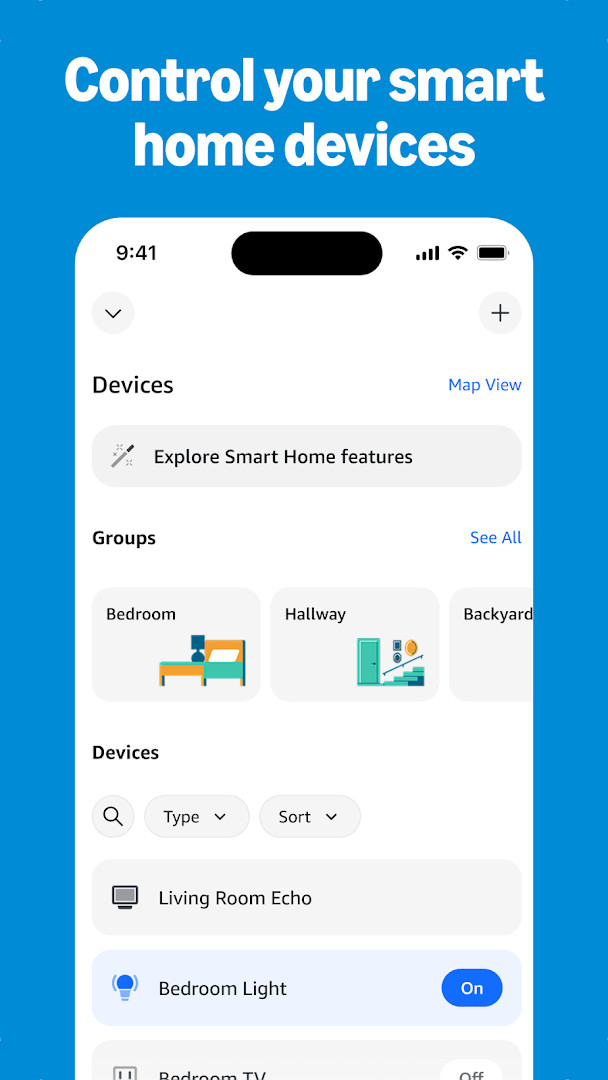
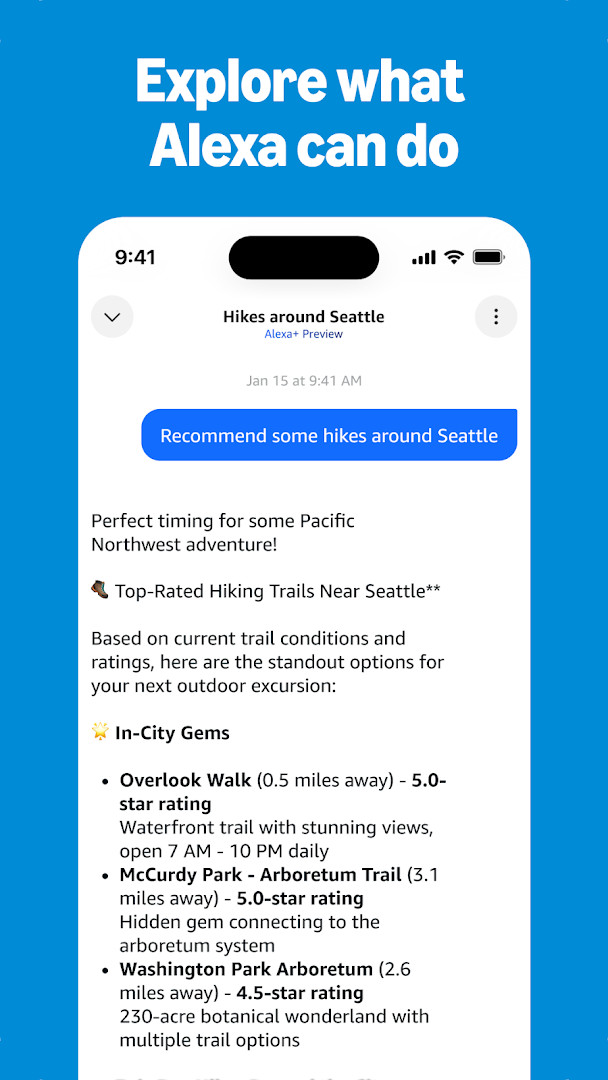
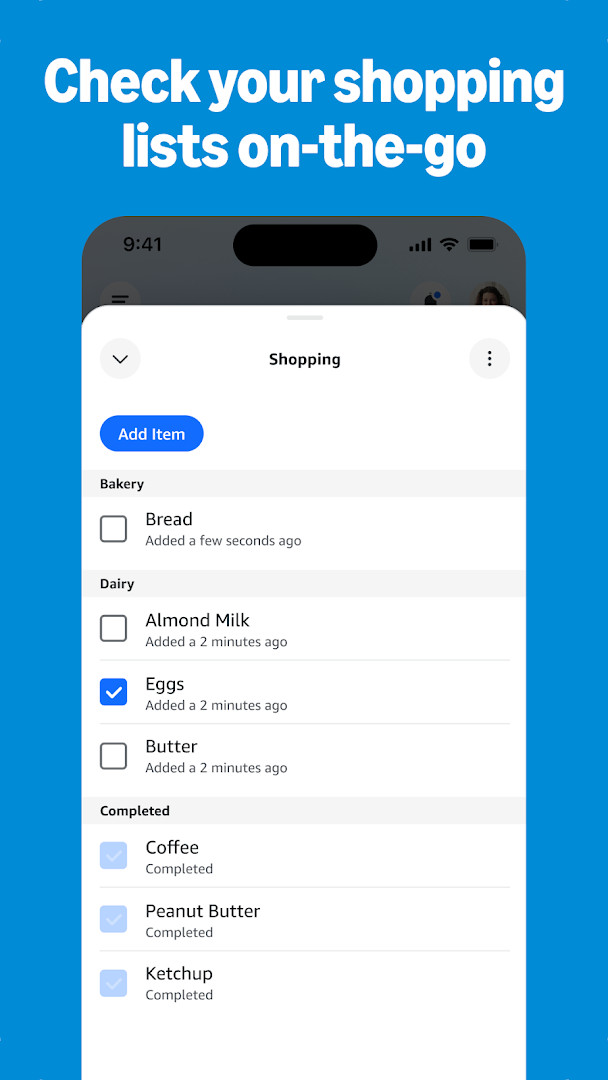
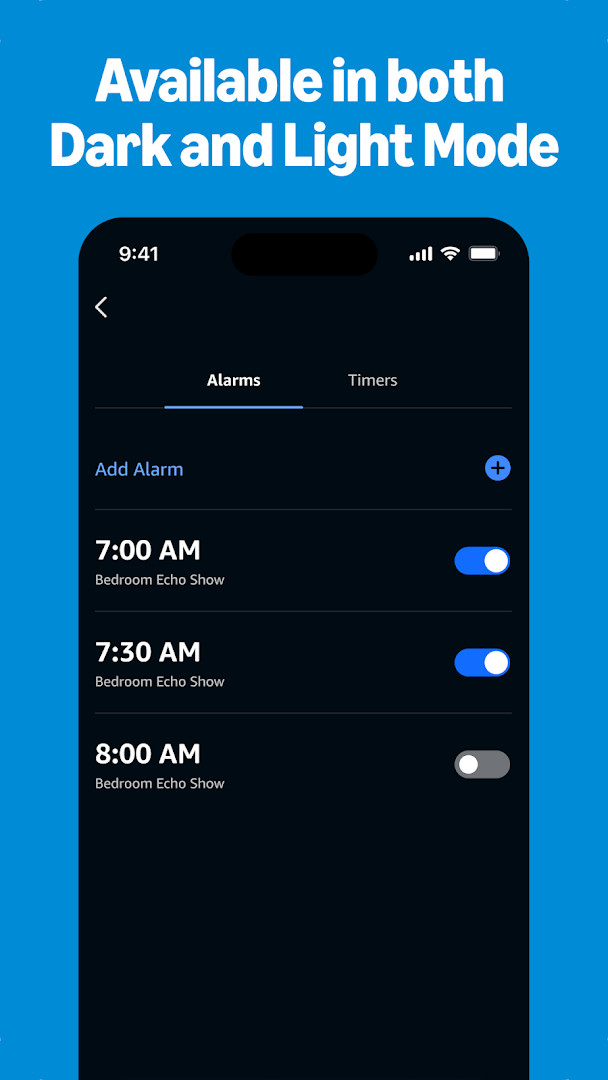
Amazon Alexa is a companion app by Amazon Mobile LLC that lets you manage Alexa-enabled devices, control smart home gear, and access voice-assistant features from your Android phone. The app solves the problem of juggling multiple apps and physical controls by centralizing device setup, routine creation, music playback, lists, and communication into one interface. It also adapts to your voice and preferences over time, making daily tasks like checking weather, setting timers, or messaging supported devices more convenient. With a redesigned Home page and customizable device views, it aims to streamline how you interact with your Echo and compatible smart products, whether you are at home or away.
Key features
- Set up and manage Alexa-enabled devices, including smart lights, locks, and thermostats, with status checks from anywhere
- Create and edit routines to automate compatible smart home devices
- Connect to music services like Amazon Music, Pandora, Spotify, TuneIn, and iHeartRadio, and play songs or playlists on your Alexa devices
- Form speaker groups to play music across multiple compatible Echo devices for multi-room audio
- View and edit shopping and to-do lists, get weather and news updates, and manage timers and alarms
- Use Drop In to instantly connect with compatible Echo devices as a two-way intercom, plus call or message supported devices at no extra cost
- Discover and enable recommended Alexa skills, and pick up where you left off with lists, shopping, or recently played music and books
- Personalized feature recommendations for your Echo device based on usage
How to install
- Tap the download button on this page to get the APK file for Amazon Alexa, version 2.2.718227.0.
- When Android prompts you, allow your browser or file manager to install apps by enabling the 'Install unknown apps' setting for that app.
- Open the downloaded APK file from your notifications or downloads folder.
- Tap Install and wait for the process to complete; the app requires Android 10 or higher.
- Open the app, sign in with your Amazon account, and follow the setup prompts to connect your devices.
Pros
- Free to download with no ads and no in-app purchases
- Comprehensive control for Echo and compatible smart home devices
- Supports multiple music services and multi-room speaker groups
- Drop In and free calling/messaging to supported Alexa devices
- Personalized recommendations and adaptive voice recognition
Cons
- Requests broad permissions including Identity, Contacts, Location, SMS, Phone, Photos/Media/Files, Storage, Camera, Microphone, Wi-Fi connection information, and Device ID & call information
- Requires Android 10 or newer, which may exclude older devices
- Heavy permission footprint may raise privacy concerns for some users
Recent updates · 2.2.718227.0
The latest update introduces a redesigned interface that puts your most-used features and devices within easier reach. The Home page now offers quick access to smart home controls, Echo device management, and a range of Alexa capabilities, while the Devices page provides customizable views for managing your setup.
Version history
| Version | Size | Requires Android | Updated |
|---|---|---|---|
| 2.2.718227.0 | — | 10 | Oct 8, 2026 |
| 2.2.527420.0 | 173 MB | 8.0 | May 30, 2025 |
| 2.2.418281.0 | 87 MB | 5.1 | Jul 16, 2022 |
| 2.2.462157.0 | 97 MB | 6.0 | Jun 3, 2022 |
| 2.2.245855.0 | 89 MB | 5.0 | Dec 31, 2018 |
This app is for anyone who owns Alexa-enabled devices like Echo speakers, smart displays, or compatible smart home products, and wants to manage them from their Android phone. It suits users who rely on voice assistants for daily tasks such as controlling lights and thermostats, playing music, setting reminders, or staying connected with household members via intercom-style calls. It is also useful for those who want to discover new skills and personalize their Alexa experience, though you should be comfortable with the app's extensive permissions and the need for an Amazon account.
Review the app's permission settings after installation and grant only what you are comfortable with, since it requests access to many sensitive areas like SMS, contacts, and camera. You can often adjust device-specific controls from the redesigned Devices page to keep frequently used actions handy.
Permissions
FAQ
How do I install the Amazon Alexa APK on Android?
To install the Amazon Alexa APK on your Android device, download the APK file and open it. If prompted, allow installation from unknown sources in your device settings. The app requires Android 10 or higher. After installation, sign in with your Amazon account to start using Alexa.
What is the current version of the Amazon Alexa app?
The current version of the Amazon Alexa app is 2.2.718227.0, released on October 8, 2026. This version features a redesigned Home page for quicker access to smart home controls, Echo management, and Alexa features, along with customizable views on the Devices page.
Does the Amazon Alexa app contain ads or in-app purchases?
No, the Amazon Alexa app is free to download and does not contain ads or in-app purchases. You can use its core features without additional costs, though some integrated services may have their own subscriptions.
Can I use the Amazon Alexa app offline?
The Amazon Alexa app is designed for online use, as it needs an internet connection to communicate with Alexa-enabled devices and cloud services. However, you can manage some local device settings and view previously loaded content while offline, though features like voice requests require connectivity.
Are there alternatives to the Amazon Alexa app for controlling smart home devices?
Yes, there are several alternatives in the Lifestyle category that offer smart home control and voice assistant features. These apps typically support different ecosystems of devices, so you can choose one that matches your smart home hardware. Popular options include apps from other tech companies, but the Amazon Alexa app remains a strong choice for Echo users.
What permissions does the Amazon Alexa app request?
The Amazon Alexa app requests permissions such as Identity, Contacts, Location, SMS, Phone, Photos/Media/Files, Storage, Camera, Microphone, Wi-Fi connection information, and Device ID & call information. These are used to enable features like calling, device setup, and voice interaction.
What devices and services can I manage with the Amazon Alexa app?
The Amazon Alexa app lets you set up and control compatible smart lights, locks, and thermostats, create routines for automation, and manage Echo devices. You can also connect music services like Amazon Music, Pandora, Spotify, TuneIn, and iHeartRadio, and use features like Drop In and free calling between supported devices.
Amazon Alexa is a feature-rich companion for managing smart home devices and accessing voice assistant capabilities, but its broad permission list warrants careful consideration. If you already use Alexa devices and accept the data access, it offers a convenient centralized control hub.
Similar apps



Updated: Nov 2, 2026