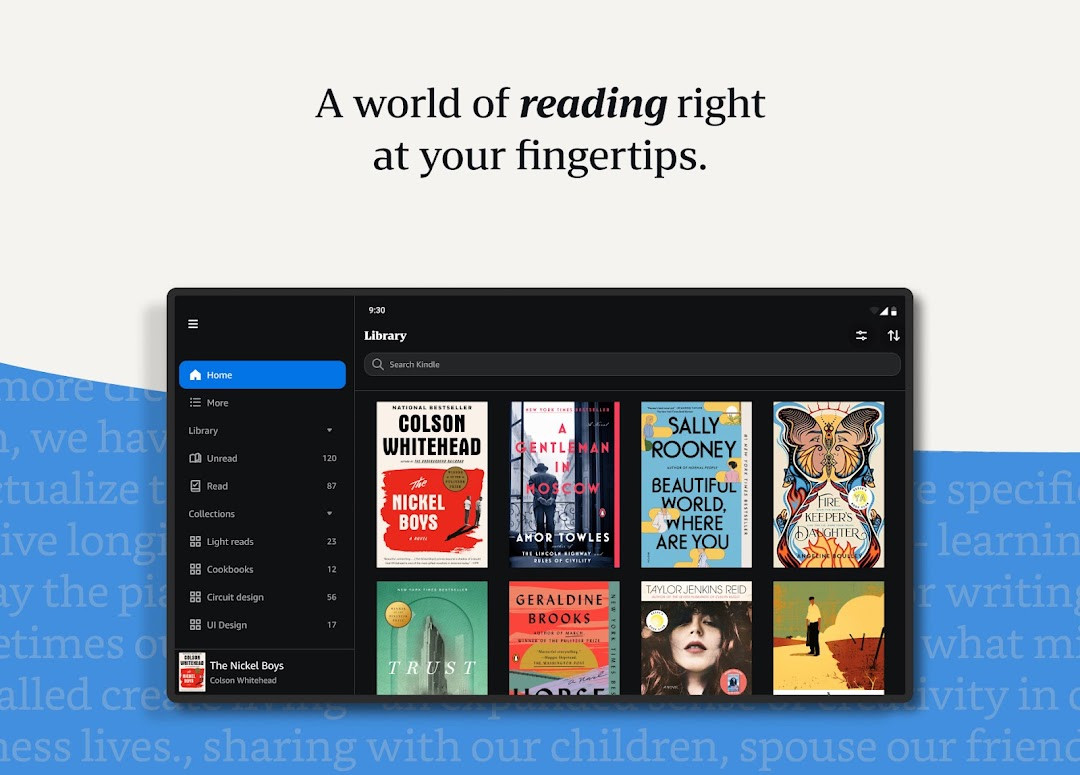

Amazon Kindle: Reading App for Android
Amazon Kindle: Reading App is a books and reference app from Amazon Mobile LLC for reading books anywhere.
Download the appAmazon Kindle: Reading App is for readers who want to keep a broad selection of books, magazines, and audiobooks on their phone or tablet. The free app includes a built-in dictionary, lets users sample any book before buying, and does not require owning a Kindle device.
- Size
- 147 MB
- Requires Android
- 9
- Updated
- Oct 6, 2026
- Installs
- 100M+
- Rating
- ★ 4.77 (4,838,035)
- Category
- Education
- Developer
- Amazon Mobile LLC
- Content rating
- Teen
- Package
- com.amazon.kindle
- Free
- ✓ · Contains ads · In-app purchases
Screenshots
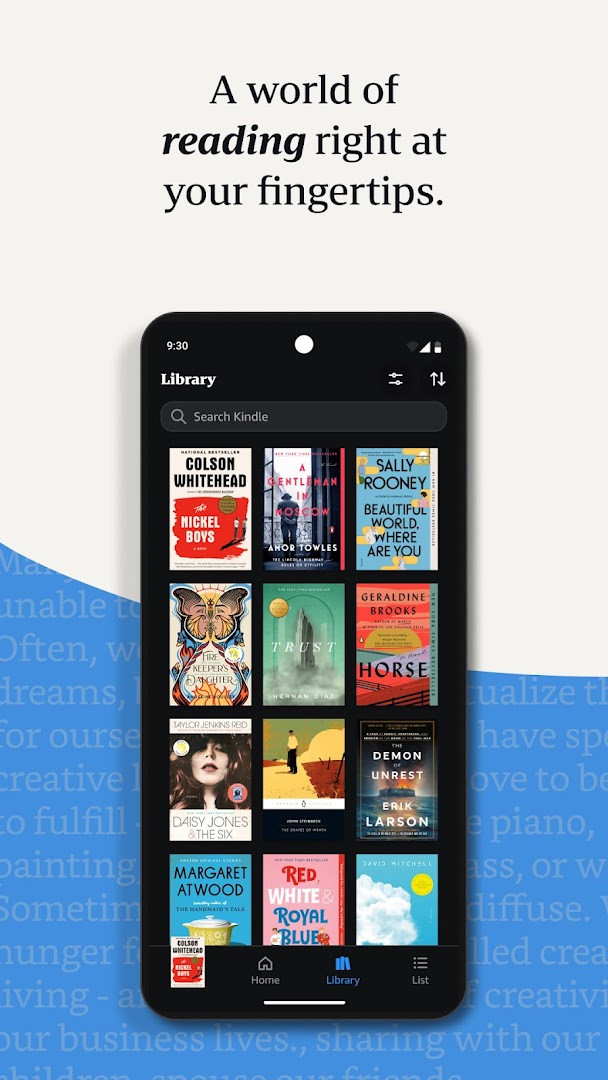
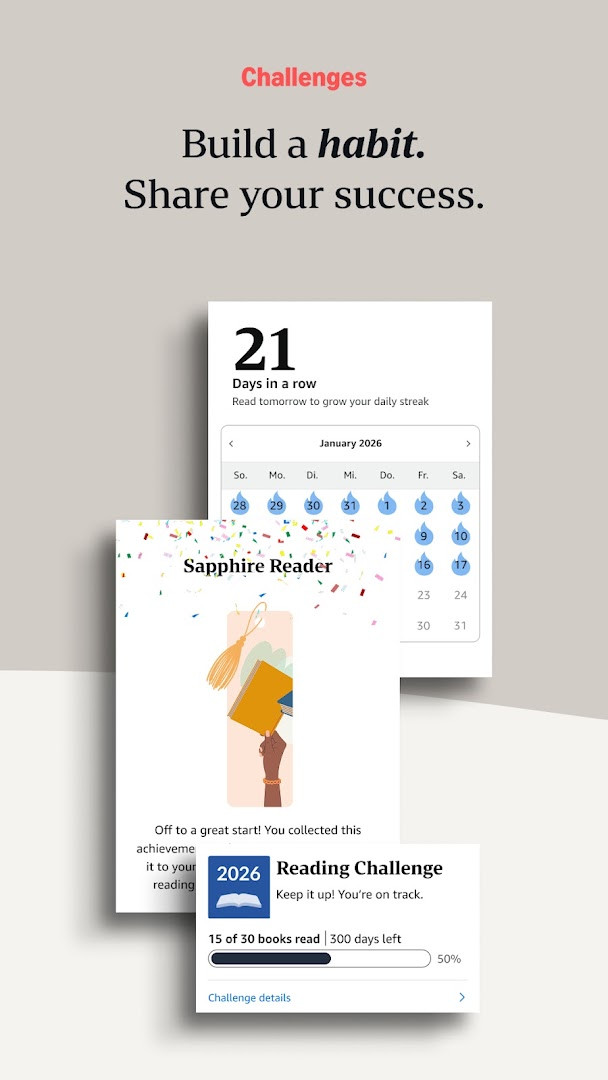
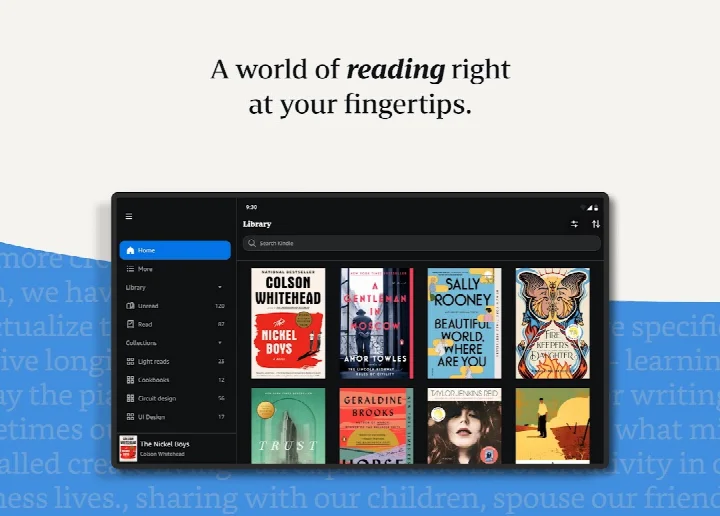
Amazon Kindle: Reading App is a books and reference application by Amazon Mobile LLC that lets users read ebooks, magazines, newspapers, comics, and manga on Android devices. It addresses the need to carry a large library without physical weight by providing access to millions of titles, including Kindle books with Audible narration, and tools for reading comfort, lookup, progress tracking, and cross-device syncing. The app solves the problem of limited reading material availability by offering samples before purchase, and it integrates with subscription services like Kindle Unlimited and Amazon Prime to expand access to thousands of additional titles and audiobooks.
Key features
- Access millions of Kindle books, magazines, newspapers, comics, and manga, including titles with Audible narration and audiobooks.
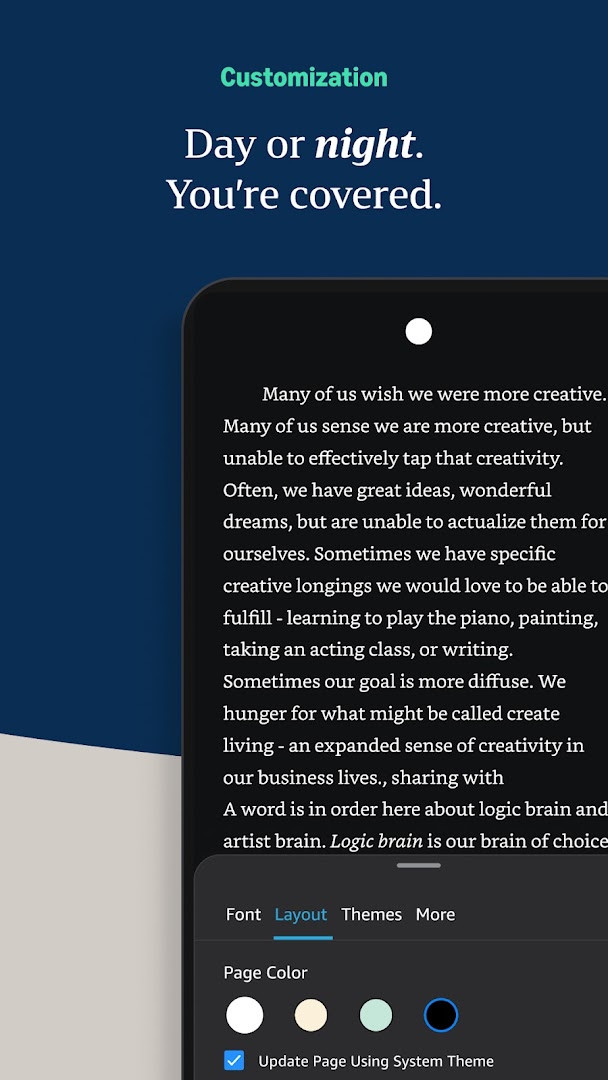
- Customize reading experience with adjustable text size, font type, margins, alignment, orientation, brightness, and background colors.
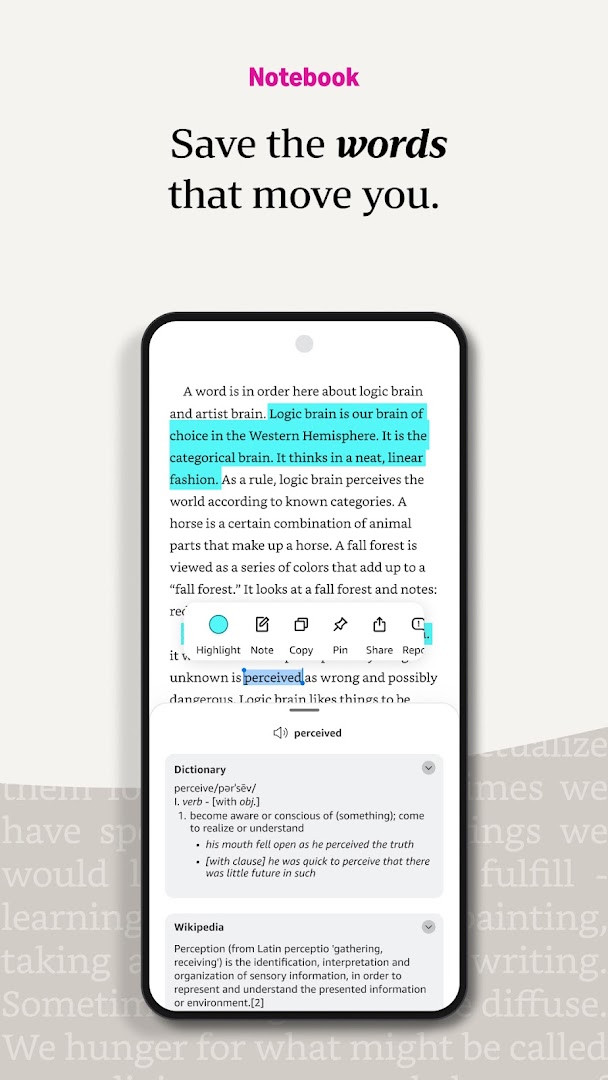
- Use built-in dictionary, X-Ray, Wikipedia lookup, instant translations, and search within a book by tapping and holding a word.
- Track reading progress with percentage read, real page numbers for most top titles, and estimated time left in chapter or book based on reading speed.
- Create bookmarks, highlights, and notes, and view them all in the My Notebook section.
- Use Page Flip to skim and jump between pages while saving your place, and zoom into high-definition color images.
- Sync reading position, bookmarks, highlights, and notes across devices automatically.
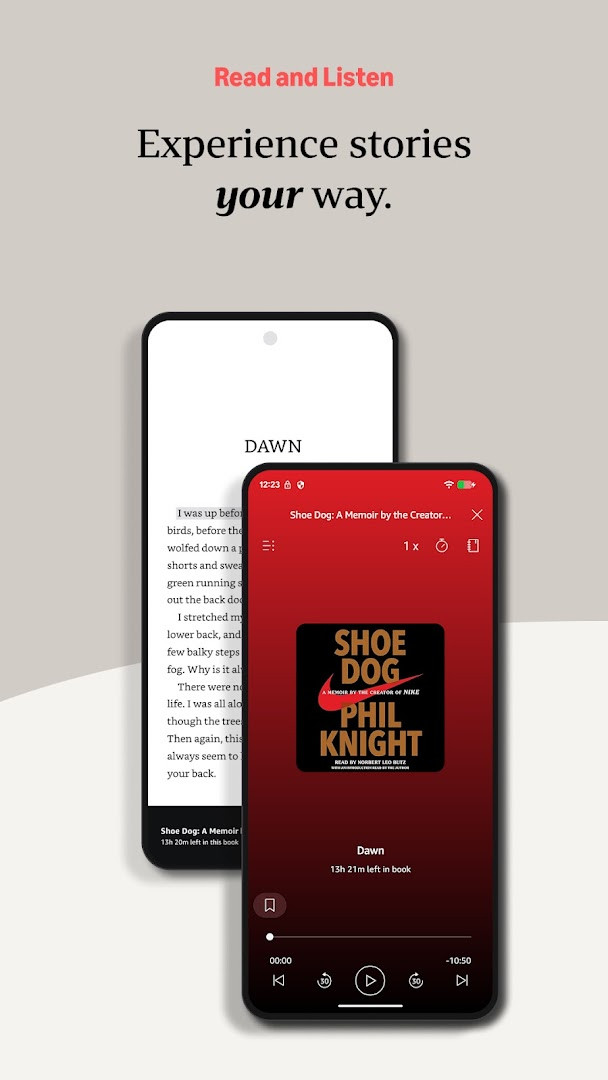
- Switch seamlessly between reading a Kindle book and listening to the Audible version within the app, and get notifications for new releases from favorite authors.
How to install
- Tap the download button on this page to get the APK file, which is 147 MB in size.
- When Android prompts, allow your browser or file manager to install apps by enabling the 'Install unknown apps' setting for that source.
- Open the downloaded APK file from your notifications or file manager.
- Tap Install and wait for the installation to complete; the app requires Android version 9 or higher.
- Open the app and sign in with your Amazon account to start reading.
Pros
- Comprehensive reading features including customization, lookup tools, and progress tracking.
- Cross-device syncing of reading position, bookmarks, and notes.
- Access to a vast catalog of titles, including samples before purchase.
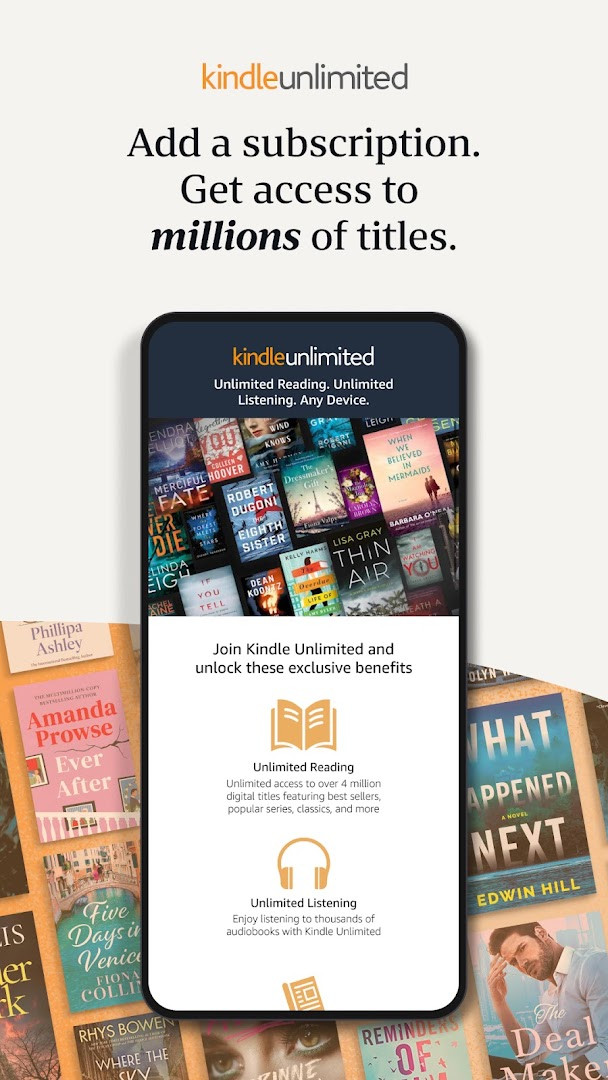
- Integration with Audible for listening and subscriptions like Kindle Unlimited and Amazon Prime.
- Regular updates with new features, such as the recent Last Book Read widget.
Cons
- Contains ads within the app.
- Offers in-app purchases for content and subscriptions.
- Requests broad permissions, including location, phone, storage, and device ID, which may raise privacy concerns.
Recent updates
The latest update introduces a handy 'Last Book Read' widget for your Android Home screen, giving you one-tap access to your most recent title. To set it up, simply press and hold the Kindle app icon, choose "Widgets" from the menu, then drag the widget to your preferred spot on the Home screen.
Version history
| Version | Size | Requires Android | Updated |
|---|---|---|---|
| 8.158.0.100(2.0.109808.0) | 127 MB | 11 | Oct 9, 2026 |
| 8.51.1.0(1.3.272119.0) | 62 MB | 5.0 | Oct 9, 2026 |
| 8.157.0.100(2.0.104818.0) | 128 MB | 11 | Oct 8, 2026 |
| 8.154.0.100(2.0.95887.0) | 125 MB | 10 | Sep 22, 2026 |
| 7.8.1.5 | 53 MB | 4.1 | Nov 12, 2025 |
| 14.122.100(2.0.41248.0) | 147 MB | 9 | May 30, 2025 |
| 14.121.100(2.0.40027.0) | 146 MB | 9 | May 11, 2025 |
| 14.113.100(2.0.29451.0) | 168 MB | 9 | Jan 30, 2025 |
| 14.34.100(1.3.228187.0) | 43 MB | 5.0 | Oct 28, 2020 |
| 14.23.42_1226465010 | 47 MB | 4.4 | Oct 7, 2019 |
This app is for anyone who reads regularly on a mobile device, from casual readers to avid bookworms, and who wants a portable library with millions of titles. It suits users who value customization, such as adjusting fonts and brightness, and those who need tools like dictionaries and translations. It is also for people who read across multiple devices and want automatic syncing, as well as subscribers to Kindle Unlimited or Amazon Prime who want to access included titles and audiobooks.
Use the Aa menu to quickly adjust brightness and background for comfortable reading in different lighting. Also, try the sample feature before buying any book to ensure it matches your taste, and enable the Last Book Read widget on your home screen for one-tap access to your current read.
Permissions
FAQ
How do I install the Amazon Kindle APK on an Android device?
To install the APK, download the file from the download button on this page, then open it on your Android device. You may need to allow installation from unknown sources in your device settings if prompted. The app requires Android 9 or higher and takes up about 147 MB of storage.
What is the current version of the Kindle app?
The most recent version listed is 8.158.0.100 (2.0.109808.0), released on October 9, 2026. An earlier variant, 8.51.1.0 (1.3.272119.0), also appeared on the same date.
Does the Kindle app contain ads or in-app purchases?
Yes, the app is free to download but includes ads and offers in-app purchases. You can buy ebooks, audiobooks, and magazines within the app, and subscriptions like Kindle Unlimited are available as optional purchases.
Can I use the Kindle app offline?
Yes, you can read downloaded books without an internet connection. The app lets you store your library on your device, so you can read anytime, anywhere—on a bus, on a break, or in bed—even when you're offline.
What reading features does the Kindle app offer?
You can customize text size, font, margins, alignment, and orientation, adjust brightness and background colors, look up words with the built-in dictionary, use X-Ray and Wikipedia lookups, track reading progress, bookmark pages, make highlights and notes, and zoom into high-definition images.
Does the Kindle app sync my reading progress across devices?
Yes, the app automatically syncs your furthest page read, bookmarks, highlights, and notes across devices. You can start reading on one device and pick up where you left off on another.
Are there alternatives to the Kindle app for reading ebooks on Android?
Yes, there are other ebook reading apps available in the Books and Reference category that offer similar features, such as customizable reading settings, library management, and offline access. You can explore those options to find one that fits your preferences.
Amazon Kindle: Reading App is a functional and versatile ebook reader that covers most reading needs with its extensive catalog and customization options. It is a solid choice for Android users who want a reliable reading companion, though the ads and permissions are worth considering.
Similar apps
 Amazon ShoppingAmazon Mobile LLC4.4
 Amazon AlexaAmazon Mobile LLC4.0
 Google Play Books & AudiobooksGoogle LLC4.7
 Samsung Global GoalsSamsung Electronics Co., Ltd.3.7
 Duolingo: Learn LanguagesDuolingo4.7
 King James Bible - Verse+AudioOzion4.8
 Wattpad - Read & Write StoriesWattpad.com3.7
 Bible Offline-KJV Holy BibleBíblia Offline4.9
More from this developer

Updated: Nov 4, 2026