
Phonto - Text on Photos: text overlay editor
Phonto is a text overlay editor by youthhr that lets you add and customize text on photos.
Download Phonto · v1.7.140Phonto - Text on Photos is a free app with ads and optional in-app purchases, including an ad-free option. It offers more than 200 fonts, supports installing additional font files, and lets you adjust size, color, rotation, stroke, shadow, spacing, and blend mode.
- Version
- 1.7.140
- Requires Android
- 10
- Updated
- Oct 13, 2026
- Installs
- 50M+
- Rating
- ★ 4.73 (568,679)
- Category
- Art & Design
- Developer
- youthhr
- Content rating
- Everyone
- Package
- com.youthhr.phonto
- Free
- ✓ · Contains ads · In-app purchases
Screenshots
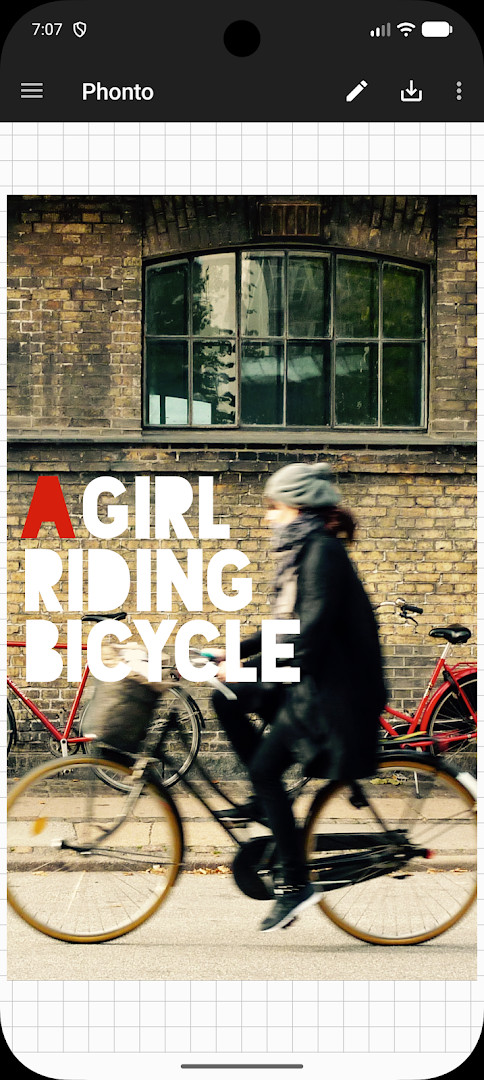
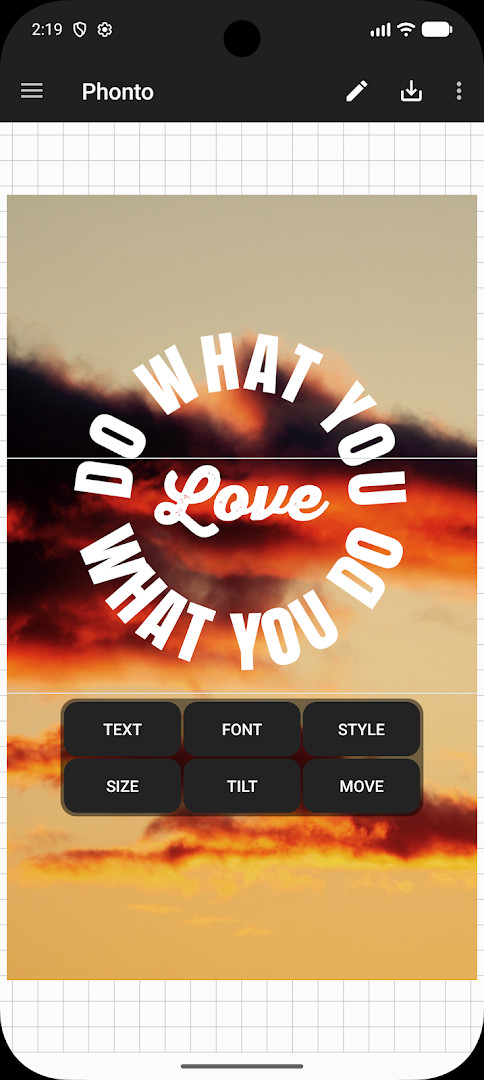

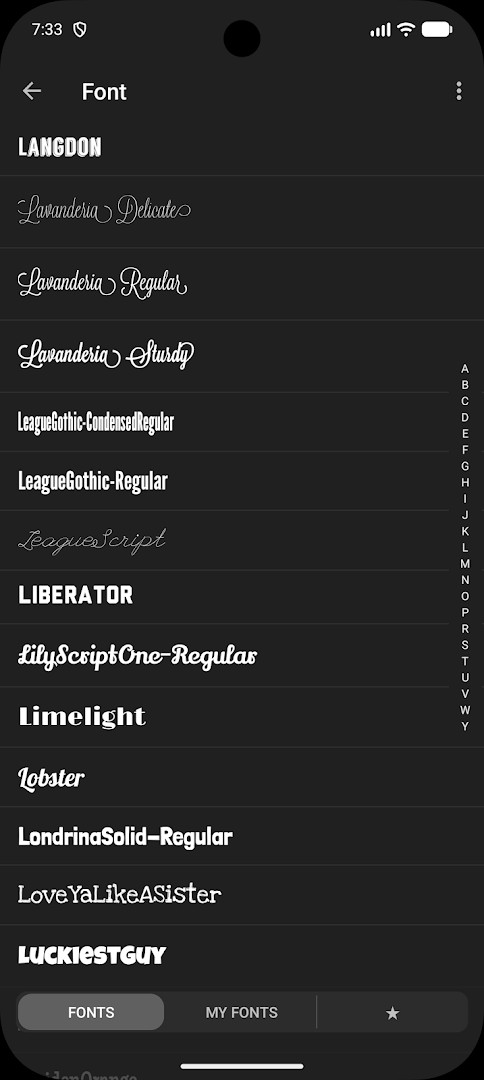
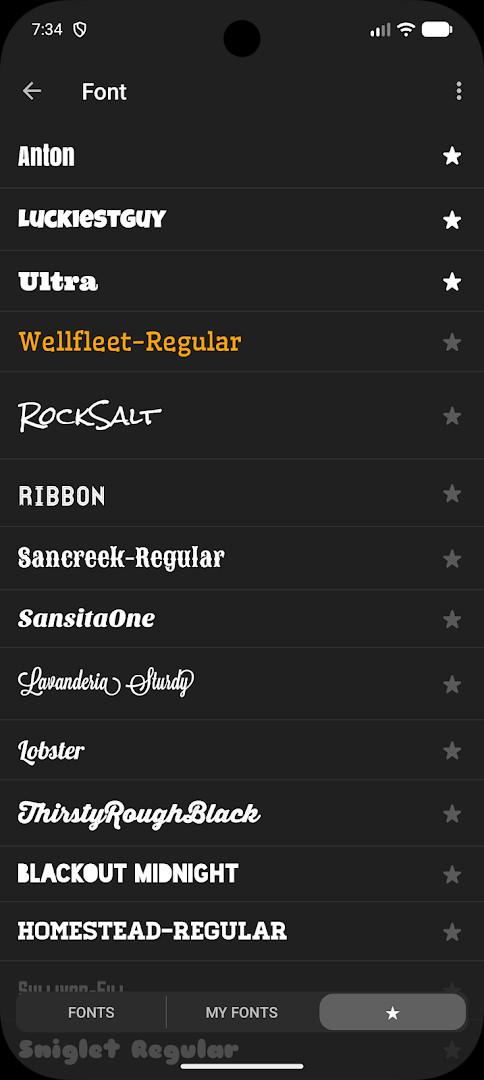
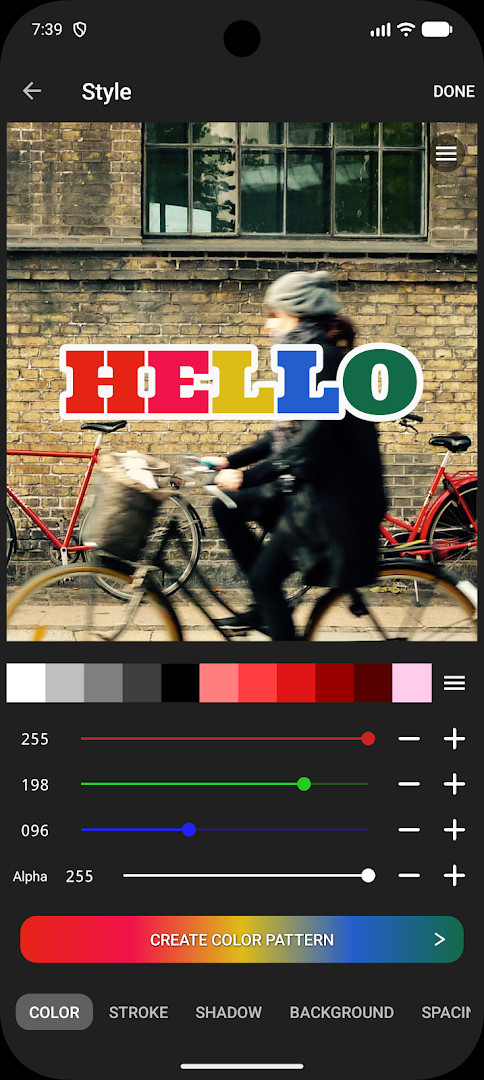
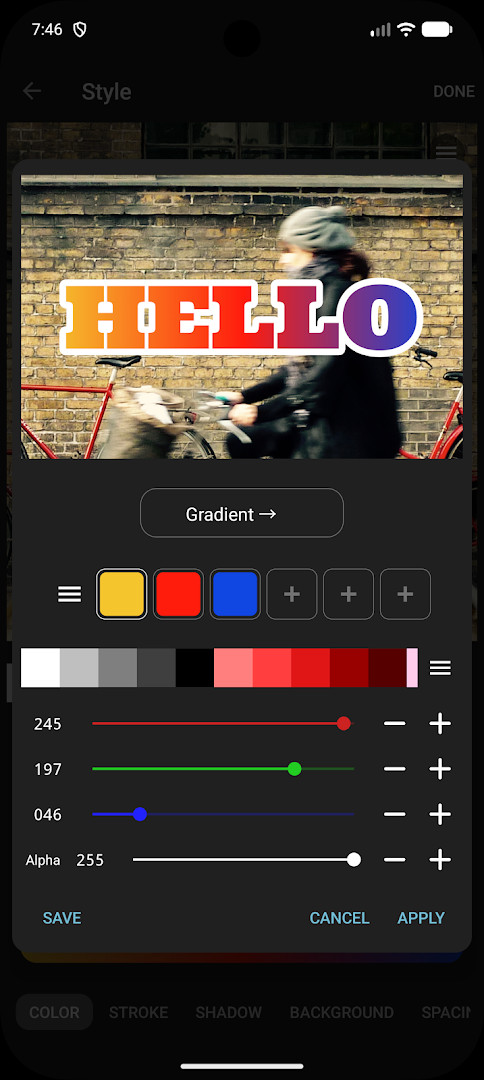
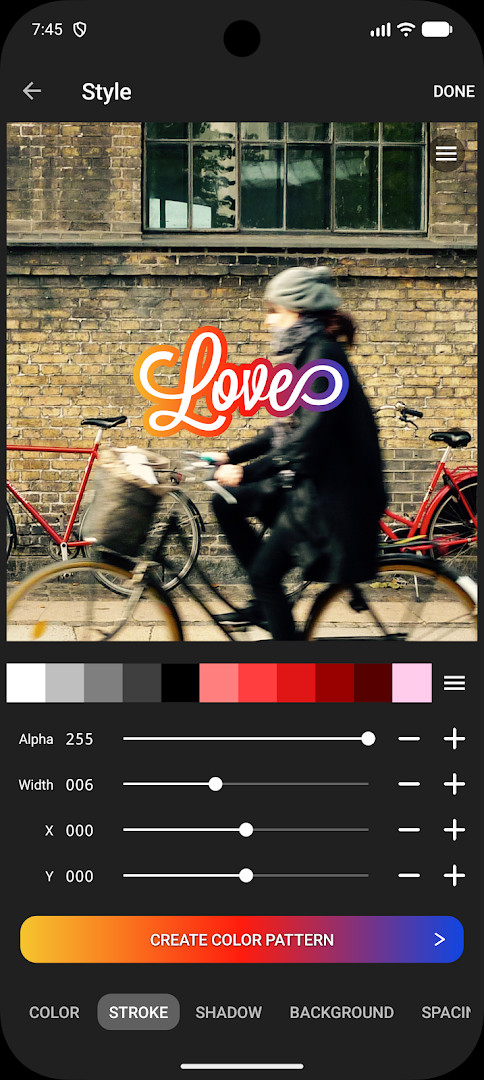
Phonto - Text on Photos is a photo typography utility by youthhr that lets users overlay custom text onto images. Released in 2012 and updated to version 1.7.140 in October 2026, the app focuses on a single, straightforward task: placing words on pictures with a high degree of control. It has been installed roughly 50 million times and carries a 4.73 rating from over 568,000 reviews, indicating broad acceptance among casual editors and social media users. The tool is ad-supported but offers an optional in-app purchase to remove advertisements, and it targets Android devices running version 10 or newer. Despite its narrow scope, the app has maintained steady relevance for over a decade by prioritizing ease of use over complex editing suites.
The core workflow revolves around importing a photo, selecting a font, and typing text that can then be adjusted in multiple ways. Users can change the font, size, color, shadow, rotation, stroke width and color, background color, letter spacing, line spacing, and blend mode. This granular control allows for everything from subtle captions to bold graphic-style overlays. The app ships with more than 200 fonts built in, and it supports installing additional font files—including ZIP, TTF, and OTF formats—directly through the app. Version 1.7.140 does not introduce a major overhaul; instead, it continues the pattern of incremental stability improvements and compatibility fixes that have characterized the app's update history.
What distinguishes Phonto is its deliberate simplicity. There is no layer system, no masking tools, or photo editing features beyond text placement. This constraint keeps the learning curve flat and the interface uncluttered, which appeals to users who want quick results. The developer has also addressed a common pain point by making font installation straightforward: users download a font file and open it in Phonto, with a reminder to check licensing. The ad-free purchase is a one-time option accessible from the settings menu, removing the only notable distraction from an otherwise focused experience.
Key features
- Over 200 built-in fonts
- Support for installing external fonts (ZIP, TTF, OTF)
- Adjustable text size, color, shadow, and rotation
- Configurable stroke color and width
- Customizable text background color
- Letter spacing and line spacing controls
- Blend mode options for text overlays
- Optional one-time purchase to remove all ads
How to install
- Tap the download button on this page to obtain the APK file for Phonto - Text on Photos. The file size is not specified, so ensure your device has sufficient free storage.
- When Android prompts you, allow your browser or file manager to install apps by enabling the 'Install unknown apps' setting for that application. This is required because the app is not distributed through a standard store.
- Open the downloaded APK file from your notifications or file manager. If the system blocks it, revisit the 'Install unknown apps' permission and confirm it is enabled.
- Tap the Install button on the confirmation screen and wait for the installation to finish. The process typically takes less than a minute.
- Launch Phonto from your app drawer or home screen. The app requires Android version 10 or higher, so verify your device meets this minimum requirement before proceeding.
- After opening, grant photo access when requested so you can import images from your gallery. You can then begin adding text immediately.
Pros
- Extremely simple and focused interface
- Wide selection of fonts with external font support
- Extensive text customization options including blend modes
- One-time low-cost ad removal
- Lightweight app that runs smoothly on older devices
- No account or sign-up required
Cons
- Limited to text overlays—no photo editing features
- Ad-supported by default, which may annoy some users
- External font installation requires manual file management
- No advanced features like layers or masks for complex compositions
Version history
| Version | Size | Requires Android | Updated |
|---|---|---|---|
| 1.7.140 | — | 10 | Oct 13, 2026 |
Phonto is ideal for social media enthusiasts who frequently add captions or quotes to photos, small business owners creating branded image posts without design software, and casual users who want a quick, uncomplicated way to annotate pictures for personal projects.
For best results, download fonts from reputable sources and always verify the license before installing, as some free fonts have restrictions on commercial use. Also, experiment with blend modes like Multiply or Overlay to make text integrate more naturally with the photo background.
FAQ
Is Phonto free to install and use?
Yes, Phonto is free. Its listed price is 0.00 USD. The app does include advertisements, but you can purchase the optional Ad-Free option from Settings to remove them.
Which Android version do I need?
Phonto requires Android 10 or higher. The current version available on this page is 1.7.140, updated on 2026-10-13.
Does Phonto require an account to use?
No account is mentioned as needed in the available information. You can start adding text to your photos without signing in.
What permissions does the app ask for?
The information available here does not list specific permissions. In practice, permission prompts appear when you use features that need them, such as opening a photo or loading a font file.
How do I update Phonto?
To update, download the newest version from this page and install it over your current installation. The most recent version listed here is 1.7.140 from 2026-10-13.
What is the file size of the download?
The file size is not listed in the available information, so there is no confirmed size to share from this page.
Phonto - Text on Photos delivers exactly what it promises: a reliable, no-frills way to put text on images. Its strength lies in the balance between simplicity and depth—enough controls to satisfy most typography needs, but not so many that beginners feel lost. The ad-supported model is a minor trade-off, easily resolved with the optional purchase. For anyone who regularly adds words to photos and wants a tool that stays out of the way, Phonto remains a solid, proven choice after more than a decade of updates.
Similar apps







Updated: Nov 8, 2026