Artrace: AR Easy Draw & Sketch: Draw Through Camera
Artrace: AR Easy Draw & Sketch is a free art and design app by Braly JSC that lets you trace and sketch real-world scenes through your camera using augmented reality.
Get Artrace · v2.0.5Artrace: AR Easy Draw & Sketch has been installed 50 million times and holds a 4.71 rating from 343,834 reviews. The app requires Android 7.0 or higher, includes ads and in-app purchases, and suits beginners and experienced artists who want to practice drawing by tracing photos, objects, or scenes.
- Version
- 2.0.5
- Requires Android
- 7.0
- Updated
- Nov 13, 2026
- Installs
- 50M+
- Rating
- ★ 4.58 (400,742)
- Category
- Art & Design
- Developer
- Braly JSC
- Content rating
- Everyone
- Package
- com.draw.sketch.ardrawing.trace.anime.paint
- Free
- ✓ · Contains ads · In-app purchases
Screenshots
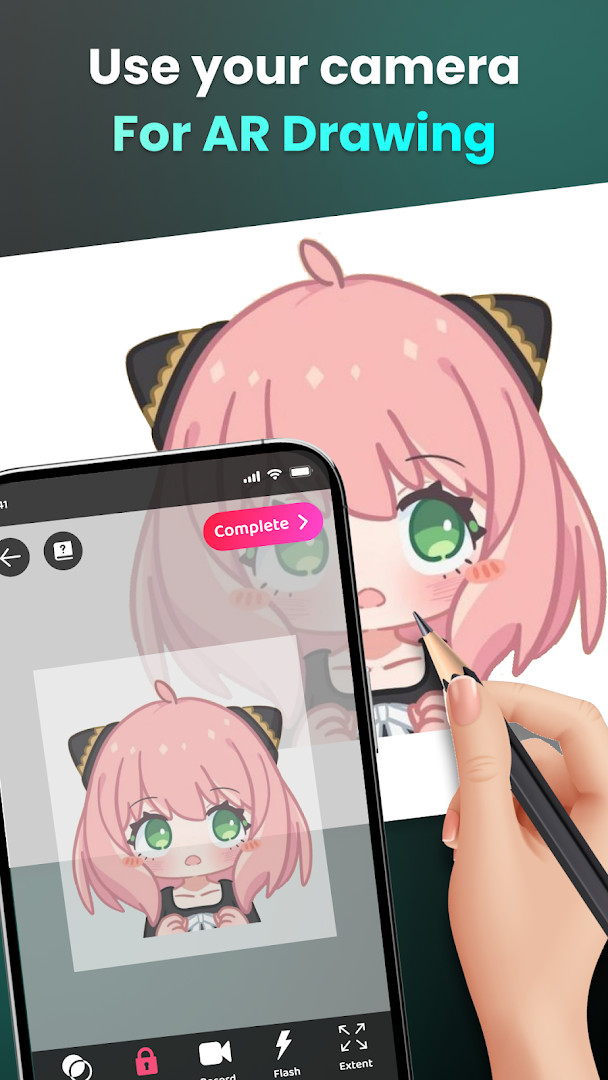
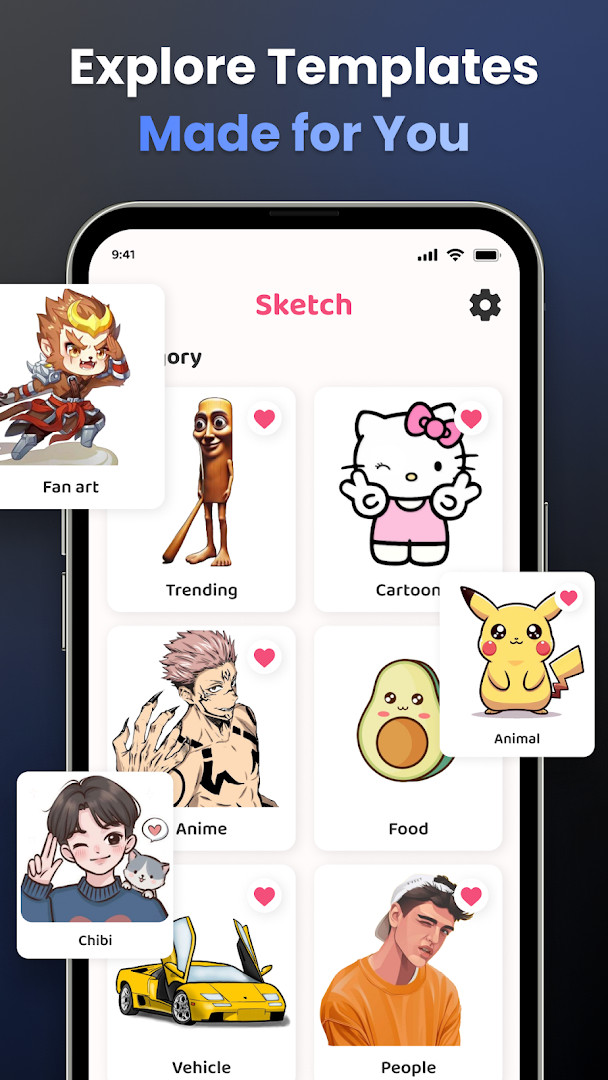
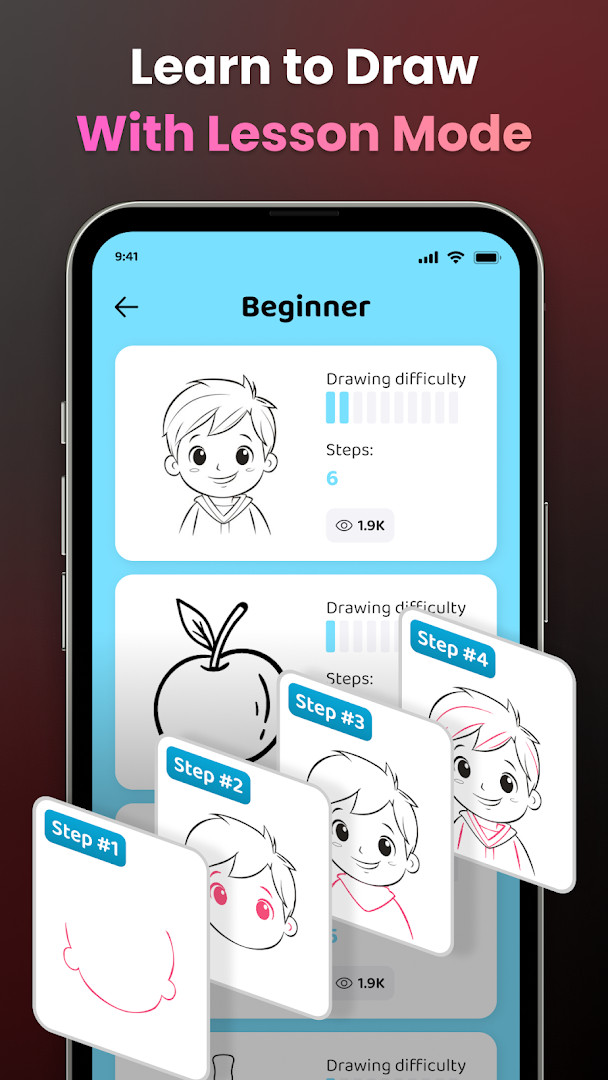
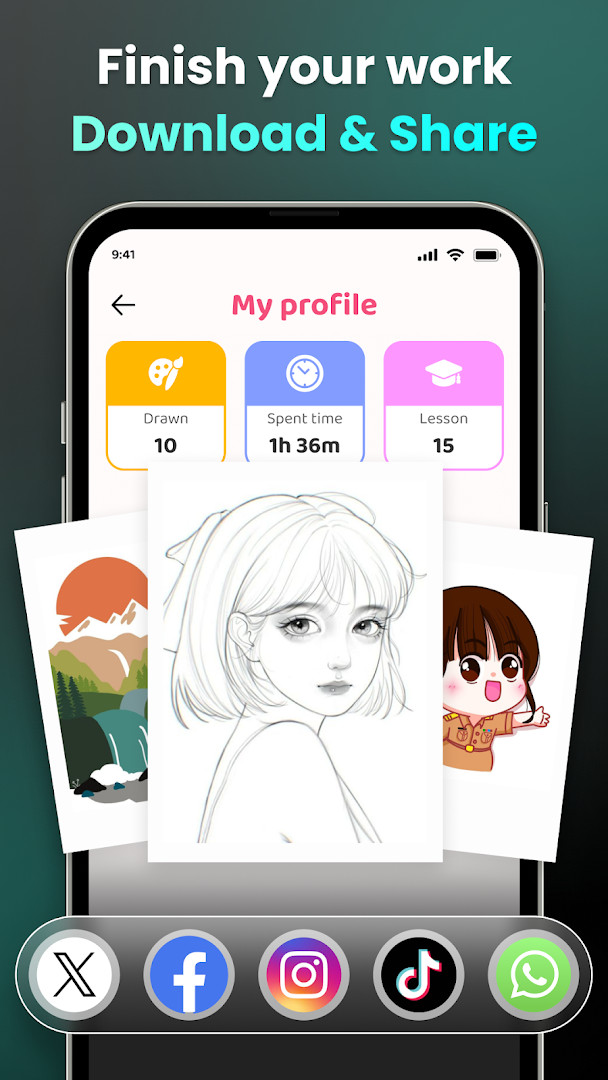
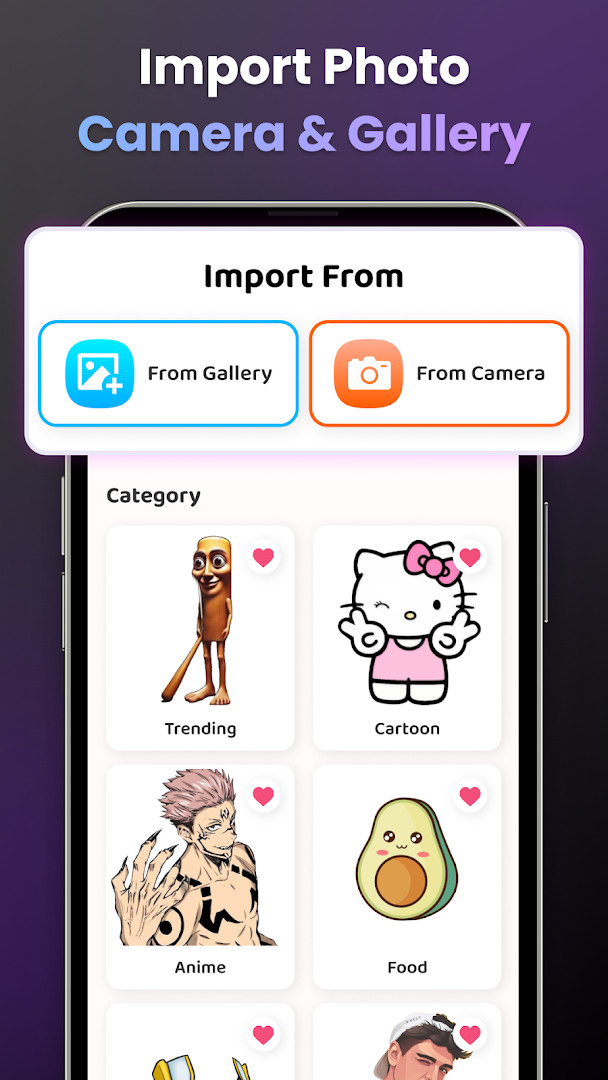
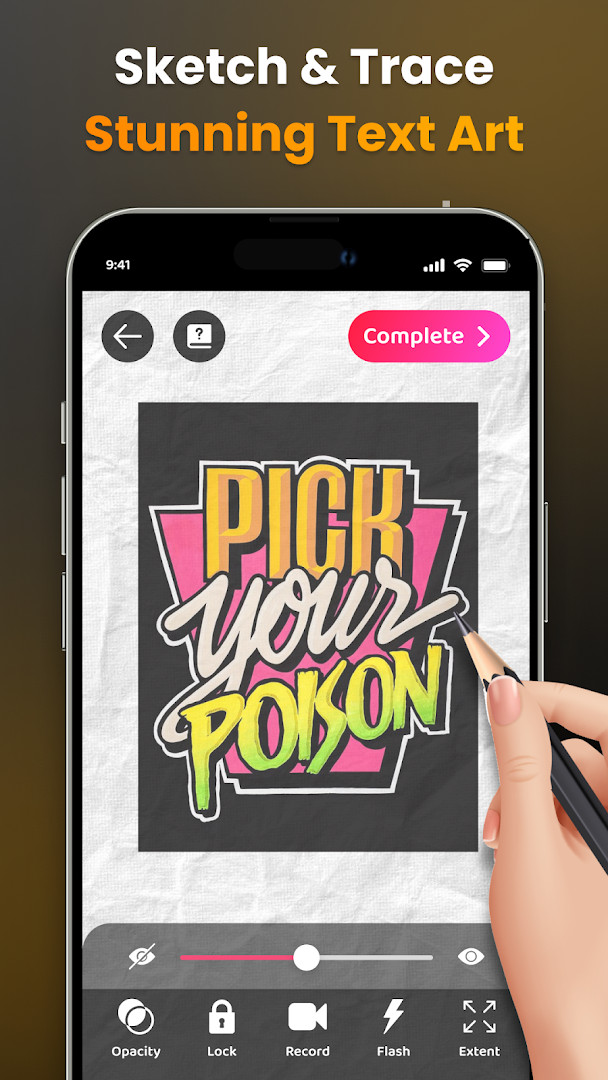
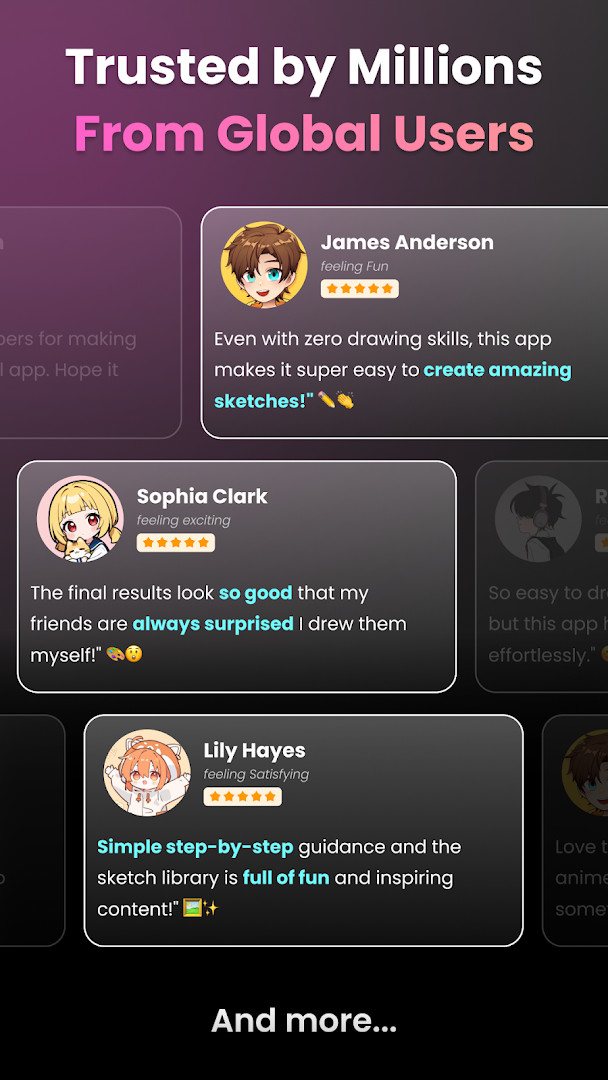
Artrace: AR Easy Draw & Sketch is an augmented reality drawing tool by Braly JSC that lets you trace real-world objects and images through your camera to create artwork on any surface. Aimed at everyone from complete beginners to practicing artists, the app turns your phone into a portable tracing lightbox, using the camera feed as a guide for sketching characters, scenes, and everyday items. With over 50 million users and a 4.71-star rating from more than 340,000 reviews, it has become a popular choice for those who want to learn drawing without formal instruction. The app is free to install, includes ads and in-app purchases, and requires Android 7.0 or newer.
At its core, the workflow is simple: you prop your phone on a stand, open the camera view, and trace the outlines you see onto paper or another surface. You can pull from a built-in library of popular subjects—anime, cartoons, animals, food, fan art, vehicles, flowers, and more—or import your own photos from your gallery. Advanced controls let you adjust opacity, zoom in and out, toggle the flash, and even extend the canvas, giving you fine control over the tracing process.
For learners, the app breaks down complex images into easy-to-follow outlines and offers structured lessons at three difficulty levels. Detailed video tutorials guide you through specific drawings step by step, while a personal profile tracks your progress, including time spent drawing and lessons completed. You can also record your drawing process and share finished pieces or time-lapse videos with friends or the community.
Experienced users will appreciate the flexibility of combining AR tracing with traditional techniques, while newcomers get a low-pressure entry point into drawing. The app requests access to your camera, location, storage, and Wi-Fi connection information to enable these features, so it is best suited for those comfortable with granting those permissions.
Key features
- Trace through your camera: place your phone on a stand and sketch anything you see, from sample photos to full scenes
- Draw popular characters and topics including anime, cartoon, animal, cute, food, chibi, people, fanart, vehicle, flowers, eyes, Christmas, and nature
- Learn with structured lessons at three difficulty levels, from beginner to advanced
- Import your own photos from your gallery or choose from a diverse sample library
- Adjust opacity, zoom in/out, toggle flash, extend the canvas, and record your drawing process
- Access detailed video tutorials for drawing specific pictures
- Track your drawing skill improvement with a personal profile, including time spent and lessons completed
- Share finished artwork and download videos of your drawing process
How to install
- Tap the download button on this page to get the APK file (file size is not specified).
- If your browser or file manager asks for permission, allow it to install apps by enabling the 'Install unknown apps' setting for that app.
- Open the downloaded APK file from your notifications or downloads folder.
- Tap Install when the system prompt appears, and wait for the installation to finish.
- Open Artrace: AR Easy Draw & Sketch from your app drawer. The minimum Android version required is 7.0.
Pros
- Highly rated at 4.71 stars with over 340,000 ratings
- Large community of 50 million users
- Free to download with optional in-app purchases
- Structured lessons for all skill levels
- Video recording of your drawing process
- Works with your own photos and a built-in library
Cons
- Contains ads and in-app purchases
- Requires camera, location, storage, and Wi-Fi permissions
- Tracing through a camera may require a stable phone stand for best results
Recent updates · 2.0.5
Version 1.9.73, dated 11/09/2026, focuses on performance improvements and bug fixes. The update aims to enhance overall app stability and responsiveness for the AR drawing and tracing experience.
Version history
| Version | Size | Requires Android | Updated |
|---|---|---|---|
| 2.0.5 | — | 7.0 | Nov 13, 2026 |
| 1.9.73 | — | 7.0 | Oct 7, 2026 |
Artrace is for anyone who wants to learn drawing or create traced artwork using augmented reality, from absolute beginners who need guided lessons to experienced artists looking for a convenient way to transfer complex images onto paper. It also suits fans of anime, cartoons, and popular characters who want to sketch their favorites with ease.
For the best tracing experience, use a sturdy phone stand and good lighting. Start with the beginner lessons to get a feel for adjusting opacity and zoom, then gradually move to more complex images. Use the flash feature in dim environments and consider a larger surface if you need to extend your canvas.
Permissions
FAQ
Is Artrace: AR Easy Draw & Sketch free to download?
Yes, the app is free to download and use, with a listed price of 0.00 USD. It does contain ads and offers optional in-app purchases.
What Android version do I need to run the app?
The app requires Android 7.0 or higher. The current version is 1.9.73, updated on October 7, 2026.
Does the app require an account to use?
No account is required to download or start using the app. You can optionally create an AR Drawing profile to track your progress and access personalized content.
What permissions does the app request?
The app requests access to your location, photos/media/files, storage, camera, and Wi-Fi connection information. These permissions support features like drawing through your camera and importing images from your gallery.
How do I update the app to the latest version?
To update, simply download the newest version from this page. The latest release is version 1.9.73, which includes performance improvements and bug fixes.
Does the app show ads or offer in-app purchases?
Yes, the app contains ads and offers optional in-app purchases. The core drawing and tracing features are available for free.
Artrace: AR Easy Draw & Sketch offers a practical and engaging way to practice drawing using augmented reality, backed by a large community and strong ratings. With structured lessons, video tutorials, and flexible tracing tools, it is a solid choice for both newcomers and seasoned artists who want to turn any surface into a canvas. Just be mindful of the ads, in-app purchases, and the permissions it requests.
Similar apps






Updated: Nov 14, 2026