FlipaClip: Draw 2D Animation: 2D animation maker
FlipaClip: Draw 2D Animation is a 2D animation maker by Visual Blasters LLC that lets you draw, animate, and create short animated movies and flipbooks.
Download FlipaClip · v5.0.2FlipaClip: Draw 2D Animation combines flipbook-style drawing with frame-by-frame editing, onion skin, up to 10 layers, and export as MP4, GIF, or PNG with transparency. It suits beginners and professionals, with 80 million monthly users and a 4.33 rating from about 798,881 reviews.
- Version
- 5.0.2
- Requires Android
- 7.0
- Updated
- Oct 10, 2026
- Installs
- 50M+
- Rating
- ★ 4.33 (798,881)
- Category
- Art & Design
- Developer
- Visual Blasters LLC
- Content rating
- Everyone
- Package
- com.vblast.flipaclip
- Free
- ✓ · Contains ads · In-app purchases
Screenshots
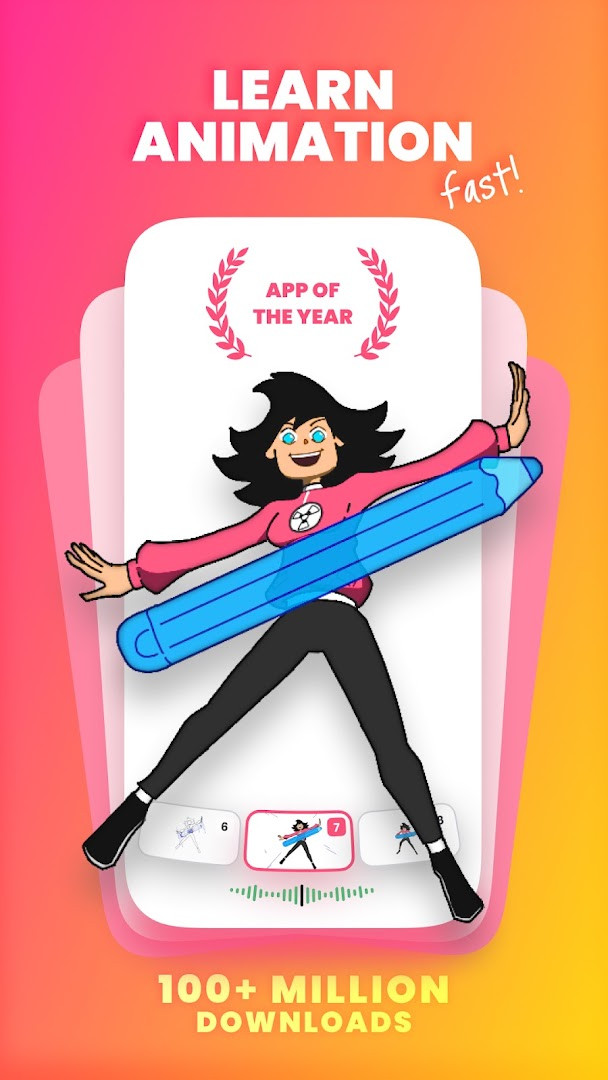
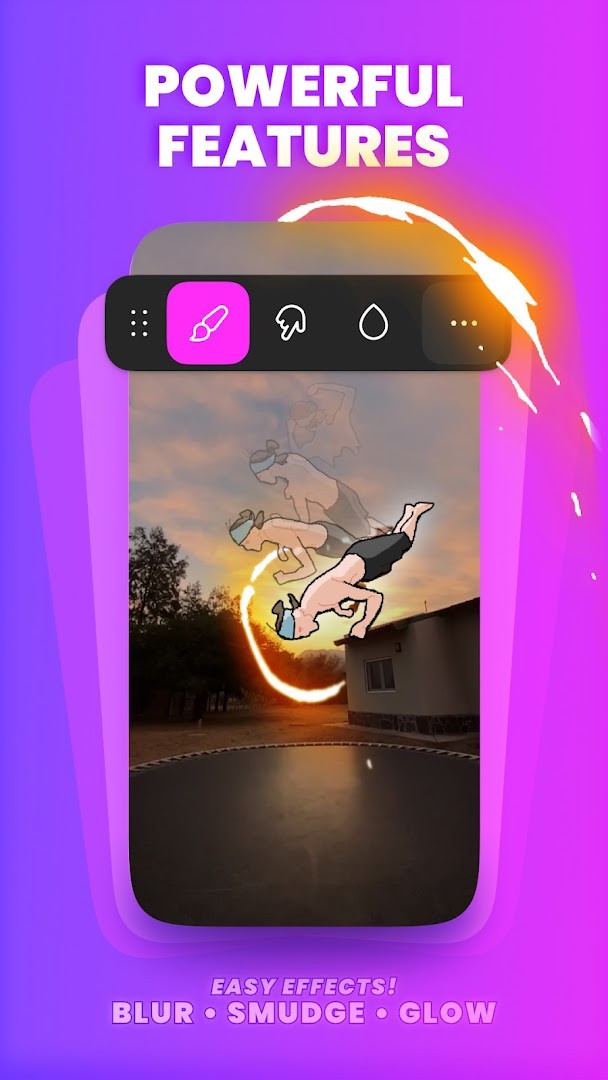
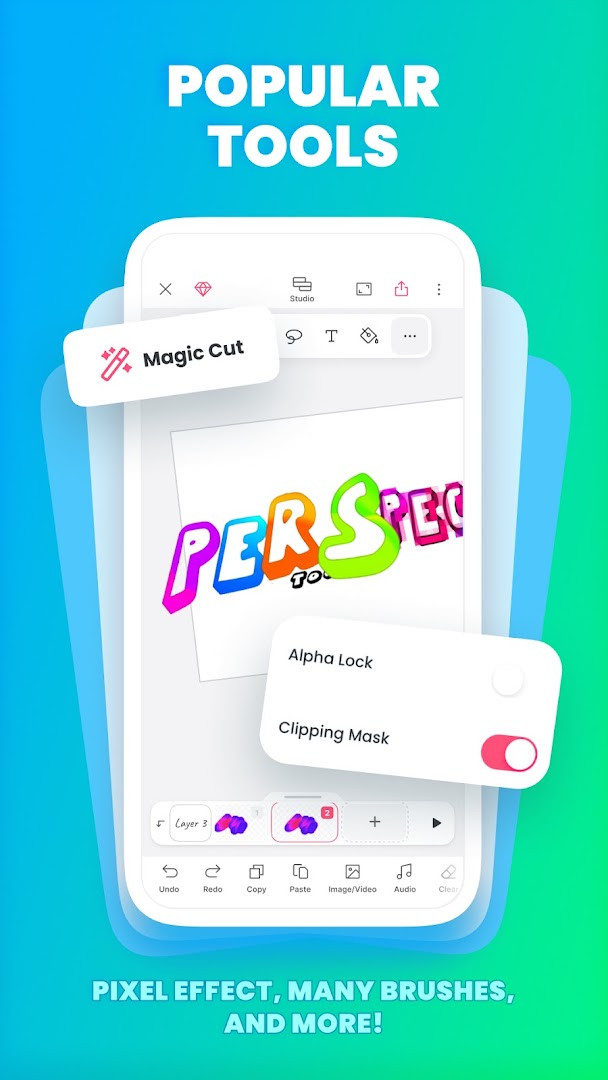
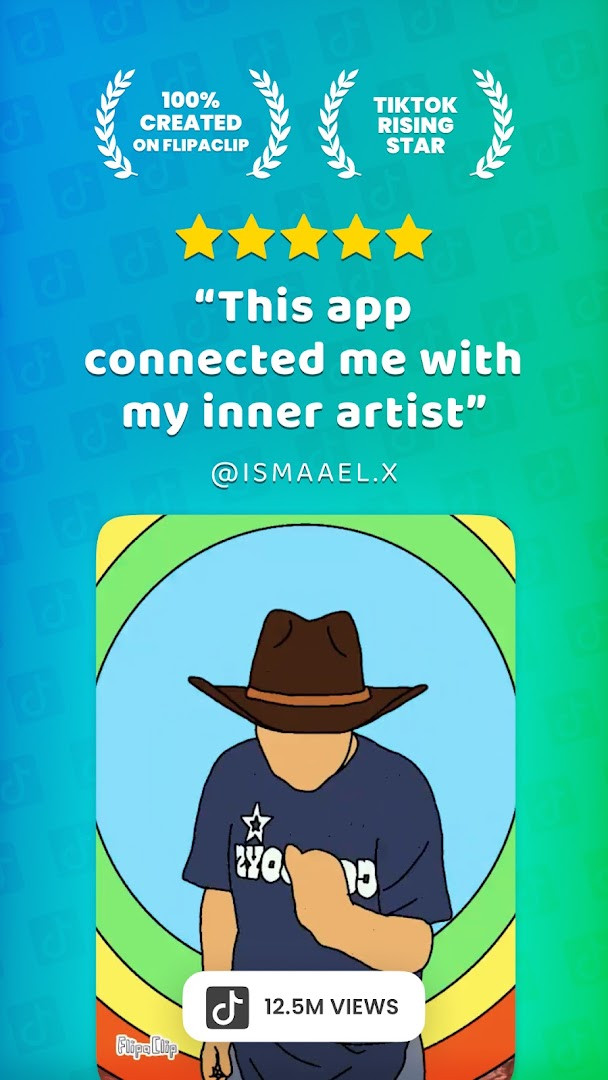
FlipaClip: Draw 2D Animation is a 2D animation and cartoon drawing app by Visual Blasters LLC that lets users create frame-by-frame animations, flipbooks, and short animated videos on Android. The app addresses the challenge of turning static sketches into moving stories by providing an accessible animation timeline, layered drawing tools, and export options for video or GIF formats. It combines the simplicity of traditional flipbook animation with more advanced editing capabilities, allowing both beginners and experienced artists to produce animated content without needing a desktop workstation. The tool supports stylus input, audio tracks, and AI-assisted features to streamline the creative process, making it suitable for hobbyists, students, and content creators who want to animate directly on a mobile device.
Key features
- Frame-by-frame animation timeline with onion skin tool for smooth transitions
- Up to 10 layers (3 free) for complex drawings, plus glow effect and blending modes
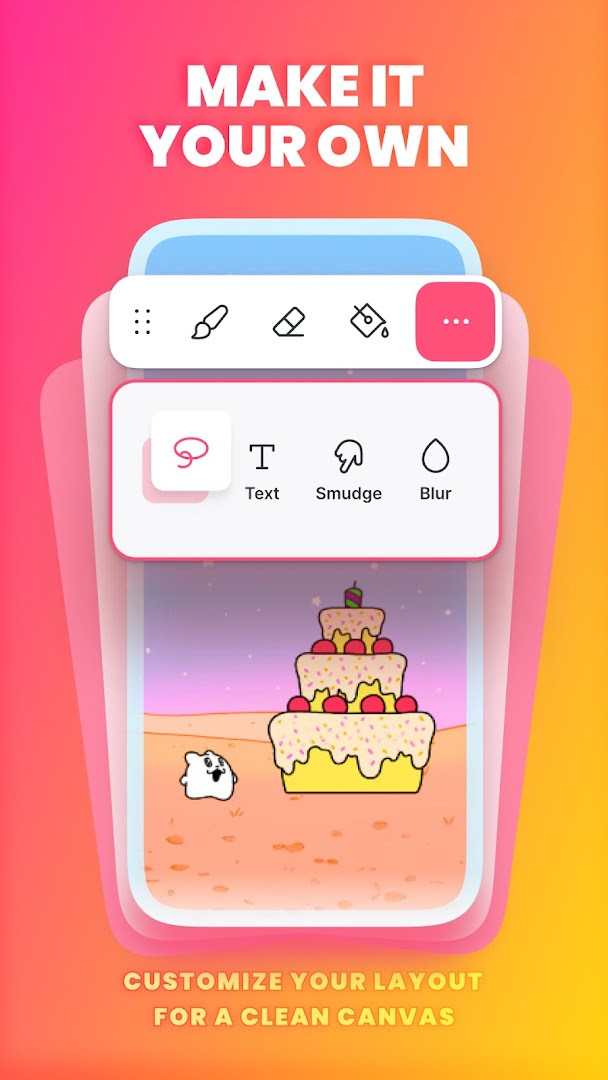
- Drawing tools include brushes, fill, lasso, eraser, ruler, text, and shape tools
- Pressure-sensitive stylus support for devices like Samsung S Pen and SonarPen
- Import photos or videos to create rotoscope animations
- Export animations as MP4, GIF, or PNG with transparency
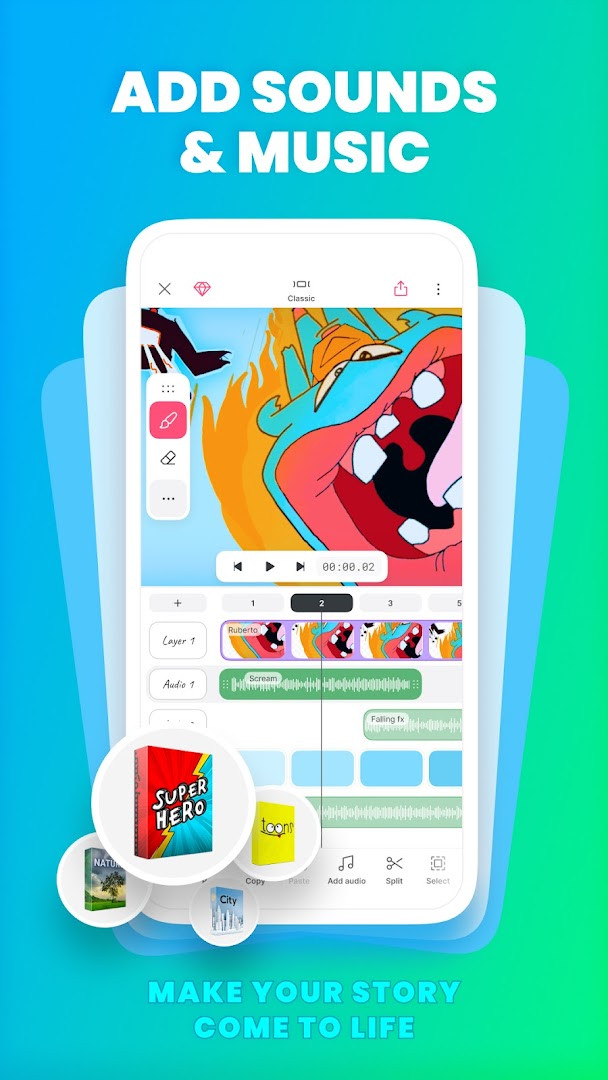
- Add up to 6 free audio tracks, import custom sound effects, and use AI Voice Maker for narration
- AI-powered Magic Cut tool to slice images and objects from frames
How to install
- Tap the download button on this page to get the APK file.
- When Android prompts, allow your browser or file manager to install apps by enabling the 'Install unknown apps' setting for that app.
- Open the downloaded APK file from your notifications or file manager.
- Tap Install and wait for the installation to complete (file size is not specified in the data).
- Open the app from your app drawer or home screen; it requires Android 7.0 or higher.
Pros
- Comprehensive set of drawing and animation tools in one app
- Supports stylus input for precise drawing
- Free to download and use with no upfront cost
- Offers multiple export formats including MP4, GIF, and PNG with transparency
- Includes AI tools for voice narration and image cutting
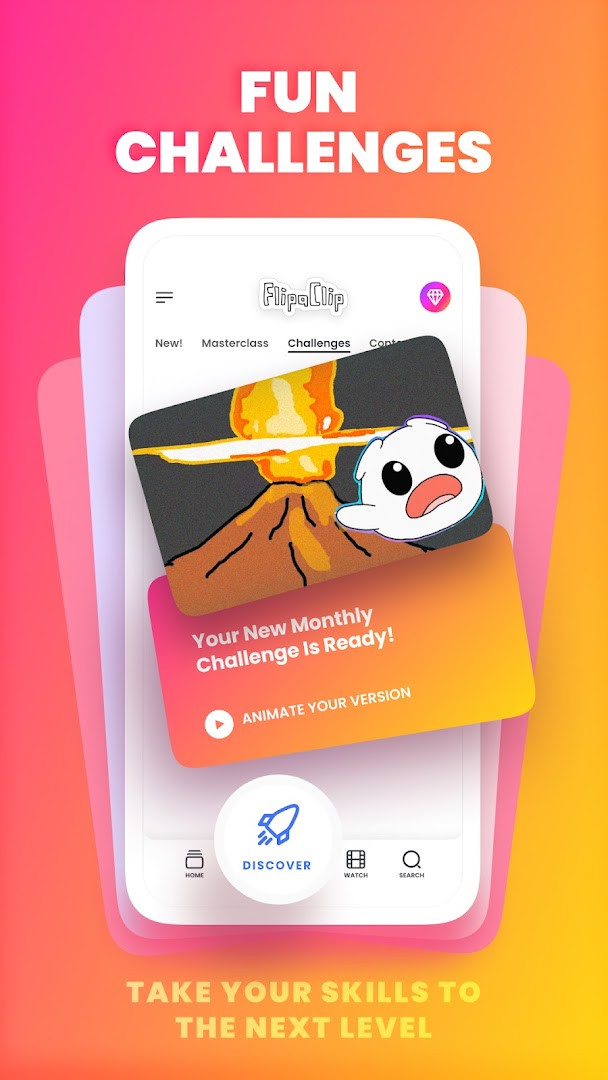
- Large user community and regular animation challenges
Cons
- Contains ads that may interrupt the creative workflow
- Offers in-app purchases, so some advanced features or layers may require payment
- Requests access to identity, contacts, photos, files, storage, microphone, and Wi-Fi information, which may raise privacy concerns
- Limited to 3 free layers, which may be restrictive for complex projects
Recent updates · 5.0.2
FlipaClip 5.0.2 refreshes the editor while keeping the same core experience. Drawings, frames, and audio are now gathered in a single view, and you can switch between two layouts: Classic for a focused workspace or Studio for the full timeline, with all tools available in either one. You can also sketch outside the canvas to keep reference images next to your scene, and stretching a frame or group now loops frames with less copying and pasting. Undo support covers nearly everything, including deleting a frame or layer, and projects are lighter and take up less space.
Version history
| Version | Size | Requires Android | Updated |
|---|---|---|---|
| 5.0.2 | — | 7.0 | Oct 10, 2026 |
FlipaClip is designed for a wide range of users, from complete beginners who want to learn basic animation techniques to professional artists and storyboard creators. It is particularly useful for students, hobbyists, and social media content creators who produce cartoons, anime-style drawings, stick figure animations, memes, or short stories. The app's intuitive interface and mobile-friendly tools make it a practical choice for anyone who wants to animate on the go without needing a computer. Teachers and parents may also find it suitable for introducing children to animation, as the content rating is Everyone and the learning curve is relatively gentle.
To get the most out of FlipaClip, start with the free 3 layers and practice using the onion skin tool to create smoother motion. If you plan to add sound, take advantage of the 6 free audio tracks and experiment with syncing audio to your timeline. For rotoscope projects, import a video clip and trace over frames to learn motion. Keep your projects organized by using the new unified view to manage drawings, frames, and audio in one place.
Permissions
FAQ
How do I install the APK on my Android device?
To install the APK, download it from the download button on this page and open the file. Your device may ask you to allow installations from unknown sources; enable that in your security settings, then follow the on-screen steps to finish the setup.
What is new in version 5.0.2?
Version 5.0.2 introduces a unified project view for drawings, frames, and audio, plus two editor layouts: Classic and Studio. It also lets you draw outside the canvas, stretch or loop frames, undo frame or layer deletion, and creates lighter projects that use less space.
Does the app contain ads or in-app purchases?
FlipaClip is free to download and includes ads. It also offers in-app purchases, so you can pay for optional features or content while using the app.
Can I use FlipaClip offline?
Yes, you can draw and animate without an internet connection. However, some features like AI tools, community events, or sharing your work may require a connection, and your projects are stored on your device.
Are there similar apps in the Art & Design category?
Yes, several animation and drawing apps exist in the same category. They vary in tool depth, layer support, and export options, so you can compare them based on your skill level and whether you need features like frame-by-frame editing or audio.
What Android version do I need to run the app?
FlipaClip requires Android 7.0 or higher. The current version is 5.0.2, and it was last updated on October 10, 2026.
What permissions does the app request?
The app requests access to identity, contacts, photos and media files, storage, microphone, and Wi-Fi connection information. These are used for features like importing media, recording voice, and managing your project files.
FlipaClip offers a solid balance of accessibility and creative depth for mobile 2D animation, making it a practical choice for casual and serious animators alike. While ads and in-app purchases are present, the core drawing and animation experience remains functional and rewarding.
Similar apps



Updated: Nov 4, 2026