PaperColor: Sketch and Paint
PaperColor is a free painting app by Eyewind that lets you draw, doodle, and color with realistic brush tools.
Get PaperColor · v2.9.15PaperColor is a 62 MB drawing app for Android 5.0 and up, with no ads but optional in-app purchases. It offers brush, ruler, and eraser tools, plus photo markup and tracing features. The app suits beginners and casual artists who want an easy sketchbook on phone or tablet.
- Version
- 2.9.15
- Size
- 62 MB
- Requires Android
- 5.0
- Updated
- Jun 6, 2025
- Installs
- 50M+
- Rating
- ★ 4.49 (219,243)
- Category
- Art & Design
- Developer
- Eyewind
- Content rating
- Everyone
- Package
- com.eyewind.paperone
- Free
- ✓ · In-app purchases
Screenshots
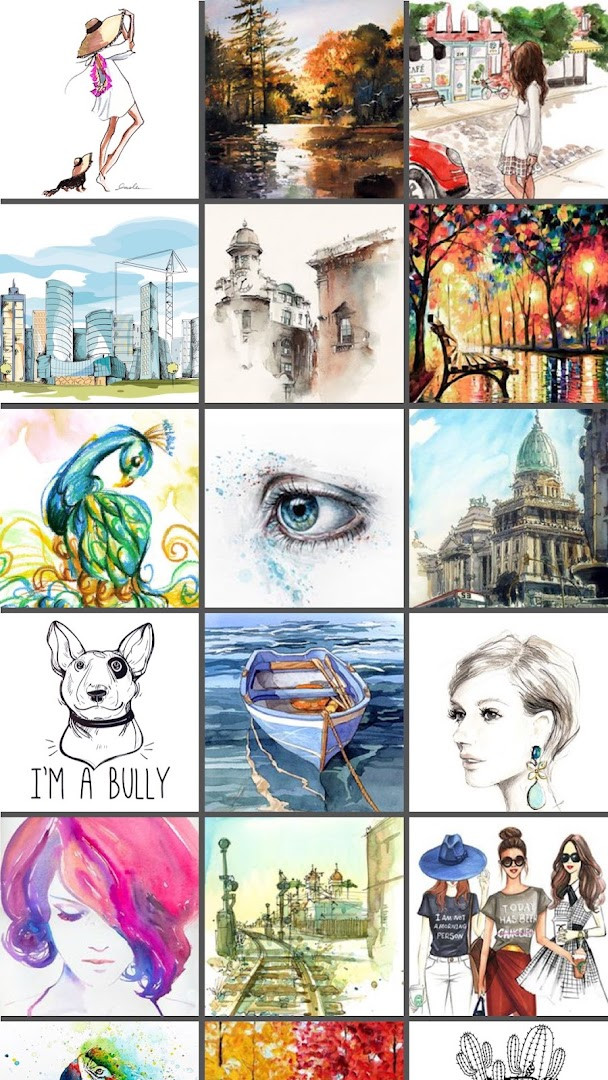
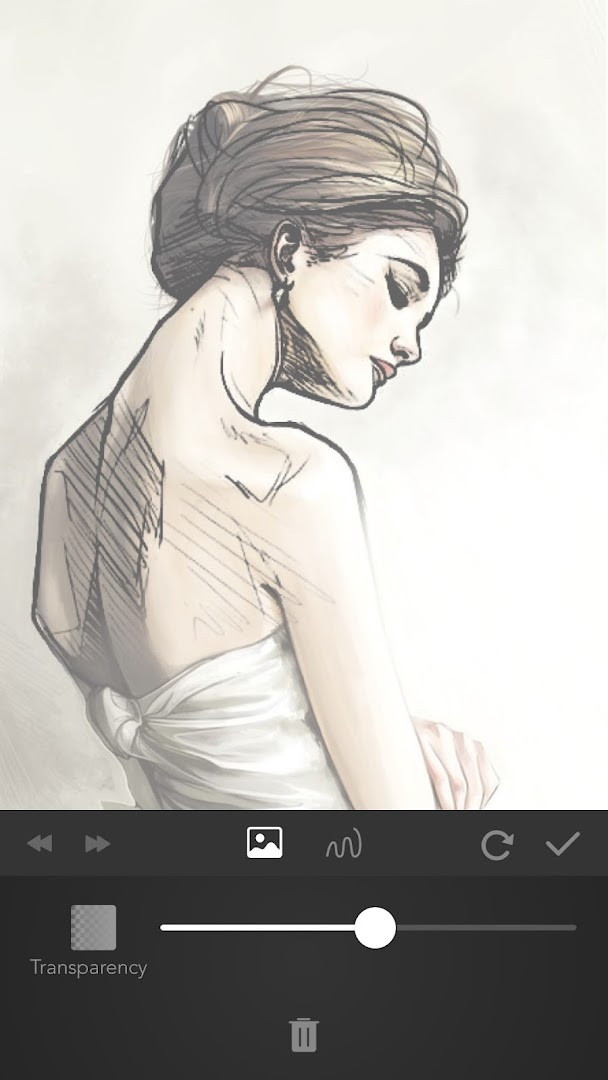
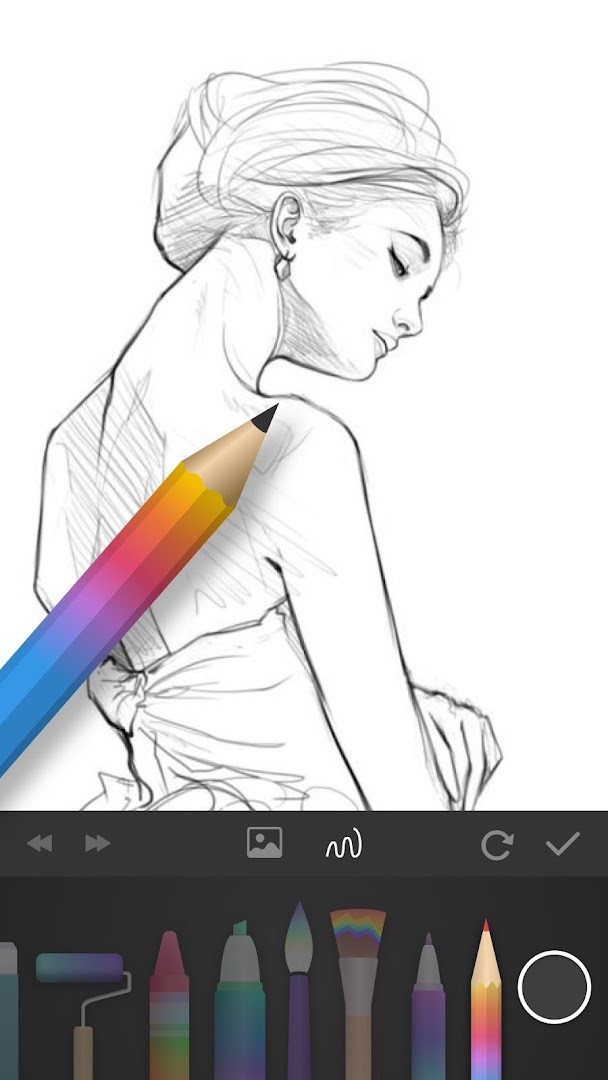
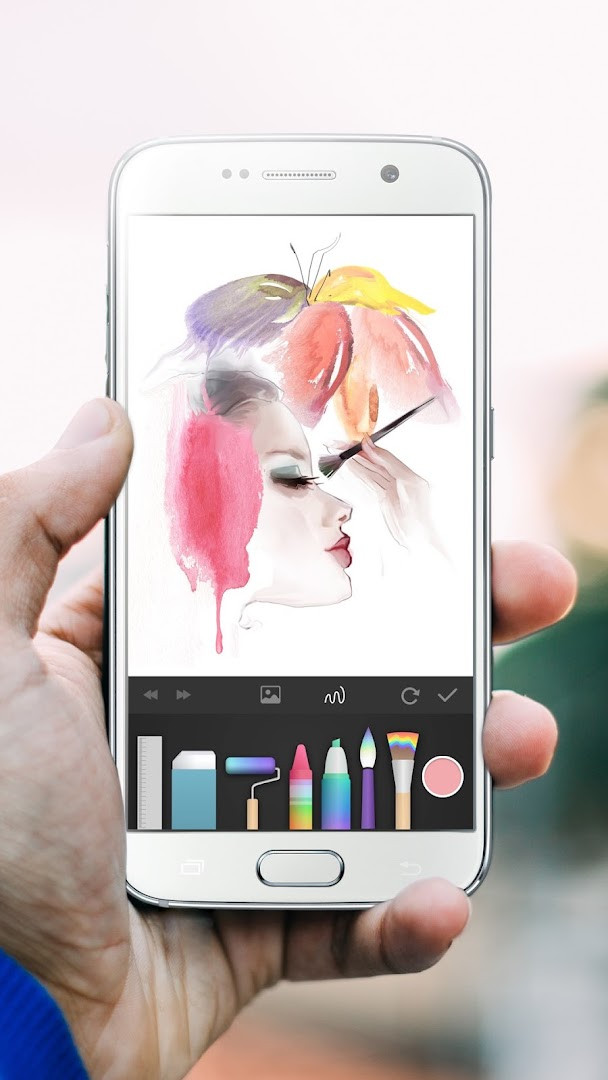
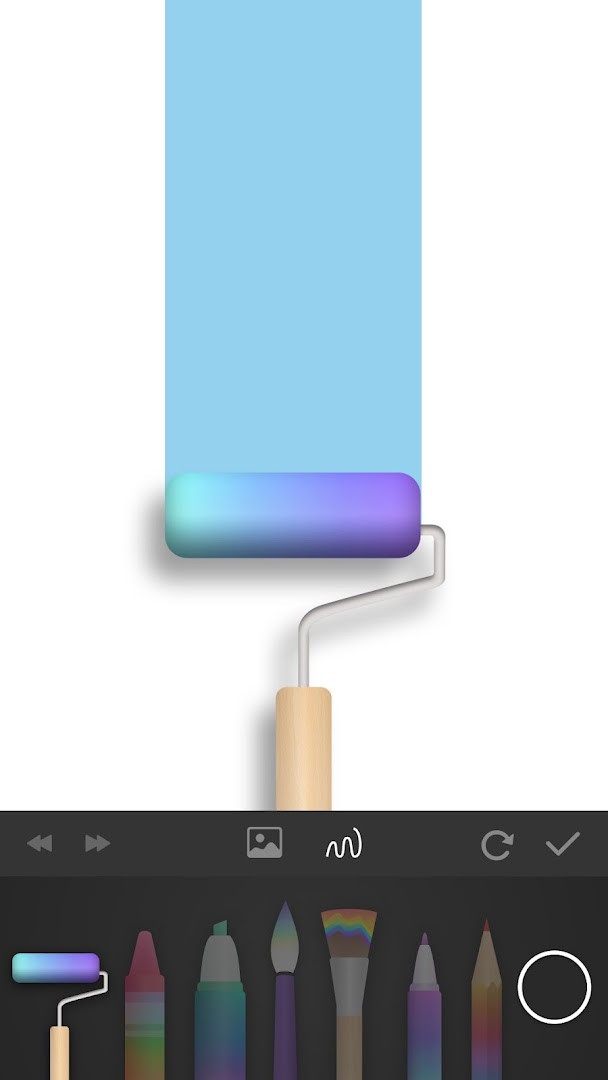
PaperColor is an Art & Design application by Eyewind that imitates real paintbrushes for drawing, doodling, and graffiti on Android devices. It is designed to make painting approachable for beginners while still offering enough depth for more experienced users who want a casual creative outlet. The app provides a variety of brush styles and a color library, allowing you to create finished artworks directly on your phone or tablet.
The core experience revolves around a responsive canvas that mimics the feel of traditional media. You can sketch freehand, add handwritten signatures, use a ruler for straight lines, and erase mistakes just as you would on paper. Beyond blank canvases, PaperColor lets you import photos and draw over them, or use a base map set to translucent to trace and learn shapes step by step.
Because it is built for on-the-go use, the app is suited for moments when you have spare time, whether you are traveling, waiting, or simply relaxing. With over 50 million installs and a 4.47 rating from more than 219,000 users, it has proven popular among casual artists and hobbyists. The latest version, 2.9.15, focuses on smoother canvas performance and reduced memory pressure, making long drawing sessions more comfortable.
PaperColor is free to download with optional in-app purchases, contains no ads, and is rated for everyone. It requires Android 5.0 or newer and occupies about 62 MB of storage. If you are comparing lightweight sketching tools, this app stands out for its simplicity and brush realism rather than advanced layer management or professional-grade editing features.
Key features
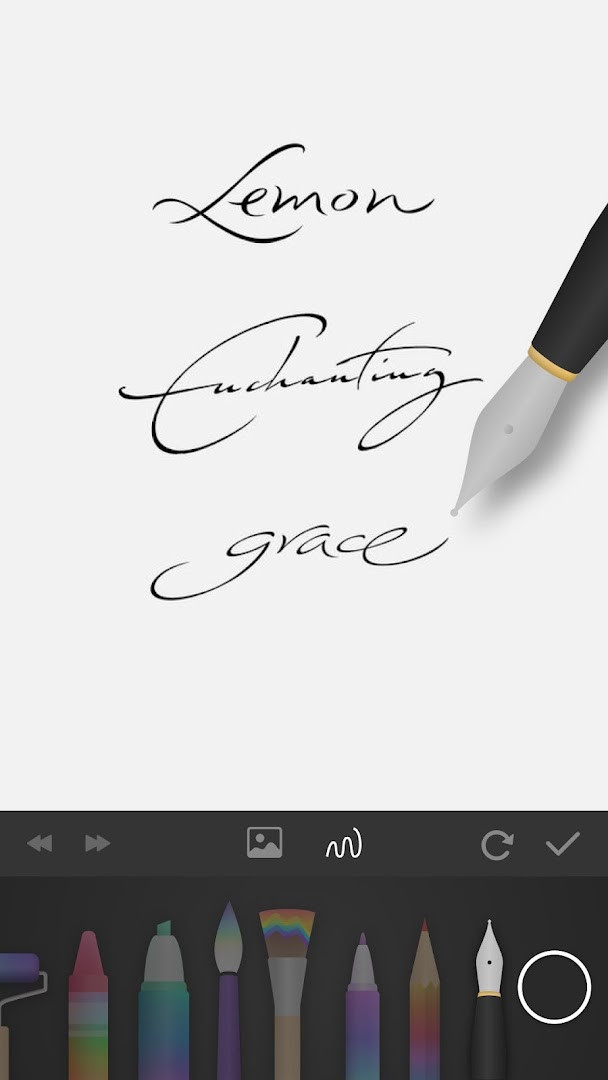
- Handwriting signature with pen after finishing your work
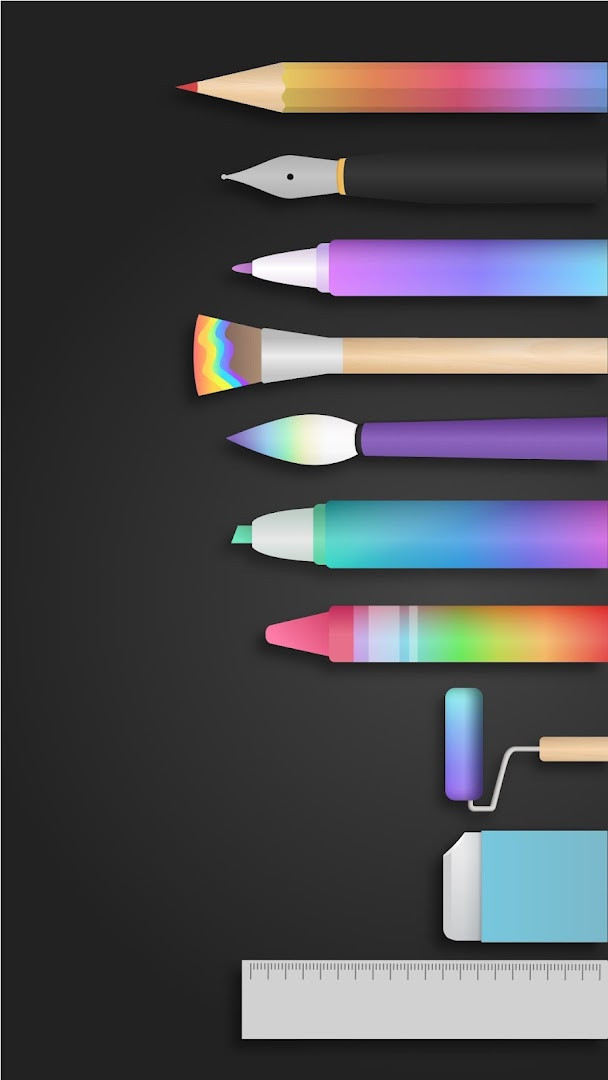
- Multiple tools imitating paintbrush, ruler, and eraser
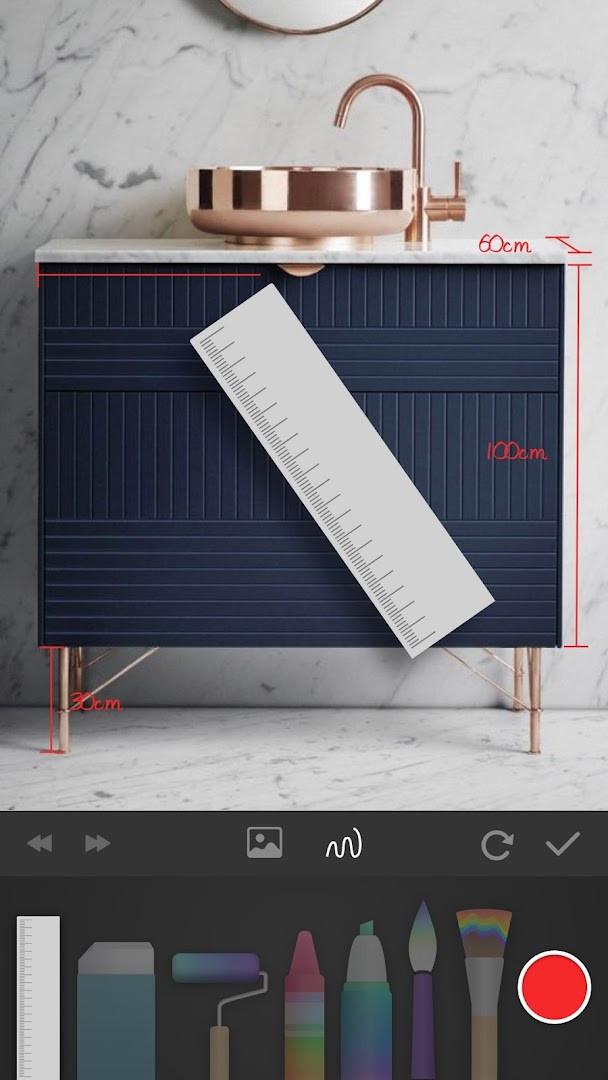
- Mark directly on photos
- Draw over existing pictures
- Use a photo as a translucent base map for guided learning
- Dexterous fingertip scaling for precise control
- Share finished artwork online
- Optimized layer limit to reduce memory pressure
- Performance improvements for smoother drawing strokes
How to install
- Tap the download button on this page to get the APK file, which is 62 MB in size.
- When Android prompts you, allow your browser or file manager to install apps by enabling the 'Install unknown apps' setting for that app.
- Open the downloaded APK file from your notifications or Downloads folder.
- Tap Install and wait for the installation to complete.
- Launch PaperColor from your app drawer or home screen.
- Ensure your device runs Android 5.0 or higher to meet the minimum system requirement.
Pros
- Free to use with no advertisements
- Intuitive brush imitation suitable for beginners
- Ability to draw on photos and trace base maps
- Lightweight at 62 MB
- Rated for everyone, family-friendly content
- Regular updates focused on performance
Cons
- In-app purchases may be needed for advanced features
- Requires access to storage, camera, and Wi-Fi information
- Not designed for professional-grade digital art with complex layers
Recent updates · 2.9.15
PaperColor 2.9.15 (released June 6, 2025) brings a smoother, more responsive canvas to your sketching sessions. This update optimizes layer handling to reduce memory pressure, helping you avoid overflow issues during complex artwork. Performance tweaks also make every brushstroke feel more fluid, so you can focus on creating without interruption.
Version history
| Version | Size | Requires Android | Updated |
|---|---|---|---|
| 2.9.7 | 47 MB | 4.4 | Jan 4, 2026 |
| 2.9.15 | 62 MB | 5.0 | Jun 6, 2025 |
| 2.9.14 | 61 MB | 5.0 | May 27, 2025 |
| 2.9.13 | 60 MB | 5.0 | Mar 7, 2025 |
PaperColor is for casual artists, doodlers, and beginners who want a simple, brush-like sketching app on their phone or tablet, as well as travelers or anyone looking to pass time creatively without a steep learning curve.
For better tracing results, import a photo and set it as a translucent base map, then adjust opacity to your comfort. Use the ruler tool for clean straight lines and practice signatures with the pen tool to finalize your artwork before sharing.
Permissions
FAQ
What does the 2.9.15 update emphasize?
Released on June 6, 2025, version 2.9.15 focuses on performance: the canvas is optimized for smoother drawing, and the layer limit was adjusted to reduce memory pressure and help avoid overflow issues while creating.
Can you use PaperColor with existing photos?
Yes. The app lets you mark in a photo and draw directly on a picture. You can also choose a photo as a base map and set it to translucent to guide your drawing, with fingertip scaling for precise positioning.
Which drawing tools are included in the app?
PaperColor offers tools that imitate a paintbrush, along with a ruler and eraser. After finishing a work, you can add a handwritten signature with a pen.
Is PaperColor free, and does it show ads?
The app is free at a price of 0.00 USD and contains no ads, but it does offer in-app purchases. It is rated Everyone and requires Android OS 5.0 or higher, with an install size of about 62 MB.
Who made PaperColor and how long has it been around?
PaperColor was created by developer Eyewind. It was first released on June 17, 2016, with the latest version 2.9.15 dated June 6, 2025.
PaperColor offers a friendly, brush-focused drawing experience that is easy to pick up and satisfying to use. If you value simplicity, portability, and the ability to sketch over photos, this app is a solid choice among casual painting tools.
Similar apps
 Canva: AI Photo & Video EditorCanva4.8
 PENUP – Drawing-sharing SNSSamsung Electronics Co., Ltd.4.5
 SketchbookSketchbook4.1
 Adobe Express: AI Photo, VideoAdobe4.6
 ibis Paint Xibis inc.4.5
 Artrace: AR Easy Draw & SketchBraly JSC4.6
 Phonto - Text on Photosyouthhr4.7
 FlipaClip: Draw 2D AnimationVisual Blasters LLC4.3
Updated: Nov 11, 2026