Start: Personalization and news app
Start is a personalization app by Taboola News that brings news, videos, wallpapers, weather and utilities to Android home screens.
Download Start now · v7.6.0Start is a free personalization app that combines a news feed with wallpapers, weather, music playback, smart search and caller ID. Start requires Android 9 or newer and has a download size of 24 MB, with ads and no in-app purchases. Start has been installed over 100 million times and is intended for users aged 18 and older.
- Version
- 7.6.0
- Size
- 24 MB
- Requires Android
- 9
- Updated
- Oct 20, 2026
- Installs
- 100M+
- Rating
- ★ 3.52 (246,445)
- Category
- Personalization
- Developer
- Taboola News
- Content rating
- Everyone
- Package
- com.celltick.lockscreen
- Free
- ✓ · Contains ads
Screenshots
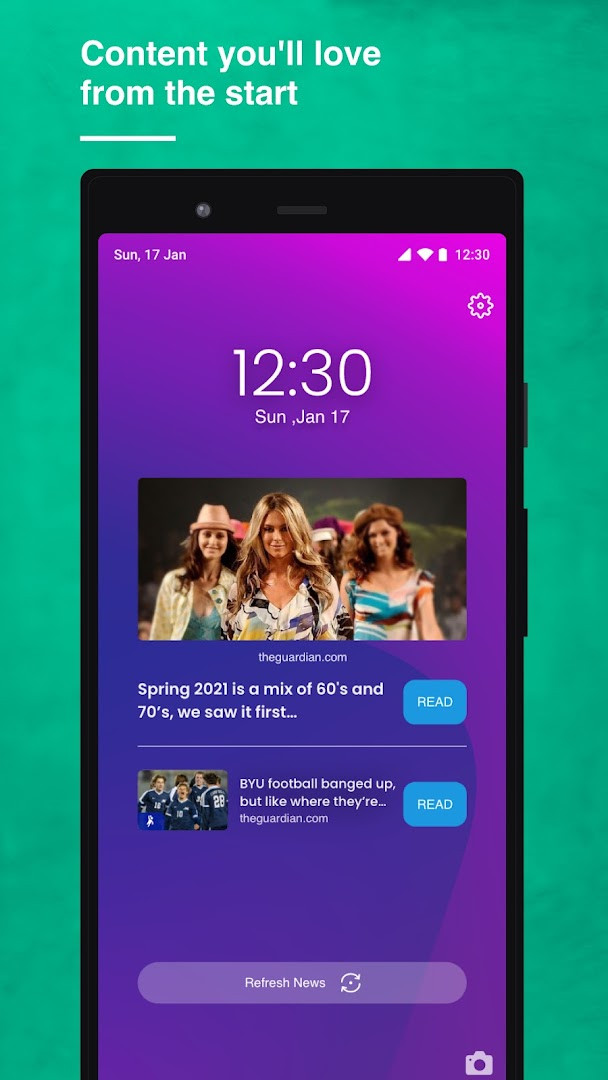
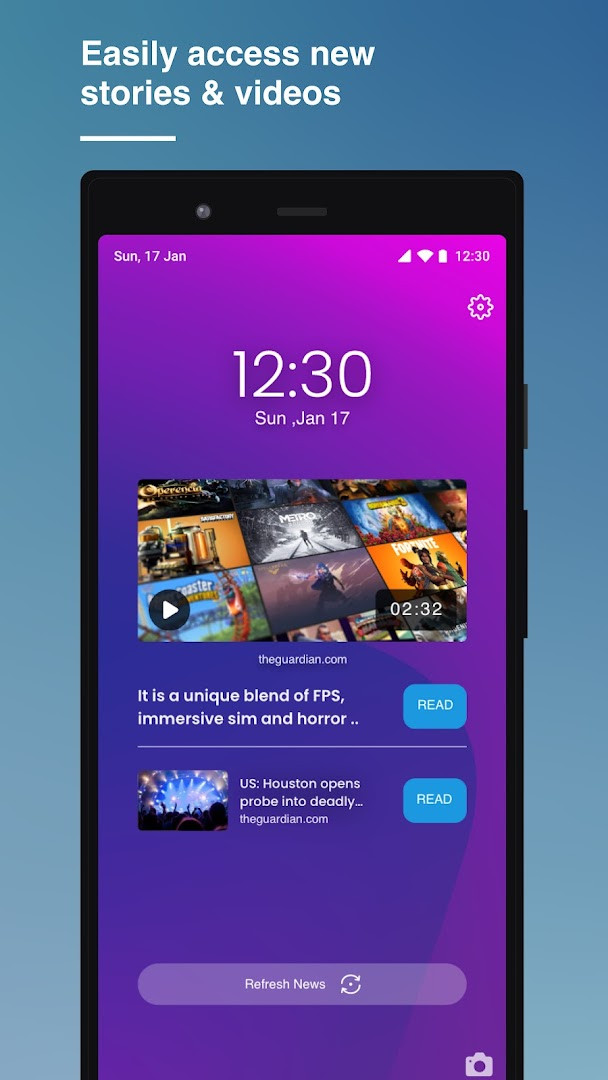
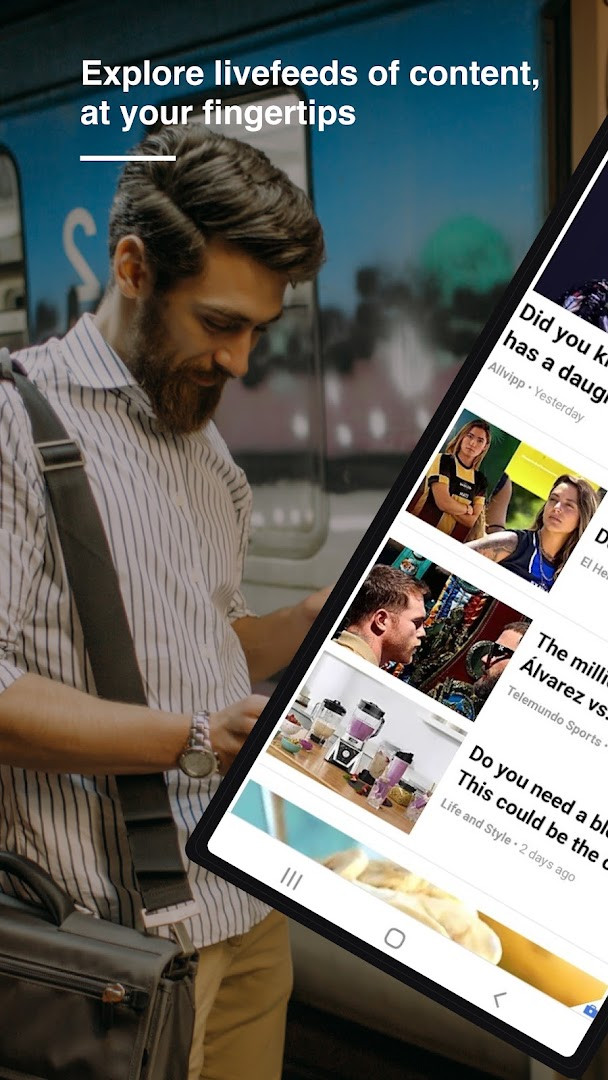
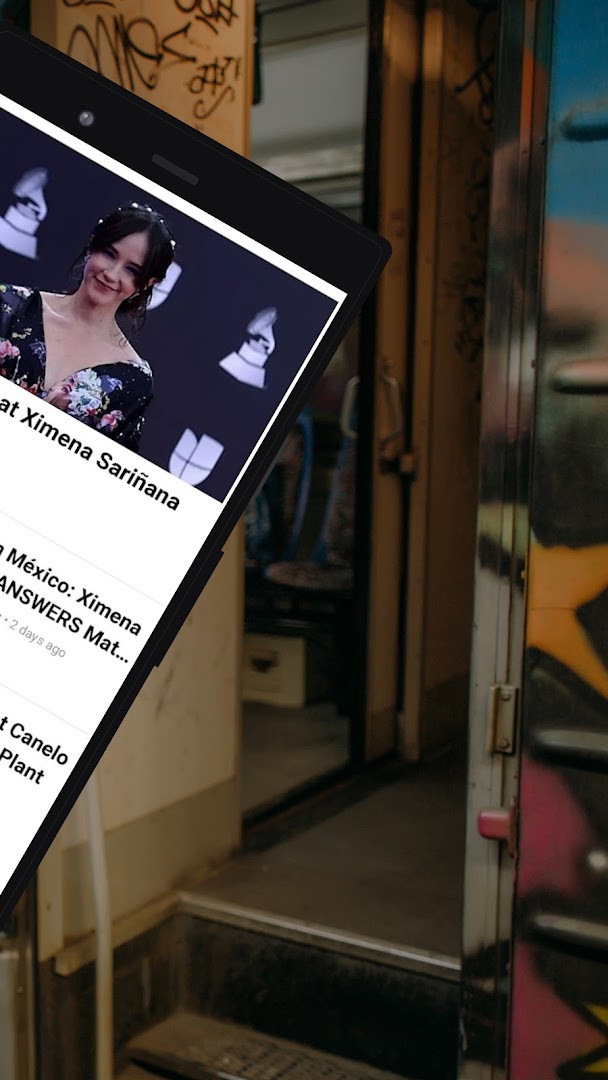
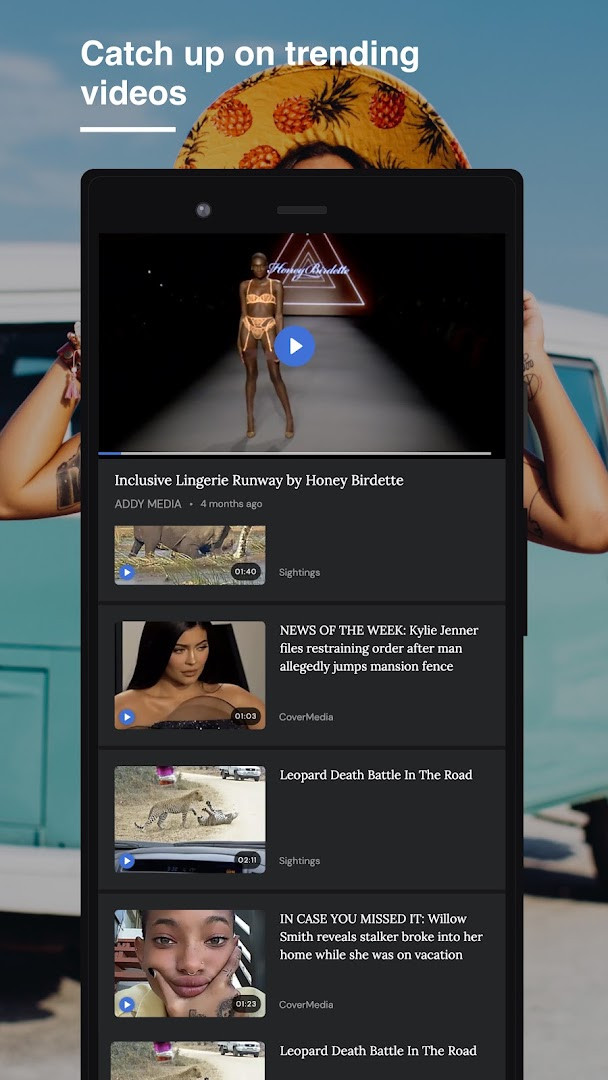
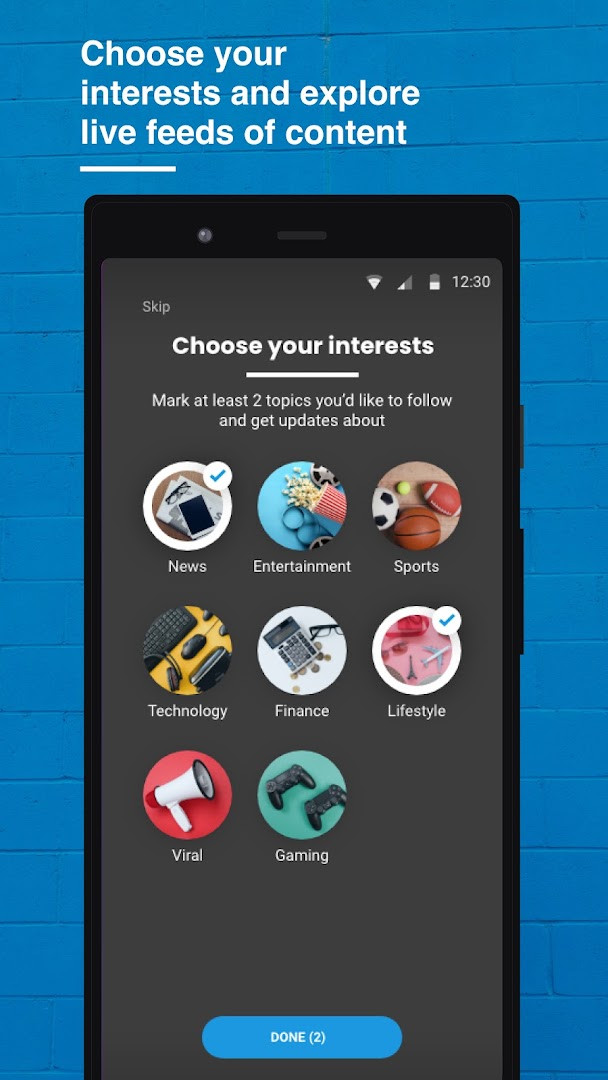
Start is a personalization app by Taboola News that delivers news, videos, and utilities directly on your home screen whenever you wake your phone. It solves the problem of having to open multiple apps or navigate menus to find fresh content by aggregating news, entertainment, sports, business, technology, and viral videos into one magazine-style feed. Beyond content, it bundles a wallpaper gallery, music player, weather updates, selfie camera, smart search, social network shortcuts, caller ID, and a notifications manager, aiming to make the lock screen or home screen a single hub for daily tasks and information. The app is free, contains ads, and has no in-app purchases, targeting users who want a convenient, all-in-one starting point for their Android device.
Key features
- Start Magazine aggregates news, sports, entertainment, business, technology, and viral videos into a single feed.
- HUGE Wallpaper Gallery offers a large variety of free wallpapers and backgrounds to personalize your phone.
- Music Player lets you listen to your music and create playlists for different moods.
- Weather provides instant access to weather updates based on your location.
- Selfie utility allows you to take a selfie picture directly from the Utilities Starter.
- Smart Search enables searching for apps, contacts, or the web from your home screen.
- Start Caller ID identifies calls from unknown numbers when you receive them.
- Notifications Manager ensures your important notifications are always shown first.
How to install
- Tap the download button on this page to get the APK file (24 MB).
- When Android asks, allow your browser or file manager to install apps by enabling the 'Install unknown apps' setting.
- Open the downloaded APK file from your notifications or file manager.
- Tap Install and wait for the installation to complete.
- Open the app from your app drawer or home screen to start using it.
- Ensure your device runs Android 9 or higher, as this is the minimum version supported.
Pros
- Combines news, weather, music, wallpaper, caller ID, and search in one app.
- Free to download with no in-app purchases.
- Large user base with over 100 million installs, indicating broad adoption.
- Regular updates with recent Android 17 support and bug fixes.
- Personalization options let you change wallpapers and manage notifications.
Cons
- Contains ads, which may interrupt the experience.
- Requires access to photos, media, files, storage, and Wi-Fi connection information.
- Intended for individuals 18 years or older, limiting younger users.
- Caller ID and weather features may need location or network permissions to work fully.
Recent updates · 7.6.0
Version 7.6.0 of Start brings support for Android 17, ensuring the app remains compatible with the latest operating system. This update also includes various bug fixes to improve overall stability and performance. Users can expect a smoother experience with these refinements.
Version history
| Version | Size | Requires Android | Updated |
|---|---|---|---|
| 7.5.2 | 25 MB | 9 | Oct 28, 2026 |
| 7.6.0 | 24 MB | 9 | Oct 20, 2026 |
| 7.5.1 | 16 MB | 7.0 | Sep 8, 2026 |
| 7.5.3 | 25 MB | 9 | Sep 2, 2026 |
| 6.1.5 | 14 MB | 5.0 | Nov 8, 2025 |
Start is best for beginners who want a single, convenient home screen hub that combines news reading, media playback, weather checks, and basic utilities without juggling multiple apps. It suits users who enjoy personalizing their phone with wallpapers and want quick access to social networks, contacts, and web search. Since it includes ads and requires several permissions, it is ideal for adults comfortable with a free, ad-supported app that prioritizes convenience over privacy minimalism.
To get the most out of Start, spend time exploring the wallpaper gallery and setting up the notifications manager so important alerts appear first. Use Smart Search to quickly find apps or contacts, and adjust the weather location settings for accurate updates. Since the app includes ads, you can manage notification preferences to reduce interruptions.
Permissions
FAQ
Which Android versions does the latest release of Start support?
Version 7.6.0 adds support for Android 17 and maintains a minimum operating system requirement of Android 9.
Is Start free, and are there any in-app purchases?
Start is free at a price of $0.00, displays ads, and does not offer in-app purchases.
What permissions does Start request during installation?
Start requests access to photos/media/files, storage, and Wi-Fi connection information.
When was Start released and when was it last updated?
Start was originally released on August 1, 2012, and its most recent update was on October 20, 2026, bringing it to version 7.6.0.
What features does Start include besides news content?
Start includes a huge free wallpaper gallery, a music player with playlists, weather updates, a quick selfie tool, smart search across apps/contacts/web, social network access, caller ID for unknown numbers, and a notifications manager that prioritizes important alerts.
Start offers a practical way to consolidate news, entertainment, and everyday tools into one home screen experience. It is a reasonable choice for beginners seeking a free, feature-rich personalization app, though the ads and permissions are worth considering.
Similar apps
 Microsoft SwiftKey AI KeyboardSwiftKey4.3
 HiOS Launcher - FastTranssion Holdings4.1
 Zedge™ Wallpapers & RingtonesZedge4.7
 Neon Love ThemeDelicate theme for Android App4.6
 Photo Lock App - Hide PicturesBattery Stats Saver4.6
 Wallpaper 4K HD – WallcraftNebuchadnezzar DOO4.6
 GO Keyboard Lite - Many ThemeVideo Editor & Video Maker Dev3.3
 Parallel Space - app cloningLBE Tech4.1
Updated: Nov 23, 2026