Photo Lock App - Hide Pictures: privacy and gallery locker app
Photo Lock App - Hide Pictures is a Personalization app by Battery Stats Saver that hides images, videos, and files and locks apps behind a secure vault.
Download Photo Lock · v2.1.14Photo Lock App - Hide Pictures provides a hidden photo vault with fingerprint unlock, cloud backup, an intruder selfie capture, and a replaceable app icon for stealth. It suits people who want to keep private media away from friends, family, or anyone borrowing their phone.
- Version
- 2.1.14
- Requires Android
- 8.0
- Updated
- May 6, 2026
- Installs
- 100M+
- Rating
- ★ 4.62 (1,375,987)
- Category
- Personalization
- Developer
- Battery Stats Saver
- Content rating
- Everyone
- Package
- vault.gallery.lock
- Free
- ✓ · Contains ads · In-app purchases
Screenshots
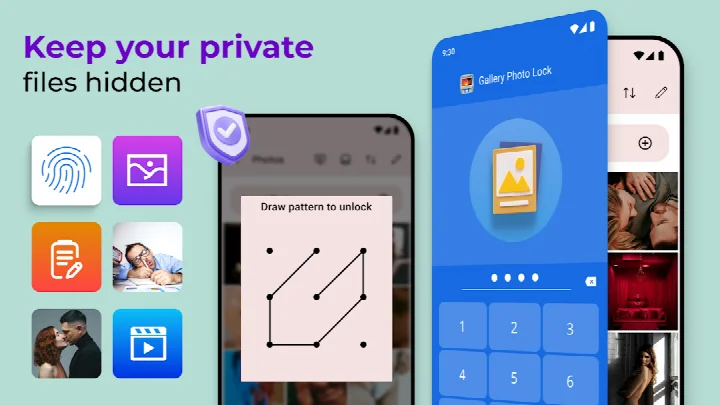
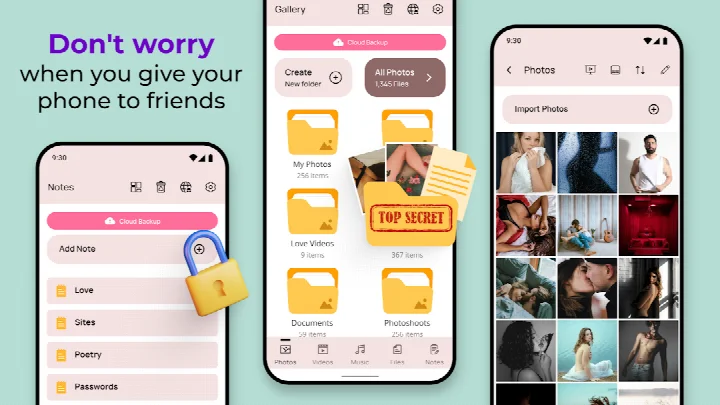
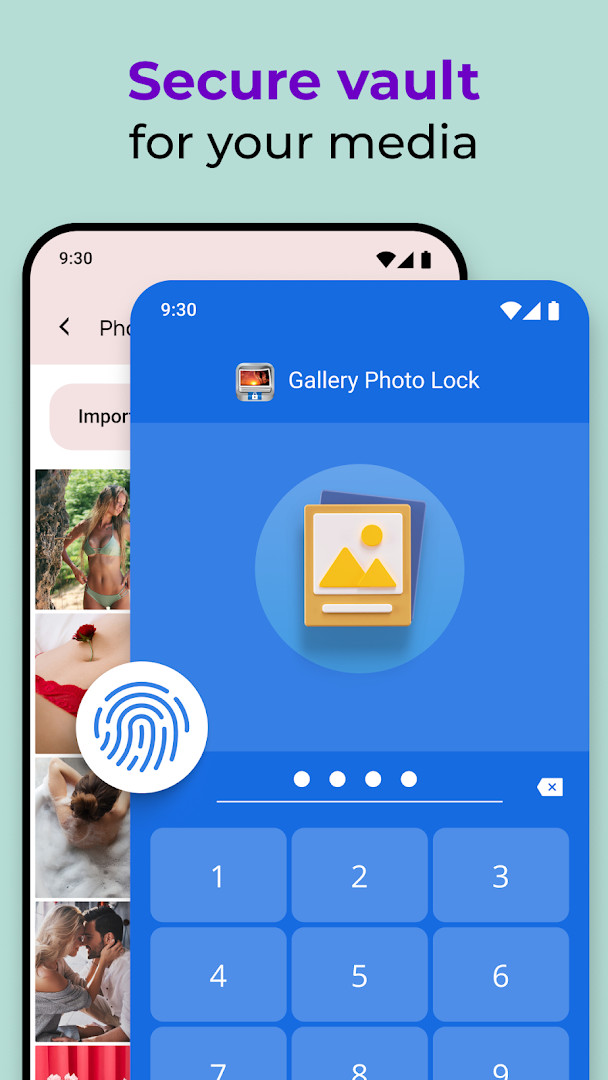
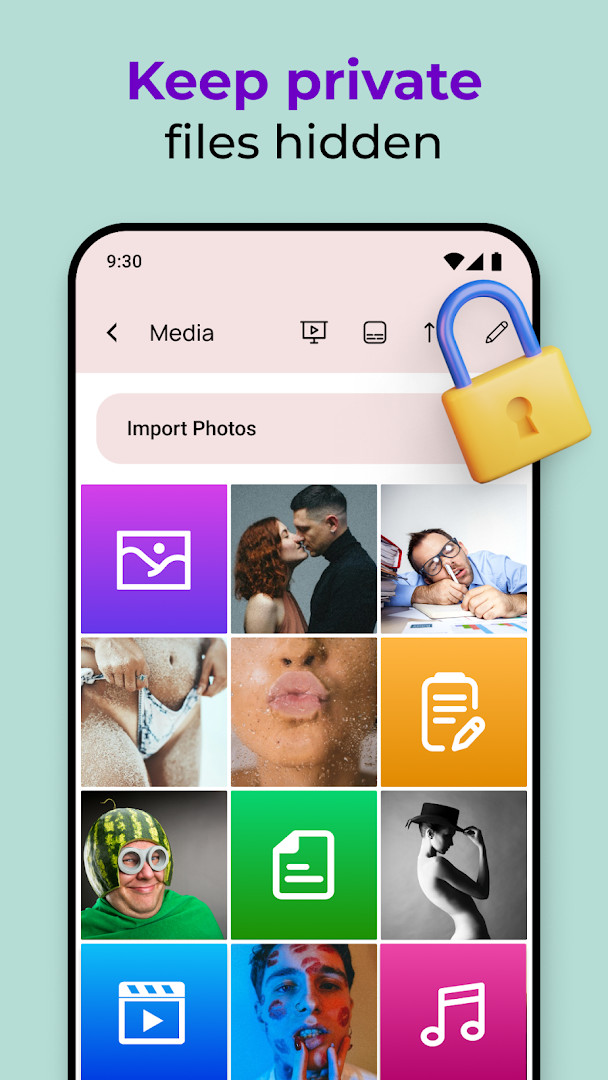
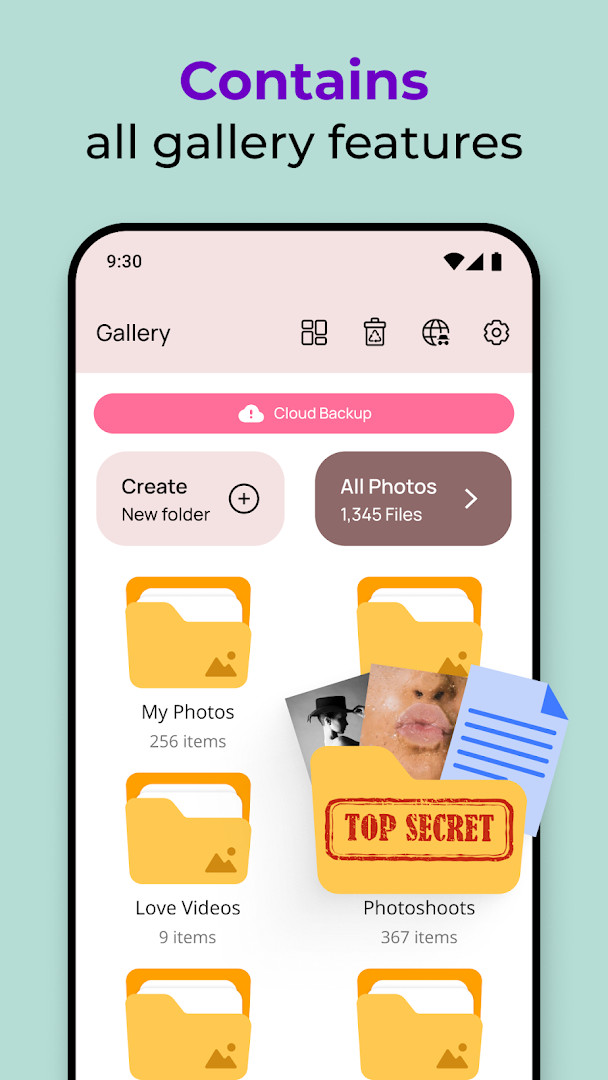
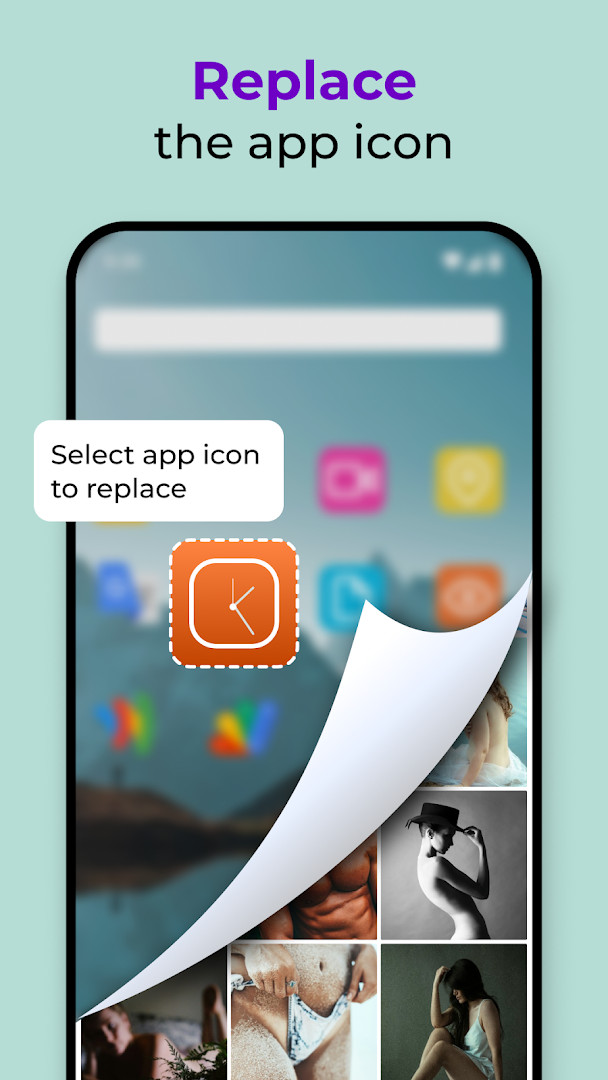
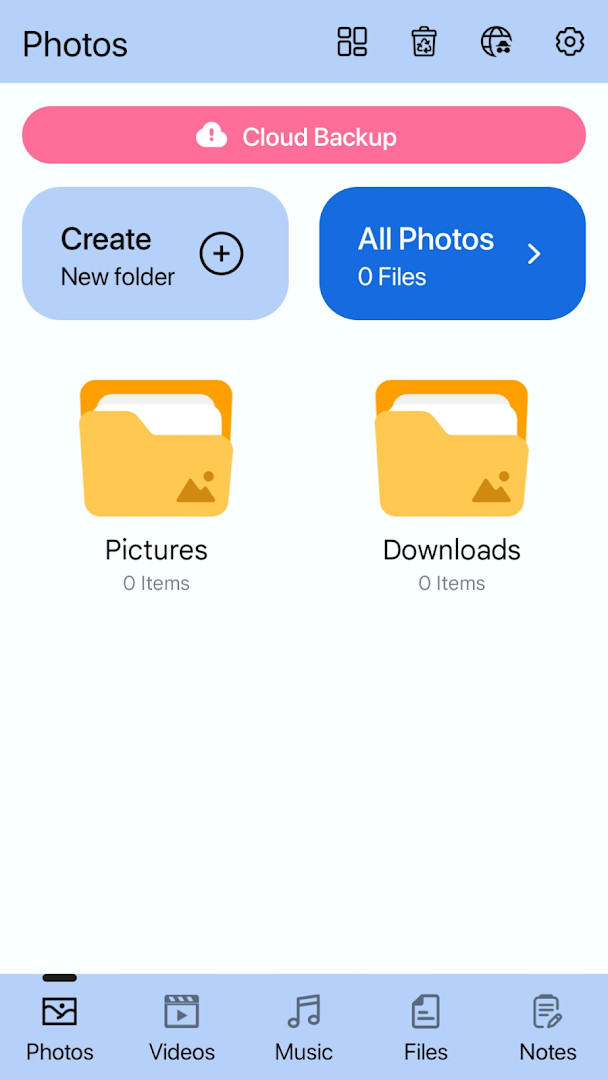
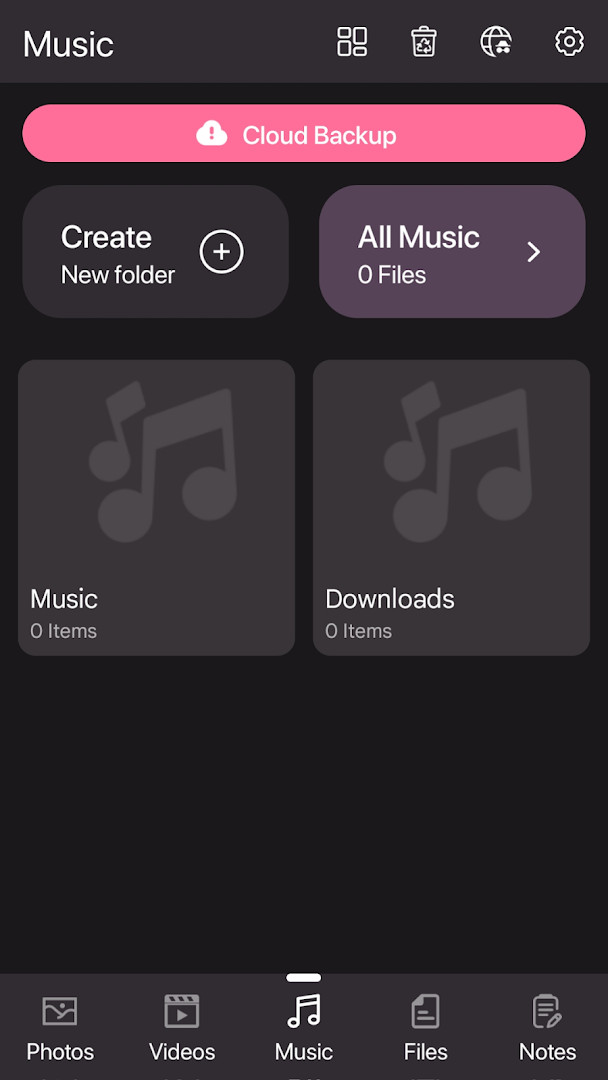
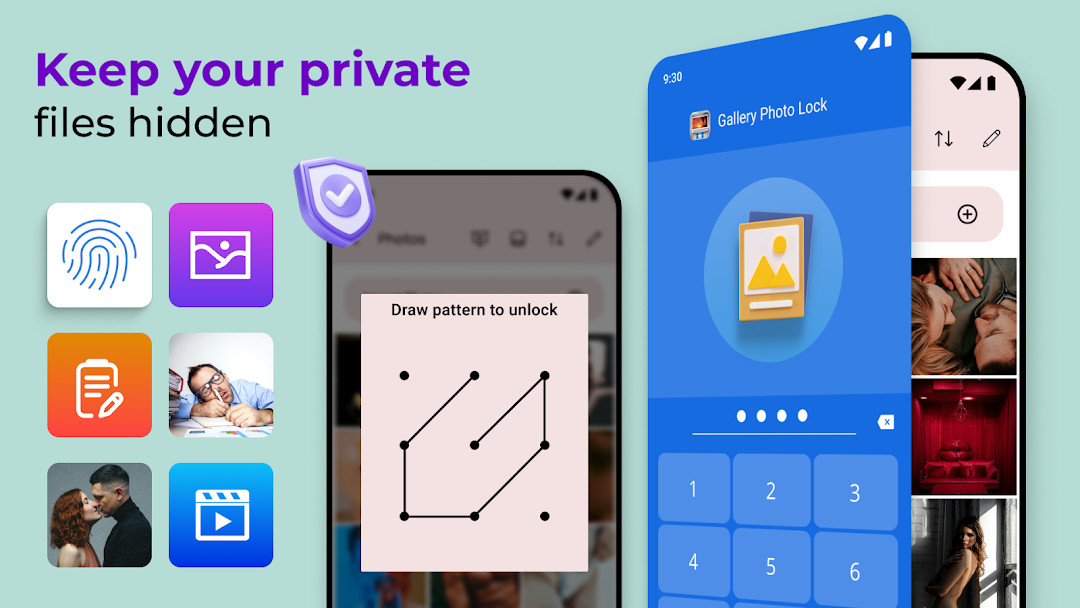
Photo Lock App - Hide Pictures is a privacy vault tool by Battery Stats Saver that lets you move images, videos, and other files into a PIN- or pattern-protected space away from your main gallery. Since its release in 2016, it has grown into a widely used option for people who want a simple layer of separation between their personal media and casual browsing of their phone. The app is free to use and is supported by ads and optional in-app purchases, which is worth keeping in mind before installing.
Beyond basic hiding, the app brings several safeguards that make sense for a privacy-focused tool. It supports fingerprint unlocking on compatible devices, can capture an intruder photo when someone enters the wrong PIN or pattern, and closes the vault when the phone is placed face down. It also includes a guest locker with a separate password for storing dummy photos and videos, a stealth mode that replaces the app icon with something innocuous, and a safe browser that lets you download media straight into the protected area. On the permissions side, it requests access to photos, media, and files, storage, the camera, and Wi-Fi connection information. Those permissions are broadly consistent with its stated functions, but they are not minimal, so users who are strict about access should think carefully before granting them.
The most recent version, 2.1.14, is a refinement release that focuses on performance improvements and resolved crash issues rather than new headline features. With over 100 million installs and a high average rating from more than 1.3 million reviews, the app has a large user base that suggests the core hiding workflow is generally stable. The current release requires Android 8.0 or newer, and a separate build labeled 55.0 was published in June 2026, while another older build, 26.0, dates back to 2017.
Key features
- Hide unlimited images and videos behind a PIN or pattern lock.
- Fingerprint unlock support on compatible devices for quicker access.
- Share to Hide: send media from the gallery or SD card directly into the vault.
- Built-in image viewer and video player for viewing protected files.
- Cloud backup for hidden images, videos, files, and notes.
- Guest Locker with a separate password to hold decoy media.
- Stealth icon replacement that disguises the app as news, weather, or radio.
- Intruder selfie capture when an incorrect PIN or pattern is entered.
- Face Down Lock that secures the app when the phone is turned over.
- Additional utilities including a safe browser, private notes, calculator-style vault, and app locking.
How to install
- Tap the download button on this page to get the APK file.
- When Android prompts you, allow your browser or file manager to install apps by enabling the 'Install unknown apps' permission.
- Open the downloaded APK file from your notifications or Downloads folder.
- Tap Install and wait for the process to finish.
- Open the app and set up your PIN or pattern to begin securing media.
- The installation file has no listed size; the app requires Android 8.0 or higher.
Pros
- Fingerprint unlock and cloud backup add convenient layers of protection.
- Intruder selfie helps identify failed access attempts.
- Guest Locker keeps a separate, harmless vault for snoopers.
- Stealth mode hides the app's identity behind a different icon.
- Works for images, videos, notes, and locked apps.
Cons
- Contains ads and optional in-app purchases.
- Requests broad permissions, including storage, camera, and Wi-Fi information.
- Some advanced protections rely on device-admin or accessibility permissions.
- Many overlapping features may feel redundant for simple needs.
Recent updates · 2.1.14
Version 2.1.14, released May 6, 2026, contains general improvements and a fix for crashes. No other specific changes are listed for this release. The update addresses stability issues while retaining the existing feature set of the photo and video hiding app.
Version history
| Version | Size | Requires Android | Updated |
|---|---|---|---|
| 55.0 | 3.4 MB | 4.0 | Jun 17, 2026 |
| 2.1.14 | — | 8.0 | May 6, 2026 |
| 26.0 | 2.9 MB | — | May 30, 2017 |
People who regularly lend their phones to friends or family, users with sensitive personal media they want to keep separate, and anyone who wants to lock and hide private apps and files.
Set up the Guest Locker with a different PIN and keep decoy photos inside, then enable the intruder selfie so any failed unlock attempt is captured on camera.
Permissions
FAQ
How can I hide pictures without manually moving each file?
Use the Share to Hide option: choose a picture from your gallery or SD card and share it to the Hidden Photo Vault, and the file is stored privately inside the app.
What does the Face Down Lock feature actually do?
When you place your device face down, the app (Keep Safe Photo And Videos) closes itself, so your vault content is not left visible.
Is fingerprint authentication available for unlocking the vault?
Yes, the private vault supports fingerprint unlock, so you can open your hidden media with a fingerprint instead of a PIN or pattern.
Can I keep videos as well as images in the vault?
Yes. You can hide unlimited images and videos, and the app includes an inbuilt viewer and player so you can view them without leaving the vault.
What changed in version 2.1.14?
Version 2.1.14, released May 6, 2026, includes improvements and a crash fix.
Photo Lock App - Hide Pictures delivers a solid, feature-rich vault experience with strong privacy tools like stealth mode and intruder capture, but the broad permissions, ads, and overlapping options mean it is best suited to users willing to configure it carefully for their needs.
Similar apps
 Microsoft SwiftKey AI KeyboardSwiftKey4.3
 HiOS Launcher - FastTranssion Holdings4.1
 Zedge™ Wallpapers & RingtonesZedge4.7
 Neon Love ThemeDelicate theme for Android App4.6
 StartTaboola News3.5
 Wallpaper 4K HD – WallcraftNebuchadnezzar DOO4.6
 GO Keyboard Lite - Many ThemeVideo Editor & Video Maker Dev3.3
 Parallel Space - app cloningLBE Tech4.1
Updated: Nov 26, 2026