WOMBO Dream - AI Art Generator: Text to AI Art
WOMBO Dream - AI Art Generator is a free art and design app by Wombo Studios Inc that lets you turn text prompts into AI paintings, drawings, and photos.
Get APK · v7.0.9WOMBO Dream - AI Art Generator has no ads and offers in-app purchases; it requires Android 7.0 or higher and its download size is not listed. WOMBO Dream - AI Art Generator has been installed more than 10 million times and supports text-to-image creation, photo-based edits, and multiple art styles.
- Version
- 7.0.9
- Requires Android
- 7.0
- Updated
- Apr 16, 2026
- Installs
- 10M+
- Rating
- ★ 3.65 (526,949)
- Category
- Art & Design
- Developer
- Wombo Studios Inc
- Content rating
- Everyone
- Package
- com.womboai.wombodream
- Free
- ✓ · In-app purchases
Screenshots
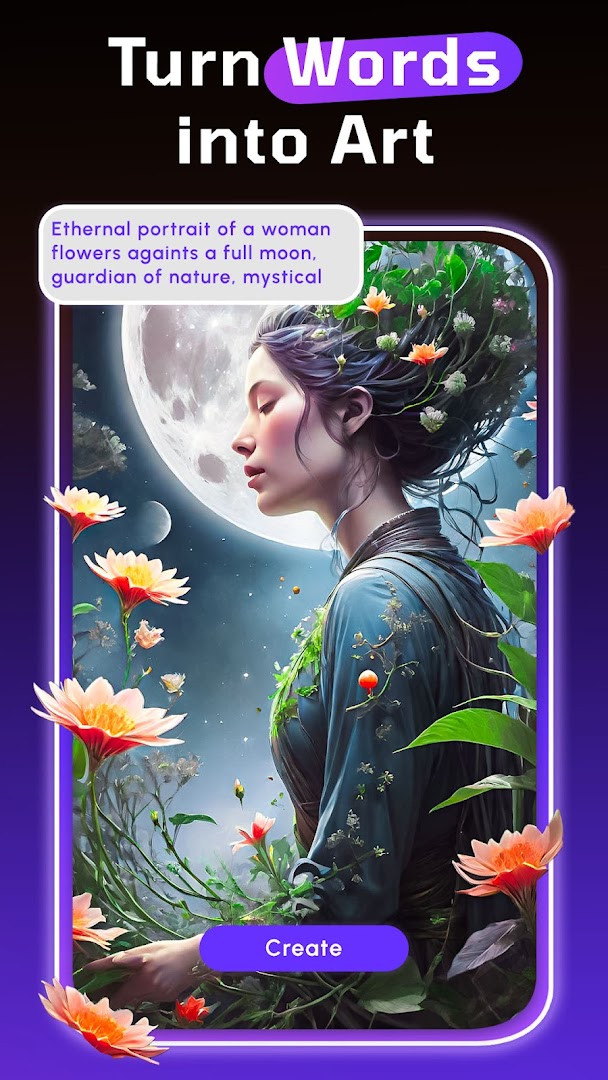
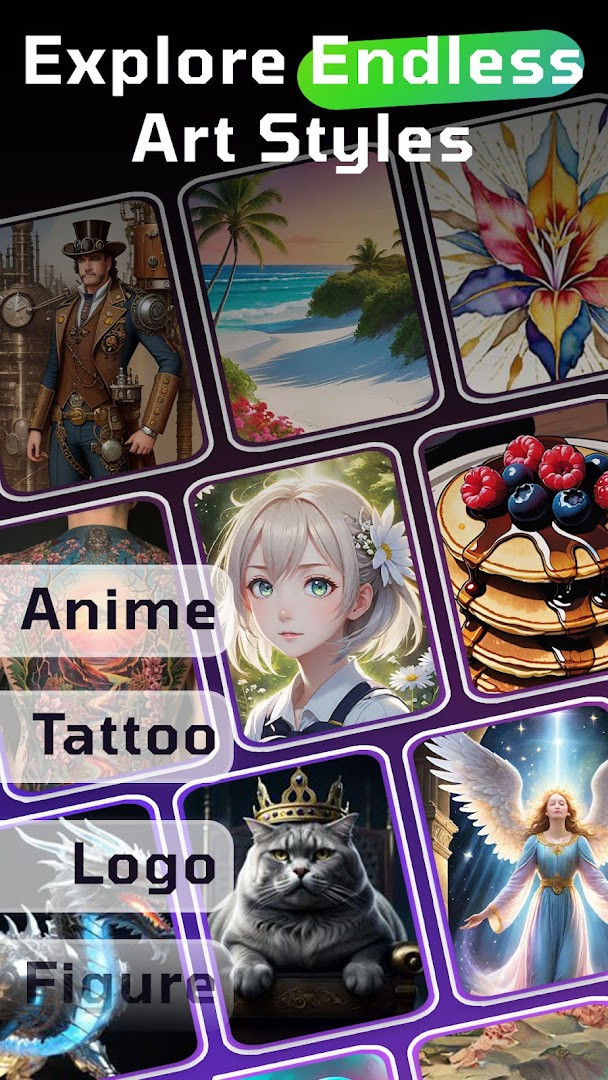
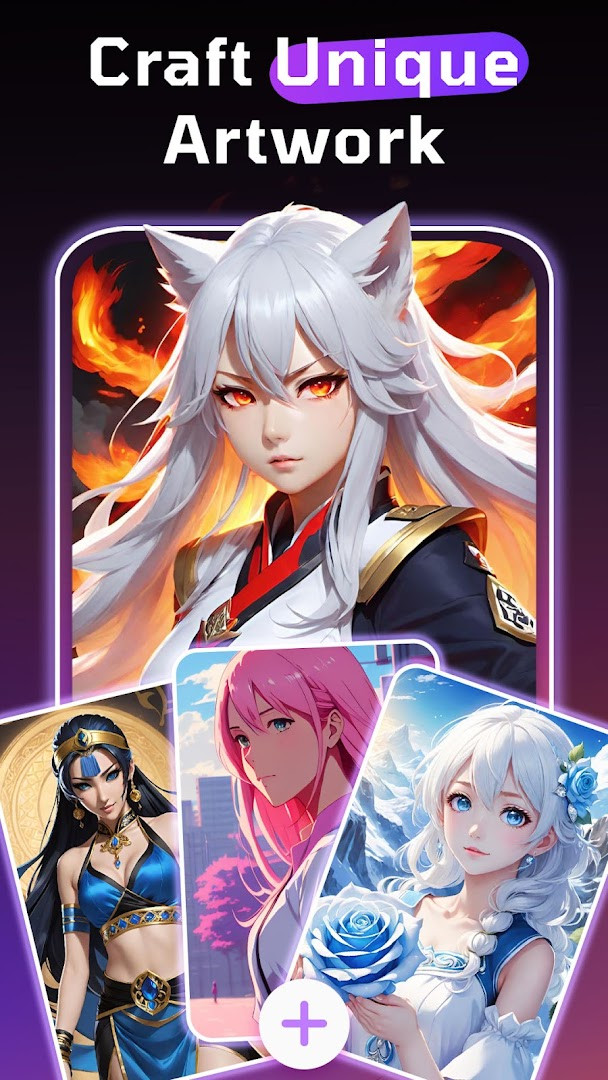
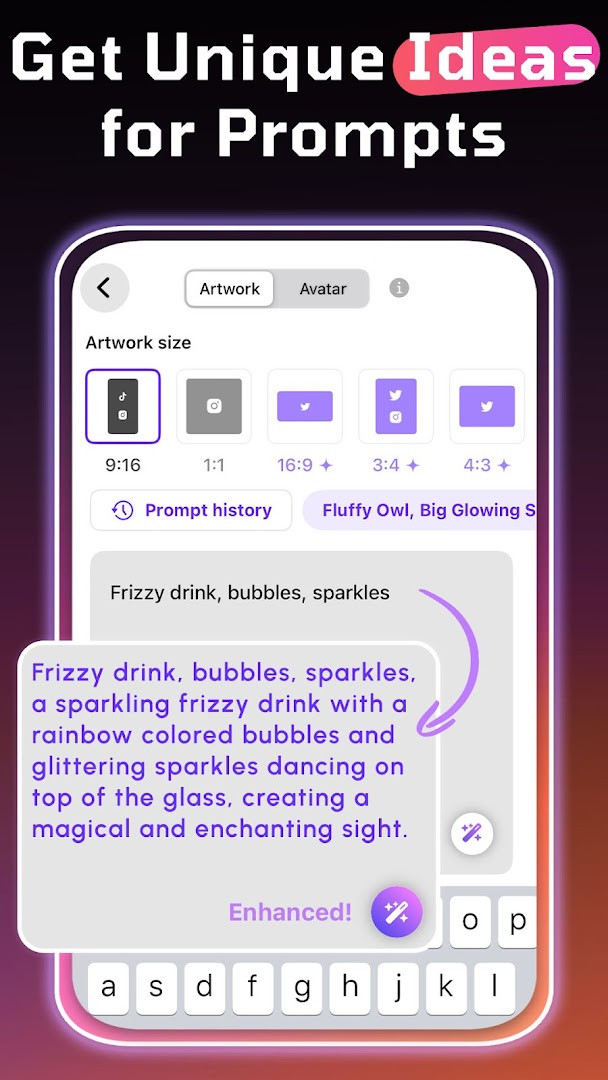
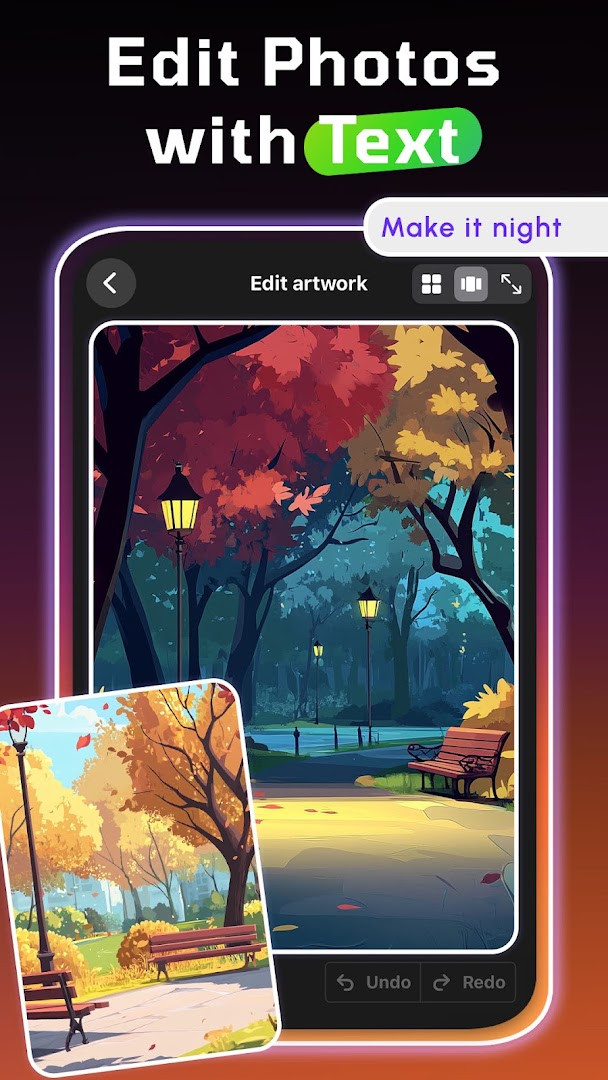
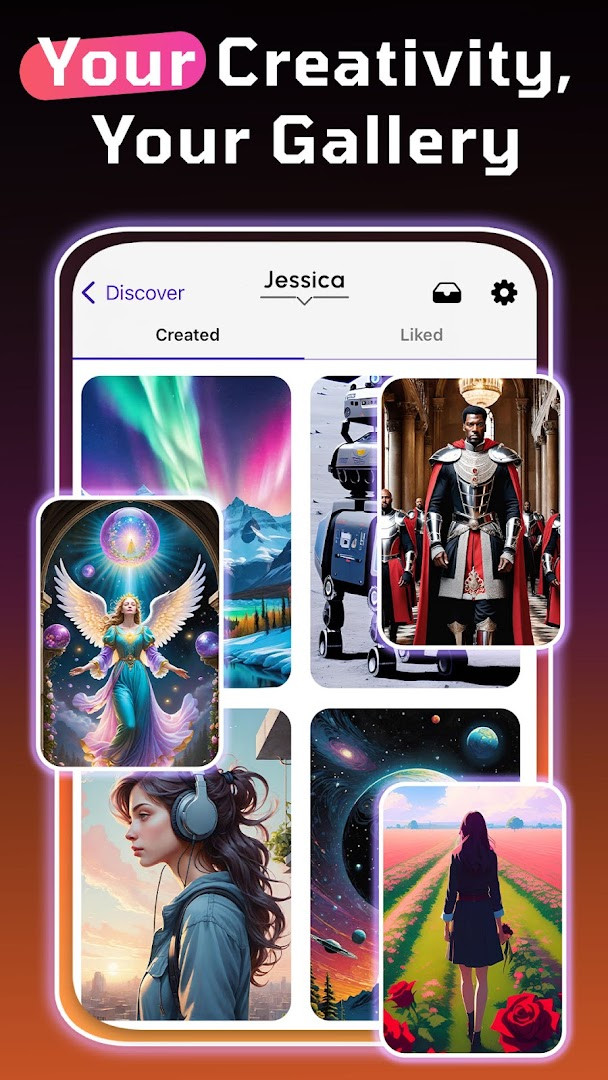
WOMBO Dream is an AI art generator by Wombo Studios Inc that turns text prompts into AI-generated paintings, drawings, and images. Released in October 2021, it has grown into a widely used mobile creative tool with over ten million installs and roughly 527,000 user ratings. The core workflow is deliberately simple: type a prompt such as 'Cosmic Dragon' or 'Neon City,' pick a style, and the app renders a new piece of artwork in seconds. No drawing skills or art supplies are needed, which lowers the barrier for anyone curious about machine-made imagery.
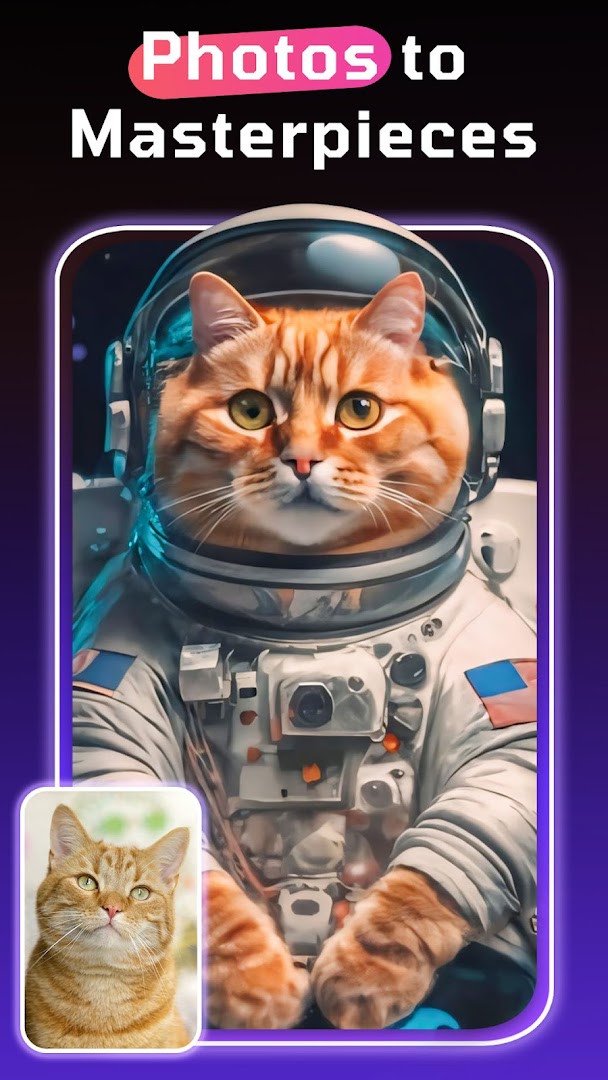
Beyond basic text-to-image generation, the app supports starting from an existing photo. You can upload a picture and have it reinterpreted as a painting, a cartoon version of yourself, or a stylized portrait. The style library spans anime, realistic, fantasy, cartoon, avatar, and abstract directions, including darker dystopian looks, so results can be tuned to match a specific mood. Created pieces can serve as wallpapers, logos, tattoo ideas, avatars, or profile pictures, and sharing them with friends or on social media is built into the workflow.
Version 7.0.9, released in April 2026, focuses on polish and new editing capabilities. The interface gained revamped fonts and a cleaner layout for a smoother experience, while the headline addition is multi-image editing: you can upload a set of images and generate a brand-new one that applies the exact edits you define, all in one place. The update keeps the app free to install with no ads, though optional in-app purchases remain for users who want to go beyond the baseline tools.
Key features
- Text-to-image generation that turns written prompts into finished artwork in seconds
- Dozens of preset art styles including realistic, anime, fantasy, cartoon, avatar, and abstract themes
- Photo upload mode that converts existing pictures into paintings, portraits, or cartoon versions
- Text-based editing that adjusts details such as hair color, lighting, or backgrounds with simple instructions
- Multi-image editing introduced in version 7.0.9 that uploads a set of images and generates a new image from your defined edits
- Useful outputs for wallpapers, logos, tattoo ideas, AI avatars, and profile pictures
- Built-in sharing options for sending artwork to friends or posting on social media
- Free to install with no advertising, supported by optional in-app purchases
- Content rated Everyone, making it approachable for general audiences
How to install
- Tap the download button on this page to retrieve the APK file; the download size is listed as n/a.
- When Android asks, allow your browser or file manager to install apps by enabling the 'Install unknown apps' setting for that app.
- Open the downloaded APK file from your Downloads folder or the notification shade.
- Tap Install and wait a few moments for the installation to complete; the app requires Android 7.0 or newer.
- Once finished, tap Open to launch the app and create your first AI artwork.
Pros
- Fast generation that delivers a new image within seconds of entering a prompt
- Broad style selection that suits everything from anime fans to fans of realistic or abstract work
- Text-based editing gives precise control over individual elements without touching complex tools
- Photo upload support expands the app beyond prompts to portraits, avatars, and cartoon versions of yourself
- Free core experience with no ads; monetization is limited to optional in-app purchases
- The 7.0.9 update adds multi-image editing and a refreshed, cleaner interface
Cons
- Advanced features are gated behind in-app purchases, so unlimited use is not fully free
- Requested permissions include camera, microphone, and storage, which some users may find broad
- Mixed user feedback at a 3.65 rating suggests results or performance vary depending on the device and prompt
- Requires Android 7.0 or newer, excluding very old devices
- Output quality can be inconsistent, especially when prompts are vague or stylistically conflicting
Recent updates · 7.0.9
Version 7.0.9 introduces a refreshed interface with updated fonts and a cleaner design for a smoother experience. Editing is now more powerful: you can upload a set of images and generate a brand-new image with the exact edits you define, all in one place. Update now to try it out.
Version history
| Version | Size | Requires Android | Updated |
|---|---|---|---|
| 7.0.9 | — | 7.0 | Apr 16, 2026 |
Casual creators who want quick AI art without learning complex tools, social media users looking for avatars and profile pictures, and hobbyists experimenting with photo-to-art transformations or multiple artistic styles.
Write specific prompts and choose a single style before generating; for the new multi-image editing feature, keep the uploaded set small and describe the exact change you want in plain language for more predictable results.
Permissions
FAQ
Is WOMBO Dream free to download and use?
Yes, the app is free, with a listed price of $0.00, and it contains no ads. It does offer in-app purchases, so some optional features or content may cost money.
Which Android version do I need to install this app?
The app requires Android 7.0 or higher. The current version available on this page is 7.0.9, and the latest update was released on 2026-04-16.
Do I need to create an account to use WOMBO Dream?
The information provided on this page does not specify that an account is required. You can begin by typing a text prompt and choosing an art style to generate images.
What permissions does WOMBO Dream request?
The app requests access to Photos/Media/Files, Storage, Camera, and Microphone. These permissions are typically used for uploading images and creating or editing AI artwork.
How do I update WOMBO Dream to the newest version?
To update, download the newest version listed on this page, which is version 7.0.9, and install it over your current installation. This page provides the download button for getting the latest version.
WOMBO Dream makes AI image creation approachable and immediate, and the 7.0.9 update adds genuinely useful editing tools on top of an already broad style library. Experienced users comparing alternatives will find a competent mobile option, though in-app purchases and mixed output consistency mean the free experience may not fully replace a dedicated desktop workflow.
Similar apps

Updated: Nov 26, 2026