Learn how to draw - ArtWorkout for Android
Learn how to draw - ArtWorkout is a drawing and painting trainer app from ArtWorkout for learning to draw through step-by-step lessons and multiplayer gameplay.
Download for free · v0.1.91Learn how to draw - ArtWorkout is a drawing trainer for beginners and artists who want to improve sketching, painting, and handwriting skills. It offers more than 2,500 step-by-step lessons, a multiplayer mode, and stroke accuracy feedback. The app is free, requires Android 8.0 or higher, and has a 4.53 rating from 478,992 ratings.
- Version
- 0.1.91
- Requires Android
- 8.0
- Updated
- Nov 3, 2026
- Installs
- 10M+
- Rating
- ★ 4.53 (478,992)
- Category
- Art & Design
- Developer
- ArtWorkout
- Content rating
- Everyone 10+
- Package
- app.artworkout.learn.how.to.draw
- Free
- ✓ · Contains ads · In-app purchases
Screenshots
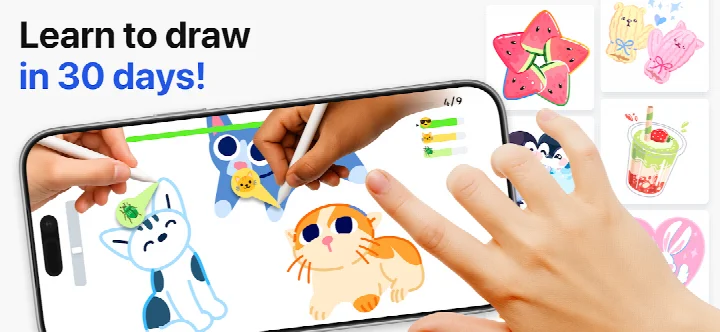
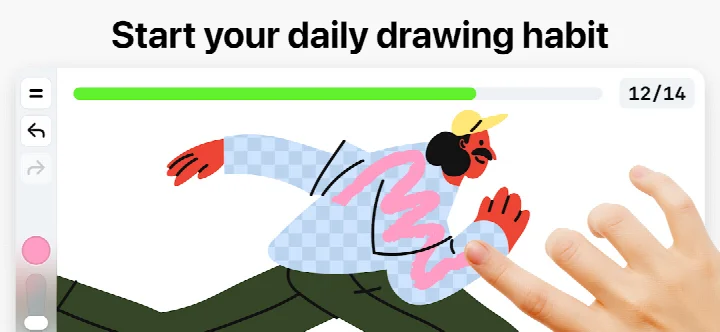
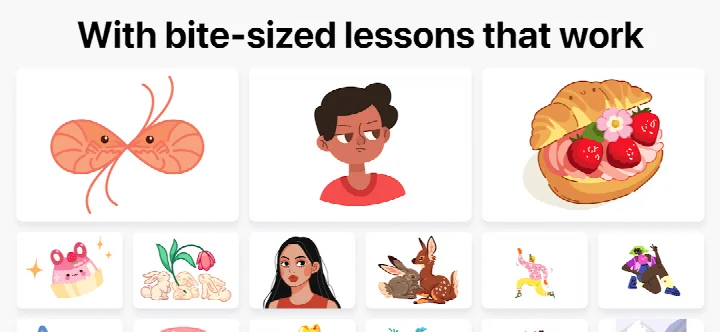
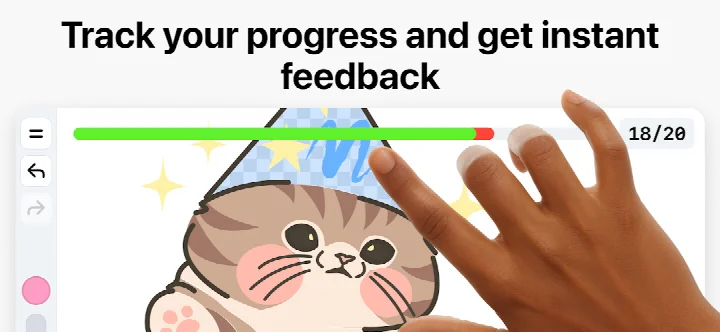
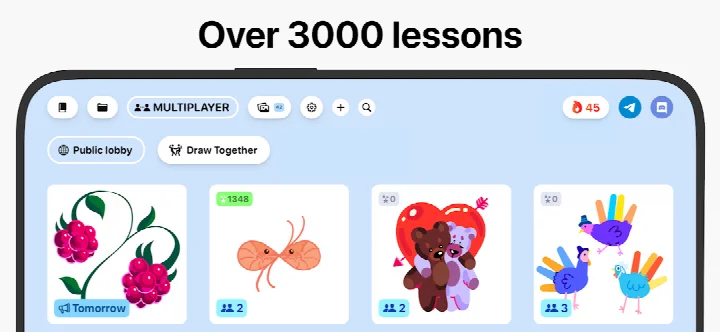
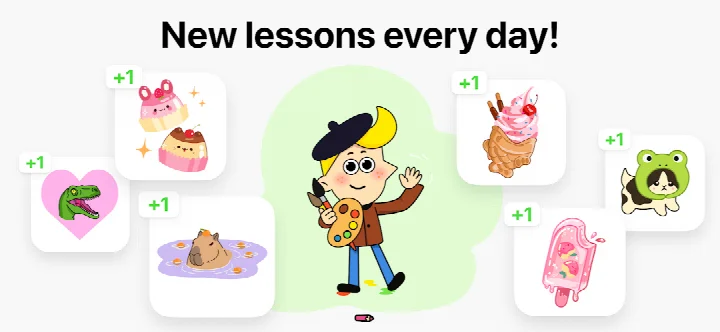

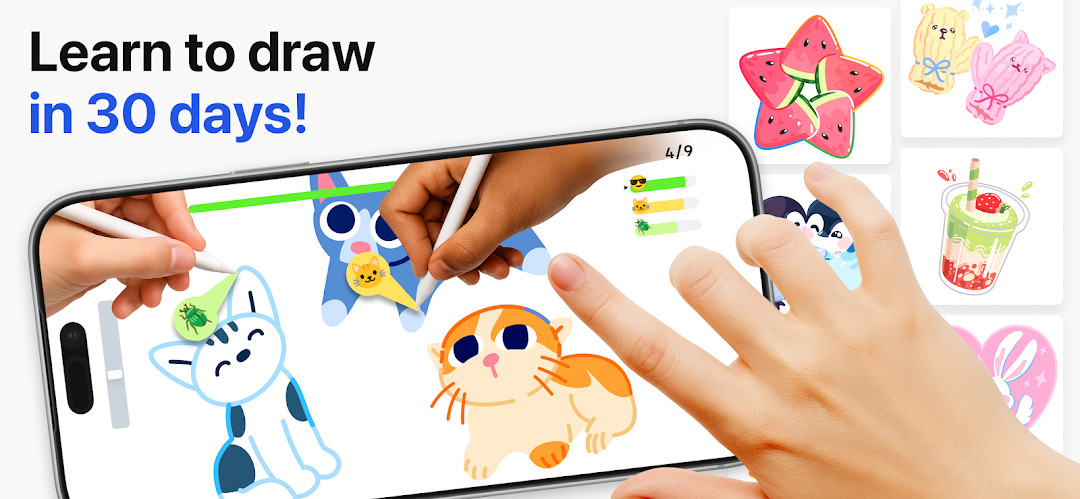
Learn how to draw - ArtWorkout is a drawing and painting trainer app by ArtWorkout that combines guided tutorials, stroke analysis, and real-time multiplayer tracing in one practice tool. It addresses the common problem of learning to draw without a clear sense of progress: instead of letting users sketch freely, it breaks more than 2500 lessons into small steps of 10 to 30 strokes and compares each attempt with the intended result. The app evaluates both the accuracy of the finished lines and the quality of individual strokes, providing feedback that helps beginners understand precision while giving experienced artists a structured daily warm-up. A score system, weekly thematic courses, and holiday events are designed to keep practice engaging and measurable.
Key features
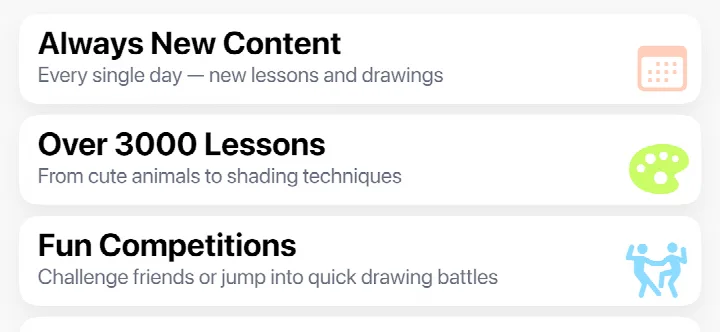
- More than 2500 step-by-step lessons, each divided into 10 to 30 simple steps for drawing, painting, tracing, and technique practice.
- Real-time multiplayer mode that lets users draw and trace the same artwork together with friends or other users.
- Accuracy tracking that compares strokes against the intended result to measure precision.
- Stroke quality analysis that evaluates how steady, clean, and expressive each line or brushstroke is.
- Progress score system that clearly shows improvement over time.
- Weekly releases of new lessons plus time-limited holiday events inspired by global cultures.
- Interactive courses covering doodling, sketching, drawing, painting, and handwriting.
- Optional PRO subscription providing unlimited access to all lessons and an ad-free experience.
How to install
- Tap the download button on this page to get the APK file; the provided data does not list a file size.
- When your device prompts you, allow your browser or file manager to install apps (the 'Install unknown apps' setting).
- Open the downloaded APK file from your notifications or Downloads folder.
- Tap Install and wait for the process to finish.
- Launch the app; the minimum supported Android version is 8.0.
Pros
- Measures drawing accuracy and stroke quality, giving concrete feedback on each attempt.
- Large library of more than 2500 short, step-by-step lessons for varied topics.
- Multiplayer tracing mode supports collaborative practice and friendly challenges.
- Scoring system makes progress visible over time.
- Weekly lessons and holiday events add fresh material on a regular basis.
- Beginner-friendly pacing that also works as a warm-up routine for experienced artists.
Cons
- Free version includes ads; a PRO subscription is needed for an ad-free experience.
- Unlimited lessons and some advanced features are gated behind in-app purchases.
- Requests Photos/Media/Files and Storage permissions, which some users may find broad.
- Also requests Wi-Fi connection information, likely for online multiplayer features.
Recent updates · 0.1.91
Version 0.1.91, released 2026-11-03, includes: improved app stability; performance improvements. The update notes do not mention new lessons, features, or content changes.
Version history
| Version | Size | Requires Android | Updated |
|---|---|---|---|
| 0.1.91 | — | 8.0 | Nov 3, 2026 |
| 0.1.90 | — | 8.0 | Oct 16, 2026 |
This app suits a wide audience: children and adults, absolute beginners who want a guided introduction to sketching, painting, and handwriting, and practiced artists looking for a quick daily warm-up with objective scoring. Its multiplayer mode also appeals to people who prefer learning socially, either by drawing together in real time or comparing results with friends.
Start with a short lesson to learn how the scoring works, then use the accuracy feedback to focus on your weakest areas. Try a multiplayer session with a friend for a different practice rhythm, and test the free lessons before deciding whether the PRO subscription is worth it for unlimited access and an ad-free experience.
Permissions
FAQ
Is Learn how to draw - ArtWorkout free to download?
Yes, the app is free to download and install. It contains ads and offers in-app purchases for the PRO subscription, which unlocks unlimited access to all drawing lessons and removes ads.
Which Android version do I need to run the app?
The app requires Android 8.0 or higher. The current version available is 0.1.91, last updated on November 3, 2026.
What is the file size of the APK?
The file size is not specified on this download page. You can confirm the actual size of the APK file once it has finished downloading.
Does the app require an account to use?
No account requirement is mentioned in the app's description. You can start drawing right away, and the multiplayer mode lets you draw and trace together with friends or other users in real time.
What permissions does the app request?
The app requests access to Photos/Media/Files, Storage, and Wi-Fi connection information. These permissions are typically used for saving and accessing artwork files and managing network connections.
How do I update the app?
To update, download and install the newest version available from this download page. The latest version is 0.1.91, which includes improved app stability and performance.
Overall, ArtWorkout provides a structured, feedback-driven way to practice drawing that is rare in casual art apps. The weekly content and multiplayer feature extend its value, but the presence of ads and a paid tier should be considered before committing.
Similar apps




Updated: Nov 27, 2026