Customuse: Skins Maker Roblox: AI 3D Art and Design App
Customuse: Skins Maker Roblox is an Art and Design app by Customuse that lets you create Roblox, Minecraft, and Zepeto skins and avatars from text prompts.
Download Customuse · v1.87.0Customuse: Skins Maker Roblox is a free AI 3D creation platform that turns text prompts into skins, outfits, avatars, and game-ready assets, with a real 3D editor for refining designs. It targets both beginners and pros, offering publishing to Roblox, Minecraft, and social platforms, plus AR filters and virtual try-on features.
- Version
- 1.87.0
- Requires Android
- 8.0
- Updated
- Nov 17, 2026
- Installs
- 10M+
- Rating
- ★ 4.68 (1,127,979)
- Category
- Art & Design
- Developer
- Customuse
- Content rating
- Everyone
- Package
- com.customuse.customuse
- Free
- ✓ · In-app purchases
Screenshots
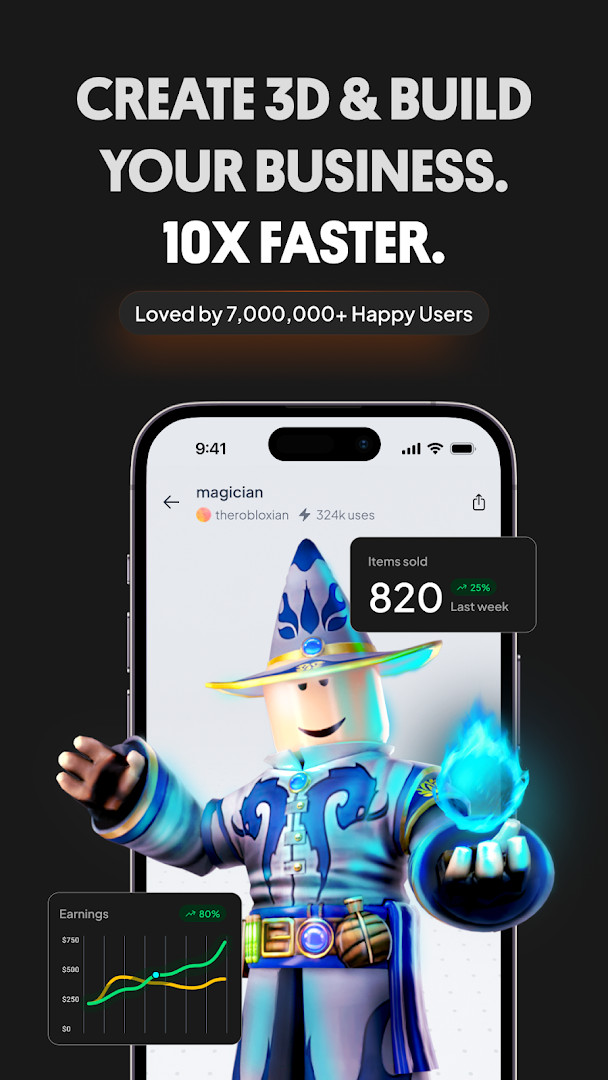
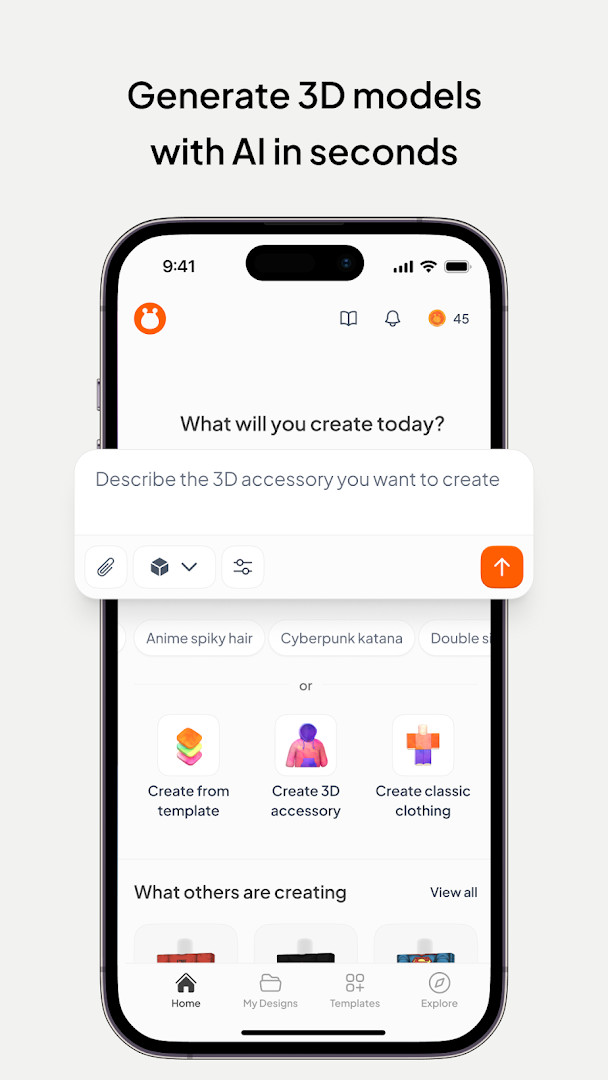
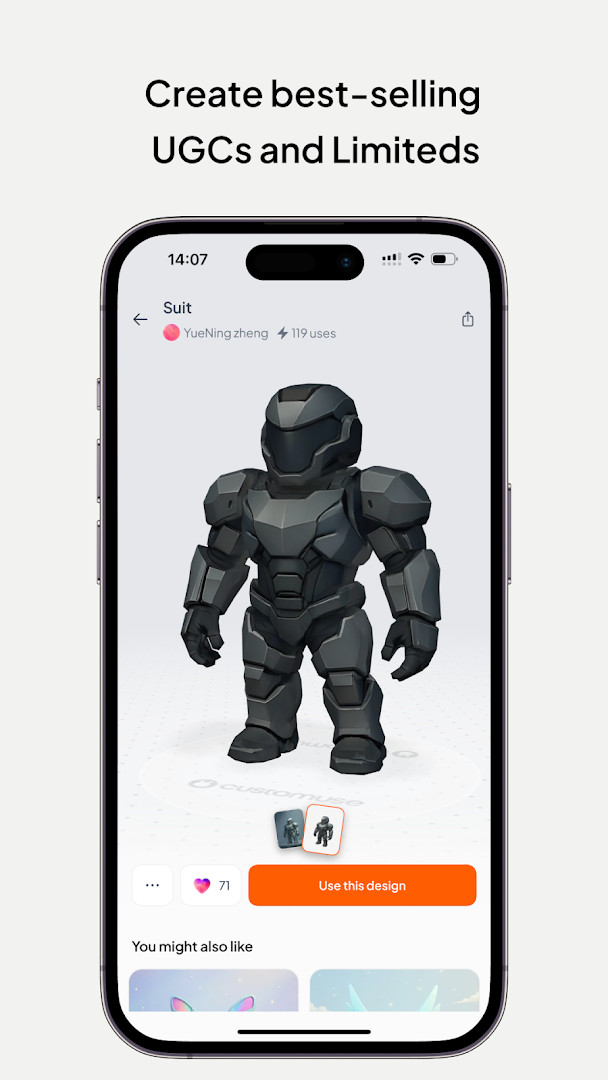
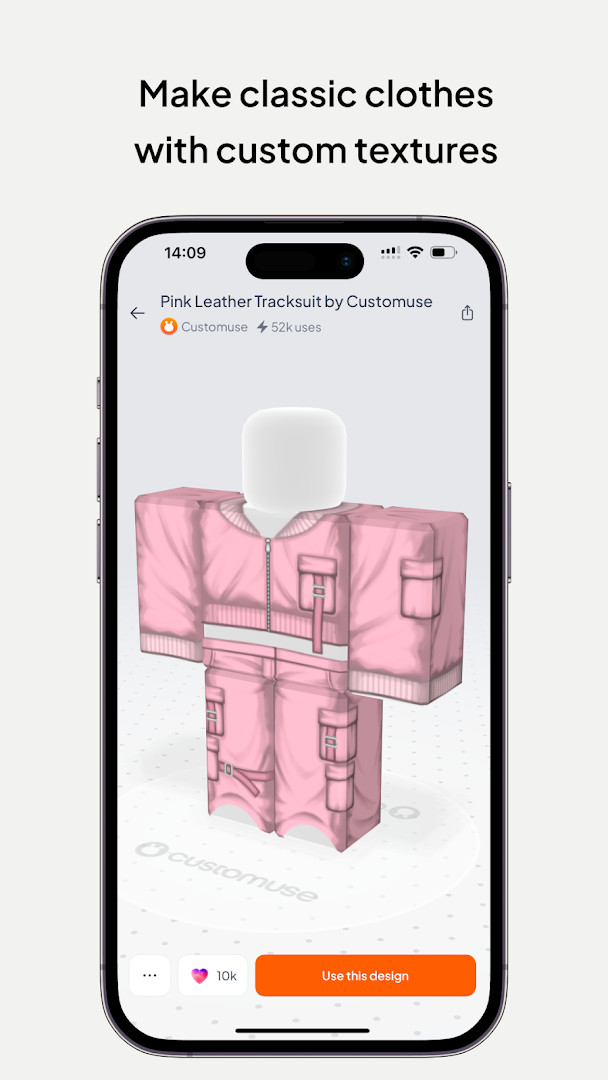
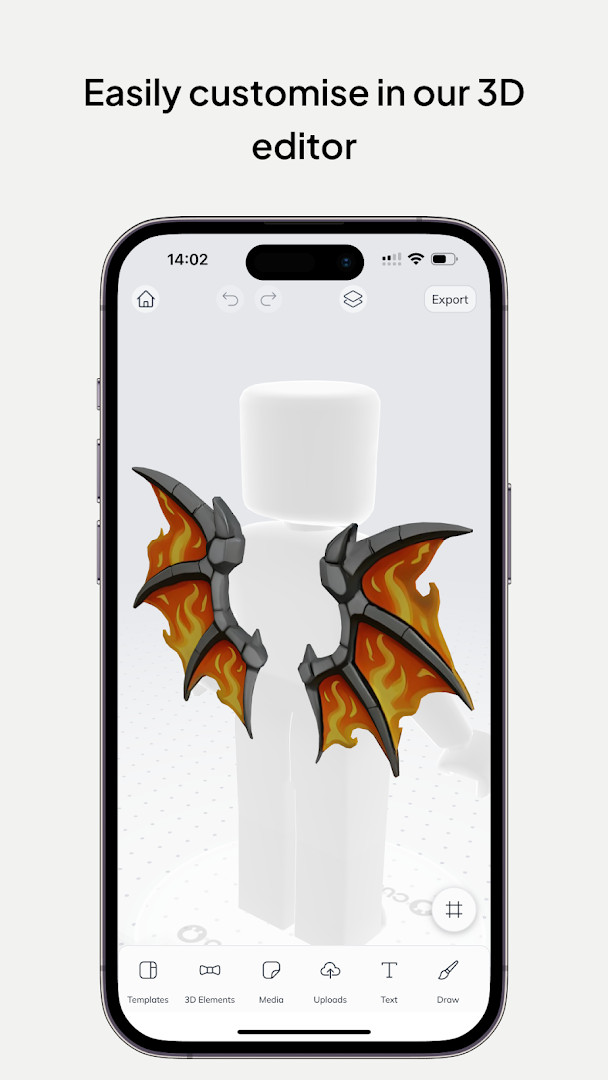
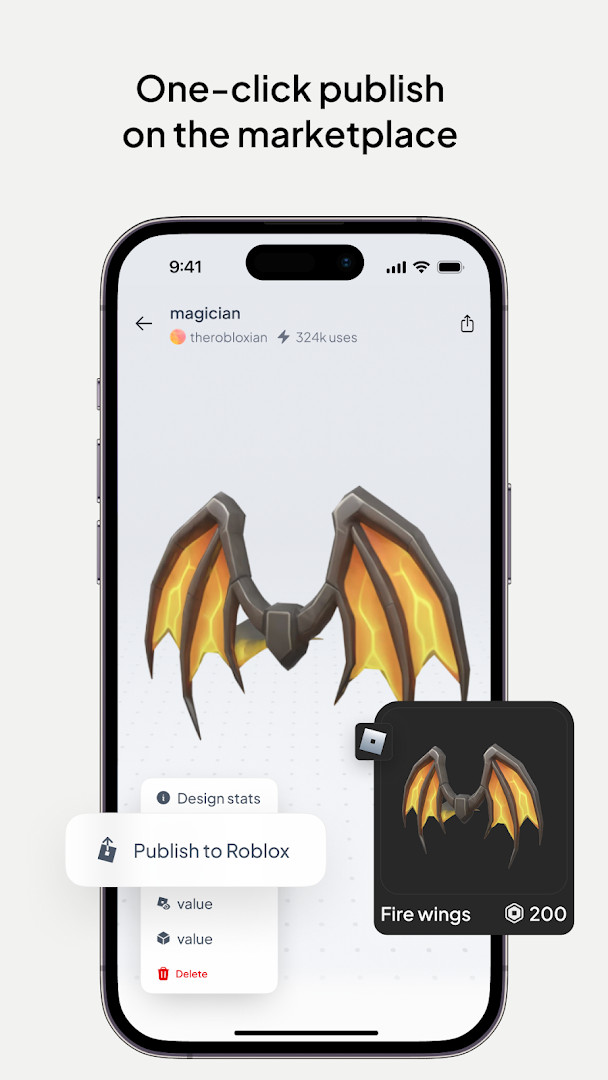
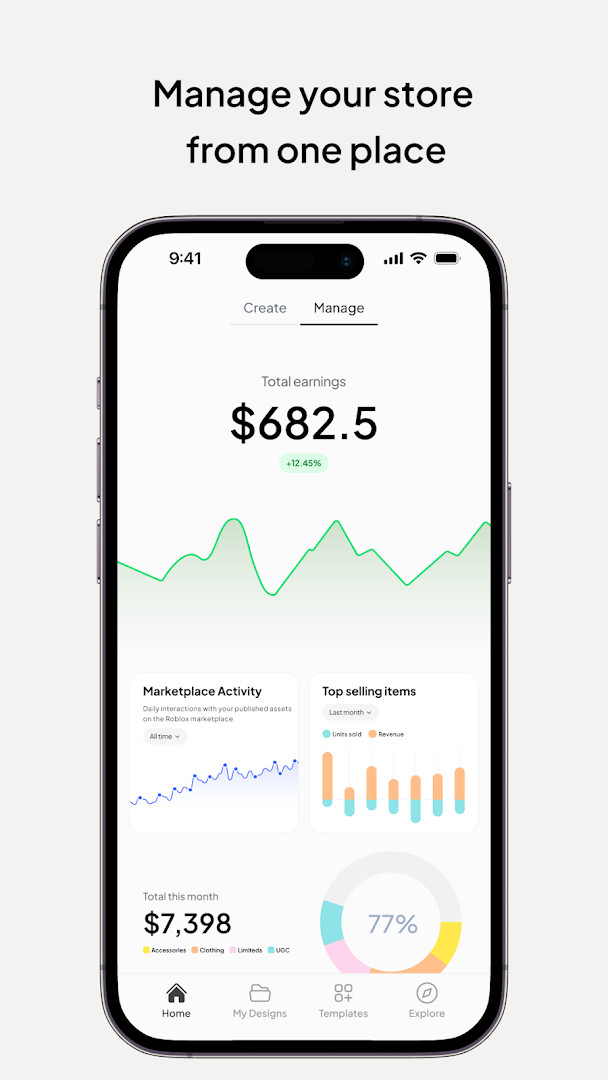
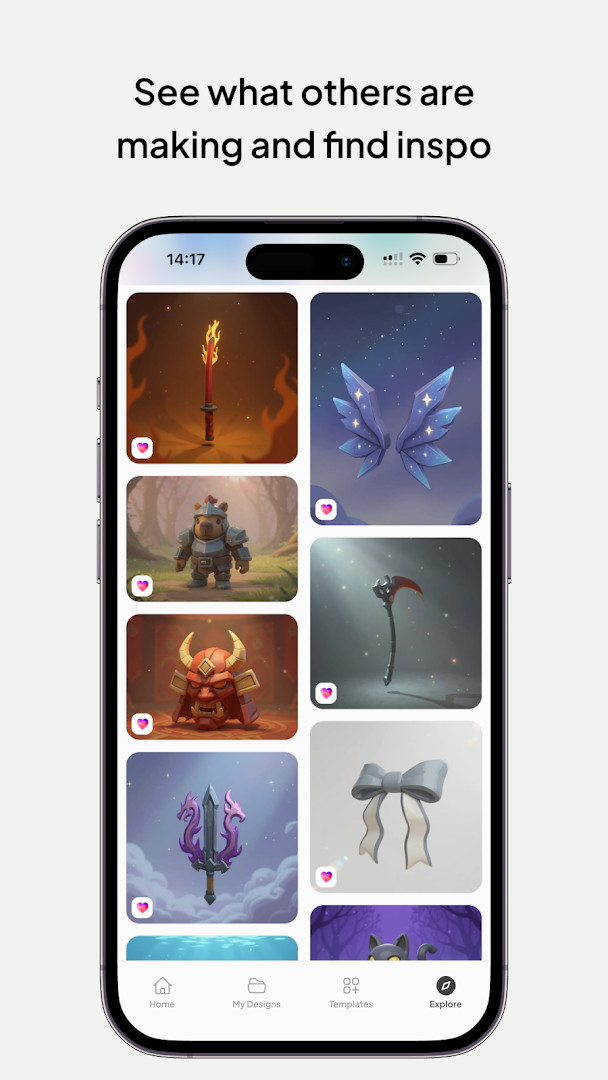
Customuse: Skins Maker Roblox is a 3D design application by Customuse that turns text prompts into skins, outfits, avatars, and game-ready assets for Roblox, Minecraft, and other avatar platforms. The app addresses the gap between casual players and serious creators by offering an AI-assisted pipeline: you describe an idea, the tool generates a base design, and then you refine it in a built-in 3D editor with layers, brushes, and symmetry tools. It also supports publishing directly to supported platforms, selling designs on marketplaces, and creating AR filters for social media. With over two million designers reported, the app aims to make 3D modeling approachable for beginners while retaining enough depth for experienced users. The current version is 1.86.0, released on 2026-11-13, with a minimum Android version of 8.0. The app is free to install, contains no ads, but offers in-app purchases. It has an average rating of 4.68 from over 1.1 million ratings and more than 10 million installs, according to the provided data.
Key features
- Generate Roblox and Minecraft skins from a text prompt, with design suggestions tailored to your style
- Refine creations in a real 3D editor featuring layers, brushes, symmetry, and real-time previews on customizable 3D avatars
- Publish designs directly to Roblox or upload to Roblox Studio, and share Minecraft creations to the game and social media
- Create Zepeto outfits using templates or custom designs, with options to earn ZEMs by sharing to the Zepeto marketplace
- Design custom AR filters for Instagram, Snapchat, and TikTok using AI tools, then test and share them
- Make 3D clothing mockups with virtual try-on, fabric exploration, and tools for adding branding, logos, and custom prints
- Fit clothing and accessories to characters instantly, and generate textures, colorways, and material variants with AI
- Track performance of your designs and sell them on supported marketplaces to potentially earn Robux or other currency
How to install
- Tap the download button on this page to get the APK file for version 1.86.0; the file size is not specified in the available data.
- When Android prompts you, allow your browser or file manager to install apps by enabling the 'Install unknown apps' setting for that app.
- Open the downloaded APK file from your notification bar or file manager.
- Tap Install and wait for the process to complete; the app requires Android version 8.0 or higher.
- After installation, tap Open to launch Customuse and begin creating designs.
Pros
- No ads, so the design workflow is uninterrupted
- Free to download and use, with optional in-app purchases
- Supports multiple platforms beyond Roblox, including Minecraft and Zepeto
- AI generation speeds up the initial design phase
- Includes a full 3D editor for fine-tuning, not just a prompt box
- Publishing and marketplace features enable potential earnings from designs
Cons
- Requires access to photos, media, files, storage, camera, microphone, and Wi-Fi connection information, which may raise privacy concerns for some users
- In-app purchases are present, which could lead to unexpected costs if not monitored
- The app is not affiliated with Roblox, Minecraft, or other platform owners, so design compatibility may vary
- Large feature set might feel overwhelming for absolute beginners
Version history
| Version | Size | Requires Android | Updated |
|---|---|---|---|
| 1.87.0 | — | 8.0 | Nov 17, 2026 |
| 1.86.0 | — | 8.0 | Nov 13, 2026 |
| 1.84.0 | — | 8.0 | Oct 1, 2026 |
This app is suited for Roblox and Minecraft players who want to create custom skins and clothing, as well as aspiring 3D designers and fashion enthusiasts interested in making Zepeto outfits or clothing mockups. It also appeals to social media users who want to build AR filters, and to creators looking to sell their designs on supported marketplaces to earn virtual currency. Because it combines AI generation with a manual 3D editor, it can serve both novices who prefer prompt-based creation and more experienced users who want granular control over their assets.
Start with a simple text prompt to get a base design, then use the 3D editor's symmetry and brush tools to refine details. Before publishing, preview your design on a customizable avatar to check fit and proportions. If you plan to sell designs, review each marketplace's guidelines and track which of your creations perform best to focus on popular styles.
Permissions
FAQ
How do I install the APK on Android?
To install, download the APK file and open it on your device. Since the app requires Android 8.0 or higher, make sure your phone meets that version. If your system asks for permission to install unknown apps, allow it for the file manager or browser you are using, then complete the installation.
What is new in version 1.86.0?
Version 1.86.0 was released on November 13, 2026. It is the latest update and includes improvements over the previous version 1.84.0 from October 1, 2026. The update focuses on refining the AI 3D creation experience for skins, clothes, and avatars.
Does the app show ads or require purchases?
The app is free to download and does not contain ads. However, it offers in-app purchases, which allow you to unlock additional features, templates, or tools while creating your designs.
Can I use the app offline?
The data provided does not specify offline capabilities. Since the app relies on AI generation and publishing to online platforms like Roblox and Minecraft, an internet connection is likely needed for most features. For offline use, check the app's settings or documentation.
Are there alternatives in the Art & Design category?
Yes, there are other art and design apps that focus on 3D modeling and avatar creation. Some offer text-to-3D tools, while others provide editors for clothing or character customization. You can explore similar apps that match your specific needs, such as skin design or fashion mockups.
What permissions does the app require?
The app requests access to photos and media, storage, camera, microphone, and Wi-Fi connection information. These permissions help with importing images, capturing photos, recording audio, and managing your files while creating and publishing designs.
Is the app suitable for beginners?
Yes, the app is designed for both first-timers and professionals. It offers AI-generated suggestions, thousands of templates, and a 3D editor with layers, brushes, and symmetry, making it accessible for users new to 3D modeling.
Customuse offers a practical bridge between AI-assisted generation and hands-on 3D editing, making it a versatile tool for mobile creators. Its broad platform support and marketplace integration provide real utility, though the permissions and in-app purchases warrant attention.
Similar apps


Updated: Nov 21, 2026