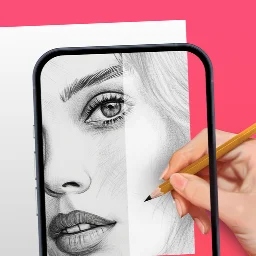
AR Drawing: Sketch & Paint: augmented reality drawing app
AR Drawing: Sketch & Paint is an augmented reality drawing app by AR Drawing that lets you trace projected images onto paper and color them.
Download AR Drawing · v5.2.8AR Drawing: Sketch & Paint uses your phone camera to project a picture onto paper, so you can trace and color it, with templates for animals, cars, nature, food, and anime. It suits both beginners and experienced artists, offering a built-in flashlight, video recording of the process, and gallery saving.
- Version
- 5.2.8
- Requires Android
- 8.0
- Updated
- Nov 12, 2026
- Installs
- 10M+
- Rating
- ★ 4.13 (860,498)
- Category
- Art & Design
- Developer
- AR Drawing
- Content rating
- Everyone
- Package
- ar.drawing.sketch.paint.trace.draw.picture.paper
- Free
- ✓ · In-app purchases
Screenshots
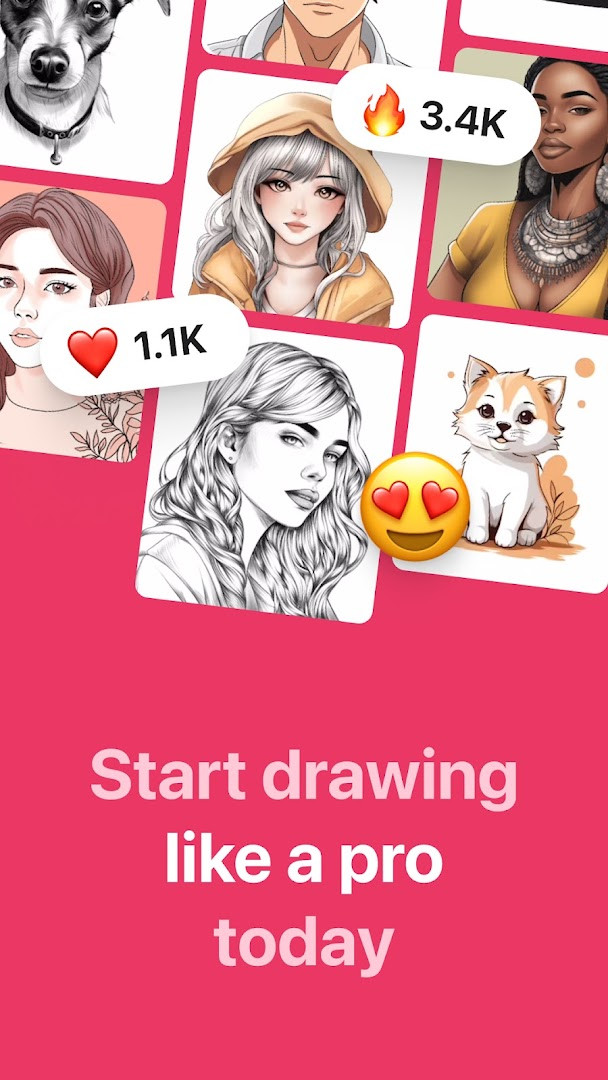
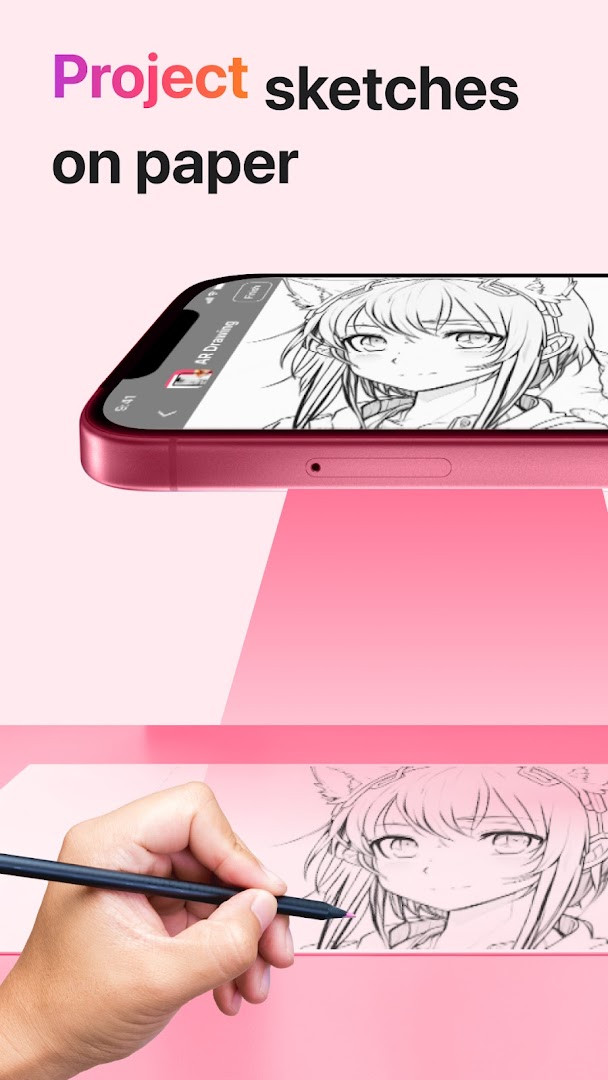
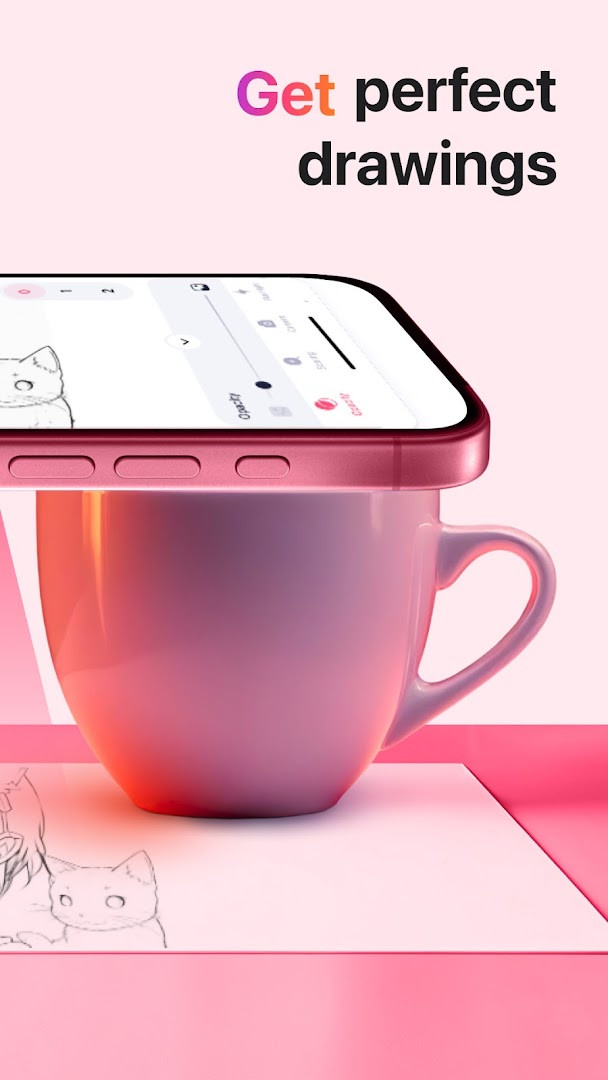
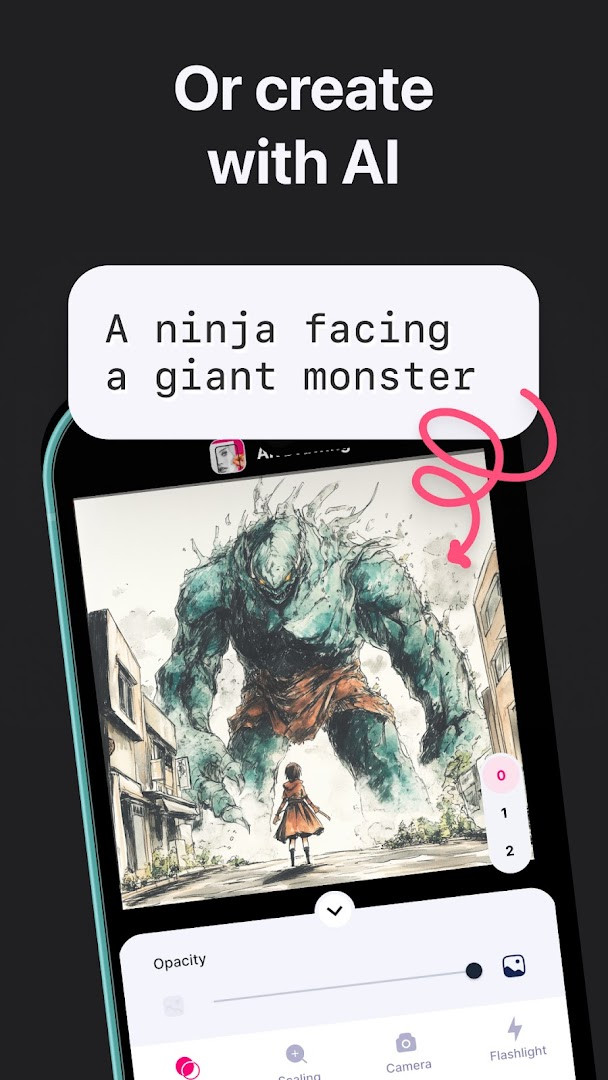
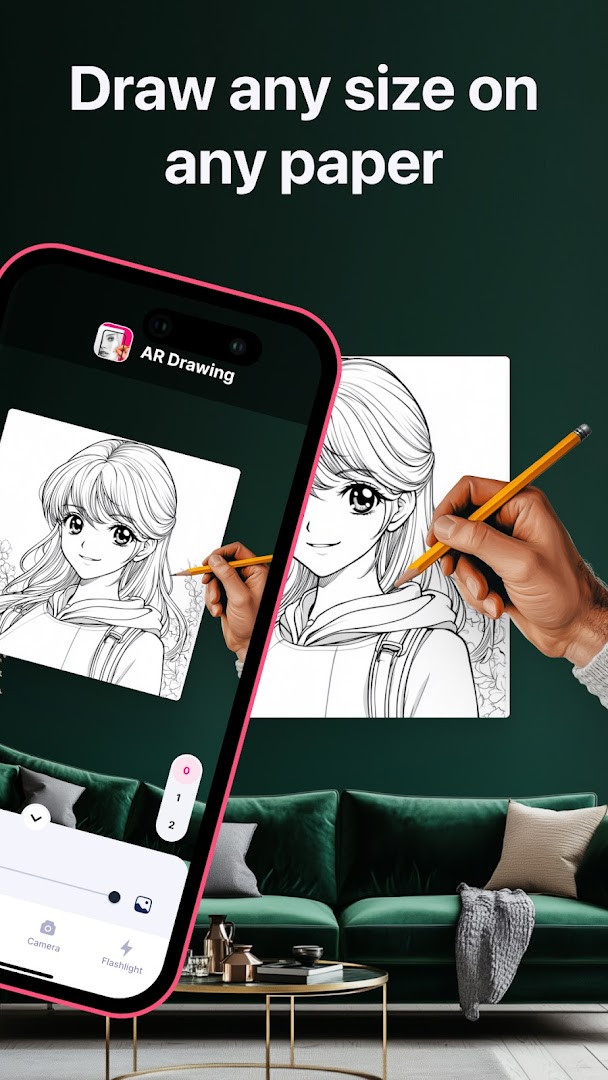
AR Drawing: Sketch & Paint is an art and design app by AR Drawing that lets you trace projected images onto paper using your phone's camera and augmented reality. Instead of relying on freehand skill, you position a picture on your screen so it appears as a ghost-like outline on your page, then follow those lines with a pencil or brush. The app is designed for both complete beginners who want to learn drawing fundamentals and experienced artists who want a fast, accurate way to transfer complex reference images onto a physical surface. Beyond tracing, it includes tools to record your process, save finished work, and share it, making it a practical companion for anyone who enjoys working with traditional media but wants digital assistance. Because it uses AR rather than a printed grid or projector, you can work on any flat surface at any size, from a small notebook to a large easel, simply by adjusting the distance between the phone and the paper. The app is free to use with optional in-app purchases, contains no ads, and is rated for everyone. It requires Android 8.0 or newer, and the current version is 5.2.8, updated on November 12, 2026.
Key features
- Trace a projected picture on paper using your phone camera
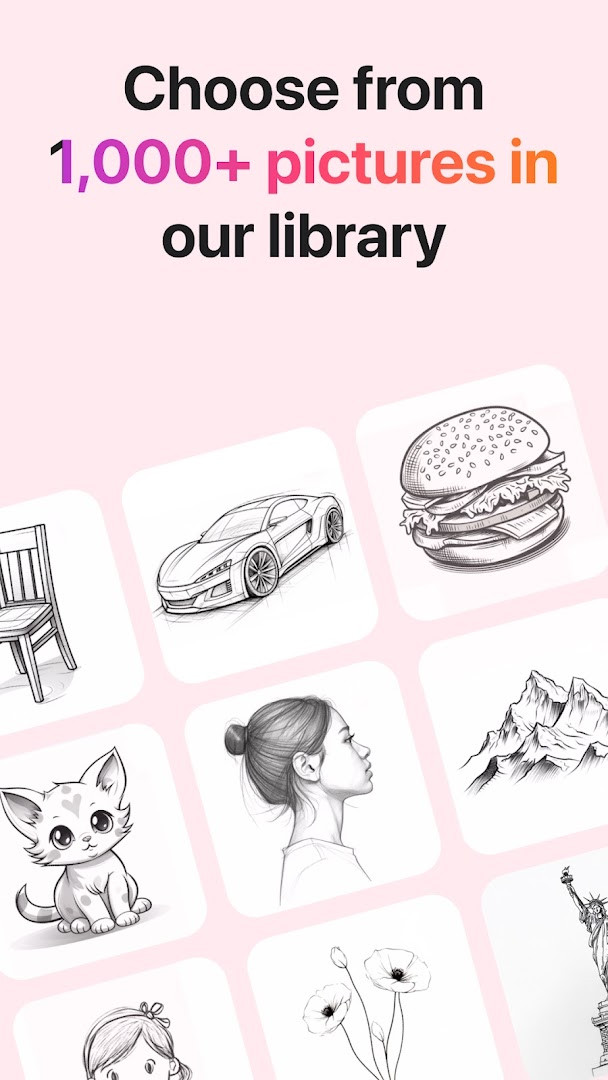
- Access a large library of tracing templates including animals, cars, nature, food, and anime
- Built-in flashlight to illuminate your drawing surface in low light
- Save completed drawings directly to your device's gallery
- Record a video of the drawing and painting process for later review
- Create a sketch and then paint over it with guided outlines
- Share finished artwork with friends through the app's sharing options
How to install
- Tap the download button on this page to get the APK file (size is not specified).
- When prompted, allow your browser or file manager to install apps by enabling the 'Install unknown apps' setting for that source.
- Open the downloaded APK file from your notifications or file manager.
- Tap Install and wait for the installation to finish.
- Open the app from your home screen or app drawer. The app requires Android 8.0 or newer.
Pros
- No ads in the app
- Large collection of tracing templates across multiple categories
- Includes a flashlight for drawing in dark conditions
- Supports video recording of the drawing process
- Free to download and use, with optional purchases
- High user rating of 4.13 based on over 860,000 ratings
Cons
- Requires several permissions including camera, microphone, storage, and Wi-Fi information
- In-app purchases are present, which may limit some advanced features
- AR tracing can be sensitive to lighting and phone positioning
- File size is not disclosed, which may be a concern for users with limited storage
Version history
| Version | Size | Requires Android | Updated |
|---|---|---|---|
| 5.2.8 | — | 8.0 | Nov 12, 2026 |
| 5.2.7 | — | 8.0 | Oct 12, 2026 |
This app is for anyone who wants to draw but lacks confidence in freehand sketching, as well as for experienced artists who need a convenient way to transfer reference images onto paper. It is also suitable for hobbyists, students, and parents looking for a guided drawing activity that works on any flat surface.
For best results, use the app in a dimly lit room with the built-in flashlight on, and keep your phone steady by propping it up or using a tripod. Start with simple templates like animals or food before moving to complex anime scenes. Record your process if you want to review your technique later.
Permissions
FAQ
How do I install the APK of AR Drawing: Sketch & Paint on my Android device?
To install the APK, enable installation from unknown sources in your device settings, then open the downloaded file and follow the on-screen prompts. The app requires Android 8.0 or higher.
What is the current version of AR Drawing: Sketch & Paint?
The current version is 5.2.8, which was updated on November 12, 2026. The previous version was 5.2.7, released on October 12, 2026.
Does AR Drawing: Sketch & Paint show ads or require payment?
The app is free to download and does not contain ads. However, it does offer in-app purchases, so some features or content may require an optional payment.
Can I use AR Drawing: Sketch & Paint offline?
The app is designed to work with your phone's camera for tracing and drawing, and it saves your work locally to your gallery. While it does not require a constant connection for core drawing functions, note that it requests access to Wi-Fi connection information.
What alternatives exist in the Art & Design category for drawing and sketching apps?
If you are looking for other options, there are several drawing and sketching apps in the Art & Design category that offer similar tracing and painting features. You can explore apps with camera-based tracing, template libraries, and video recording to find one that suits your workflow.
What permissions does AR Drawing: Sketch & Paint request?
The app requests access to photos/media/files, storage, camera, microphone, and Wi-Fi connection information. These permissions support features like saving drawings, using the camera for AR tracing, and recording video of your process.
AR Drawing: Sketch & Paint offers a practical, camera-based approach to drawing that lowers the barrier for beginners while still being useful for seasoned artists. With a broad template library, no ads, and a high community rating, it is a solid choice for anyone wanting to trace, sketch, and paint with augmented reality guidance.
Similar apps




Updated: Nov 18, 2026