
Kahoot! Play & Create Quizzes: Create and Play Quizzes
Kahoot! Play & Create Quizzes is a free education app by Kahoot! that lets you create, host, and play quiz-based learning games.
Get Kahoot! · v6.7.8Kahoot! Play & Create Quizzes is free to download, contains no ads, and offers optional in-app purchases for premium features. The app requires Android 8.0 or higher and is rated for everyone. It serves students, teachers, families, trivia fans, and business users who want to create or join interactive quizzes at school, home, or work.
- Version
- 6.7.8
- Requires Android
- 8.0
- Updated
- Nov 23, 2026
- Installs
- 100M+
- Rating
- ★ 4.74 (860,165)
- Category
- Education
- Developer
- Kahoot!
- Content rating
- Everyone
- Package
- no.mobitroll.kahoot.android
- Free
- ✓ · In-app purchases
Screenshots
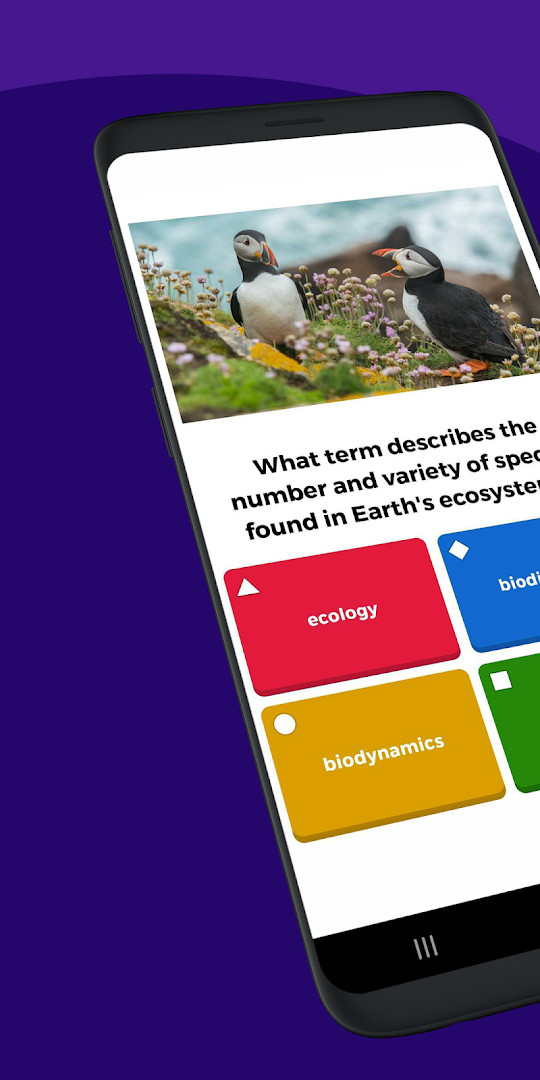
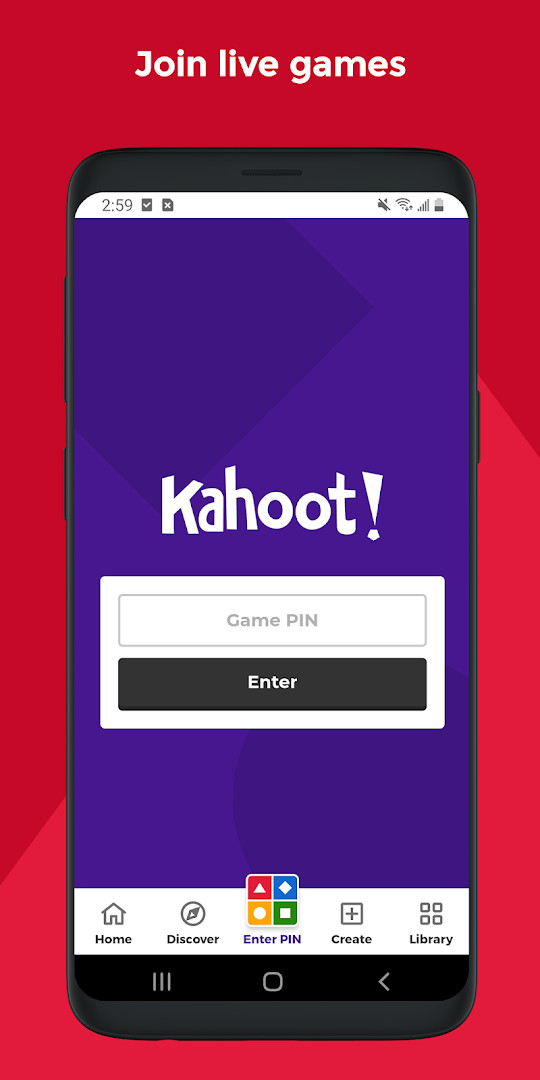
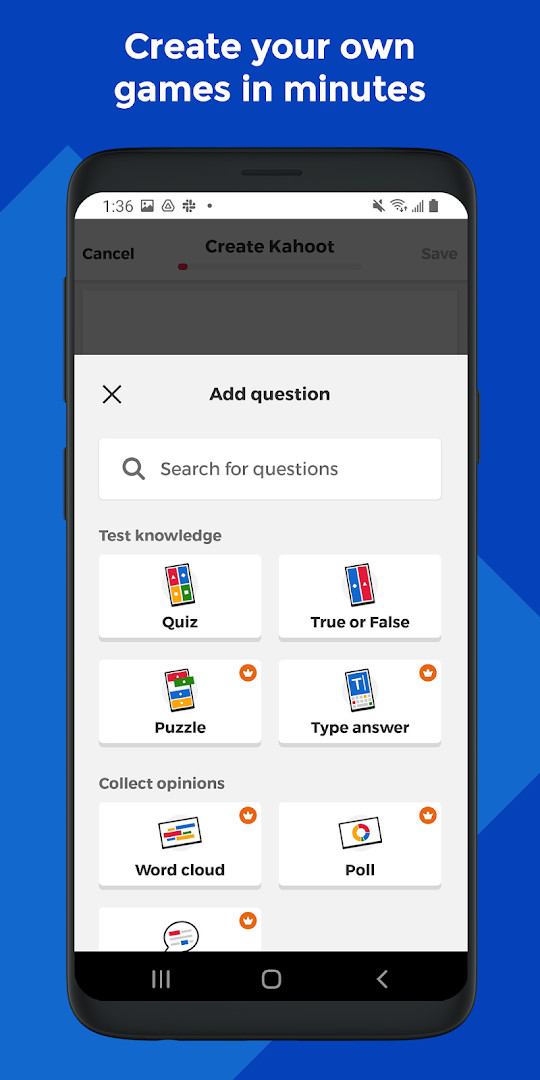
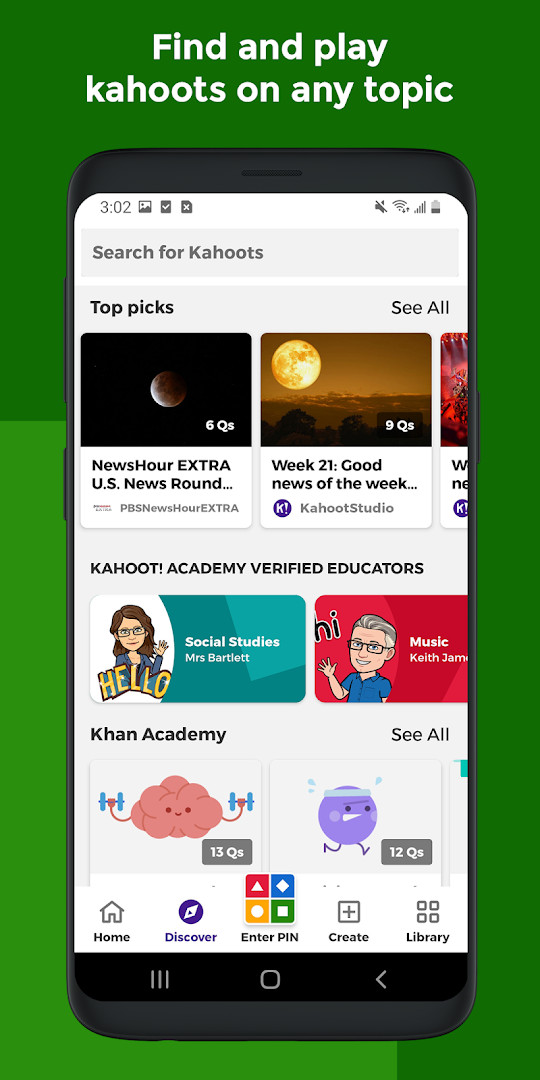
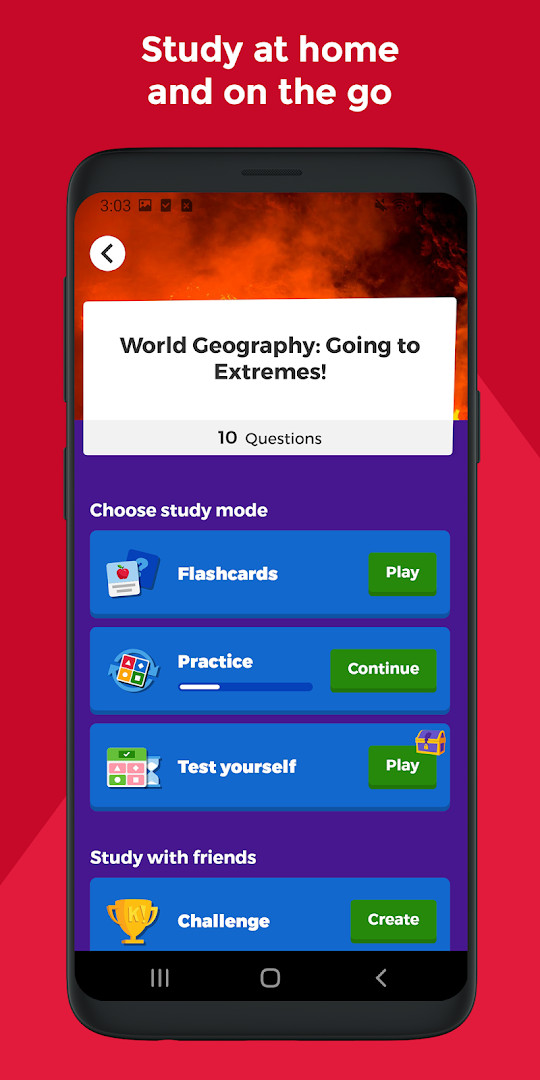
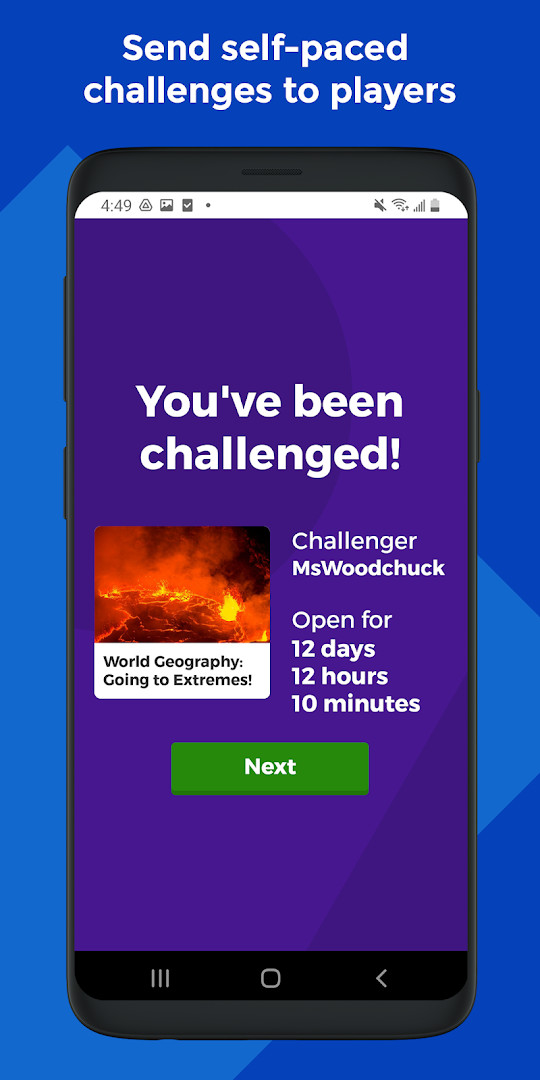
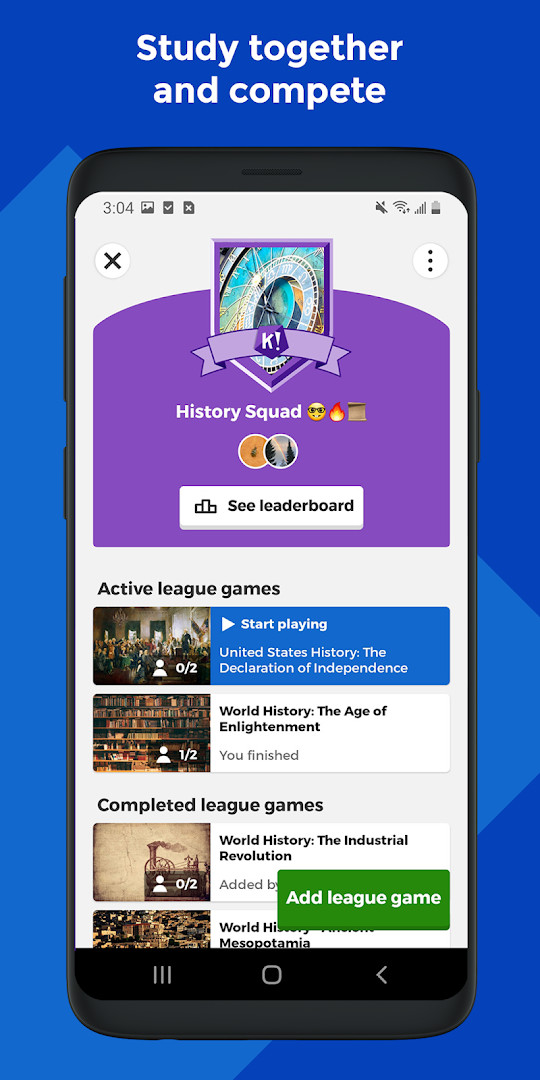
Kahoot! Play & Create Quizzes is an education app by Kahoot! that lets users create and play quiz-based learning games, known as kahoots, in classrooms, at home, and in the workplace. It combines live multiplayer quizzes with simple authoring tools, so the same app can be used to review course material, run a team-building session, or entertain friends with trivia. The base app is free, contains no ads, and offers optional paid upgrades that expand what you can build and host.
The app supports joining live games hosted by a teacher or presenter, completing self-paced challenges, and studying on the go with flashcards and other smart study modes. You can compete in study leagues with friends, create original quizzes with images and videos, and even host a live kahoot directly from your mobile device by casting your screen or sharing it through video conferencing. The interface is available in English, Spanish, French, German, Italian, Brazilian Portuguese, and Norwegian.
For teachers, the app opens a library of millions of ready-to-play quizzes on nearly any topic, plus tools to create or edit quizzes in minutes, combine different question types, assign student-paced challenges for review, and assess outcomes with reports. For business users, it supports e-learning, presentations, and events, including audience polls, word cloud questions, and self-paced assignments, all with reporting to track progress.
The current version, 6.7.8, adds the Kahoot! Assistant, which can turn uploaded notes, slides, or PDFs into a structured study path and help refine quizzes by translating questions or adding more items on a subtopic. With over 100 million installs and a rating of 4.74 based on more than 860,000 ratings, it has become a standard choice for interactive learning across age groups and settings.
Key features
- Join live kahoots in class or virtually and submit answers directly from the app
- Study at home or on the go with unlimited free flashcards and other smart study modes
- Create your own kahoots and add images, videos, and different question types
- Host kahoots live for family, friends, or colleagues by casting your screen or sharing via video conferencing
- Search among millions of ready-to-play kahoots on any topic
- Assign student-paced challenges and assess learning outcomes with reports
- Encourage participation with polls and word cloud question types
- Use the Kahoot! Assistant to turn uploaded notes, slides, or PDFs into personalized study paths, translate questions, and add more questions on a subtopic
- Available in English, Spanish, French, German, Italian, Brazilian Portuguese, and Norwegian
How to install
- Tap the download button on this page to get the APK file (file size is not specified by the developer).
- When Android prompts you, allow your browser or file manager to install apps by enabling the "Install unknown apps" setting for that app.
- Open the downloaded APK file from your notifications or Downloads folder.
- Tap Install and wait for the installation to finish.
- Open the Kahoot! Play & Create Quizzes app from your app drawer and sign in or create an account.
- Note that Android 8.0 or newer is required.
Pros
- Free for teachers and their students as a base experience
- No ads in the app
- High user rating of 4.74 from over 860,000 reviews
- Large established user base with more than 100 million installs
- Suitable for schools, families, remote teams, and casual trivia
- Interface and content support seven languages
Cons
- Advanced features such as the image library and extra question types require a paid subscription
- Creating and hosting kahoots in a work context requires a paid business subscription
- The app requests access to camera, storage, photos/media files, and Wi-Fi connection information
- Requires Android 8.0 or newer
- The exact download size is not disclosed by the developer
Recent updates · 6.7.8
Version 6.7.8 introduces the Kahoot! Assistant, which can turn uploaded notes, slides, PDFs, or other class materials into personalized study paths. While creating kahoots, you can also use new Assistant tools to translate questions into another language or add more questions on a subtopic.
Version history
| Version | Size | Requires Android | Updated |
|---|---|---|---|
| 6.7.8 | — | 8.0 | Nov 23, 2026 |
| 6.7.7 | — | 8.0 | Oct 29, 2026 |
| 6.7.6 | — | 8.0 | Sep 28, 2026 |
| 3.0.2 | 12 MB | 4.4 | Jul 4, 2026 |
| 5.5.1 | 64 MB | 5.0 | Jun 18, 2026 |
| 0.0.1 | 0.5 MB | — | Sep 23, 2015 |
Kahoot! Play & Create Quizzes is for students, teachers, families, trivia fans, and lifelong learners who want to play or build interactive quiz games, as well as business users who need engaging polling, training, and presentation tools in meetings or e-learning sessions.
Cast your screen to a large display or use video conferencing screen sharing to host live kahoots for a group, and use the reports feature after self-paced challenges to see where learners need the most support. Upload your own notes or PDFs to the Kahoot! Assistant to quickly generate a structured study path instead of building questions from scratch.
Permissions
FAQ
What is new in the latest version of the Kahoot! app?
Version 6.7.8, released on November 19, 2026, introduces personalized study paths where you can upload notes, slides, PDFs, or other class materials and let the Kahoot! Assistant turn them into a structured study path. It also adds tools to translate questions into another language or add more questions on a subtopic while refining your kahoots.
Which languages does the Kahoot! app support?
The app is available in English, Spanish, French, German, Italian, Brazilian Portuguese, and Norwegian.
Are there any paid features in the Kahoot! app?
Kahoot! is free for teachers and their students. Optional paid subscriptions unlock advanced features such as an image library with millions of images and advanced question types like puzzles, polls, open-ended questions, and slides. Business users need a paid subscription to create and host kahoots in a work context and access additional features.
What can company employees do with the Kahoot! app?
Employees can create kahoots for e-learning, presentations, events, and other occasions, encourage audience participation with polls and word cloud questions, host kahoots live in person or in virtual meetings, assign self-paced challenges, and assess progress and results with reports.
What permissions does the Kahoot! app request?
The app requests access to photos/media/files, storage, camera, and Wi-Fi connection information. These permissions support features like adding images or videos to your own kahoots and hosting games.
Doubling as a study tool, a quiz authoring suite, and a live event platform, Kahoot! Play & Create Quizzes remains a solid choice for anyone who wants interactive, game-based learning in school, at home, or at work.
Similar apps
 Duolingo: Learn LanguagesDuolingo4.8
 Google Play Books & AudiobooksGoogle LLC4.7
 Samsung Global GoalsSamsung Electronics Co., Ltd.3.7
 Cake - Learn English & KoreanCake Corp.4.7
 Seekho: Short Learning VideosSeekho App4.6
 Audible: Audiobooks & PodcastsAudible, Inc.4.6
 Gauth: AI Study CompanionGauthTech Pte. Ltd.4.8
 King James Bible - Verse+AudioOzion4.8
Updated: Nov 24, 2026