Real Drum electronic drums set: Learn and Play
Real Drum electronic drums set is a free music app by Kolb Apps that lets you play drums on your smartphone or tablet.
Get Real Drum · v11.17.29Real Drum electronic drums set includes over 100 lessons, various drum kits, and loops for playing along. It supports MIDI, lets you export recordings to MP3, and offers in-app purchases. The app contains ads and is suitable for both children and adults, from beginners to professional musicians.
- Version
- 11.17.29
- Requires Android
- 7.0
- Updated
- Oct 16, 2026
- Installs
- 100M+
- Rating
- ★ 4.47 (1,663,806)
- Category
- Music
- Developer
- Kolb Apps
- Content rating
- Everyone
- Package
- br.com.rodrigokolb.realdrum
- Free
- ✓ · Contains ads · In-app purchases
Screenshots
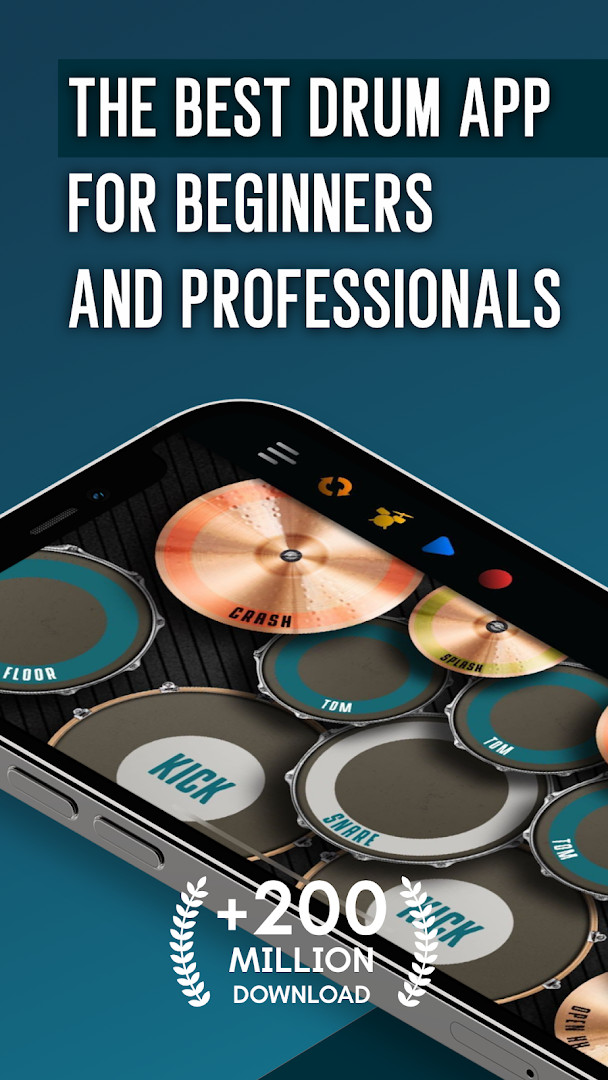
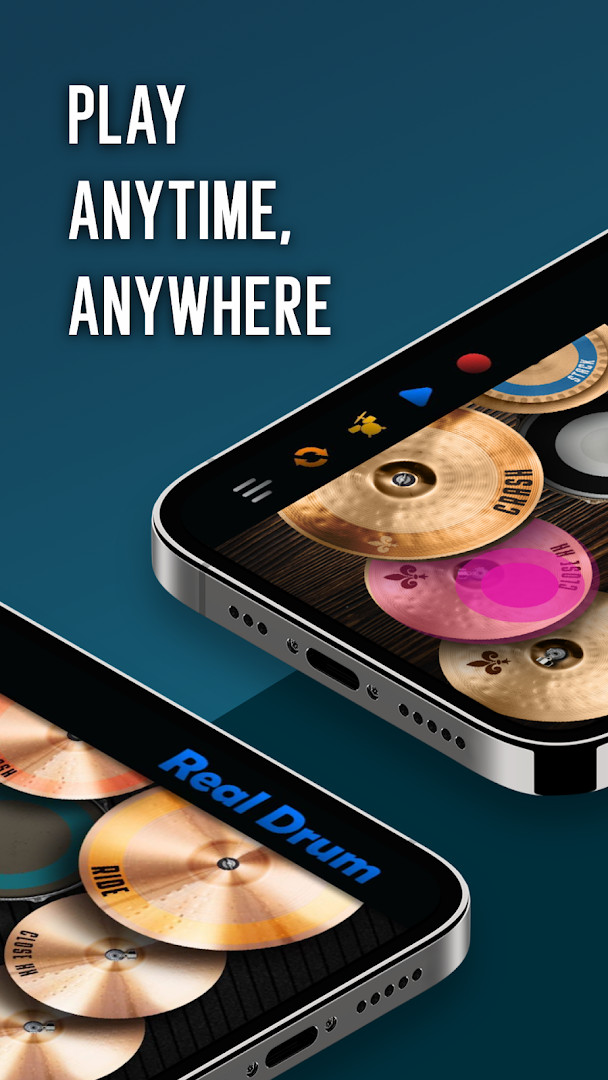
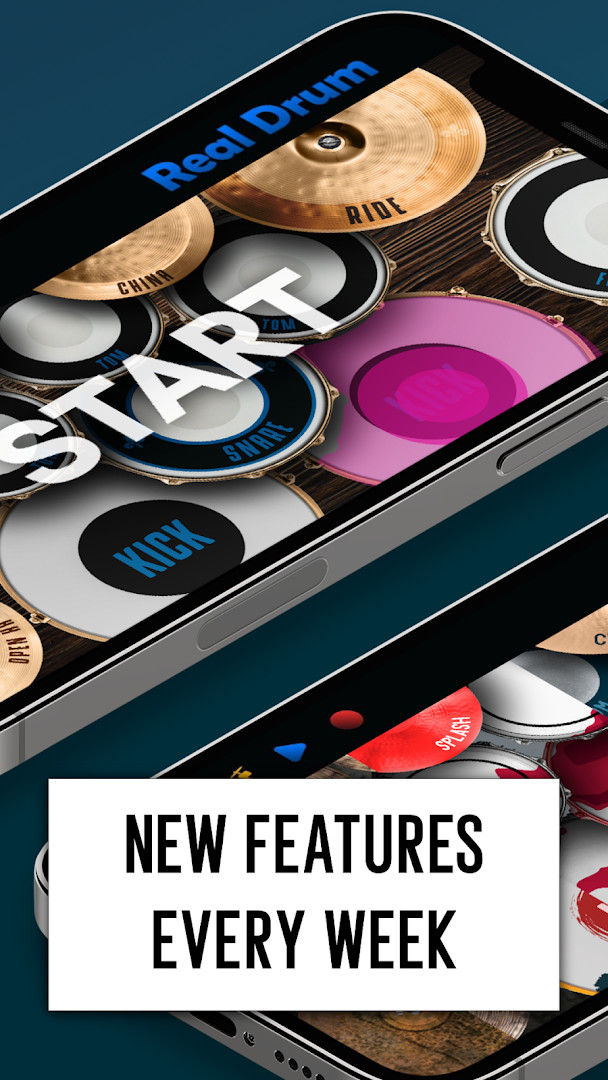
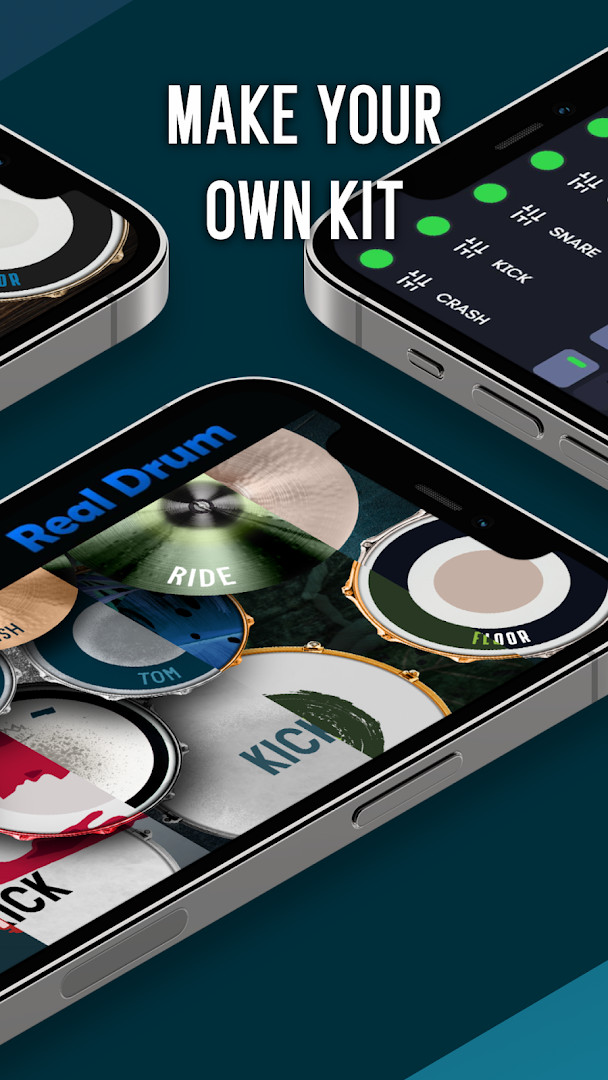
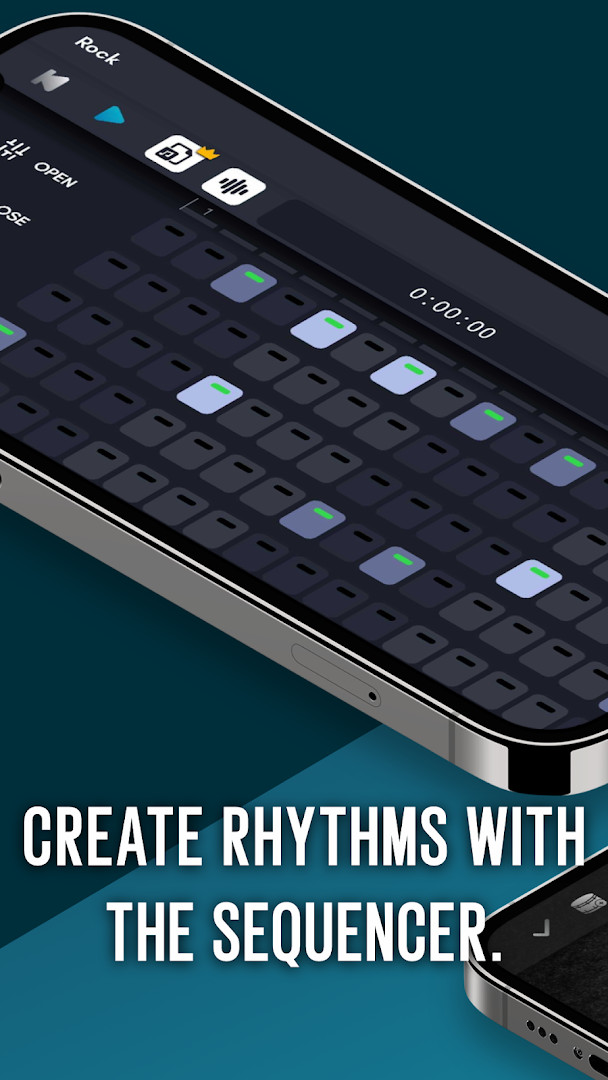
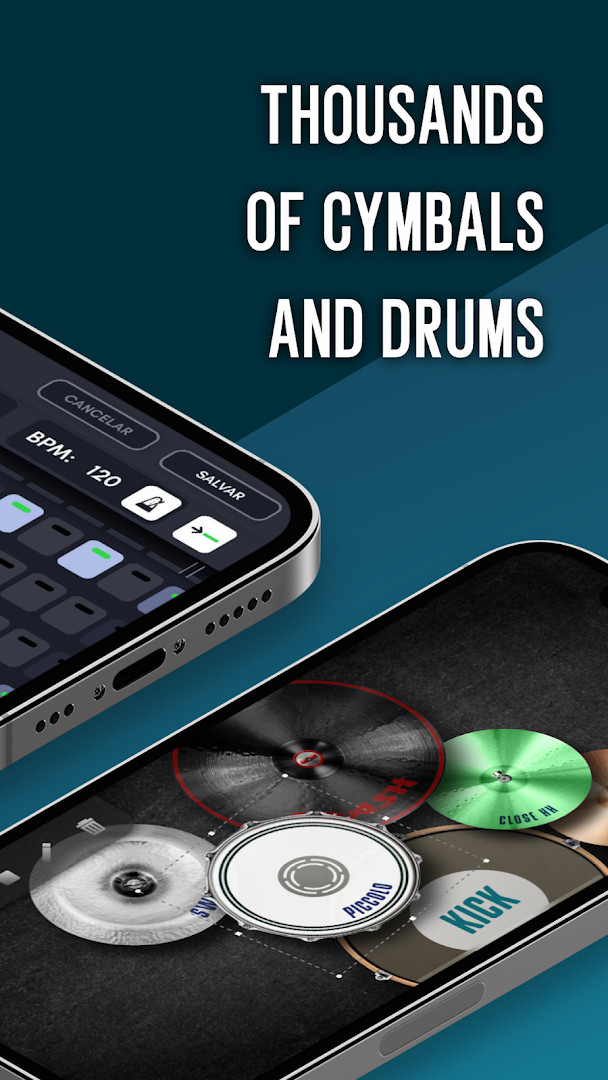
Real Drum electronic drums set is a music app by Kolb Apps that turns your Android device into a playable drum kit with lessons, loops, and a sequencer. It has been around since 2012 and has racked up over 100 million installs, making it one of the most widely used percussion simulators on the platform. The current version, 11.17.29, released on October 16, 2026, continues the app's tradition of combining realistic sound with learning tools, though the update notes don't specify new features. The core idea is simple: your fingers become drumsticks, and the screen becomes a customizable set of pads and cymbals, letting you practice or jam anywhere without needing physical hardware.
For experienced users comparing alternatives, the app stands out for its depth. It offers over 100 video lessons, a step sequencer for building your own rhythms, and a wide selection of drum kits, including realistic 3D models. You can even upload your own images and sounds to create a personalized kit, which is a level of customization not found in many similar apps. The audio quality is described as studio-grade, and recordings can be exported to MP3, making it useful for quick song sketches or sharing performances. MIDI support adds a layer of connectivity for those who want to integrate the app with external gear or software.
A notable advantage is its flexibility in layout: you control the number, size, and position of pads on the screen, which helps accommodate different hand sizes and playing styles. The app also includes loops to play along with, and new content is said to be added weekly, though the exact cadence isn't specified. With a 4.47 rating from over 1.6 million ratings, it has a strong track record, but it's not without trade-offs. The app is free with ads and in-app purchases, and it requests permissions for storage, media, microphone, and Wi-Fi info, which some users might find broad. Also, the minimum OS requirement is Android 7.0, so very old devices won't be supported. Overall, it's a feature-rich option for anyone serious about learning or practicing drums on a touchscreen.
Key features
- Over 100 drum lessons to help you learn, from basics to advanced techniques
- Multiple drum kits including realistic 3D drums for a more immersive look
- Full customization of your drum set: add or remove pads, change their size, and reposition them on the screen
- Upload your own images and sounds to create a completely personalized drum kit
- A step sequencer that lets you build and loop your own rhythm patterns
- A wide variety of drums, cymbals, and other percussion instruments to choose from
- Loop library for playing along with different musical styles
- Studio-quality audio output for a realistic sound experience
- Export your performances as MP3 files to save or share
- MIDI support for connecting to external devices or software
How to install
- Tap the download button on this page to get the APK file. The file size is not specified, so ensure you have enough free storage space.
- When Android prompts you, allow your browser or file manager to install apps by enabling the 'Install unknown apps' setting for that source if needed.
- Open the downloaded APK file from your notifications or file manager.
- Tap 'Install' and wait for the installation to complete.
- Open the app from your app drawer or home screen. The minimum Android version required is 7.0.
Pros
- Extensive customization options for pads, sounds, and images
- Includes a built-in sequencer for creating original rhythms
- Over 100 lessons make it suitable for beginners and intermediate learners
- MIDI support adds flexibility for advanced users
- Export to MP3 for easy sharing or further editing
- Large user base with a high rating indicates reliability
Cons
- Contains ads and in-app purchases, which may interrupt the experience
- Requires permissions like storage, media, and microphone that some users might find excessive
- Minimum Android 7.0 may exclude users on older devices
- The app's size and resource usage are not specified, so it could be heavy on low-end hardware
Version history
| Version | Size | Requires Android | Updated |
|---|---|---|---|
| 11.17.29 | — | 7.0 | Oct 16, 2026 |
This app is ideal for aspiring drummers who want a portable practice tool, music hobbyists looking to create beats on the go, and experienced players who need a customizable virtual kit for quick recording or jamming.
Spend time adjusting the pad layout and sizes to match your hand span—this reduces accidental hits and makes fast patterns easier to play, especially on smaller screens.
Permissions
FAQ
What can I do with the sequencer in Real Drum electronic drums set?
The built-in sequencer lets you activate steps, combine different drum sounds, and assemble repeating beat patterns that play along with your music, making it easy to experiment with rhythms and create your own tracks.
Can I change the look and layout of the drum set to fit my preferences?
Yes, you have full customization freedom. You can choose the number of drum pads and cymbals, adjust their size, and decide where they are placed on the screen. You can also upload your own images and sounds to build a completely personalized drum set.
Does the app work on both phones and tablets, and what are the system requirements?
The app is compatible with all screen resolutions and uses HD images for phones and tablets. It requires a minimum Android OS version of 7.0 to run.
How can I share my drumming performances with others?
You can export your recordings in MP3 format and then share those recordings, along with your custom drum sets, directly to social media platforms to show friends your skills.
Is there a way to practice quietly without disturbing others?
The app is designed for practicing or playing drums quietly, so you can enjoy drumming without causing disruptions or needing much space, making it a good choice for home practice.
Real Drum electronic drums set is a polished and versatile drumming app that excels in customization and learning resources. While it's not without limitations like ads and permission requests, its breadth of features and strong community rating make it a solid choice for anyone from beginners to pros. If you're willing to work around the ads and occasional layout tweaks, it offers excellent value as a free practice and creation tool.
Similar apps


Updated: Oct 24, 2026