Piano Game: Classic Music Song for Android
Piano Game: Classic Music Song is a rhythm game from Dream Tiles Piano Game Studio for tapping piano keys to match melodies.
Download Piano Game · v3.3.6Piano Game: Classic Music Song suits fans of classical and pop music who want quick, musical fun on the go, helping them relax or improve coordination. It includes over 100 songs, from Canon in D to Shape of You, with realistic piano sounds and multiple difficulty levels. The game is free, requires Android 6.0 or higher, works without Wi-Fi, and offers new songs weekly.
- Version
- 3.3.6
- Requires Android
- 6.0
- Updated
- Sep 10, 2026
- Installs
- 100M+
- Rating
- ★ 3.95 (329,438)
- Category
- Music
- Developer
- Dream Tiles Piano Game Studio
- Content rating
- Everyone
- Package
- game.piano.music.tiles.challenge
- Free
- ✓ · Contains ads · In-app purchases
Screenshots
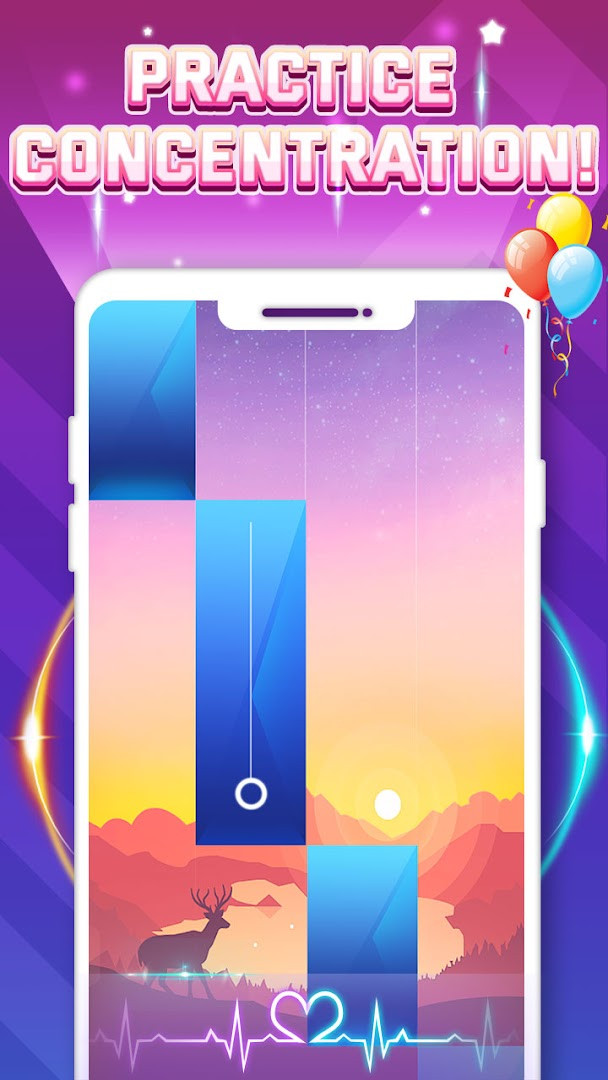
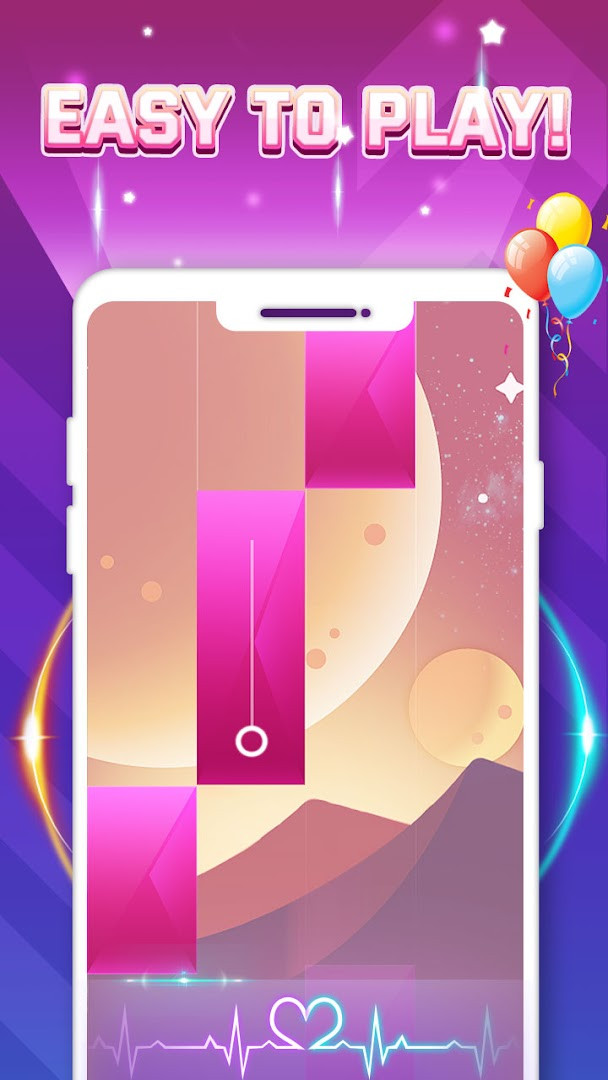
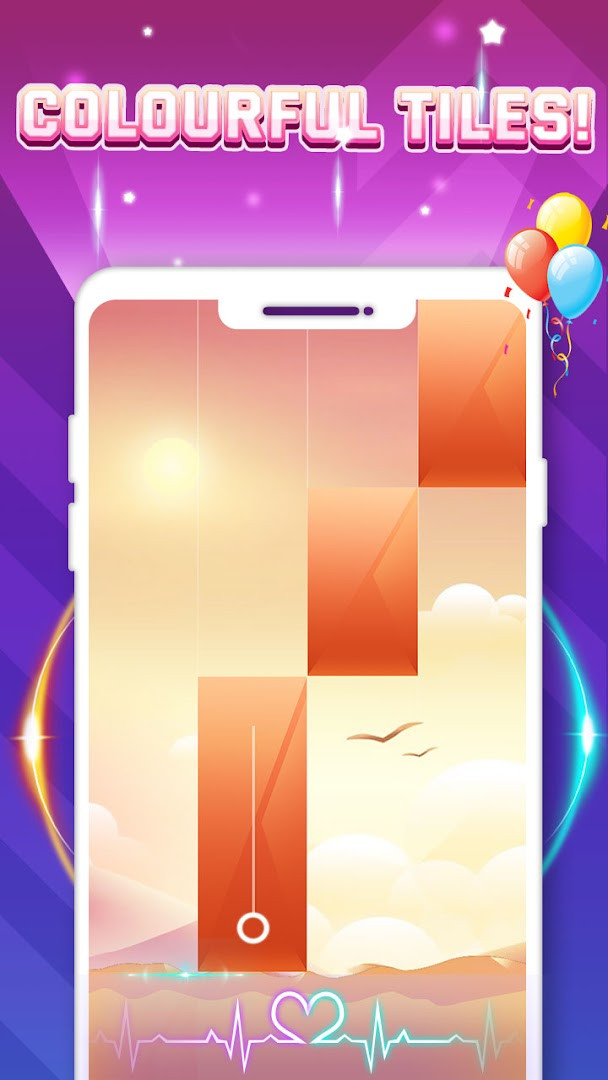
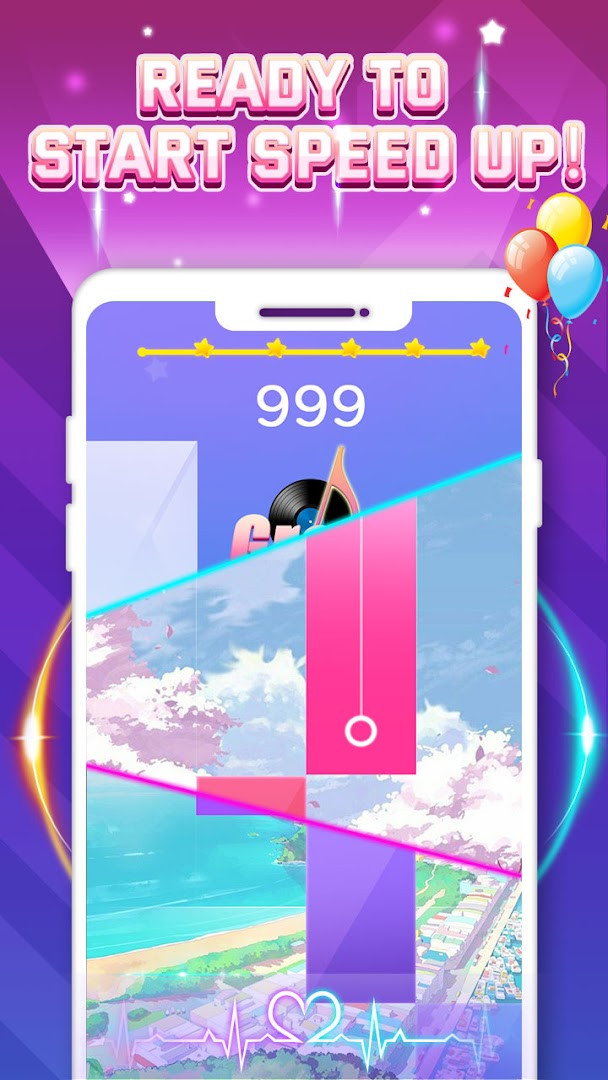
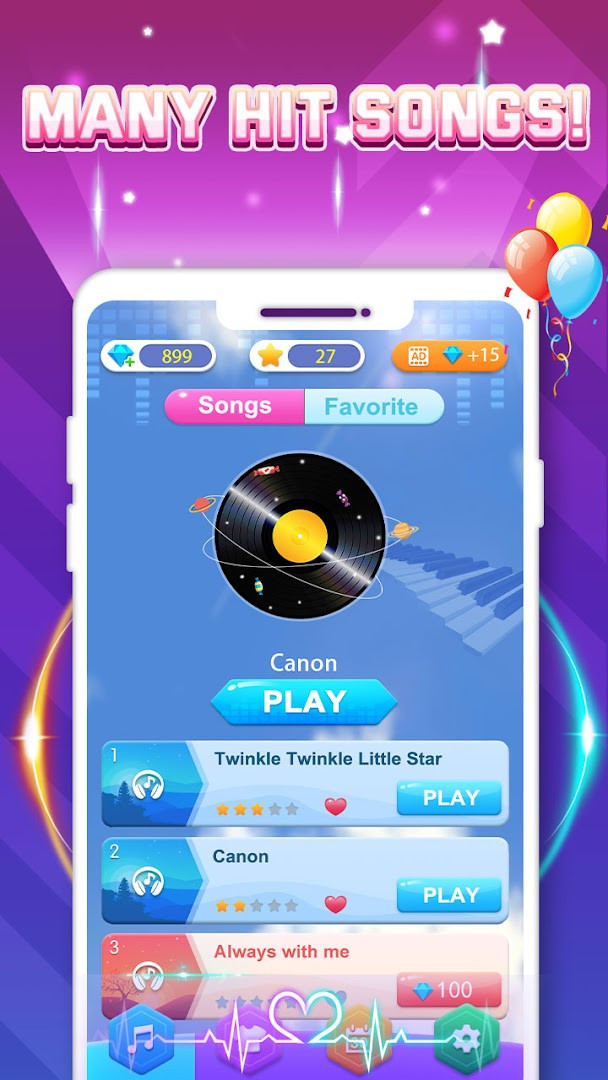
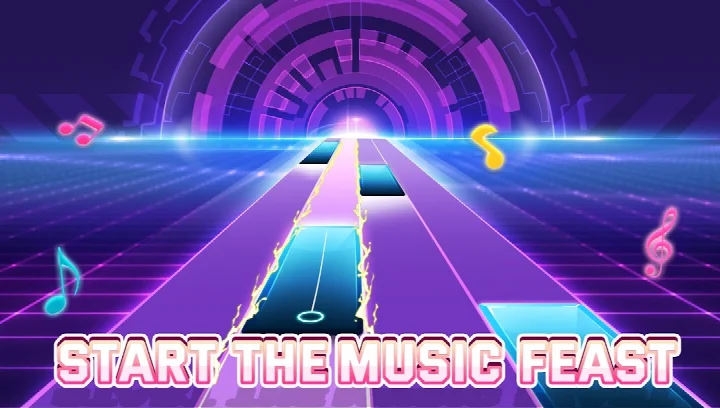


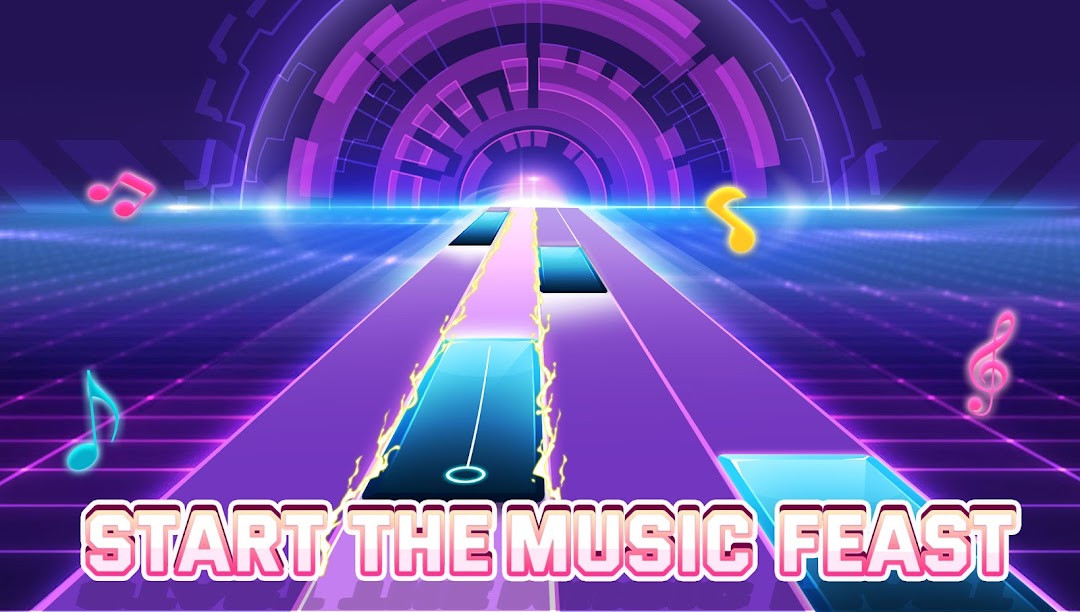
Piano Game: Classic Music Song is a rhythm game by Dream Tiles Piano Game Studio that combines the elegance of classical piano pieces with contemporary pop hits in a tap-along format. The core idea is simple: notes fall down the screen and you touch the keys at the right moment to play the melody, with accuracy affecting your score. It has been available since March 2020 and has reached a very large audience, with over one hundred million installs and hundreds of thousands of ratings, making it one of the more popular titles in the casual music genre. The app is free to download and includes advertisements and optional in-app purchases, while its content rating is suitable for everyone. The most recent update, version 3.3.6, was released in September 2026 and focuses on improving the overall user experience, along with introducing a brand-new limited-time themed event for players to try. This suggests the developers are actively maintaining the game and adding fresh content to keep the experience engaging. The game offers more than one hundred songs, ranging from timeless classics like Canon in D to modern hits such as Shape of You, giving players a broad musical palette. Realistic piano sounds are used to create an immersive feel, and multiple difficulty levels mean that both newcomers and experienced rhythm gamers can find a suitable challenge. Since the game does not require a Wi-Fi connection to play, it is convenient for travel, commutes, or any situation where you want quick musical entertainment. New songs are added on a weekly basis, which helps keep the song list feeling current and varied. The gameplay loop is straightforward: tap falling keys to match the melody, collect stars to unlock additional songs, and progress through tougher levels as your reflexes and sense of rhythm improve. This combination of simple mechanics and a growing library makes it easy to pick up but potentially hard to put down. For a beginner, the app serves as both an introduction to rhythm gaming and a way to enjoy familiar music in an interactive format. The presence of ads and in-app purchases is worth noting, but they do not prevent you from playing the core game for free. Overall, Piano Game: Classic Music Song delivers a polished, accessible rhythm experience that blends musical appreciation with casual gameplay.
Key features
- Over 100 songs spanning classical masterpieces and modern pop hits
- Realistic piano sound effects for an immersive audio experience
- Multiple difficulty levels suitable for beginners and experienced players
- Offline play supported, so no Wi-Fi connection is required
- New songs added every week to keep the content fresh
- Star collection system to unlock additional songs and challenges
- Limited-time themed events introduced in the latest update
- Simple tap-based controls that are easy to learn quickly
How to install
- Tap the download button on this page to get the APK file for Piano Game: Classic Music Song.
- When your Android device asks for permission, allow your browser or file manager to install apps by enabling the 'Install unknown apps' setting in your system settings.
- Locate the downloaded APK file in your device's notification bar or Downloads folder and open it.
- Tap the Install button when the installer screen appears and wait for the process to complete.
- Open the app from your home screen or app drawer after installation finishes.
- Note that the file size is not specified, and the minimum Android version required is 6.0.
Pros
- Large and diverse song library with weekly additions
- Works offline, making it great for travel or areas with poor connectivity
- Multiple difficulty levels cater to different skill levels
- Free to play with optional in-app purchases
- Regular updates bring new events and improvements
Cons
- Contains advertisements that may interrupt gameplay
- In-app purchases are present, which might tempt spending
- Song selection may not appeal to those who dislike pop music
- Accuracy-based scoring can be frustrating for perfectionists
Recent updates · 3.3.6
Version 3.3.6 brings a smoother, more polished experience to Piano Game: Classic Music Song. We've also launched a brand-new limited-time themed event, so jump in now to enjoy fresh challenges and rewards.
Version history
| Version | Size | Requires Android | Updated |
|---|---|---|---|
| 3.3.6 | — | 6.0 | Sep 10, 2026 |
| 3.3.4 | — | 6.0 | Sep 10, 2026 |
This app is ideal for fans of classical or pop music who want to interact with their favorite songs, casual gamers looking for a simple yet addictive rhythm challenge, and anyone seeking a quick, relaxing musical activity to pass the time on the go.
To improve your scores quickly, start with easier difficulty levels to learn the timing patterns, then gradually increase the speed as you become more comfortable with the falling notes.
Permissions
FAQ
Is Piano Game: Classic Music Song free to play?
Yes, the game is free to download and play, with no initial purchase price. It does include ads and offers optional in-app purchases.
What Android version do I need to install the game?
The game requires Android 6.0 or higher to run. If your device runs Android 6.0 or a newer version, you should be able to install and play it.
Does the game require an account to play?
No, an account is not mentioned as a requirement for playing. You can start tapping keys and enjoying the music right after installation.
What permissions does the app request?
The app requests access to Wi-Fi connection information. This permission is typically used to manage network connectivity for features like downloading new songs.
How do I update the game to the latest version?
To update, simply download the newest version available from this page and install it over your current installation. The latest version shown is 3.3.6, updated on 2026-09-10.
How large is the download file?
The file size is not specified in the available information. You can proceed to download from this page, and the size will be shown before installation begins.
Piano Game: Classic Music Song is a well-crafted rhythm game that successfully merges classical piano charm with modern hits, offering a broad song list, offline play, and adjustable difficulty. While the presence of ads and in-app purchases may be a minor drawback for some, the overall experience is engaging and accessible, making it a solid choice for beginners and casual players alike.
Similar apps
 Tiles Hop Music & Ball GameAMANOTES PTE. LTD.4.3
 Magic Tiles 3™ - Piano GameAMANOTES PTE. LTD.4.6
 Smash Colors: Music Ball RushBADSNOWBALL HONGKONG LIMITED4.2
 Piano Music Go-EDM Piano GamesJoy Journey Music Games4.6
 Piano Fire: Edm Music & PianoAdaric Music4.6
 Piano Kids - Music & SongsOrange Studios Games4.3
 Piano - Music Keyboard & TilesGismart4.1
 Real Drum electronic drums setKolb Apps4.5
Updated: Nov 14, 2026