
Piano Music Go-EDM Piano Games: Music Game
Piano Music Go-EDM Piano Games is a music game by Joy Journey Music Games that lets you tap black tiles to the rhythm of EDM and classical songs.
Get Piano Music Go · v2.152Piano Music Go-EDM Piano Games offers a simple tap-to-play experience with classical pieces like Für Elise and Canon, plus anime and EDM tracks. It suits casual players of all ages and includes a battle mode, offline play, and collectible coins and diamonds.
- Version
- 2.152
- Requires Android
- 6.0
- Updated
- Sep 22, 2026
- Installs
- 100M+
- Rating
- ★ 4.57 (526,036)
- Category
- Music
- Developer
- Joy Journey Music Games
- Content rating
- Everyone
- Package
- com.joyjourney.PianoWhiteGo
- Free
- ✓ · Contains ads · In-app purchases
Screenshots


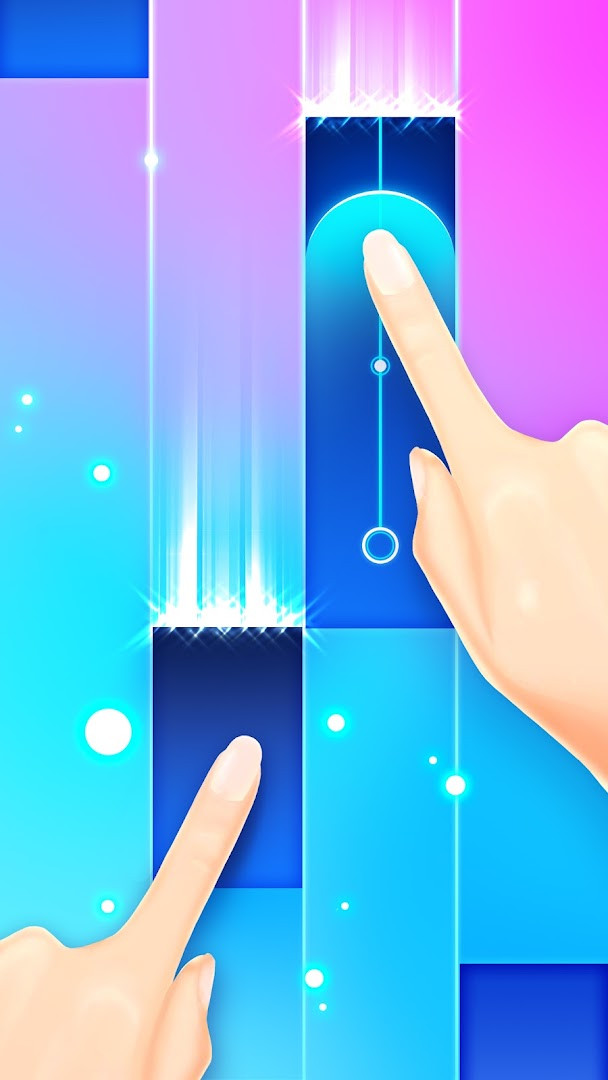
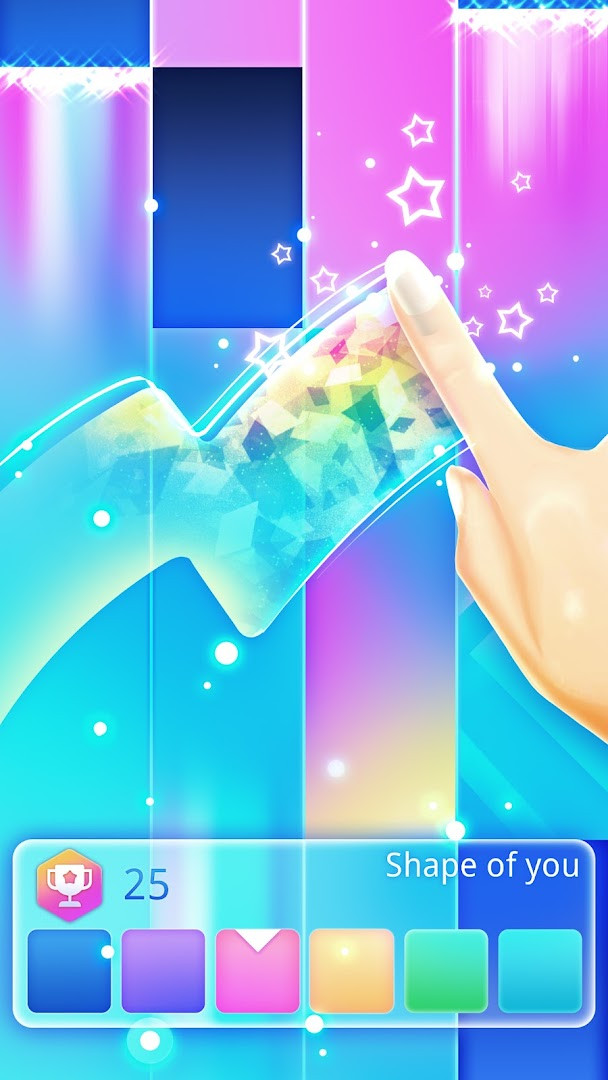
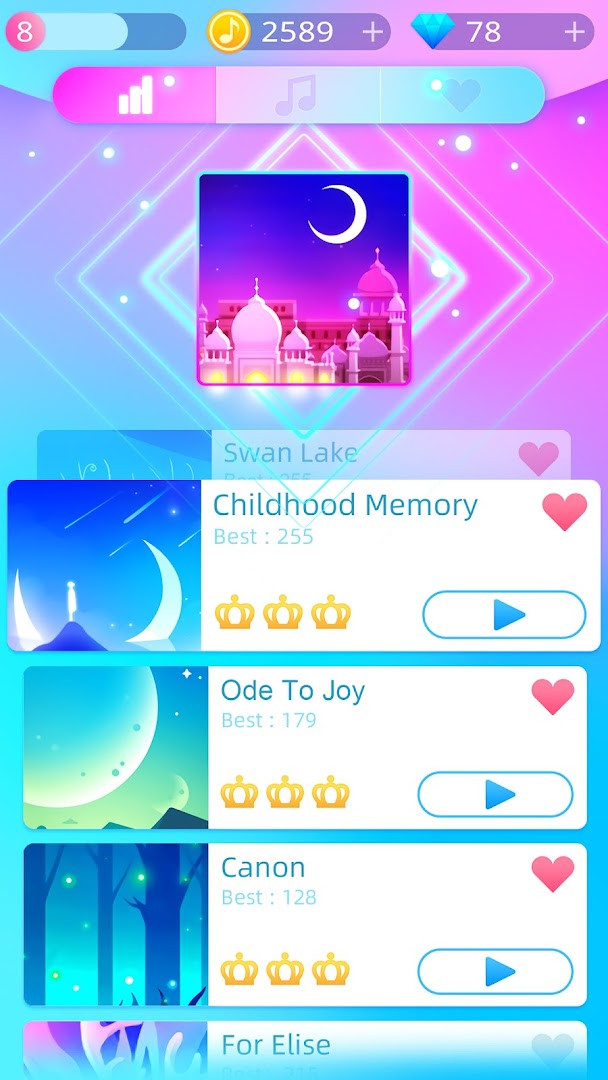
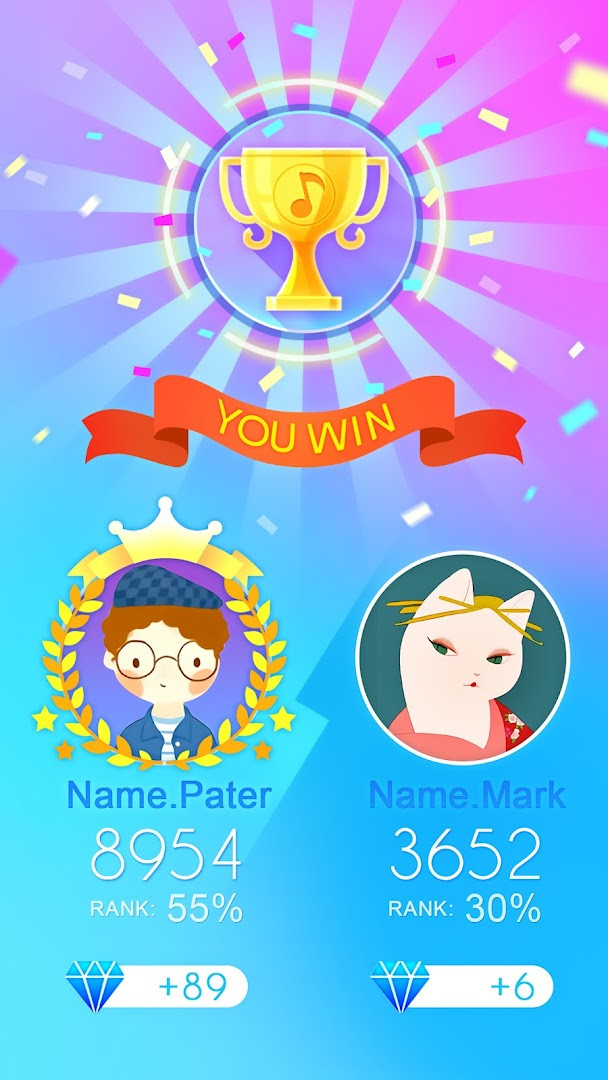
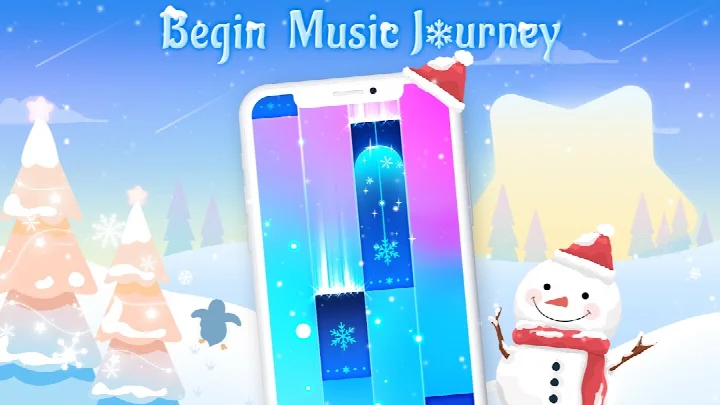
Piano Music Go-EDM Piano Games is a rhythm-based music game by Joy Journey Music Games that challenges players to tap falling black tiles in time with a song's beat. The core loop is simple: follow the rhythm, hit the black tiles, and avoid the white ones, with a missed tile or a wrong tap ending your run. Designed as a casual, accessible experience, it combines classic piano melodies with EDM and anime tracks, letting you unlock new songs by collecting gold and diamonds during play. The latest update, version 2.152, focuses on game experience optimization and bug fixes, so the core mechanics remain familiar while the overall flow feels smoother. Beyond the basic single-player mode, the game offers an offline mode for play without a connection and a battle mode where you can compete against other players, with the winner taking all. With a large library spanning classical pieces like Für Elise and Canon alongside modern EDM and anime-inspired tunes, it aims to appeal to both casual listeners and those chasing high scores. The visual design stays minimal, with multiple colored tile sets available to personalize the look of each session. It also includes an achievement system that rewards extra diamonds and gold coins, which feed back into unlocking more content. Given its 100 million installs and strong community rating, the game has clearly carved out a niche for itself as a straightforward, enjoyable time-killer in the music genre.
Key features
- Tap black tiles in rhythm to create melodies, avoiding white tiles to keep the combo going
- Battle mode lets you compete against other players, with the winner taking all
- A large selection of songs including classical pieces, EDM tracks, and anime-themed additions
- Collect gold and diamonds during play to unlock new songs and content
- Multiple colored tile sets for a personalized visual experience
- Achievement system that rewards extra diamonds and gold coins
- Offline and single-player modes available for play without an internet connection
- High-quality music soundtracks and sound effects, with headphones recommended for full immersion
How to install
- Tap the download button on this page to get the APK file (file size not specified).
- When Android asks, allow your browser or file manager to install apps by enabling the 'Install unknown apps' setting.
- Open the downloaded APK file from your notifications or file manager.
- Tap Install and wait for the process to complete (minimum Android version required is 6.0).
- Open the app from your home screen or app drawer and start playing.
Pros
- Huge catalog of songs spanning classical, EDM, and anime genres
- Simple tap mechanics that are easy to pick up for any skill level
- Battle mode adds a competitive layer for experienced players
- Offline mode means you can play without an internet connection
- Regular updates with bug fixes and optimizations based on version 2.152
Cons
- Contains ads and in-app purchases, which may interrupt play
- Requires storage and Wi-Fi connection permissions, which some users may find intrusive
- Game stops abruptly on any mistake, which can be frustrating for perfectionists
Recent updates · 2.152
Version 2.152 of Piano Music Go-EDM Piano Games brings overall gameplay refinements along with various bug fixes, aiming for a smoother and more stable experience. The update focuses on optimizing performance so you can keep tapping tiles and enjoying your favorite EDM and classical tracks without interruptions.
Version history
| Version | Size | Requires Android | Updated |
|---|---|---|---|
| 2.152 | — | 6.0 | Sep 22, 2026 |
This app suits casual gamers looking for a quick musical distraction, fans of rhythm games who want to test their reflexes against EDM and anime tracks, and players who enjoy competing with others in a head-to-head battle mode.
For the best experience, use headphones to fully appreciate the audio quality and improve your timing accuracy on faster songs.
Permissions
FAQ
Is Piano Music Go-EDM Piano Games free to download and play?
Yes, the app is free to download and play. It does include ads and offers optional in-app purchases, but the base game costs nothing.
Which Android version do I need to run the game?
The game requires Android 6.0 or higher. If your device runs at least Android 6.0, you should be able to install and play it.
Does the game require an account to play?
No, the game does not require an account to play. You can start tapping tiles and enjoying the music right after installation.
What permissions does the app request?
The app requests access to photos/media/files, storage, and Wi-Fi connection information. These permissions are typically used for saving game data and managing network connections.
How do I update the game to the latest version?
To update, simply download the newest version from this page and install it over your current installation. The latest available version is 2.152, updated on 2026-09-22.
Can I play the game offline?
Yes, the game includes an offline mode and a single-player mode. You can enjoy the music and tap the tiles even without an active internet connection.
Piano Music Go-EDM Piano Games delivers a polished and addictive rhythm experience that balances simplicity with depth, backed by a massive song library and active updates. While ads and in-app purchases are present, the core gameplay is solid and rewarding, making it a worthy choice for anyone seeking a fun, portable piano-tapping challenge.
Similar apps
Updated: Nov 10, 2026