
Piano Fire: Edm Music & Piano - Tap the Tiles
Piano Fire: Edm Music & Piano is a free music game by Adaric Music that lets you tap falling tiles to the beat of songs.
Get App · v1.0.255Piano Fire: Edm Music & Piano has been installed over 100 million times and holds a 4.58 rating from about 729,646 ratings. The app requires Android 6.0 or higher, includes ads and in-app purchases, and is rated Teen. It suits both casual players who want to relax and hardcore players seeking a challenge, with offline play for downloaded songs.
- Version
- 1.0.255
- Requires Android
- 6.0
- Updated
- Oct 9, 2026
- Installs
- 100M+
- Rating
- ★ 4.58 (729,646)
- Category
- Music
- Developer
- Adaric Music
- Content rating
- Teen
- Package
- beatmaker.edm.musicgames.PianoGames
- Free
- ✓ · Contains ads · In-app purchases
Screenshots
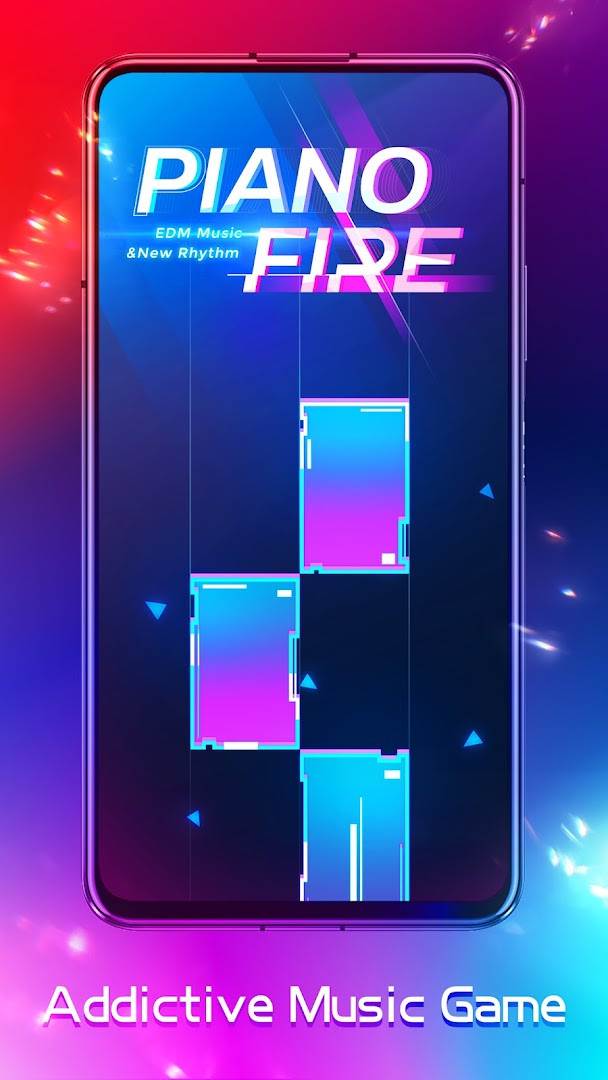
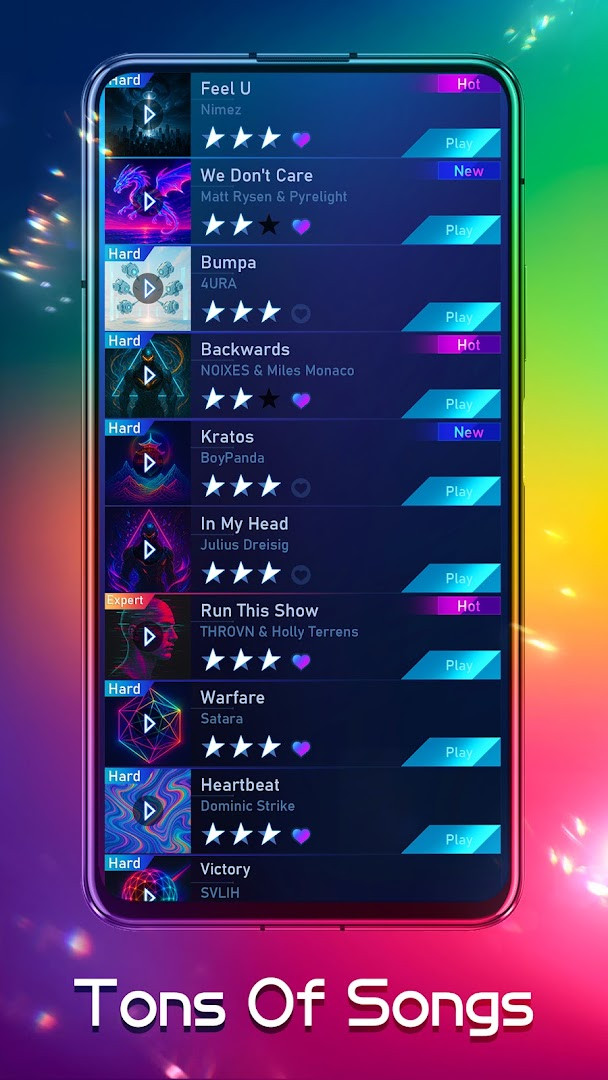
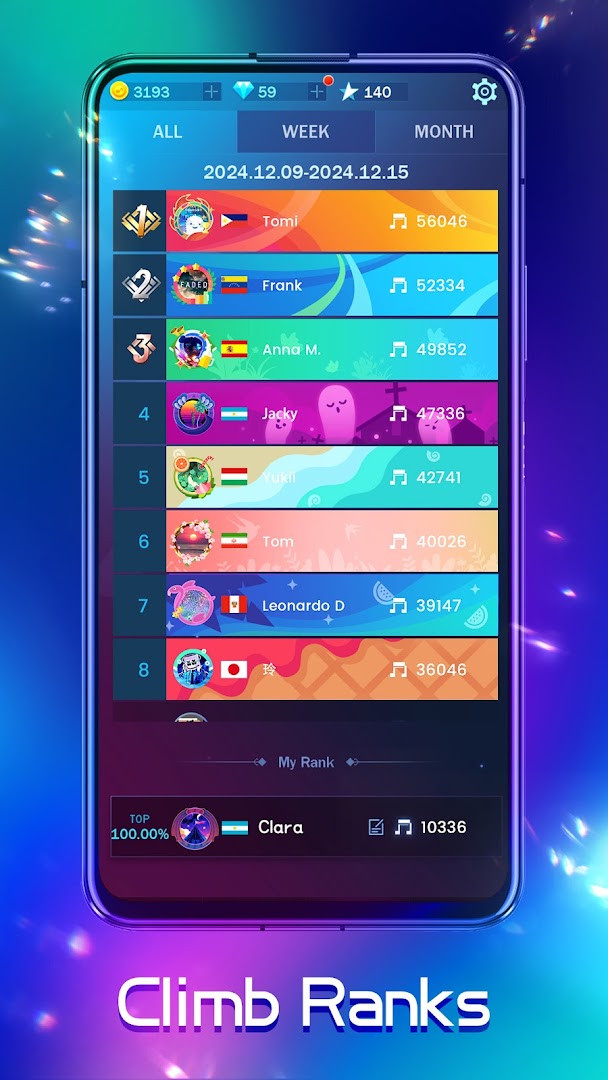
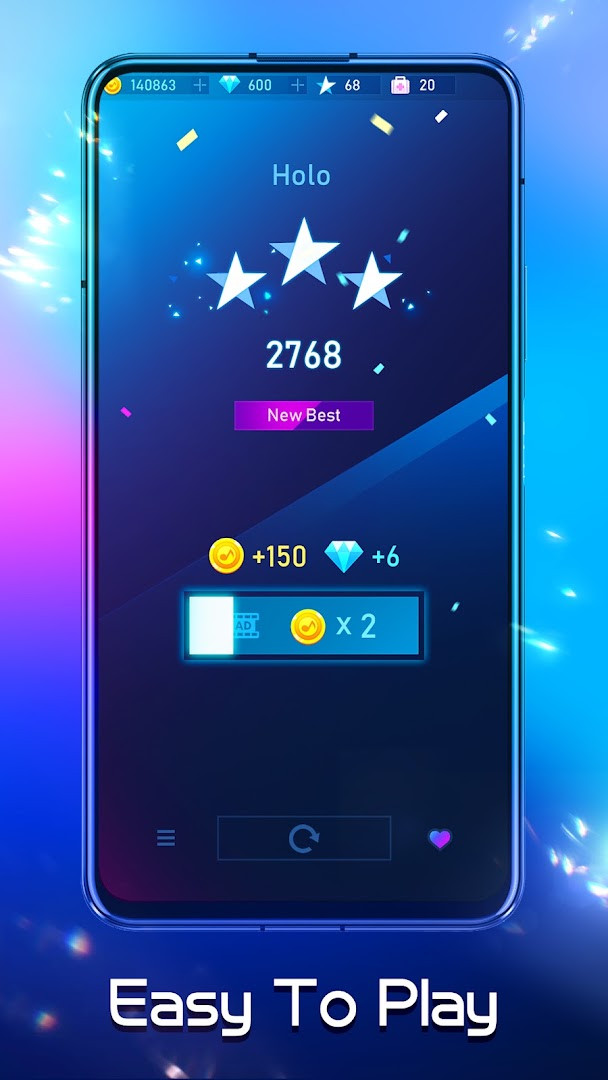
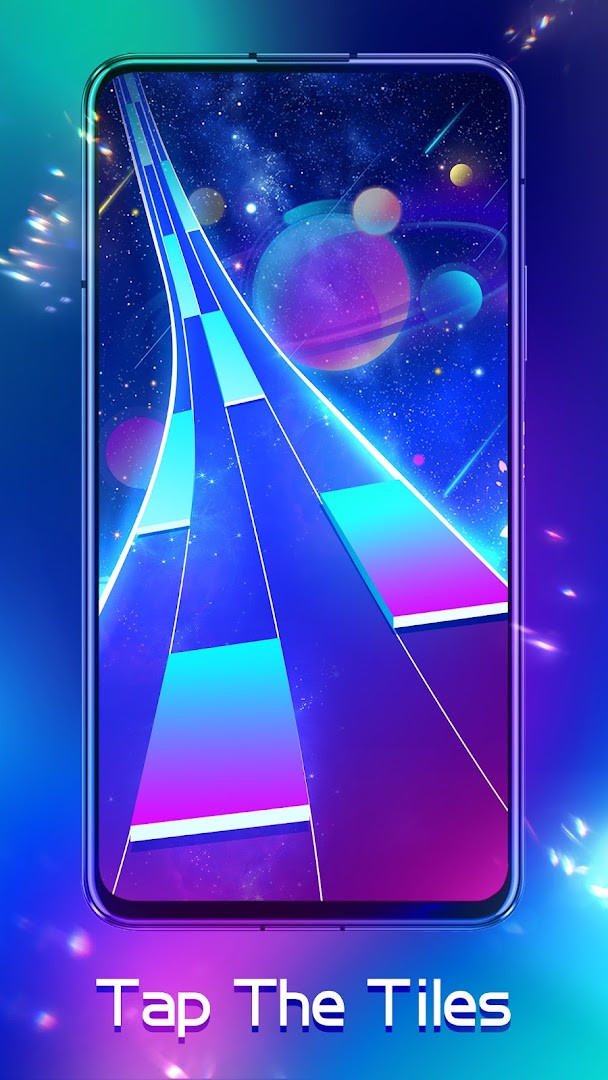



Piano Fire: Edm Music & Piano is a music game by Adaric Music that combines classic piano tile tapping with a wide variety of songs across multiple genres. The core gameplay is straightforward: tiles fall from the top of the screen, and you tap them just as they reach the bottom line to score Melody Points. Each tile's timing is carefully tuned by the developers' music team, so staying in rhythm with the track is the key to success. Beyond the simple premise, the game offers a global ranking system, monthly events, and the ability to import songs from your own phone, making it more than a one-note experience.
For beginners, the game is easy to pick up because the basic mechanic is just tapping tiles in time with the music. However, it also provides a real challenge for those who want to master it, with expert-level songs that require precision and quick reflexes to earn all three stars. Whether you are a hardcore player chasing high scores or someone who simply wants to relax while listening to favorite tunes, this app aims to satisfy both audiences. The game also works offline after you have played a song once, because each track is automatically downloaded for future playback without needing an internet connection.
With over one hundred million installs and a high user rating, Piano Fire has built a large community of players. It is free to download and includes ads as well as optional in-app purchases, which is typical for this type of casual music game. The content rating is Teen, and the app requests access to phone, storage, and Wi-Fi information, among other permissions, which is worth noting before you install. Overall, it is a polished and popular choice for anyone who enjoys rhythm-based gameplay and wants a portable piano tile experience.
Key features
- Global ranking to compete with players worldwide
- Local music import so you can play songs from your phone
- Monthly events with collectible tokens exchangeable for game items
- Easy to learn but hard to master, including expert-level songs with three-star ratings
- New songs added every month to keep the library fresh
- Offline playback after a song is played once, with automatic download
- Halloween-themed songs, avatars, and banners from the latest event
How to install
- Tap the download button on this page to get the APK file. The file size is not specified, so ensure you have enough free space on your device.
- When Android asks for permission, allow your browser or file manager to install apps by enabling the 'Install unknown apps' setting for that app.
- Open the downloaded APK file from your notification bar or file manager.
- Tap the Install button when the installer screen appears, and wait for the process to finish.
- Open the app from your home screen or app drawer. Your device must run Android 6.0 or higher to use this app.
Pros
- Very popular with over 100 million installs and a high rating of 4.58
- Large variety of music genres and frequent monthly song additions
- Offline play after initial download of each song
- Supports importing your own local music
- Monthly events add replay value and unlockable rewards
Cons
- Contains ads and in-app purchases, which may interrupt gameplay
- Requests several permissions including phone, storage, and device ID, which some users may find intrusive
- Content rated Teen, so not ideal for very young children without supervision
Recent updates · 1.0.255
Version 1.0.255 adds a Halloween-themed music event. New Halloween songs are available, and playing them during the event unlocks exclusive Halloween avatars and banners. The update was released on October 9, 2026.
Version history
| Version | Size | Requires Android | Updated |
|---|---|---|---|
| 1.0.255 | — | 6.0 | Oct 9, 2026 |
Piano Fire is for anyone who enjoys rhythm games and music, from casual players looking to relax with familiar tunes to competitive players who want to climb global leaderboards. It is also suitable for people who want to play their own songs from their phone library in a game format.
Start with easier songs to get a feel for the timing, then gradually try expert-level tracks. Since songs are downloaded after first play, you can build an offline library by playing your favorites once while connected. Keep an eye on monthly events to collect tokens and unlock exclusive items, and consider using headphones for better audio sync.
Permissions
FAQ
How do I install the APK on my Android device?
To install the APK, download it from the page and open the file. Your device must run Android 6.0 or higher, and you may need to allow installation from unknown sources in your settings if it is not already enabled.
What is new in version 1.0.255?
Version 1.0.255, released on October 9, 2026, adds new Halloween songs. Playing these songs during the event lets you unlock exclusive Halloween-themed avatars and banners.
Does the game contain ads or in-app purchases?
Yes, the game is free to download and includes ads. It also offers in-app purchases, which can be used to buy game items or other content.
Can I play offline?
Yes. Once you have played a song, it is downloaded automatically, so you can play it again without an internet connection. You only need a connection to access songs you have not played yet.
Are there similar music games in the same category?
Yes, there are other music games in the same category that feature tile-tapping gameplay and rhythm-based challenges. However, Piano Fire stands out with its global ranking, local music import, and monthly events.
What permissions does the app require?
The app requests access to phone, photos/media/files, storage, Wi-Fi connection information, and device ID and call information. These are used to support features like importing local music and saving game data.
How do I earn points or stars in the game?
You earn Melody Points by tapping tiles as they reach the line at the bottom. For expert-level songs, collecting all three stars takes practice, as tile timing is carefully designed to match the beat.
Piano Fire: Edm Music & Piano offers a fun and addictive take on the classic tile-tapping formula, with a strong community and regular content updates. Its blend of easy entry, challenging expert levels, and offline capability makes it a solid choice for music game fans. Just be mindful of the ads, purchases, and permissions before you start playing.
Similar apps



Updated: Nov 7, 2026