
Bolt: Request a Ride for Android
Bolt is a ride-hailing app from Bolt Technology for requesting fast, safe, and affordable transport.
Download Bolt · vCA.233.0Bolt is for people who need on-demand rides, airport transfers, scooters, e-bikes, or parcel delivery in their city. The app shows fares upfront, lets you pay by card, Google Pay, or cash, and includes safety tools like an emergency assist button and audio trip recording.
- Version
- CA.233.0
- Requires Android
- 7.0
- Updated
- Nov 13, 2026
- Installs
- 100M+
- Rating
- ★ 4.82 (11,135,109)
- Category
- Travel & Maps
- Developer
- Bolt Technology
- Content rating
- Everyone
- Package
- ee.mtakso.client
- Free
- ✓
Screenshots
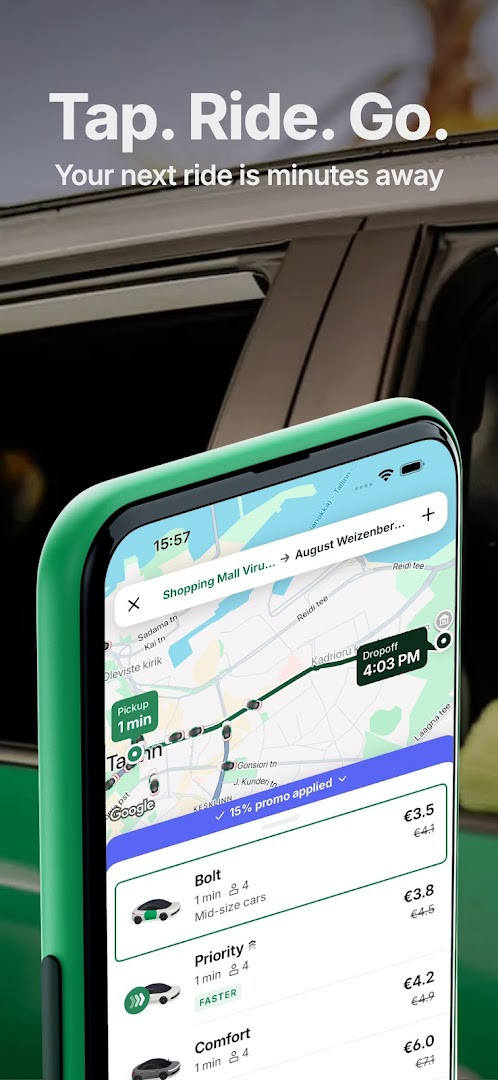

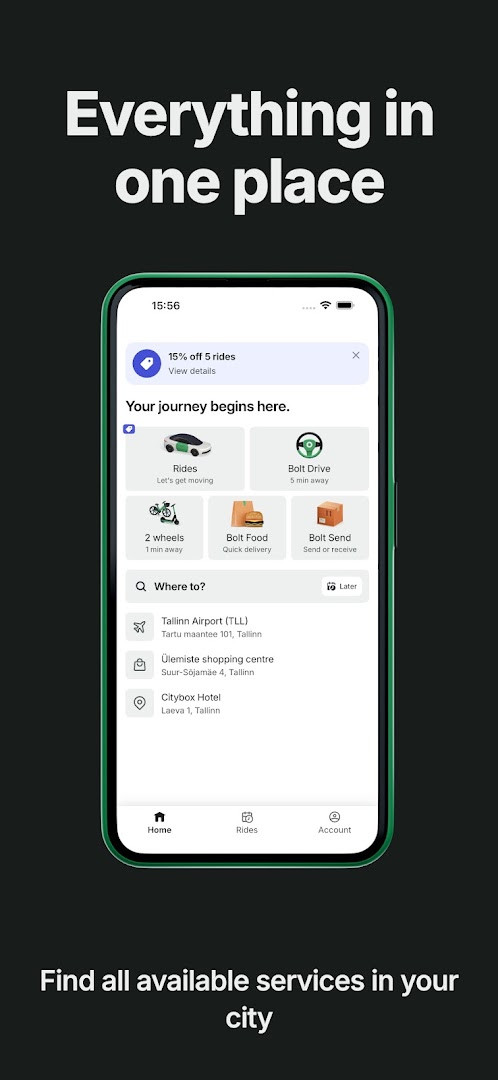
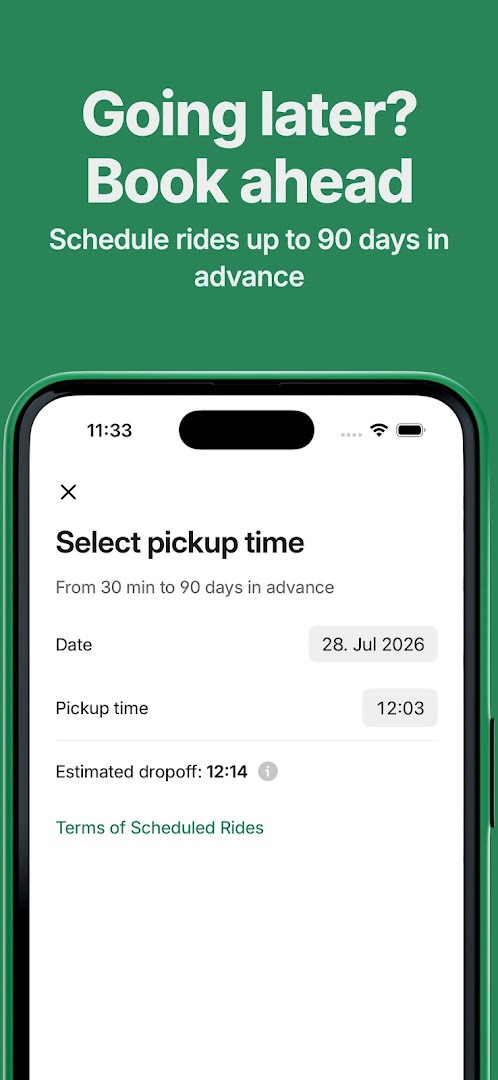
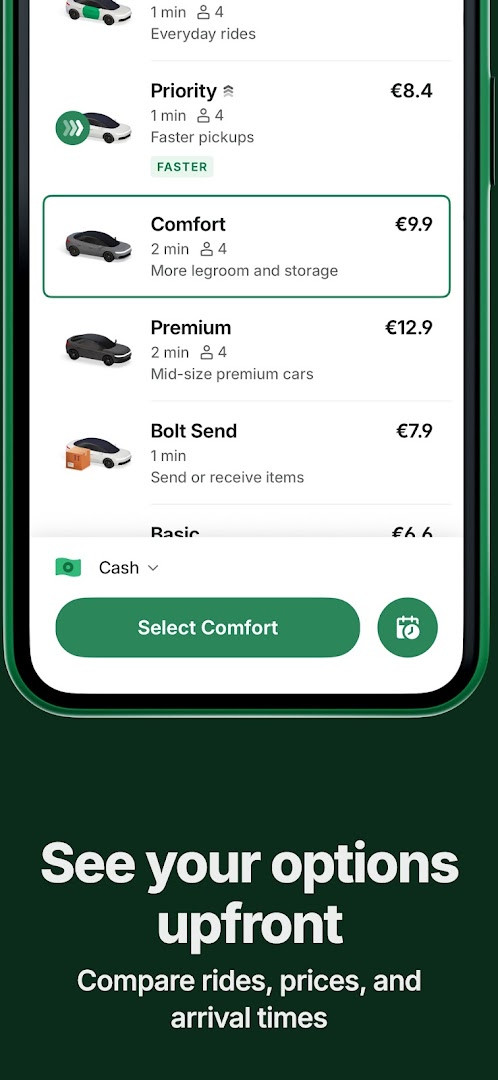
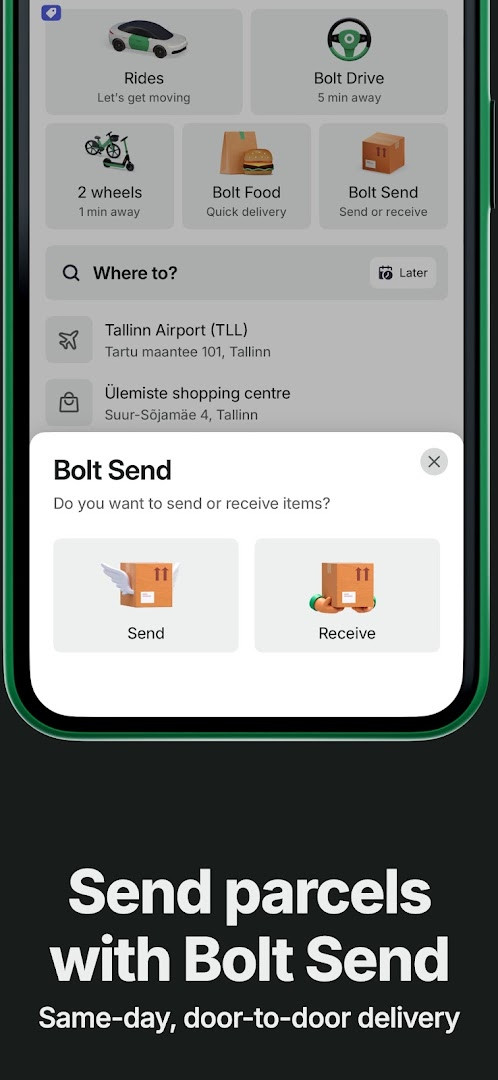
Bolt: Request a Ride is a ride-hailing app by Bolt Technology that lets users request car rides, scooters, e-bikes, and parcel deliveries. It solves the problem of getting around efficiently by connecting riders with nearby drivers through a simple interface, offering upfront fares, multiple ride types, and safety tools. The app addresses common travel needs such as commuting, airport transfers, and errands by letting users set a destination, choose from options like Comfort, Premium, Electric, or XL, and track their driver in real time. It also includes features for planning ahead, with trips schedulable from 30 minutes to 90 days in advance, plus emergency assistance and audio recording for peace of mind. Payment is handled securely via card, Google Pay, or cash, and the app supports background operation for certain safety functions. With over 100 million installs and a high user rating, it aims to make transport convenient and transparent, though some services like Bolt Plus or car-sharing vary by location. The app is free to download with no ads or in-app purchases, and it has been updated regularly since its 2013 release, with the latest version CA.233.0 dated November 2026.
Key features
- Request a ride in seconds with top-rated drivers
- Transparent pricing showing fare upfront before booking
- Multiple payment options: credit/debit card, Google Pay, or cash
- Choose from ride types like Comfort, Premium, Electric, and XL
- Real-time driver tracking during trips
- Emergency assist button to alert the Safety Team discreetly
- Audio trip recording for added peace of mind during rides
- Schedule trips in advance from 30 minutes to 90 days before pickup
How to install
- Tap the download button on this page to get the APK file.
- When Android prompts, allow your browser or file manager to install apps by enabling the 'Install unknown apps' setting.
- Open the downloaded APK file from your notifications or file manager.
- Tap Install and wait for the process to complete; the file size is not specified, and the minimum Android version required is 7.0.
- Open the Bolt app from your app drawer and sign in or create an account to start requesting rides.
Pros
- No ads and no in-app purchases, making the core experience free and uncluttered
- Upfront fare estimates reduce surprise costs
- Multiple ride options cater to different budgets and needs
- Strong safety features including emergency assist and audio recording
- Scheduling capability up to 90 days ahead is handy for planning
- Wide availability with over 100 million installs and a 4.82 rating
Cons
- Requires permissions for Calendar, Location, Camera, Microphone, and Wi-Fi information, which may raise privacy concerns
- Some features like Bolt Plus or car-sharing depend on location and may not be available everywhere
- Background operation for safety features could affect battery life
Recent updates · CA.233.0
Version CA.233.0, released on November 13, 2026, brings ongoing refinements focused on speed and reliability for a smoother ride-hailing experience. This update continues Bolt's commitment to quality, ensuring you can request rides, track drivers, and manage trips with greater efficiency. As always, your feedback helps shape future improvements, so feel free to rate your experience in the app.
Version history
| Version | Size | Requires Android | Updated |
|---|---|---|---|
| CA.233.0 | — | 7.0 | Nov 13, 2026 |
| CA.228.0 | — | 7.0 | Oct 9, 2026 |
This app is ideal for beginners who are new to ride-hailing and want a straightforward, reliable way to get around town. It suits everyday commuters, travelers needing airport transfers, and anyone running errands who values clear pricing and multiple payment options. The scheduling feature is great for planning early morning rides, while the safety tools offer reassurance for those who may be cautious about riding with strangers. Since the interface is simple and the app handles everything from booking to payment, even first-time users can quickly learn to request a ride, track their driver, and rate their experience without needing prior knowledge of such services.
Before your first ride, set up your preferred payment method in the app and verify your phone number to speed up booking. Use the schedule feature for airport trips well in advance, and always check that the driver and vehicle match the details shown in the app before getting in. If you are concerned about privacy, review the permissions the app requests and adjust your device settings accordingly, since the app needs location and microphone access for core features.
Permissions
FAQ
What ride types can I choose from when booking with Bolt?
Bolt offers several ride types, including Comfort, Premium, Electric, and XL. Availability of these options varies by location, so you can check the app to see which ones are offered in your city.
How far in advance can I schedule a Bolt trip?
You can schedule a trip ahead of time from 30 minutes up to 90 days before your expected pickup. This is useful for airport transfers or early morning rides.
What safety features are built into the Bolt app?
Bolt includes an emergency assist button to discreetly alert its Safety Team, audio trip recording for added peace of mind, and private phone details so your contact information stays confidential when calling a driver. Some safety features require the app to run in the background.
Can I use Bolt to send packages and not just get rides?
Yes, you can use the 'Send' ride type to arrange fast and convenient parcel delivery in your city. Like other Bolt options, availability may differ depending on your location.
Does Bolt offer car-sharing, scooter, or e-bike rentals?
Through Bolt Drive, Bolt's car-sharing service, you can access an increasing lineup of electric and hybrid cars. You can also rent Bolt scooters and e-bikes via the app. These options may vary by city.
What payment methods does Bolt accept?
Bolt lets you pay securely using a credit or debit card, Google Pay, or cash. Pricing is transparent, with the fare shown upfront so there are no surprises.
Bolt: Request a Ride offers a beginner-friendly way to book transport with transparent pricing and multiple safety options. Its combination of scheduling, varied ride types, and no-cost entry makes it a practical choice for everyday travel needs.
Similar apps
 Google Street ViewGoogle Inc.4.4
 Google Maps GoGoogle LLC4.1
 Uber: Rides, eats, hotelsUber Technologies, Inc.4.7
 Navigation for Google Maps GoGoogle LLC3.8
 Google EarthGoogle LLC3.8
 Where is my TrainSigmoid Labs and its affiliates4.5
 Booking.com: Hotels & TravelBooking.com Hotels & Vacation Rentals4.8
 Yandex Go: Taxi Food DeliveryMikromobilnost LLC Belgrade4.8
Updated: Nov 16, 2026