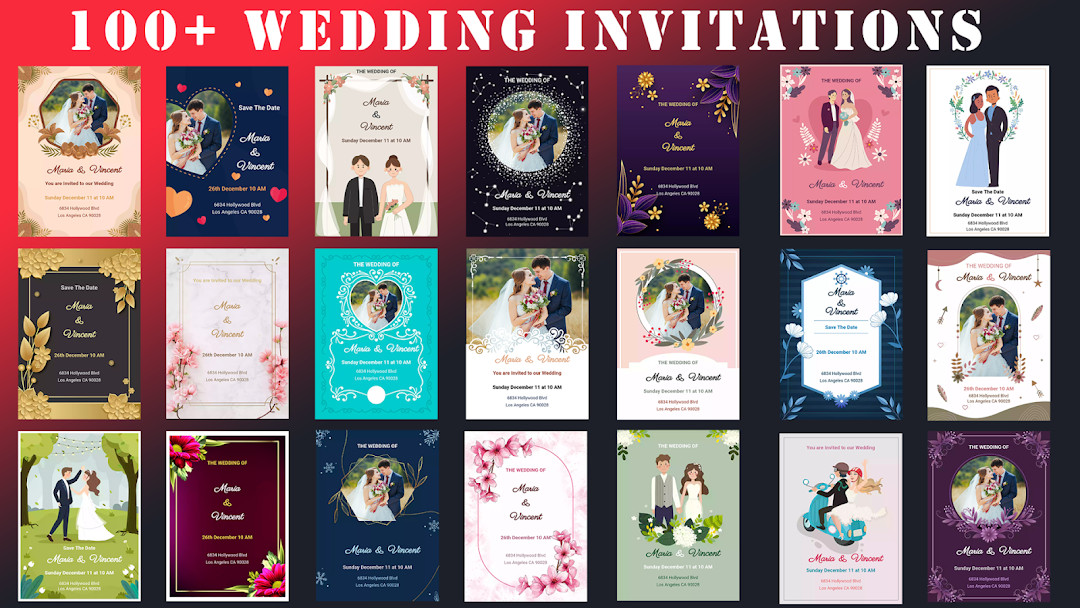

Wedding Invitation Card Maker: Event Card Design App
Wedding Invitation Card Maker is an events app by Galaxy studio apps that lets you create wedding and anniversary invitation cards.
Download App · v3.1.1.1Wedding Invitation Card Maker offers more than 100 templates, 100+ fonts and icons, and offline support for designing personalized invites with photos and names. It is free to use with ads and in-app purchases, requires Android 8.0 or higher, and the current version 3.1.1.1 has a download size of 42 MB.
- Version
- 3.1.1.1
- Requires Android
- 8.0
- Updated
- Jul 19, 2026
- Installs
- 5M+
- Rating
- ★ 4.49 (30,136)
- Category
- Events
- Developer
- Galaxy studio apps
- Content rating
- Everyone
- Package
- com.appswize.weddingcardmaker
- Free
- ✓ · Contains ads · In-app purchases
Screenshots
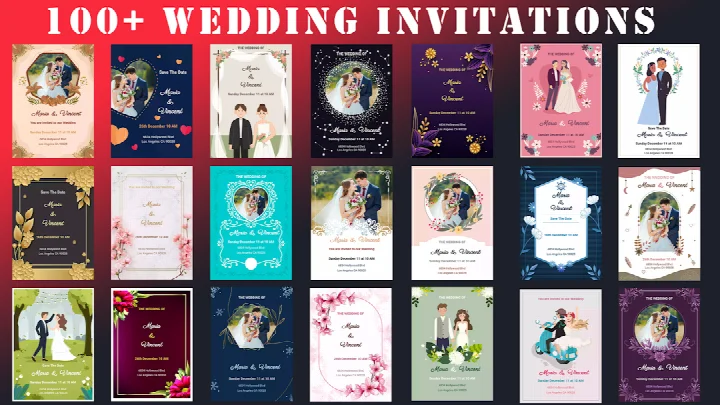
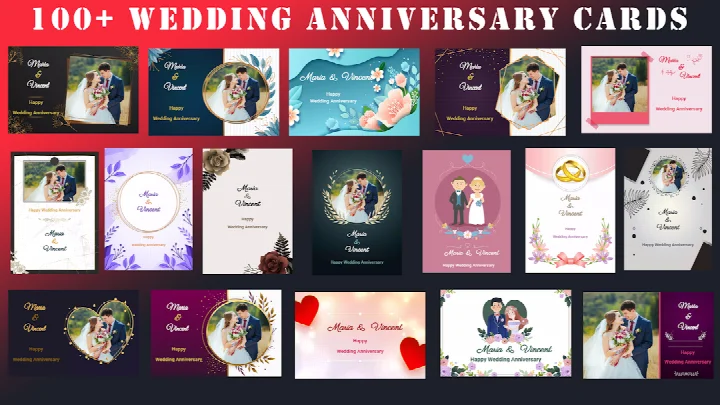
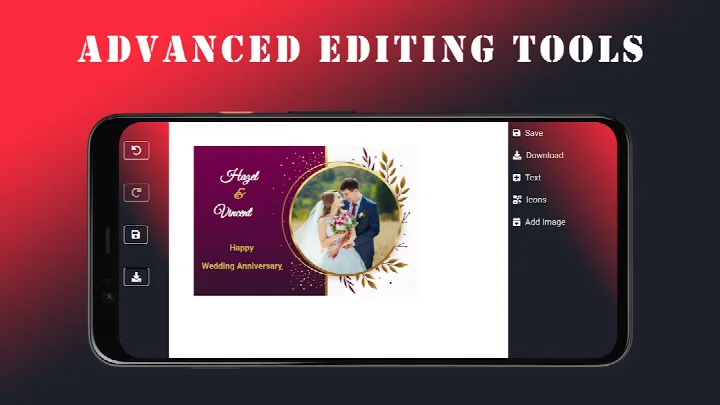
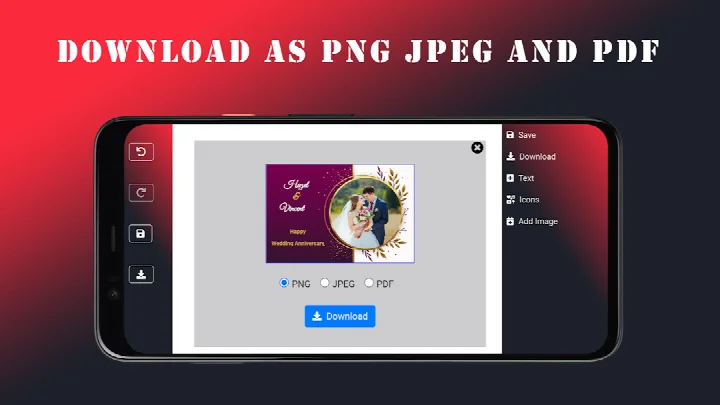
Wedding Invitation Card Maker is a card design utility by Galaxy studio apps that lets users create personalized wedding invitations, anniversary cards, and other event announcements on Android devices. The app addresses the common challenge of producing polished, custom invitations without requiring graphic design skills or paid software. It solves this by offering a library of over 100 templates, an intuitive editor for adjusting fonts, colors, and layouts, and the ability to insert photos and names into designs. Users can complete a card from scratch or adapt a template, then save the result as a JPEG, PNG, or PDF file for sharing via email or messaging apps. The tool also works offline, so invitations can be crafted in locations without an internet connection. Since its release in April 2023, the app has been updated regularly, with the latest version dated July 2026, and it carries a rating of 4.49 based on over 30,000 user reviews, with more than five million installs recorded.
Key features
- More than 100 ready-made templates for weddings, anniversaries, birthdays, and similar events
- Advanced editing controls to switch fonts, colors, and layout arrangements within the design canvas
- Photo and name customization to insert personal pictures and text into the card
- A collection of over 100 fonts and stylish icons to give designs a professional look
- Export options to save finished invitations as JPEG, PNG, or PDF files with a single tap
- Offline support that allows the editor to function without an active internet connection
- Free access to the core card-making tools with no subscription required for basic use
How to install
- Tap the download button on this page to get the APK file for the app (file size is not specified).
- When prompted, allow your browser or file manager to install apps from unknown sources by enabling the 'Install unknown apps' setting for that app.
- Open the downloaded APK file from your notifications or file manager.
- Tap Install on the confirmation screen and wait for the installation to finish.
- Open Wedding Invitation Card Maker from your app drawer to start designing.
- The app requires Android version 8.0 or higher to run properly.
Pros
- Large template library with over 100 designs covering multiple event types
- Works fully offline, enabling design work without an internet connection
- Export flexibility with JPEG, PNG, and PDF formats for different sharing needs
- Free to use with no upfront cost for the core invitation maker functions
- Simple interface suitable for both beginners and users with design experience
- Includes over 100 fonts and icons for customization depth
Cons
- Contains ads that may interrupt the design workflow
- Offers in-app purchases, which may unlock additional content or remove ads
- Requests access to Wi-Fi connection information, which may concern privacy-minded users
Version history
| Version | Size | Requires Android | Updated |
|---|---|---|---|
| 3.1.1.1 | — | 8.0 | Jul 19, 2026 |
This app is aimed at individuals planning weddings, anniversaries, birthdays, or similar celebrations who want to create their own invitations without hiring a designer or using complex desktop software. It suits both novice users who prefer starting from a template and more hands-on users who want to adjust fonts, colors, and layouts in detail. The offline capability makes it practical for people who need to work on invitations while traveling or in areas with poor connectivity, and the free access model appeals to those on a tight event budget.
For best results, start with a template that matches your event theme, then replace the placeholder text with your names and date before adding your own photos. After finishing the design, save a PDF copy for printing and a JPEG or PNG version for quick sharing through messaging apps, since the file format can affect print quality versus screen display.
Permissions
FAQ
How do I install the APK of Wedding Invitation Card Maker on my Android device?
To install the APK, download the installation file from the download button on this page, then open it on your Android device running version 8.0 or higher. Your device may ask for permission to install from unknown sources; simply allow it and follow the on-screen steps.
What is the current version of the app and when was it last updated?
The current version is 3.1.1.1, which was released on July 19, 2026. The app was originally released on April 29, 2023.
Does the app contain ads or offer in-app purchases?
Yes, the app is free to use but includes ads. It also offers in-app purchases, though the base app has no upfront cost.
Can I use the app without an internet connection?
Yes, the app supports offline use, so you can design invitations without an internet connection. You only need Wi-Fi information access for certain features like sending cards.
Are there alternative apps in the Events category for creating invitations?
Yes, there are other invitation maker apps in the Events category that offer similar features. However, this app stands out with its 100+ templates, advanced editing tools, and offline support.
What are the key features for customizing wedding invitations?
The app provides over 100 templates, 100+ fonts and icons, photo and name customization, and options to save your design as JPEG, PNG, or PDF. You can also adjust fonts, colors, and layouts with its editor.
Is the app suitable for events other than weddings?
Yes, while it focuses on weddings, it can be used for anniversaries, birthdays, and other special occasions. The templates and editing tools allow you to create cards for various events.
Wedding Invitation Card Maker offers a practical, free way to design personalized event invitations directly on an Android device. Its offline mode and broad template selection make it a reliable option for anyone needing quick, customizable cards without design expertise.
Similar apps
 Fever: Events & TicketsFever Labs4.7
 Invitation Maker: Cards & RSVPGreetings Island4.9
 Easy Quran Mp3 Audio OfflineMuslim Worldapp4.7
 SeatGeek – Tickets to EventsSeatGeek4.5
 Invitation card Maker, DesignSplendid App Maker4.9
 TickPick - Live Event TicketsTickPick LLC4.8
 Gametime - Last Minute TicketsGametime4.8
 Invitation Maker: RSVP CardsPhoto Studio & Picture Editor Lab4.9
Updated: Nov 13, 2026