
Invitation Maker: Cards + RSVP - Design Custom Invites
Invitation Maker: Cards + RSVP is a free event app by Photo Studio & Picture Editor Lab that lets you create, send, and manage RSVPs.
Download App · v175.0Invitation Maker: Cards + RSVP requires Android 8.0 or later and includes ads and in-app purchases. The app has 5 million installs and a 4.91 rating from 149,423 ratings. Invitation Maker suits anyone planning birthdays, weddings, baby showers, or corporate events without design experience.
- Version
- 175.0
- Requires Android
- 8.0
- Updated
- Oct 12, 2026
- Installs
- 5M+
- Rating
- ★ 4.91 (149,423)
- Category
- Events
- Developer
- Photo Studio & Picture Editor Lab
- Content rating
- Everyone
- Package
- com.optimumbrewlab.invitationcardmaker
- Free
- ✓ · Contains ads · In-app purchases
Screenshots

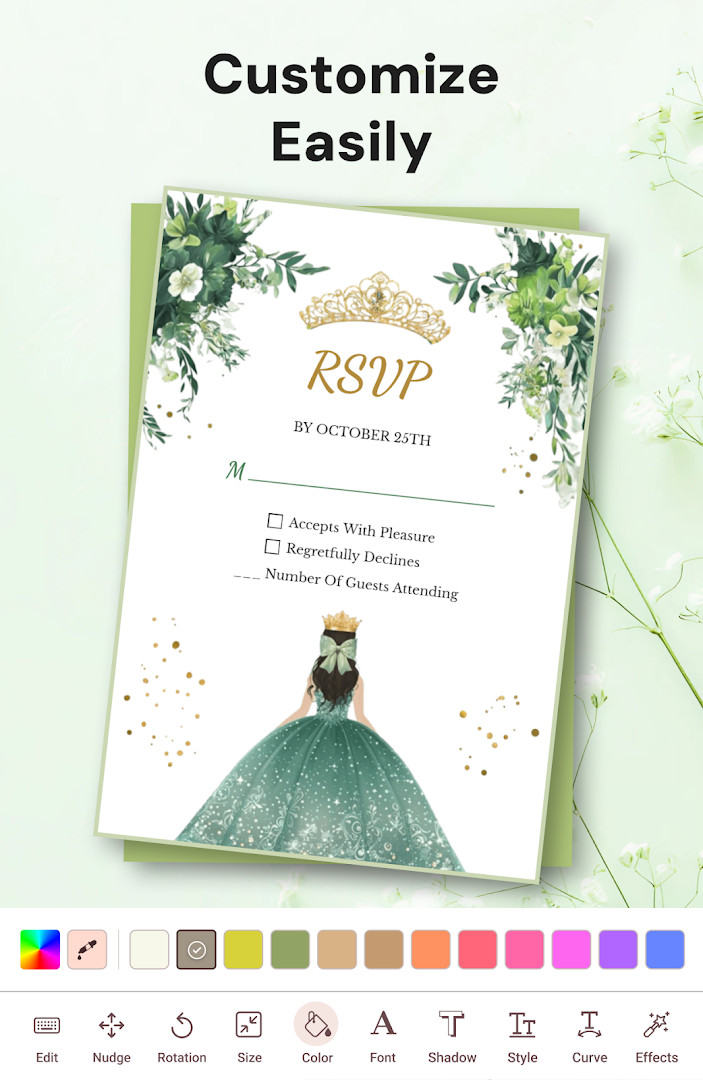

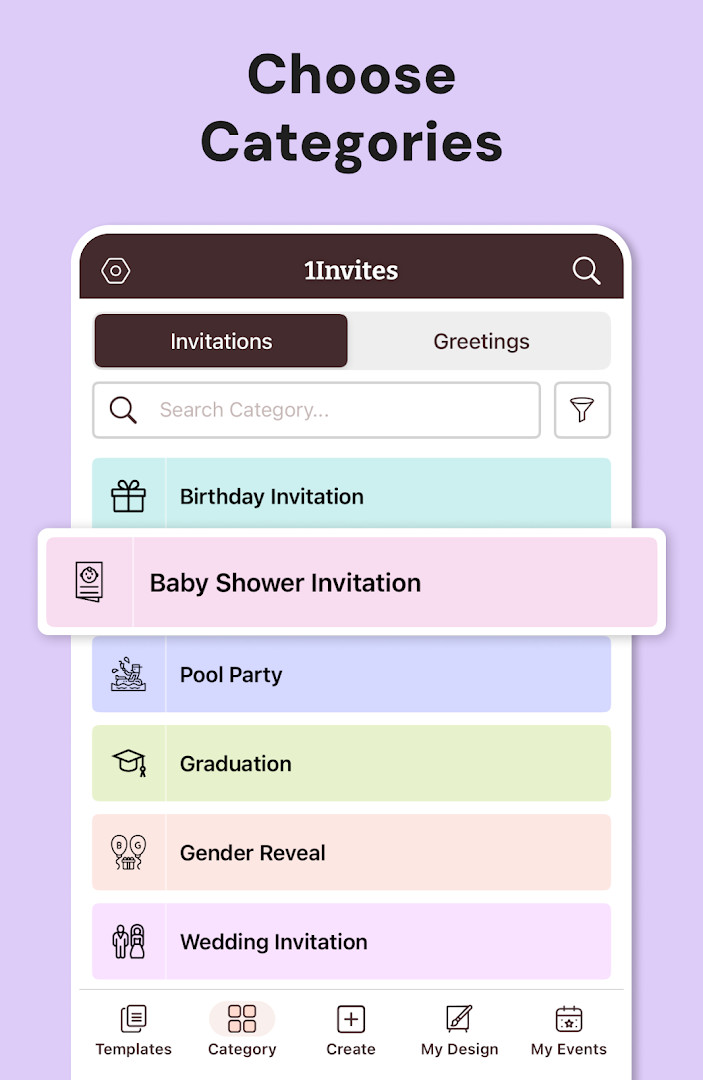

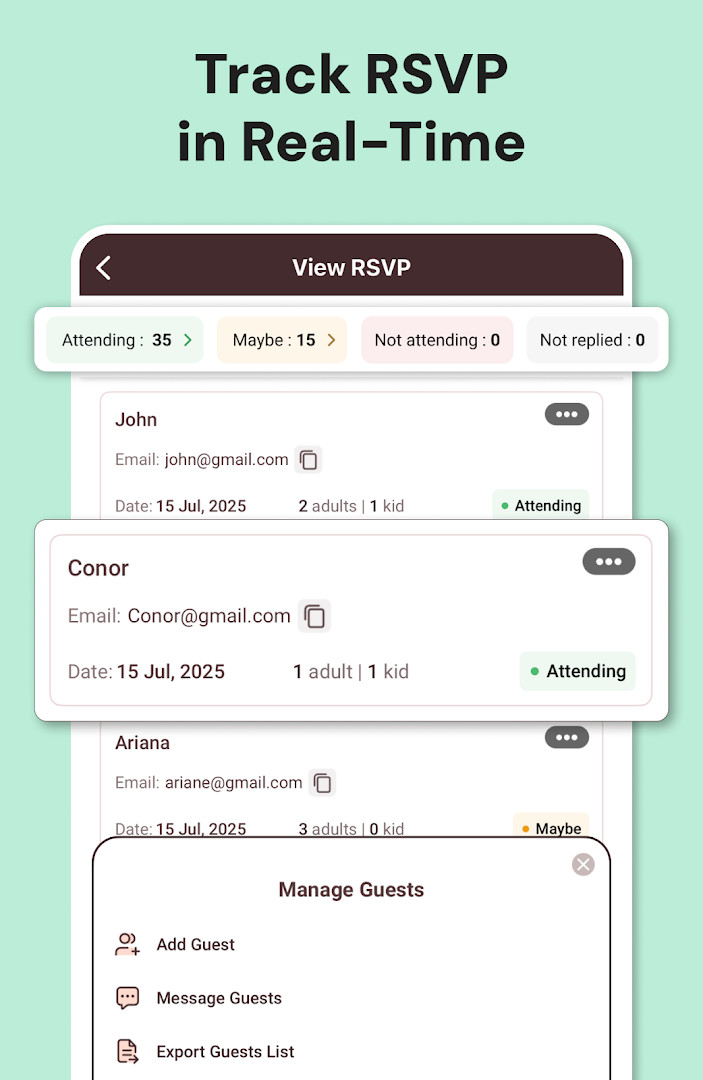


Invitation Maker: Cards + RSVP is an event-planning utility by Photo Studio & Picture Editor Lab that helps users design, send, and track invitations from a single app. The problem it addresses is the hassle of juggling separate tools for card design, guest communication, and response collection, which often leads to missed confirmations and wasted time. It solves this by combining a template-based card editor with built-in RSVP tracking, letting users personalize text, fonts, colors, and photos, then share the finished invite through messaging apps, email, or social media while monitoring who has confirmed. The app also supports adding venue details and maps links, and it can export designs as PDFs or high-resolution files for printing. With a catalog of professionally designed templates spanning birthdays, weddings, baby showers, graduations, and corporate events, it aims to remove the need for graphic design skills. The app has been available since February 2018 and was most recently updated in October 2026, with version 175.0 requiring Android 8.0 or higher. It is free to install but contains ads and offers in-app purchases for premium templates, advanced editing tools, fonts, graphics, and PDF export via a subscription that renews automatically unless canceled.
Key features
- Create invitations using thousands of professionally designed templates for occasions like birthdays, weddings, baby showers, anniversaries, graduations, and corporate events
- Customize text, fonts, colors, backgrounds, and layouts, and add your own photos and graphics with simple one-tap editing tools
- Send invitations instantly and collect RSVPs, track guest confirmations, and manage responses from one centralized dashboard
- Add event date, time, venue information, Google Maps locations, and website links so guests can find the event easily
- Share invitations via WhatsApp, email, and social media platforms directly from the app
- Export invitations as PDF files or download high-resolution cards for home or professional printing
- Manage multiple event types including engagement, bridal shower, housewarming, retirement, holiday, family, and community gatherings
How to install
- Tap the download button on this page to get the APK file; note that the file size is not specified in the available data.
- When Android prompts, allow your browser or file manager to install apps by enabling the 'Install unknown apps' setting for that source.
- Open the downloaded APK file from your notifications or file manager.
- Tap Install and wait for the process to complete; the app requires Android 8.0 or higher.
- Once installed, open Invitation Maker from your app drawer and begin creating your first invitation.
Pros
- Comprehensive RSVP management integrated directly into the invitation creation flow
- Wide variety of template categories covering personal and professional events
- Supports both digital sharing and printable PDF exports for flexibility
- No graphic design experience required, making it accessible for beginners
- Includes map and website link integration to help guests navigate to venues
- Free to install with optional premium upgrades for advanced features
Cons
- Contains ads, which may interrupt the design or sharing experience
- In-app purchases are present, and premium features require a subscription that renews automatically unless manually canceled
- Requests access to sensitive data including calendar, contacts, location, phone, camera, and storage, which may raise privacy concerns for some users
- Collects device ID and call information, and accesses Wi-Fi connection details, which goes beyond what is strictly needed for invitation creation
Recent updates · 175.0
Version 175.0 focuses on invitation creation and RSVP management. The update highlights redesigned invitation templates, faster sharing options, and improved RSVP tracking. It also positions the app as an all-in-one event manager. No other specific changes were listed.
Version history
| Version | Size | Requires Android | Updated |
|---|---|---|---|
| 175.0 | — | 8.0 | Oct 12, 2026 |
This app is suited for individuals planning personal celebrations such as birthdays, weddings, baby showers, anniversaries, or graduations, as well as for people organizing corporate events, holiday parties, or community gatherings. It is particularly useful for hosts who want to avoid hiring a designer or learning complex software, and who value a single tool to both craft visually appealing invitations and keep track of guest responses. Event planners who need to share invites across messaging apps and social media, and who also want printed copies, will find the export options helpful. The subscription-based premium tier may appeal to frequent users who need advanced editing tools and an ad-free experience, but casual users can still create basic invitations without paying.
Before subscribing to the premium tier, test the free version with a few simple invitations to see if the basic templates meet your needs. When adding guests, be mindful that the app requests access to contacts and calendar, so review what you allow. For printed cards, use the PDF export at high resolution and check your printer settings. If you plan to use the RSVP feature, set your event date and time early so responses are tracked accurately. Also, remember that any auto-renewing subscription must be canceled through your account settings before the renewal date if you no longer want it.
Permissions
FAQ
Is Invitation Maker free to download?
Yes, the app is free to download and use. It is supported by ads and offers in-app purchases, and you can start a free trial to unlock all premium features.
Which Android version do I need?
Invitation Maker requires Android 8.0 or higher. The current version is 175.0, updated on October 12, 2026.
What is the file size of the app?
The file size is not specified in the available information, so an exact download size cannot be provided.
Do I need an account to use the app?
The available information does not mention any account requirement, so you can start creating and managing invitations without signing up.
What permissions does the app request?
The app requests access to Calendar, Contacts, Location, Phone, Photos/Media/Files, Storage, Camera, Wi-Fi connection information, and Device ID & call information. These are used for features like adding event details, attaching photos, and sharing invitations.
How do I update the app?
To update, simply download the new version from this page when it becomes available. The latest listed version is 175.0, released on October 12, 2026.
Invitation Maker: Cards + RSVP offers a practical, all-in-one approach to designing, sharing, and tracking invitations, with a strong focus on template variety and RSVP convenience. However, its broad permission requests and reliance on ads and subscriptions mean users should weigh privacy and cost considerations before committing.
Similar apps



Updated: Nov 2, 2026