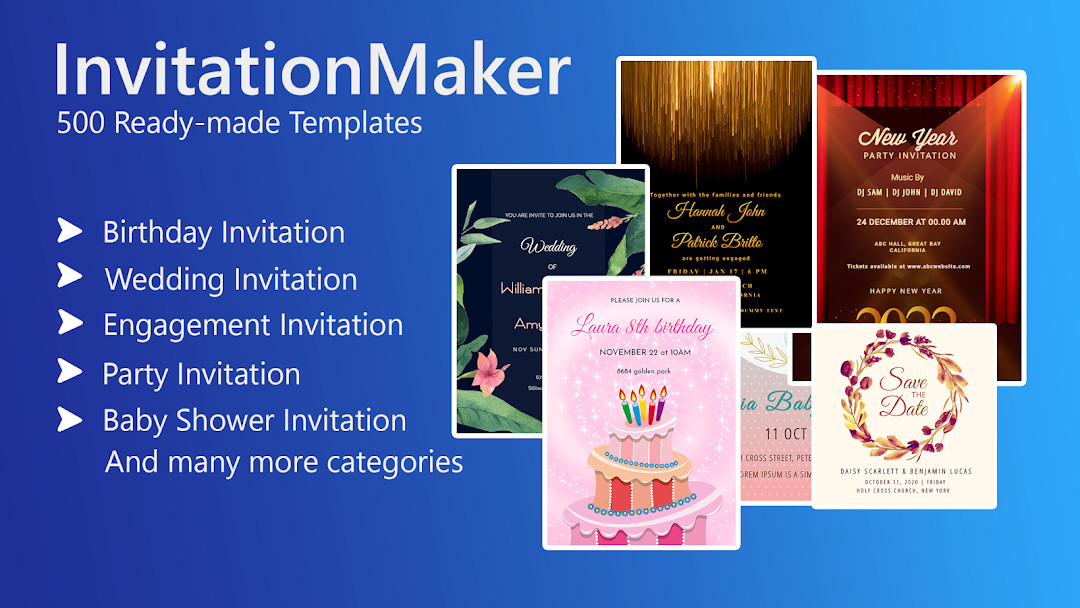

Invitation card Maker, Design for Android
Invitation card Maker, Design is an events app from Splendid App Maker for creating digital invitation and greeting cards for parties and weddings.
Get Invitation Maker · v3.3Invitation card Maker, Design helps users design personalized invitation cards for birthdays, weddings, engagements, baby showers, and other events, replacing paper invitations with digital cards. It includes over 200 ready-made templates, photo filters, stickers, and text editing tools, and lets users share cards on social networks or save them for later editing.
- Version
- 3.3
- Requires Android
- 7.0
- Updated
- Oct 30, 2025
- Installs
- 5M+
- Rating
- ★ 4.91 (53,221)
- Category
- Events
- Developer
- Splendid App Maker
- Content rating
- Everyone
- Package
- splendid.invitation.maker
- Free
- ✓ · Contains ads · In-app purchases
Screenshots
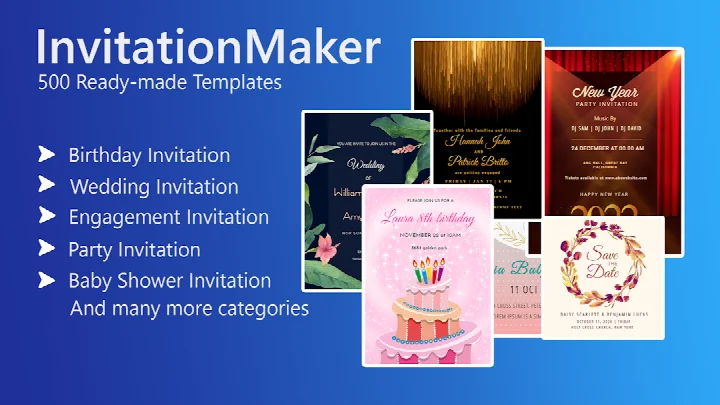

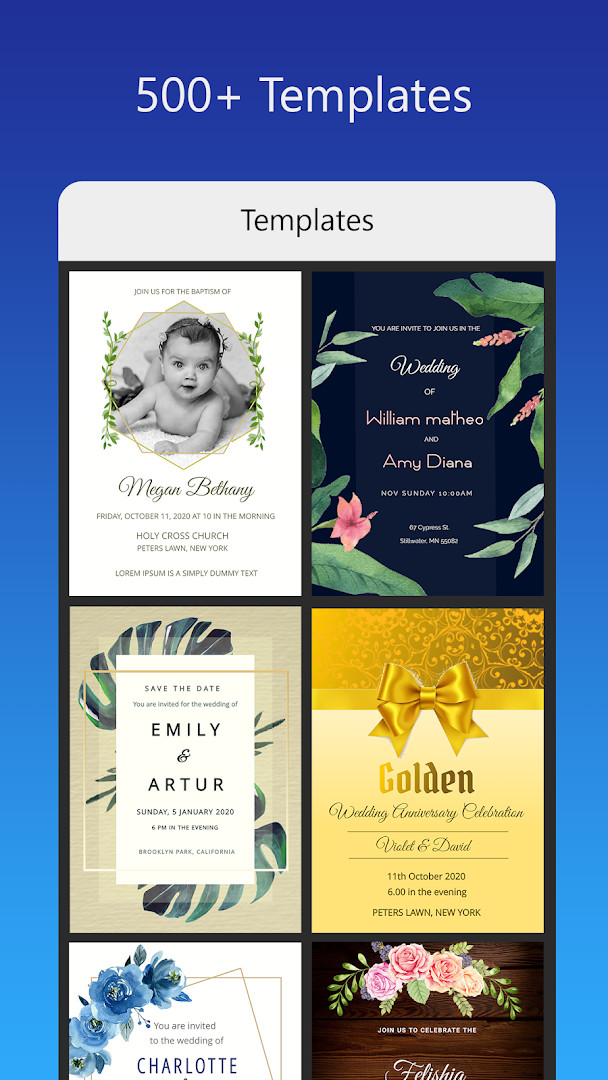
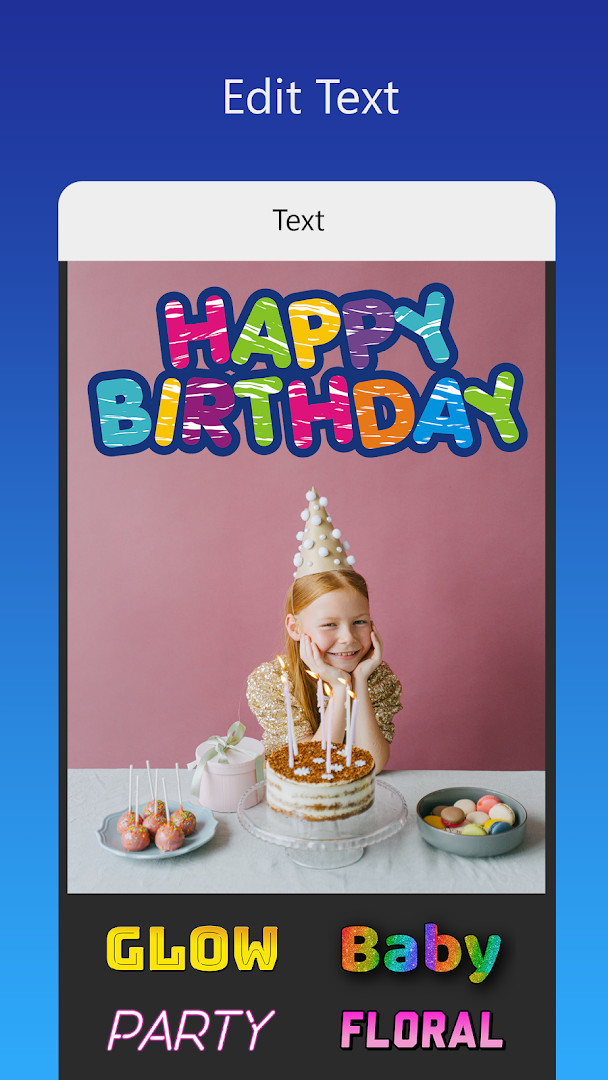
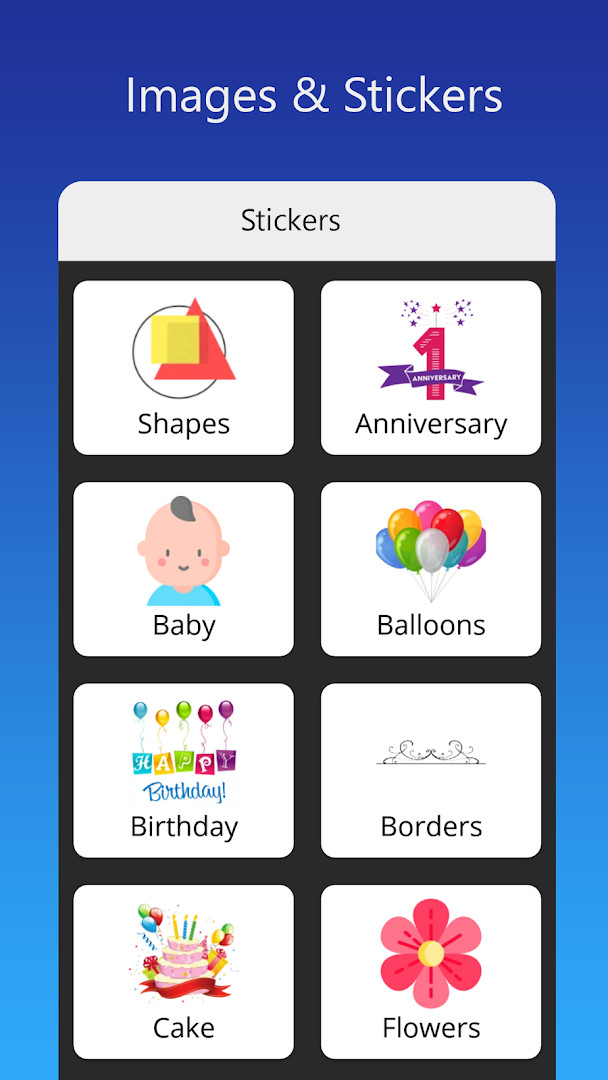
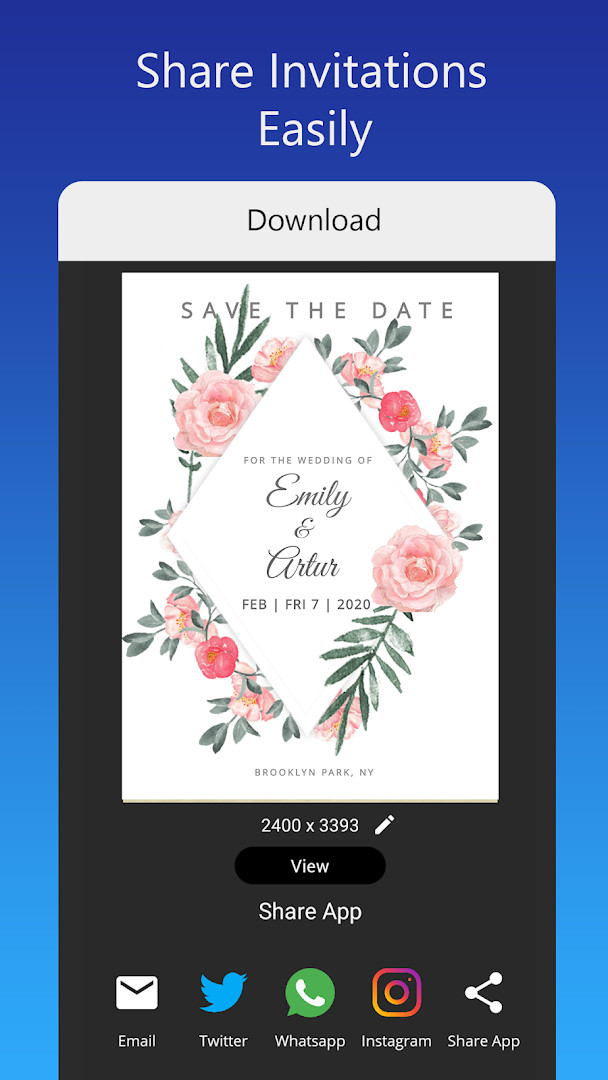
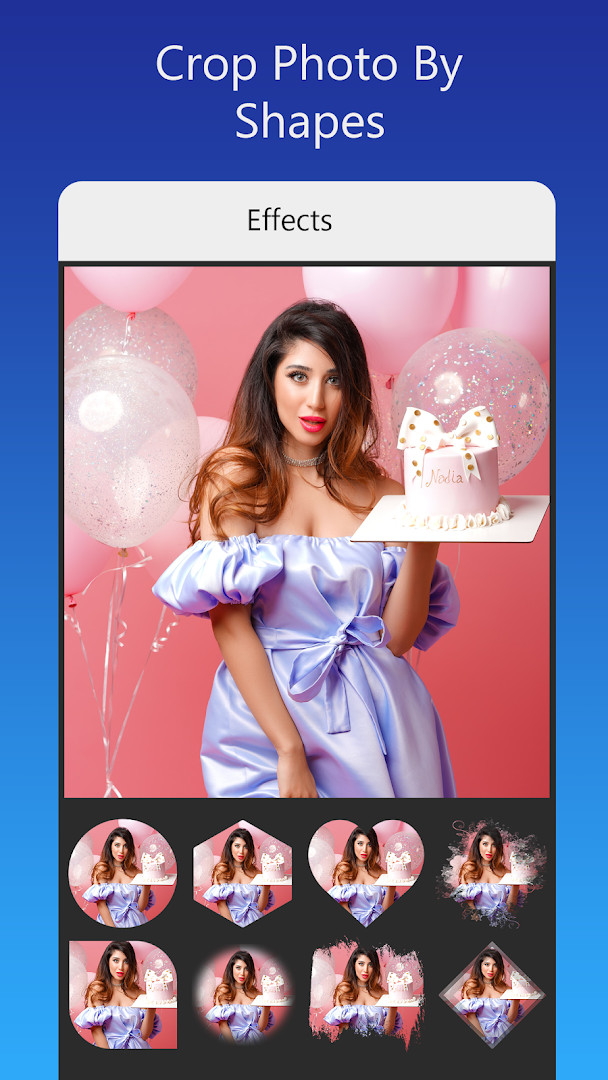
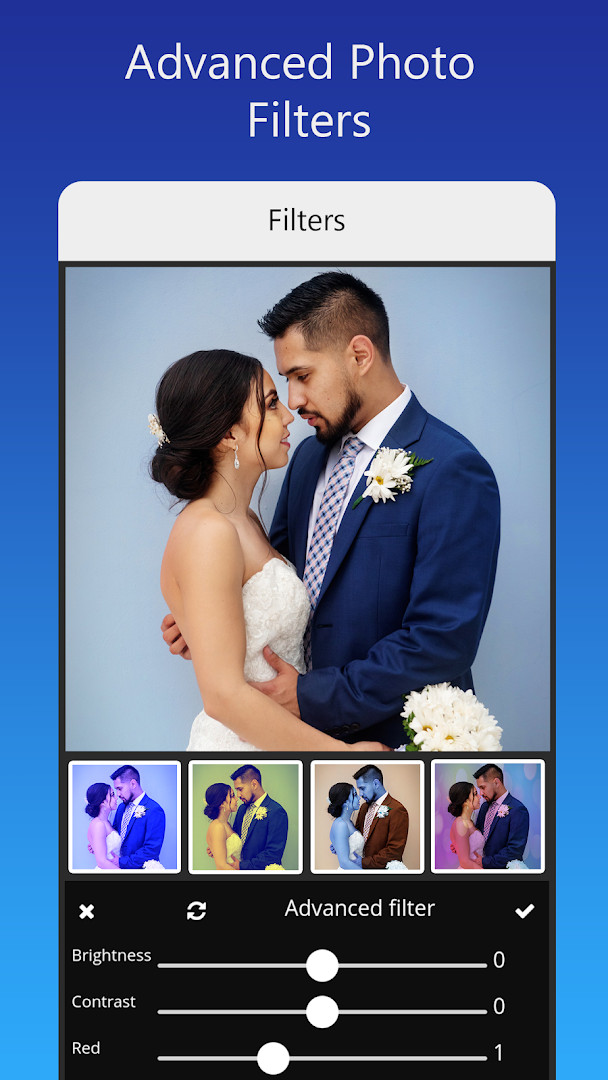
Invitation card Maker, Design is an events app by Splendid App Maker that lets you create personalized digital invitation and greeting cards. It is designed for occasions such as birthdays, weddings, engagements, anniversaries, baby showers, and other celebrations, allowing you to combine photos, text, stickers, and backgrounds into a finished card. The app is aimed at people who want a quick way to produce a polished invitation without needing graphic design skills, and it offers a range of templates and editing tools to customize the result.
The workflow is straightforward: you pick a ready-made template, replace the text and photos with your own, and then save, share, or print the card. The app includes over 200 templates, a library of backgrounds, gradient colors, photo frames, stickers, and font options, including the ability to upload your own fonts. Advanced editing features such as brightness, contrast, overlays, and crop-by-shape let you refine the look further, and you can resize the card to different dimensions.
Because the app contains ads and in-app purchases, the free version may show advertisements while you work, and some content or features might require payment. It also requests access to your device's storage and media files, which is necessary for importing your own photos and saving the finished designs. The app is rated for everyone and has been updated recently, with the latest version released in late October 2025, and it requires Android 7.0 or newer to run.
Overall, this tool is suited for individuals planning personal events, such as parents organizing a child's birthday party, couples preparing wedding or engagement invitations, or anyone wanting to send a digital greeting card. Its template-based approach makes it accessible to beginners, while the photo editing and font options provide enough depth for more customized designs.
Key features
- Over 200 ready-made invitation templates for birthdays, weddings, engagements, baby showers, and more
- Option to edit or replace text, including names, event location, and timing, with various font styles
- Ability to upload your own images and fonts, or download fonts for different languages and decorations
- One-tap image replacement without altering the overall design
- Photo filters and effects for brightness, contrast, overlay, and crop-by-shape
- Resize the invitation card to different dimensions
- Share digital invitations on social networks like Facebook, Instagram, Snapchat, WhatsApp, and Twitter
- Save invitations for future editing, and download or print the finished card
- Themes for specific events, including first birthday, gender reveal, and baby naming ceremonies
- Tools to create status updates for WhatsApp, Facebook, and Instagram
How to install
- Tap the download button on this page to get the APK file for the app. The file size is not specified, so ensure you have enough free space on your device.
- When Android prompts you, allow your browser or file manager to install apps by enabling the 'Install unknown apps' setting for that source.
- Open the downloaded APK file from your notifications or file manager.
- Tap Install when the confirmation dialog appears, and wait for the installation to finish.
- Open the app from your app drawer or home screen. Your device must be running Android 7.0 or higher to use it.
Pros
- Large collection of templates covering many event types
- Simple editing process suitable for non-designers
- Includes photo filters, overlays, and crop tools for customization
- Option to save projects for later editing
- Can share directly to popular social platforms
- Supports printing or downloading the final card
Cons
- Contains advertisements that may interrupt the experience
- Offers in-app purchases, which could limit some content unless you pay
- Requires access to storage and media files, which may be a privacy consideration for some users
Recent updates · 3.3
Version 3.3 of Invitation card Maker, Design brings a fresh set of invitation designs to choose from, expanding the library of ready-made templates for birthdays, weddings, engagements, and other events. The update keeps the app's core editing tools intact, so you can still personalize cards with photos, text, stickers, and your own fonts before sharing or printing. This release focuses on giving you more creative options to match the theme of your celebration.
Version history
| Version | Size | Requires Android | Updated |
|---|---|---|---|
| 3.3 | — | 7.0 | Oct 30, 2025 |
This app is for individuals planning personal events who want to create custom invitations or greeting cards without using professional design software. It suits parents organizing birthday parties, couples preparing wedding or engagement announcements, and anyone looking to send digital wishes for festivals or special occasions.
To get the best results, start with a template that matches your event theme, then replace the default photos and text with your own. Use the crop-by-shape tool to fit images neatly into frames, and save your project before sharing so you can make adjustments later. If you plan to print, resize the card to the appropriate dimensions before exporting.
Permissions
FAQ
Is Invitation card Maker, Design free to download and use?
Yes, the app is free to download and use, with a listed price of 0.00 USD. It does include ads and offers in-app purchases.
What Android version do I need to run this app?
The app requires Android 7.0 or higher to run. If your device runs this version or a newer one, it should be compatible.
What permissions does the app request during installation?
The app requests access to your photos, media, and files, as well as storage. These permissions are used to let you add images and save your invitation designs.
Do I need to create an account or sign in to use the app?
No account is required to use the app. You can start creating invitation cards right after installation without any sign-up process.
How do I update the app to the latest version?
To update, simply download the newest version from this page and install it over your current installation. The latest version listed is 3.3, released on 2025-10-30.
Can I use the app offline after downloading it?
The app description does not specify offline functionality. For the most reliable experience, ensure you have an internet connection when using features that may require it, such as downloading fonts or sharing cards.
Invitation card Maker, Design offers a practical way to produce personalized invitations for a variety of events, combining templates with photo and text editing tools. While it includes ads and in-app purchases, and it needs access to your storage, the app provides a flexible solution for creating and sharing digital cards quickly. For anyone who wants a simple yet customizable invitation maker, this is a reasonable choice.
Similar apps






Updated: Nov 9, 2026