
Medium: Read & Write Stories: Reading and writing platform
Medium: Read & Write Stories is a free news and magazines app by A Medium Corporation that lets you read and write stories on business, tech, and design.
Get App · v4.5.1784911207Medium: Read & Write Stories requires Android 7.0 or higher and shows no advertising, while offering in-app purchases for membership. The app was last updated in November 2026 and reports around 10 million installs with over 517,975 ratings. It targets readers and writers interested in business, technology, design, and current events.
- Version
- 4.5.1784911207
- Requires Android
- 7.0
- Updated
- Nov 20, 2026
- Installs
- 10M+
- Rating
- ★ 4.71 (517,975)
- Category
- News & Magazines
- Developer
- A Medium Corporation
- Content rating
- Teen
- Package
- com.medium.reader
- Free
- ✓ · In-app purchases
Screenshots
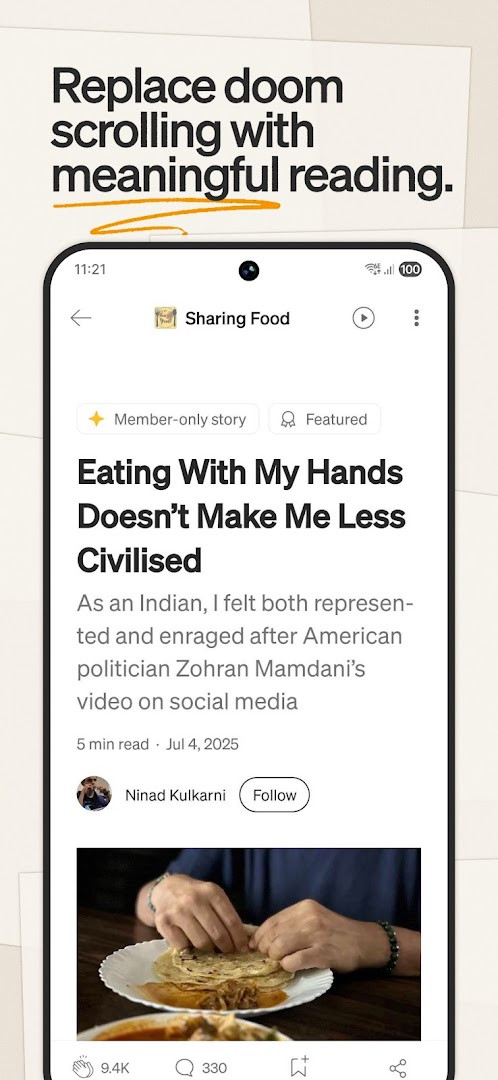
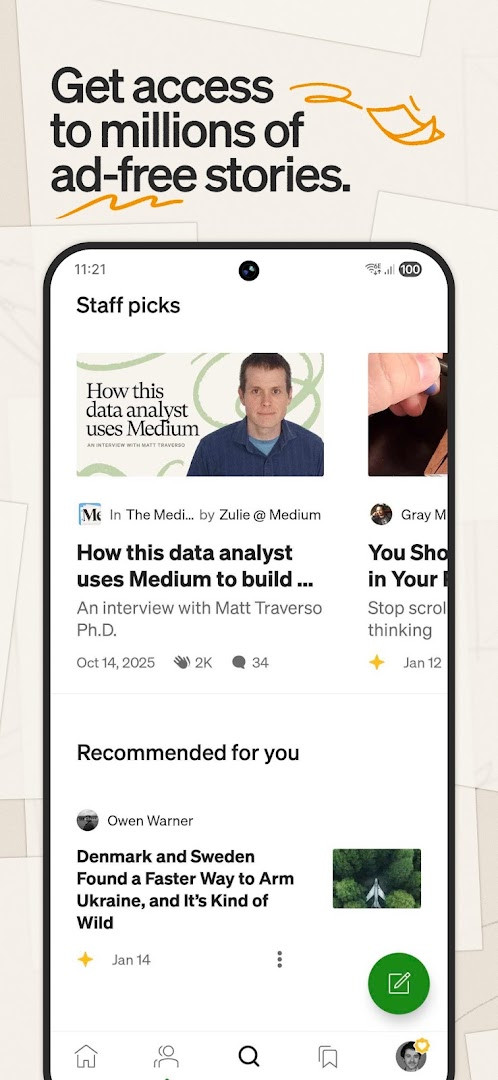
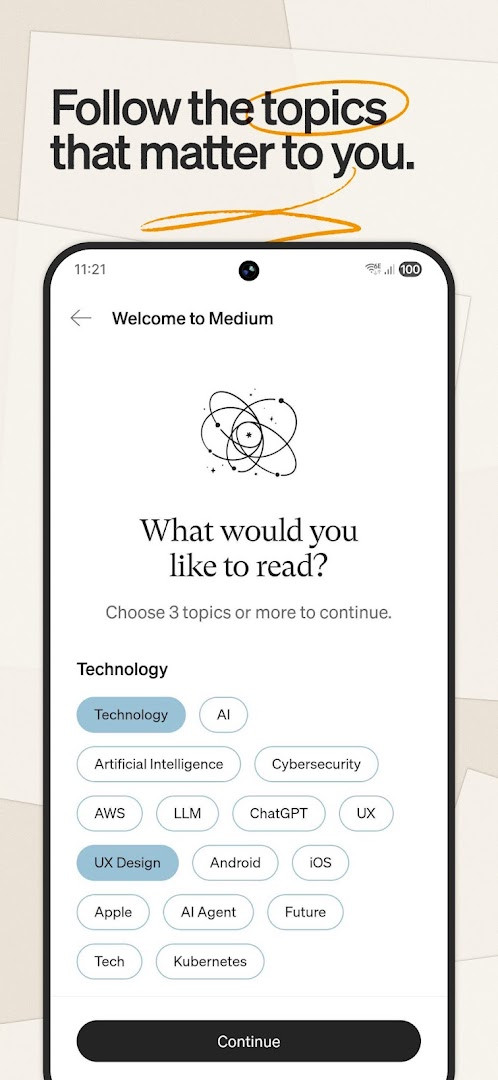
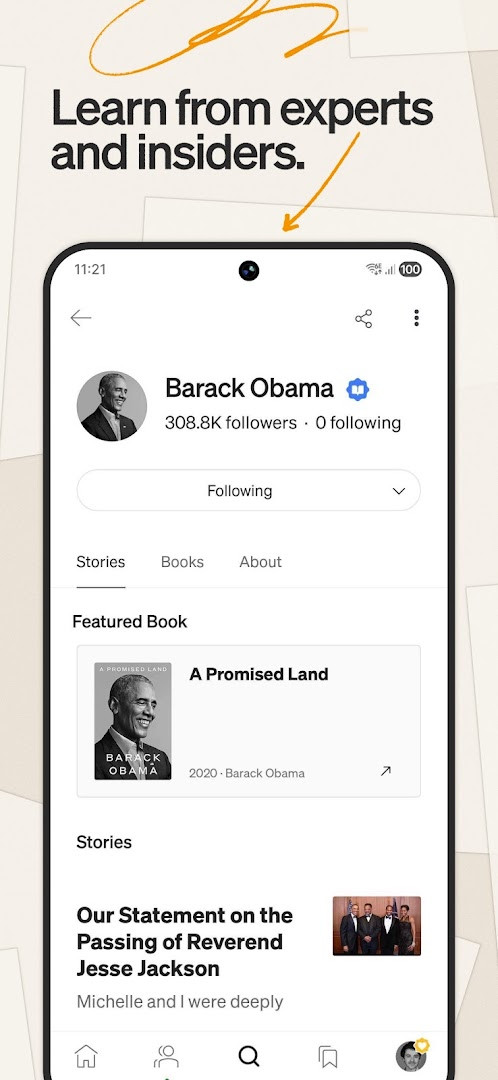
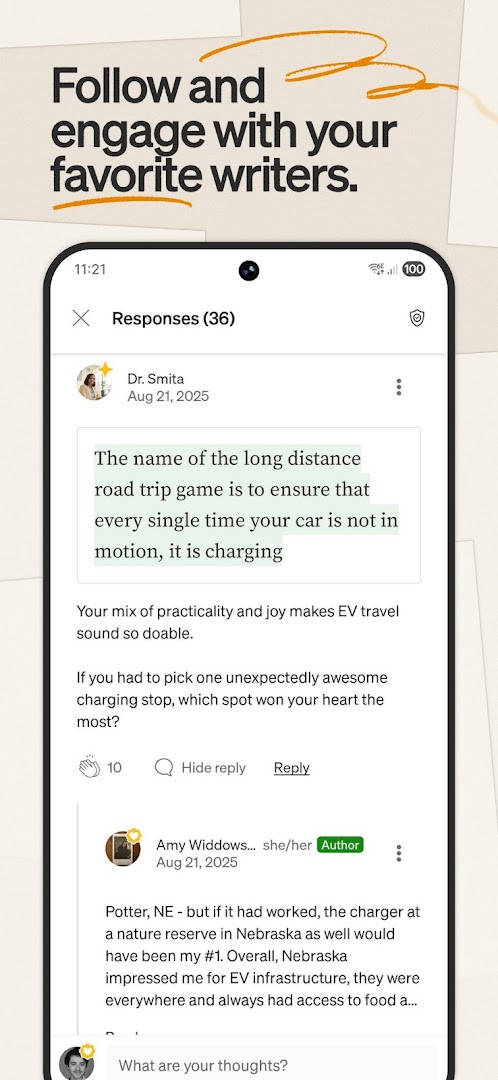
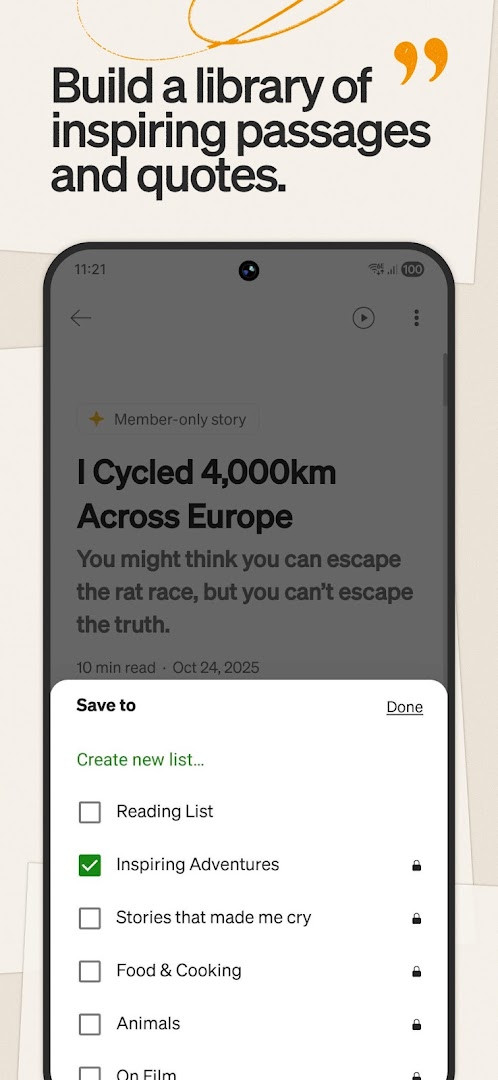
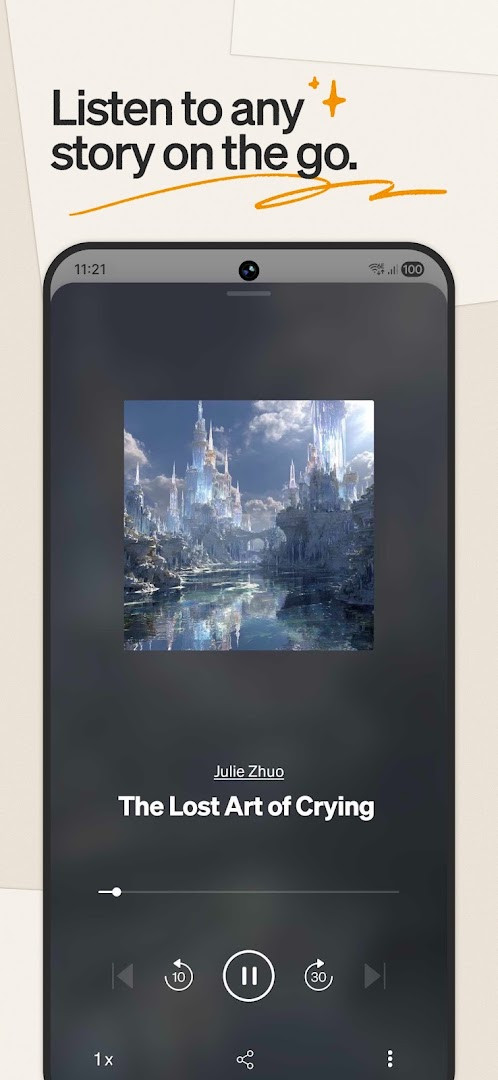
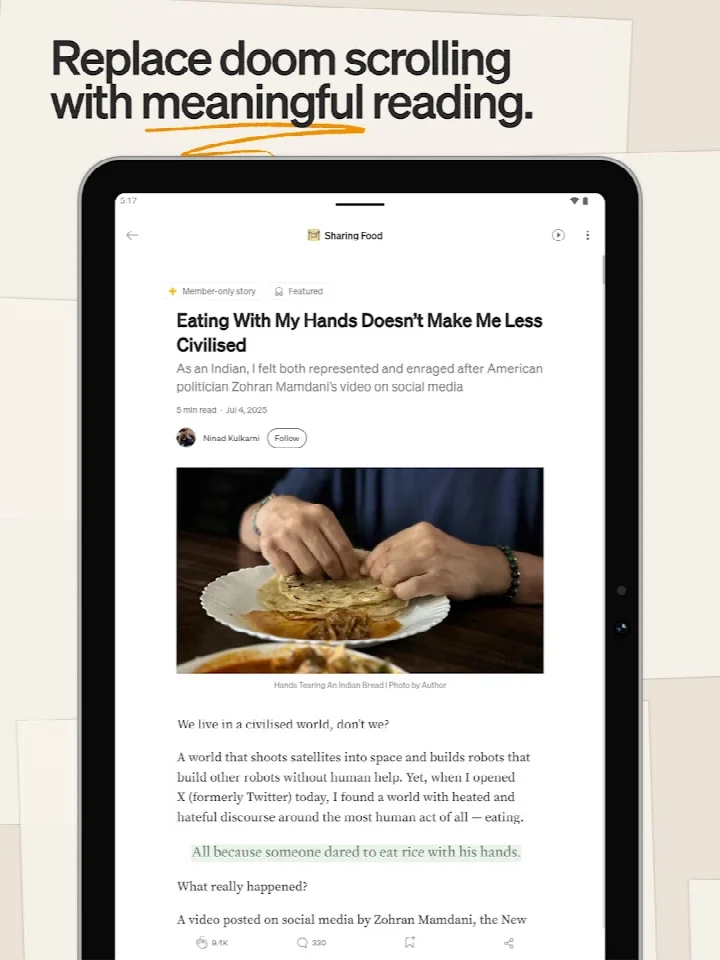
Medium: Read & Write Stories is a news and magazines app by A Medium Corporation that lets you read millions of long-form stories and publish your own writing. It addresses the challenge of finding thoughtful, in-depth content amid noisy feeds by curating expert articles on business, tech, design, and current events from a global community of writers. The app solves this with a personalized homepage, ad-free reading, and tools to highlight, bookmark, and organize stories into lists. You can follow favorite writers and publications, receive tailored recommendations, and engage through claps and comments. Audio versions of any story support listening during commutes or workouts, while a minimal interface with light and dark modes keeps focus on the text. For creators, the built-in editor syncs drafts across devices, and the optional Partner Program offers a path to earn from writing. A membership unlocks unlimited access and directly supports authors, with subscription renewals managed in-app.
Key features
- Explore millions of ad-free stories from expert writers and independent voices
- Highlight passages, bookmark stories, and create lists to build a personal knowledge base
- Follow favorite writers and publications to get personalized recommendations
- Clap for stories and join conversations in the comments section
- Listen to audio versions of any story while commuting, exercising, or multitasking
- Opt in to receive exclusive newsletters delivered to your inbox
- Switch easily between light and dark modes for a distraction-free reading experience
- Publish your own stories, grow your audience, and join the Medium Partner Program to earn from writing
How to install
- Tap the download button on this page to get the APK file.
- When Android asks, allow your browser or file manager to install apps by enabling the 'Install unknown apps' setting.
- Open the downloaded APK file from your notifications or file manager.
- Tap Install and wait for the process to complete.
- Open the app and sign in or create an account to start reading and writing.
Pros
- No ads interrupt the reading experience
- Audio playback for hands-free reading on the go
- Robust tools for highlighting, bookmarking, and list-making
- Personalized feed based on your interests and follows
- Cross-device sync for drafts and reading lists
Cons
- In-app purchases for membership may be required for unlimited access
- Requests permissions for contacts, photos, media, and storage
- Content may be overwhelming for those seeking short, quick reads
Recent updates · 4.5.1784911207
This update brings general improvements and bug fixes to enhance your overall Medium experience. Enjoy a smoother, more polished app as you read and write stories.
Version history
| Version | Size | Requires Android | Updated |
|---|---|---|---|
| 4.5.1784911207 | — | 7.0 | Nov 20, 2026 |
| 4.5.1784911134 | — | 7.0 | Nov 9, 2026 |
| 4.5.1784911033 | — | 7.0 | Oct 30, 2026 |
| 4.5.1784911063 | — | 7.0 | Oct 30, 2026 |
| 4.5.1784910928 | — | 7.0 | Oct 23, 2026 |
| 4.5.1784910815 | — | 7.0 | Oct 16, 2026 |
| 3.6.6267 | 17 MB | 4.1 | Jul 15, 2026 |
This app suits curious readers who want to dive deep into well-researched articles on business, technology, design, and current events. It is equally valuable for writers looking to publish their work, build an audience, and potentially earn through the Partner Program. Professionals, students, and lifelong learners will appreciate the personalized recommendations and knowledge-building features like highlights and lists. Those who prefer listening over reading can benefit from audio versions, while commuters and multitaskers will find it convenient. If you enjoy thoughtful commentary and community discussion, this platform offers a space to engage meaningfully.
To get the most out of Medium, start by following a few writers and publications in your field of interest, then use the highlight and bookmark features to create a reference library. Enable audio playback for long articles during your commute, and consider the membership only if you read frequently and want unlimited access. Regularly clap and comment to refine your recommendations over time.
Permissions
FAQ
How do I install the APK on my Android device?
To install the APK, enable installation from unknown sources in your device settings, then open the downloaded file and confirm the install prompt. The app requires Android 7.0 or newer.
What is the current version and when was it released?
The current version is 4.5.1784911207, released on November 20, 2026. It includes improvements and bug fixes.
Does the app contain ads or require purchases?
The app is free to download and contains no ads. It does offer in-app purchases, such as a membership subscription for unlimited access, which auto-renews unless canceled.
Can I read stories offline?
The app description does not mention offline reading. It does offer audio versions of stories for listening while commuting or multitasking, but offline access is not specified.
Are there other apps in the News & Magazines category?
Yes, there are other apps in the News & Magazines category that offer reading experiences. You can explore similar apps that focus on articles, long-form content, or curated news.
What Android version do I need to run the app?
You need Android 7.0 or higher to run the app. It supports smartphones, tablets, and desktop, and you can switch between light and dark modes.
Medium: Read & Write Stories offers a polished, ad-free environment for both consuming and creating long-form content. It is a practical choice for readers and writers who value depth, personalization, and flexible listening options.
Similar apps
 Magazine Lockscreen XOSTranssion Holdings3.8
 News Suite by SonySony Group Corporation4.0
 Hindi News by Dainik BhaskarDainik Bhaskar Group4.1
 Opera News: breaking & localOpera4.5
 ZINIO - Magazine NewsstandZINIO4.3
 CNN: Live & Breaking NewsCNN4.2
 NewsBreak: Local News & AlertsParticle Media Inc.4.6
 SmartNews: Local Breaking NewsSmartNews, Inc.3.8
Updated: Nov 24, 2026