Trust: Crypto & Bitcoin Wallet — Buy, Sell, Swap
Trust: Crypto & Bitcoin Wallet is a free wallet by DApps Platform, Inc. that lets you manage 100+ blockchains and 10M+ assets securely.
Get Wallet · v26.45.8Trust: Crypto & Bitcoin Wallet has no ads and no in-app purchases, with a content rating of Everyone and a minimum Android version of 9. The app was released on 2017-10-25, updated on 2026-11-08, and requires permissions for location, phone, storage, camera, and microphone.
- Version
- 26.45.8
- Requires Android
- 9
- Updated
- Nov 8, 2026
- Installs
- 50M+
- Rating
- ★ 4.49 (2,581,989)
- Category
- Finance
- Developer
- DApps Platform, Inc.
- Content rating
- Everyone
- Package
- com.wallet.crypto.trustapp
- Free
- ✓
Screenshots
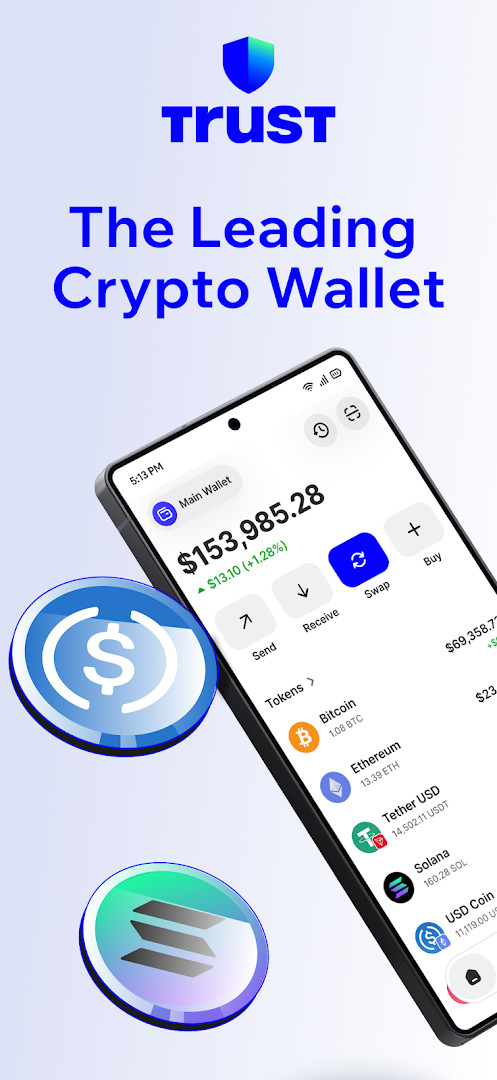
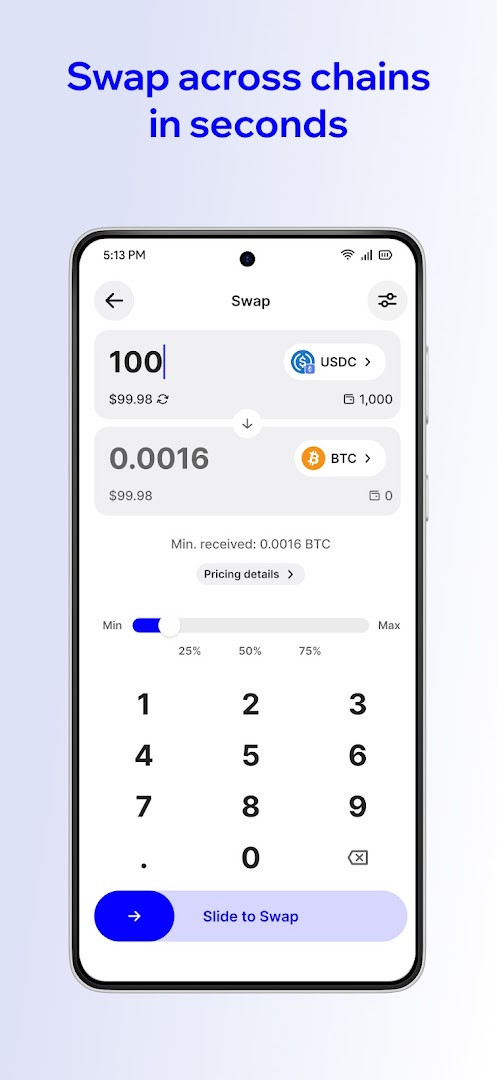
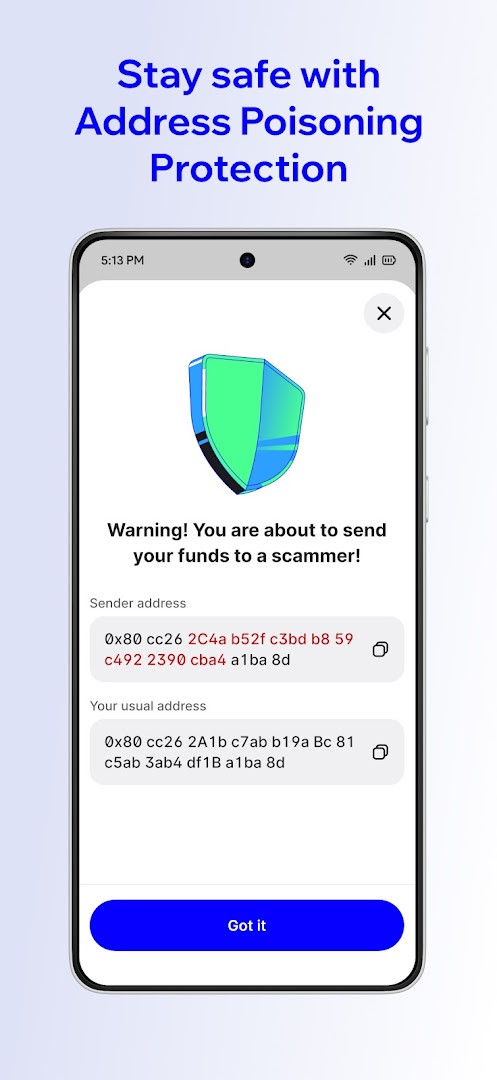
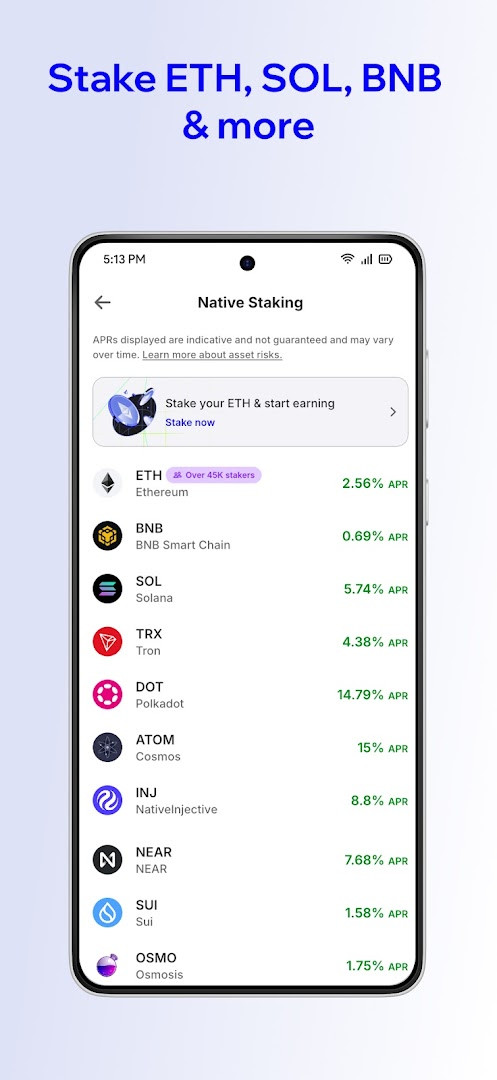
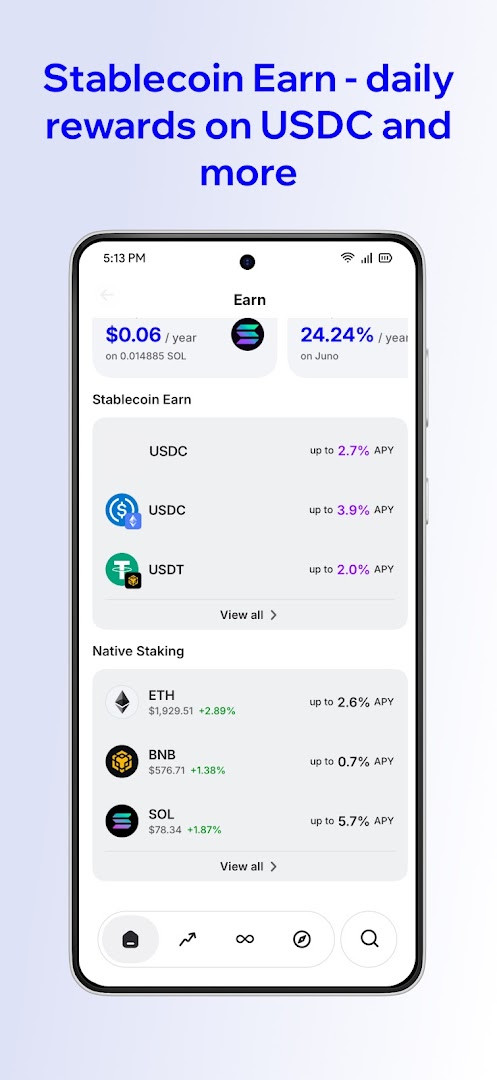
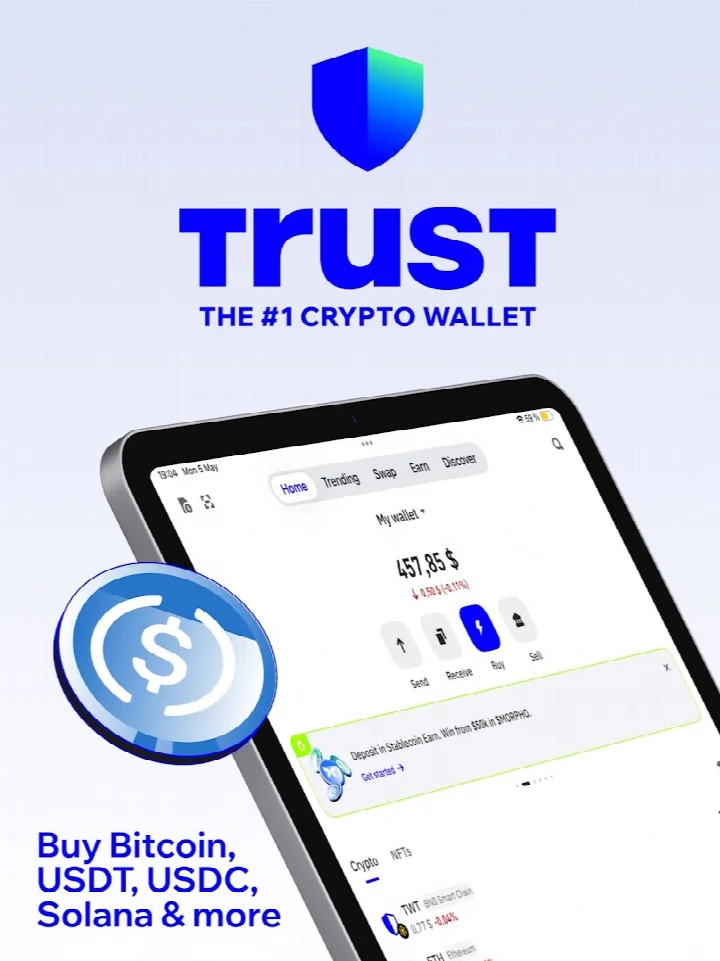
Trust: Crypto & Bitcoin Wallet is a finance app by DApps Platform, Inc. that provides a self-custody multi-chain wallet for managing digital assets. It lets you buy, sell, swap, send, store, and earn across more than 100 blockchains and over 10 million tokens, including Bitcoin, Ethereum, Solana, and stablecoins. The app is designed for both newcomers and experienced users, with an integrated dApp browser, NFT management, and staking options.
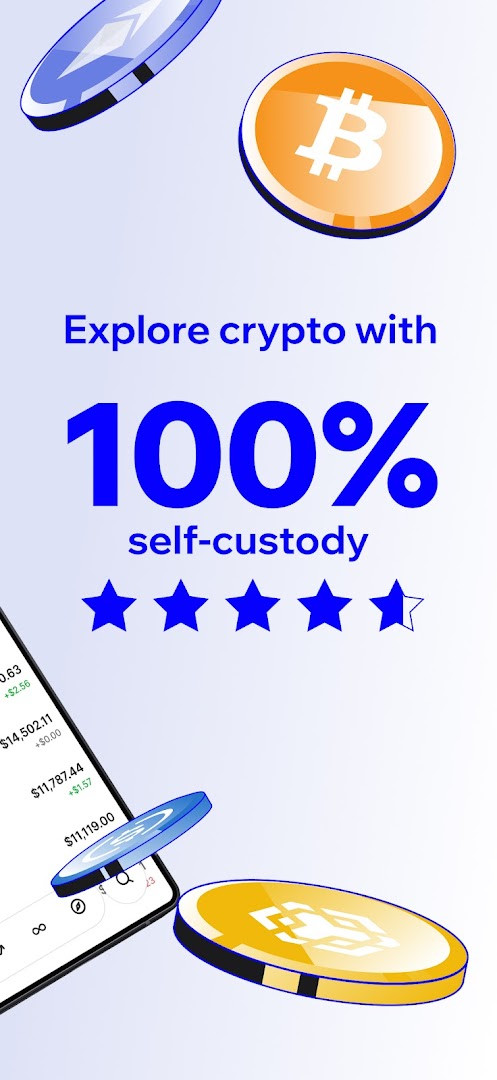
A core principle is that you retain full control of your private keys, which are stored on your device and encrypted. The developer states that no personal data is collected and that funds cannot be frozen or accessed by third parties. This self-custody approach means the app acts as a gateway to Web3 rather than a custodian of your assets.
The app supports a wide range of activities, from buying crypto with a card or bank transfer to swapping tokens across chains and earning rewards on staked assets. It also includes tools for tax reporting and integrations with payment services for easier deposits. With over 200 million users, it aims to serve anyone interested in holding or transacting in cryptocurrency, from first-time buyers to advanced DeFi participants.
Key features
- Self-custody wallet: private keys stored on device and encrypted using AES
- Supports 100+ blockchains and 10M+ assets, including BTC, ETH, SOL, BNB, USDT, USDC, XRP, ADA, SUI, AVAX, TRON, and DOGE
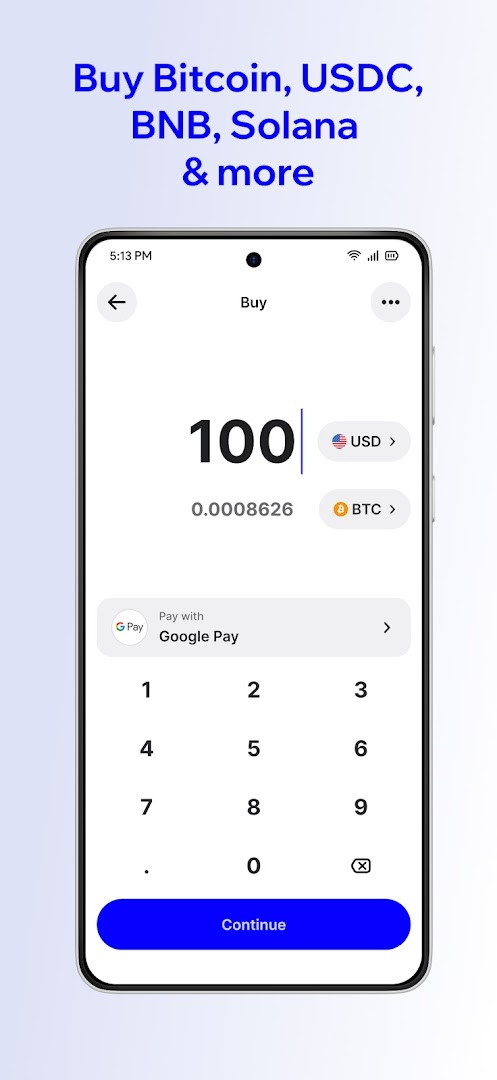
- Buy crypto with card, bank transfer, or Google Pay; swap 10M+ tokens across chains in one tap
- Manage NFTs across multiple chains in one place
- Stake ETH, SOL, BNB, TRX, and more to earn rewards
- Earn daily rewards on stablecoins like USDT, USDC, DAI, and USDA with self-custodial, withdrawable balances
- dApp Browser with smart network auto-detect for DeFi, NFT marketplaces, Web3 games, and the metaverse
- Optional in-app tax reporting tools and integrations like Coinbase Pay and Binance Pay for deposits
- Add custom tokens, watch addresses, and adjust RPC nodes
- Cross-device use with desktop extension import capability
How to install
- Tap the download button on this page to get the APK file for version 26.45.8. The file size is not specified, so ensure you have enough free space on your device.
- When Android prompts you, allow your browser or file manager to install apps by enabling the 'Install unknown apps' setting for that app.
- Open the downloaded APK file from your notifications or file manager.
- Tap 'Install' when the system dialog appears, and wait for the installation to complete.
- Open the app from your home screen or app drawer. The app requires Android 9 or higher, so confirm your device meets this minimum version before proceeding.
- If you already have the desktop extension, you can import your wallet to pick up where you left off.
Pros
- No ads and no in-app purchases; the app is free to use
- Supports a massive range of blockchains and assets, making it versatile for multi-chain users
- Self-custody design means you control your private keys and funds
- Staking and stablecoin earning options allow you to generate rewards
- Includes a dApp browser for accessing Web3 services
- No personal data collected, according to the developer
Cons
- Requests several permissions, including Location, Phone, Photos/Media/Files, Storage, Camera, Microphone, and Device ID & call information, which may raise privacy concerns
- The broad permission list might be more than some users are comfortable with, even if features like camera and microphone are used for scanning or QR codes
- As a self-custody wallet, you bear full responsibility for your private keys; losing them means losing access to funds
Recent updates · 26.45.8
Version 26.45.8 introduces Stablecoin Earn, letting you put assets like USDT, USDC, USDA, and DAI to work through transparent, self-custodial onchain protocols with competitive real-time rewards and the flexibility to withdraw anytime. This release also smooths out sending and receiving, improves navigation and keyboard handling, and delivers more seamless crypto purchases with better quotes and payment options. Several stability issues were resolved, including a critical fix to help keep wallets safe, along with general performance and polish improvements.
Version history
| Version | Size | Requires Android | Updated |
|---|---|---|---|
| 26.45.8 | — | 9 | Nov 8, 2026 |
| 26.41.13 | — | 9 | Oct 13, 2026 |
Trust Wallet is for anyone who wants to hold, buy, sell, swap, or earn with cryptocurrency while maintaining control of their own keys. It suits both beginners looking for an easy entry point and power users who need multi-chain support, NFT management, and access to Web3 dApps.
Before installing, review the app's permission requests and consider denying any that you don't need for your intended use, such as microphone or location, to minimize data exposure. Always back up your recovery phrase in a secure, offline location, and test the app with a small transaction first if you are new to self-custody wallets.
Permissions
FAQ
How many blockchains and digital assets does Trust Wallet support?
Trust Wallet supports more than 100 blockchains and over 10 million digital assets, including BTC, ETH, SOL, BNB, USDT, USDC, XRP, ADA, SUI, AVAX, TRON, and DOGE.
What does self-custody mean in Trust Wallet and how are private keys protected?
Self-custody means you control your private keys, which are stored on your device and encrypted using AES. According to the app's description, no one can freeze or access your funds, and no personal data is collected.
Which assets can I stake or earn rewards on within Trust Wallet?
You can stake ETH, SOL, BNB, TRX, and more to earn rewards. Additionally, you can earn daily rewards on stablecoins such as USDT, USDC, DAI, and USDA through self-custodial, onchain protocols, with the ability to withdraw anytime.
What payment methods are available for buying crypto in Trust Wallet?
You can buy crypto using a card, bank transfer, or Google Pay. The app also supports integrations like Coinbase Pay and Binance Pay for easy crypto deposits.
What is the current version of Trust Wallet and when was it last updated?
The current version is 26.45.8, updated on 2026-11-08. The previous version was 26.41.13, released on 2026-10-13.
Does Trust Wallet support NFTs and Web3 dApps?
Yes, Trust Wallet allows you to manage NFTs across chains in one place and includes a dApp Browser with smart network auto-detect, so you can connect to DeFi, NFT marketplaces, Web3 games, and the metaverse.
Trust: Crypto & Bitcoin Wallet offers a comprehensive, self-custody solution for managing digital assets across many blockchains. Its broad asset support and earning features make it a practical choice, though you should weigh the app's permission requests against your privacy preferences. Overall, it delivers a feature-rich wallet experience for both newcomers and experienced users.
Similar apps
 Google WalletGoogle LLC4.3
 PayPal - Pay, Send, SavePayPal Mobile4.2
 FinShell PayM-Kash India Financial Solutions Private Limited
 bKashbKash Limited4.3
 Cash AppBlock, Inc.4.7
 easypaisa – a digital bankEasypaisa Bank Limited4.6
 Inter Banking & Money TransferBanco Inter SA4.4
 Mercado Pago: cuenta digitalMercado Libre4.8
Updated: Nov 16, 2026