Cash App: Finance App
Cash App is a finance app by Block, Inc. that lets you send money, bank, invest, and buy bitcoin from your phone.
Download Cash App · v5.72.0Cash App lets you send money instantly for free, get paid up to two days early with direct deposit, and buy stocks or bitcoin with as little as one dollar. It is free to download and includes ads, requires Android 10 or higher, and has a download size not specified in the available data.
- Version
- 5.72.0
- Requires Android
- 10
- Updated
- Oct 9, 2026
- Installs
- 100M+
- Rating
- ★ 4.71 (4,489,524)
- Category
- Finance
- Developer
- Block, Inc.
- Content rating
- Everyone
- Package
- com.squareup.cash
- Free
- ✓ · Contains ads
Screenshots
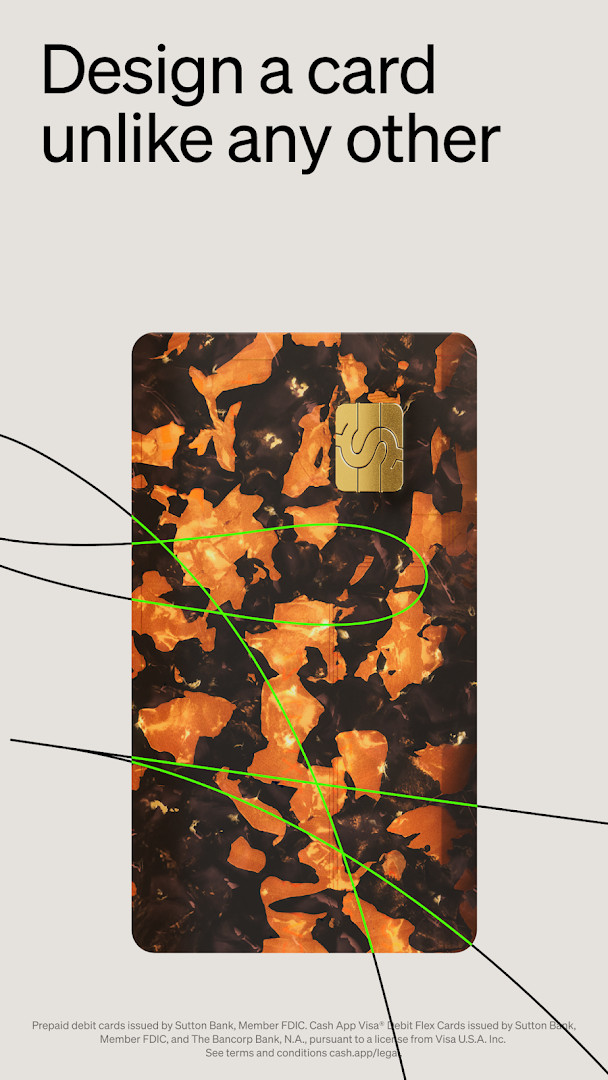
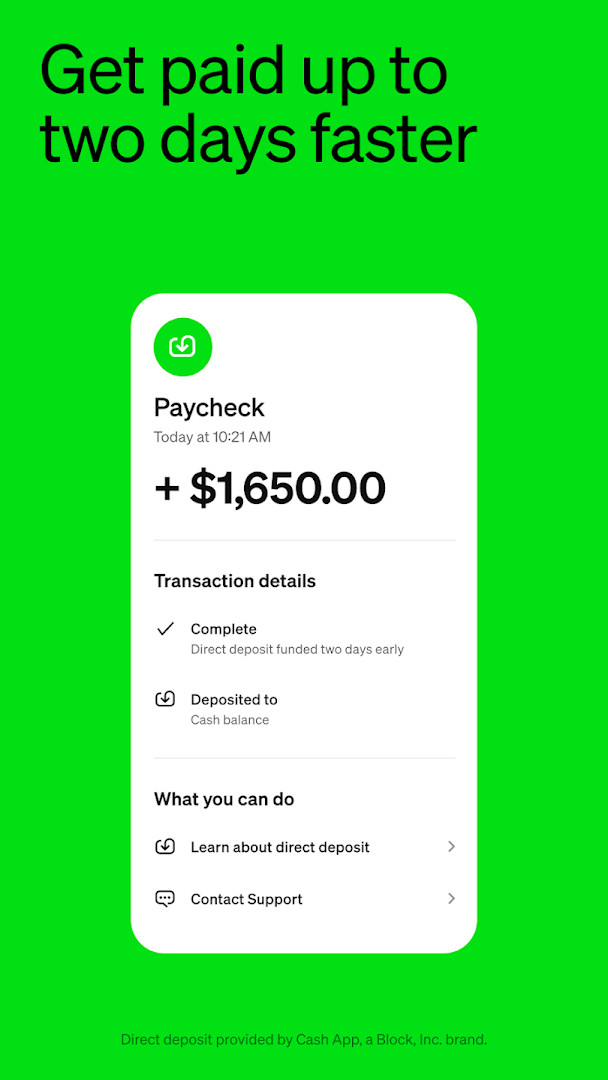
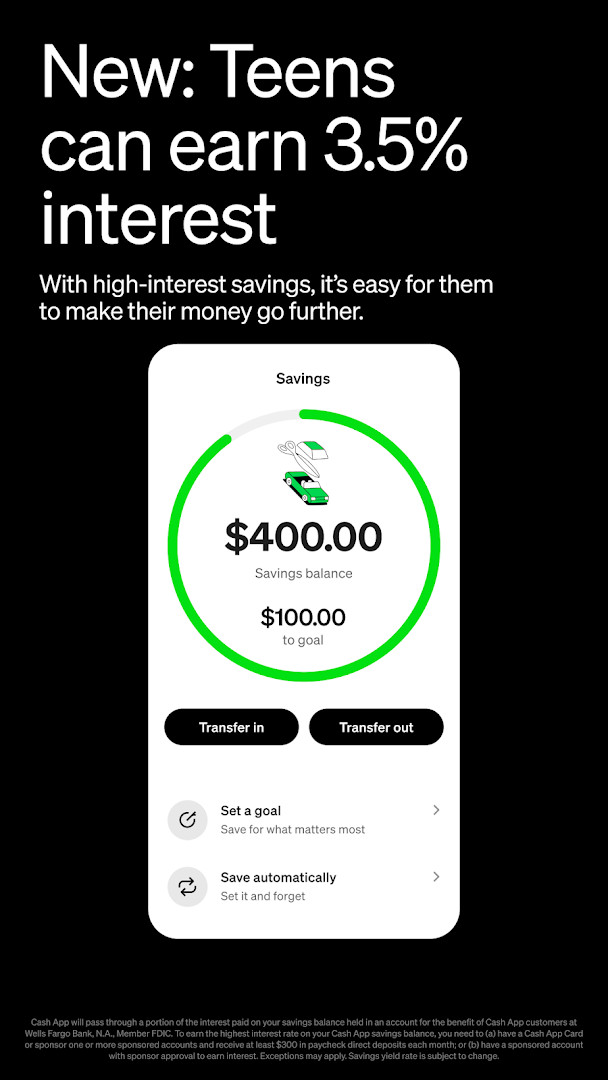
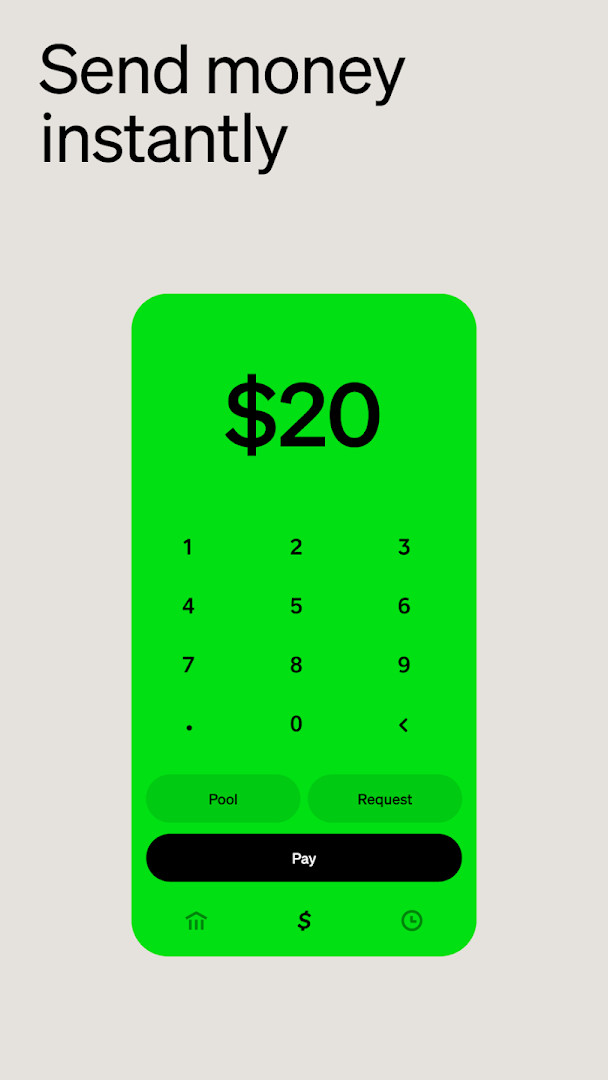
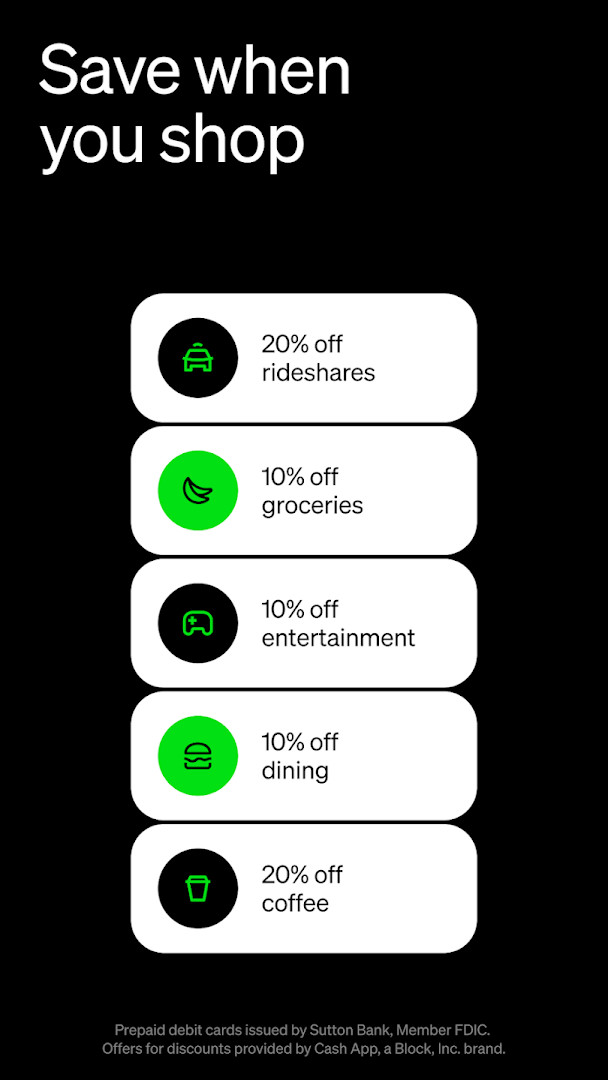
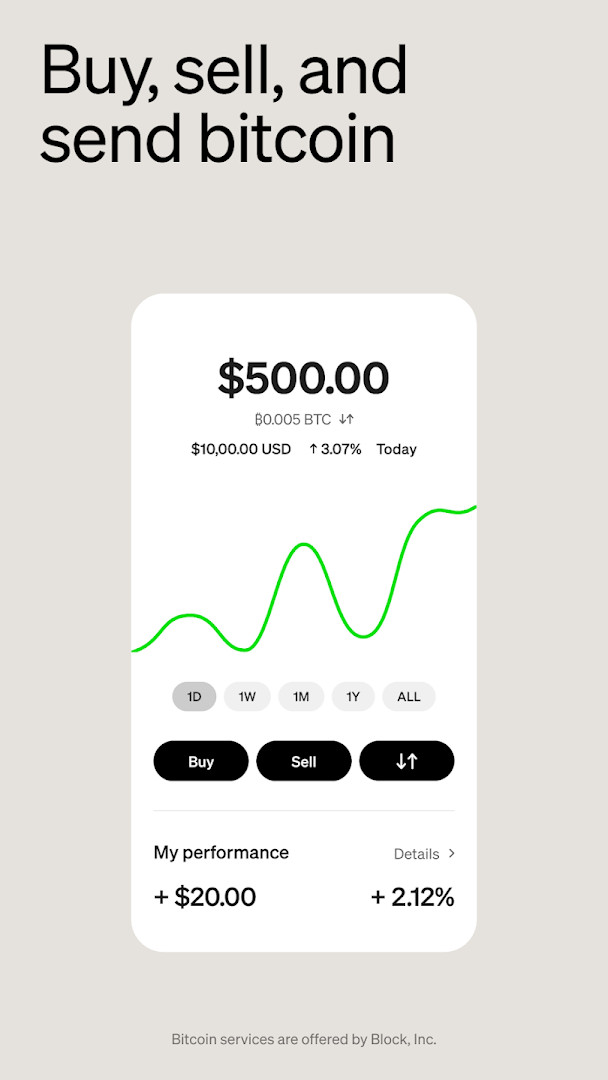
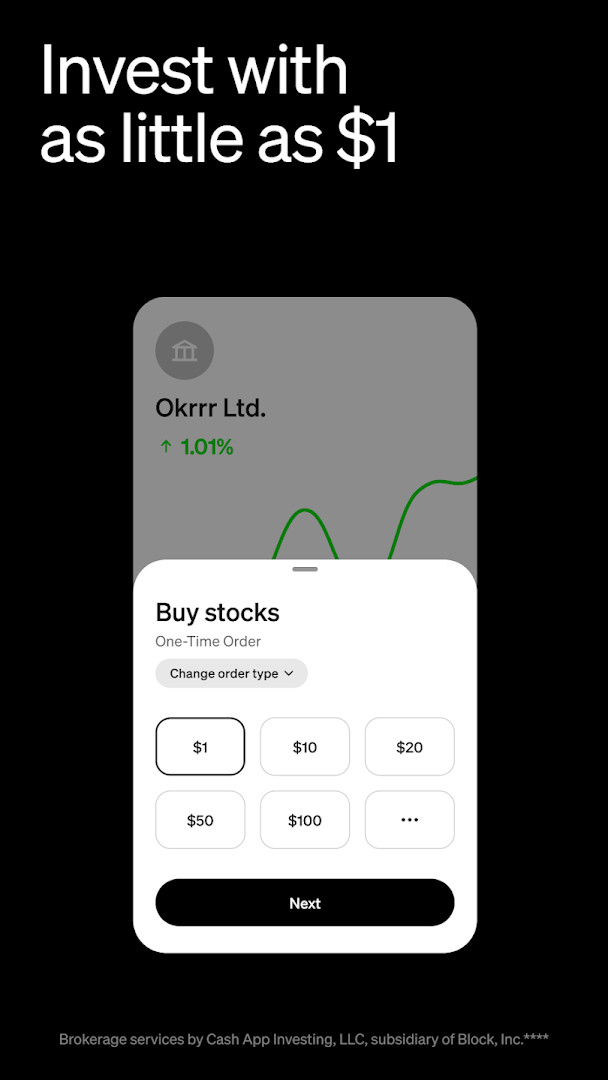
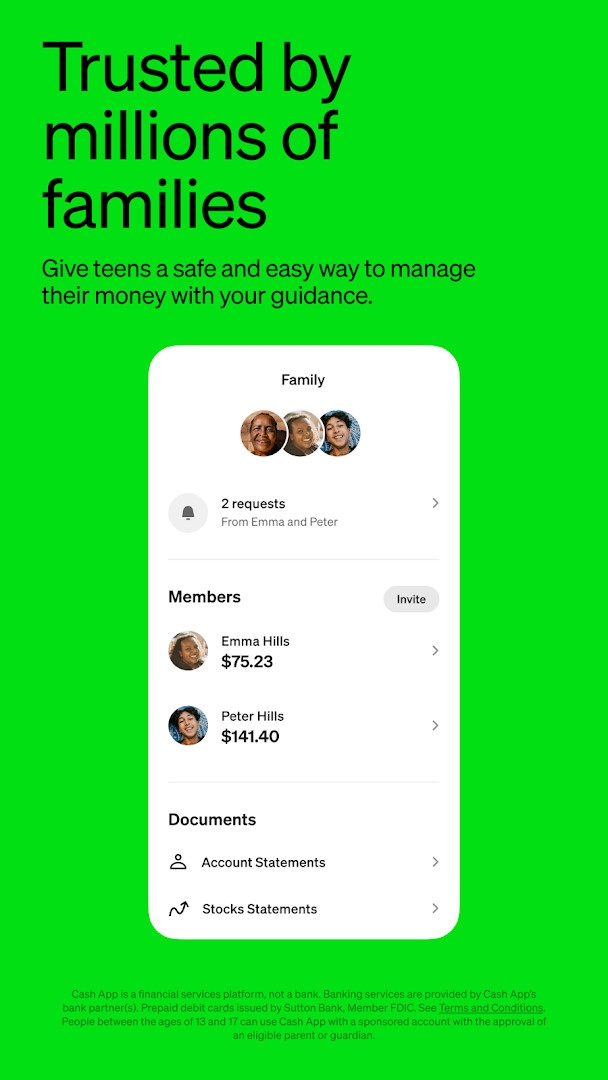
Cash App is a finance app by Block, Inc. that lets people send, spend, save, and invest money from a phone. It addresses the problem of moving money between people and managing everyday finances without visiting a bank branch or writing checks. Instead of cash or slow transfers, users link their accounts and send funds using a phone number, email address, $cashtag, or QR code. The app also bundles saving, stock and bitcoin activity, a debit card, and optional banking-style tools in one place, so a beginner can handle several money tasks from a single interface. It has been available since 2013 and is free to download.
Key features
- Peer-to-peer payments using a phone number, email, $cashtag, or QR code
- A customizable debit card that works where Visa is accepted and supports digital wallets
- Simplified banking tools with no minimum balance requirement
- Savings options including round-ups and automatic paycheck splits
- Stock and bitcoin buying with amounts starting as low as $1
- Direct deposit with the option to receive pay up to two days early
- Teen accounts for ages 13 to 17 with parental sponsorship and controls
- Exclusive offers, discounts, and access to concert presales and events
How to install
- Tap the download button on this page to get the app file.
- When Android asks, allow your browser or file manager to install apps by enabling the Install unknown apps setting.
- Open the downloaded APK file from your notifications or file manager. The file size is not listed in the information available here.
- Tap Install and wait for the process to finish. The minimum Android version required is 10.
- Open the app and set up your account to begin.
Pros
- Free to download with no purchase price
- Very large user base, which makes peer-to-peer payments practical
- Covers sending, saving, investing, and card spending in one app
- Teen accounts include parental controls and extra security features
- Direct deposit can arrive up to two days early
- Frequent updates with bug fixes and improvements
Cons
- Requests a broad set of permissions, including identity, contacts, location, phone, camera, photos and media, storage, Wi-Fi connection information, and device ID and call information
- Contains ads
- Not a bank itself; banking services come from partner institutions, and some features depend on eligibility
- Green status benefits such as interest and overdraft coverage require qualifying spending or deposits
Recent updates · 5.72.0
The latest update to Cash App (version 5.72.0, released October 9, 2026) brings various bug fixes and improvements to enhance overall app performance and stability. This release focuses on refining the experience for sending money, buying and selling bitcoin, and managing your Cash App Card and banking features. Users can expect a smoother, more reliable app as they continue to spend, send, save, and invest.
Version history
| Version | Size | Requires Android | Updated |
|---|---|---|---|
| 5.72.0 | — | 10 | Oct 9, 2026 |
Cash App suits beginners who want a single place to send money to friends and family, receive a paycheck, hold a debit card, and try small investments. It is also aimed at parents who want to give teenagers ages 13 to 17 a supervised way to handle money. Anyone who prefers to avoid branch visits and minimum balance rules may find the banking-style tools useful, while people who mainly want simple person-to-person transfers will appreciate the $cashtag and QR code options.
Take a moment during setup to review each permission request and grant only what you are comfortable with. If you plan to use savings, stocks, or bitcoin features, read the terms first, since some benefits depend on eligibility and qualifying activity.
Permissions
FAQ
What exactly does the Green status unlock, and how can I qualify for it?
Green status unlocks benefits such as up to 3.5% interest on savings, free in-network ATM withdrawals, and up to $200 in free overdraft coverage. You can qualify by spending $500 in qualifying purchases per month using your Cash App Card or Cash App Pay, or by depositing $300 in qualifying deposits per month. Some benefits have additional eligibility restrictions, so you should review the terms and conditions for details.
Can my teenager use Cash App, and what controls do I have as a parent?
Yes, teens aged 13 to 17 can use Cash App when sponsored by an eligible parent or guardian. As a sponsor, you get access to parental controls and extra security features, along with a personalized debit card for the teen. Eligibility requirements apply, so check the legal terms for specifics.
How do I send money to someone, and are there fees for basic transfers?
You can pay people using their phone number, email, $cashtag, or QR code. Sending money is free and happens instantly. The app also includes proactive security features designed to help avoid scams, though no system can guarantee complete safety.
What are the requirements for the Cash App Card, and where can I use it?
The Cash App Card is a customizable debit card that works wherever Visa is accepted. It has no monthly or hidden fees, offers exclusive styles, real-time alerts, and 24/7 fraud monitoring. It also works with Apple Pay, Google Pay, and digital wallets. Cards are issued by Sutton Bank, Member FDIC, or The Bancorp Bank, N.A., depending on the card type.
How does investing and buying bitcoin work with Cash App?
You can invest in stocks and buy bitcoin with as little as $1. You can also get paid in bitcoin and buy stocks with no commission fees. Brokerage services are provided by Cash App Investing LLC, while bitcoin services are provided by Block, Inc. Note that bitcoin services are not licensable in all U.S. states and territories, and additional fees for securities may apply, such as regulatory fees.
Cash App combines payments, a debit card, savings, and investing into one free app with a large existing user base. For a beginner, it is a reasonable starting point as long as you review the permissions, ads, and eligibility rules before relying on the more advanced features.
Similar apps






Updated: Nov 5, 2026