g8: delivery note, invoice for Android
g8: delivery note, invoice is a business app from A4A for turning quotes and delivery notes into invoices.
Get g8g8: delivery note, invoice is for producers, freelancers, artisans, and small businesses that need to create invoices without re-typing data. The app is free, works offline-first, and keeps data on the device with no ads, trackers, or third-party sharing. It exports PDF, Factur-X, or CII-XML invoices, requires Android 8.0 or later, and takes about 14 MB of storage.
- Size
- 14 MB
- Requires Android
- 8.0
- Updated
- Nov 9, 2026
- Installs
- 100+
- Category
- Finance
- Developer
- A4A
- Content rating
- Everyone
- Package
- com.a4a.g8invoicing
- Free
- ✓
Screenshots
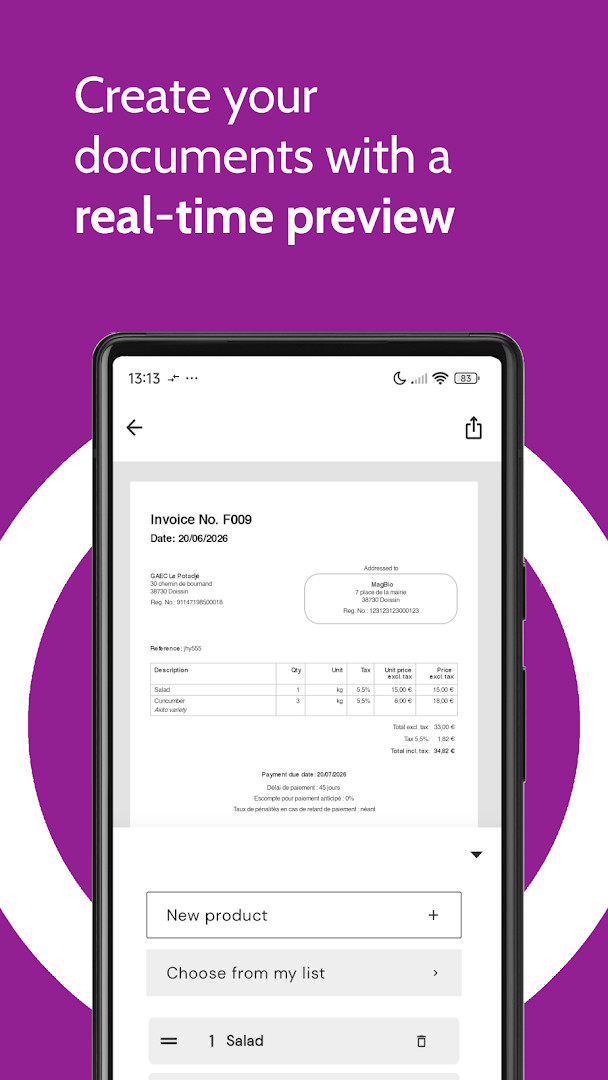
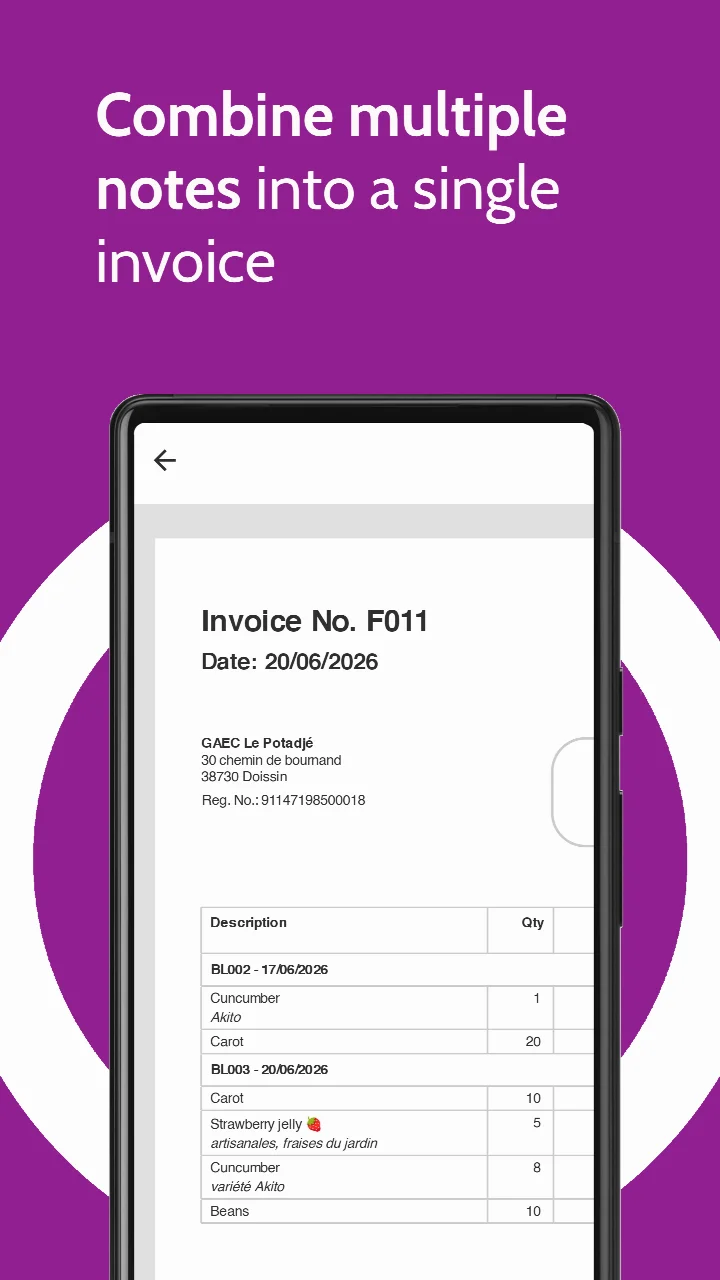
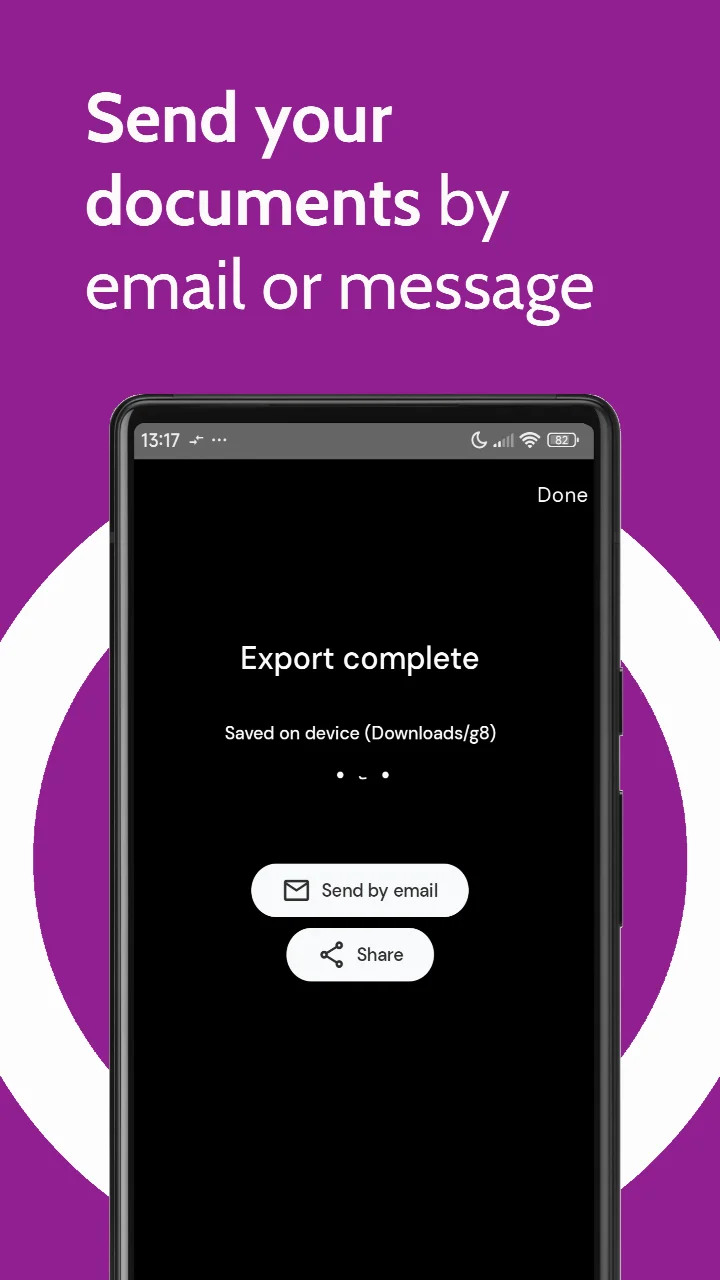
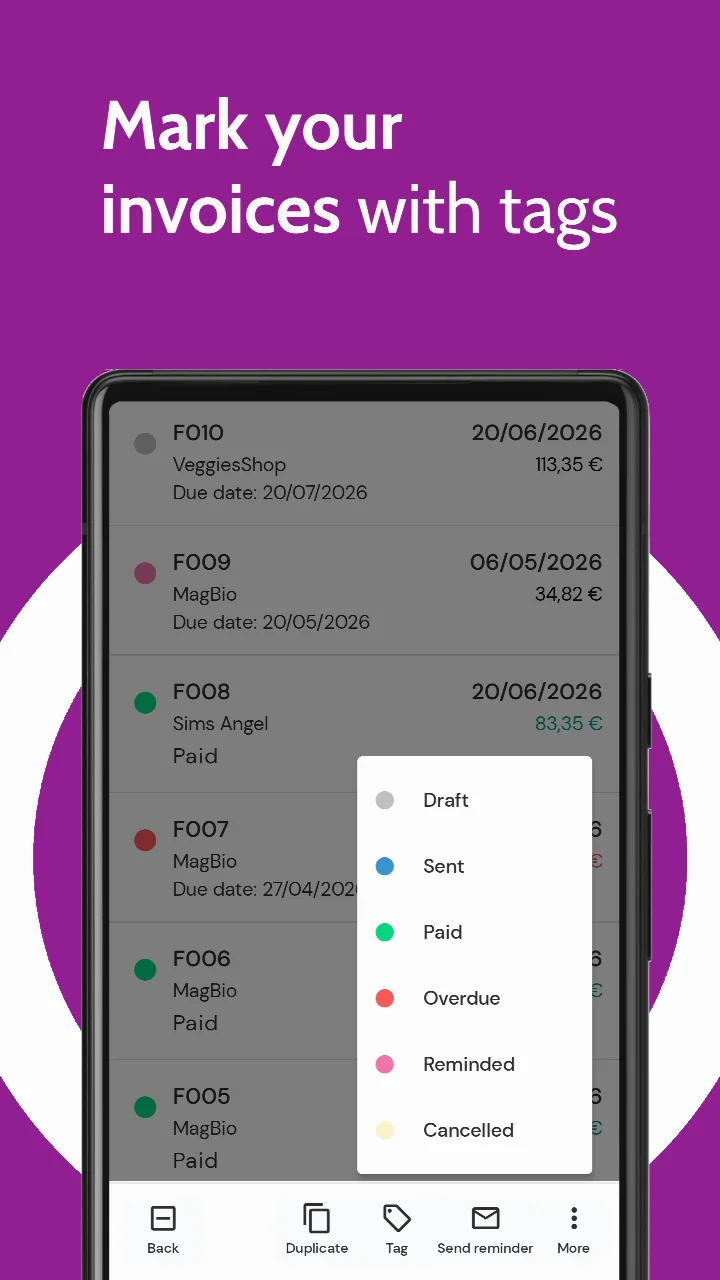
g8: delivery note, invoice is a business app by A4A that converts quotes and delivery notes into professional invoices, with an offline-first approach. It solves the problem of re-typing data when moving from a quote or delivery note to an invoice, allowing users to bundle these documents and generate invoices in about ten seconds. The app handles the entire workflow on the device, supporting electronic invoice formats and offering tools for overdue reminders, credit notes, and customization, while keeping data local and free of ads or trackers.
Key features
- Convert quotes, sales orders, or delivery notes into invoices without re-typing data
- Export invoices as PDF, Factur-X, or CII-XML for electronic invoicing standards
- Track overdue invoices and send reminders in one tap; add tags or a Paid stamp
- Generate credit notes and corrective invoices; set custom VAT rates and prices excl. or incl. tax
- Support multiple units (kg, hour, piece, bunch), multiple prices per product per customer, and multi-business use
- Personalize documents with logo, descriptions, payment methods, terms of sale, footer, references, and font
- Share via email, SMS, instant messaging, QuickShare, or print; toggle features on or off to reduce bloat
How to install
- Tap the download button on this page to get the APK file (14 MB).
- When Android asks, allow your browser or file manager to install apps by enabling the 'Install unknown apps' setting.
- Open the downloaded APK file from your notifications or file manager.
- Tap Install and confirm the installation when prompted.
- Open the app from your home screen or app drawer; it requires Android 8.0 or higher.
Pros
- Offline-first: your data stays on your device
- No ads, no trackers, no third-party sharing
- Free and open-source (GPL-3.0-only) with unlimited invoices, delivery notes, credit notes, clients, and products
- Flexible tax handling and unit customization for various trades
- Fast conversion from quotes or delivery notes to invoices
Cons
- Requires storage permissions to access photos and files for document handling
- Premium features (unlimited quotes, Factur-X/CII export, sales orders, dashboard) require a paid subscription
- Only 5 quotes available in the free tier
Version history
| Version | Size | Requires Android | Updated |
|---|---|---|---|
| 2.4 | 14 MB | 8.0 | Nov 9, 2026 |
| 2.3 | 14 MB | 8.0 | Nov 4, 2026 |
| 2.2 | 14 MB | 8.0 | Oct 31, 2026 |
| 2.1 | 14 MB | 8.0 | Oct 14, 2026 |
| 2.0 | 14 MB | 8.0 | Oct 6, 2026 |
| 1.9.1 | 14 MB | 8.0 | Sep 12, 2026 |
| 1.8.2 | 9.7 MB | 8.0 | Aug 27, 2026 |
This app is designed for producers, self-employed workers, artisans, freelancers, and small businesses that regularly turn quotes or delivery notes into invoices and want to avoid re-typing. It suits users who prefer an offline-first tool with no ads or tracking, and who need electronic invoice exports for accounting platforms. The free tier covers core invoicing needs, while those needing unlimited quotes or advanced exports will consider the premium subscription.
Enable only the features you need via the settings to keep the interface lean; use the one-tap reminder for overdue invoices to stay on top of payments.
Permissions
FAQ
How do I install the APK on Android?
Download the APK file and open it from your file manager. If prompted, allow installs from unknown sources in your device settings, then follow the on-screen steps. The app requires Android 8.0 or higher.
What is the current version?
The latest release is version 2.4, updated on 2026-11-09. Earlier versions include 2.3, 2.2, 2.1, and 2.0.
Does the app contain ads or in-app purchases?
No. The app has zero ads and no in-app purchases. It is free to use, with a premium subscription available for extra features like unlimited quotes and Factur-X export.
Can I use the app offline?
Yes, the app is offline-first. Your data stays on your device, and you can create invoices, quotes, and delivery notes without an internet connection. An account is only needed for the premium subscription.
What alternatives exist in the same category?
Several business invoicing apps offer similar core functions, such as creating quotes and invoices, managing clients, and exporting PDFs. However, this app stands out with offline-first operation, open-source licensing, and no ads or trackers.
Does the app support electronic invoicing formats?
Yes, you can export invoices as PDF, Factur-X, or CII-XML, which are standard formats for electronic invoicing. These exports are available in the premium tier.
What permissions does the app require?
The app requests access to Photos/Media/Files and Storage, which are typically used for attaching files or saving exported documents on your device.
g8 offers a solid, privacy-focused way to generate invoices from existing documents with standard export formats. It is a practical choice for small businesses that value simplicity and data control, though the free tier's quote limit may push power users to subscribe.
Similar apps
 Google WalletGoogle LLC4.3
 PayPal - Pay, Send, SavePayPal Mobile4.2
 FinShell PayM-Kash India Financial Solutions Private Limited
 bKashbKash Limited4.3
 Cash AppBlock, Inc.4.7
 easypaisa – a digital bankEasypaisa Bank Limited4.6
 Inter Banking & Money TransferBanco Inter SA4.4
 Mercado Pago: cuenta digitalMercado Libre4.8
Updated: Nov 18, 2026