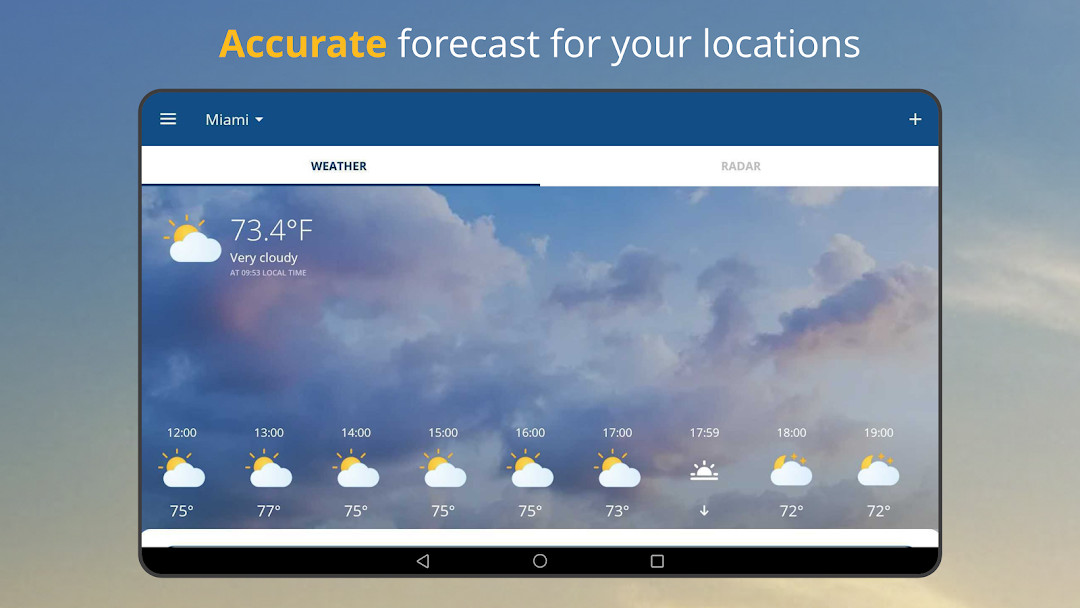

weather24: Forecast & Radar: Weather App
weather24: Forecast & Radar is a weather app by wetter.com Group GmbH that provides live weather tracking, a rain radar, and accurate forecasts.
Download weather24 · v2.78.2weather24: Forecast & Radar offers a 16-day forecast, hourly and daily predictions, resizable widgets, and a rain and storm radar with global coverage. It is free to download with ads and in-app purchases, requires Android 7.0 or higher, and has a 2.78.2 version size of about 50 MB.
- Version
- 2.78.2
- Requires Android
- 7.0
- Updated
- Oct 29, 2026
- Installs
- 50M+
- Rating
- ★ 4.67 (1,660,139)
- Category
- Weather
- Developer
- wetter.com Group GmbH
- Content rating
- Everyone
- Package
- com.wetter.androidclient
- Free
- ✓ · Contains ads · In-app purchases
Screenshots
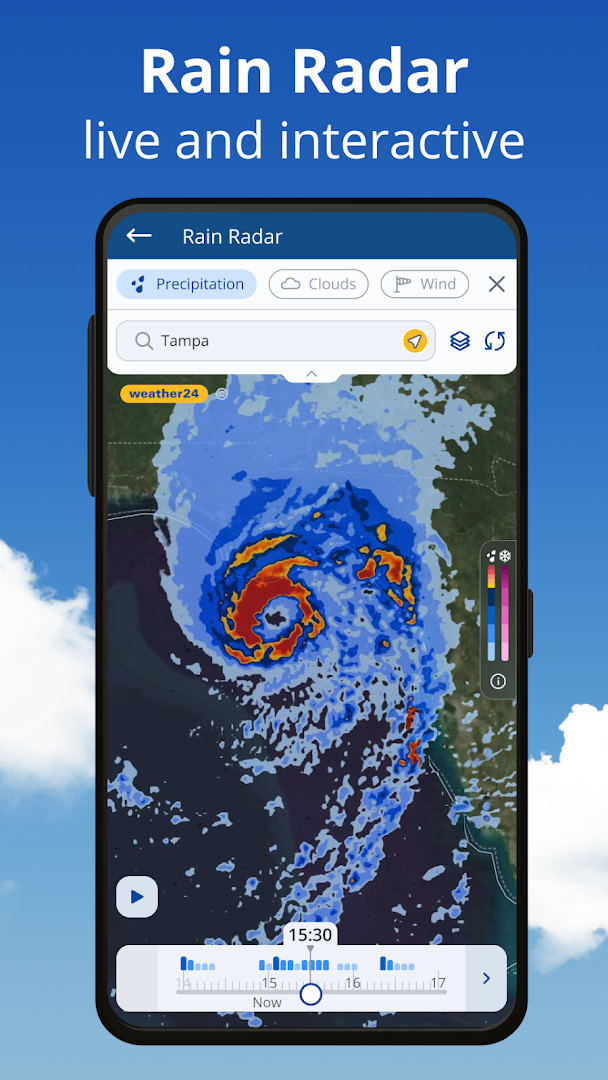
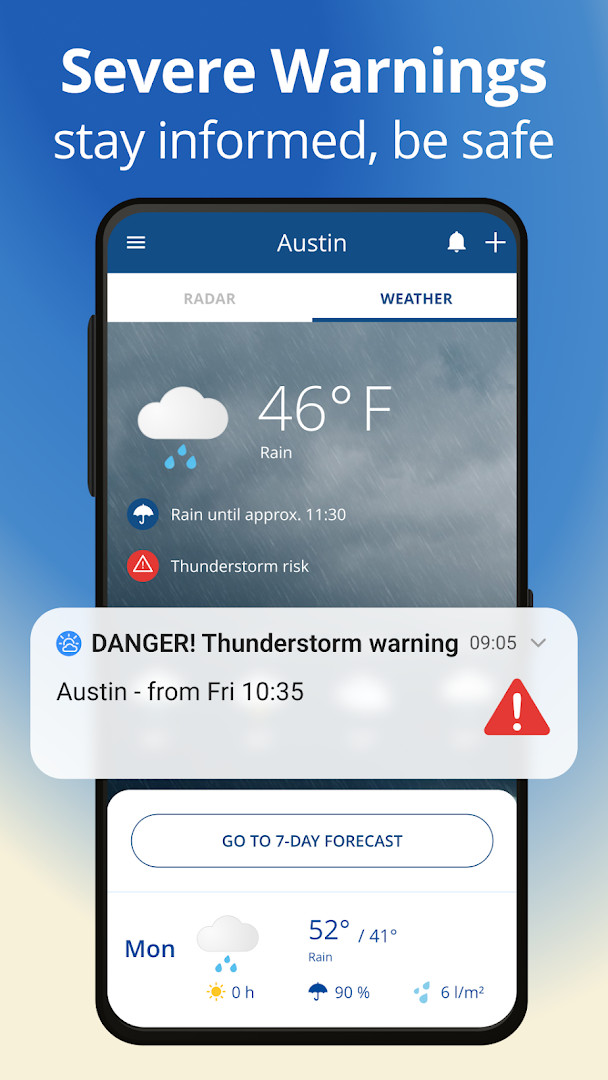
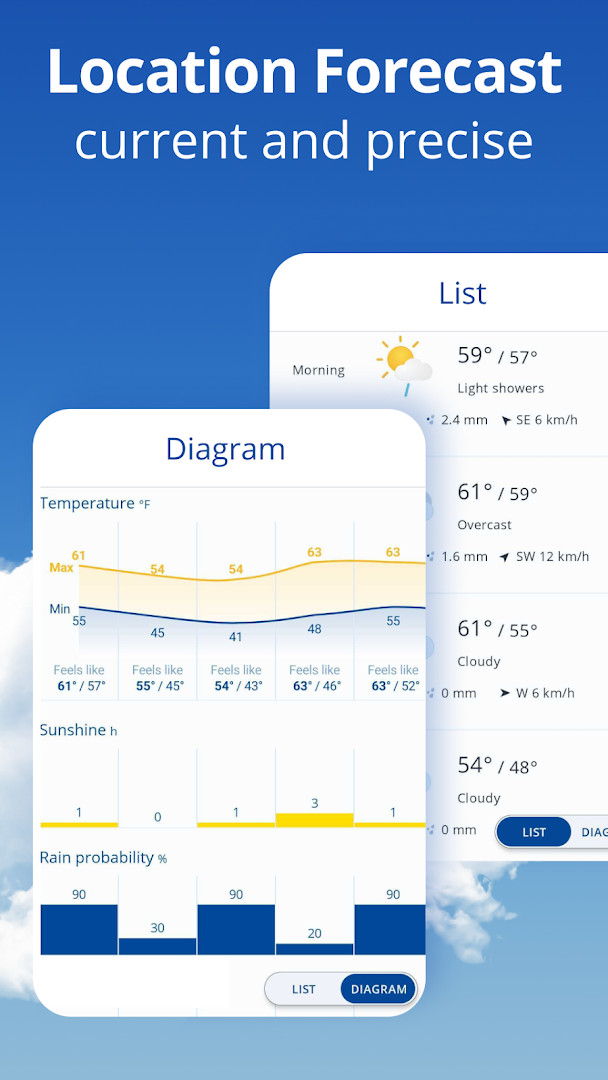
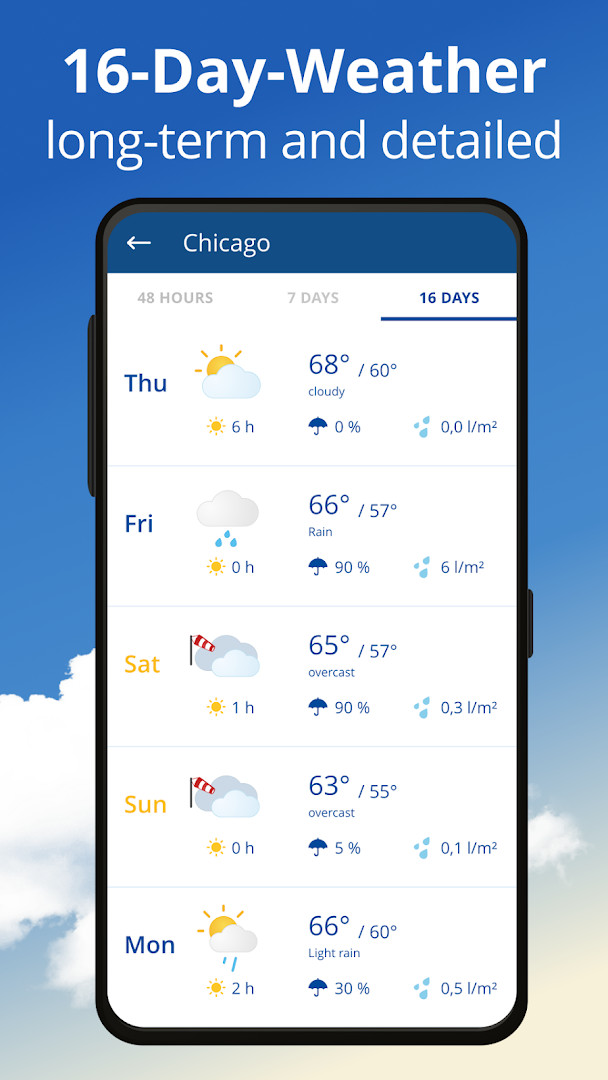
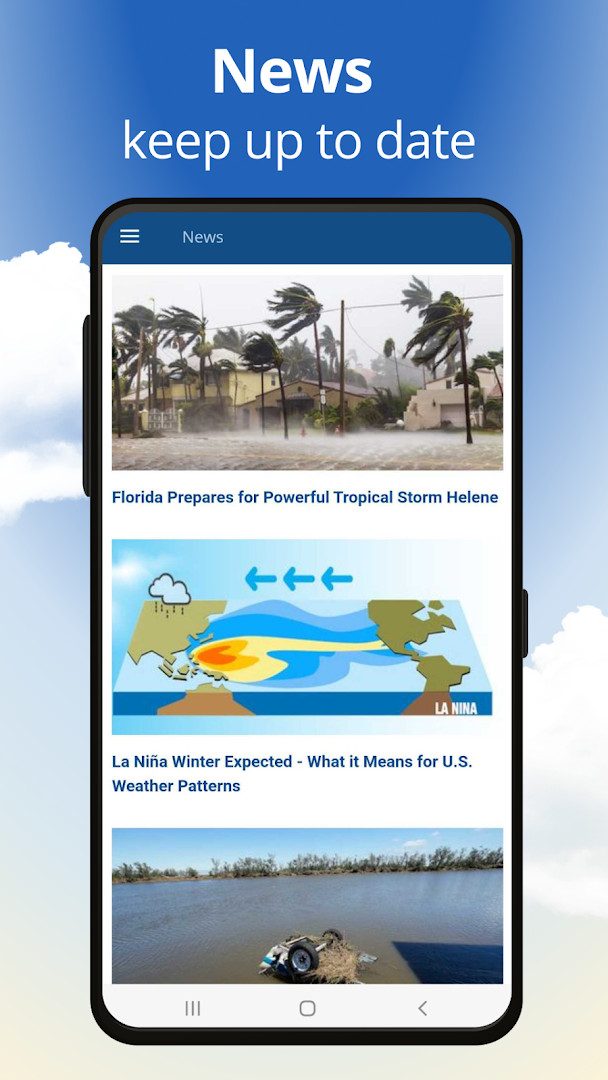
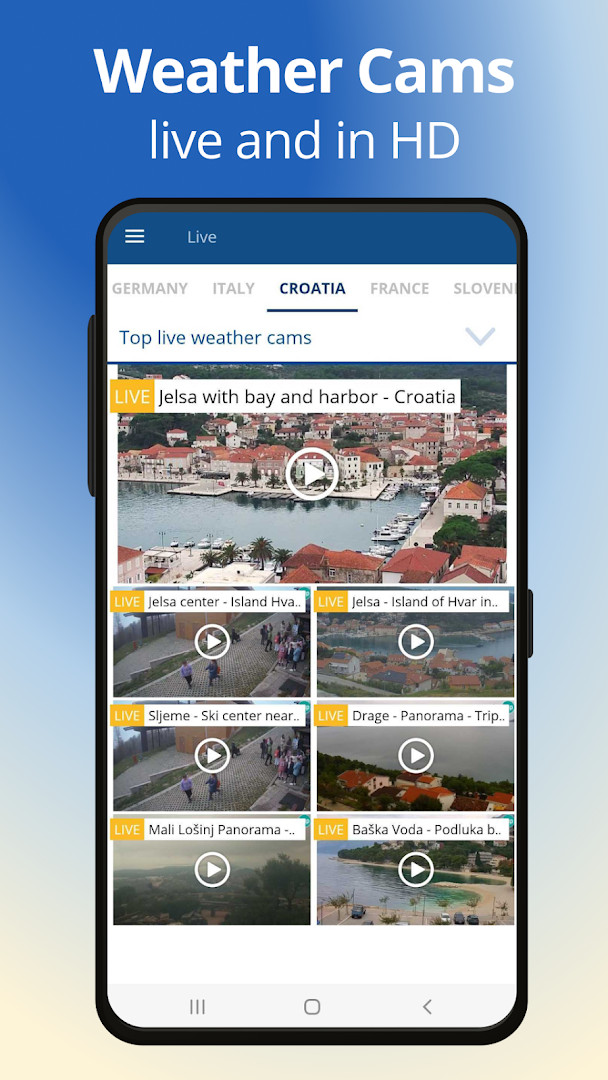
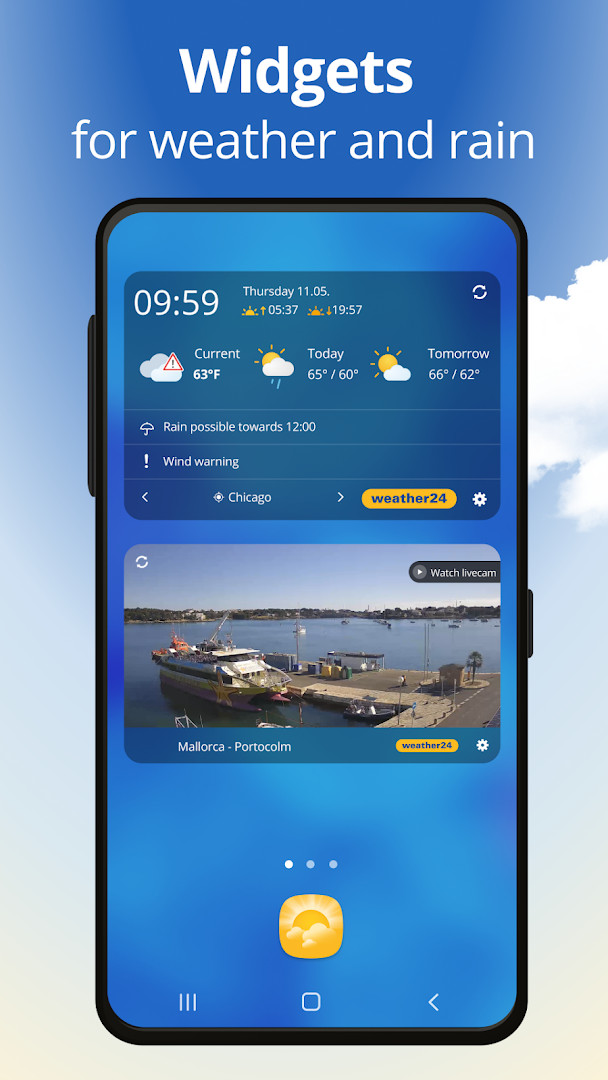
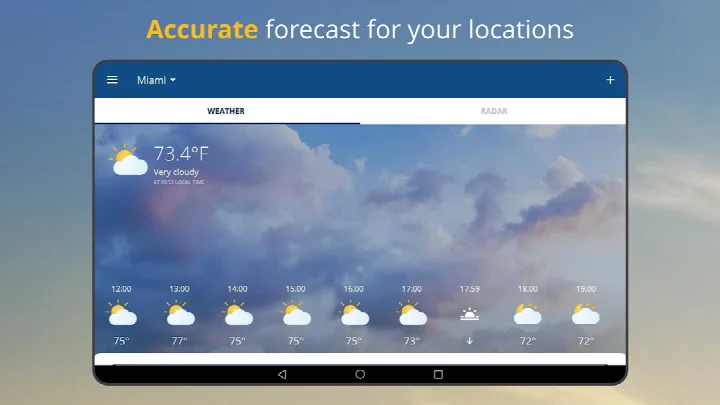
weather24: Forecast & Radar is a weather app by wetter.com Group GmbH that delivers live weather tracking, rain radar and multi-day forecasts. The app addresses the problem of planning around unpredictable weather by combining real-time precipitation radar with detailed predictions, so users can prepare for rain showers or longer downpours before heading out. It presents a range of climate data, including temperature, wind speed, wind direction and daylight hours, and offers hourly, daily and long-range outlooks to support decisions about travel, outdoor plans or everyday routines. The latest release, version 2.78.2, focuses on smaller bug fixes and improvements, and the app continues to emphasize radar accuracy and convenient home-screen monitoring.
Key features
- Live weather insights for your current location
- Accurate rain radar for real-time precipitation tracking
- Hourly, daily and long-range weather forecasts, including 7-day and 16-day outlooks
- Monitoring of temperature, wind speed, wind direction and hours of daylight
- Global rain and storm radar coverage for broader awareness
- Resizable home-screen widgets for quick access to live weather conditions
- Multimedia weather experience covering locations such as Times Square and other areas across the country
How to install
- Tap the download button on this page to fetch the APK file (file size not specified).
- When Android asks, allow your browser or file manager to install apps by enabling the Install unknown apps setting.
- Open the downloaded APK file from your notifications or downloads folder.
- Tap Install and confirm if prompted.
- Open the app after installation completes.
- Note that Android 7.0 is the minimum required operating system version.
Pros
- Free to download with no upfront price
- Provides accurate rain radar for anticipating downpours
- Includes both short-term hourly data and extended 16-day forecasts
- Offers resizable widgets for at-a-glance monitoring
- Covers storm and rain radar on a global scale
Cons
- Contains advertisements
- Includes in-app purchases
- Requires location permission, which may raise privacy concerns
- Also requests Wi-Fi connection information
Recent updates · 2.78.2
The latest update to weather24: Forecast & Radar (version 2.78.2) focuses on refining your experience with a series of smaller bug fixes and overall improvements. These tweaks help ensure that your live weather tracking, rain radar, and detailed forecasts continue to work smoothly and reliably as you plan your day or week ahead.
Version history
| Version | Size | Requires Android | Updated |
|---|---|---|---|
| 2.78.2 | — | 7.0 | Oct 29, 2026 |
| 2.77.0 | — | 6.0 | Oct 13, 2026 |
weather24 is suited to anyone who wants a practical way to check current conditions and anticipate precipitation before it arrives. Commuters, outdoor workers, event planners and families organizing weekend trips can all benefit from the combination of rain radar and extended forecasts. It is also a good match for users who prefer glanceable home-screen widgets and who accept the trade-off of location access in exchange for localized weather details.
Review the permission prompts carefully during setup, and adjust location access in Android settings if you want the app to use it only while open. Try different widget sizes to find one that keeps live conditions visible without cluttering your home screen.
Permissions
FAQ
How do I install the APK on my Android device?
To install the APK, allow installation from unknown sources in your device settings, then open the downloaded file and follow the on-screen prompts. The app requires Android 7.0 or higher.
What is included in version 2.78.2?
Version 2.78.2, released on October 29, 2026, includes smaller bug fixes and improvements to enhance overall app stability and performance.
Does the app contain ads or offer in-app purchases?
Yes, the app is free to download and includes advertisements. It also offers in-app purchases, though the base app itself costs nothing.
Can I use weather24 without an internet connection?
The app relies on live weather data and radar updates, so an active connection is generally required for real-time forecasts. Offline capabilities are not specified in the available information.
Are there alternatives in the weather category?
Yes, many weather apps provide forecasts, radar, and widgets. Alternatives vary in features like long-range predictions, storm alerts, and customization, so you can compare based on your needs.
What permissions does the app request?
The app requests access to your location and Wi-Fi connection information. Location is used to provide weather data for your area, while Wi-Fi info helps deliver updates.
How many installs and what is the rating?
The app has over 50 million installs and holds a rating of 4.67 based on more than 1.66 million ratings, reflecting strong user satisfaction.
Overall, weather24 is a dependable forecast companion with useful radar visuals and flexible widgets. Just keep its ads, in-app purchases and location permission requirements in mind before installing.
Similar apps





Updated: Nov 16, 2026