The Weather Channel - Radar: Weather App
The Weather Channel - Radar is a weather app by The Weather Channel that provides severe weather alerts, future radar, and live storm tracking.
Download Weather App · v16.26.0The Weather Channel - Radar offers 24-hour future radar, storm tracker maps, allergy and air quality monitoring, and home screen widgets with dark mode support. It is aimed at users who want to prepare for rain, snow, and severe storms with real-time notifications and up to a 15-day forecast.
- Version
- 16.26.0
- Requires Android
- 9
- Updated
- Nov 1, 2026
- Installs
- 100M+
- Rating
- ★ 4.59 (3,614,815)
- Category
- Weather
- Developer
- The Weather Channel
- Content rating
- Everyone
- Package
- com.weather.Weather
- Free
- ✓ · Contains ads · In-app purchases
Screenshots
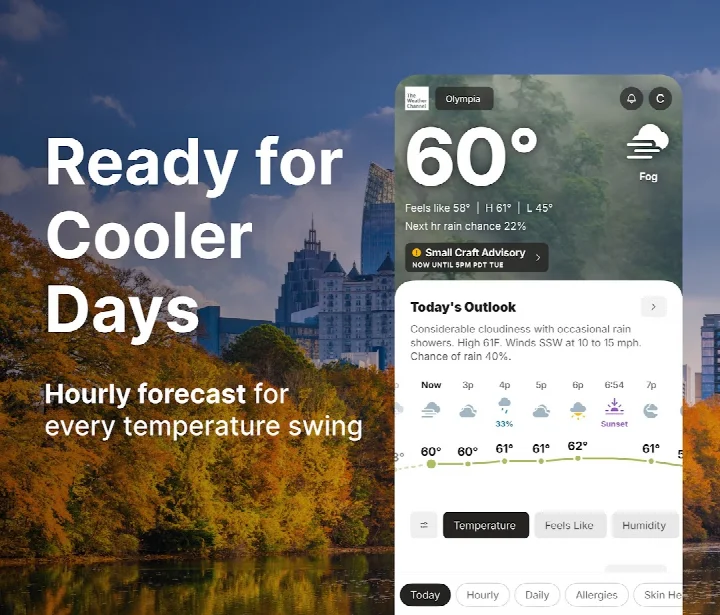
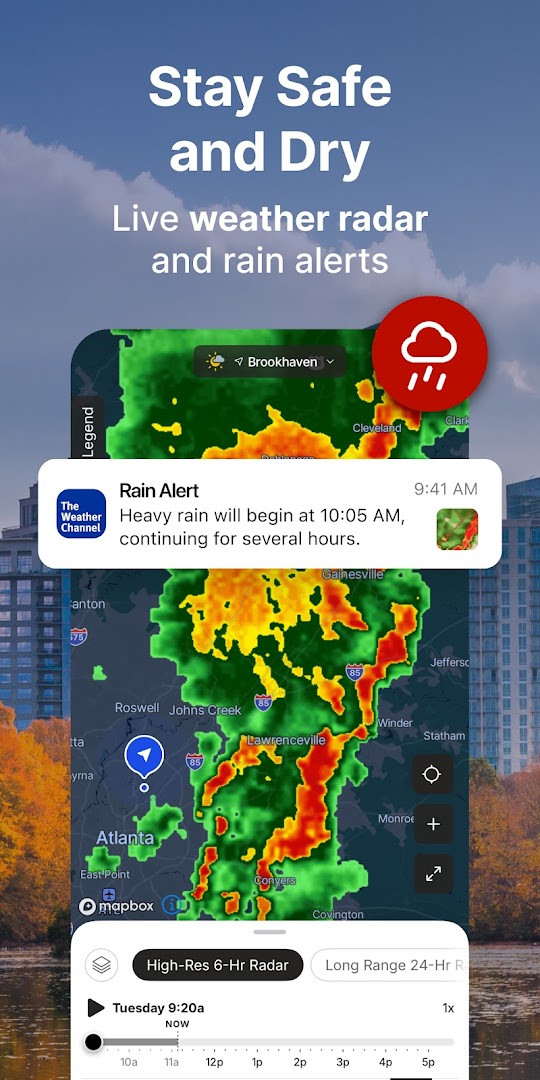
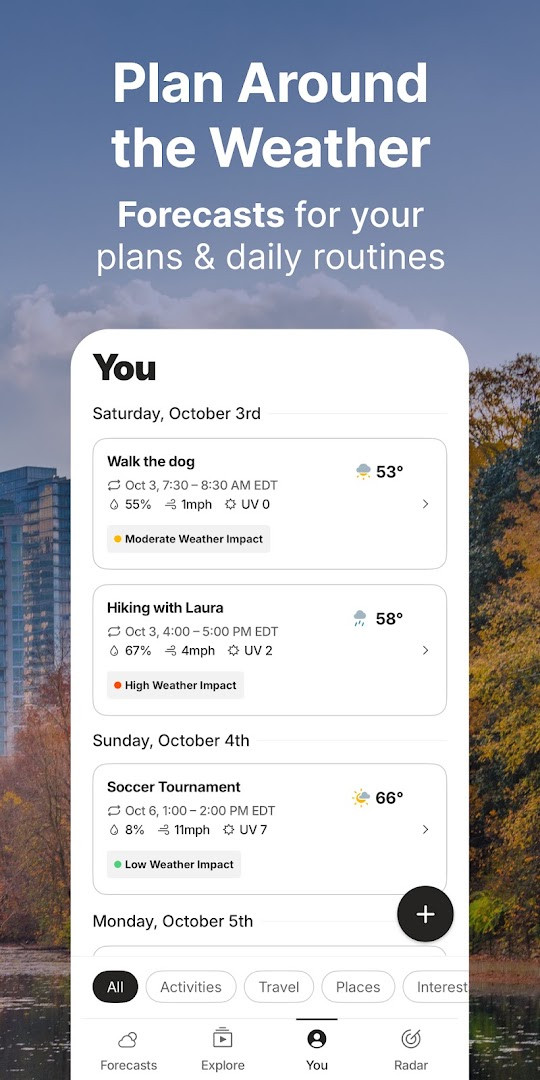
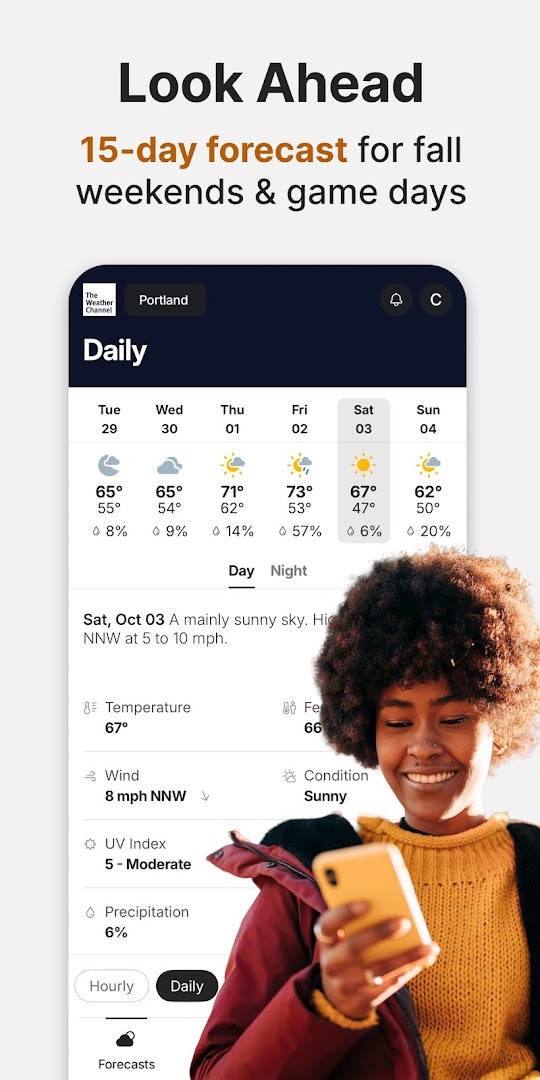
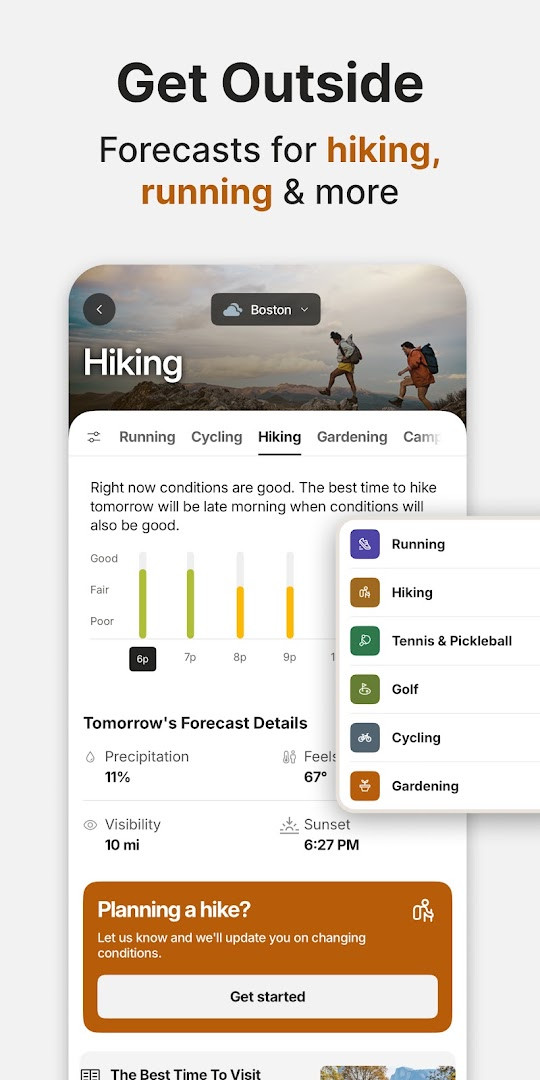
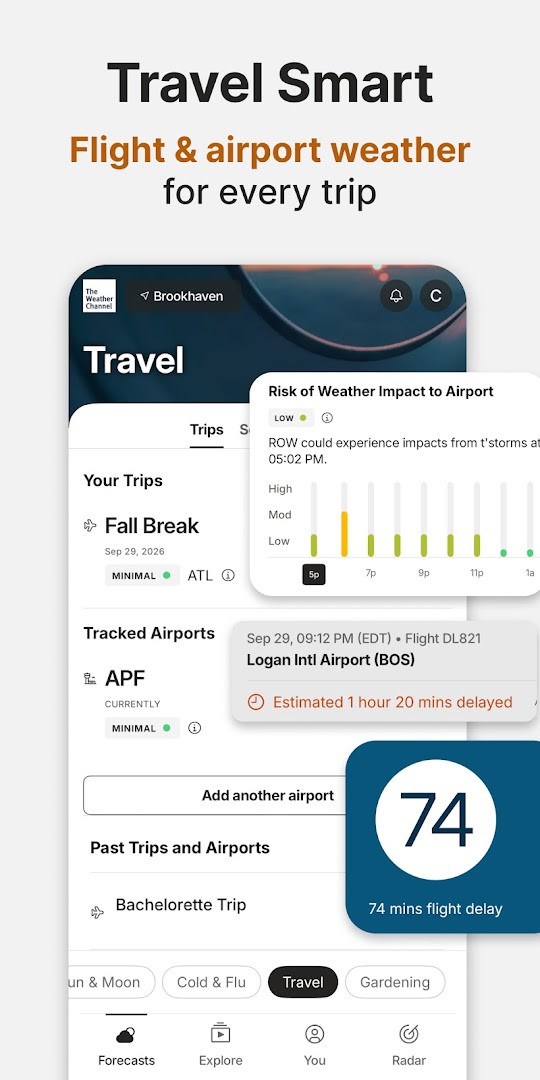
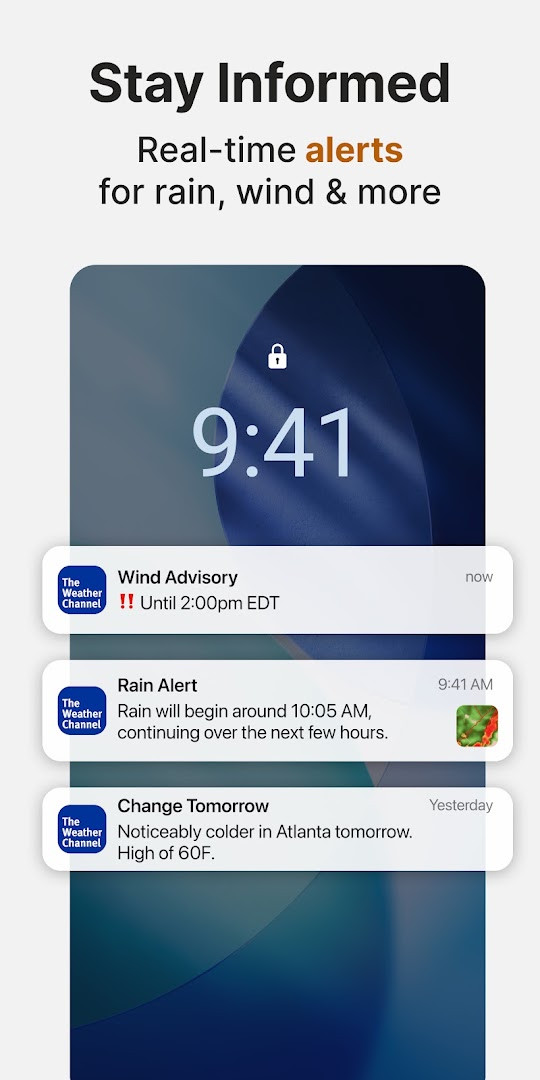
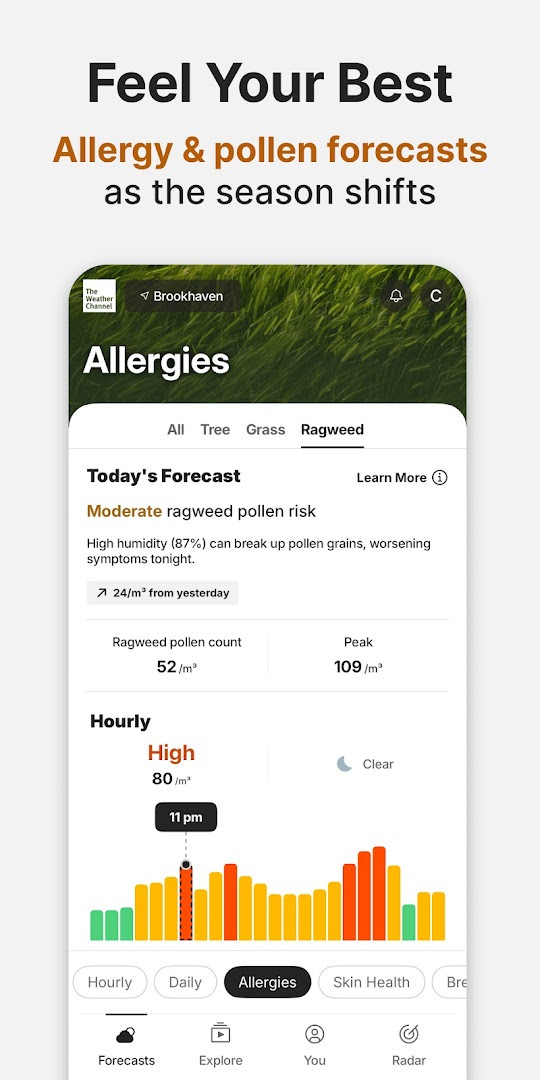
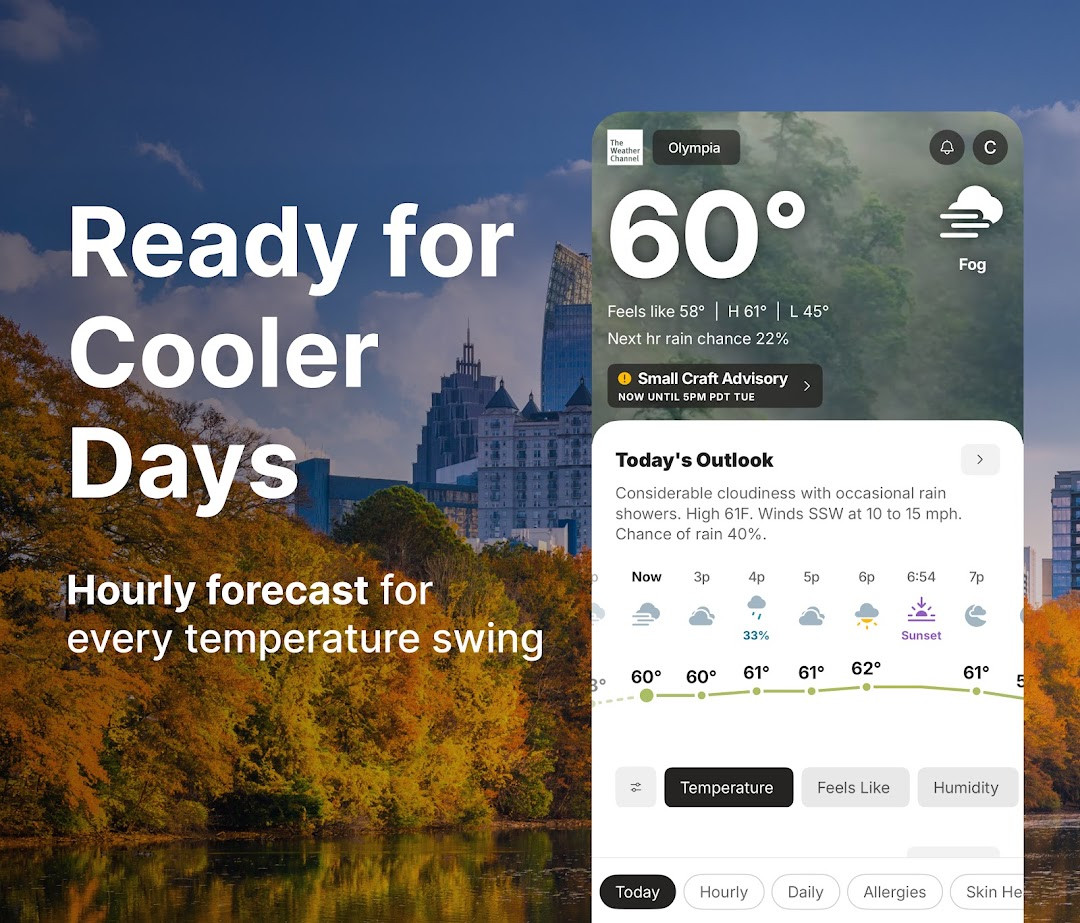
The Weather Channel - Radar is a weather application by The Weather Channel that delivers local forecasts, live radar maps, and severe weather alerts to help users plan around rain, snow, and storms. It is designed for anyone who wants a dependable source of current conditions and short-term outlooks, from commuters checking morning precipitation to families monitoring an approaching storm system. The app combines a familiar forecast interface with radar-focused tools, making it a practical choice for users who want both daily planning data and real-time storm tracking in one place.
At its core, the app provides hourly and daily forecasts that extend up to 15 days, along with a 24-hour future radar view that shows where precipitation is expected to move. Users can access a live rain radar, storm tracker maps, and severe weather alerts for heavy rain, snow, and other inclement conditions. Additional layers include an allergy tracker, an air quality index, sunset times, and a pollen report, which broaden its usefulness beyond basic temperature checks. A home-screen weather widget can surface alerts and forecast changes, and a 'Feels Like' reading helps with outfit planning.
The app is built for an experienced user who values practical weather data over flashy presentation. It offers multiple ways to stay informed: push notifications for severe weather, forecast alerts for the next three hours on the home screen, and local weather news. While the core experience is free, a premium tier removes ads, adds 15-minute forecast details, and unlocks advanced radar features. The application requires Android 9 or higher and includes permissions for location, phone, calendar, and Wi-Fi information, which are typical for a weather service that personalizes alerts and uses device context.
Key features
- Rain radar and storm tracker for live precipitation monitoring
- 24-hour future radar to anticipate where weather will move
- Allergy tracker and pollen information for seasonal planning
- Severe weather alerts for rain, snow, and other conditions
- Hourly and daily forecast updates for short- and long-term planning
- Air quality index monitoring to stay informed about pollution levels
- Home-screen weather widget compatible with dark mode
- Forecast details including sunset times and 'Feels Like' temperature
- Storm maps that help track incoming severe weather
- Local weather news to keep up with regional developments
How to install
- Tap the download button on this page to get the APK file for version 16.26.0. The file size is n/a, so ensure your device has sufficient free storage before proceeding.
- When Android asks for permission, allow your browser or file manager to install apps by enabling the 'Install unknown apps' setting for that app.
- Open the downloaded APK file from your notification bar or file manager.
- Tap Install on the confirmation screen and wait for the installation to complete.
- Open The Weather Channel - Radar from your app drawer or home screen.
- The app requires Android 9 or higher, so confirm your device meets this minimum version before installation.
Pros
- Comprehensive radar and forecast tools in one app
- Severe weather alerts and storm tracking for safety planning
- Additional features like allergy and air quality tracking
- Home-screen widget with dark mode support
- Free to use with optional premium tier
Cons
- Includes ads in the free version
- In-app purchases required for ad-free experience and advanced radar
- Requests access to location, phone, calendar, and Wi-Fi information
- May feel feature-heavy for users who only need a basic forecast
Recent updates · 16.26.0
Version 16.26.0, released on November 1, 2026, brings radar improvements, performance enhancements, and bug fixes to help you stay prepared for severe weather. The update refines the live radar experience and overall app stability, ensuring you receive timely alerts and accurate forecasts. Enjoy smoother navigation and clearer skies ahead.
Version history
| Version | Size | Requires Android | Updated |
|---|---|---|---|
| 16.26.0 | — | 9 | Nov 1, 2026 |
| 16.25.0 | — | 9 | Oct 12, 2026 |
| 8.14.0 | 30 MB | 4.4 | Jul 1, 2026 |
| 10.28.0 | 36 MB | 5.0 | Jun 26, 2026 |
| 10.45.0 | 73 MB | 6.0 | Jun 25, 2026 |
| 10.69.1 | 85 MB | 7.0 | Jun 17, 2026 |
This app suits experienced Android users who want a detailed weather tool with live radar, severe weather alerts, and extended forecasts, especially those who regularly plan outdoor activities or need to monitor storm conditions.
Enable location access for the most accurate local alerts, and check the 24-hour future radar before heading out to see how precipitation will evolve. If you find ads disruptive, consider the premium tier for an ad-free experience and advanced radar features.
Permissions
FAQ
What does the 24-Hour Future Radar do in The Weather Channel app?
The 24-Hour Future Radar lets you view predicted precipitation patterns for the next day, helping you anticipate rain, snow, or storms before they arrive. It complements the live rain radar and storm tracker features.
How can I receive severe weather alerts for rain, snow, or storms?
The app includes storm radar alerts and severe weather notifications for conditions like heavy rain and snow. These live alerts are designed to keep you informed about incoming weather patterns, and forecast alerts for the next 3 hours can appear on your home screen.
Does the app provide allergy and air quality information?
Yes, it includes an allergy tracker, pollen details, and an air quality index. You can monitor these alongside your local forecast to plan for allergy season and check current air conditions.
What is included in The Weather Channel Premium?
Premium offers an ad-free experience, 15-minute forecast details, and advanced radar features. It is described as a more comprehensive and precise weather experience compared to the free version.
What permissions does the app request and why might they be relevant?
The app requests permissions for Calendar, Location, Phone, Wi-Fi connection information, and Device ID & call information. These are typically used for location-based forecasts and alerts, though the specific uses are not detailed in the app's description.
The Weather Channel - Radar delivers a robust set of radar, forecast, and alert features that make it a strong choice for staying ahead of severe weather. While the free version includes ads and the app requests several permissions, its comprehensive tools justify the trade-off for users who prioritize preparedness and detailed weather data.
Similar apps

Updated: Nov 2, 2026