
Weather: Stylish Status Bar Weather App
Weather is a weather app by MacroPinch that shows current conditions for your location directly in the status bar.
Download WeatherWeather provides animated weather conditions, hourly and weekly forecasts, and widgets for multiple locations. It suits users who want quick at-a-glance updates plus support for Android TV and Wear OS. The app is free, requires Android 5.1 or higher, and has a download size of 11 MB.
- Size
- 11 MB
- Requires Android
- 5.1
- Updated
- Aug 4, 2025
- Installs
- 50M+
- Rating
- ★ 4.41 (1,323,854)
- Category
- Weather
- Developer
- MacroPinch
- Content rating
- Everyone
- Package
- com.macropinch.swan
- Free
- ✓ · Contains ads · In-app purchases
Screenshots
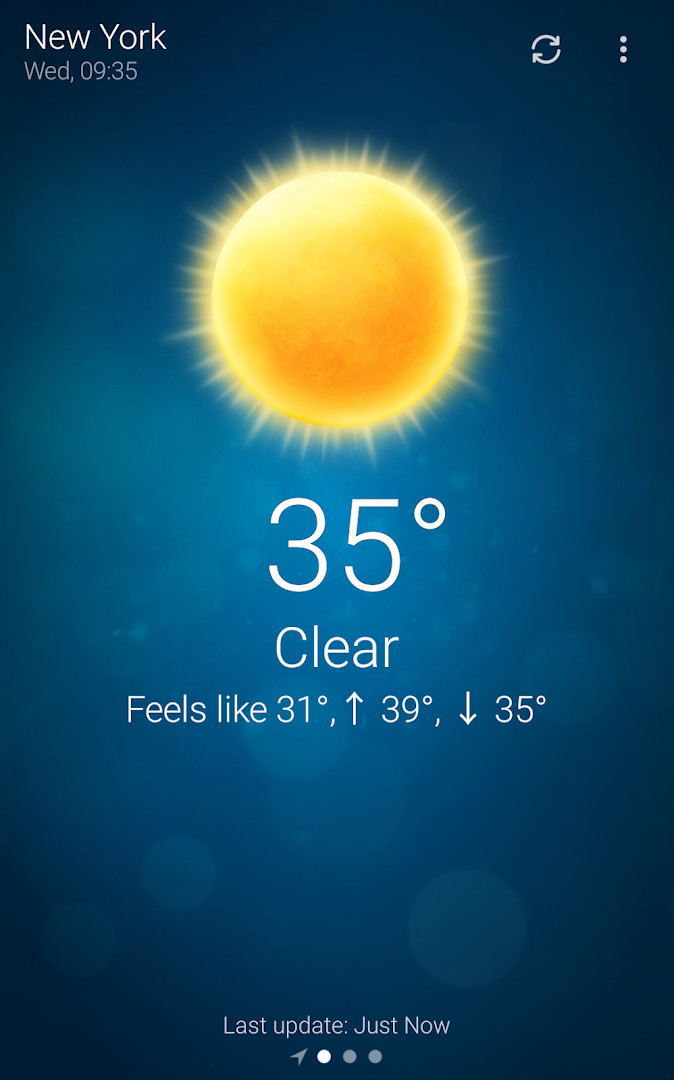
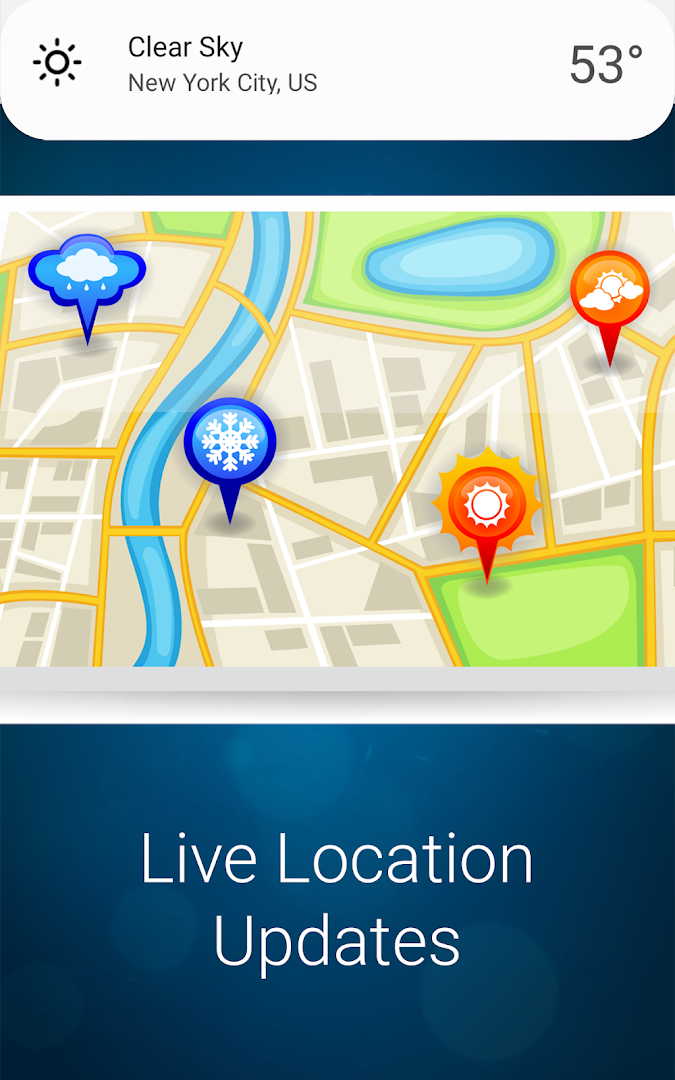
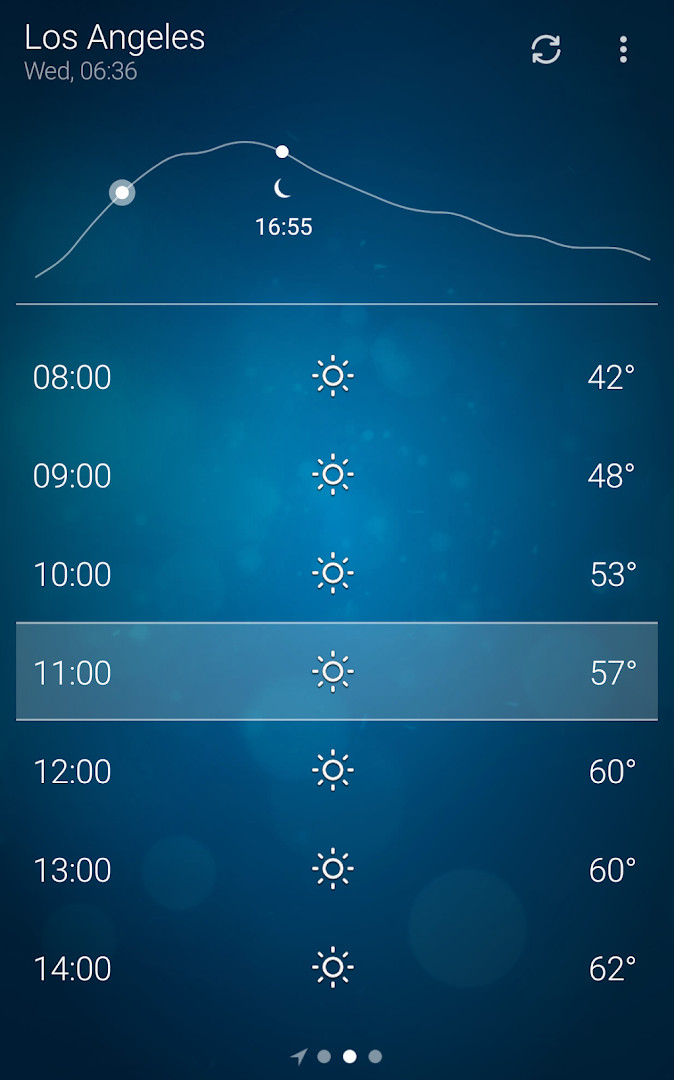
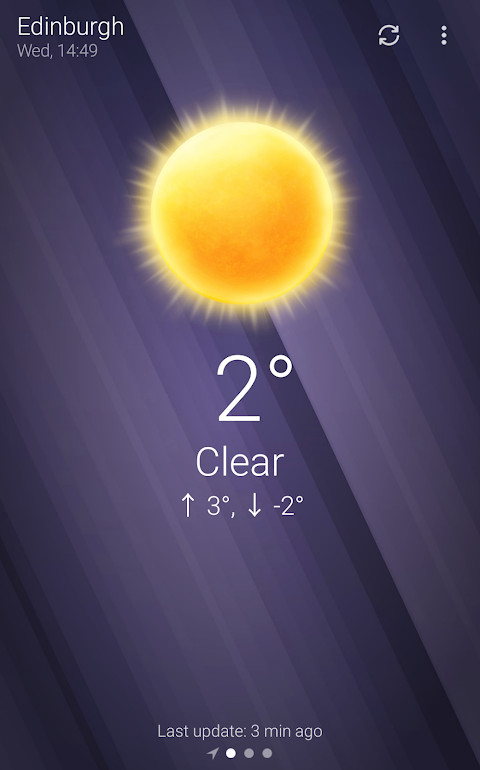
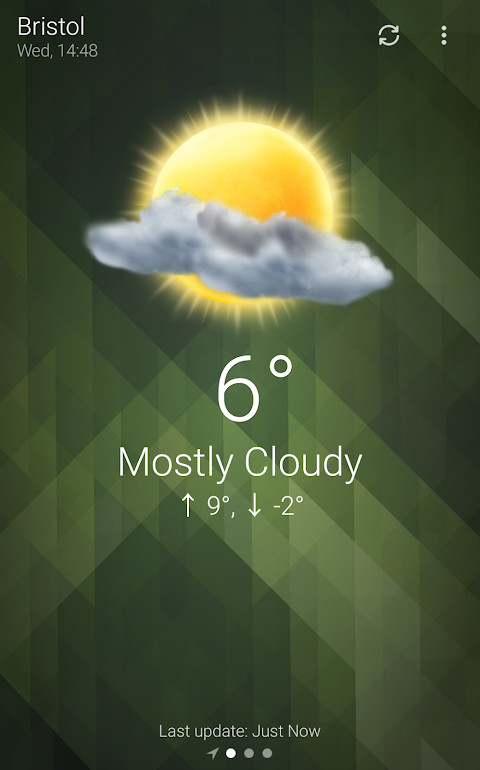
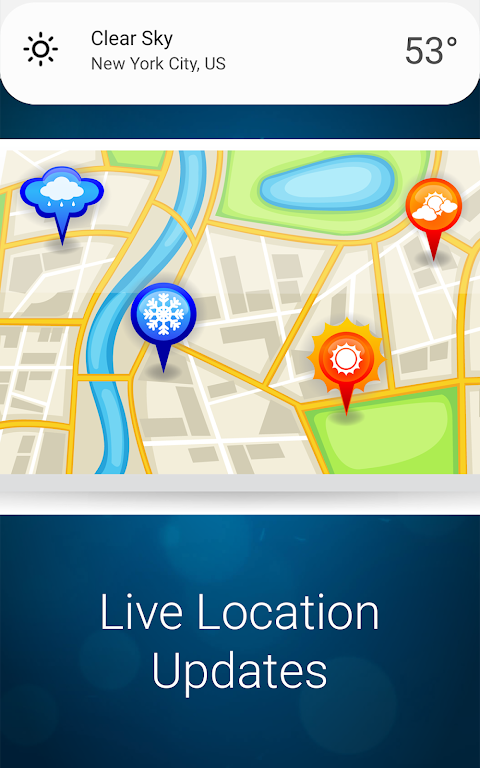
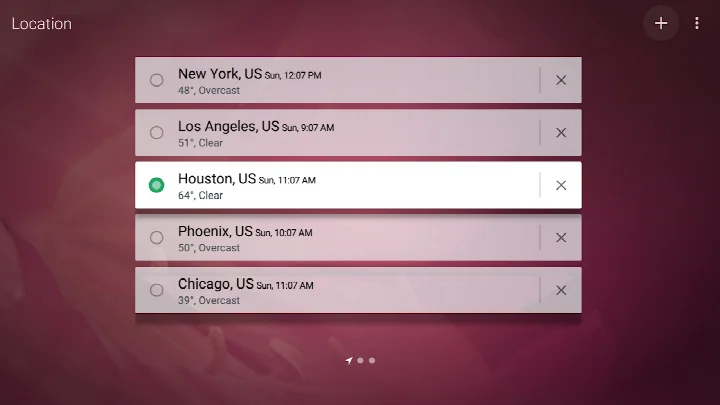
Weather is a lightweight weather utility by MacroPinch that puts current conditions right in your status bar. Designed for quick glances, it lets you see the temperature and animated weather state for your location without opening the app. The interface is deliberately simple, aiming to remove the friction of traditional weather apps. It suits users who want at-a-glance information and value efficiency over elaborate dashboards. The app has been around since 2012 and remains focused on a core set of practical tools. With support for multiple locations, widgets, and forecasts, it covers the essentials while keeping its footprint small at just 11 MB. It also extends to Android TV and Wear OS, making it a versatile choice across devices. For an experienced user comparing alternatives, the appeal is its minimal design and low resource usage, though it does rely on location permission and includes ads and in-app purchases. The latest update adds support for Android 16 and reintroduces larger degree text in notifications. Overall, it is a straightforward, no-frills option for those who prefer simplicity in their daily weather check.
Key features
- Geo-positioning for automatic current location weather
- Manual location addition
- Ambient temperature and UV index measurement on supported devices
- Full Android TV support
- Wear OS support for smartwatches
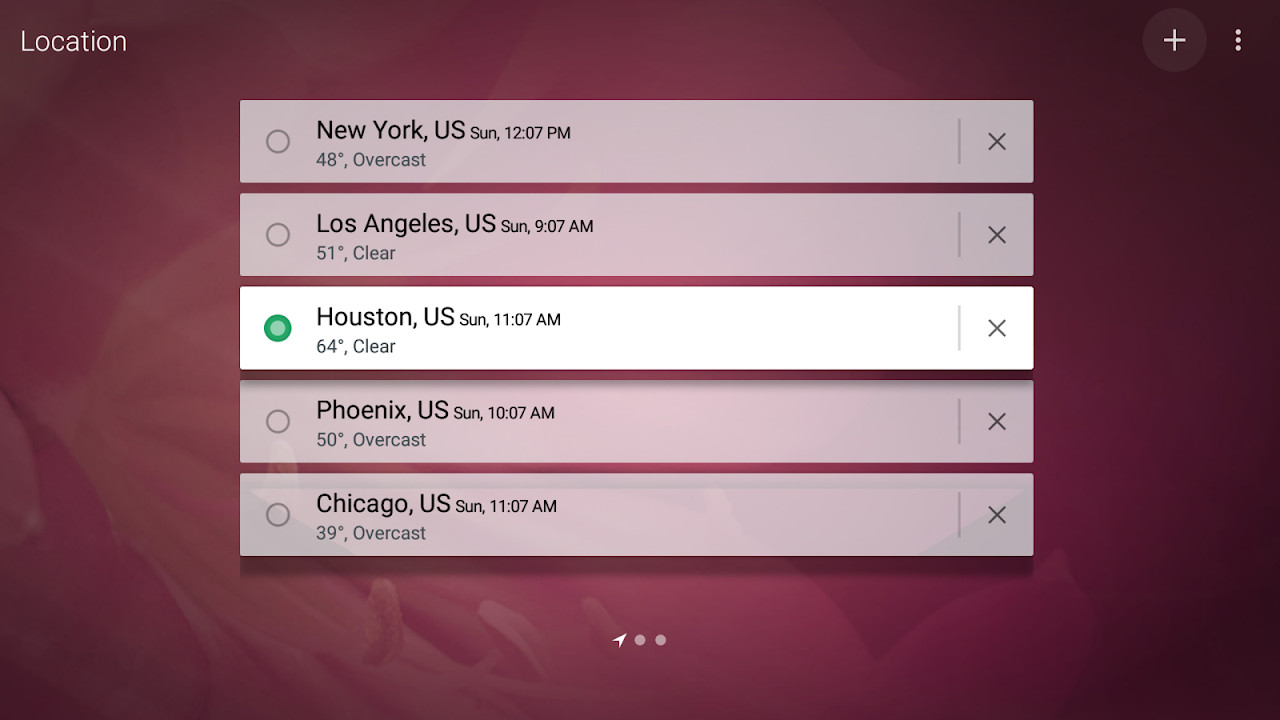
- Multiple location tracking
- Lightweight design (11 MB)
- Widgets for different locations
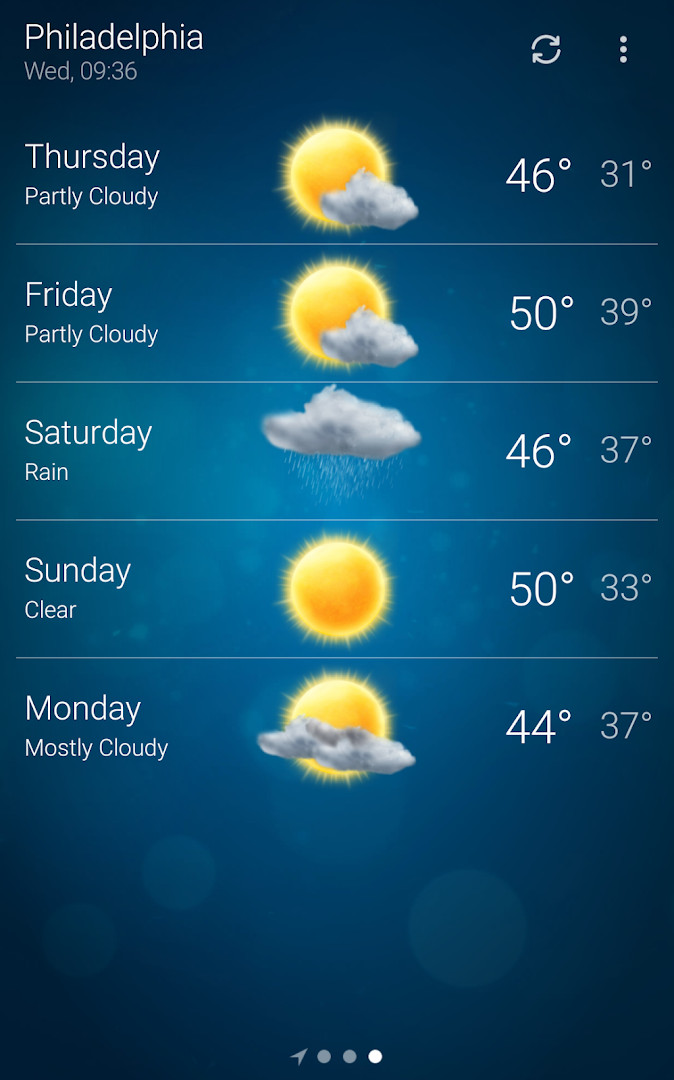
- Hourly and weekly forecasts
- Intuitive and seamless user interface
How to install
- Tap the download button on this page to get the APK file, which is 11 MB in size.
- When Android prompts you, allow your browser or file manager to install apps by enabling the 'Install unknown apps' setting for that app.
- Open the downloaded APK file from your notifications or file manager.
- Tap Install on the confirmation screen and wait for the process to finish.
- Open the app from your app drawer or home screen. Ensure your device runs Android 5.1 or higher to meet the minimum requirement.
Pros
- Very lightweight at 11 MB
- Quick status bar access to weather
- Animated weather visuals
- Supports multiple locations and widgets
- Works on Android TV and Wear OS
- Simple and intuitive interface
Cons
- Includes ads
- Offers in-app purchases
- Requires location permission
Recent updates
The latest update, version 6.0.9, adds support for Android 16. It also restores the large temperature text in notifications on devices running newer operating system versions. The release includes several minor fixes and tweaks to improve overall performance.
Version history
| Version | Size | Requires Android | Updated |
|---|---|---|---|
| 6.0.9 | 11 MB | 5.1 | Aug 4, 2025 |
| 5.2.3 | 8.7 MB | 4.4 | Jul 21, 2023 |
| 4.2.2 | 3.8 MB | — | Oct 10, 2016 |
This app is for users who want a fast, minimal weather check without heavy resource usage, especially those who appreciate status bar convenience, multiple device support, and a straightforward interface.
For accurate readings, enable location access and consider adding your most frequent locations manually. Use the widgets for at-a-glance forecasts and explore the notification settings to control how much weather info appears on your status bar.
Permissions
FAQ
Is Weather free to download and use?
Yes, Weather is completely free. It is offered at no cost, though it does include ads and offers optional in-app purchases.
Which Android version do I need to install Weather?
Weather requires Android 5.1 or newer. The app also supports Android 16 and is compatible with Android TV and Wear OS devices.
How big is the Weather APK file?
The APK file size for Weather is 11 MB, making it one of the lighter weather apps available.
Do I need to create an account to use Weather?
No, you do not need to create an account. The app works right away, using your current location or a manually added location to show weather conditions.
What permissions does Weather request?
Weather requests access to your Location. This is used to provide weather updates for your current position, though you can also add locations manually.
How do I update Weather to the latest version?
To update Weather, simply download the newest version available from this page and install it over your current one. The latest version is 6.0.9, released on 2025-08-04.
Weather delivers a compact, efficient way to stay updated on conditions, balancing simplicity with useful features across multiple platforms. Its small size and status bar integration make it a solid pick for users prioritizing speed and minimalism.
Similar apps





Updated: Nov 17, 2026